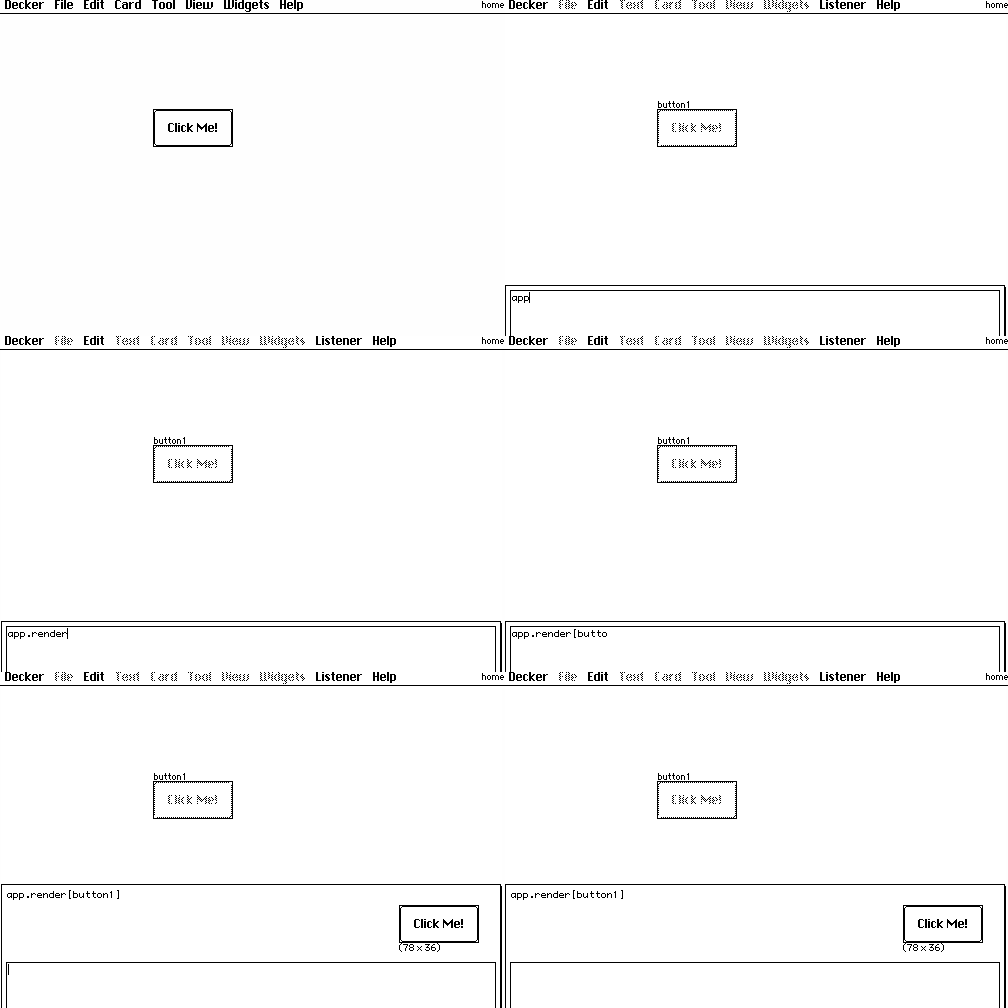
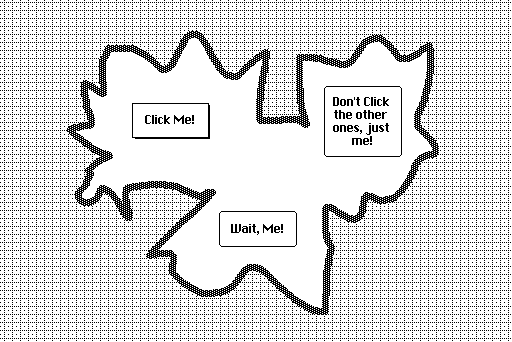
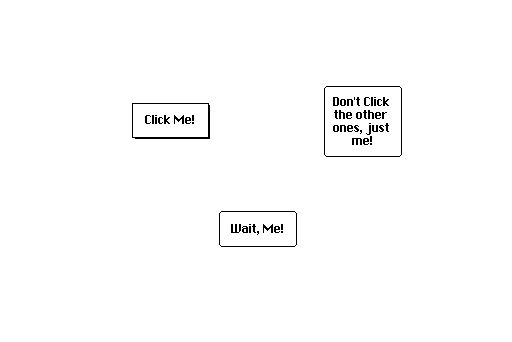
You can use the app.render[card] function to take a "screenshot" of a card as an image. If we did this for our "map" card in the previous example, the snippet of code for compositing both images together would instead be:
card.image.paste[app.render[map].map[1 dict 36]]
card.image.paste[route.image.copy[] 0,0 1]
Make sense?
It is also possible to render widgets individually and/or programmatically walk over some subset of the widgets on a card to inspect them or render their (rich) text on a canvas, etc. Happy to expand on that with examples if you find you need it.