Hello!
See I figured because I was like wait a minute, again thank u so so much for taking your time with me! I'm so sorry It took me so long to get things through with you
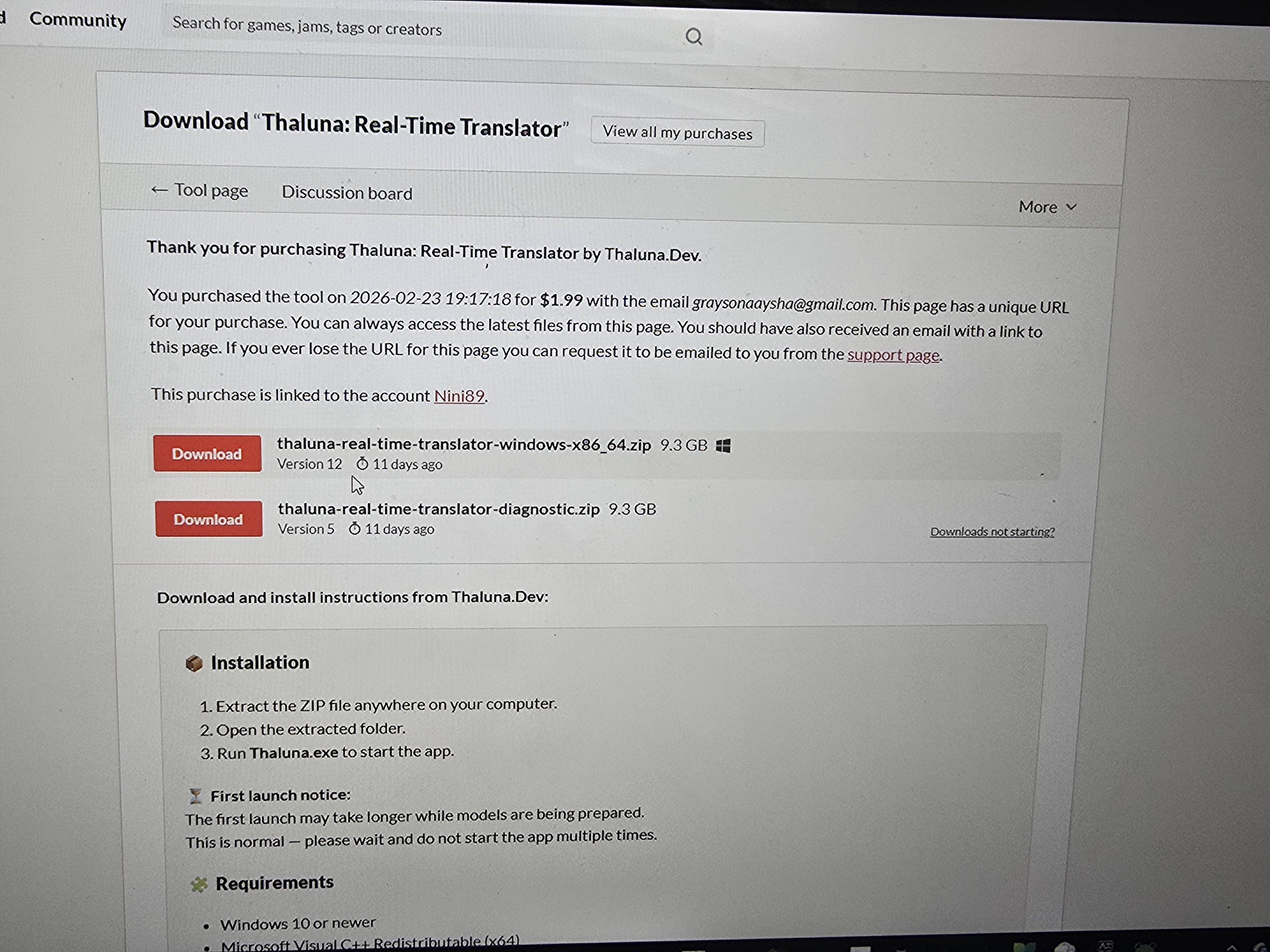
Speaking of update, Could you show me how? Do I download these on this blog?
Hello!
No problem at all, I'm glad it's working for you now.
To update Thaluna, just go to the main download page:
https://thalunadev.itch.io/thaluna-real-time-translator
Then simply download the Windows version again and replace your old Thaluna folder with the new one.
That's all you need to do to update.
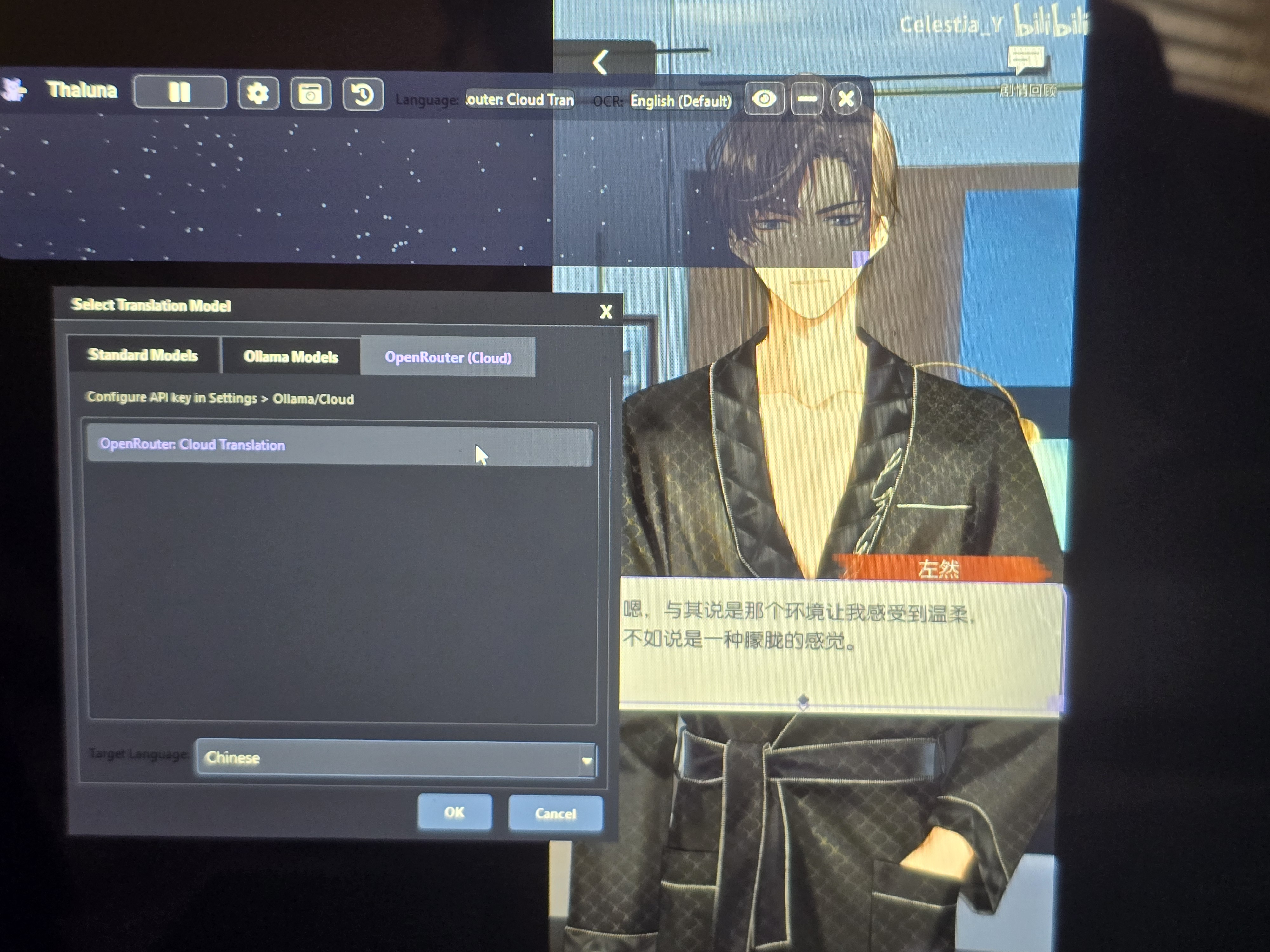
It looks like the language was set in the wrong place.
The Target Language is the language you want the text to be translated into.
The OCR Language is the language the text is originally written in.
In your case the video text is Chinese, so try this:
OCR Language → Chinese
Target Language → English
Right now it looks like Chinese is selected as the target language, which means the translator is trying to translate into Chinese instead of translating the Chinese text to English.
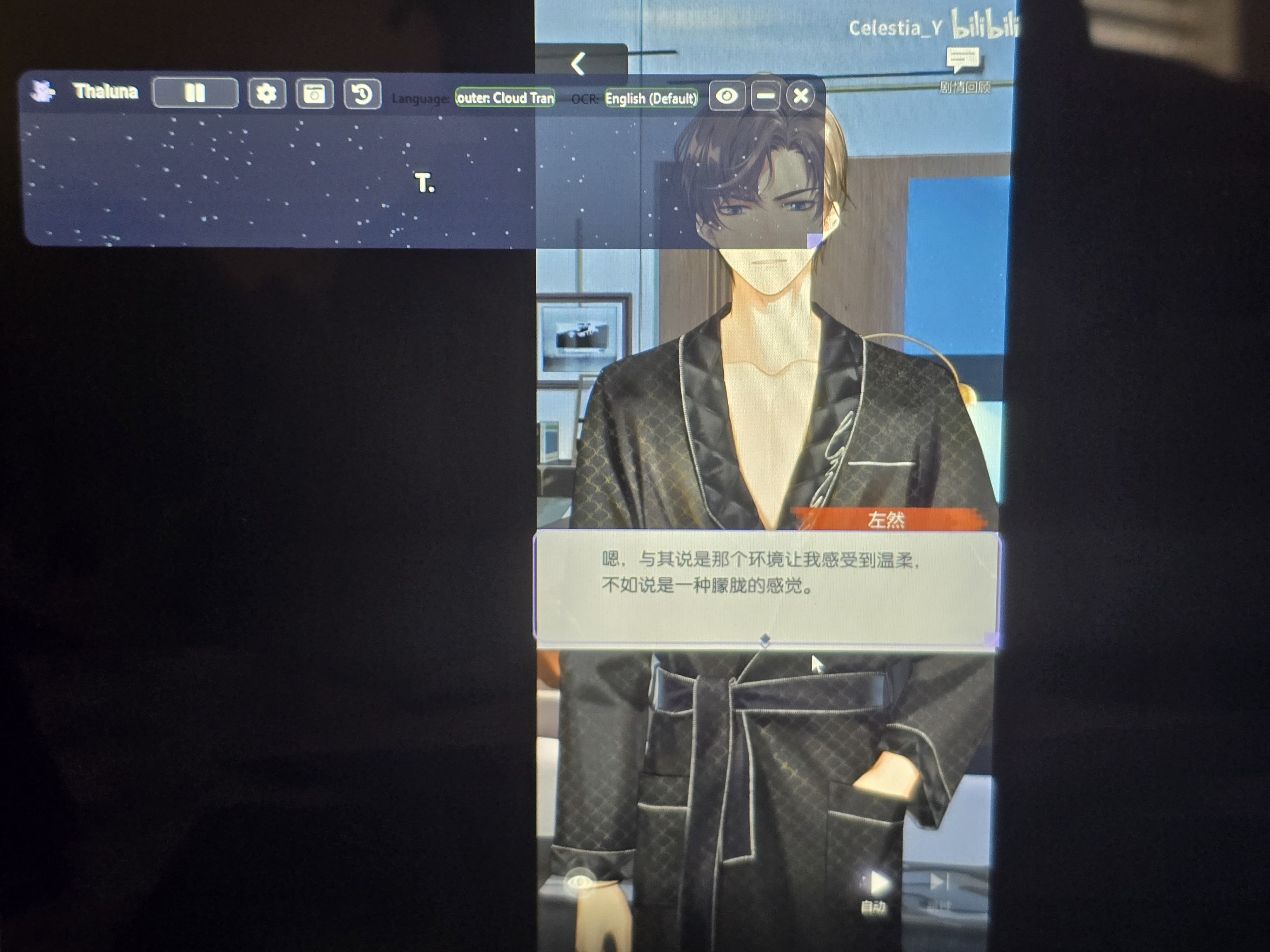
After changing the OCR language, restart the capture and it should work correctly.
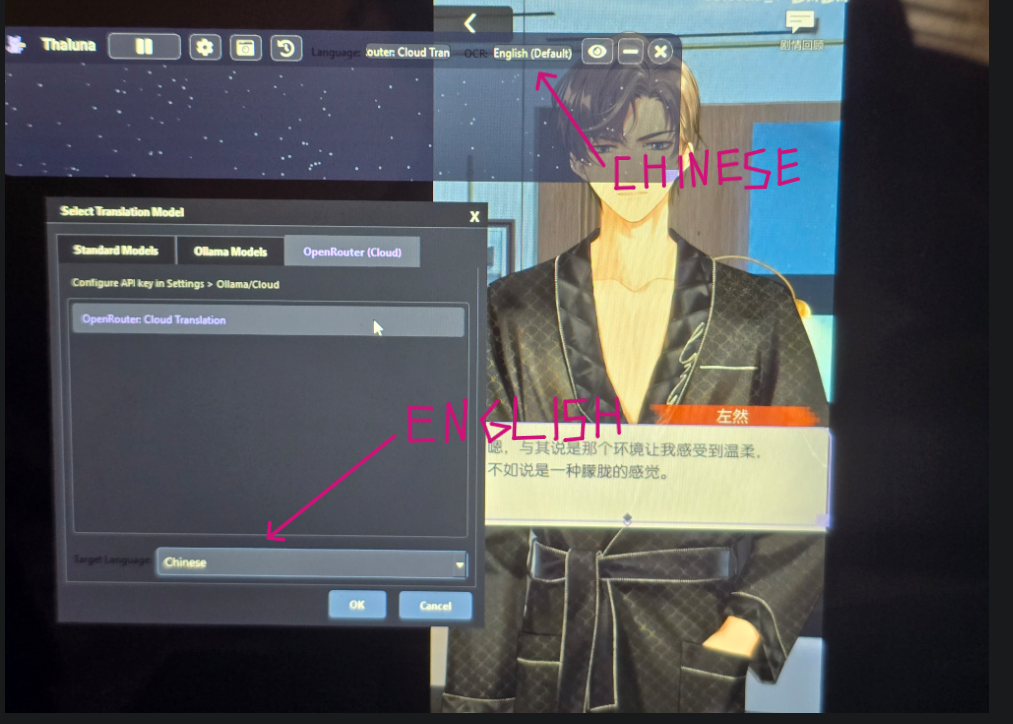
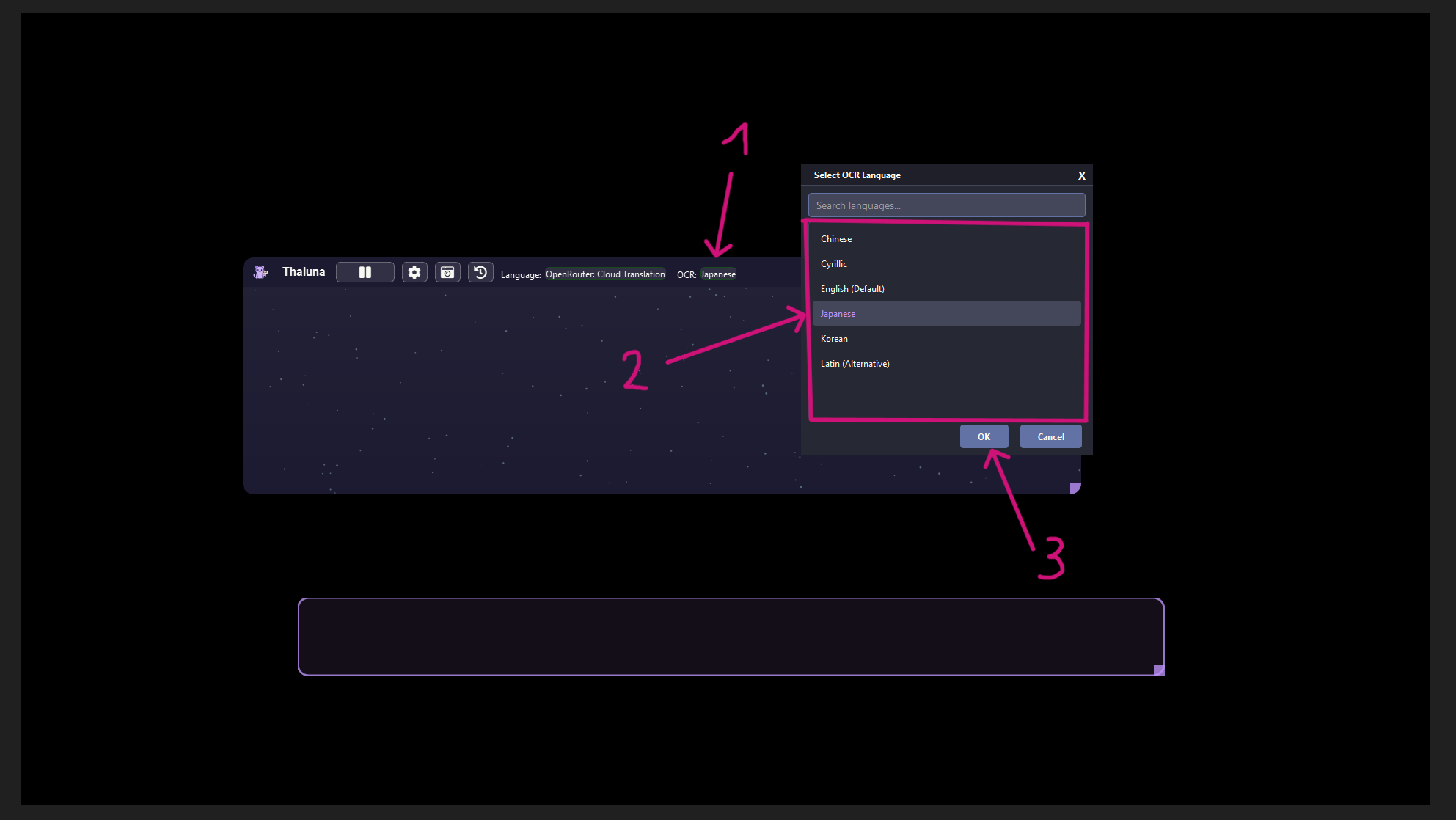
This screenshot shows Japanese as an example, but in your case set it to Chinese.
The rule is the same.