

One more question for now
Even when I selected the language the vid is, it's still wouldn't translate how I want, is there a reason or did I do something wrong because im not sure
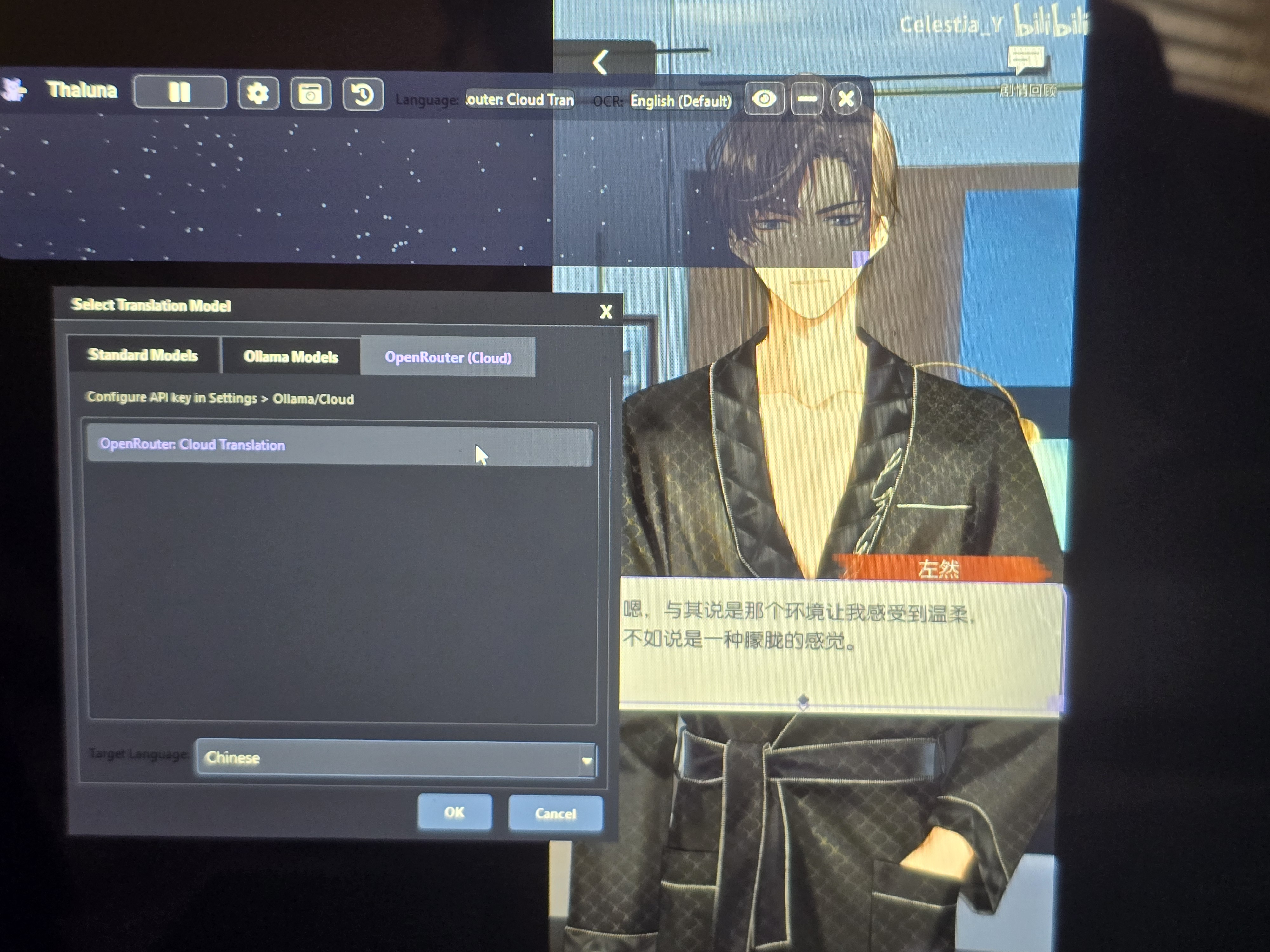
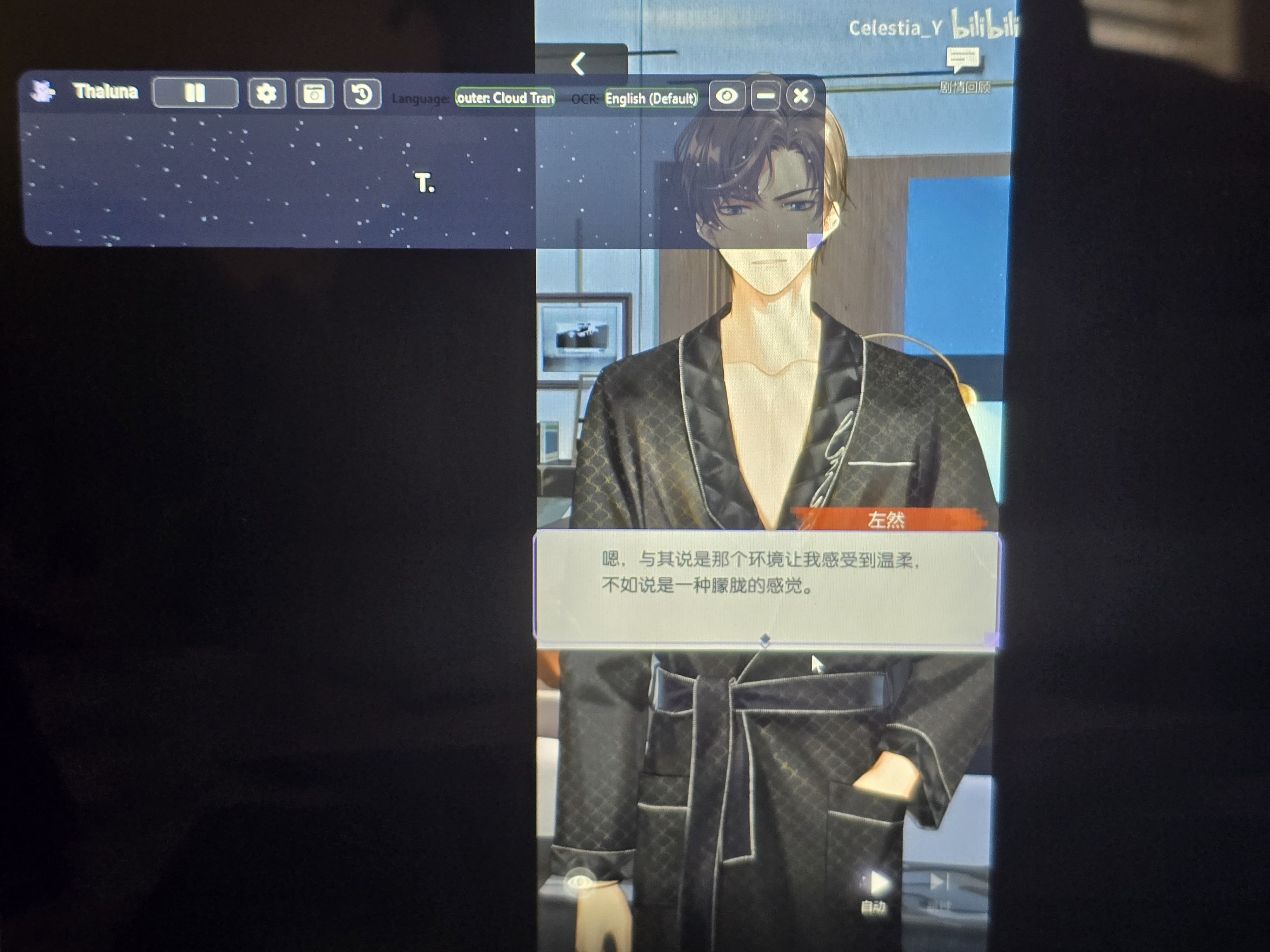
It looks like the language was set in the wrong place.
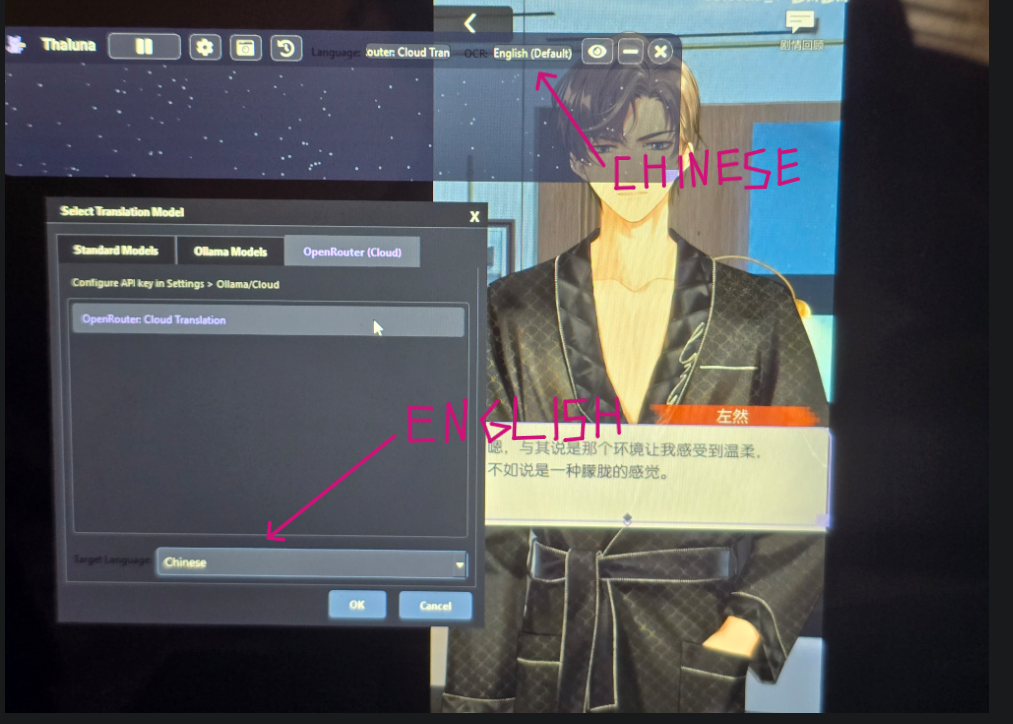
The Target Language is the language you want the text to be translated into.
The OCR Language is the language the text is originally written in.
In your case the video text is Chinese, so try this:
OCR Language → Chinese
Target Language → English
Right now it looks like Chinese is selected as the target language, which means the translator is trying to translate into Chinese instead of translating the Chinese text to English.
After changing the OCR language, restart the capture and it should work correctly.
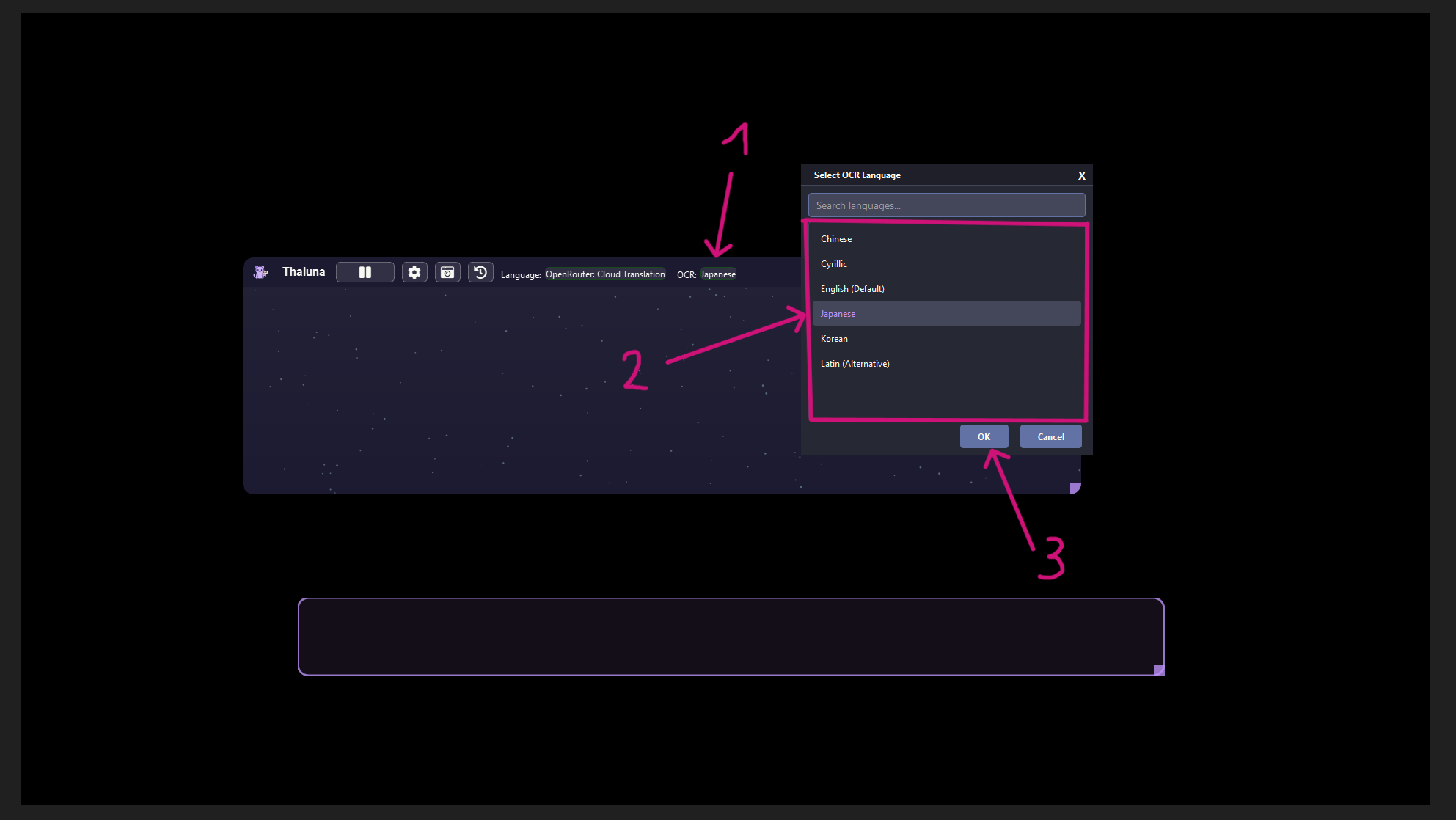
This screenshot shows Japanese as an example, but in your case set it to Chinese.
The rule is the same.