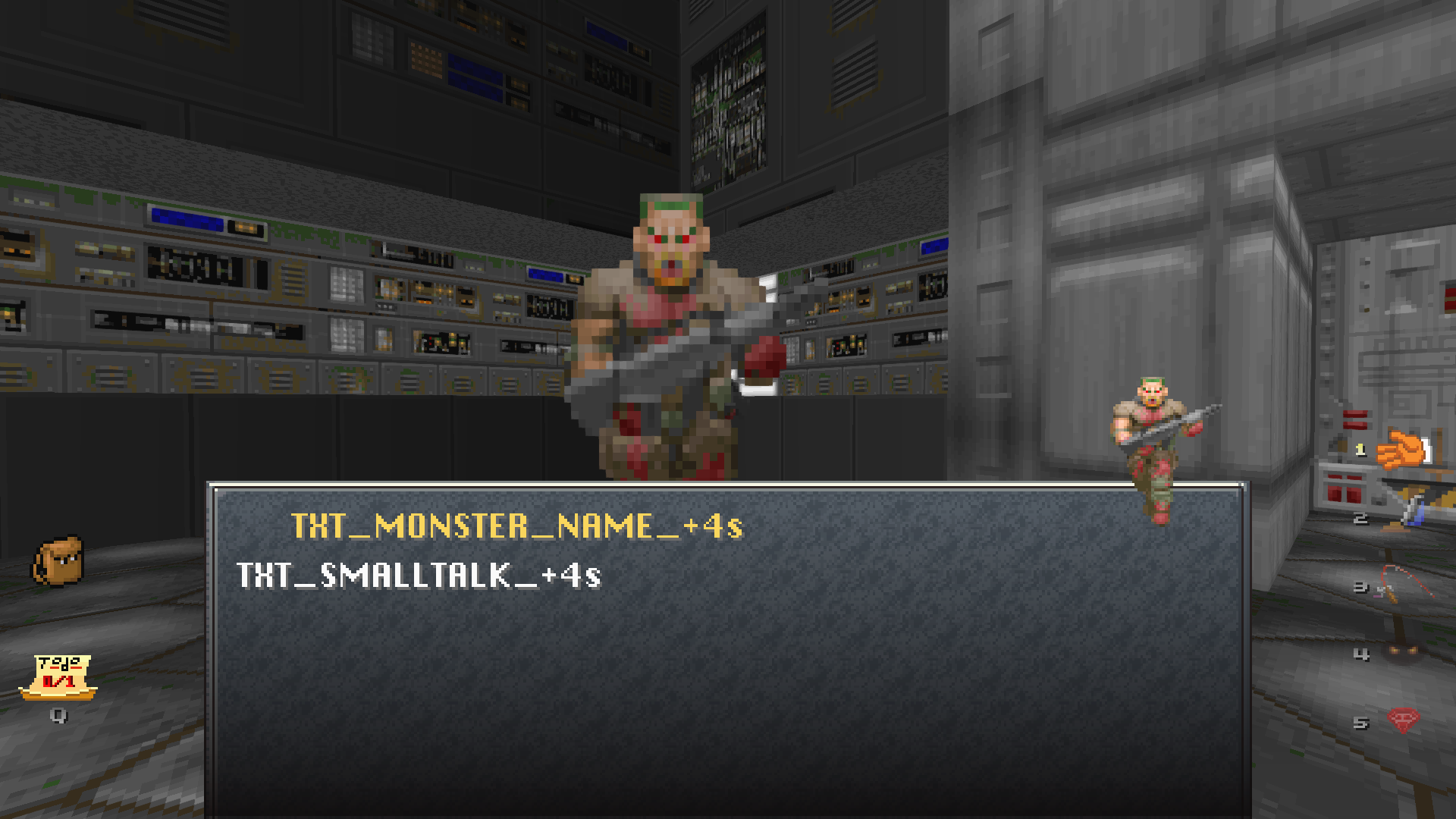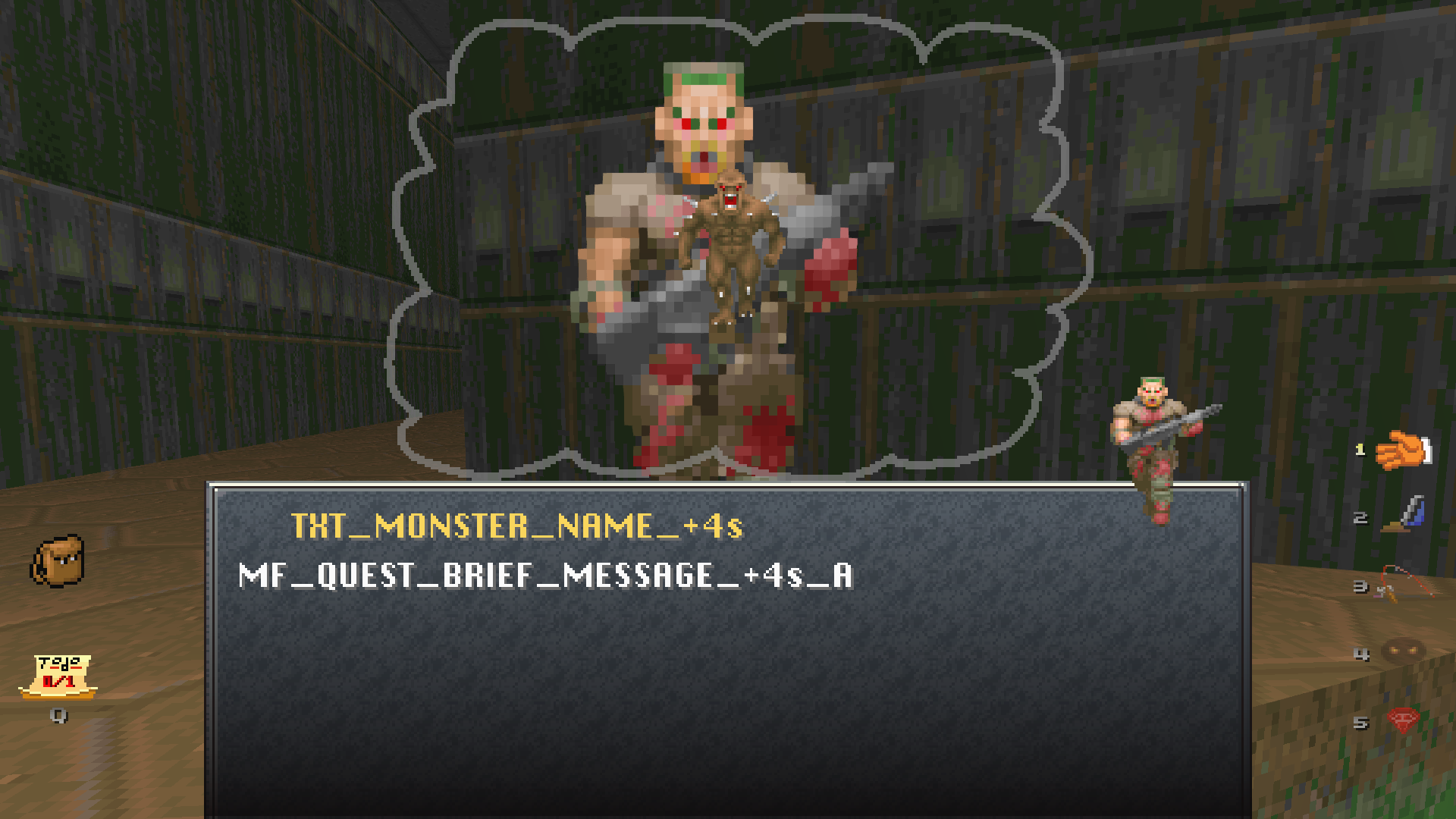
Ok nevermind. I could get the map and it worked like the automap should. The problem was me not using the right tool. That made me spot another problem tho, that also happens with usual doom iwads.
When you end a level with the glowing-eyes power, you start the next level with this power as the active "weapon", but the power as inactive. (no journal pages appearing, no golden view effect) And since it looks similar to the picking up things 'weapon" but can't actually grab things in that state, the confusion happened to me. :p
Maybe a good fix would be to make the player start the level with the picking up things "weapon" set on by default. ^^
I was just able to reproduce this bug. It was to get stuck on the Inventory screen this time. Here are the exact steps I used. It happened at least twice in this exact way.
gzdoom -iwad DOOM2.WAD -file friendly.pk3 -warp 02
Completed camera quest, entered the secret area, collected both keys, completed the fishing quest, opened Inventory, opened Automap, closed Automap, unable to leave Inventory screen.
I hope this helps to reproduce the bug so it can be squished.
EDIT: additional conditions that may or may not have been present at the time; the level's alternate music CD was playing; the teleporter in the level was used at least once; neither of the level's switches had been activated; the problem ocurred while physically inside the exit room with the quest giver.
Okay, I've got 4.3.3 compiled on my laptop which runs a distro based on 18.04 (though it seems unlikely OS has anything to do with this). I am still unable to reproduce this. The steps I followed were:
Do these steps reproduce the issue for you?
If you're comfortable capturing some video of a session, that might be useful.
Thanks for the info, sorry this is a weird one.
I've been unable to reproduce this behavior on this level a third time.
This is indeed a weird one. I thought for sure if I managed to get it happen twice that it would happen reliably under the same circumstances.
It just so happens I'm set up to record play sessions, and I enjoy lounging around in Mr. Friendly on my time off. The bug happened on a completely different level just yesterday (at the time, I thought I had reproduced it already so I've forgotten where exactly it happened) It seems to be quite rare, but I'll try to track it down and hopefully provide reproducible circumstances and video evidence to go over.
Thank you for working with me on this.
Dang, thanks for the heads up on this. Let me know if this new build doesn't fix it for you: https://jp.itch.io/mr-friendly/devlog/632301/build-74-a-fix-for-the-major-text-b...
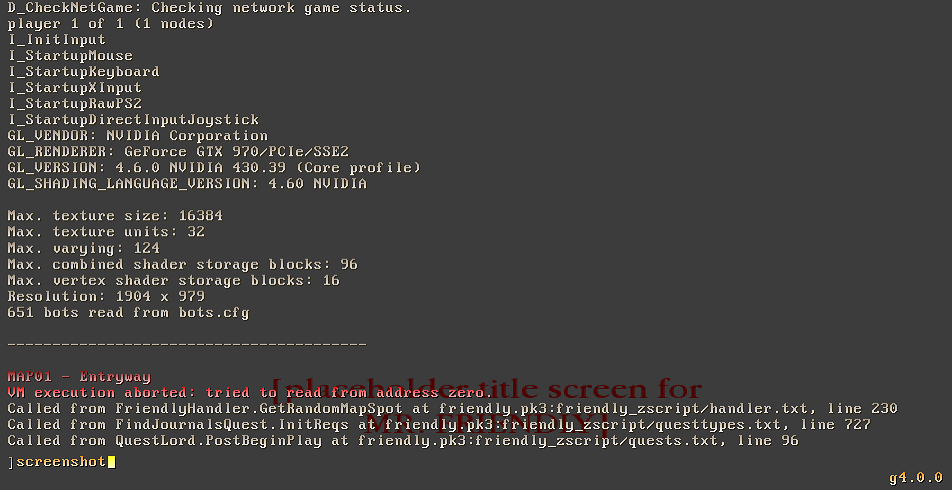
I honestly can't figure out why that mod (Angelic Aviary, which I don't really know anything about) is causing GetRandomMapSpot to fail like that. The logic in that should always return something, even in maps with no objects. It's possible AA is doing something unusual with object replacements... I never tested my mod too extensively with other complex gameplay mods. Sorry!
"Angelic Aviary" is a monster replacement mod that can be found on Itch.IO, but it is sure not a simple enemy replacement mod.
Also, I've tried "Mr.Friendly" on "LZDoom07" w/o additional enemy replacement mods and it seems to working stable.
I wish that this mod can have more content in the future, like additional types of quests or all other instruments for the showing on the HUD (slots №5, №6 & №7).
By the way, this is very underappreciated mod, I must say! I hope that in future many other Doomer-comrades can find that hidden gem.
Oh! Another small thing... Do you mind to create a small mod for "Tourist Mode" that contains portable tent, portable campfire, flares, chemlights and "weapons" like cigarettes, beer & grappling hook? I know that there is some of these things around the web, but I wonder why does nobody made a whole mega-unit full of tools for peaceful map exploring.