That white guy baited me every time he could lol :D. As Ulysses said, the movement feels really really bad, that was annoying, you need to fix it. The music fits this little funny theme well. I liked that. Very good game and idea for this jam. Love it!
Nice game. The only suggestion from my side would be to fix the movement in the game. I made it to the level with the gap, does it have a solution. I couldn't figure that out. Still good job!
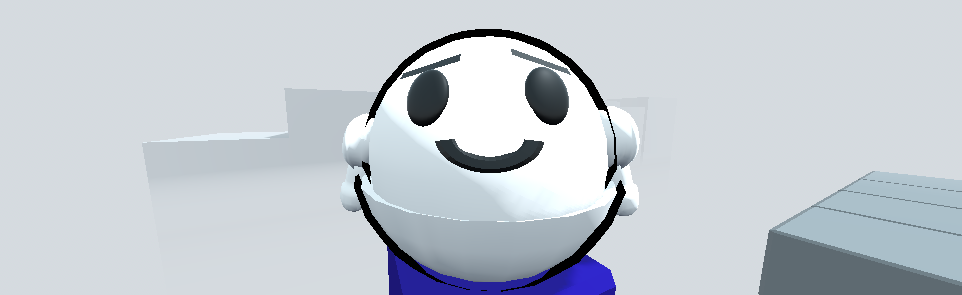
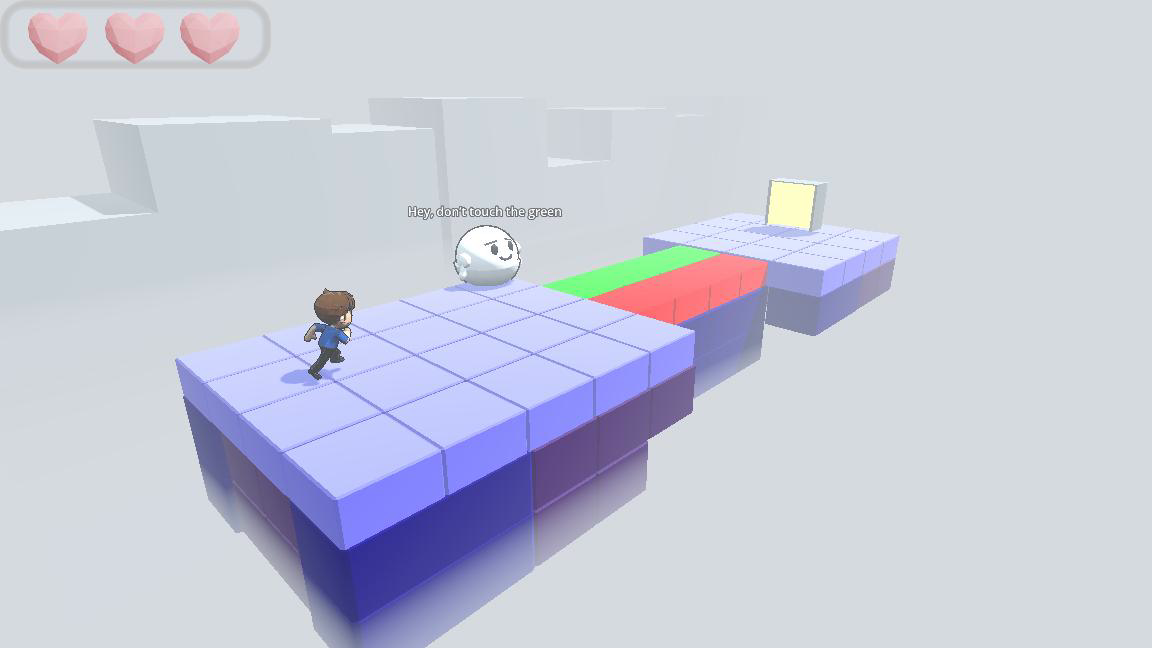
How dare you allow me to build trust with such a friendly looking figure and destroy that trust on the very next level!!! JK. Thanks for the game! I was able to navigate through many levels without issue. My only call out is that for me dropping the cube was done with the letter "G". I don't believe that's in your controls list in the description for the game. Might want to add that in. Good touch having the cube respawn if it fell off the map. That would have led to MULTIPLE restarts for me. :)
XD you saved my life — I completely forgot to mention that you need to press G to drop the box in the description. I always use E to grab and G to drop while testing, so I forgot to properly add them to the controls section.
Don’t worry though — you can restart very quickly. Once you solve the puzzles and understand when to trust him and when to think for yourself instead of blindly following what he says, you’ll progress much more smoothly.
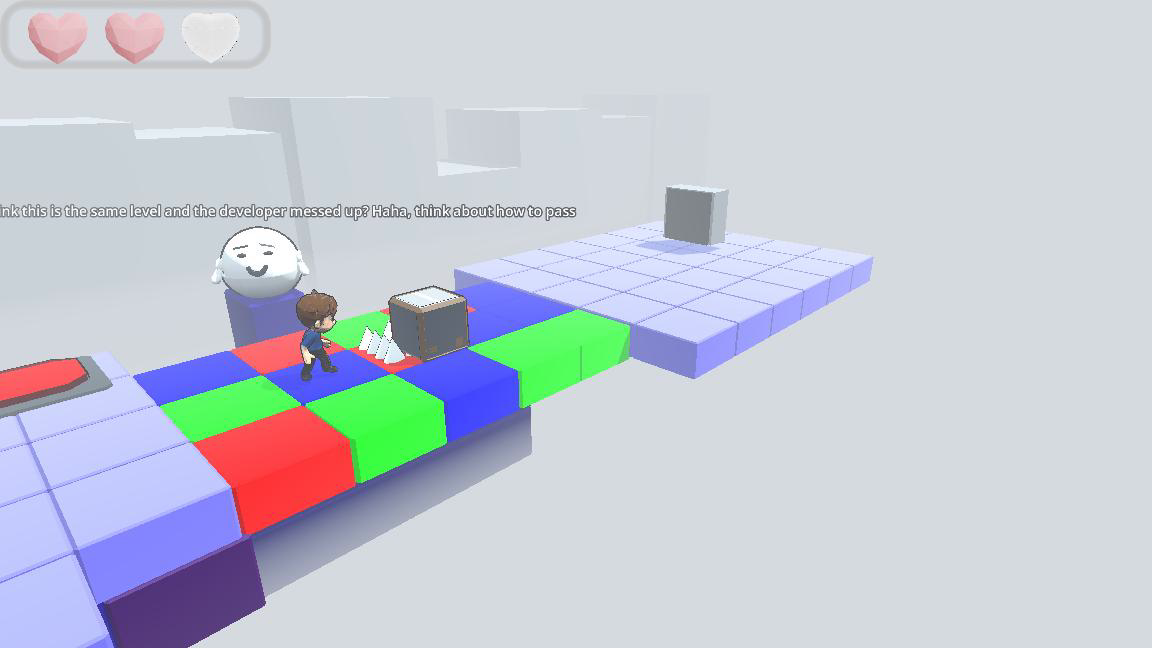
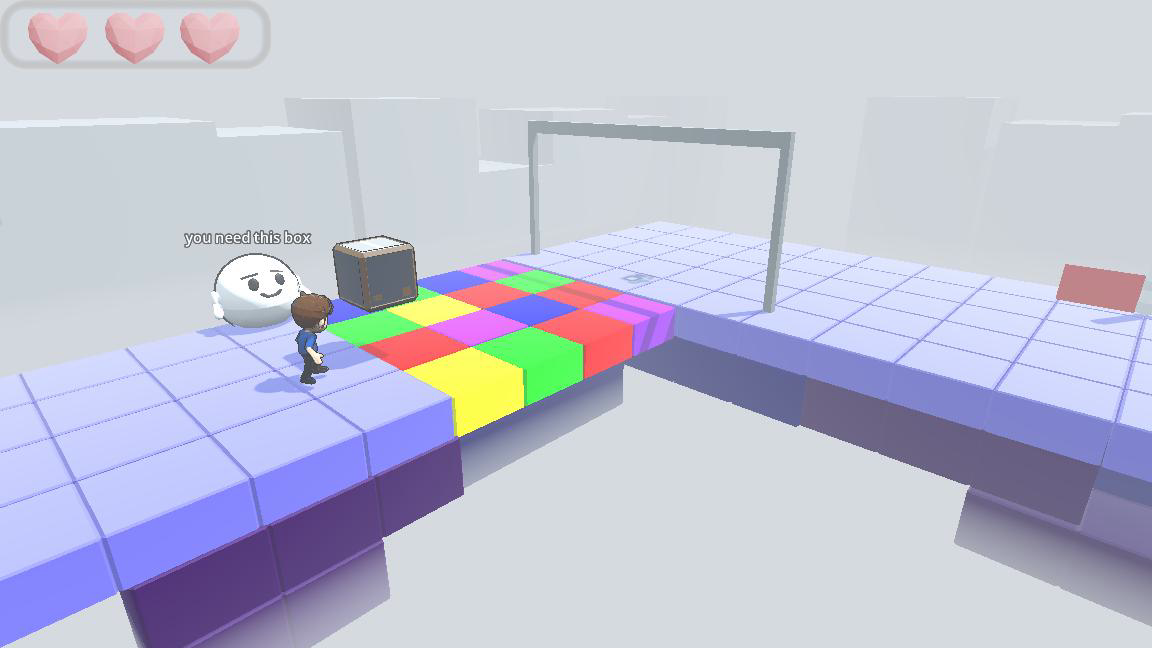
The camera angle feels very off, and the character controls are free-roaming rather than tile-based, it feels pretty awkward (in a negative way). The settings button in the menu doesn't work either. On the level with three colors, my cube got stuck on the second row of colored cubes, and since the first row is strangely covered in spikes, I couldn't continue playing. Unfortunately, that's as far as I got
Thanks a lot for your feedback, I really appreciate it
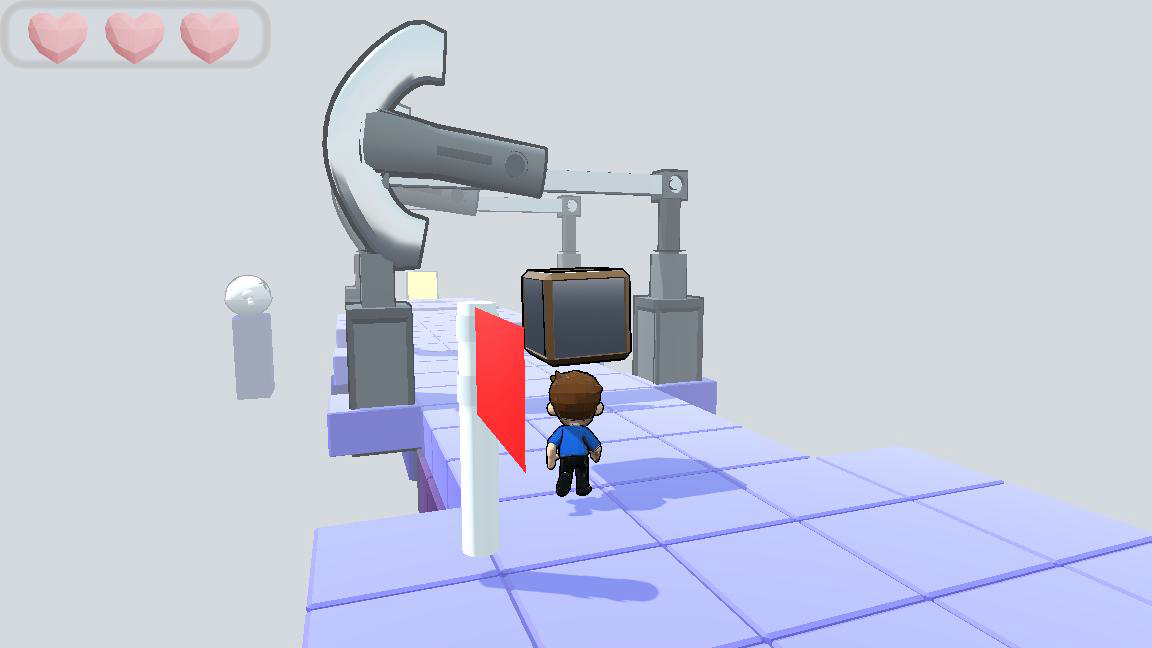
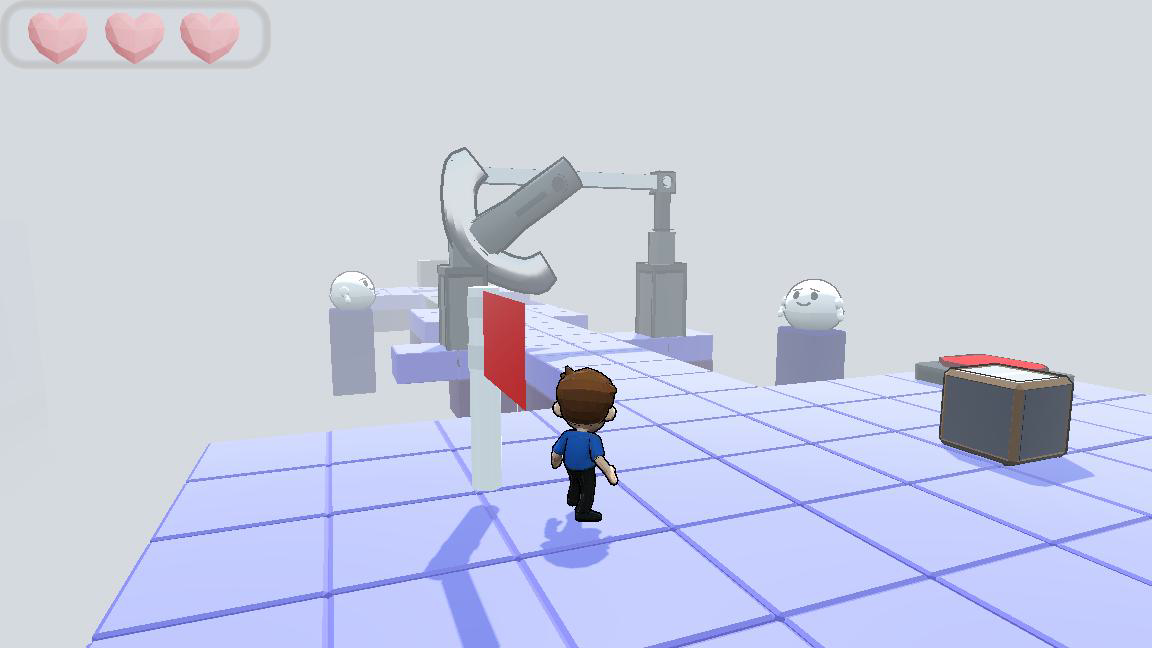
The camera angle is inspired by games like Little Nightmares, since it's a puzzle-platformer style. But I understand that it might feel unusual, and I’ll consider improving it.
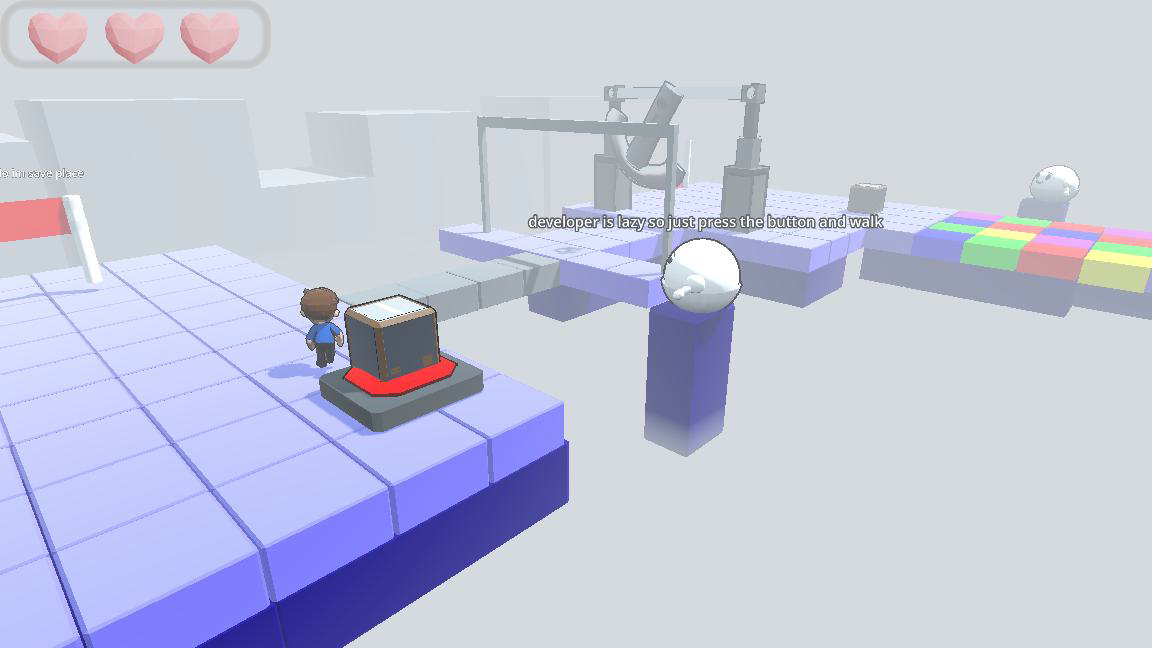
It’s strange that the cube got stuck on the second row. If possible, could you send a screenshot or explain exactly where it happened? Also, you can grab the box using the E key (it’s mentioned in the description, but maybe I should make it clearer in-game).
Could you please tell me which level you got stuck on? That would really help me fix the issue.
Here's screenshot, and level itself. I think Little Nightmares use camera as base point from where characters moves. But your game use characters forward vector as base point.
Thanks again <3 It’s really cool that you figured out the box is used to pass the traps I thought it would take a bit longer to solve and get through!
When the bug happens, you can press Escape, go back to the main menu, and rejoin the same level. I think what happened is that the cube got stuck between blocks. You’re supposed to use the box to test which block has a trap, then take the box back and place it on the button.
About the camera — it’s designed to show more details of the map and give a slightly cartoon-style feeling. :)



Comments
That white guy baited me every time he could lol :D. As Ulysses said, the movement feels really really bad, that was annoying, you need to fix it.
The music fits this little funny theme well. I liked that. Very good game and idea for this jam. Love it!
Thanks for your feedback <3
Yeah XD, I think my idea of trying to copy Little Nightmares’ controls wasn’t very successful, but I’m going to fix it. Thanks a lot, bro :D
Nice game. The only suggestion from my side would be to fix the movement in the game. I made it to the level with the gap, does it have a solution. I couldn't figure that out. Still good job!
Thanks for your feedback <3 :D
Spoiler Hint:
Just jump
How dare you allow me to build trust with such a friendly looking figure and destroy that trust on the very next level!!! JK. Thanks for the game! I was able to navigate through many levels without issue. My only call out is that for me dropping the cube was done with the letter "G". I don't believe that's in your controls list in the description for the game. Might want to add that in. Good touch having the cube respawn if it fell off the map. That would have led to MULTIPLE restarts for me. :)
XD you saved my life — I completely forgot to mention that you need to press G to drop the box in the description. I always use E to grab and G to drop while testing, so I forgot to properly add them to the controls section.
Don’t worry though — you can restart very quickly. Once you solve the puzzles and understand when to trust him and when to think for yourself instead of blindly following what he says, you’ll progress much more smoothly.
The camera angle feels very off, and the character controls are free-roaming rather than tile-based, it feels pretty awkward (in a negative way). The settings button in the menu doesn't work either. On the level with three colors, my cube got stuck on the second row of colored cubes, and since the first row is strangely covered in spikes, I couldn't continue playing. Unfortunately, that's as far as I got
Thanks a lot for your feedback, I really appreciate it
Here's screenshot, and level itself. I think Little Nightmares use camera as base point from where characters moves. But your game use characters forward vector as base point.
Thanks again <3 It’s really cool that you figured out the box is used to pass the traps I thought it would take a bit longer to solve and get through!
When the bug happens, you can press Escape, go back to the main menu, and rejoin the same level. I think what happened is that the cube got stuck between blocks. You’re supposed to use the box to test which block has a trap, then take the box back and place it on the button.
About the camera — it’s designed to show more details of the map and give a slightly cartoon-style feeling. :)