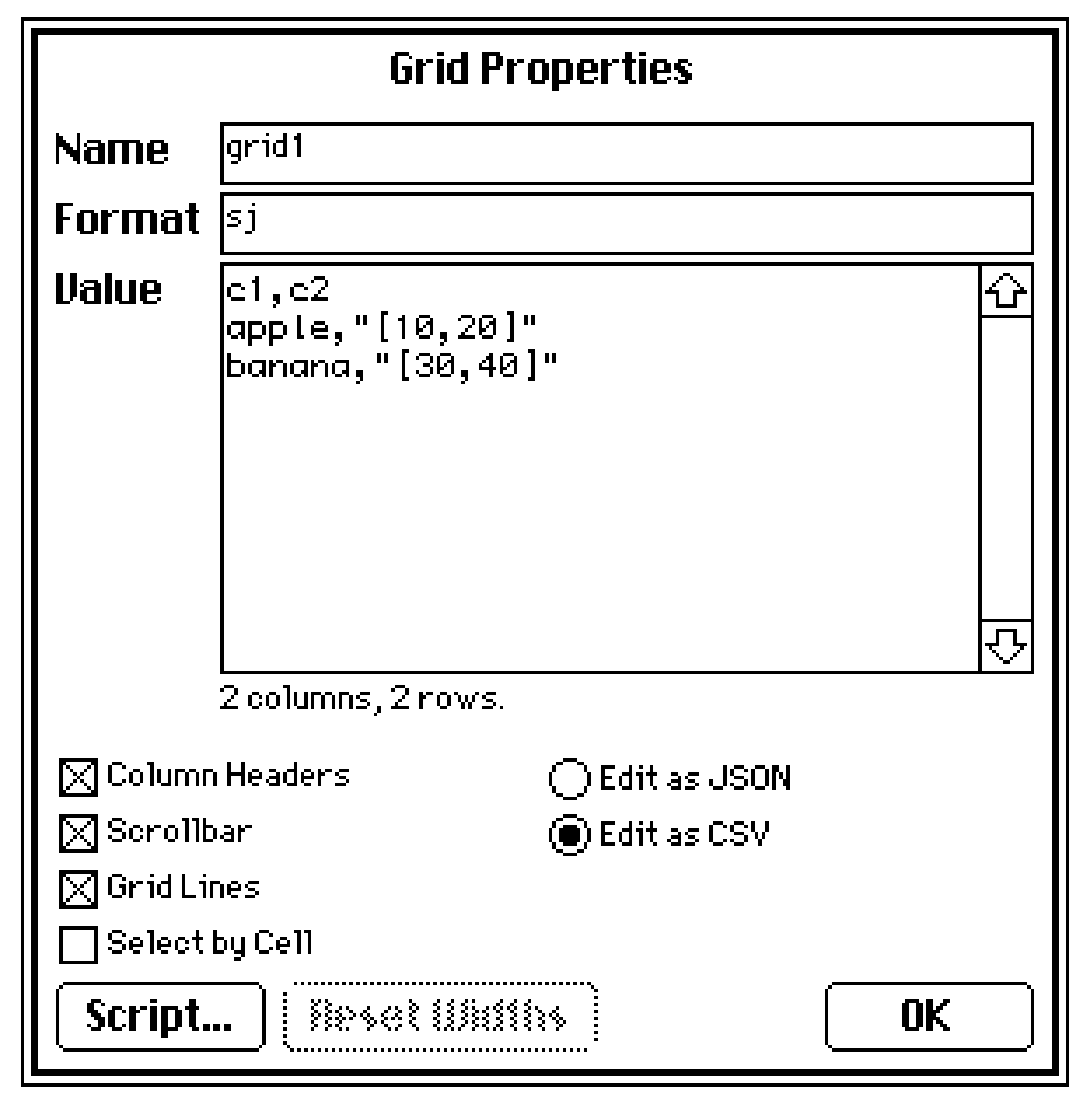
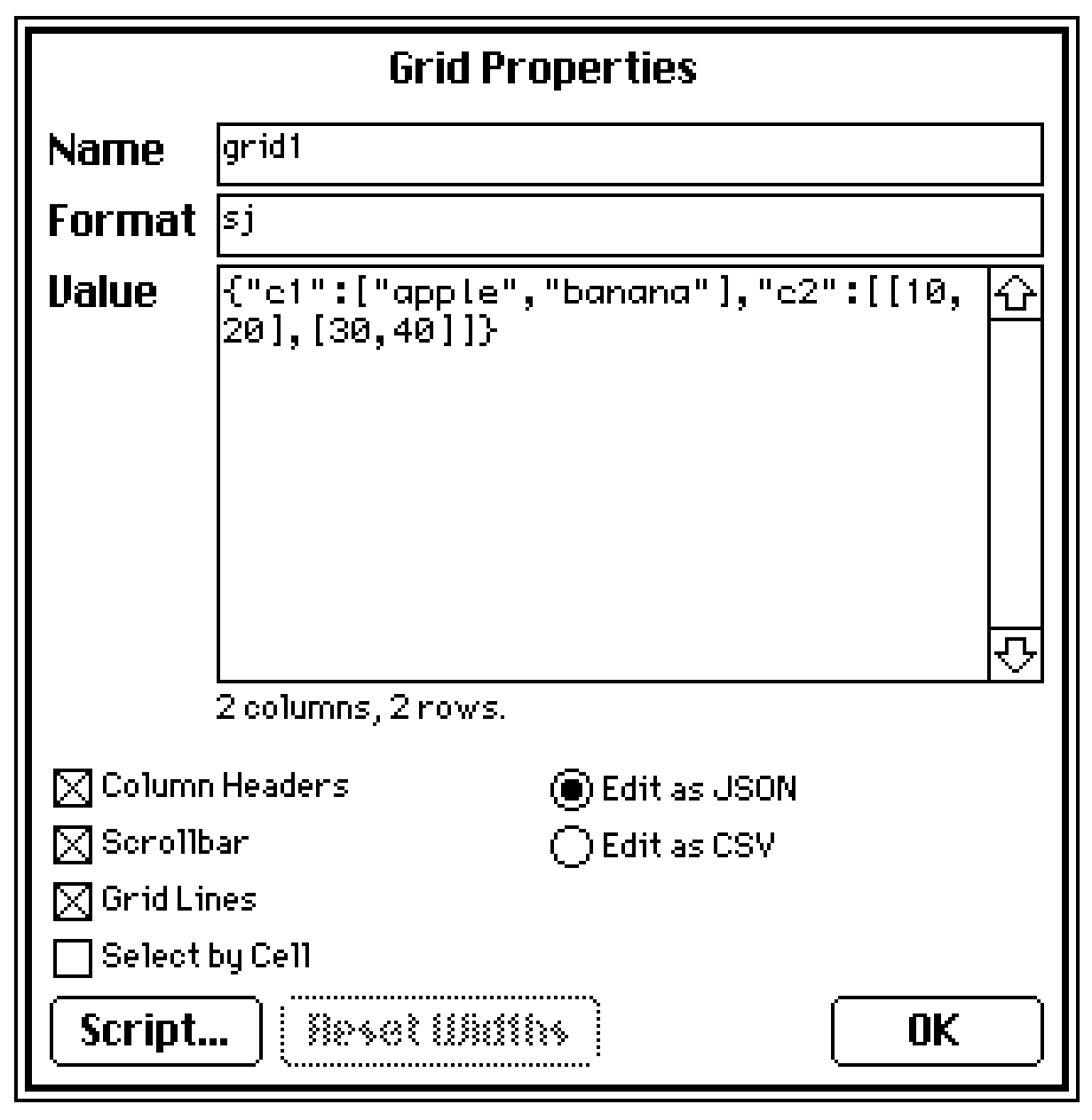
Ok actually I ran into a weird hiccup. I'm able to call on specific cells for text just fine, but when it comes to the size I'm just not able to get it to read properly. When I try to specify a cell under size, it glitches out the size of the field and makes it disappear. (code im trying below just as example to make sure im not messing up something small lol)
on click do
   n:random[0,1,2]
   field.value: grid.value.words[n]
   field.size: grid.value.size[n]
end
Weirdly, it "works" when I don't specify a cell, but it takes the first numbers of the first two cells in the column rather than the numbers from one cell.
on click do
n:random[0,1,2]
field.value:
grid.value.words[n]
field.size: grid.value.size
end
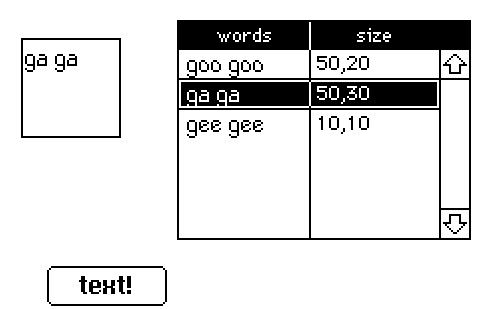
I tried to put the size in a different grid, but I ran into the same issue.