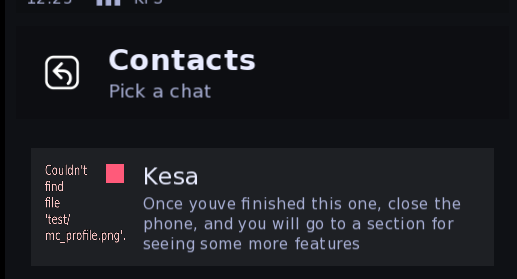
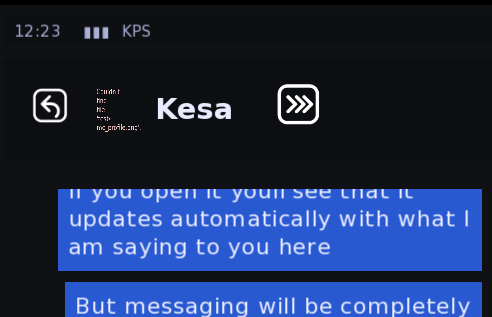
1- Yep, the whole conversation is stored in conversation_name['all_dialogue'], so by extending that conversation with a conversation list it will be there as an already had conversation. So mc_whoever['all_dialogue'].extend({"mc":"Hey"}, {"whoever":"Hey"}) will add those messages, in that order, whenever its run. Want them at the start then just run it right after the start label (the other option is to just use the function to send a message a few times before the game propperly starts, easier but would mean more writing)
2- Not currently an option, it's been something I've been looking at. The code is all there to make it possible, its just changing how the button is displayed.
3-That would need an entirely new screen, it's not something that's currently planned.
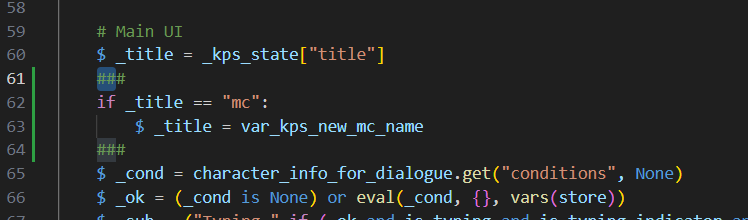
4-The name dependency was for simplicity, without it creating conversations would require about 3 times more code than they currently do. You would need to assign every conversation to the phone from every direction it can be viewed from etc. The simplest solution would be to change the title of the conversation screen to show whatever the player entered instead of 'mc' if it should be 'mc'. So just adding this check in the main ui, the bit in between the two ###
And the same thing in the contacts list:
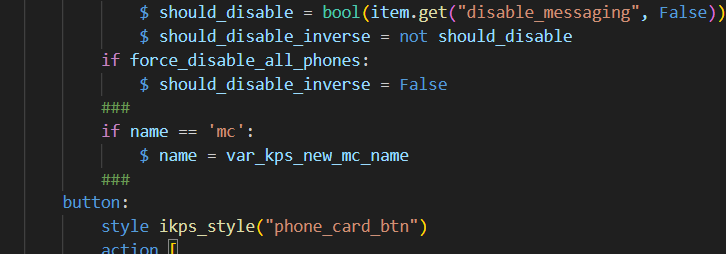
Then default var_kps_new_mc_name anywhere, just so anything, or an empty string, then after they have chosen the name just run $ var_kps_new_mc_name = their_chosen_name
Then wherever that name is displayed on the phone it will be changed to the new one :)
So if now run this at the start:
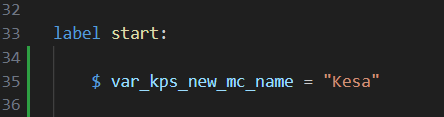
Opening Sarah's phone in the demo now shows this: