Hi! No worries, this kind of issue is usually fixable. Once I see the logs, I’ll know exactly what’s going on.
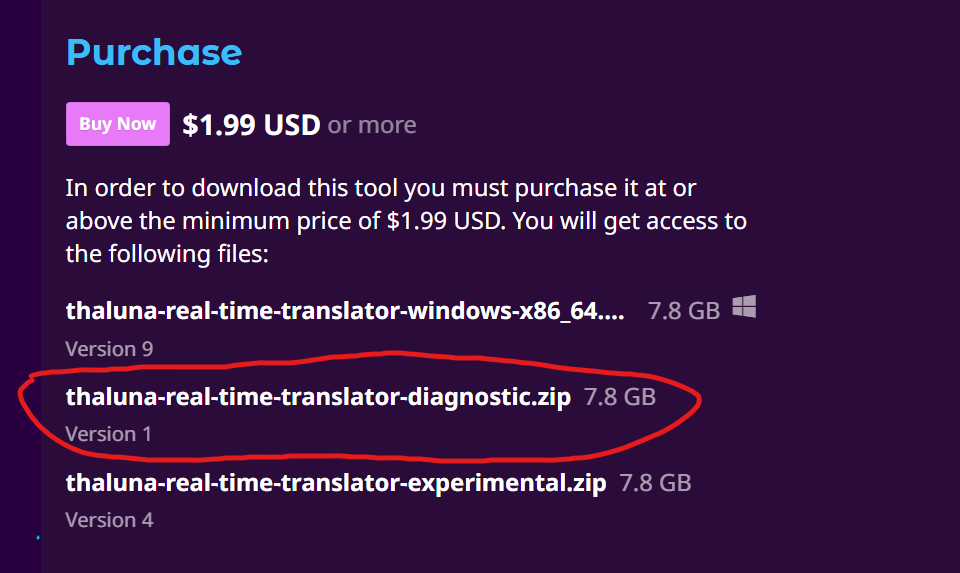
I’ve prepared a diagnostic build of Thaluna specifically for troubleshooting this problem.
Important:
The diagnostic version launches with a visible CMD console window.
All error messages and logs will be printed directly in that console, not saved to a file.
Please download and run the Diagnostic build.
When you start the app:
- Keep the CMD window open
- If any errors appear, copy the entire console output and send it to me
Additionally, please make sure you have the required Visual C++ Redistributable installed (needed by PaddleOCR):
- VC++ 2015–2022 (x64):
https://aka.ms/vs/17/release/vc_redist.x64.exe
After installing it, restart your PC and try the diagnostic build again.
If the issue persists, please send:
- The full CMD console output
- A short description of what happens (for example: crash on startup, error message, missing files, etc.)