

Hi!
No worries at all 👍
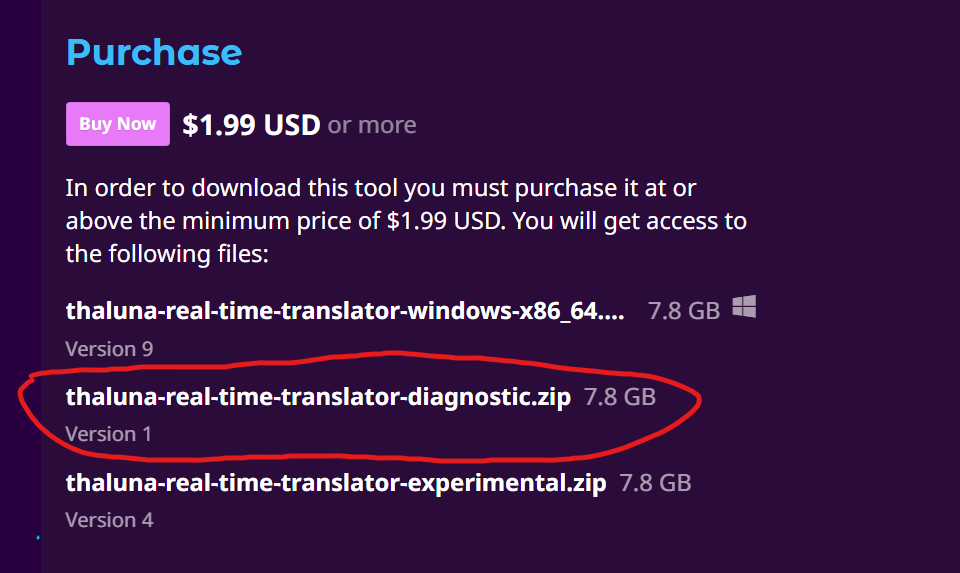
The Diagnostic build is on the same download page, just listed as an additional file. You don’t need a separate link.
Here’s how to find it:
-
Go to the Thaluna download page (where you normally download the app).
-
In the list of available files, look for:
thaluna-real-time-translator-diagnostic.zip
It’s listed alongside the main version.
Once you run the Diagnostic version:
• A visible CMD console window will open together with the app
• All startup logs and errors will be printed there
If it crashes or shows errors, please click the console window, press Ctrl+A to select everything, then Enter to copy it, and paste the output here.
This will let me see exactly what’s happening on your system.