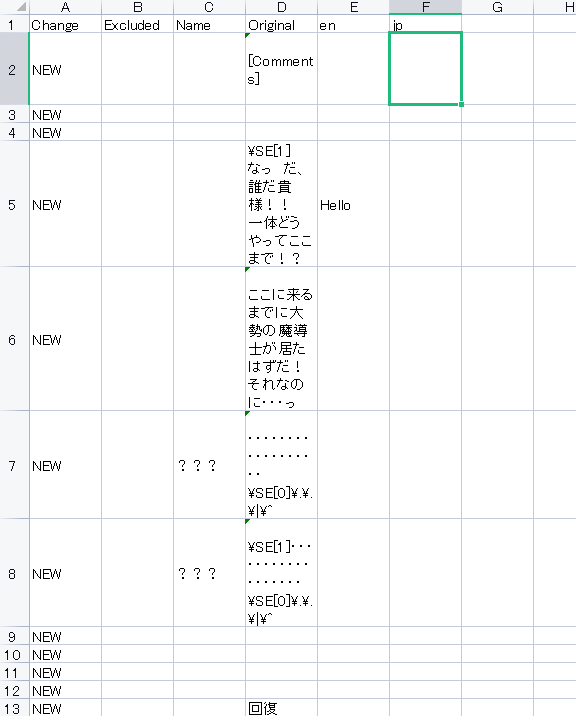
Thank you very much for your support.
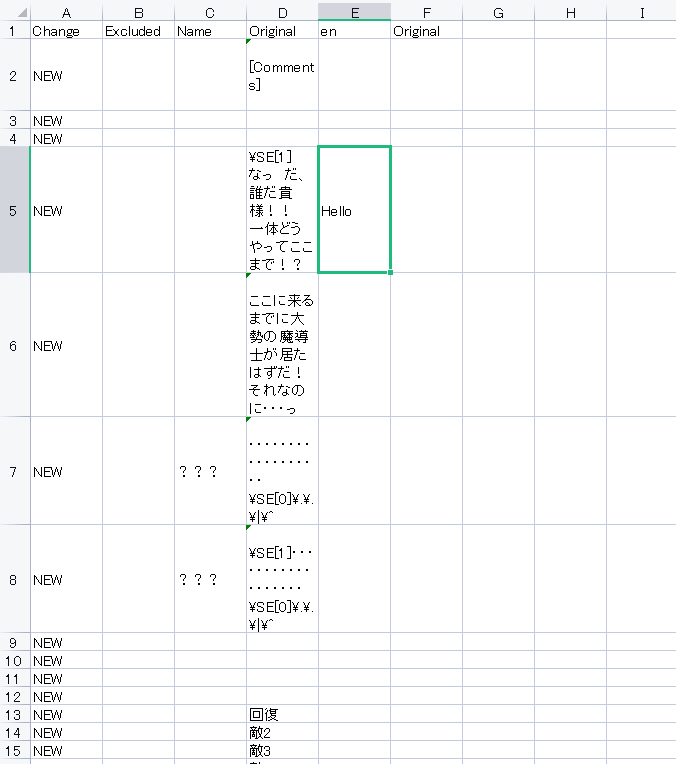
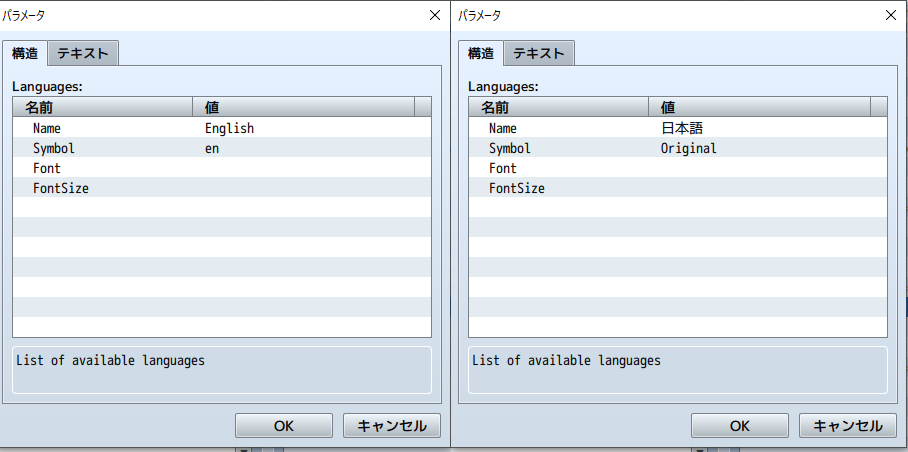
I’m sorry. I was trying to customize the title, menu, and options, and I just noticed something. I tried entering “Hello” in the en column of the CSV, but the Japanese text in the Original column still appears in the game. I would appreciate it if you could let me know how to resolve this. I have tried checking the plugin for translation, but since I don’t understand languages other than Japanese, I don’t fully understand how this plugin works. Also, I am writing this message using a translation tool, so I apologize if anything is unclear.
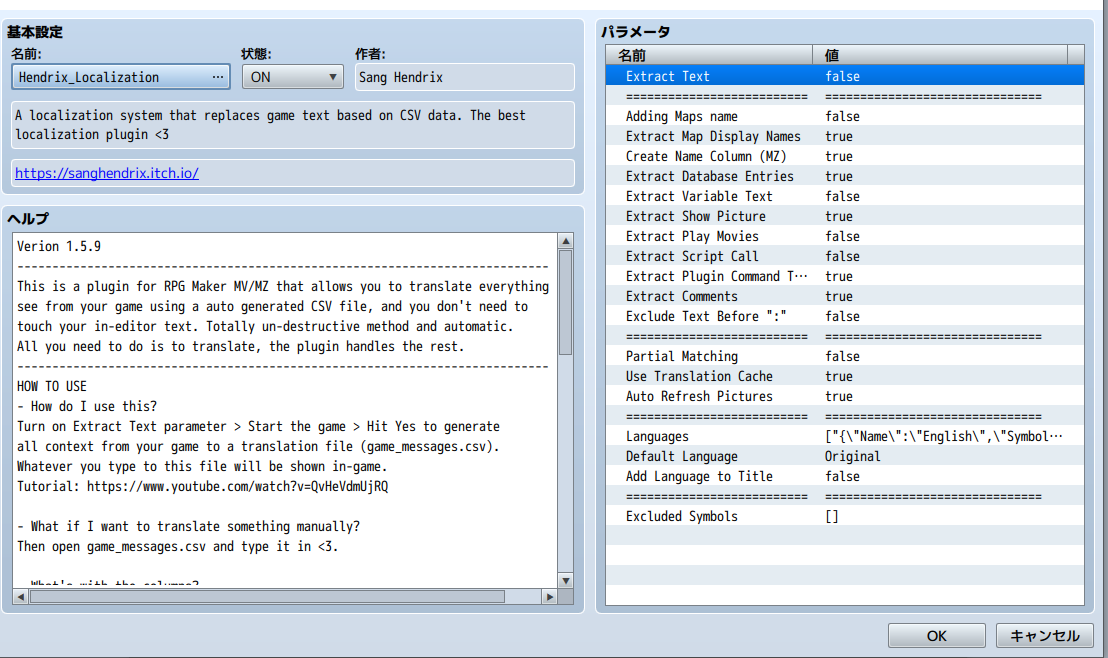
Another thing I’m wondering about is the character names in the Name column. How should I translate them? Should I create a new field specifically for Name in the CSV?
Here is a screenshot of the menu screen. Only the “Character” item is displayed, using the Japanese MenuSubCommand plugin and the SceneCustomMenu plugin. The text “Current Location” is displayed by the AltMenuScreen2MZ plugin. I would like both “Character” and “Current Location” to support language switching.
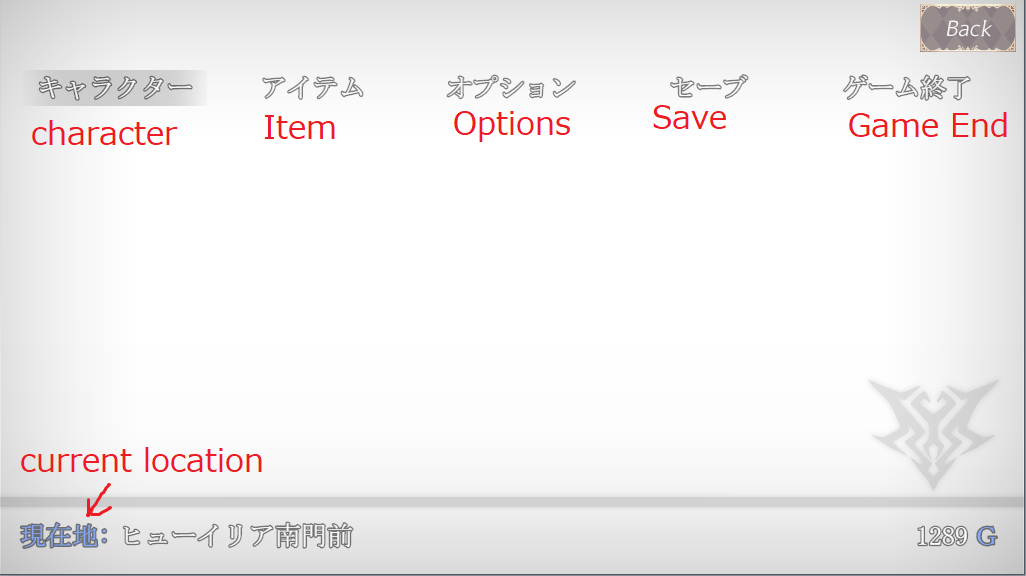
MenuSubCommand plugin
Parent Name: キャラクター
Script: SceneManager.callCustomMenu('Scene_character');
SceneCustomMenu plugin
Scene Identifier: Scene_character
I’m loading it like this, but should I write the following in the plugin?
this.drawText(Hendrix_Localization("キャラクター"));
I’m very sorry for asking so many questions and causing any inconvenience.
Thank you very much for your help.