


Play game
Present Stack's itch.io pageResults
| Criteria | Rank | Score* | Raw Score |
| Does the game fit the theme? | #9 | 4.291 | 4.500 |
| How aesthetically pleasing is the game? | #10 | 3.337 | 3.500 |
| Overall | #14 | 3.089 | 3.240 |
| How enjoyable is the gameplay? | #15 | 2.384 | 2.500 |
| How much do the sounds and music add to the gaming experience? | #15 | 2.765 | 2.900 |
| How innovative/original is the game? | #15 | 2.670 | 2.800 |
Ranked from 10 ratings. Score is adjusted from raw score by the median number of ratings per game in the jam.
Did you create the artwork?
Mostly my own
Did you create the sound?
None of it is mine
Leave a comment
Log in with itch.io to leave a comment.
Comments
other than the shadow issues I really enjoyed this entry, fun, on theme game, well done. Thanks for taking part!
I like the idea and choice of music but like the others said, kinda hard to stack them because it's in 3D space
Having trouble fitting this in my browser window, but it still makes for a good physics challenge!
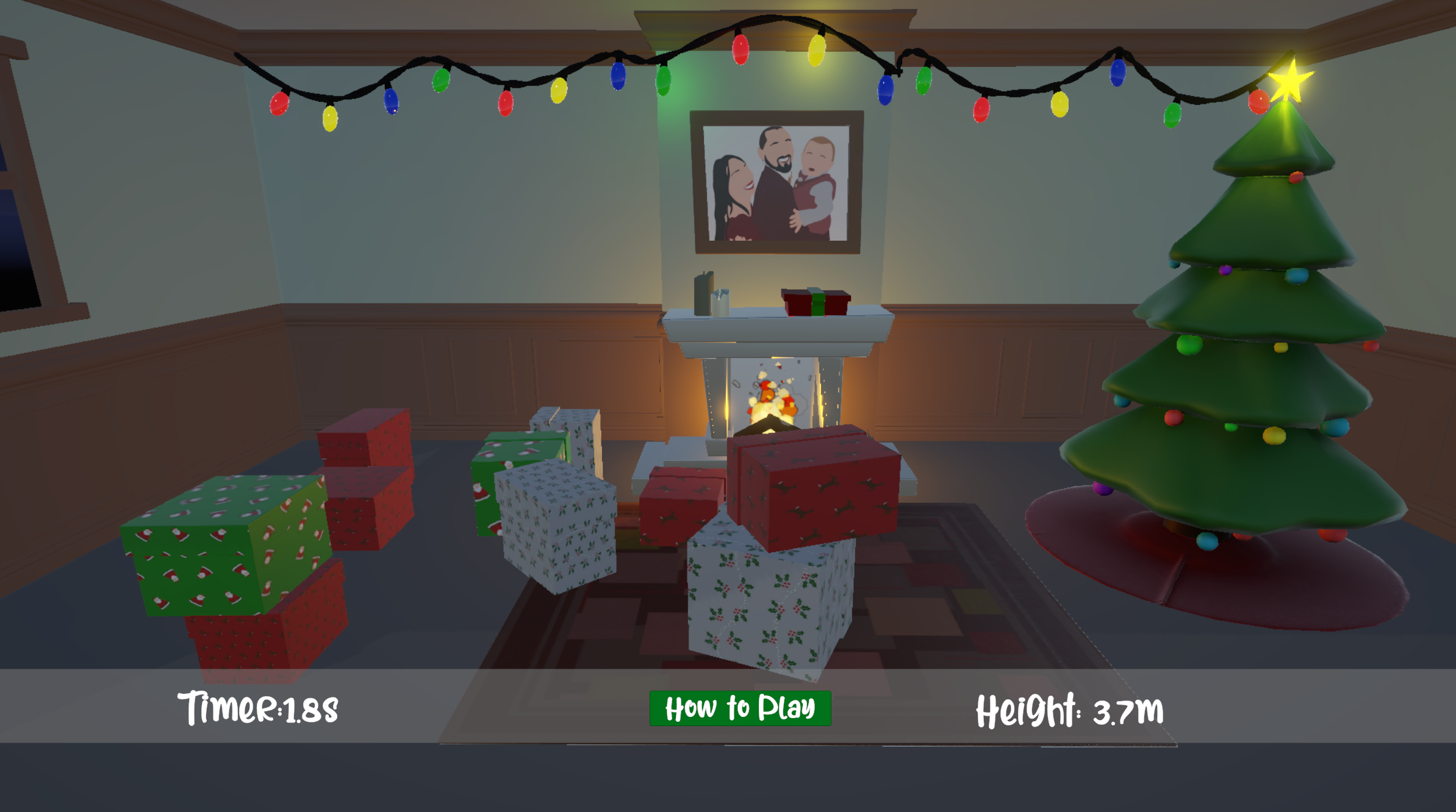
I agree with the other comments: Without a shadow, it's hard to figure out where to drop the boxes.
Yeah it’s something we tried to implement but couldn’t get right in the time we had allotted. I’ll be looking at adding this for a future update though.
Thanks for your feedback
The game looks great and is fun to play. I find it hard to judge the grab distance — maybe a shadow would help. I also think it would be great if moving the mouse didn’t shift the package in depth, but only in the X and Y directions.
Yeah this is great feedback. I tried to get some shadows in there but had some difficulties with implementing them.
So just the Z access moving with the mouse wheel then?
The same issue with the 'tutorial' menu that does not disappear when playing the game. But the idea is fun and I like the visuals and music. The controls did not feel very good, and it hard to see if something is on top of each other. But overall a fine little Christmas game.
Merry Christmas
Are you pressing the close button on the instruction pop up or trying to hit the how to play button at the bottom?
Because both games have a little close button on the popup itself
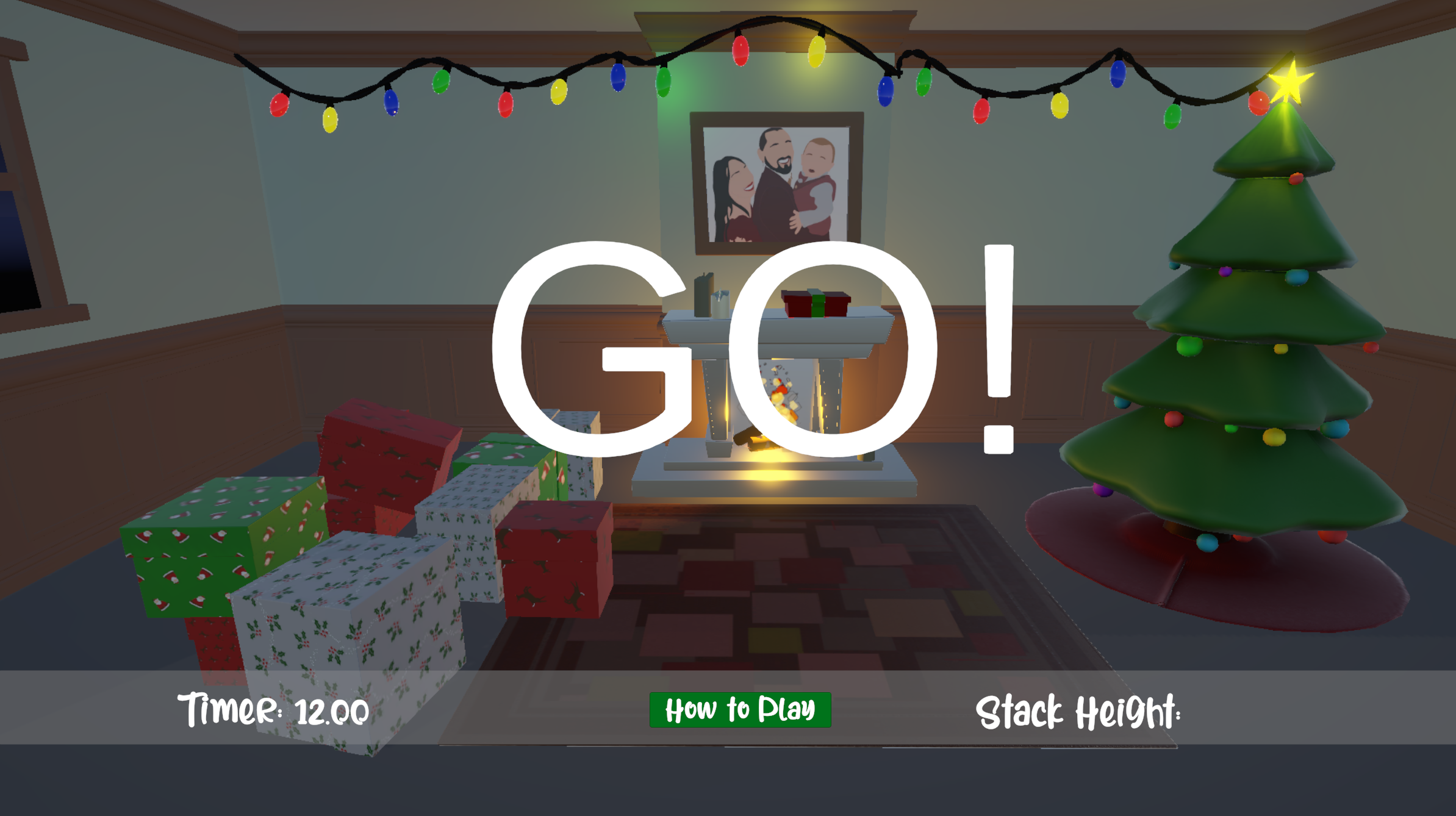
I am sorry that I was not very clear. As you can see on the screenshot the "how to play"-button is visible when playing the game. This means it easy to hit the button when playing the game, especially because it's where I need to place the gifts.
It looks like it’s an aspect ratio issue on window size as it should be farther down the screen. I’ll look into this and see if we can lock that bar better.
Thank you for the feedback. I appreciate it and the clarification!