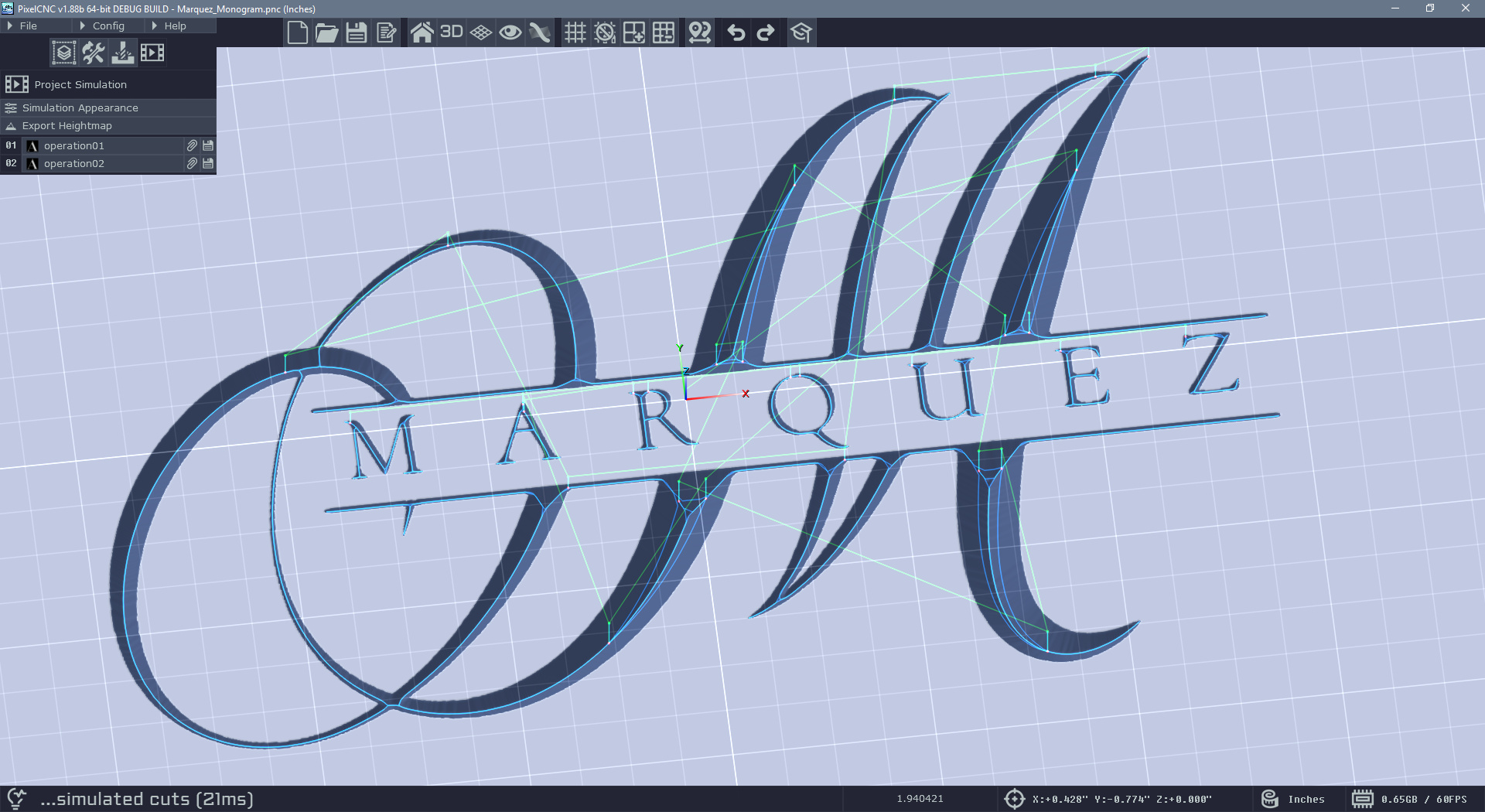
Hi dkmarquez,
If it was a raster-layer that was created from an SVG then you should only need to change the layer's Z-fill to match the top of the canvas. I am still unsure as to why there is a border contour occurring - if you can't see any kind of seam/edge around the design then it shouldn't be contouring one. If you could send your project file to support@deftware.org or attach it to a reply I will be able to get to the bottom of where that phantom contour is coming from. Generally, loading an image and downsizing it should only create a contour if the image forms an island in the middle of the canvas and there's no Z-fill on the canvas or the layer to fill in the area around it.
Here's a simple example where I've loaded an SVG as a raster-layer and then scaled it down before generating a toolpath. By raising the layer's Z-fill to the top of the canvas we prevent a contour from being generated around the edges of the raster-layer:
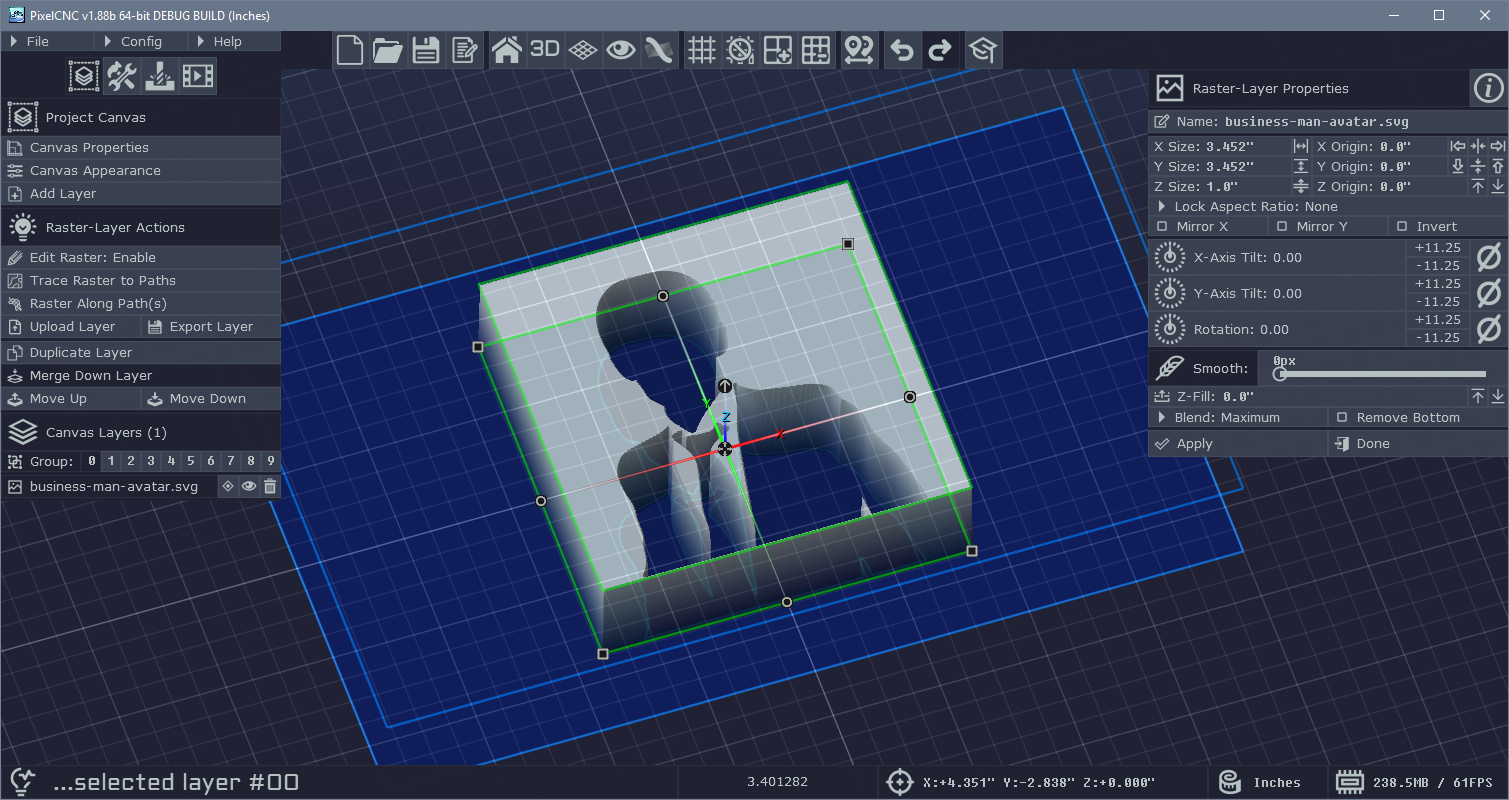
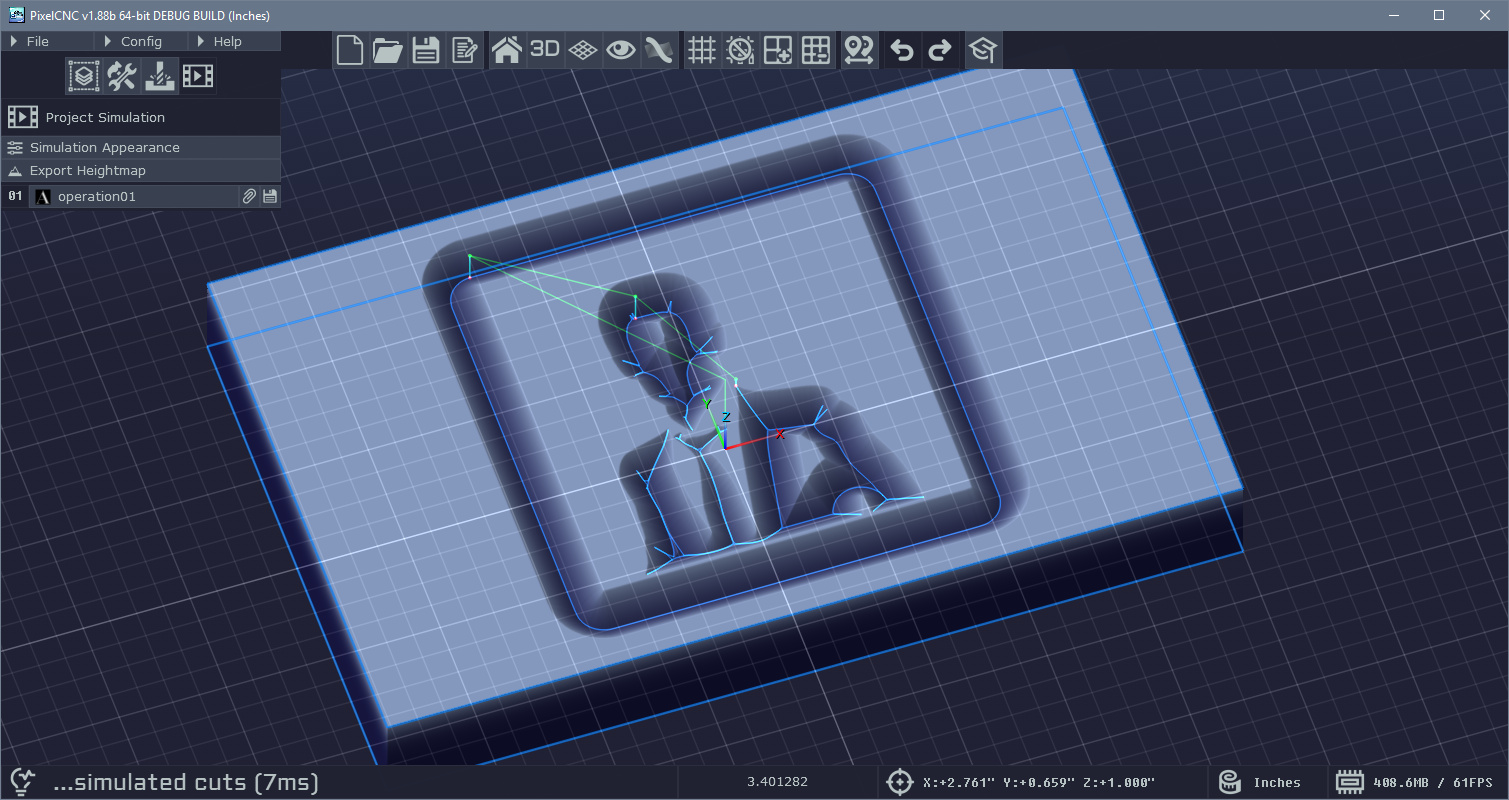
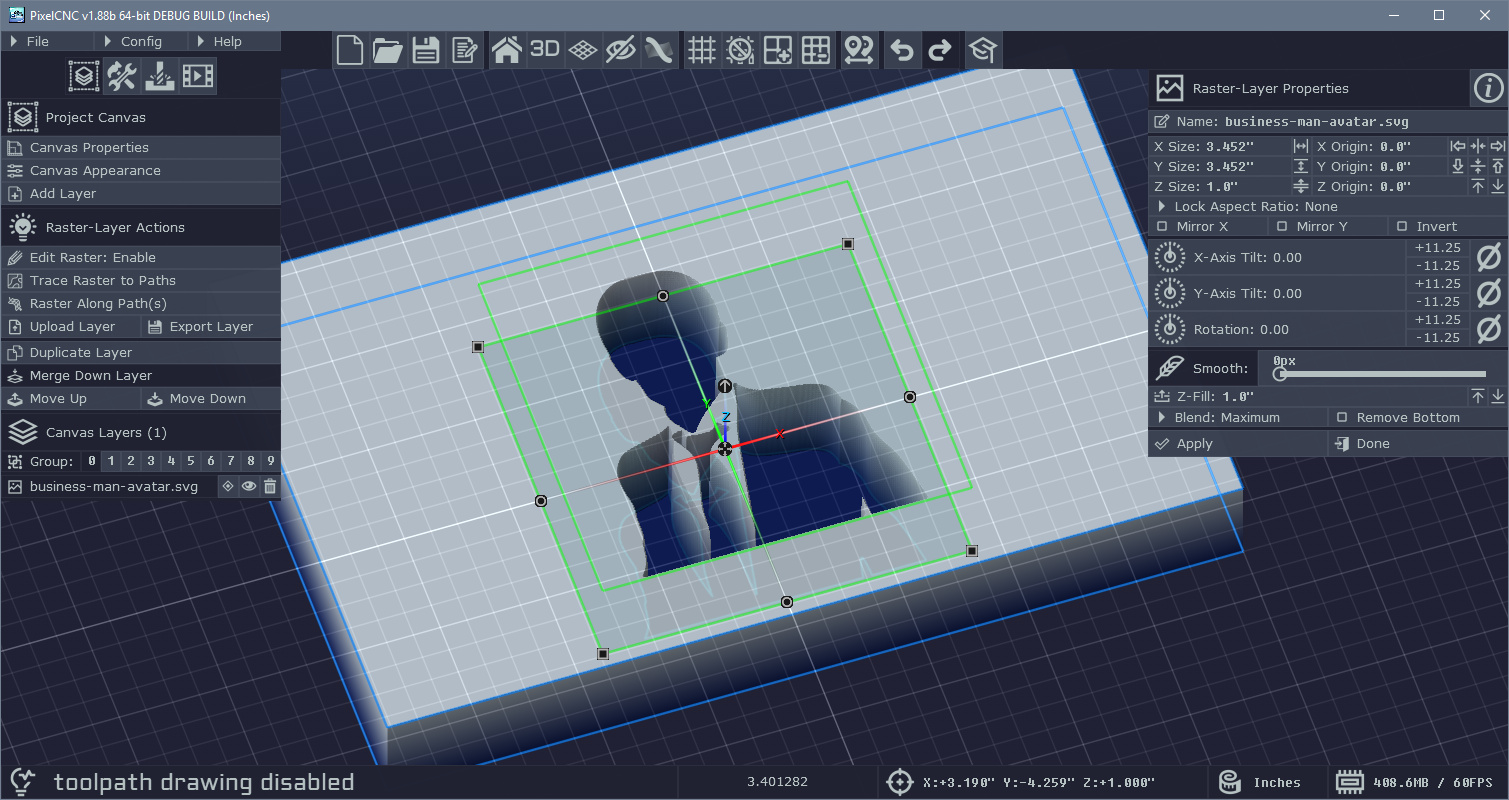
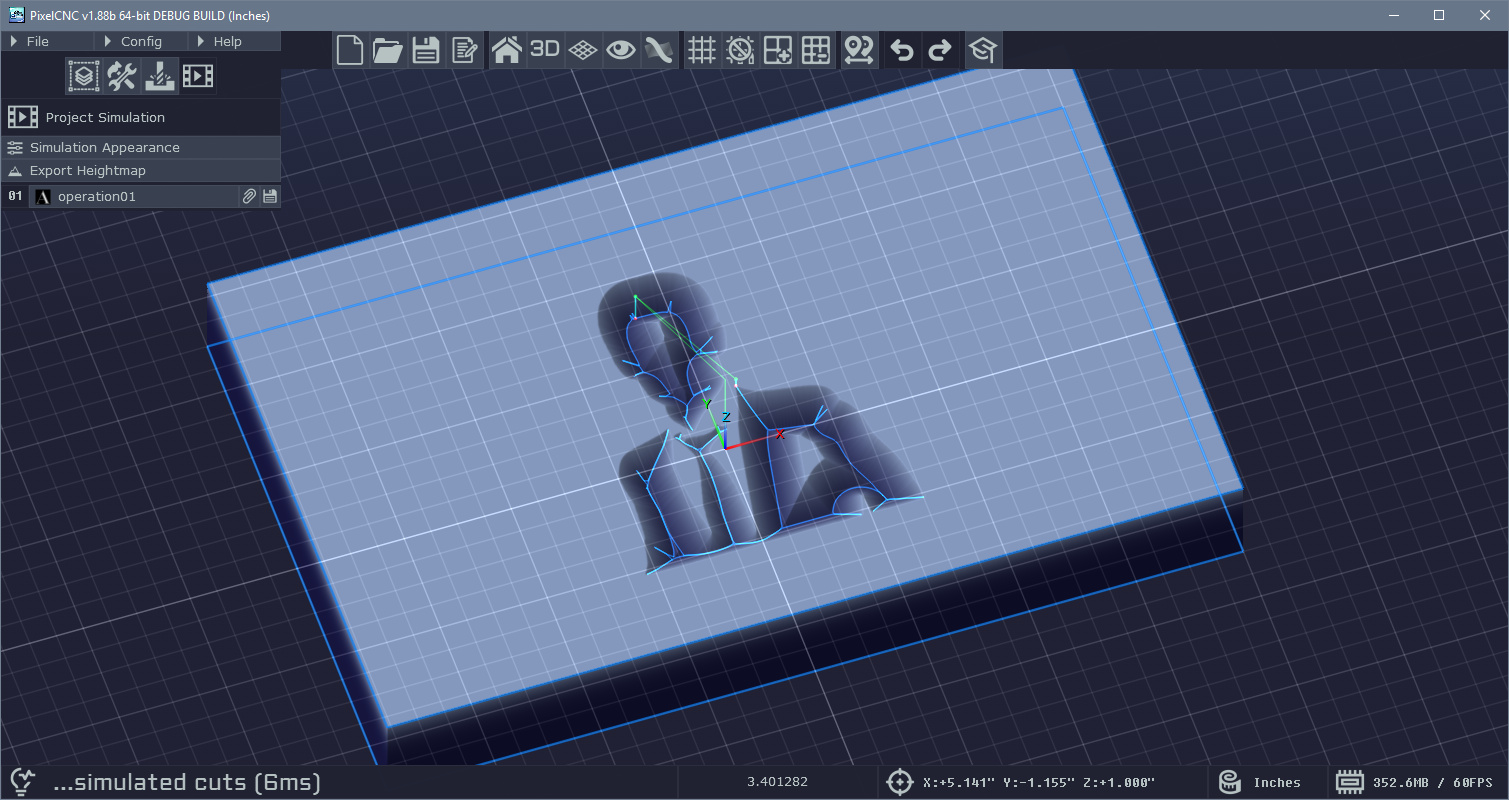
It should be fixable with a single change but from the screenshot it's not apparent whether there's a Z-fill around the layer or not.
Cheers! :]
- Charlie