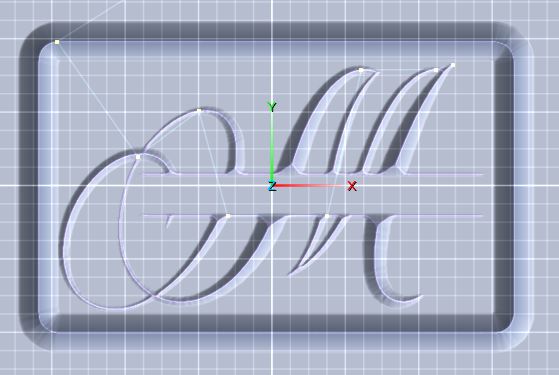
Well, Duh! Why didn't I think of that? And... it worked. Thanks Charlie!
A member registered Nov 22, 2025
Recent community posts
Hi Charlie,
I think the problem came up because I imported the monogram letter (an SVG file) as a new layer and it made it the same size as the canvas. So, I resized it to the size I wanted and now it thinks I want to cut that out of my canvas? I just want to get rid of the cutout path. I tried what you suggested, but it didn't get rid of it. Do I have to open a new project and start over to get it to go away?
Here is the screenshot you asked for:
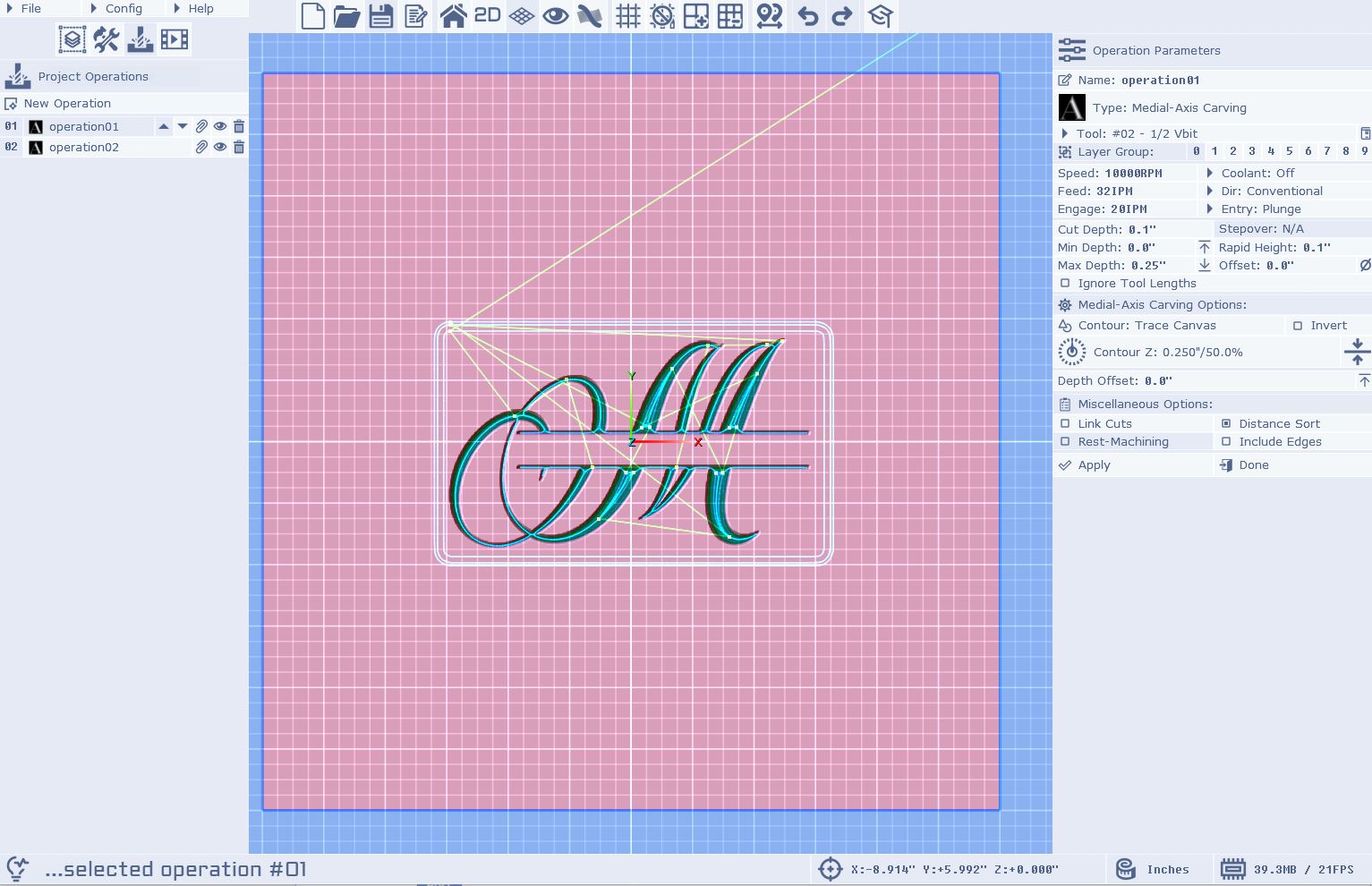
Thanks Charlie. I'm new to this and trying to make my first project, which is to carve a monogram with a name into a charcuterie board. The big letter looks right, but I can't figure out how to v carve the name in the banner that runs through the monogram. I want it to carve the letters into the board and it keeps carving around the letters. What am I doing wrong? Also, I added an SVG file for the monogram letter and then resized it to fit in the middle of the canvas, but now it wants to cut around it. How do I get rid of that? (see pic)