Indie game storeFree gamesFun gamesHorror games
Game developmentAssetsComics
SalesBundles
Jobs
TagsGame Engines
(+1)

Hi Charlie,

I think the problem came up because I imported the monogram letter (an SVG file) as a new layer and it made it the same size as the canvas. So, I resized it to the size I wanted and now it thinks I want to cut that out of my canvas? I just want to get rid of the cutout path. I tried what you suggested, but it didn't get rid of it. Do I have to open a new project and start over to get it to go away? 

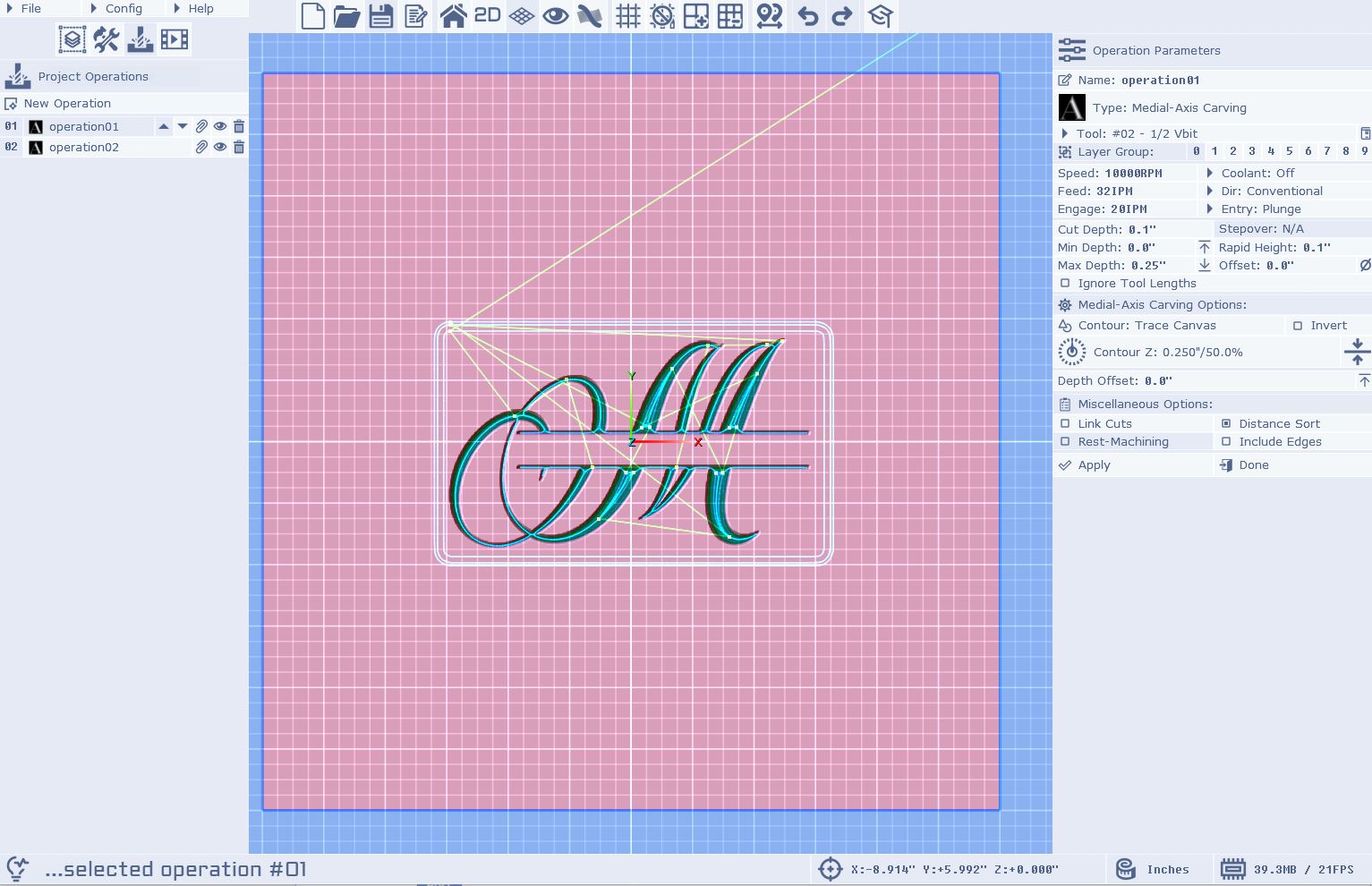
Here is the screenshot you asked for:

Hi dkmarquez,

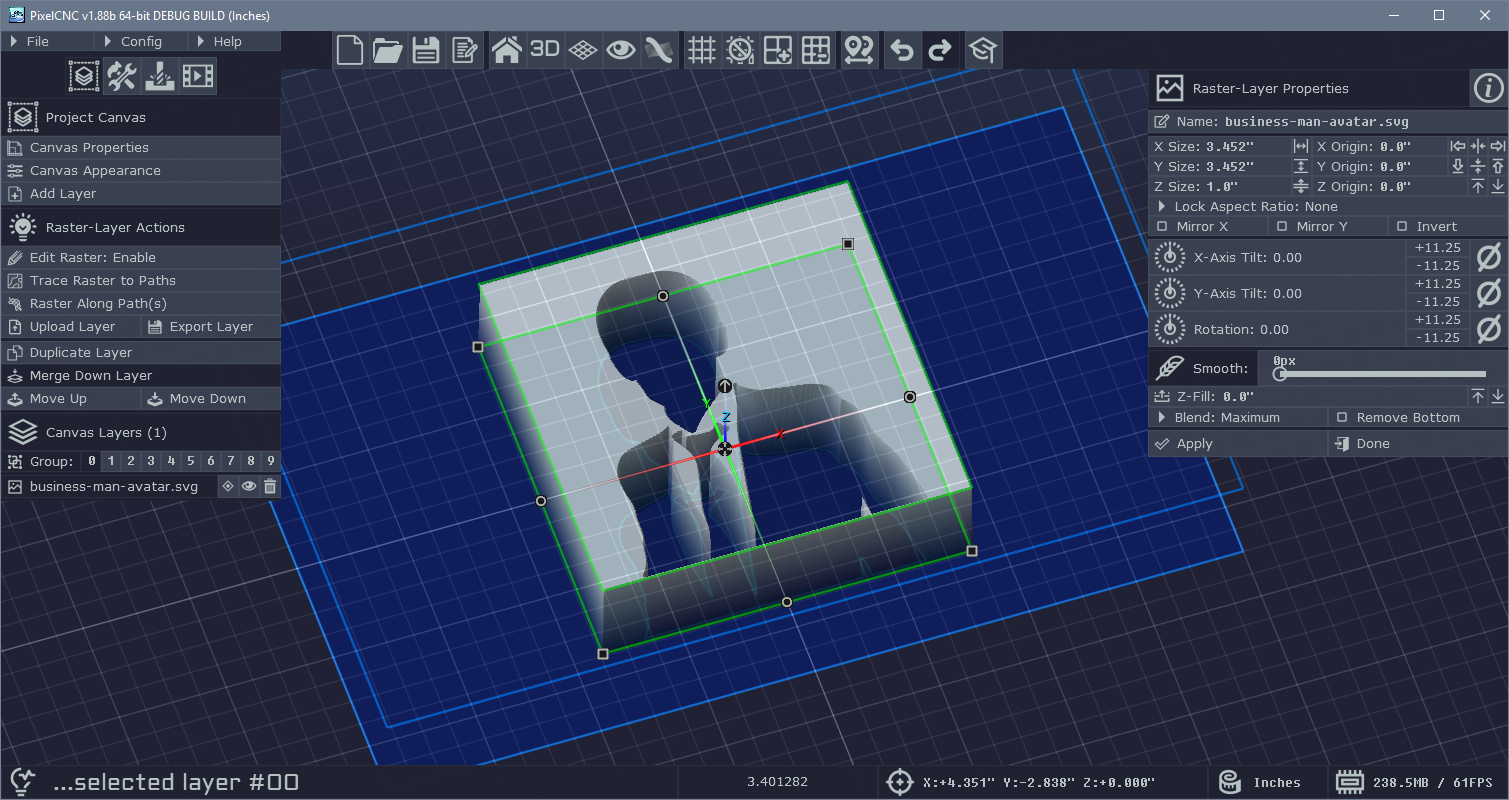
If it was a raster-layer that was created from an SVG then you should only need to change the layer's Z-fill to match the top of the canvas. I am still unsure as to why there is a border contour occurring - if you can't see any kind of seam/edge around the design then it shouldn't be contouring one. If you could send your project file to support@deftware.org or attach it to a reply I will be able to get to the bottom of where that phantom contour is coming from. Generally, loading an image and downsizing it should only create a contour if the image forms an island in the middle of the canvas and there's no Z-fill on the canvas or the layer to fill in the area around it.

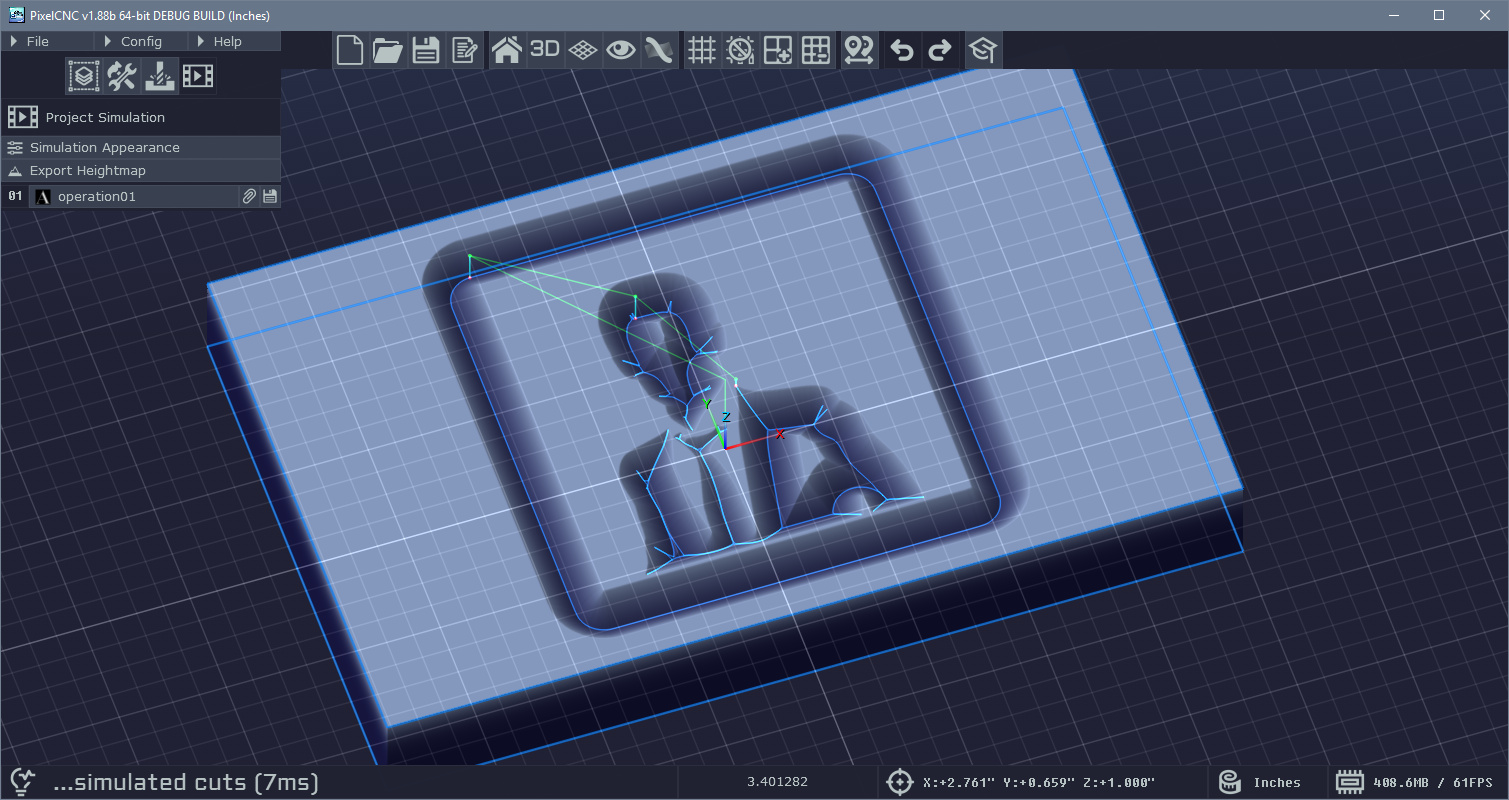
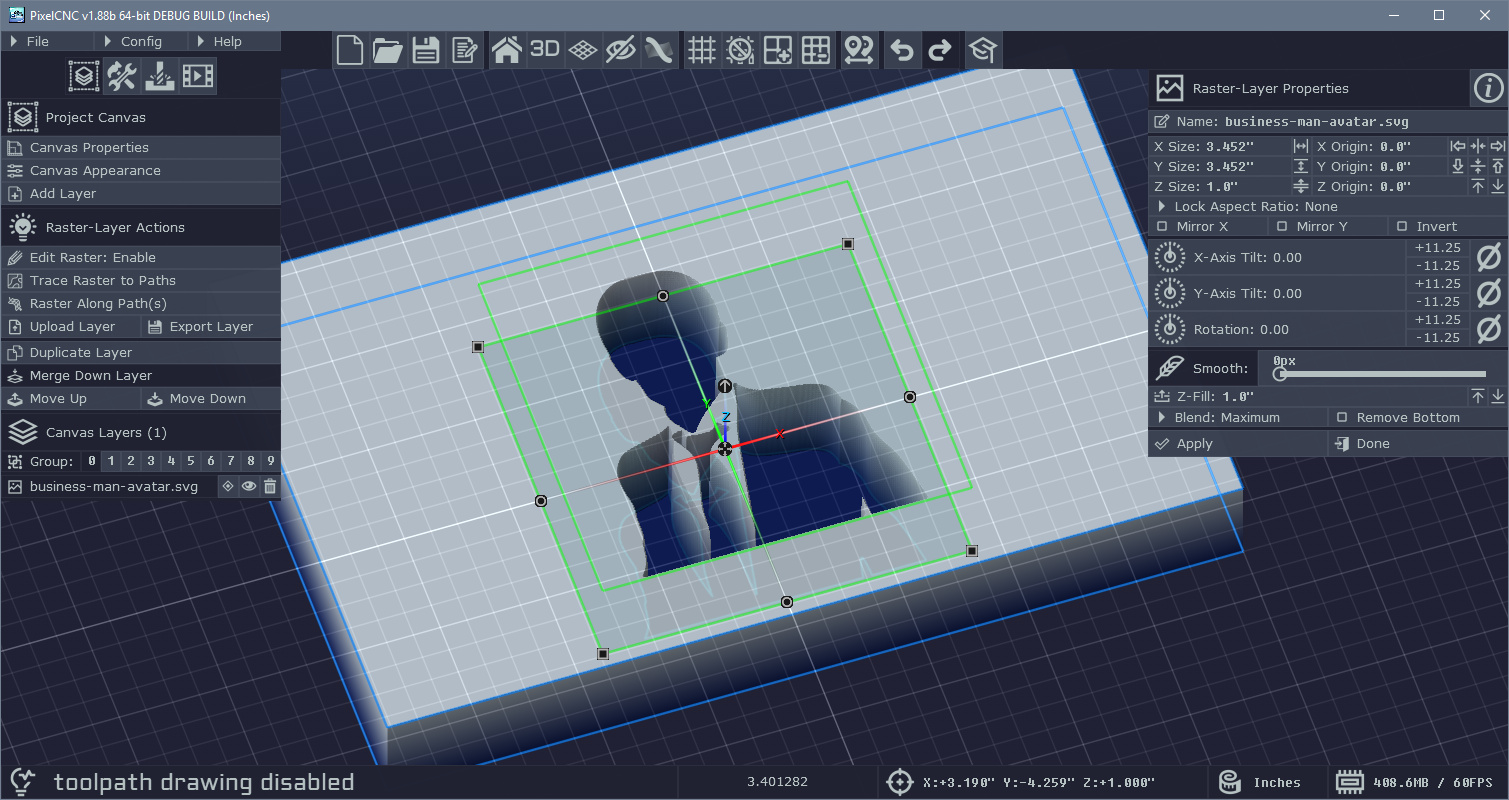
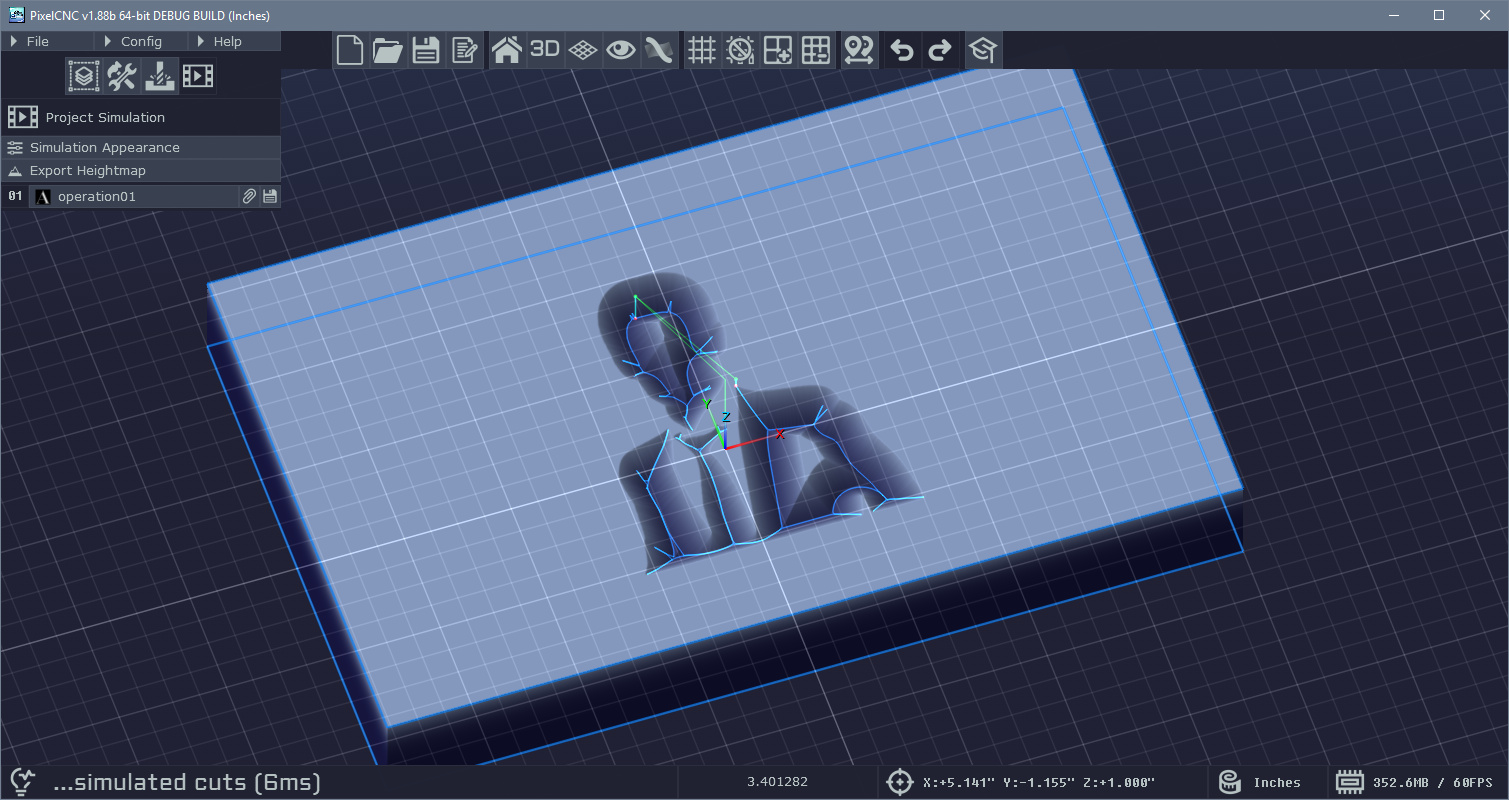
Here's a simple example where I've loaded an SVG as a raster-layer and then scaled it down before generating a toolpath. By raising the layer's Z-fill to the top of the canvas we prevent a contour from being generated around the edges of the raster-layer:


It should be fixable with a single change but from the screenshot it's not apparent whether there's a Z-fill around the layer or not.

Cheers! :]

 - Charlie

(+1)

Hi Charlie,

Yeah, I didn't add the z-fill on the raster layer until after I made the paths and was trying to fix that issue. To be honest, I'm just not clear on the layers and how to properly "trace the path" for cutting. Which is why I was looking to watch the videos again. I don't see a way to attach the file here, so I will send the project file to you at support@deftware.org. Thanks again!

Dan

Hi Dan,

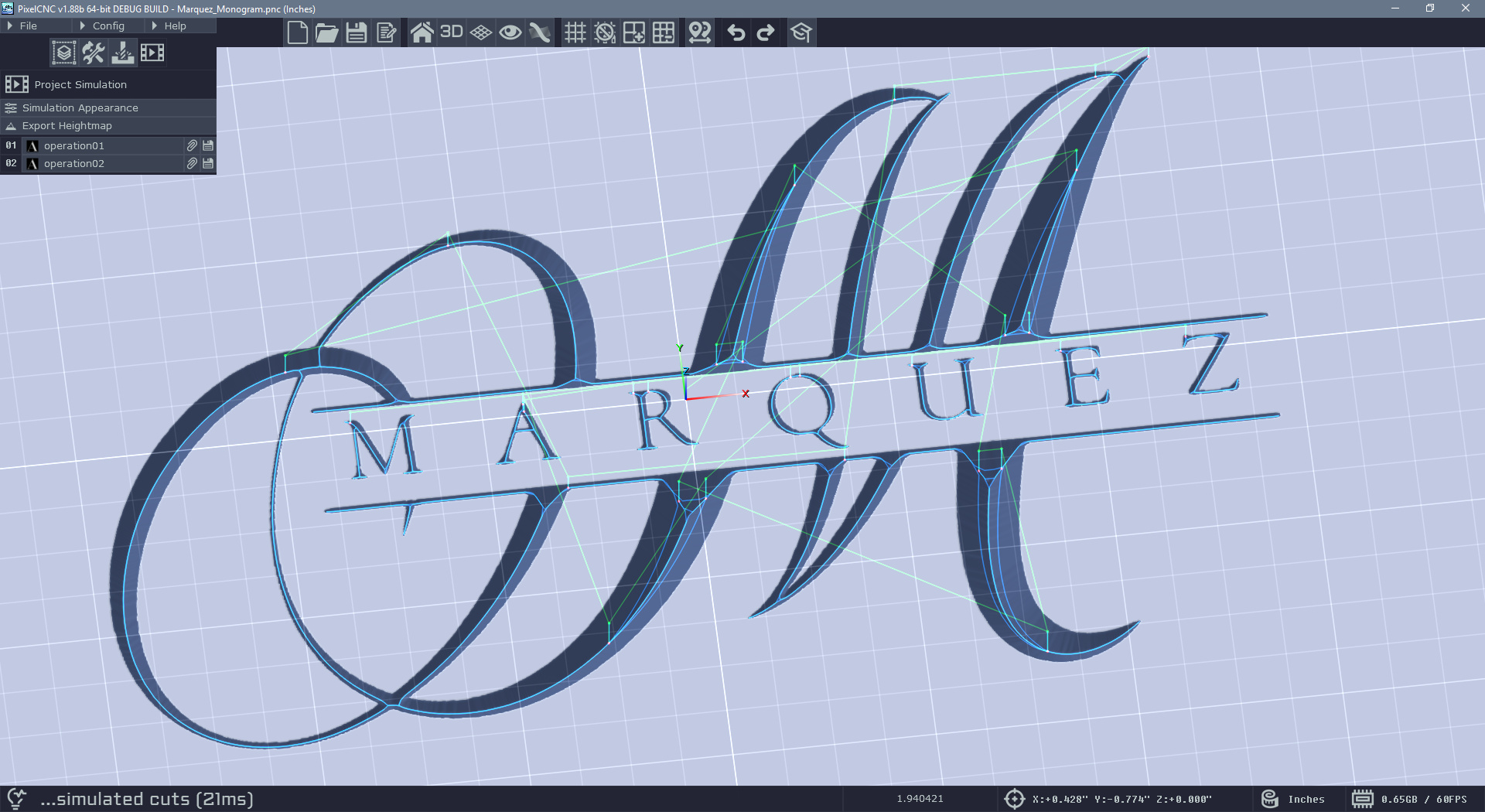
It looks like all that was left to do was regenerate the operation's toolpath from the Project Operations mode. Whenever changes to the canvas or its contents are made each operation that those changes are relevant to will need to have its toolpath regenerated. Some operations can take a while to generate toolpaths, depending on the complexity of the canvas and cut depth and cut stepover, so the user must manually regenerate toolpaths as needed.

I also took the liberty of increasing the canvas resolution to better capture the fine detail of the text-layer on there.


Cheers! :]

 - Charlie