Indie game storeFree gamesFun gamesHorror games
Game developmentAssetsComics
SalesBundles
Jobs
TagsGame Engines

Hi Torti!

I've uploaded the fix. Feel free to try it out. 

The cutscenes really didn't have sound (my fault). Now they do.

The volume (Music+Sfx) is now saved ...in theory. That's all I can do for 8-bit audio... if I don't want any loss in sample quality.

I'm constantly struggling with "glitches". I don't really understand why they occur either, since I completely clear every frame due to the background animation.

I don't really understand the positioning of the shifted screen though. There are three different versions. All three versions center the screen in the same position for both the game and the cutscreens.
Visually, only the rotate version is different for me, because for technical reasons I can't crop the right side of the image at such an angle and size that it aligns with the left side, so it might look bigger and shift to the right?! Is this the problem?

Sövény Imre
(7 edits)

Hi Sövény & sorry for the late response !

Thanks for the fast fixes. That is very nice of you!
About the Screen Shift; thats my bad, my stupid Brain played tricks on me; nothing changed between the Versions just like you said. I think i got that messed up because of the jumps between Emulation (for a quick test but that "autocenters") and then playing on MIST FPGA. However, The Main Menu (that is handled like the "Cutscenes" is shifted to the Right side, just like the "Cutscenes" itself. The Gameplay sections are more centered. Hmm, i make Photos later on, so you can see what i mean. Until then.

Thanks Sövény for all the Time and Effort 

that went into this.

Bless you and määääähh the Force be with you,

always !

Hello there !

I tried the new exe and the Sound is back in the Cutscenes.

You stream Sound and Video at the same time from different sources/files ?
Uff, thats heavy Man ! ;)

The Saving of the Sound options does not work.It saves ...something, but not the Music/sfx loudness.

All Levels are already unlocked which may a bit weird for new Players because they would start at the last Level.

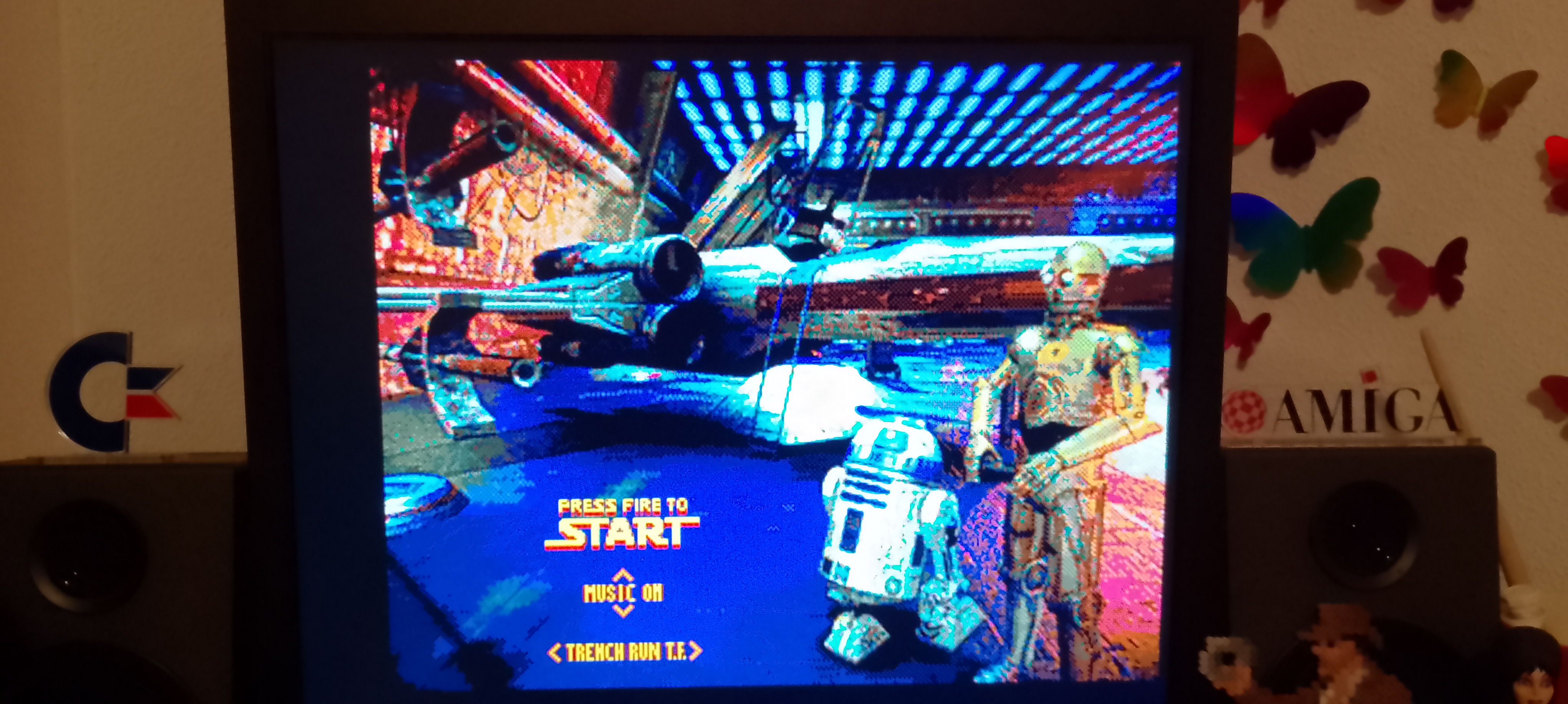
I add a few Pics so you can see the "off center Cutscenes/Menu".No biggie really, just wanted to report it.
(my Monitor is perfectly adjusted for fullsceen overscan)


greetings, thanks and respect.

Torti

:/ I tried to fix it quite purposefully. I don't understand why, but of course I'll watch it again and then adjust the offset if I can (as I see it, unfortunately my emulator doesn't display it that way for me either, and my TV distorts it.) Unfortunately, I'm open for other ideas/solutions but also feel forced to stream the audio from a separate file (if you do not have enough fast ram). The reason for this is that on slower machines, the sound would also be choppy along with the image, and that's quite annoying. I don't jump within a file because it would take more time to position back and forth, and the amos anim handler ignores the audio chunks. This way, I can even switch on the fly, and the file is easily replaceable to any other audio sample.

Please try the patch.

Saving the volume works and I tried centering every screen.

Morning Söv (T_T)

Played the Game from the first Mission to the last and the "Cutscenes" are now perfecly centered and the alignment matches exactly the Gameplay sections. Perfect !!!


The Soundsettings/loudness is saved proper.

Thats very,good and userfriendly !!!
(i go for 10music and 1sfx and then play it LOUD)

= Epic :)

Now, there is a small issue .... oo ohhh

(i have a bad feeling about this)

The "HOT CAVEs".

Like i said earlier, i started right at the start and everything went smooth, literally.

Until i was in the "HOT CAVE".

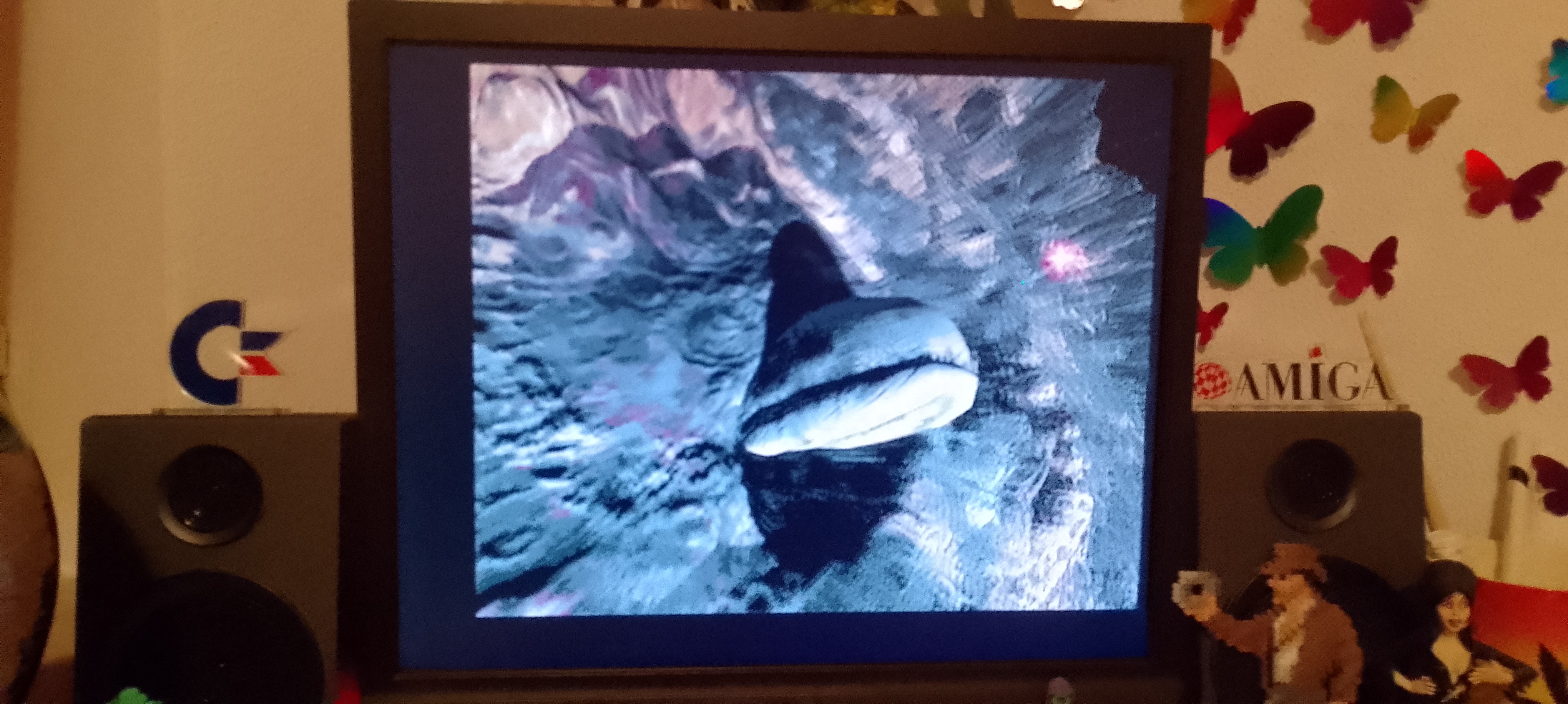
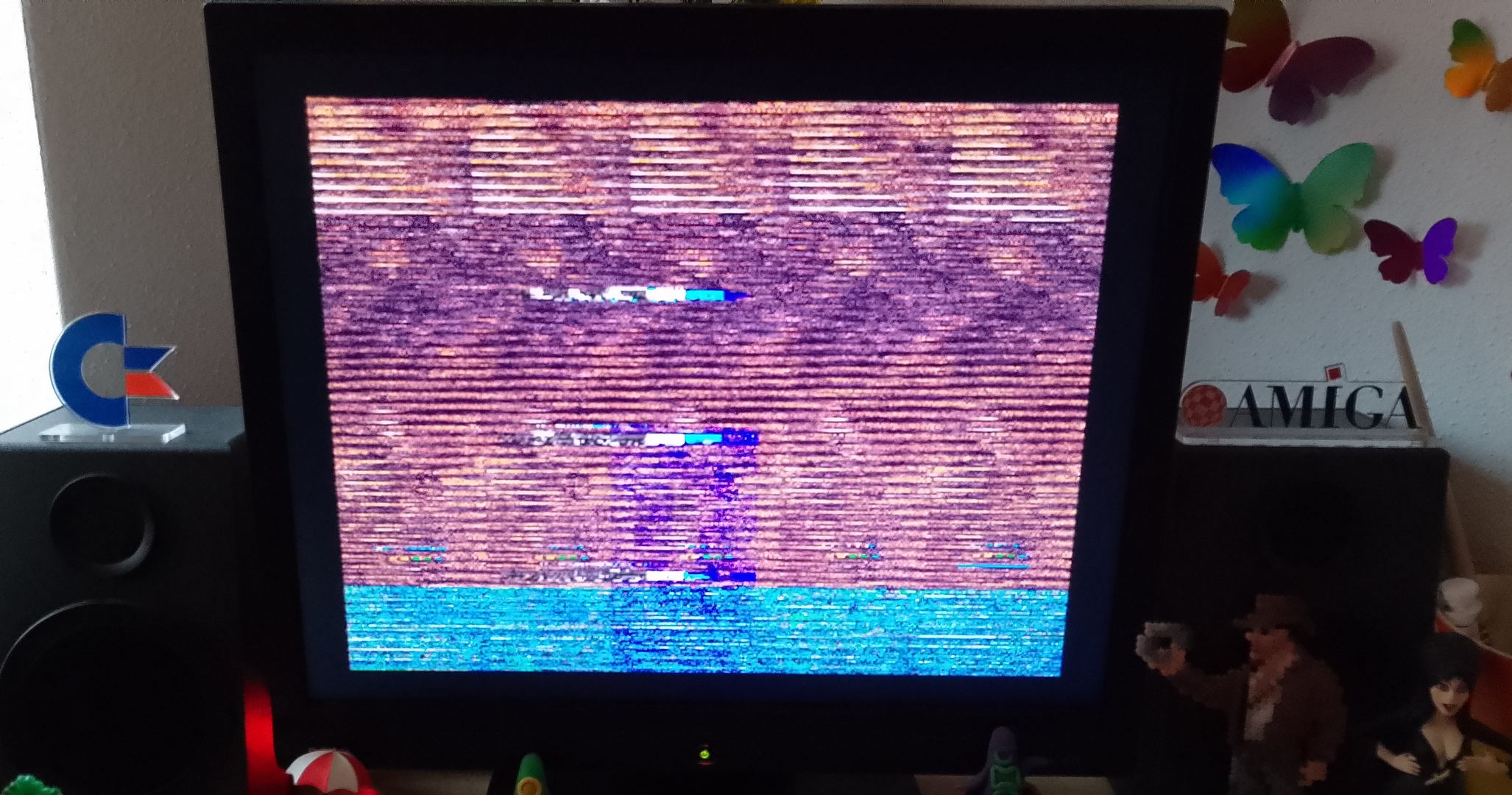
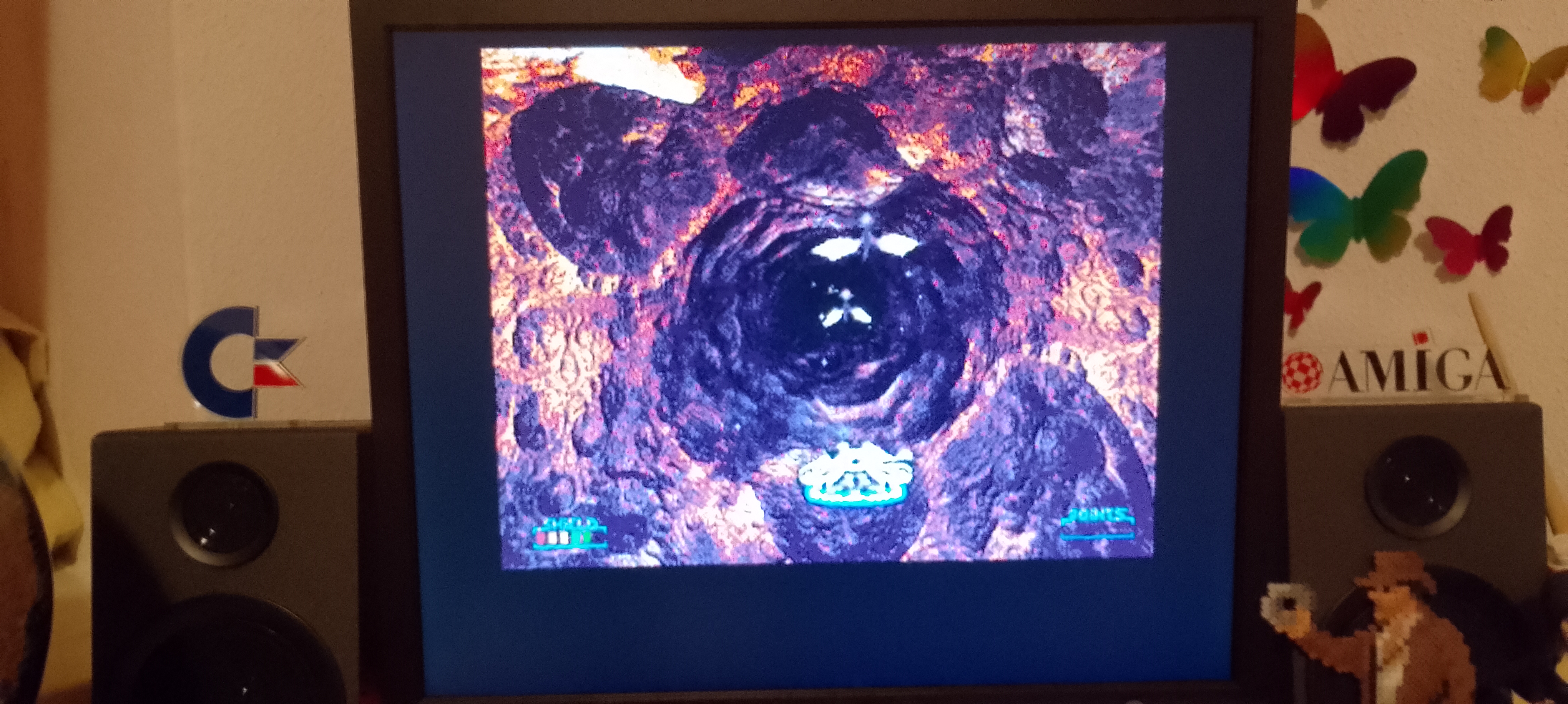
After a while this happend ......


OHA !!!
So i pressed ECS to get back to the Main Menu, but that also looked like this. Another press on ESC brought me back to the WB.
So i started the game again and entered the HOT CAVE right away. This time it worked BUT there where
a few spots (maybe 3-5) where the Screen went black for a split second.
(blink of a eye)

The HOT CAVES are unique cause its the only Level that uses Loops, every other stage streams from start too finish, but the HOT CASES uses those loops, (too reduce the filesize & stuff .. a trick that was also used before in the FMV Star Wars Rebel Assault II game)

HOT CAVES ist the only Stage that really struggles.
The others ran almost silky smooth with a rare dip here and there but not
the HOT CAVES.

This is the only stage that need some extra attention imo.
One ("easy") solution would be to make it one Big continuous stream, like the other stages, but its one of the longest stages (a bit too long imo)
and that would increase the filesize by a pretty hefty amount. So, idk ...

Maybe you can come up with something that would solve the hefty performace bottleneck
of the HOT CAVES. Btw. i never got that brief "black outs" before in the HOT CAVE stage, so this is new. This stage never did run well, but i feel its gotten worse. Everything else is *chefs kiss*.

This project made me a Electric Black Sheep fan!
(i always liked your stuff before but this blew my socks off!!!)

Major Respect and thanks
(btw. can i donate somewhere?)

cu
Torti

The NOT A CAVE level is a single continuous full-screen animation. I can't do anything about the "bottleneck", I can only speed it up at the expense of quality. You can find the (try/solution=)result of this attempt in the CD32_Real version. It only differs from the normal version in the quality (=bitrate?) of the animation. VHS quality...not pretty and I wouldn't say much faster either. What would speed it up is a well-timed machine code, but I'm not good at that.

But I have a tip against freezing, which I hope will help. It is not related to the previous fix and not a specific NOT A CAVE level problem.... but since more data is being loaded(processed) in this scene, the error probably occurs more easily. Essentially, I think it happens simply because chip is running out and I didn't check this when loading the speech at the beginning/end of the level (since the problem didn't occur before). This could also be the reason for the black flickering (corrupted display, ect...)... I probably loaded the sound data into an already used memory address+area. So... to avoid freezing, if there is not enough chip RAM, this sound operation is skipped.

New patch is uploaded.

Thank You, donation not needed, but appreciated.

Hi Söv (T_T)

Yes, its called "NOT A CAVE" (like Han said in the movie) .... i always read it as HOT CAVE .. (besides, there is an A in the middle)

I am so stupid XD (sometimes) XD

So the "NOT A CAVE" level does not use Loops ? hmmm i could have sworn ....

Huh... the other stages runs sooo smoooth tho... is it really so much more demanding, compare to the other levels ?

(i play on the MIST FPGA. I love this little thing. For Star Dust Wars DC it has to be in the fastest mode)
I think i will try the "Not A Cave" file from the Cd32 version later on.

Btw. What does the new Patch do ?

greetz & thanks

Torti

PS: its me ... again.
I fool asked what the patch do?

;you told me already.

"So... to avoid freezing, if there is not enough chip RAM, this sound operation is skipped."

..stupid me!

(did not test the patch yet in fpga)

Just tried the NoCave files from the Iso versions

in WinUae. (for a quick and easy test)

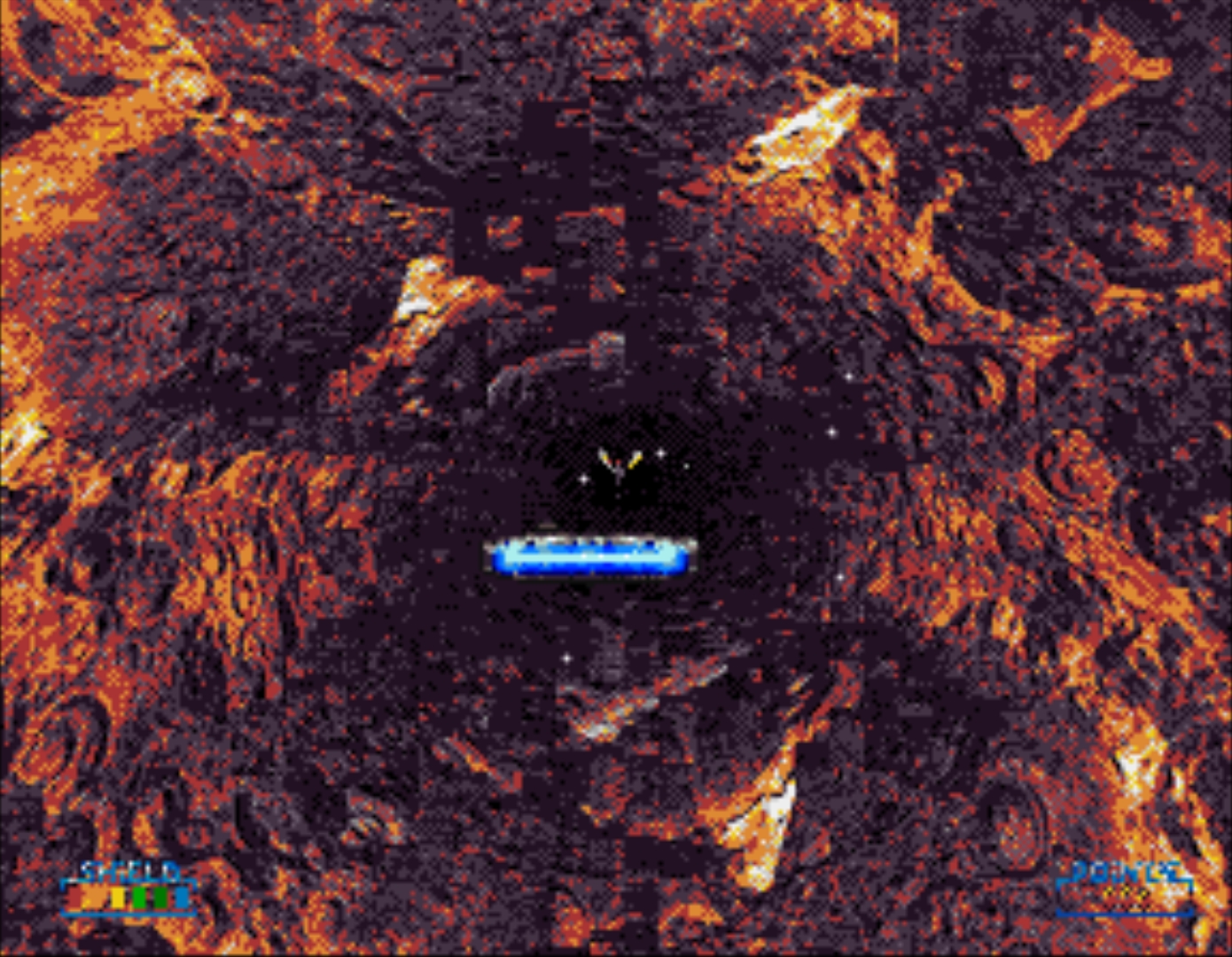
Both look kinda odd. (even more so in motion)


Why is this ?

; one of the NoCave Anims from the iso is even slightly bigger then the default that comes with the normal StarDustWars.zip

Thank you Sövény. (T_T)