

Hi Pizza Doggy,
I bought this asset pack (and I'm commenting again) requesting if you could reset the rotations of all the assets - I'm working on a physics interaction system where you can pick things up and throw things around. The complexity comes from when you are rotating the object, where I reset the rotation of the object.
The issue comes from when I am resetting the rotation in game - the mesh rotation and the rigid body rotation are misaligned, which makes it so that if you take the 'glass_bottle_1' mesh and try to reset its rotation to (0, 0, 0), the bottle will end up on its side rather than looking upright.
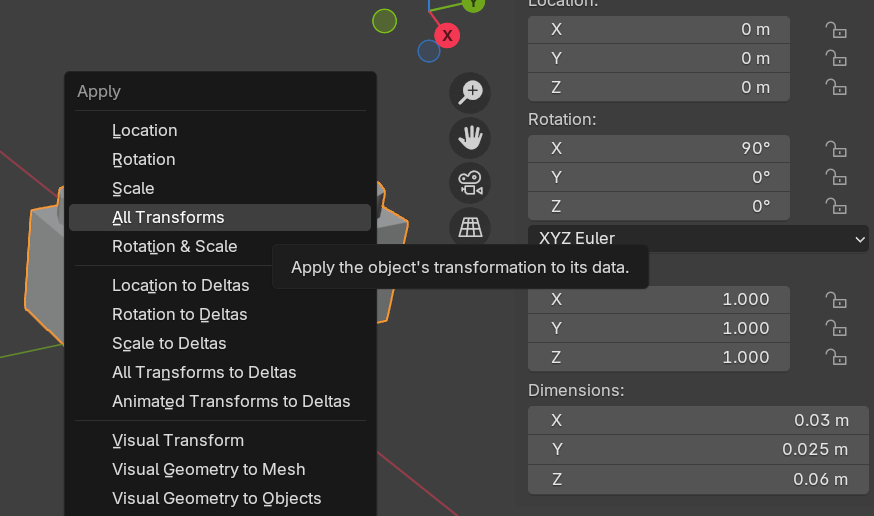
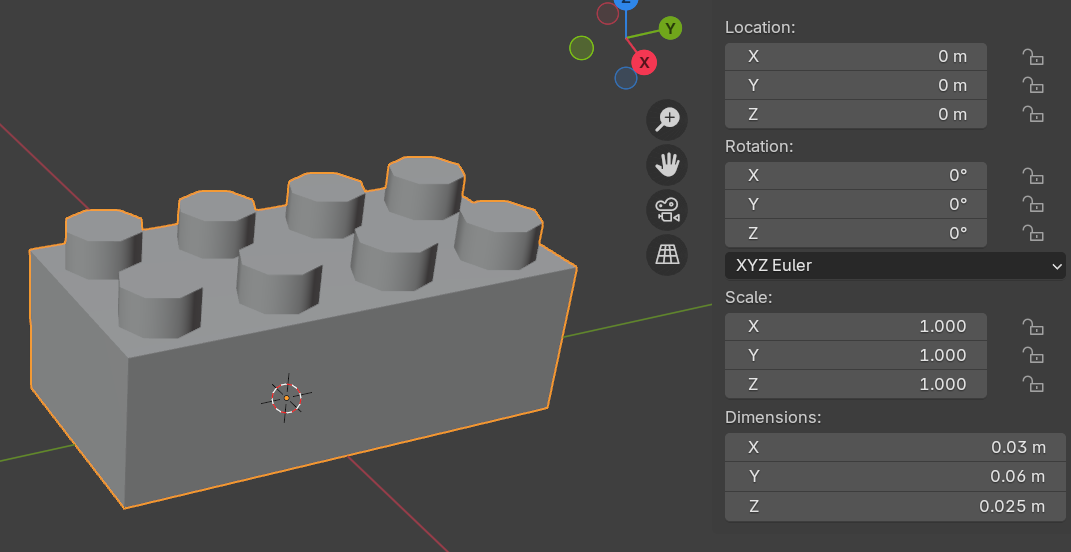
In Blender, I highlighted the object in Object Mode and used Ctrl + A, then Apply Rotation & Scale.
And here's what the cash asset's transform looks like in game without rotation clearing applied:
X Rotation: 90.0
Y Rotation: 0.0
Z Rotation: 0.0
I understand that this may be tedious, but seeing as this is a paid asset pack I would like if this was fixed, as it really messes up game workflow if you want anything physics to be applied and rotated.
Thank you!
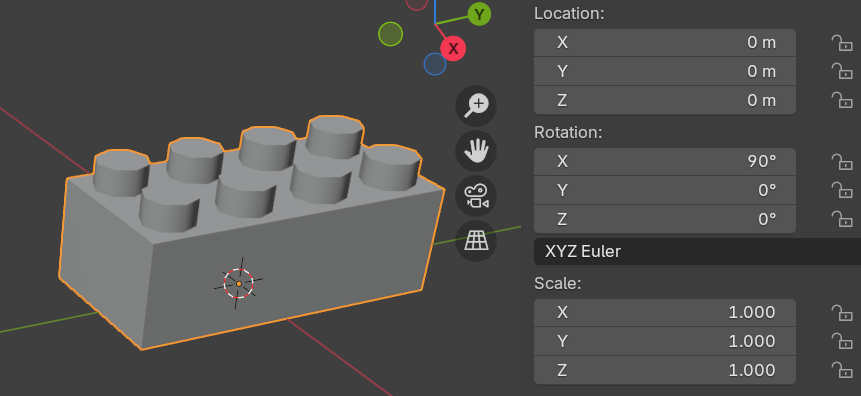
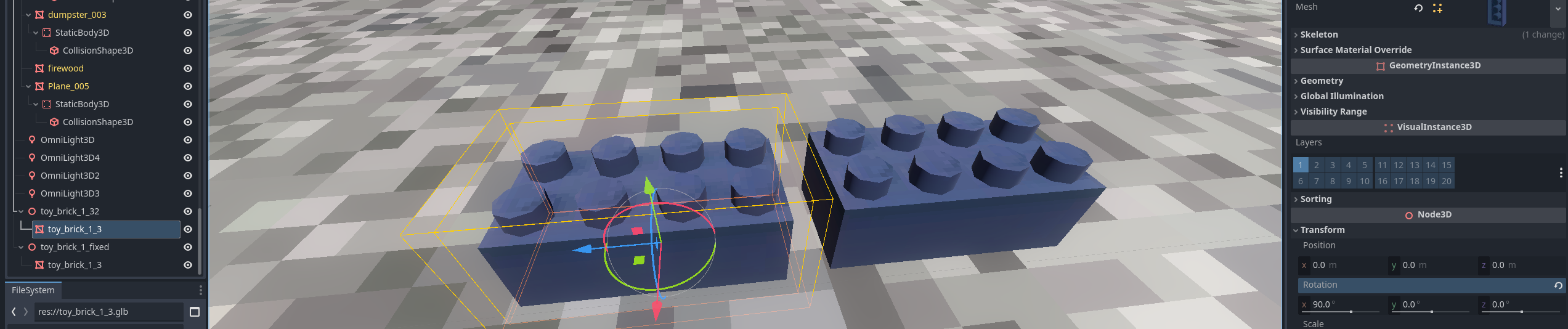 In the inspector window, you can see that the original model's mesh has the 90 deg rotation applied. Godot recognizes that this is not zeroed out, so there is a small 'undo' icon that will let you click on it to zero it out. If you do, the actual mesh will have this orientation:
