Thanks for the quick reply! I definitely appreciate that :)
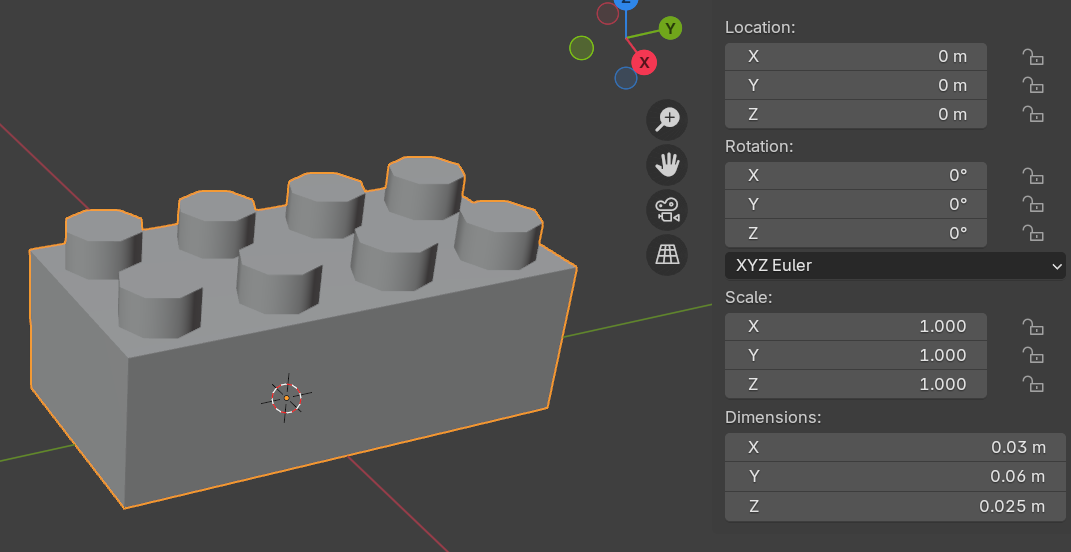
Yes, applying the rotation as they are in Blender will solve a lot of the issues that people may potentially have. I'm going to attempt to take a few screenshots to see if I can give you more clarity on the matter: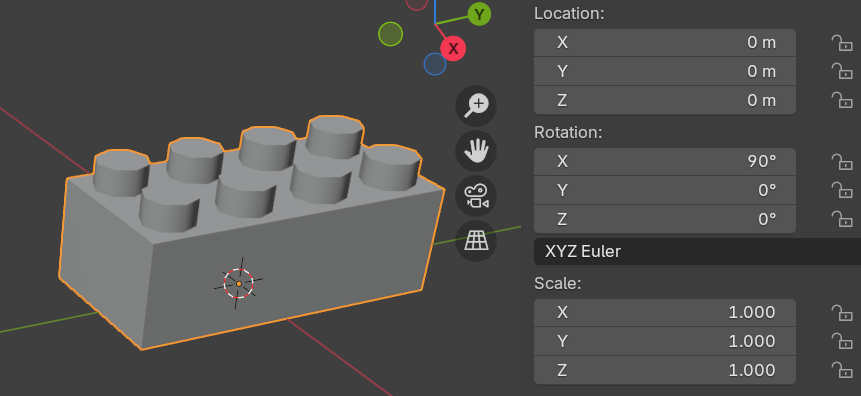
As you can see, this is the original model without any modifications done to it. You can see that in the 'Rotation' property the X angle is set to 90 deg.
All I did afterwards was selecting the object in Object Mode -> Ctrl + A (if on Windows) -> Apply -> Rotation. My personal choice is to Apply-> All Transforms but that is probably not needed in this case.
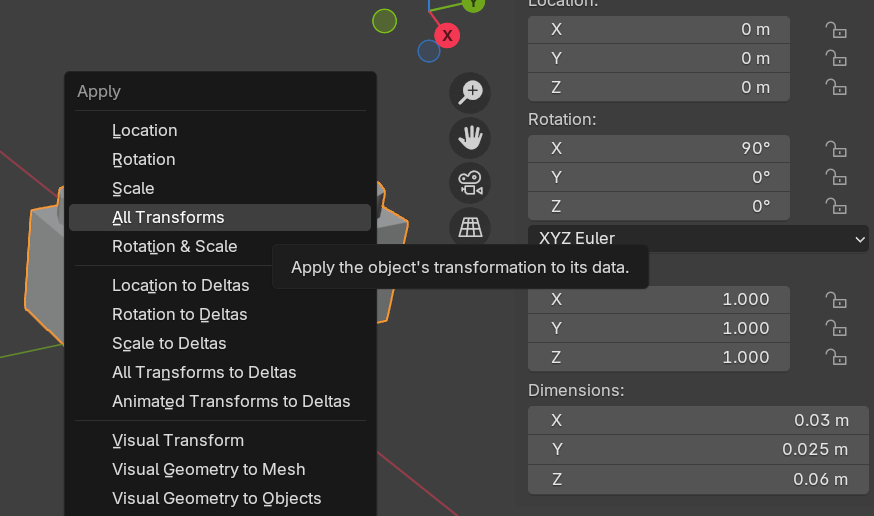
Once the rotation is applied, you can see that the object has not changed at all - all we've changed was to reset the object's ground truth data to ensure that this is our desired orientation going forward!