🎉🤓👏
Try for sharing ur art! So here for it. I'm A fan of ur work!
Have u considered a toggle for the screen? A full screen toggle, the rotating my tablet, changes it from horizontal to vertical format
Thank you!
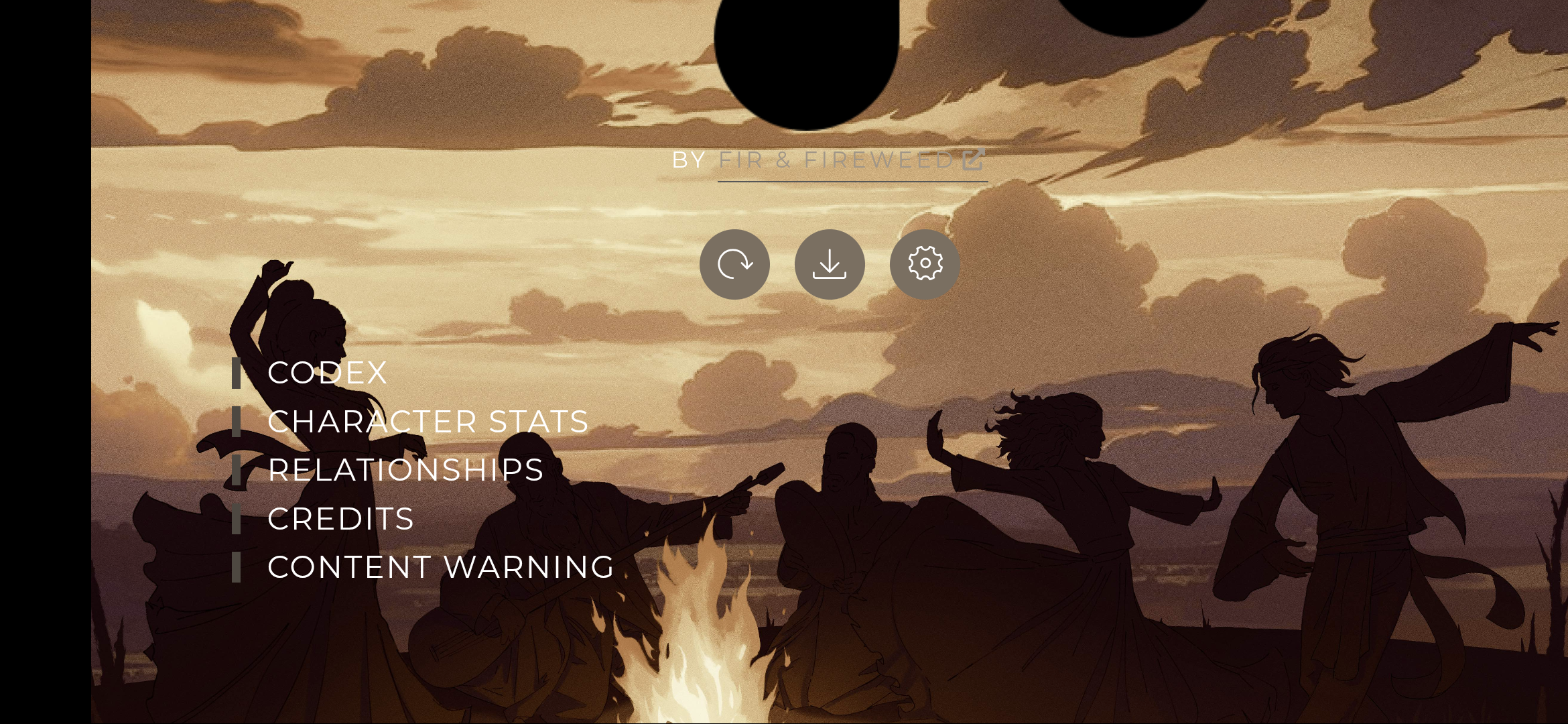
I’m not sure what you mean by a toggle, though. Do you want to read without the art? If you click the circle symbol on the top right of the sidebar it’ll close and the text will shift left to cover the full screen.

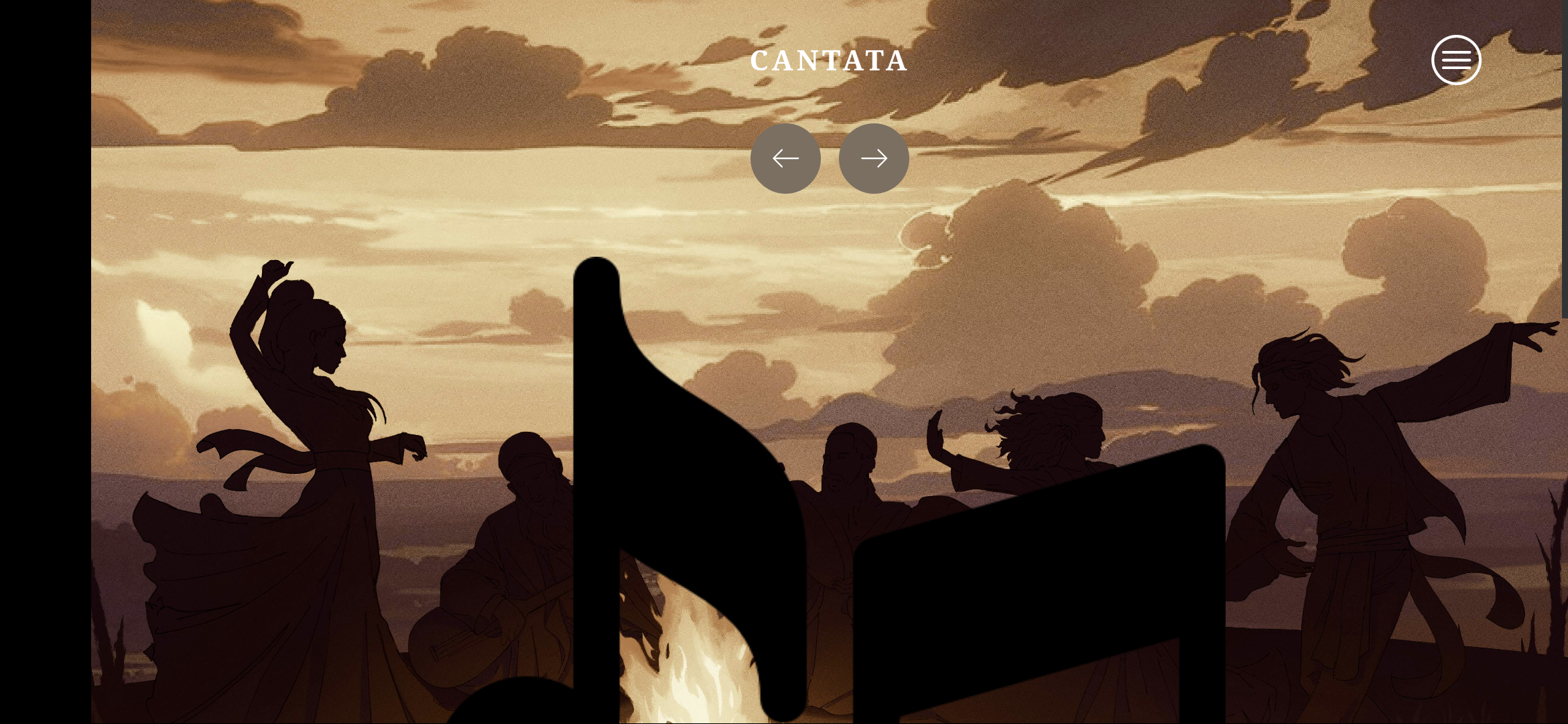
I like the design but I don't think it translates well to mobile. Just a pet peeve but it's locked to landscape mode. I prefer reading stories in portrait mode bc it's easier to hold the phone and use it one-handed while laying down.
Other than that, the image itself is causing me some issues.
By toggle do you mean you want the screen to be locked from rotating when tilting the device in general? Itch.io can't do a thing about that, you'd have to go into your device settings and turn off the automatic screen rotation. If you mean making itch.io fullscreen on your tablet without the border at the top so it doesn't rotate that way... I'm actually not sure. I assume you're on browser, I don't think there's a mobile app for itch.io. Maybe check your browser settings to see if there's any settings to make the site mobile friendly, or gesture keybinds to toggle things like fullscreen, something like that?
Hope any of my suggestions helped. I'm not too sure what problem you're having, so I addressed multiple.