On Sale: GamesAssetsToolsTabletopComics
Indie game storeFree gamesFun gamesHorror games
Game developmentAssetsComics
SalesBundles
Jobs
TagsGame Engines

I like the design but I don't think it translates well to mobile. Just a pet peeve but it's locked to landscape mode. I prefer reading stories in portrait mode bc it's easier to hold the phone and use it one-handed while laying down.


Other than that, the image itself is causing me some issues. 

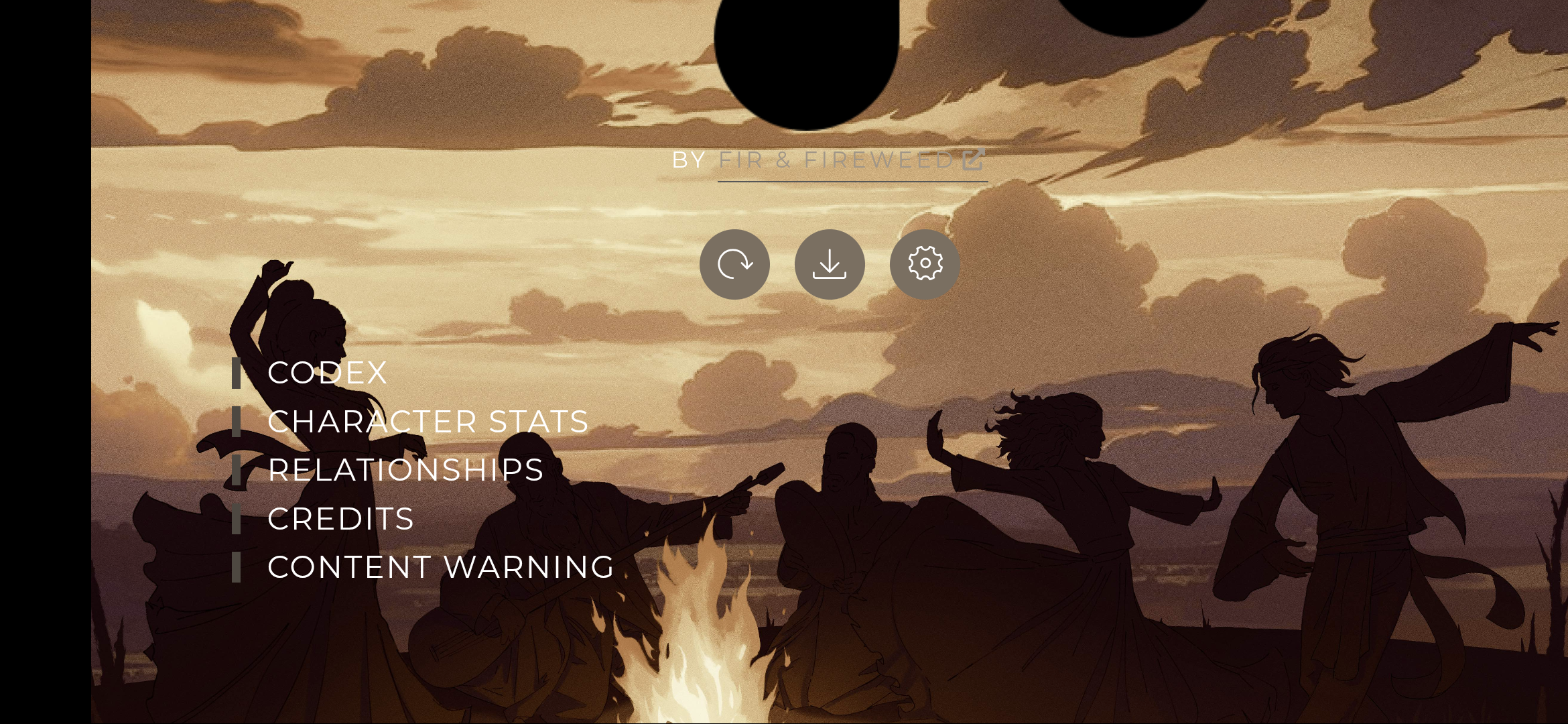
  • Usually I like to read in bed with my phone dimmed & lights off, the image at the top is very bright in contrast.
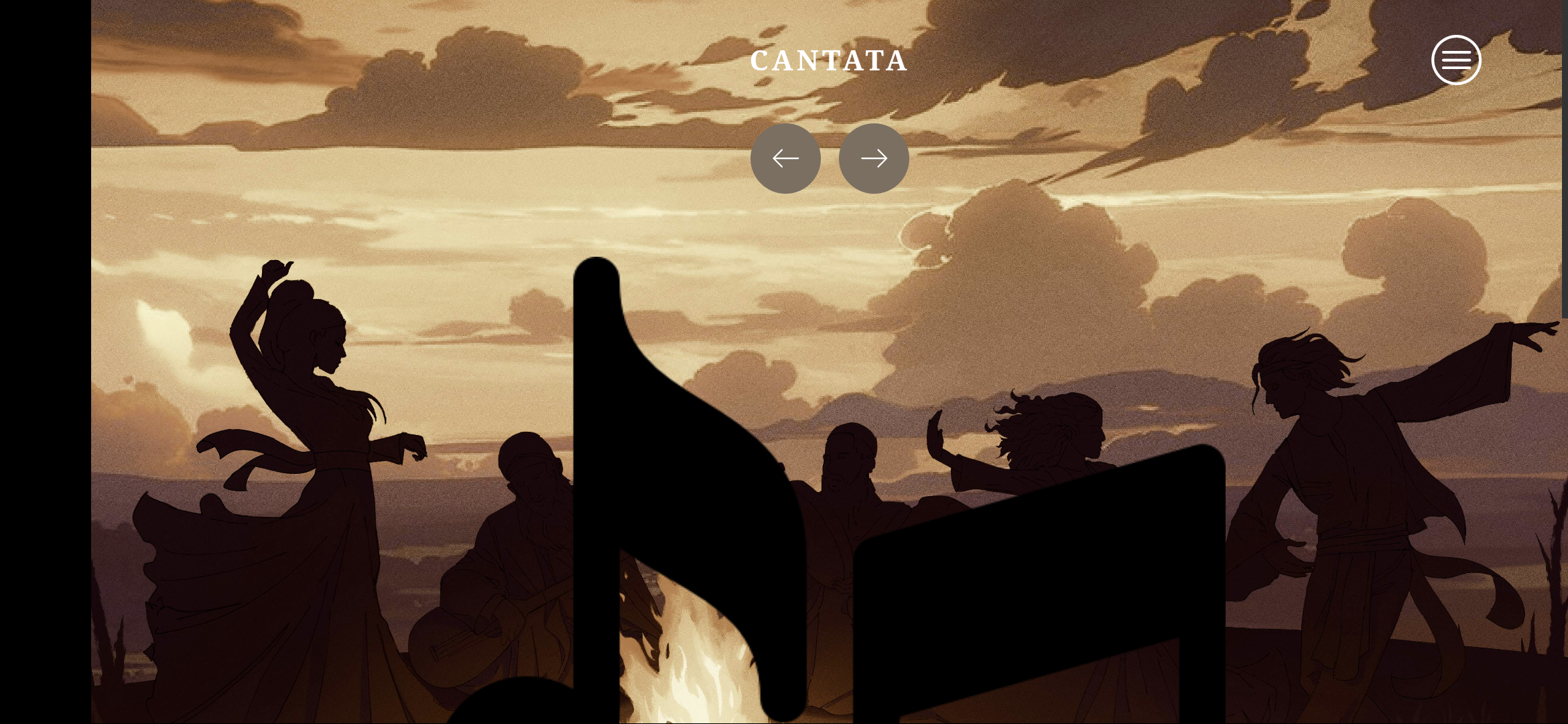
  • And the major issue (could be bc of my phone? a google pixel 4a) is the music notes being massive for some reason lol. When I want to save or change settings I have to scroll down quite a bit. Pictures below

(1 edit)

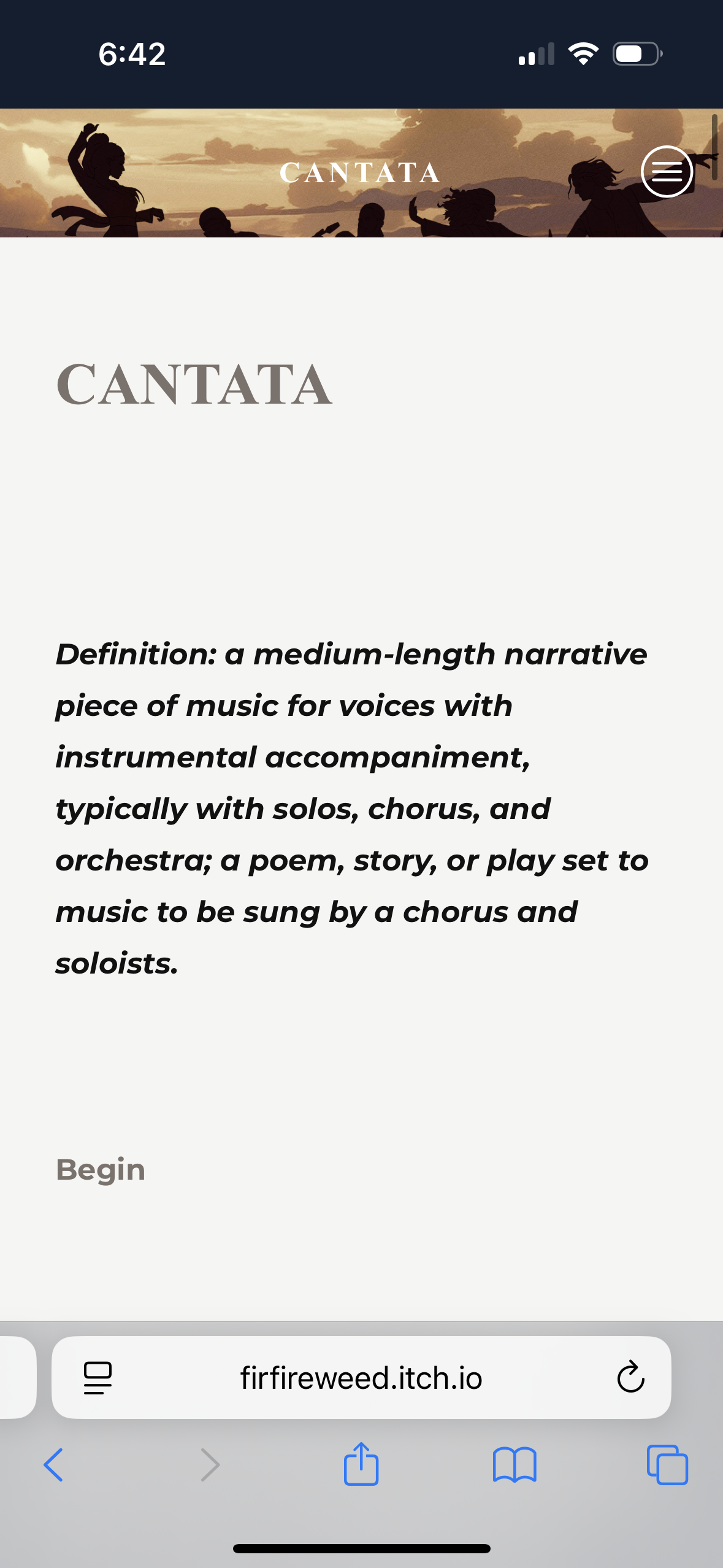
I’m confused because it’s not locked to landscape. I see it fine on my phone in a vertical view. It may be a setting in your phone or browser?Below is what I see on an iPhone in safari. I didn’t change any display settings in this update, only added the pic.

I tried in both Chrome & Brave on my phone and both force me into landscape. I think it's my phone bc other Twine games have never given me the option to switch between both 🤔 I gotta figure out how to fix it

I'm actualy having the save problem, but I think it might be only in Android since you just showed it works vertically on iPhone