On Sale: GamesAssetsToolsTabletopComics
Indie game storeFree gamesFun gamesHorror games
Game developmentAssetsComics
SalesBundles
Jobs
TagsGame Engines
(+1)

Thank you!

I’m not sure what you mean by a toggle, though. Do you want to read without the art? If you click the circle symbol on the top right of the sidebar it’ll close and the text will shift left to cover the full screen.


I like the design but I don't think it translates well to mobile. Just a pet peeve but it's locked to landscape mode. I prefer reading stories in portrait mode bc it's easier to hold the phone and use it one-handed while laying down.


Other than that, the image itself is causing me some issues. 
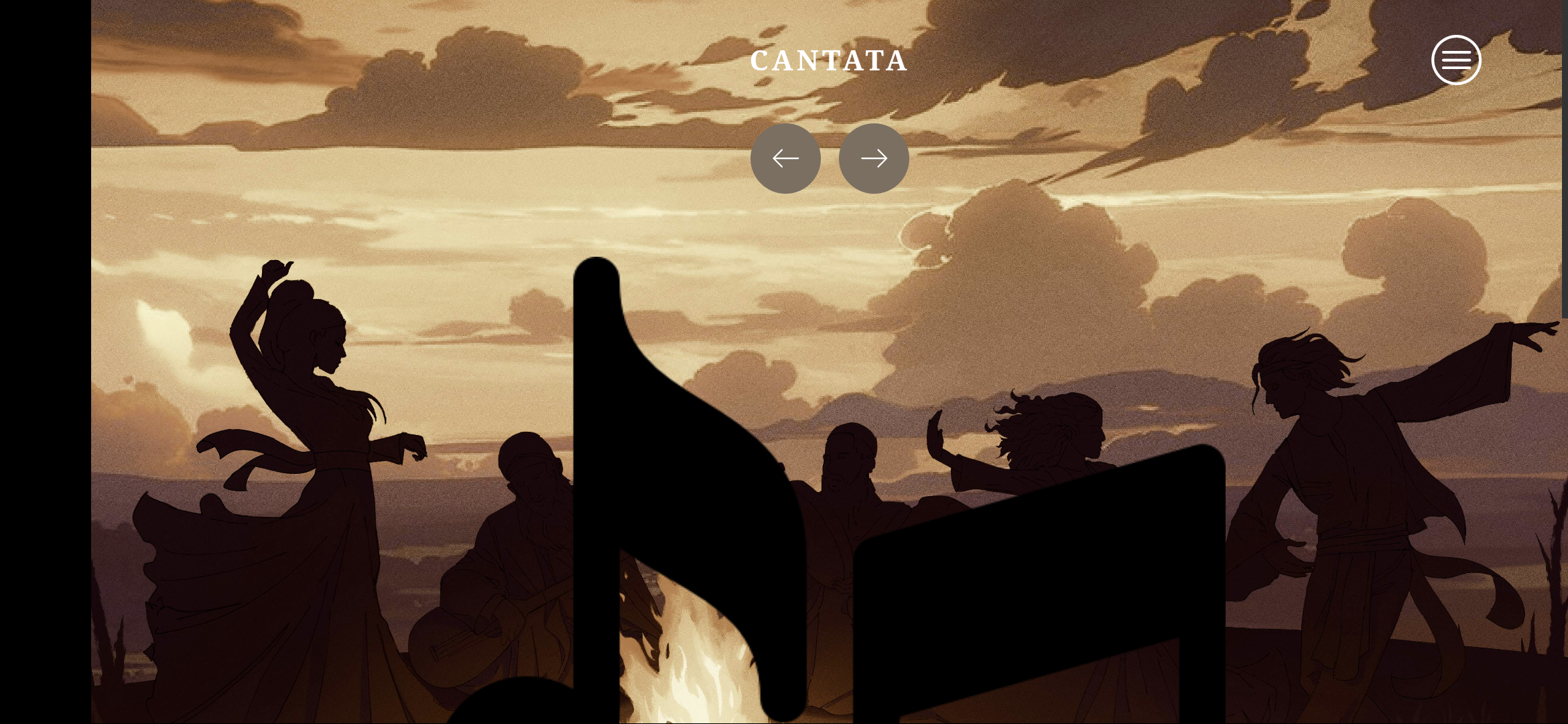
  • Usually I like to read in bed with my phone dimmed & lights off, the image at the top is very bright in contrast.
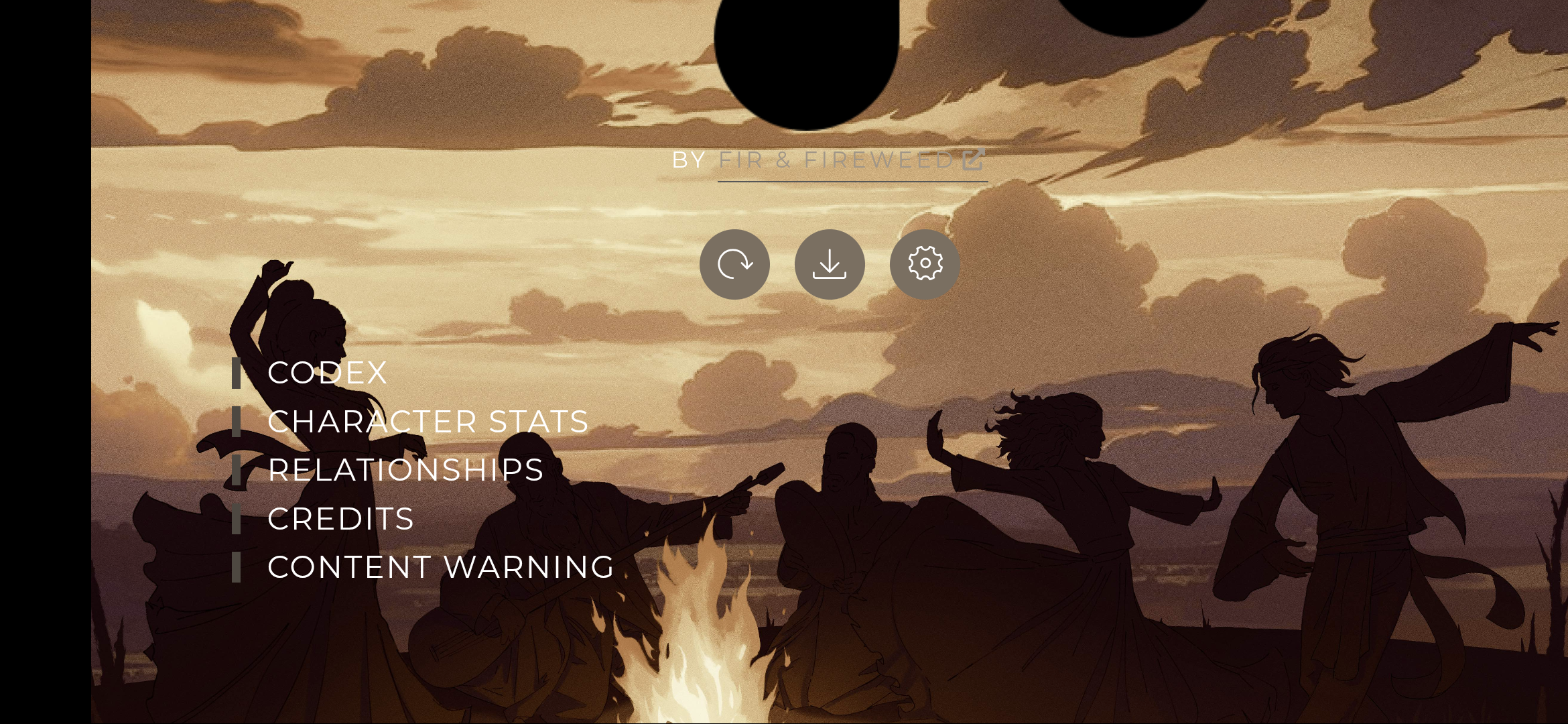
  • And the major issue (could be bc of my phone? a google pixel 4a) is the music notes being massive for some reason lol. When I want to save or change settings I have to scroll down quite a bit. Pictures below


(1 edit)

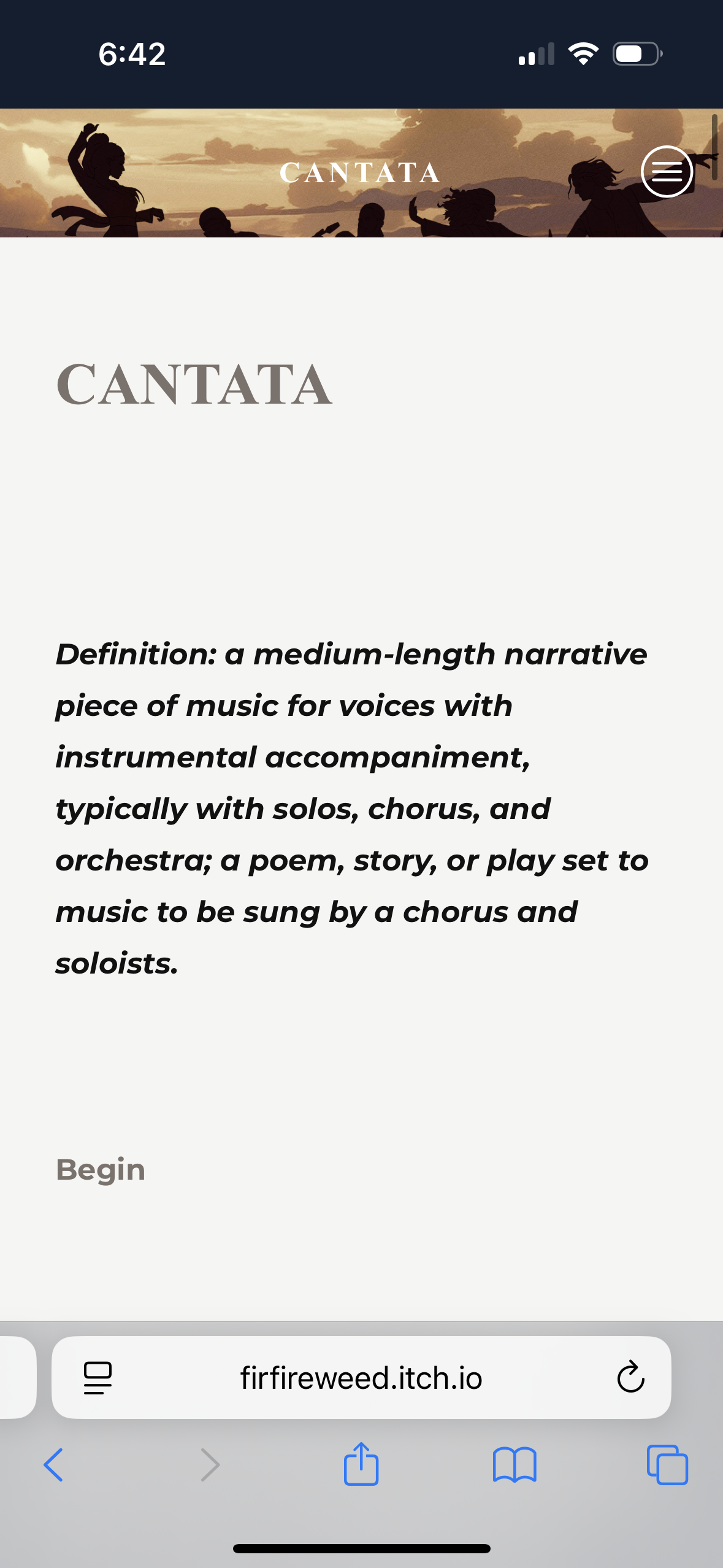
I’m confused because it’s not locked to landscape. I see it fine on my phone in a vertical view. It may be a setting in your phone or browser?Below is what I see on an iPhone in safari. I didn’t change any display settings in this update, only added the pic.

I tried in both Chrome & Brave on my phone and both force me into landscape. I think it's my phone bc other Twine games have never given me the option to switch between both 🤔 I gotta figure out how to fix it

I'm actualy having the save problem, but I think it might be only in Android since you just showed it works vertically on iPhone