

Hello. Sorry, but I have problems with this plugin again, but now for the mv version. In general, at first the joystick is shown as it should be, but when I try to use it, the images disappear. The first screenshot is below, I will send the second one in response to this message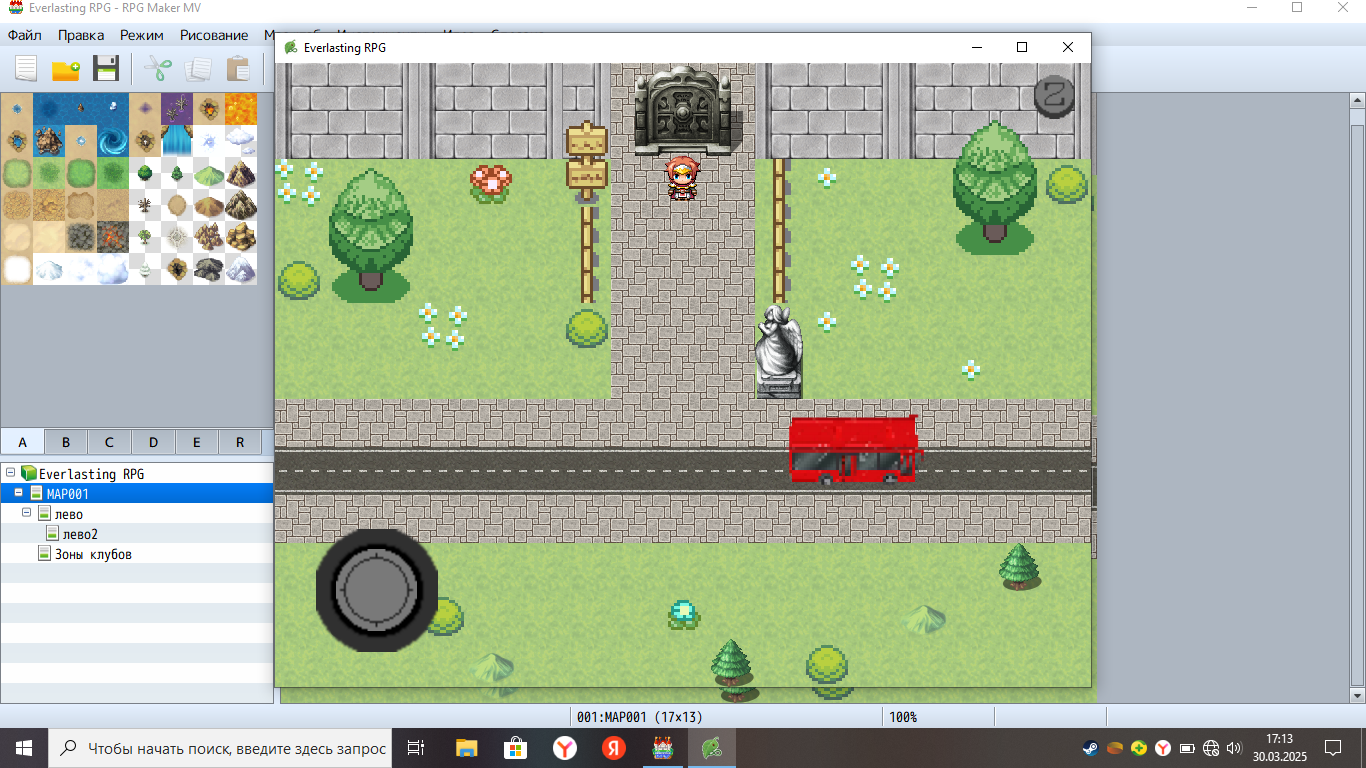
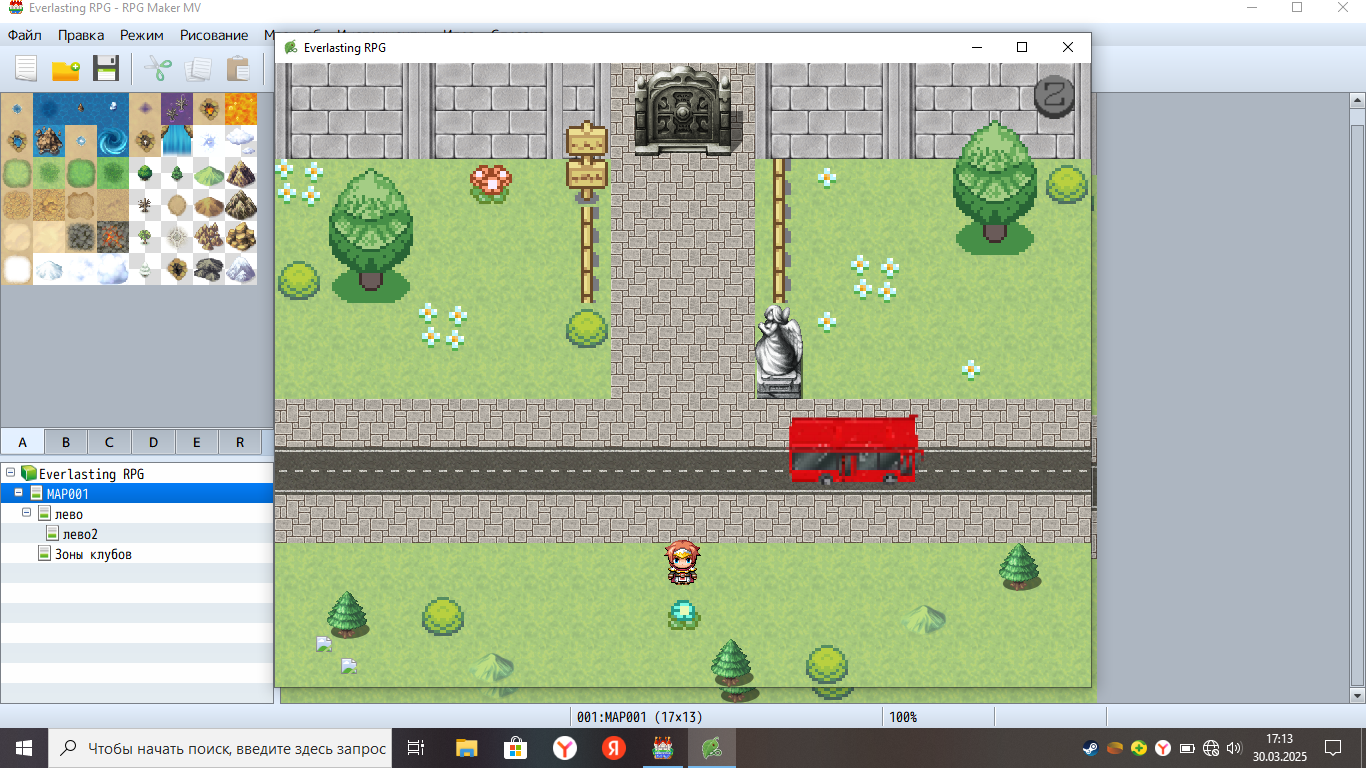
Hi!
First off, try to replicate the joystick as it is on the sample project. If you manage to make it work, then, just replace the images with your own images.
If you can't manage it to work, I will need screenshots from the folder that contains the joystick image and the Mobile Controls plugin parameters to see if they are configured right.
1 year ago(+1)
Thanks for your help. Everything works. I apologize in advance for the off-topic question, but I hope for your help. Do you know how to delete and add your own options to the game settings?
Hi! Nice it works!
I guess this question is a complex one. If I understood it corretctly, you just want to add new options on the Options Menu? if yes, I know how to do it. But it requires coding. Unless you find a plugin that does that. I think if you search on the forum you may find someone that did something like that.