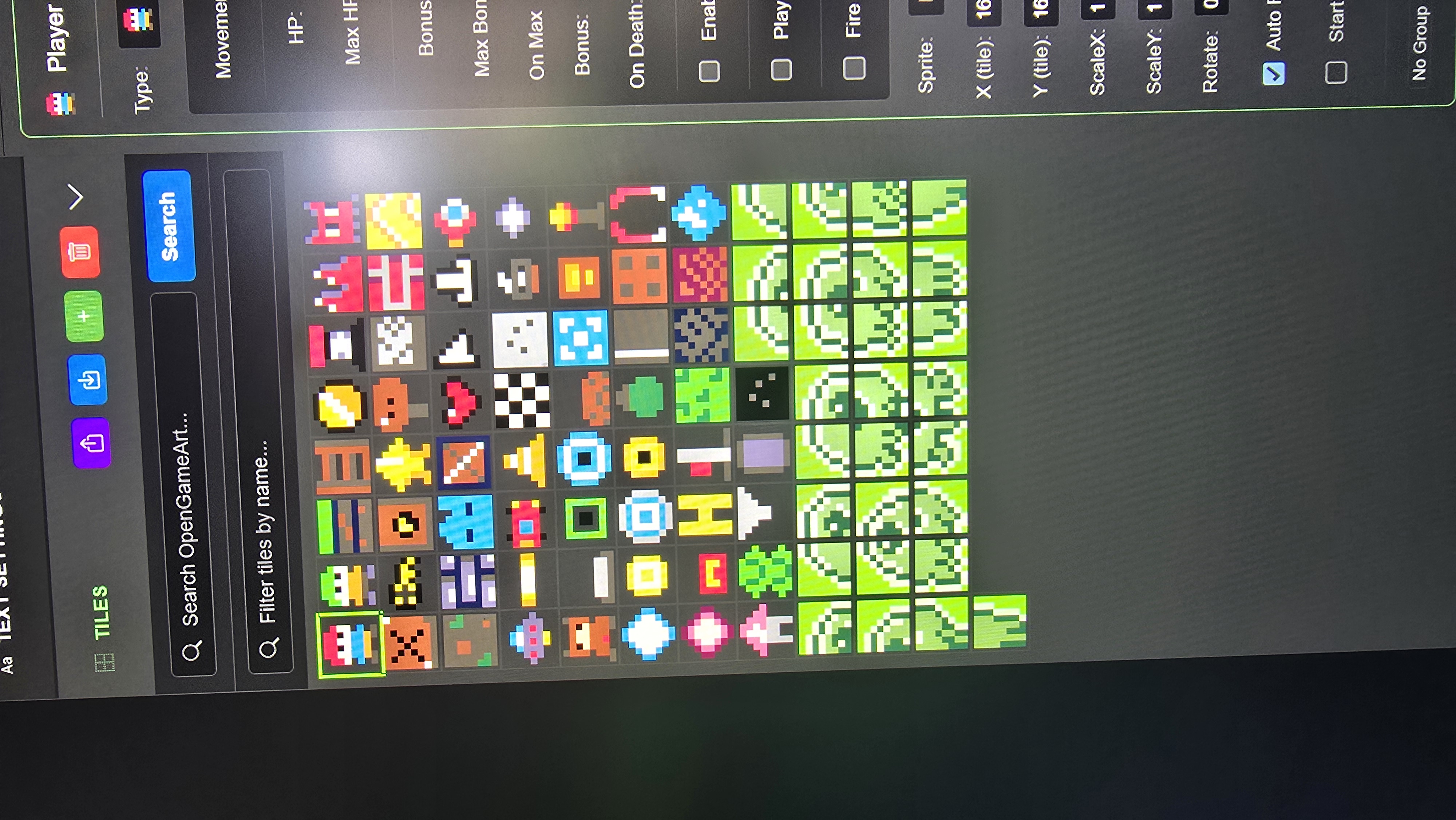
currently it only supports 8x8 tiles, HOWEVER, it will import your tile spritesheet and slice it into 8x8 tiles for you - so you'd import them, then use the Designer tool for the actor, set the actor size to 16x16 and pick the 8x8 tiles that make up your 16x16 sprite (i know, it's a bit confusing, i may work on a better solution for this, but for now, that's how it's done)
ok, i think i have a working solution for larger tile imports, stay tuned for the next release - in the meantime, the current system does totally work :)
Yes, thanks it's not ideal. It’s like a puzzle 😅 you have to put together. The more frames there are, the more complicated the puzzle becomes. In any case, thanks for the work you've done.
hey there - please feel free to join the discord, it's hard to keep track of things all over the place :D i've added in the group folders for imported tiles for the next release! oh, also, the reason the colors change is if you are working with a bunch of random sources that use a bunch of different palettes, and capped at 256 colors, it's trying to adjust the colors to the current palette, it's trying to find the closest match.


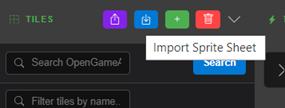 seems to do it? Im learning this too its in the tiles section under scenes and such