Indie game storeFree gamesFun gamesHorror games
Game developmentAssetsComics
SalesBundles
Jobs
TagsGame Engines

Formamorph

Every choice transforms your body and shapes your adventure · By FieryLion, Jake James

Connection Issues Sticky

A topic by FieryLion created Jul 27, 2025 Views: 16,811 Replies: 147
Viewing posts 1 to 99
Developer

Sorry about that I accidentally deleted the topic lol

(+4)

I'm getting a failed to find worlds error... anyone else?

(+1)

I am too

Yep .

(+2)

cant get into worlds sorry for 1st posting in bug report

(+1)

i cant go into new worlds ether

Just disconnected when I was working on a world 

(+1)

Just had to reload the page ig

(+2)

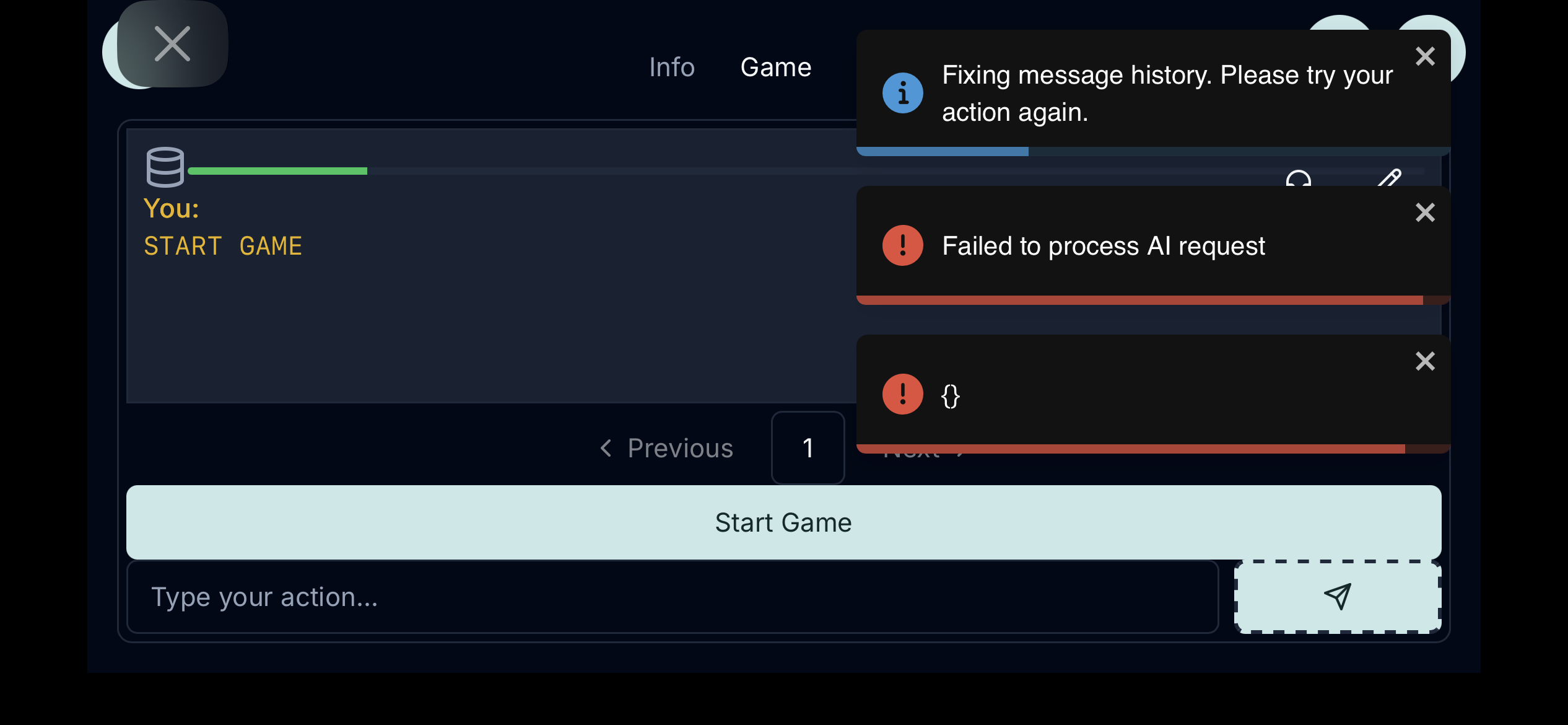
I keep getting hit with the fail to process ai request

This is happening to me also.

same

same as well

did the ai server go down? not getting a connection at the moment.

seems world share is down

(+1)

worlds is down 

(+1)

Worlds is down cause of a power outage issue it seems

(+3)

I’m experiencing the failed load for world discovery all day today

(+3)

Same here for the past number of days I've tried.

Developer(+7)

1 more day >.<

OK, thank you

I keep getting errors about processing the AI request and the provider returning an error but the openai activity page shows no errors. sometimes it just goes through with no changes. Thoughts?

(+1)

World discovery isn’t working again

(+1)

+1

(+1)

world discovery is down again 

Why do all the worlds I downloaded and created disappear along with all save files. Everytime I opened game it loads default worlds and deletes everything else. PS do absolutely love the game thanks for all the hard work Fiery Lion hugs and kisses to you.

I'm getting constant "unterminated parenthetical" error on one of the worlds i downloaded? Is that a sign it is corrupted? 

(1 edit)

I had a few worlds like that the problem I found was either typos in world generation for the AI to fallow or the world is to complex for the settings in AI parameters. I've never actually come across a corrupt world yet I do play on a PC and smartphone I hope this helps a little I'm not really tech savvy.

Thanks, it was a world I downloaded and it was rich and complex so you may have identified the issue. Cheers

I try to play a world that i have to kill time but i cant for some reason i check my wifi and reset the website but it didn't work. Do we have to to wait to see it will be fixed or wait for a update?

It's broken I can't even start default worlds it just keeps saying ai failed to process or model not loaded even when the model is there haven't tried on computer I play on phone it's work mostly fine till now 

World discovery isn’t working again?

(+1)

World discovery isn’t working again?

yup world discovery is down

Yep I was about to update Vore Isekai but I guess it would be later ... XD

What's world Discovery?

(1 edit)

Word discovery is a way to browse and download world's created by other players. By clicking on the menu button and selecting world discovery it. You can also create your own world by selecting new word from the menu button. The world's you created can also be uploaded for other players to download and play by clicking the upload world button on the menu I think.

i think the endpoint went down, not getting a response

My thing says "Ai request error" idk why, I reloaded my page MULTIPLE TIMES still ain't working.

Oh NVM the ai runner dead :P

ai appears to be dead

Ai is still kaput

Still broken not sure about the default worlds but the world search says failed to fetch 

worlds is down

OH NOOOOOO

Seems like world discovery is down 

Developer

Worlds server will be back tomorrow

wow

(+7)

still down

it is still down😭😭

it’s starting to fail again

same here

(+3)

cant connect to the standard ai

(+3)

same

Same. The AI is not working for me. It seems it's completely down or something.

 I was worried about that happening so I tried to set up a local AI but I can't get a good AI. I'm not sure what I'm doing wrong but the default AI gives me the best results. Maybe I'm used to it's quirks or it was trained with the exiting world framework so it fits well. If anyone has AI model name that works well and knows how to set it up properly please let me know. I'm using LM Studio 0.3.37 and when I try searching for good models I either find nothing or 20 similar models and I don't know which is the right one.

AI is down again

Same AI is down

it’s showing an error when you try to see the worlds

World discovery isn’t working again

(1 edit)

Please tell me this is a joke ... the world i made had recently obtained a BUNCH of updates and even some new content and now it's back to how it was before all of the major fixes i made... 

Edit: No i did not save those worlds on my computer as backups as i should've, mostly due to the fact I considered them "finished"... So all the latest fixes i made are gone.

Developer

sorry about that I moved servers, let me check the original server when I get back

That'd be highly appreciated. Honestly i thought I'd need to redo all my fixes. Def gonna save all my worlds this time around (if they are recovered)

You lost all of your content on the world discovery ?, you should make  backup first for your world in case this happen

That's the thing, I didn't due to me thinking the worlds were "finish" (definitely a dumb move on my end), if they somehow manage to get the fixed worlds back, I plan to download em right away as back up in case something like this happens again. Also I didnt loose ALL of my content on it, just 2 of my worlds got sent back like 3ish months and undid a bunch of fixes i made to them.

Developer

thats weird, I did have to move servers but I thought I copied the latest database…

I'm guessing that means my fixes are gone ... Dang.

so you would fix your worlds again like de'javu or create another idea? dō shiyō mo nai

Did as much as i could recall and saved a backup to my pc this time around.

Good Job for that, MelonLovr

I keep getting failed to fetch and error messages, is the AI down?

Developer(+1)

testing a new model, if it is bad I might revert it tomorrow

world search is down again say failed to fetch 

World discover is down 

its the game broken? i reset my endpoint and the game can't use my custom endpoint.

(+1)

The game just broke a few minutes ago, the ai refuses to work, I tried restarting the game but it didn't help

(+1)

same here

It be fixed now

ok so quick statement idk if it's my end or yours but I'm not able to open this site which is weird cuz I can open the others just fine but not this one, what's even more trippy I can open this up in pgh.com, so if what it is 

nevermind 

getting an error saying that the site is phishing and blocks it

(+2)

The game can't find worlds for me right now

(+1)

same

(+1)

yeah same here

(1 edit) (+2)

same it seems  world discovery is down now and logging in is also down

it be fixed now

And, it's down again

yup it down again

It's back up again

And it's down again

And it's back up

(1 edit)

Is this an error on my end?

Using a different device doesn't fix it.

(1 edit)

same thing is happening to me

same thing is happening to me as well

(+1)

It broke again

Still broken

(+1)

world discovery is down again 

same  thing is happening to me

World fetch is broken

(1 edit)

world fetch is still broken

The prompts just broke for me

nvm, it was the storm that is passing through my area

Still broken for me says failed to fetch on word search 

World fetch is back up

the ai keeps repeating the same answers to prompts

it's fixed

The ai is back to repeating the same answer

The ai has problems starting… 


Yet again

(+1)

This is what I mean

Getting the same as this since the most recent update.

same thing is happening to me

Now it's just not doing the prompt at al

Same is happening to me 

its down

it's still broken

25 minutes later and still broken

mhm don't know when it will be fixed but  it  will  eventually get sorted out and fixed  just have to be patient

I'd suggest everyone to expect the possibility that FieryLion might not come back to fix the AI, too. Dude has been maintaining the game every month or two for over a year since Formamorph was first uploaded. Prepare your life for what to do next and hope FieryLion the best.

Deleted 24 days ago

what I covered was to not reveal my location

Developer

should probably delete that image then, that's very much still visible

it's still broken

yay finally fixed

I'TS BACK UP

the worlds won't start, it says invalid endpoint url or model name

nvm

It’s down


Yet again

Downloaded worlds are gone, and also AI is no longer responsive on newly downloaded worlds either. :<

Developer

On what platform?

PC

Developer

you can try checking in '..\AppData\Roaming\formamorph' and copying everything in there over to the 'userdata' folder in the new version. Either way though, all you need to do is export your worlds and then import them into the new version. it's all backwards compatible, including saves. Just takes a bit of time.

Tried the copy thing. No luck. Also still can't get the AI to initiate anything after clicking Start either.

Developer

make sure you loaded a model in the endpoint settings

just downloaded the program and i dont know if im just not doing something correctly but when i try to play a world i get the error message failed to process ai request and failed to complete action please try again and its with every world but the odd thing is i did the exact same thing with the browser version and that one works fine

Developer

What local model did you load in the desktop version?

(1 edit)

i tryd all the default options native default to native high i tried inline aswell as planning and staged none of which gave me a different result im on an amd windows pc

not sure if i was just doing something wrong or not but after downloading a local ai model and connecting that to the program i no longer get the error messages

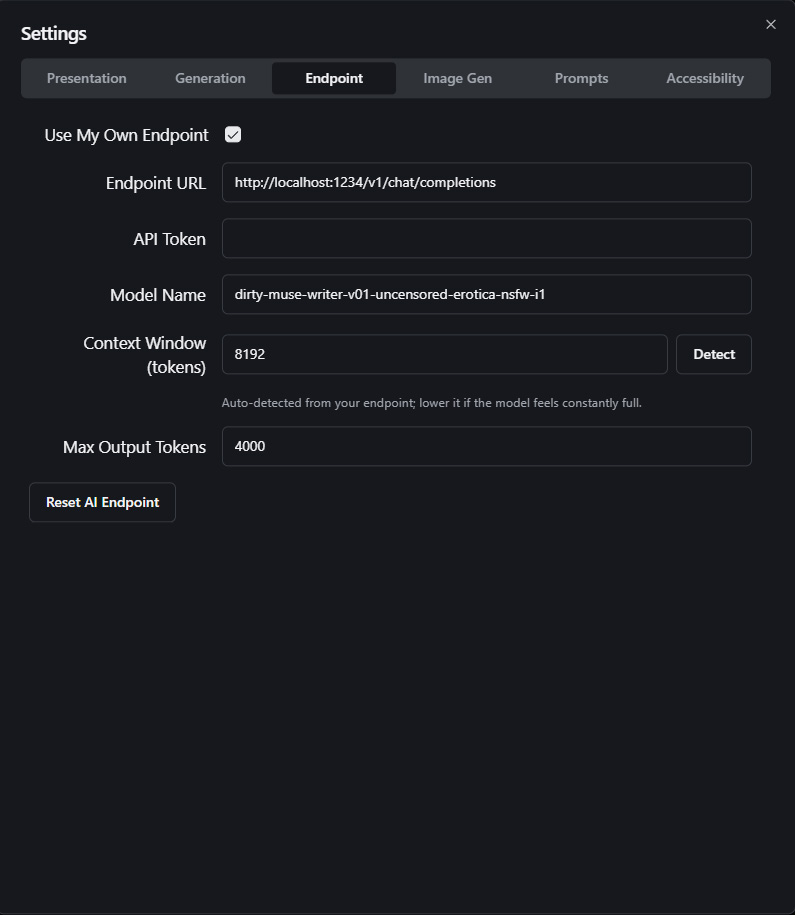
Downloaded the new version and put in the same stuff for the endpoint and now LLMStudio keeps giving me a error. The program cannot process any requests.

"[dirty-muse-writer-v01-uncensored-erotica-nsfw-i1] 'messages' field is required". 

I don't know what that means and the same thing happens with other models I load. This new version seems to be either broken or incompatible with the old way I had it set up. I do not know how to fix it. We need a new guide on how to locally make the new version work.

Developer (1 edit)

Need a screenshot or something of your settings. probably an easy fix. Nothing is different in this version as far as endpoints go

Developer

Should be fine. Try these and see if it works:

  • Settings → Generation: Thinking = Native, Native Reasoning = Default/None.
  • Reload the model after the errors and try one turn — narration likely works despite the log noise.
  • Update LM Studio to latest.
(1 edit)

Still doesn't work.

Still getting the "[dirty-muse-writer-v01-uncensored-erotica-nsfw-i1] 'messages' field is required"

The error still happened on the dev version.

So it must be LLMStudio that is not working.

Developer

Sorry, the update wasn't live. Try again

Nope still not working.

(+1)

OMG I got it working.
I enabled the CORS (Cross-Origin Resource Sharing) setting on LLMStudio and now it works. So it was something on my end.
LLMStudio probably screwed up when it updated.

Developer (1 edit)

ah, interesting. glad that you were able to get it working. that setting is supposed to be on by default but I guess something messed it up. I will add a short how to setup button similar to the one for image-gen which will hopefully help others in the future.

will the new version 2.3.0 have a default ai like the previous version of formamorph?

Developer

That is still managed by FieryLion, I have no control over that. 

Something to keep in mind though. Renting GPUs to do anything is super expensive right now, especially so if the task is AI related. The model change was to try and get something that won't be unreasonably expensive to pay for. Best option if the current quality isn't good enough is to either create an account on an LLM hosting site or try out local stuff. Small LLMs able to run on <4GB of VRAM are surprisingly good for the hardware/effort required. The desktop app runs models natively and has a few suggestions of small models to try out which can be downloaded directly in the app itself, no technical skill required. 
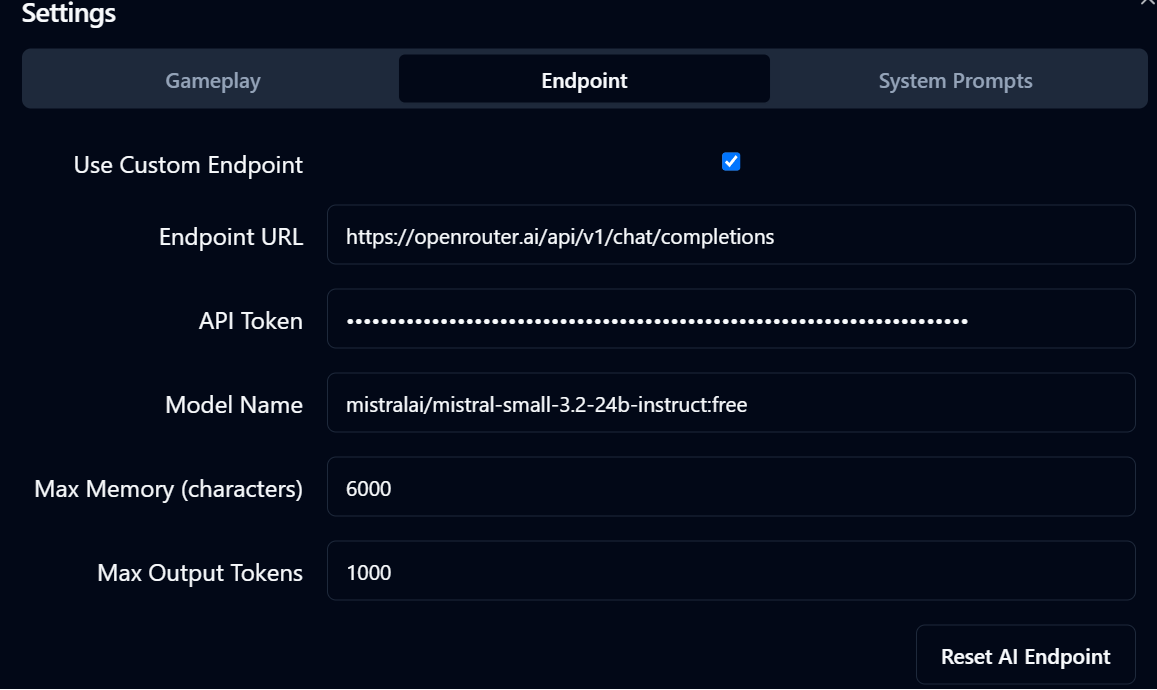
nope tried that and the app forced shut itself down doing that v2.5

Developer

okay