On Sale: GamesAssetsToolsTabletopComics
Indie game storeFree gamesFun gamesHorror games
Game developmentAssetsComics
SalesBundles
Jobs
TagsGame Engines

Skye

15
Posts
1
Topics
22
Following
A member registered Oct 02, 2023 · View creator page →

Recent community posts

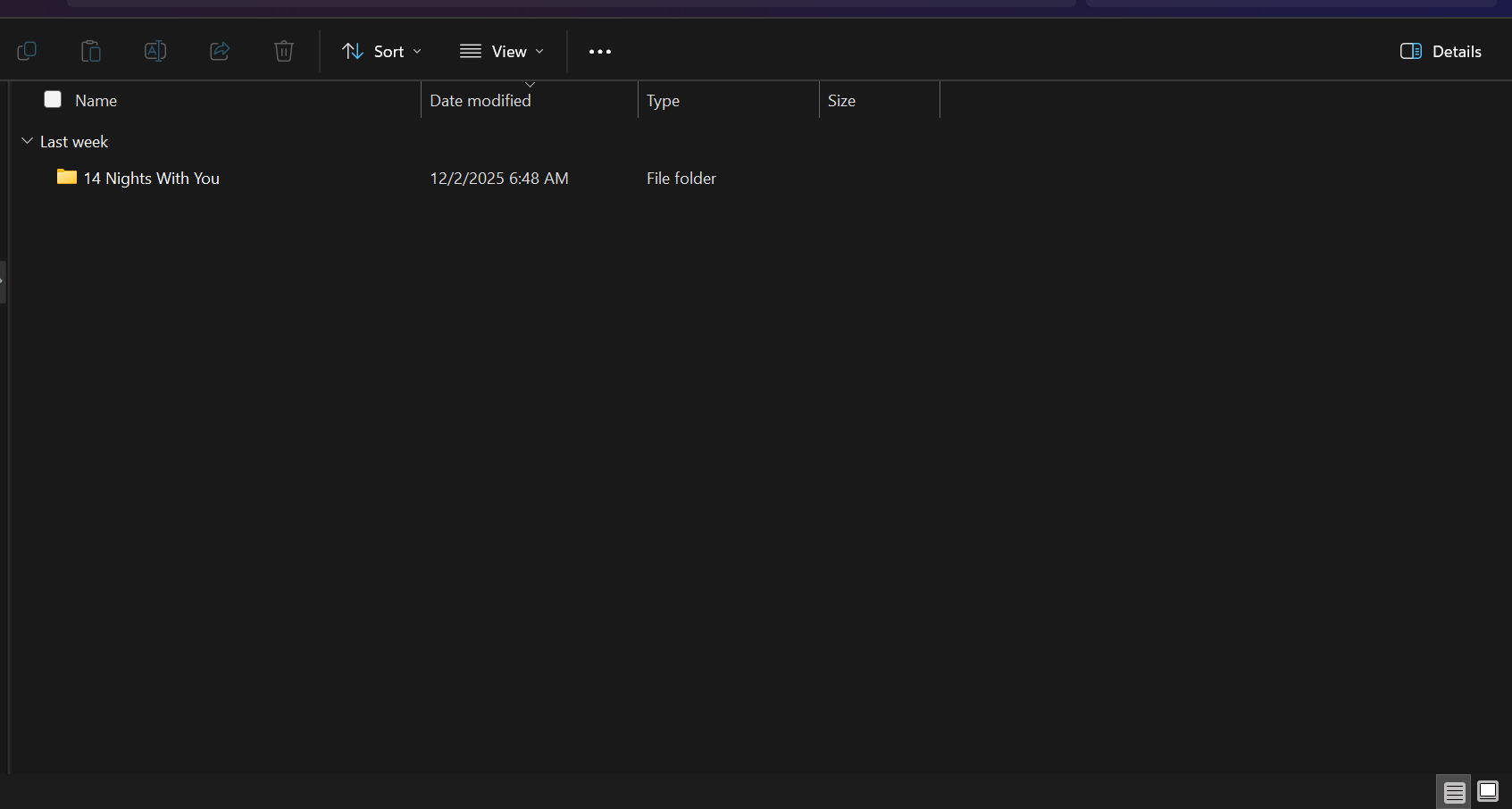
Okay so this is a common mistake that a lot of us made including myself did you perhaps double click twice or once on the DLC files if u clicked once you should see this 


try reloading both games again and then follow the steps one more time

Nope u now own the game on itch.io delete the game as many times as u want

(5 edits)

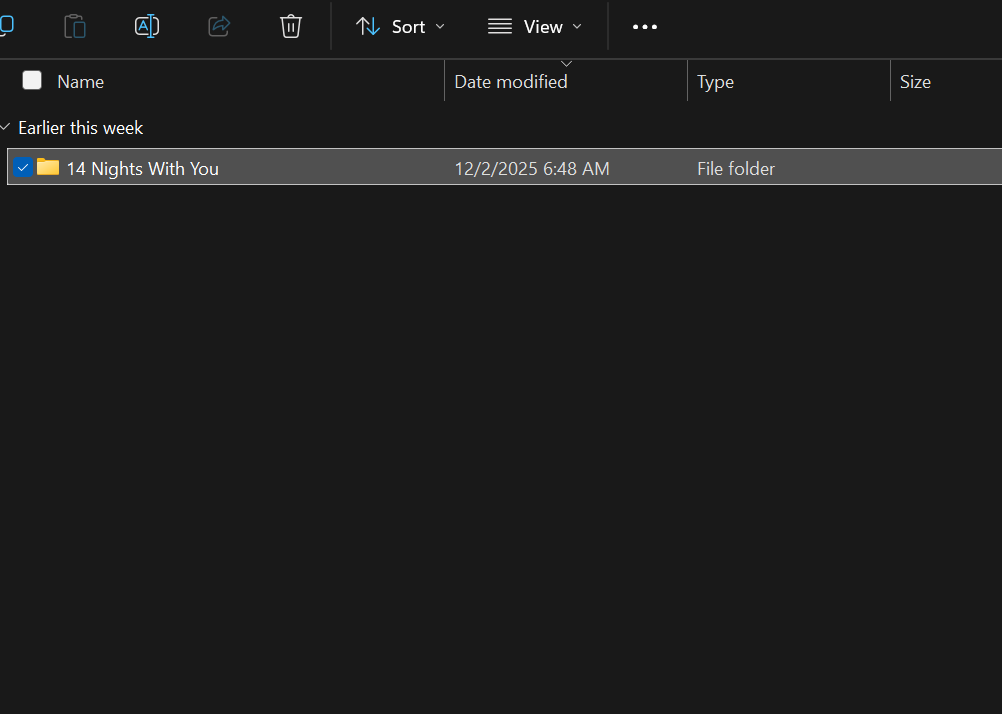
You didn't double click the DLC file twice did you or not at all and just copied whole thing? Like for example when you double click once which one did you see this? 👇🏽

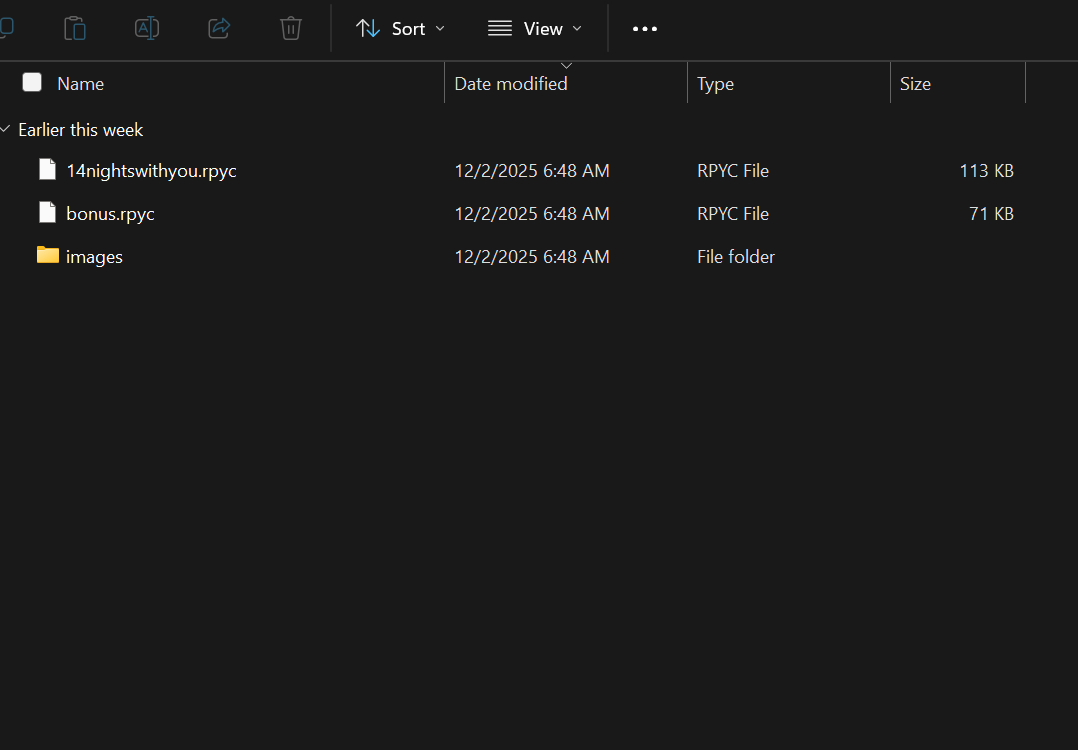
or this?👇🏽

If the problem is not double clicking then you might want to reload it again both base and DLC

(3 edits)


did you see these options on your screen?

Don't worry it happened to me just do this 👇🏽 

(Before u continue make sure ur DLC and the base game file has been extracted/unzipped)

(Window & Linux): Unfortunately I do not have Mac so if it's Mac sorry I can't be of help

Step 1. Locate the DLC

Step 2.(This one is crucial) Double click one time on the DLC file

Step 3. Once you've locate "14 Nights With You" Right click on it and press copy or however u usually copy files

Step 4. Head to the base game and click on that

Step 5. Locate the "game" file and click on that

Step 6. Right click or whatever u do to usually paste the "14 Nights With you" in there

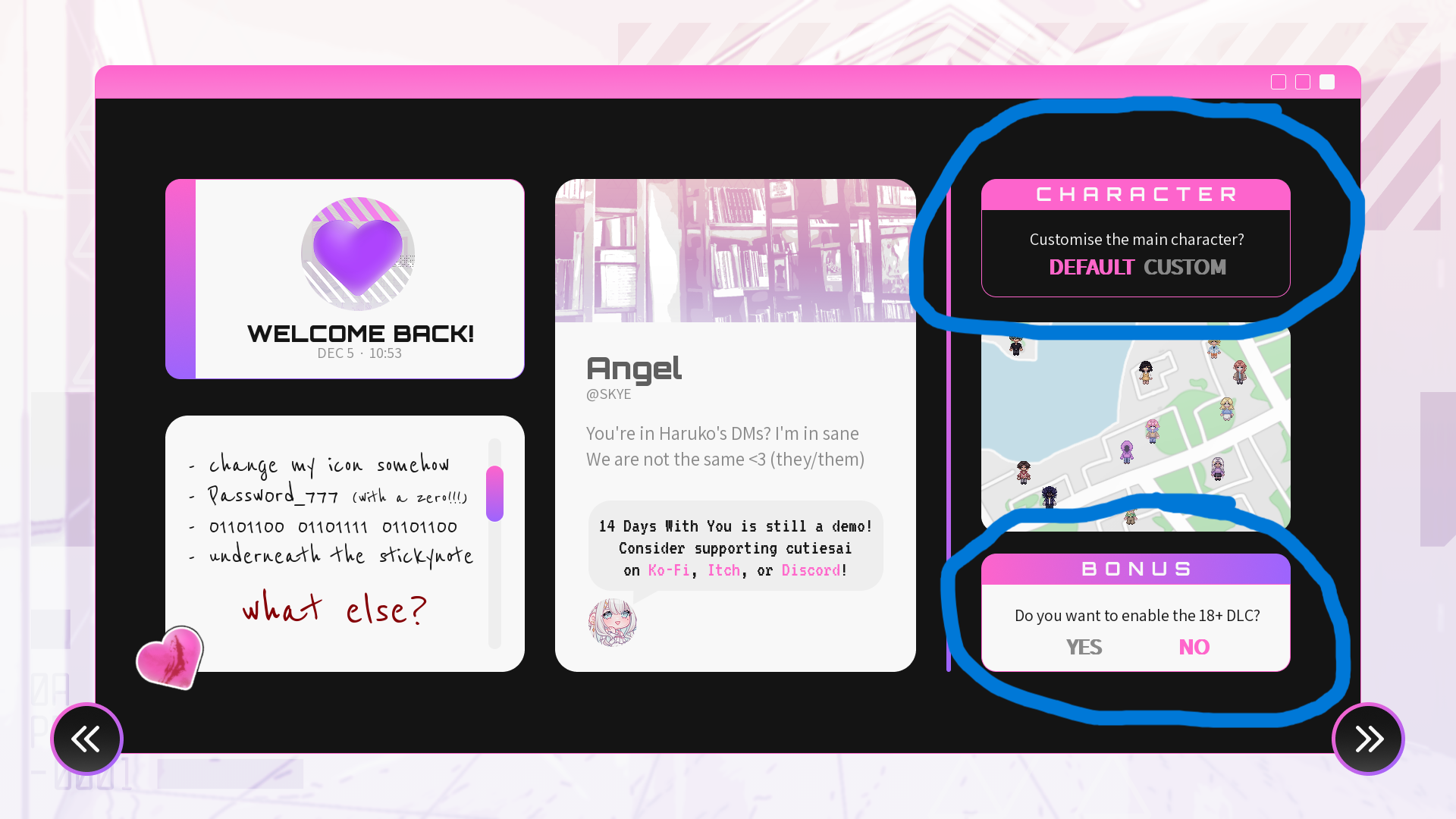
Step 7. Once that done load up the game like you usually do and it should say the DLC is installed in the upper right corner of your screen

(1 edit)

Don't worry it happened to me just do this 👇🏽 

(Before u continue make sure ur DLC and the base game file has been extracted/unzipped)

(Window & Linux): Unfortunately I do not have Mac so if it's Mac sorry I can't be of help

Step 1. Locate the DLC

Step 2.(This one is crucial) Double click one time on the DLC file

Step 3. Once you've locate "14 Nights With You" Right click on it and press copy or however u usually copy files

Step 4. Head to the base game and click on that

Step 5. Locate the "game" file and click on that

Step 6. Right click or whatever u do to usually paste the "14 Nights With you" in there

Step 7. Once that done load up the game like you usually do and it should say the DLC is installed in the upper right corner of your screen

(5 edits)

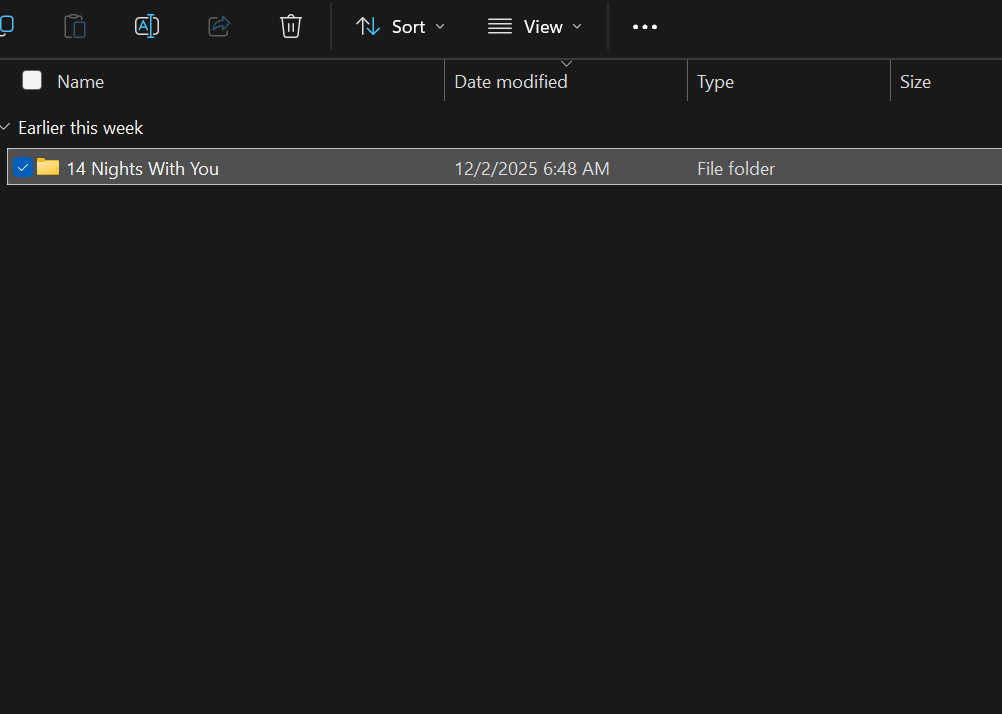
Oooh I see what you did. Did you perhaps double click twice on the DLC file? Just double click once and u should see the "14 Nights With You" file this 👇🏽


once you see this 👆🏽 copy it and paste it to the base game in the "game" file

Glad to have helped 😊

Yep

(1 edit)

Question does it say DLC installed in the upper corner if not don't worry it happened to me just do this 👇🏽

(Before u continue make sure ur DLC and the base game file has been extracted/unzipped)

(Window & Linux): Unfortunately I do not have Mac so if it's Mac sorry I can't be of help

Step 1. Locate the DLC

Step 2.(This one is crucial) Double click the DLC

Step 3. Once you've locate "14 Nights With You" Right click on it and press copy or however u usually copy files

Step 4. Head to the base game and click on that

Step 5. Locate the "game" file and click on that

Step 6. Right click or whatever u do to usually paste the "14 Nights With you" in there

Step 7. Once that done load up the game like you usually do and it should say the DLC is installed in the upper right corner of your screen

Anytime friend 😊

(5 edits)

(Window & Linux): Unfortunately I do not have Mac 

Step 1. Locate the DLC (make sure both the DLC and base game have been extracted/unzipped before u continue)

Step 2.(This one is crucial) Double click the DLC

Step 3. Once you've locate "14 Nights With You" Right click on it and press copy or however u usually copy files

Step 4. Head to the base game and click on that

Step 5. Locate the "game" file and click on that

Step 6. Right click or whatever u do to usually paste the "14 Nights With you" in there

Step 7. Once that done load up the game like you usually do and it should say the DLC is installed in the upper right corner of your screen

Thank you so much friend! I really like your story btw keep up the good work!👍

I'm confused on how to pay for it like do i pay it through the donation page or do i just download it first and pay it through the game? and if through the game where do i go?