On Sale: GamesAssetsToolsTabletopComics
Indie game storeFree gamesFun gamesHorror games
Game developmentAssetsComics
SalesBundles
Jobs
TagsGame Engines
(1 edit) (+2)

Question does it say DLC installed in the upper corner if not don't worry it happened to me just do this πŸ‘‡πŸ½

(Before u continue make sure ur DLC and the base game file has been extracted/unzipped)

(Window & Linux): Unfortunately I do not have Mac so if it's Mac sorry I can't be of help

Step 1. Locate the DLC

Step 2.(This one is crucial) Double click the DLC

Step 3. Once you've locate "14 Nights With You" Right click on it and press copy or however u usually copy files

Step 4. Head to the base game and click on that

Step 5. Locate the "game" file and click on that

Step 6. Right click or whatever u do to usually paste the "14 Nights With you" in there

Step 7. Once that done load up the game like you usually do and it should say the DLC is installed in the upper right corner of your screen
(+1)

thanks i did manage to figure out what i did wrong 

(+1)

Bless your soul, I'm painfully slow when it comes to DLC's this helped me TT

(+1)

Glad to have helped 😊

there's no game file option. I only have images, 14nightswithyou.rpyc, and bonus.rpyc. How do I fix that?

(5 edits)

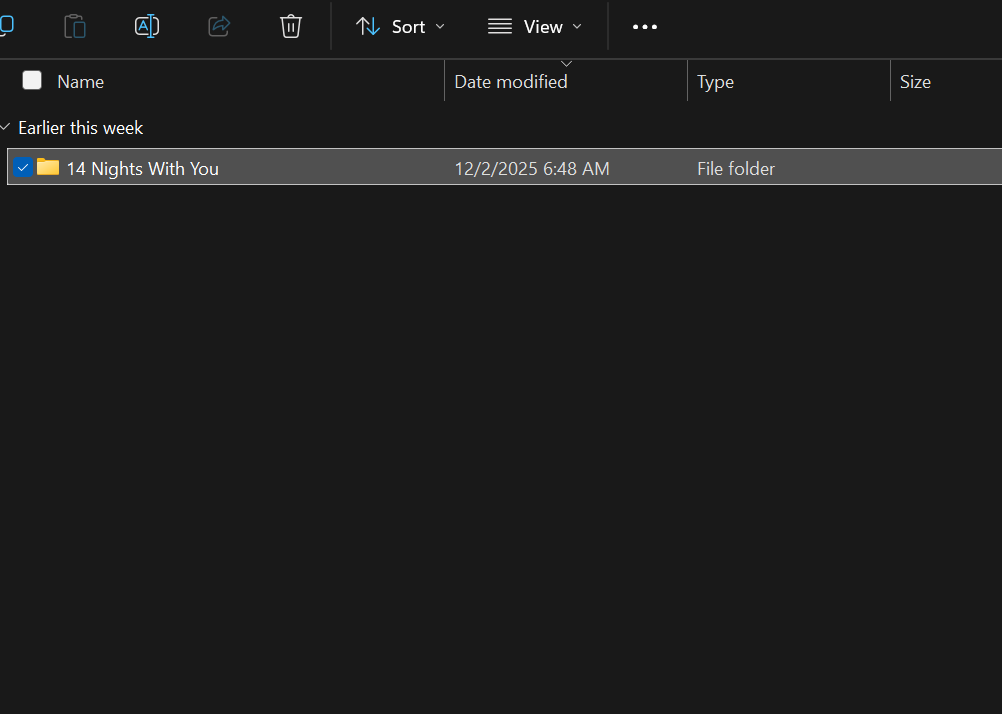
Oooh I see what you did. Did you perhaps double click twice on the DLC file? Just double click once and u should see the "14 Nights With You" file this πŸ‘‡πŸ½


once you see this πŸ‘†πŸ½ copy it and paste it to the base game in the "game" file

(1 edit) (+1)

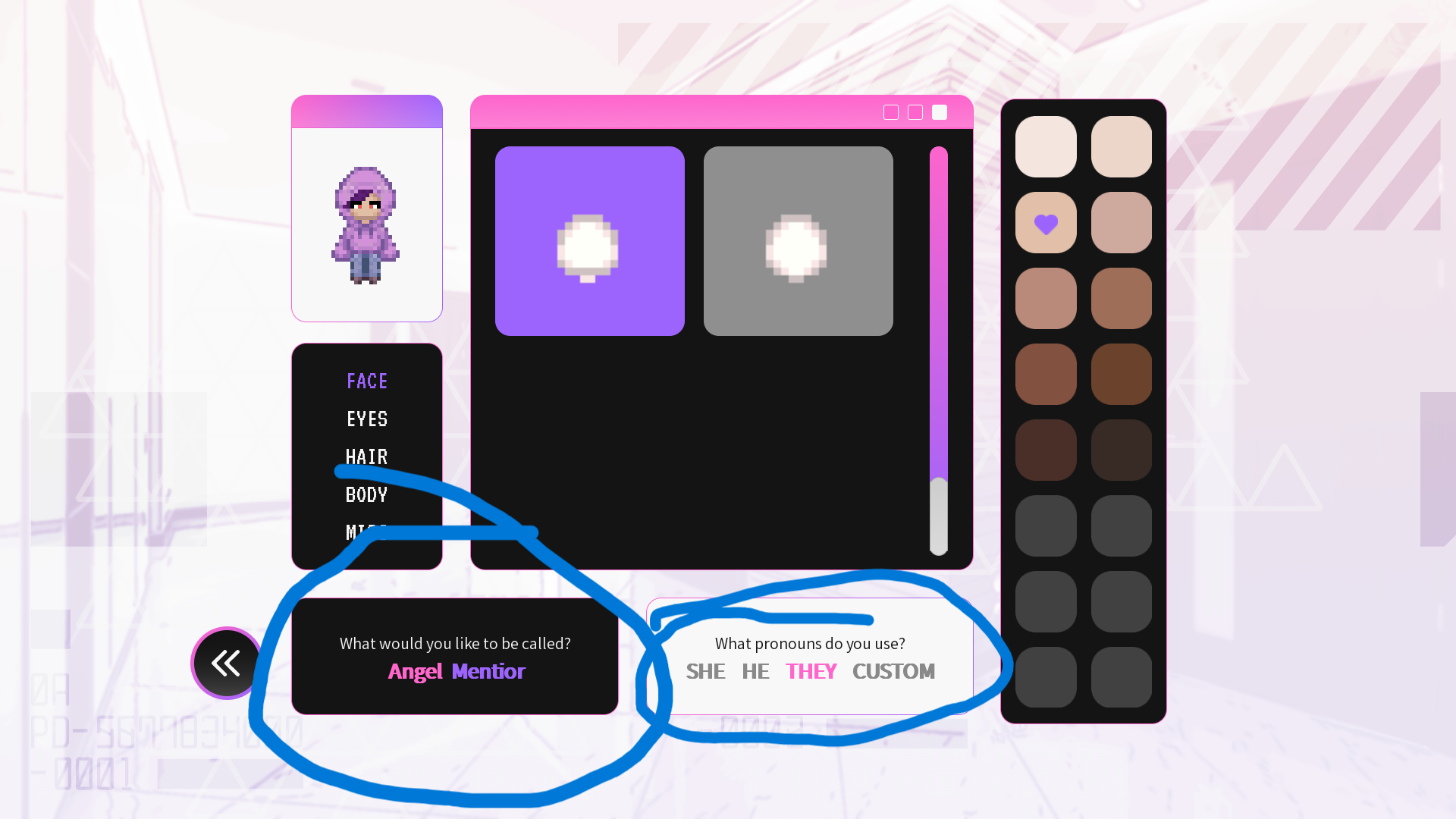
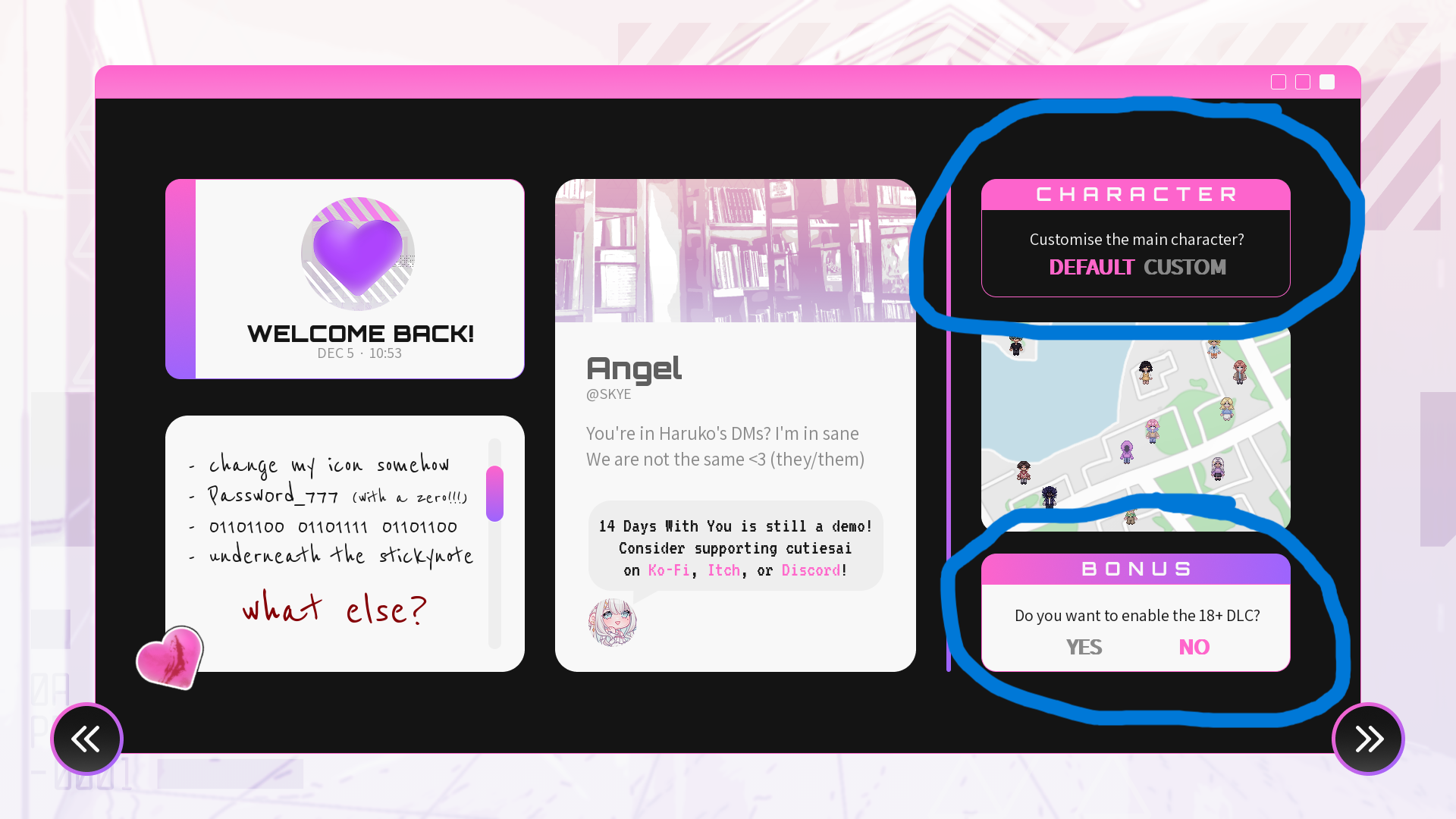
Hello So I followed all the steps,  play on joiplay and it says I have the DLC/paid version installed, but there wasn't any NSFW options. There also wasn't any option to customize the MC's pronouns just the name but even  then when I put in a  name, the characters still calls me "Angel."

is this also happening to you? 

(1 edit)

this is happening to me too!!! i need answers 

(3 edits)


did you see these options on your screen?

Deleted 20 days ago