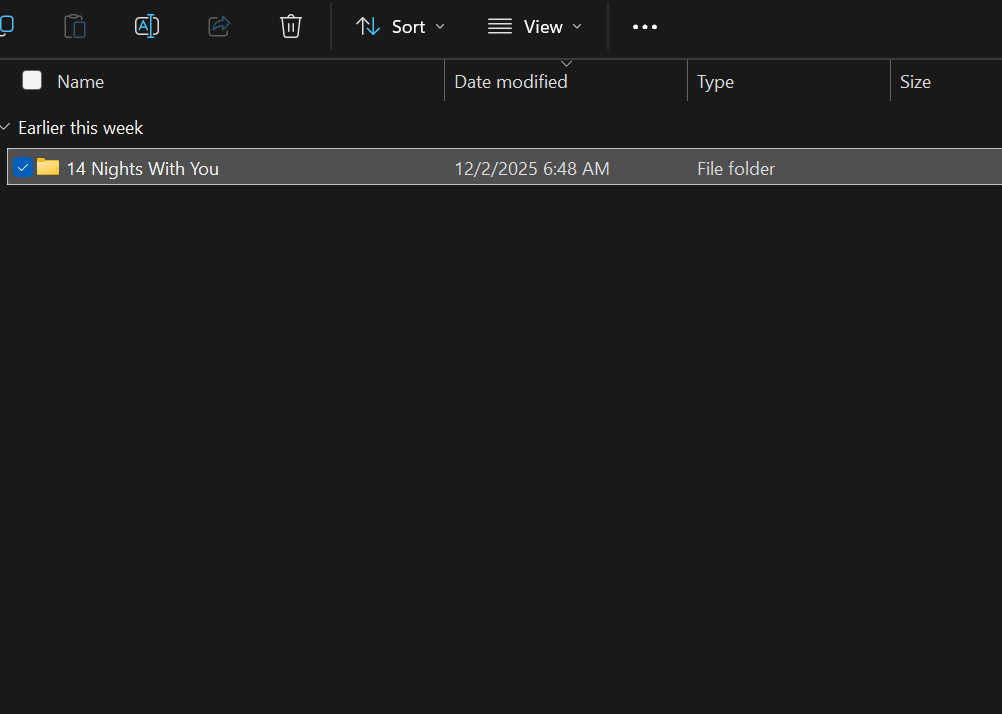
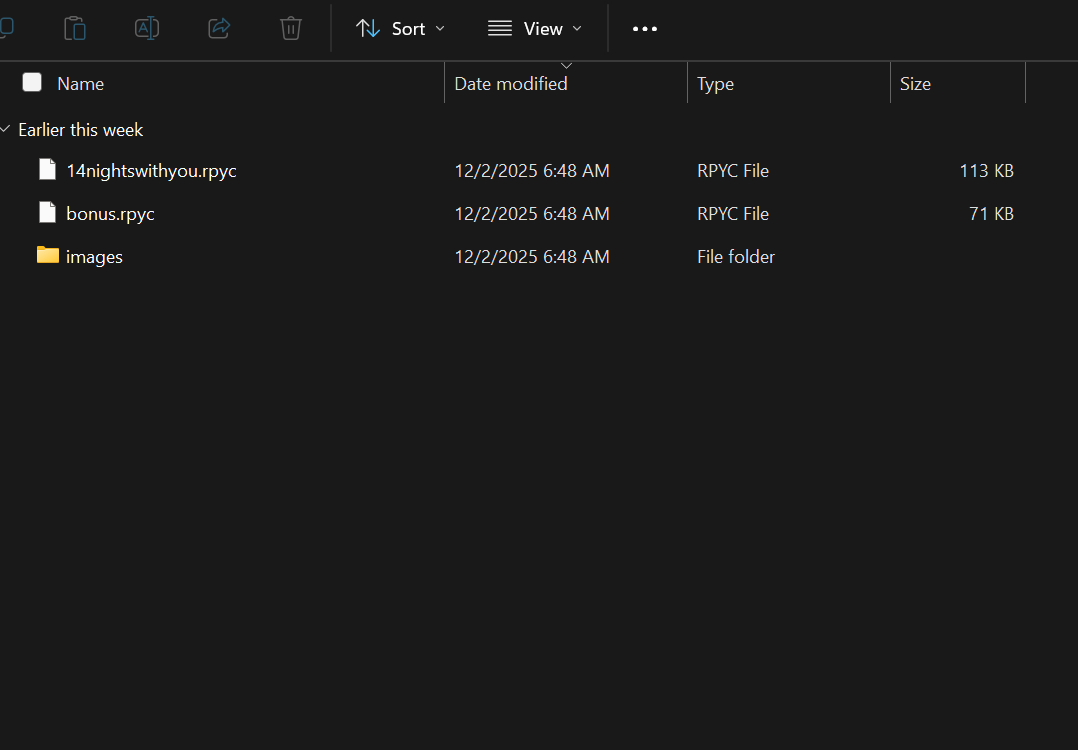
Don't worry it happened to me just do this 👇🏽
(Before u continue make sure ur DLC and the base game file has been extracted/unzipped)
(Window & Linux): Unfortunately I do not have Mac so if it's Mac sorry I can't be of help
Step 1. Locate the DLC
Step 2.(This one is crucial) Double click one time on the DLC file
Step 3. Once you've locate "14 Nights With You" Right click on it and press copy or however u usually copy files
Step 4. Head to the base game and click on that
Step 5. Locate the "game" file and click on that
Step 6. Right click or whatever u do to usually paste the "14 Nights With you" in there
Step 7. Once that done load up the game like you usually do and it should say the DLC is installed in the upper right corner of your screen