Not really unless I change some stuff. I'll keep this in a list of stuff to do for when/if I ever do an update (alongside allowing the player to change the keys) but it probably won't be anytime soon.
Watersilver
Creator of
Recent community posts
That was the plan! There'd be an in game editor and a textfield that takes a level data json to build the custom level... Unfortunately the plan failed... The rudimentary editor I made for this game only worked for long enough to make it and then it gave up the ghost because of a massive bug I never fixed (or really looked into). It wasn't presentable anyway. Making a proper public facing editor takes both time and effort that feels like it's not worth it for a little game like this. I do have another project planned that will be reading ldtk output for level data, so I won't have to make an editor myself. Still it might take a while to find time. Browser games aren't big anymore and it's pretty hard to justify wasting too much time on one.
Hello, I am assuming you are referring to this?
Sorry I can't be much help, I didn't even know this exists!
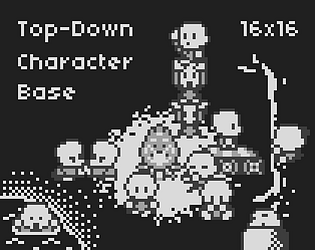
Anyway, I did check and yes you can use the spritesheets to create animations in gbstudio. Keep in mind that while the character itself is 16x16 you need a bigger grid, like 16x24 or 32x32 to contain the animations because some of them are bouncy.
I'd suggest editing the spritesheets for something like gbsudio though. The files would be too big and have too much empty space for a gameboy game. For example the aforementioned bounciness itself should be part of the spritesheet as it just takes space. It should just be an frame offset in the internal gbstudio sprite/animation creator.
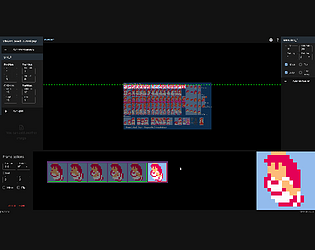
Ok, done. Just download the all_animations.png file. It's not as organized as I'd like but it's the best I can do with gimp which has comically bad ux. It simply wasn't cooperating.
All animations have their name to their right, and when they are multidirectional the order is down, left, right, up if you read them left to right and top to bottom.
Still, I have to say that they are more easy to customise in libresprite because it's what I made them with and the files still have the original layers I used. Also you can see the animations as you are editing. So you might want to give it shot. It's free.
Incredible work, godsent for my project! If only you'd made this sooner you'd have saved me a bunch of trouble. :P
I accidentally bought it twice too because I didn't notice the DX version and itch doesn't let you pay the difference to get the extra stuff. I think. Anyway the point is: still worth it. :D
Hope to see more from you in the future!
Here's the demo: https://watersilver.itch.io/lovegame
Judge only the game feel (make sure to speak to the npcs to check out the weapons/spells and better mobility!) to see if you're interested. Artwise anything can be replaced, the game doesn't even have to use a gbc art style. Your call.
Some things to keep in mind:
- I want the game not to be too big. I want it to be done before 2019 is over at least.
- The way I've programmed it, it's going to be a top-down adventure game that isn't too "talky" (as much as I love talky games). Again, think Zelda oracle games or Link's Awakening.
Everything else is open to debate. You'll have as much creative control as I do if we partner up.
You have to charge the jump meter with the mouse in casual mode. Check the description for more in depth instructions and if it still doesn't work, I'll check it out.
By the way, here are some pointers to help with the timing and jumping in general in normal mode.
When you're trying to bounce, you usually need to get the most out of your jump, so it's usually best to press and hold the jump button again immediately after you jump. If you do that, even the shortest (as in least high) jump you can perform gives you enough time to fully charge the next jump.
As for the timing, if you've noticed, when you hit the ground there's a small landing animation. As long as this animation is playing the jump meter does not reset. That's when you must release the jump button to get the timing right.
Hey AlphaBetaGamer. This shouldn't be happening, it's either a bug or you're doing it incorrectly. You must hold the left mouse button to charge the jump and the right to uncharge it and it stays put. Then, when you tap you jump as high as you've set it. If you hold she will still charge a high jump. It's in the description but maybe it's not clear enough. Have you done all this and it doesn't work? If yes, I'll take a look again.
Haha, that's ok. Of course I had to make it necessary to complete the tutorial, because if you couldn't do that and started playing the actual game, it'd be a disaster. So I figured It'd be best to practice them first in a place you can't die.
You know it's not that hard for me, but that just goes to show what happens when you don't have playtesters or get feedback during development... You end up making a game only you can play. The funny thing is I kept making some levels harder, because I thought they were too easy... Depending on what feedback I get, I might also tweak some levels in PrincessCasual.exe to make it all around easier.
Anyway, let me know if it's better for you now with the casual controls.
Yeah, it's not for everyone. I was thinking of including more traditional controls before releasing the game, but decided to wait and see what people would say... And turns out the first comment is a complaint about controls :P. Damn.
It's easy enough to do, but the problem is that all level design goes out the window if I do that... But I suppose not everyone's looking for this kind of challenge.
Alright, I'll think about this and probably do it. Anyone else feel the same way about controls?
EDIT: Done. Let's see if this will work better for more people.
First of all, hey everyone, I'm new here, I found out about this place while looking for a place to host my game. Don't know if this is the proper place to introduce myself, but I might as well kill two birds with one stone. So, nice to meet you :).
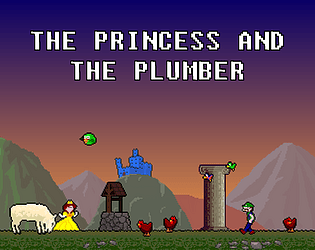
Alright, the game is a pretty unforgiving platformer starring a princess who hits things with her head to smash them. It's my first game and I wanted to keep it simple but I tried a couple of weird stuff, like losing your balance if you're too close to an edge, jumping by releasing the jump button (pressing it charges the jump) and not having too much control in the air. All these combined make the game less about having good reflexes where you'd get out of a sticky situation by a last moment jump, and more about being aware of the environment, since there can't be a last moment jump unless you've prepared it.
EDIT: Since I like customization and got a complaint about the mechanics being too hard, I'm now also including an .exe that allows players to choose which of the above to have in their game.
There's also plenty of NPCs and cutscenes. Talky stuff. Doesn't really have much to do with gameplay, but I thought I'd mention it.
Here's an image that isn't on the game's page:
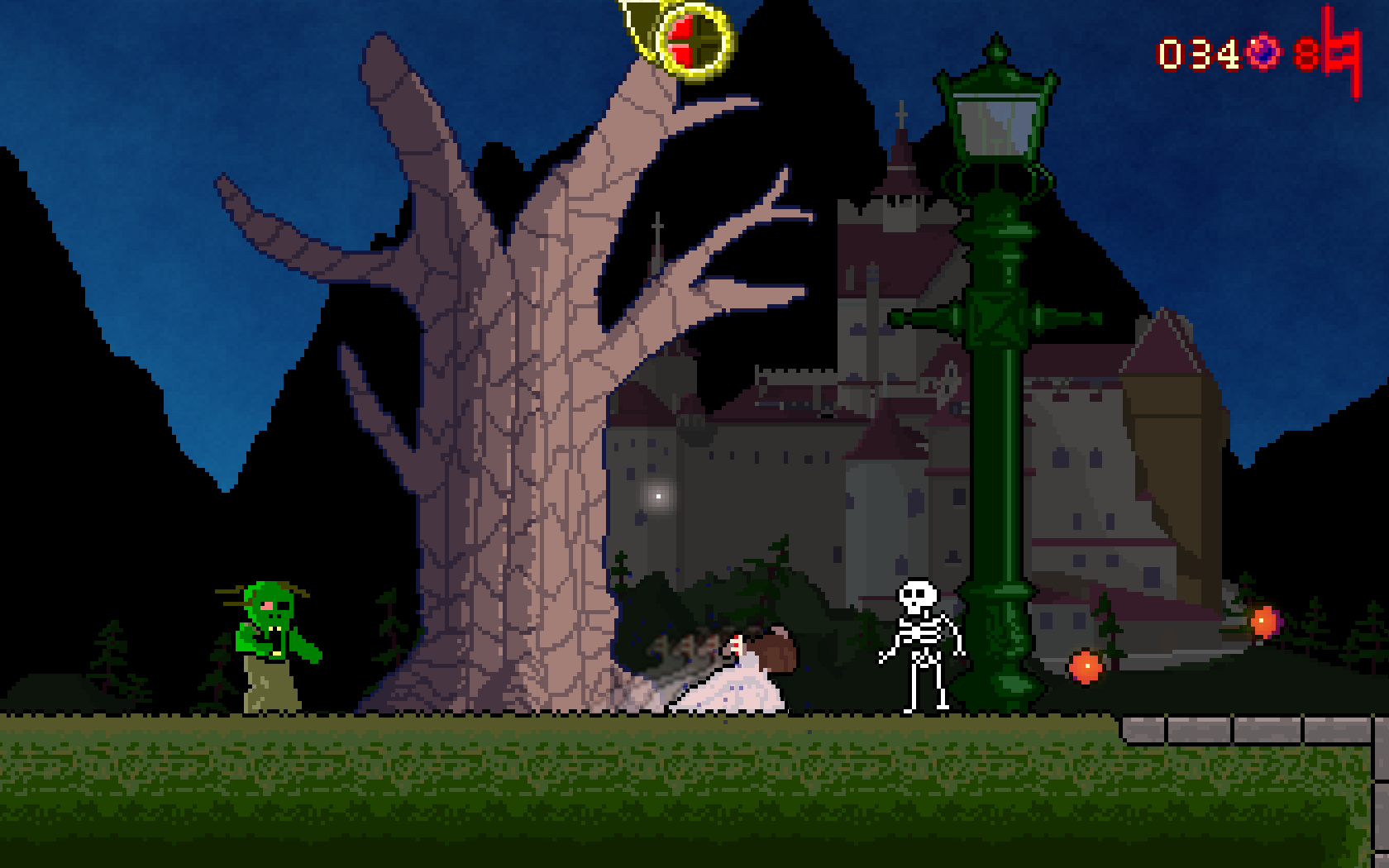
And the gameplay video I included on the game's page:
Finally, the game page: https://watersilver.itch.io/the-princess-and-the-plumber