

Impressive scale and quality considering the limited time!
I think adding a run button or a small minimap would make the experience better
A member registered Apr 03, 2022 · View creator page →
Creator of

You are the Bullet. Destroy the evil knights invading your home
Strategy
Play in browser
Recent community posts
Refactoring BattleSystem, Inventory UI, Font Update
17/12/2025
[ Refactoring BattleSystem ]
I decided to completely discard the old battle system code and inventory UI code and start from scratch.
That’s what I’ve been doing for the past few months.
It was definitely a scary decision, but I think it was worth it.
Especially with the old battle system, the code was becoming too much of a spaghetti code.
I already had future enemies and upcoming gimmicks in mind.
If I kept going without any fixes, the battle system was bound to get out of control.
For the battle system, I reworked the overall architecture into a more
finite-state-machine–driven design (except for some UI logic).
Not a single thing was changed visually.
I learned about FSM structures during a game dev programming course I took last year.
Although it may not be a perfectly designed FSM architecture, I tried my best to imitate what I learned.
For example, instead of implementing every battle-related action in the player script,
I created multiple classes that represent the player’s states,
along with a StateContext class that handles transitions between them.
So when the player presses the punch key, the player transitions into the PunchState class,
and executes actions based on that state's logic.
I also applied this structure to enemies as well.
Also, originally I had implemented skill logic directly inside the equippable item class.
But I didn't think keeping item logic and battle logic together was a good idea,
so I separated the item classes from the skill classes.
Honestly, rewriting the battle system felt like a huge grind.
But I felt so much accomplishment afterward,
because now I don't have to stare at my code for 3+ hours every time I want to add a new feature.
[ Refactoring Inventory UI ]
For the inventory UI, I remembered a friend telling me that it looked a bit bland.
I had kept that in mind for a long time, since I somewhat agreed with his thoughts as well.
But at the same time, UI design felt very difficult for me.
I ultimately thought that implementing gameplay was more of a priority, so I kept postponing it.
However, the UI related logic that I had written a long time ago
started to feel like it was getting in my way
every time I tried to do something new with items.
More specifically, whenever something didn't work as intended,
I had to sit down for a good amount of time
and wrap my head around how the inventory UI was being updated.
So similar to the battle system, I decided to throw out the old inventory code, and rewrite it.
And at the same time, I felt that this was the right moment to update the visuals as well.
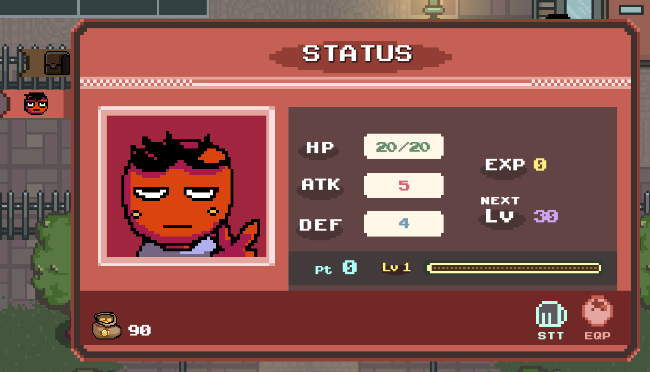
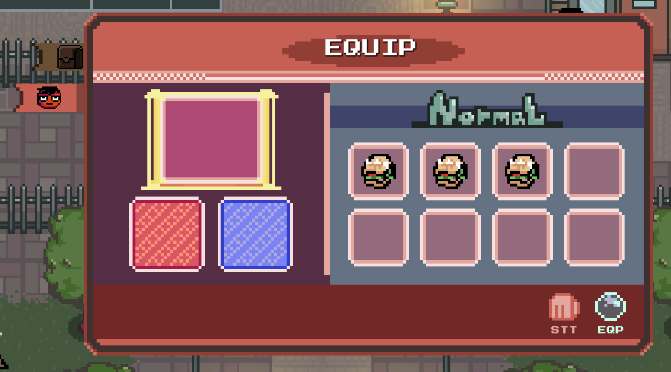
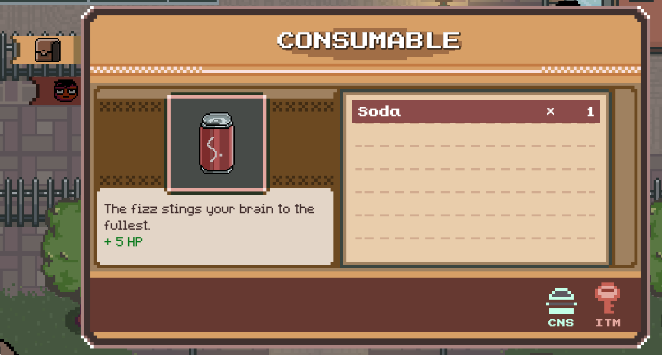
I learned about using color palettes,
so I tried out a palette named Twilight 5, created by Star.
I also looked at how other games designed their inventory UIs
and tried to figure out which kind of UI I personally liked the most.
=== Old Inventory UI ===
=== New Inventory UI ===
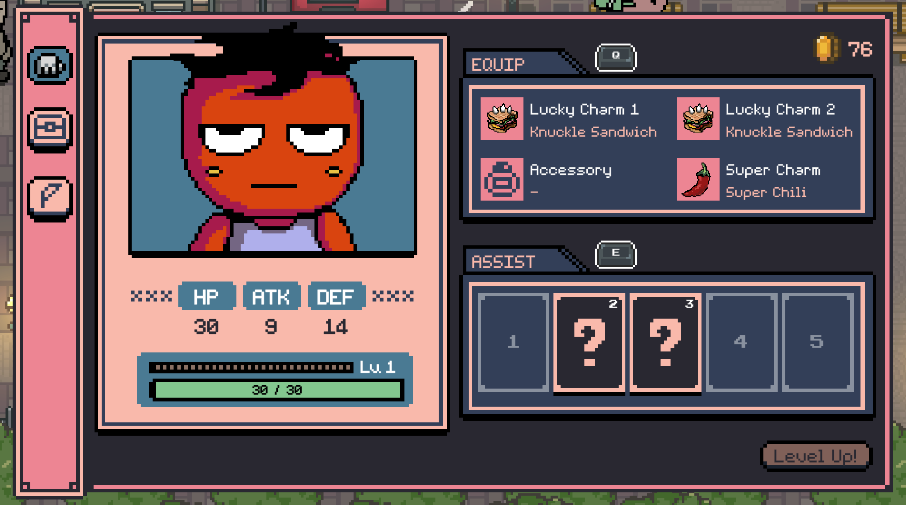
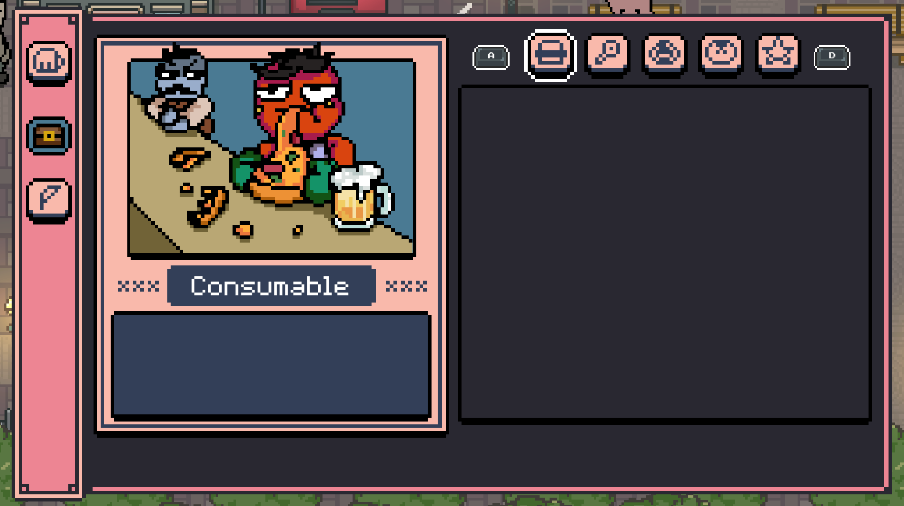
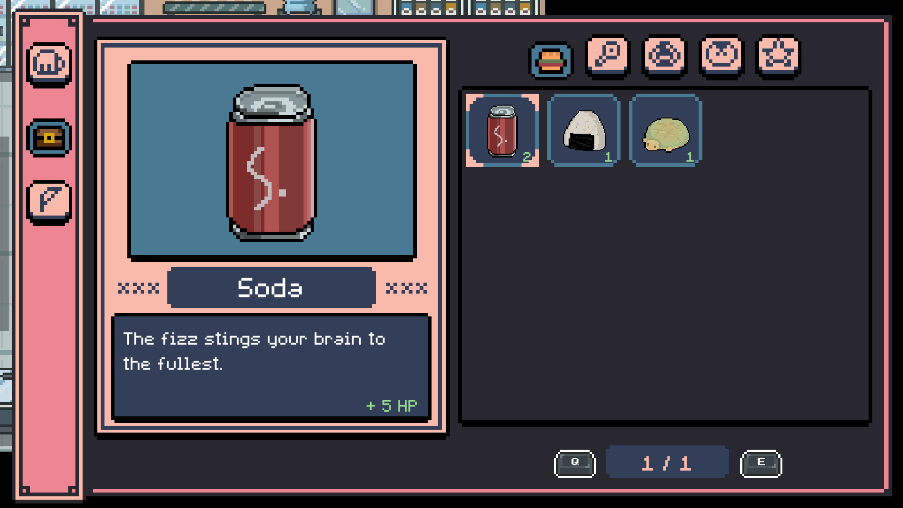
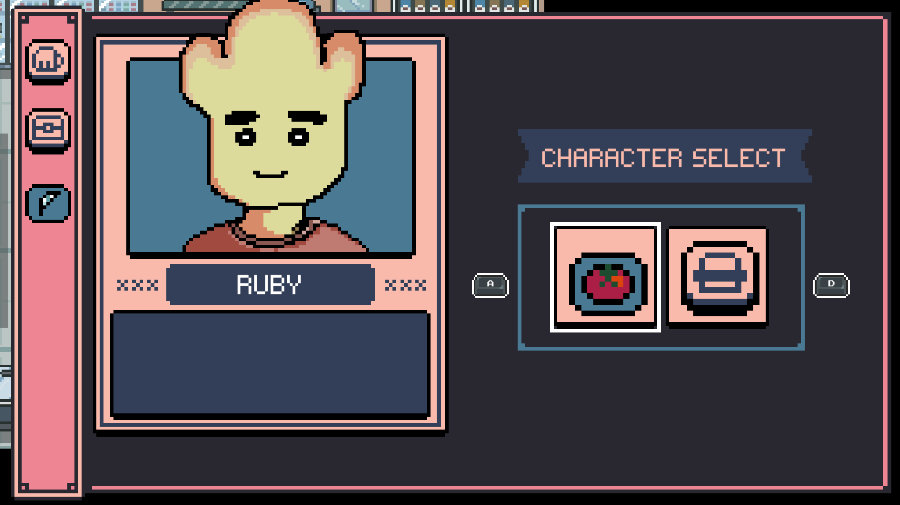
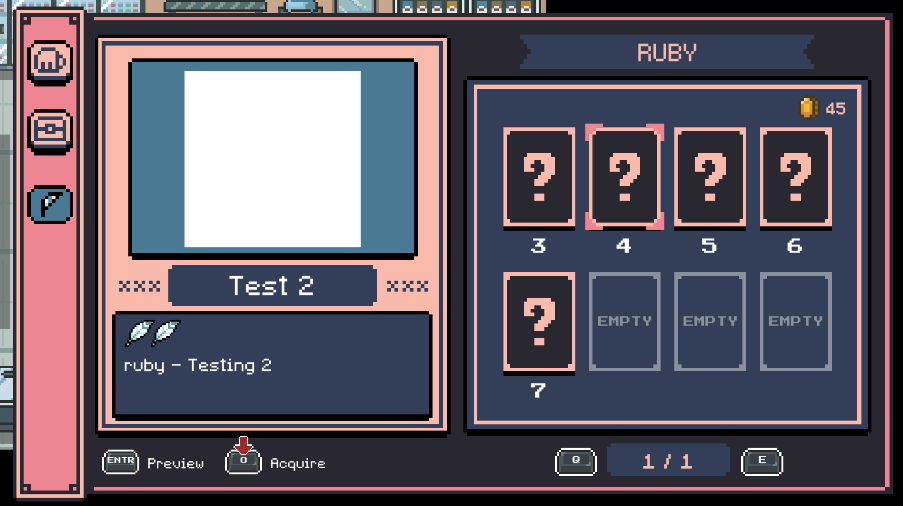
There are still several placeholder / blank images that I need to update in the future.
But overall, the new inventory system works as intended, and I'm very satisfied with the result.
I especially had a lot of fun drawing the item menu portraits.
It felt very satisfying to express Mato's character through the UI design as well.
I aimed to give the UI a lightweight, cartoonish atmosphere.
[ Font Update ]
Previously, when changing the language mode,
the text font was updated by referencing a table specified in a .csv file.

The font settings were saved as strings, each indicating:
font name / font size / character spacing / word spacing / line spacing.
However, the problem with this approach is that every time I added a new UI text element,
I also had to update this table and manually specify its settings.
So instead of defining font sizes for every individual UI element,
I used a float value that represents a scale factor.
Basically, each UI element stores its original font size at startup,
and the localization system updates the font size based on the currently selected language.
For example, since I’m developing the game in English, all UI font sizes are initially set for English.
If the current language is English, the scale value is 1.0,
meaning no scaling is necessary.
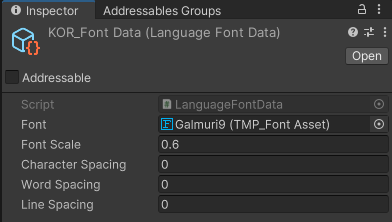
I also decided to assign a single font per language and store the font settings in a ScriptableObject.
This way, I only need to access this data whenever the language changes.
===
Now that I'm done with refactoring,
my next goal is to finally move on to creating the next region.
I can't keep Mato stuck in the tutorial area forever!
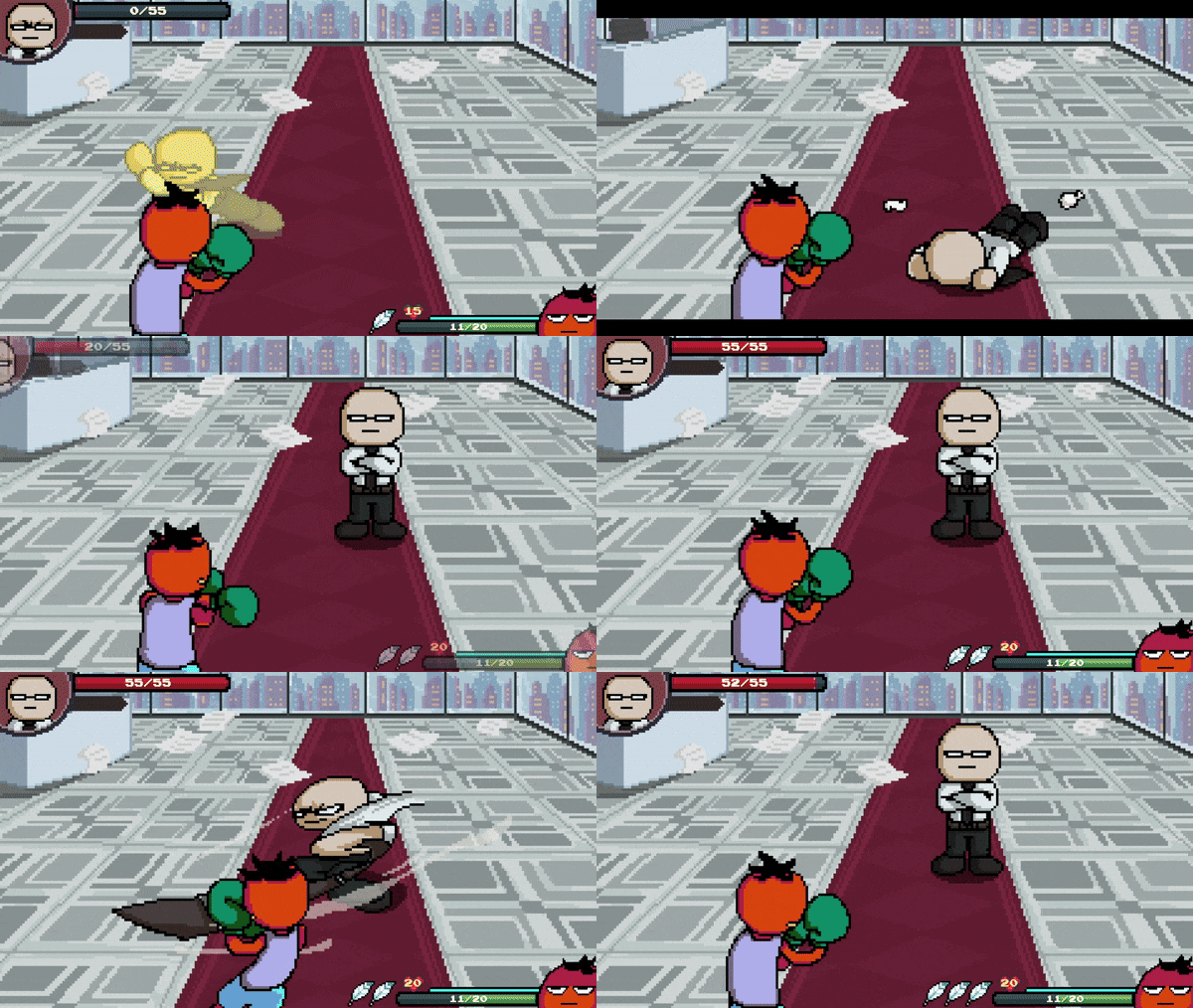
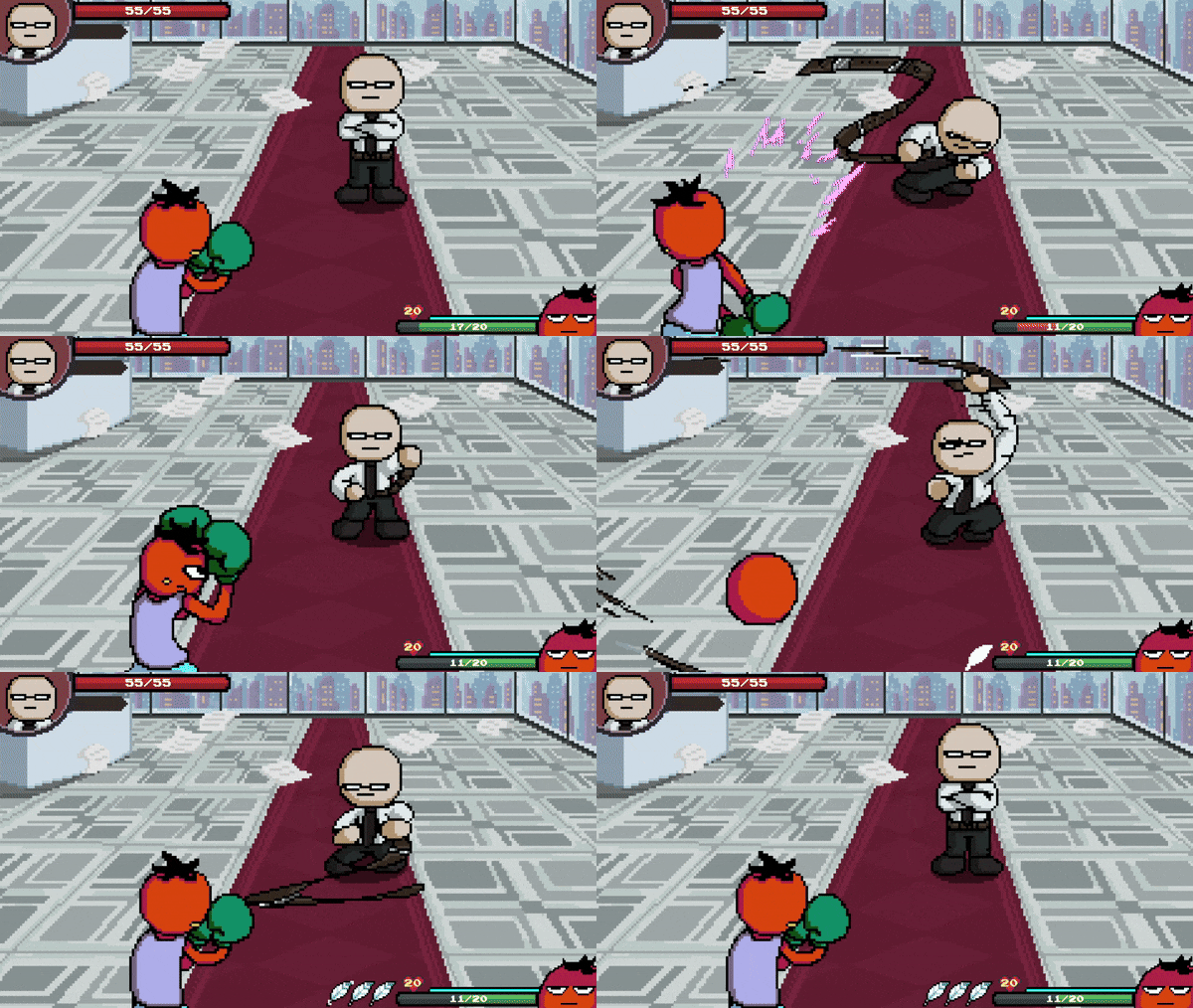
1st Boss : Boss
25/04/2024
Well!
It took long to upload this progress... 2 months!
Went through a whole lot of brain-storming, bug-fixing,
refactoring some systems and etc.
Not fun at all!
Also drew a lot of animations and new sprites for this fight.
But it was a blast once the materials were ready.
It was a small challenge creating a boss system, with second phases.

As of now, I'm finally focusing on creating the general, initial story-line for the game.
Which includes cut scenes!
I drew this picture today, which will be one of the cut scenes.
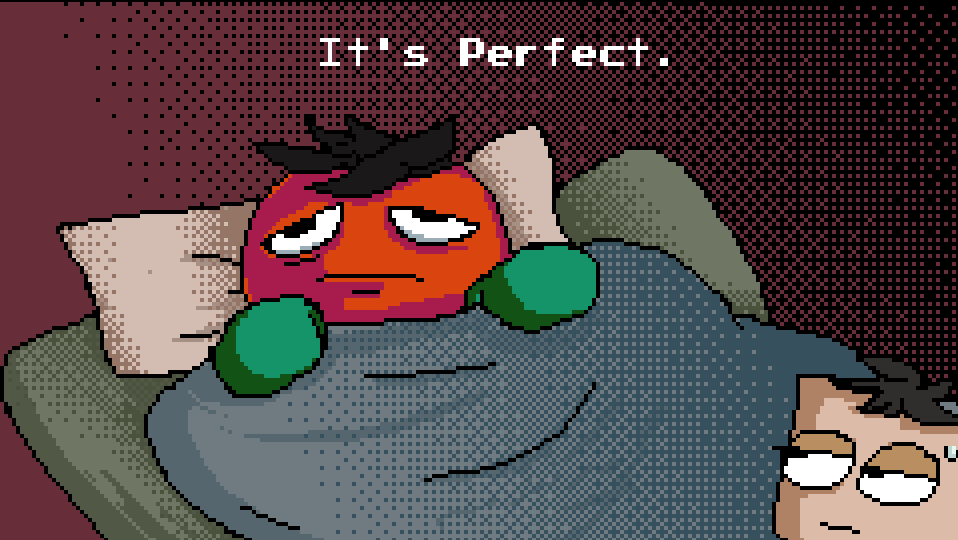
I hope to gain more speed for my game development.
3rd Enemy : Flying Donut
06/10/2023
Finally, finally created a 3rd enemy: a flying donut.
It will suck your blood out.
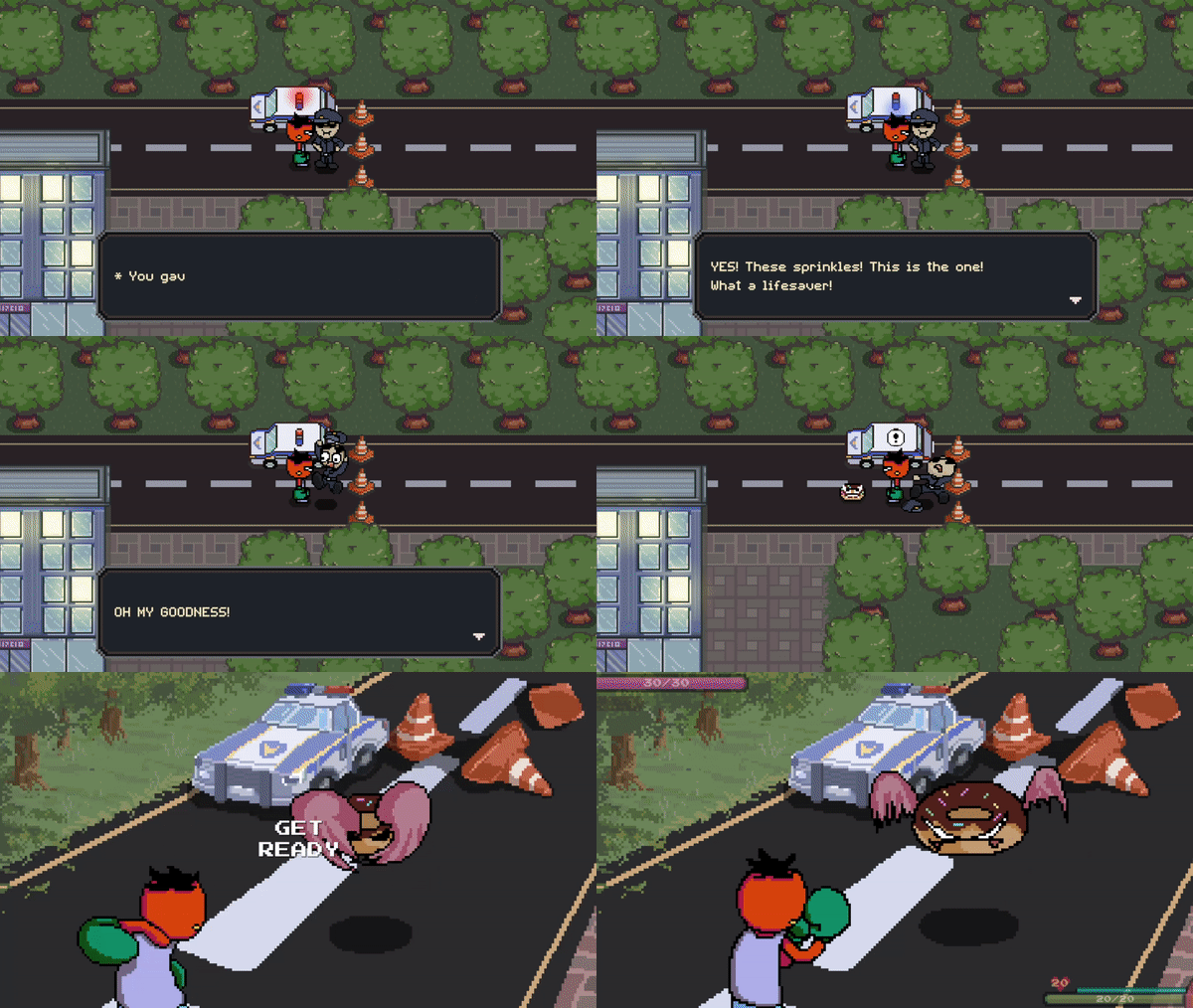
Giving the donut to the police officer.
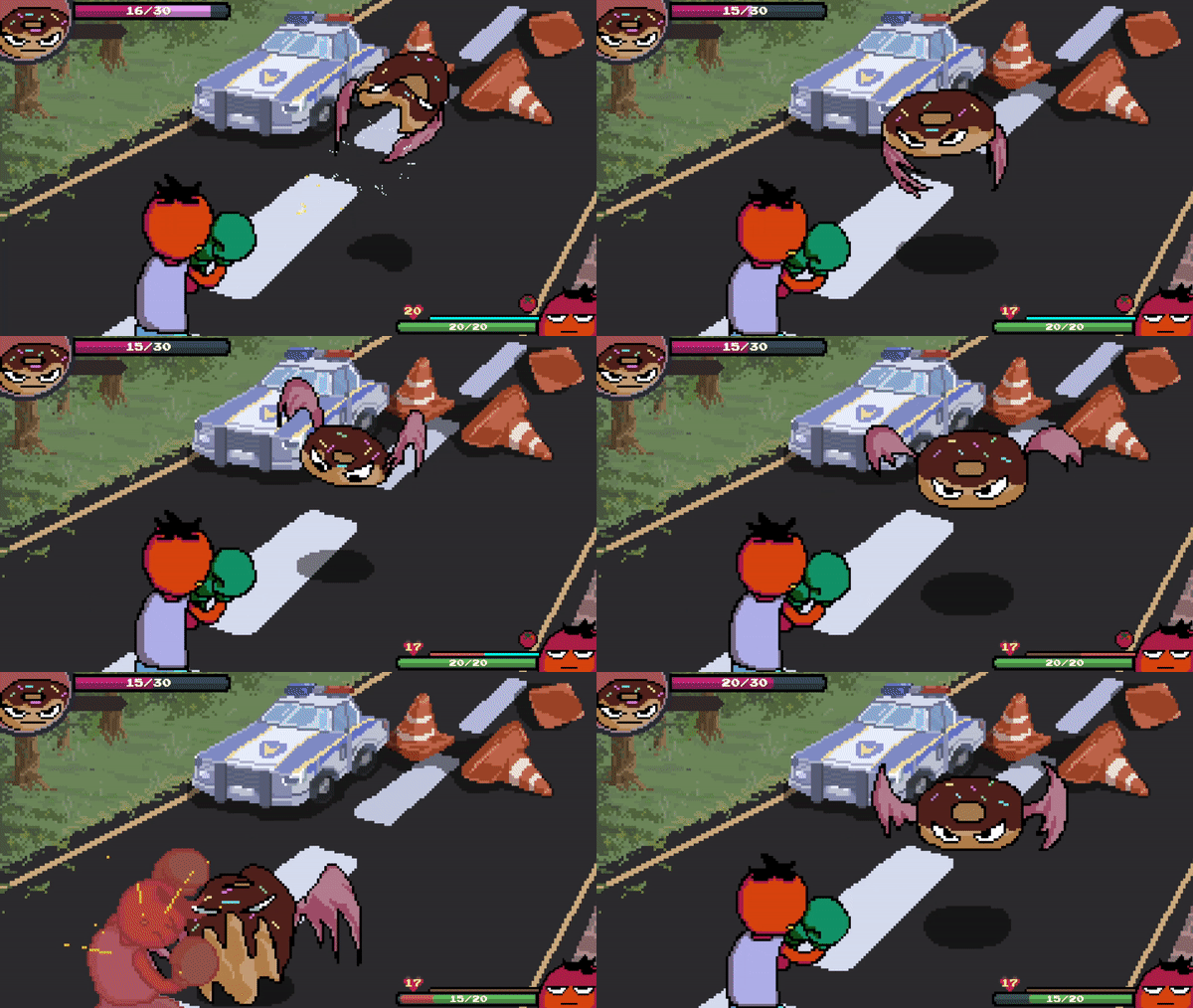
An evil flying donut.
Had to go through some additional battle system refactoring to implement the special hit effects
(ex. Stealing health points from the player)
A lot of fun creating this little guy, but again took longer than expected.
At this pace, I have no idea when it will be even close to beta testing.
But it's a lot of fun for sure, and I want to believe that's what really matters the most.
Bug fixes, 2nd Enemy, Cut-scenes
01/09/2023
Been refactoring the battle system to increase work efficiency.
Also fixed a bunch of bugs that I found along the way.
These bugs just won't stop popping up 😑
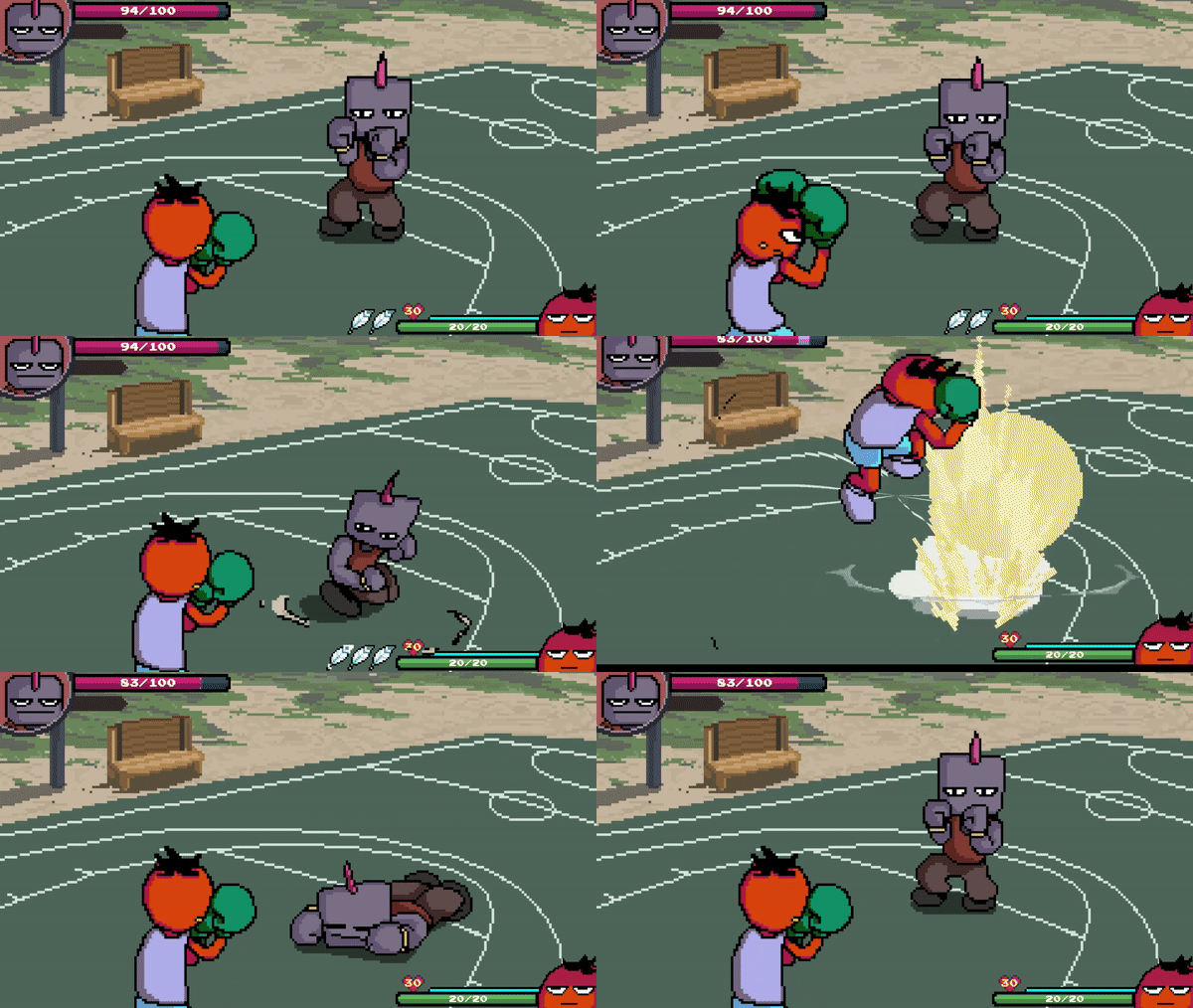
Revised shock-wave effect
Revised shock-wave effect, I think it's much better than before.
Boy was it a tricky job getting the shock wave effect work with parallax backgrounds.
I think this took longer than it should've.

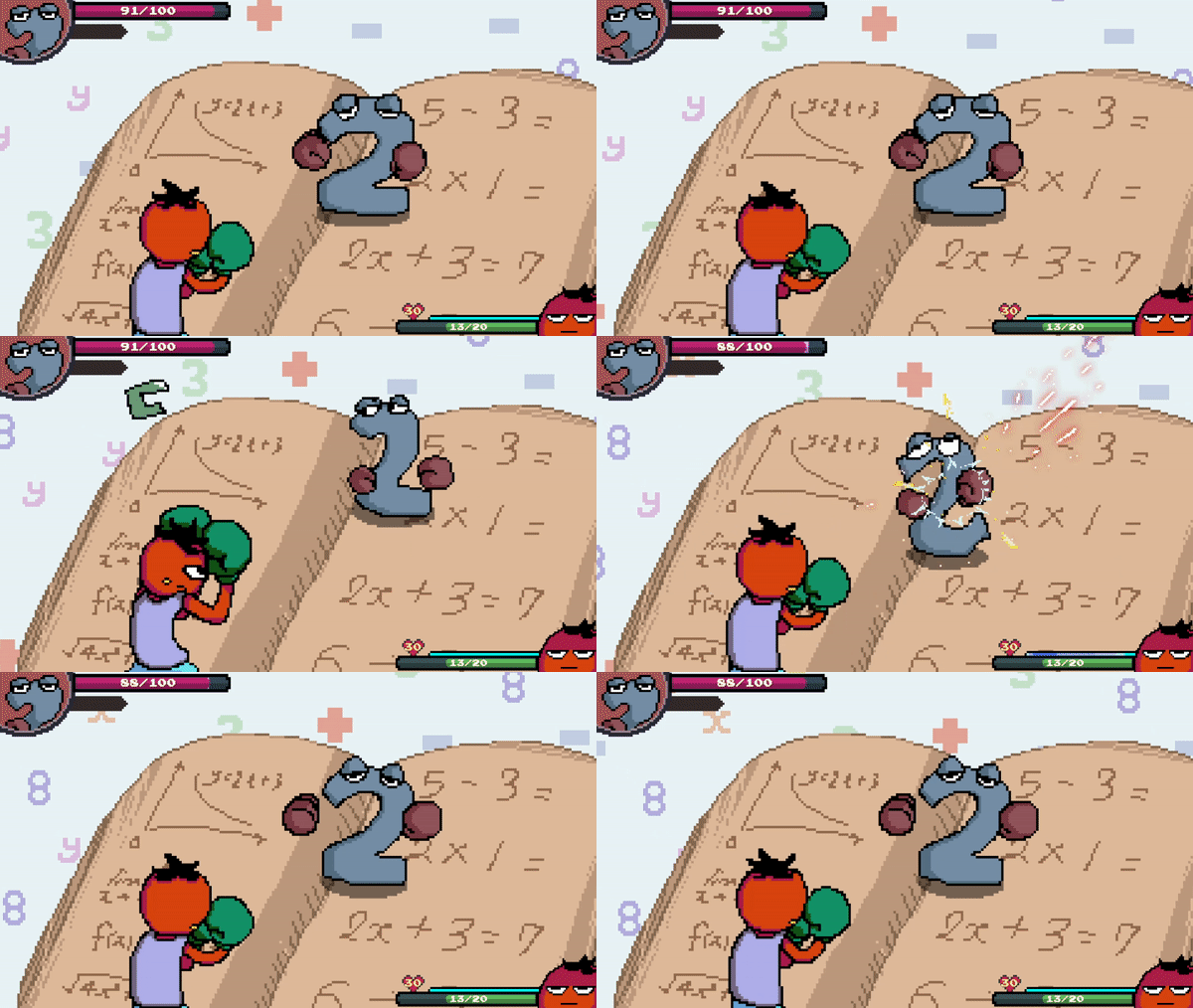
Enemy - Number 2
Most importantly, created my 2nd Enemy, which is Number2!
Creating enemy animations just melts time, but still very exciting at the same time
A whole lot more enemies to finish,
hopefully the refactored battle system saves some time for me.
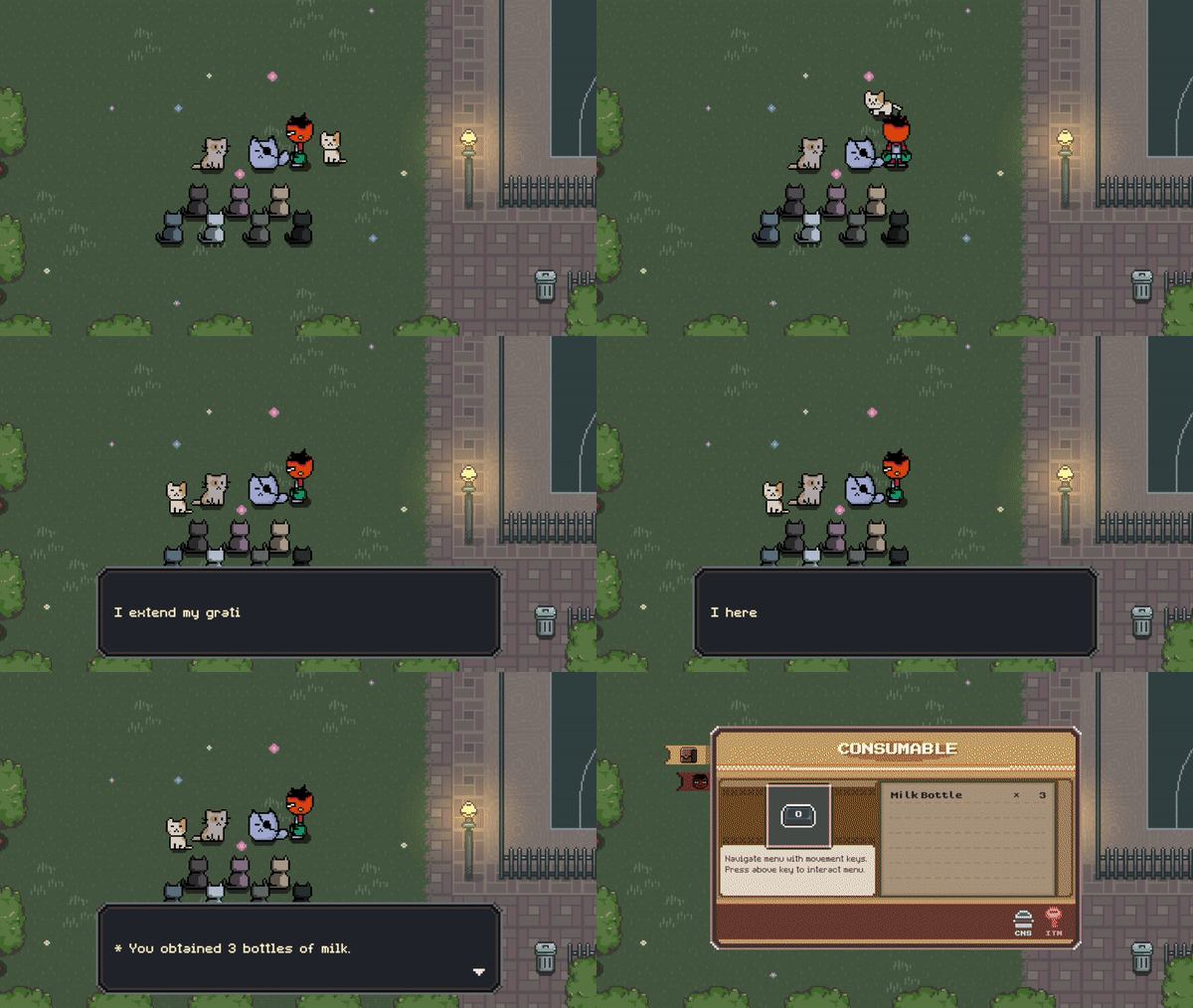
Mini cut-scene through dialogue
Created a mini cut-scene through dialogue as well.
Initially I had no idea how to implement this,
so I took note of how RPG Maker Engine creates a cut-scene.
Big thanks to Game Dev Experiments 's informative tutorials as well.
I'm not too confident in the cut-scene system structure, but I guess it works!
Just super happy that it even works
Next up is creating more enemies, and more cut-scenes.
I am grinding my teeth to progress out from the game's first town.
Also thinking of adding a deflecting system when parrying enemy's projectile attacks.
While playing the game, I kinda felt hopeless when it was doing projectile attacks, since I cannot counter attack it.
Hope to gain more speed in my development.
Party System Update
04/08/2023
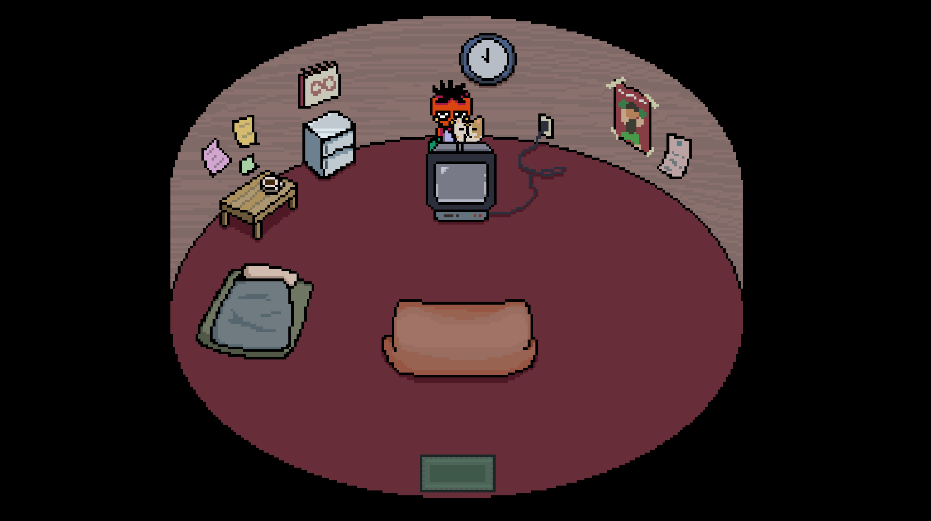
- Successfully teleported party member during scene transitions
- Created a Party System to keep track of current party members
- Implemented saving party members' states (last saved position, current members)
- Implemented dialogue changes depending on battle results or specific events
Assist Skill, NPC Follow System
30/07/2023
Surprisingly, still found some input and gamepad bugs. Had to fix them (and struggle) for quite a while.
Hopefully I don't go through that hassle again
Finished creating the general structure of assist skills,
for now the default assist skill is just Mato himself doing a kick.
Will need to add more in the future as party members increase.
Assist skills that require 3 feathers will have a blast effect,
which will blast enemies to the other side, bouncing off an invisible wall.
During this state, inserting Left Punch or Right Punch at the appropriate timing
will result in a dunk-combo.
Really enjoyed creating the shock-wave effect,
thanks to Sasquatch B Studios for the informative tutorial!
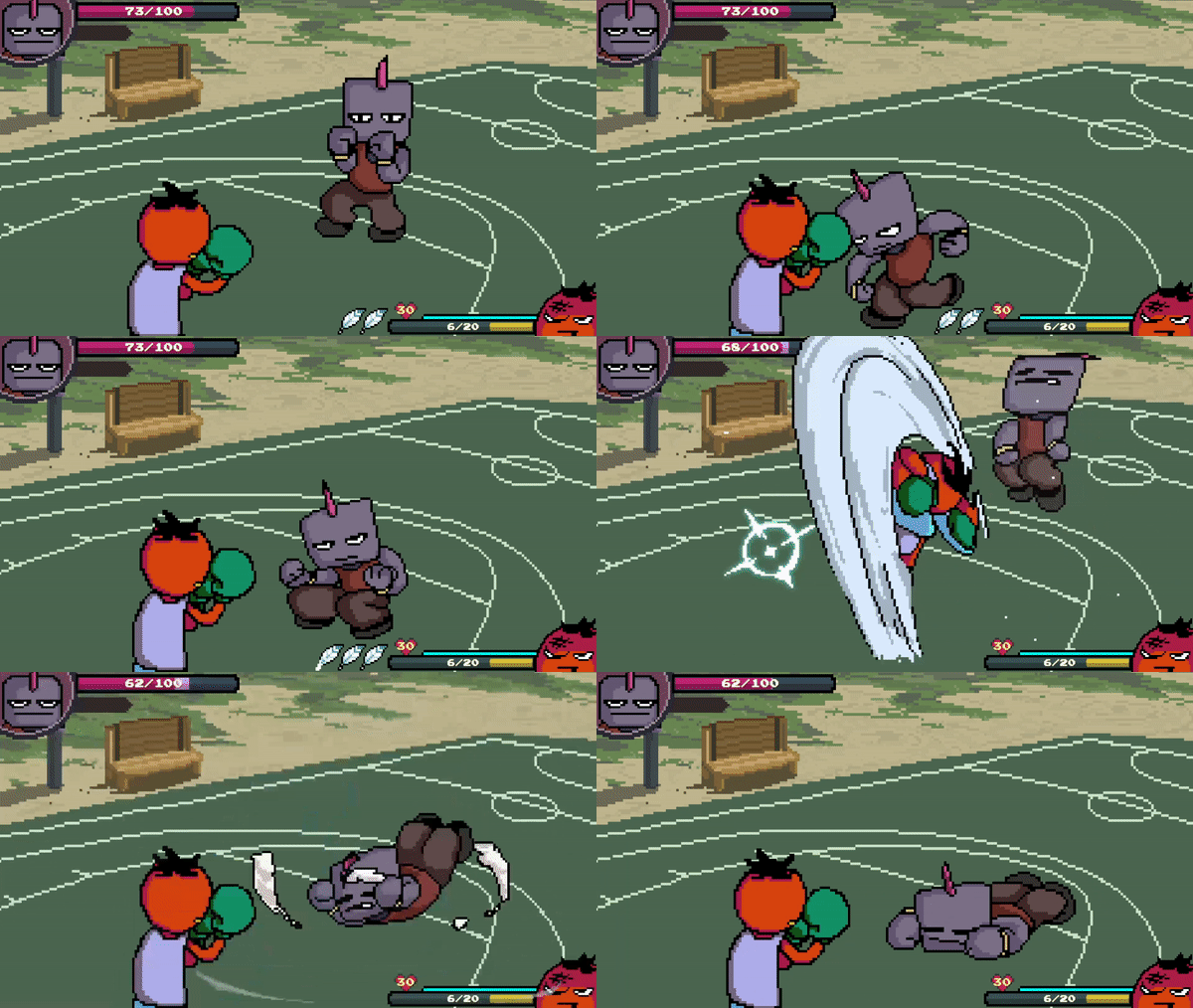
Blast-Dunk Combo
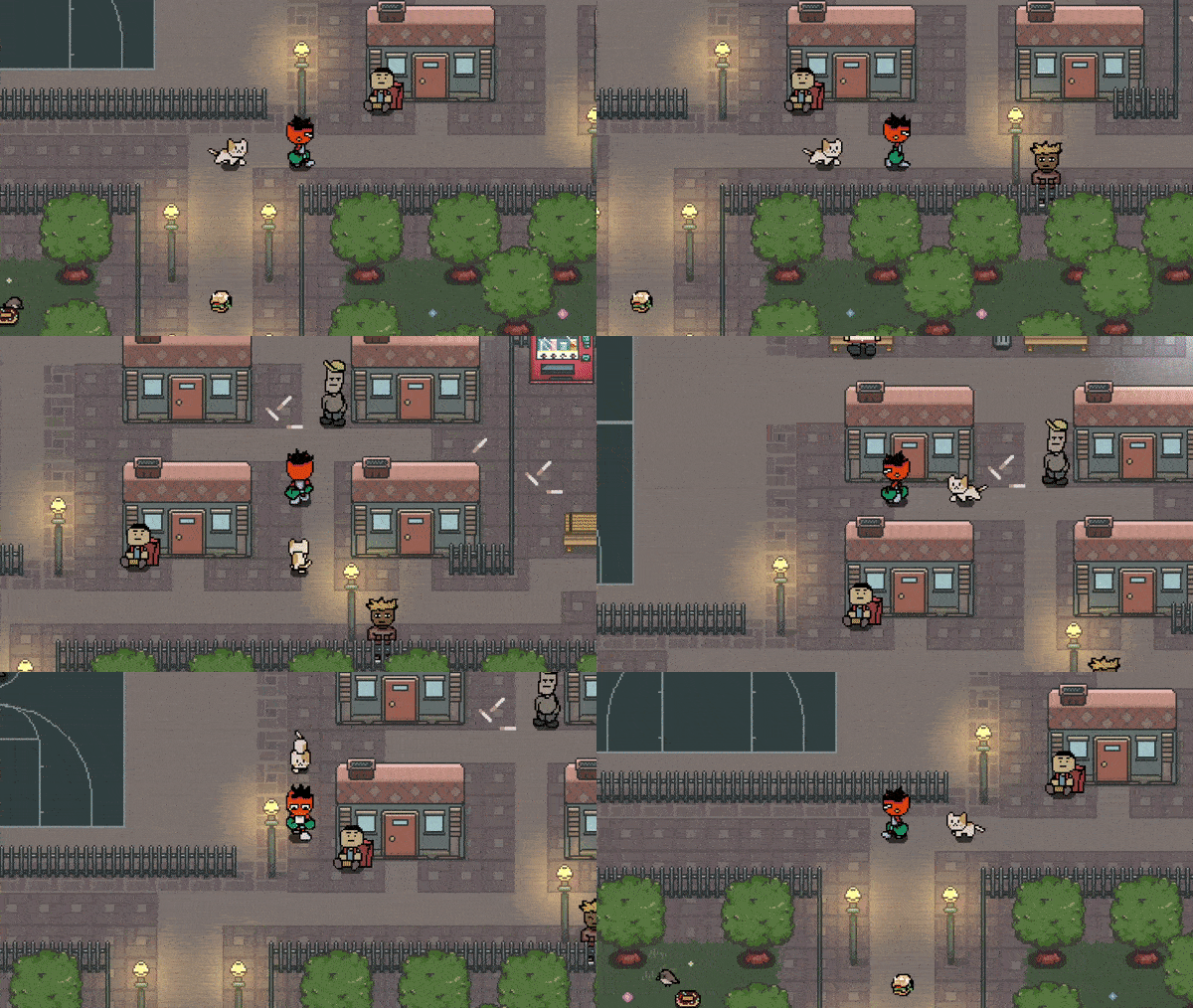
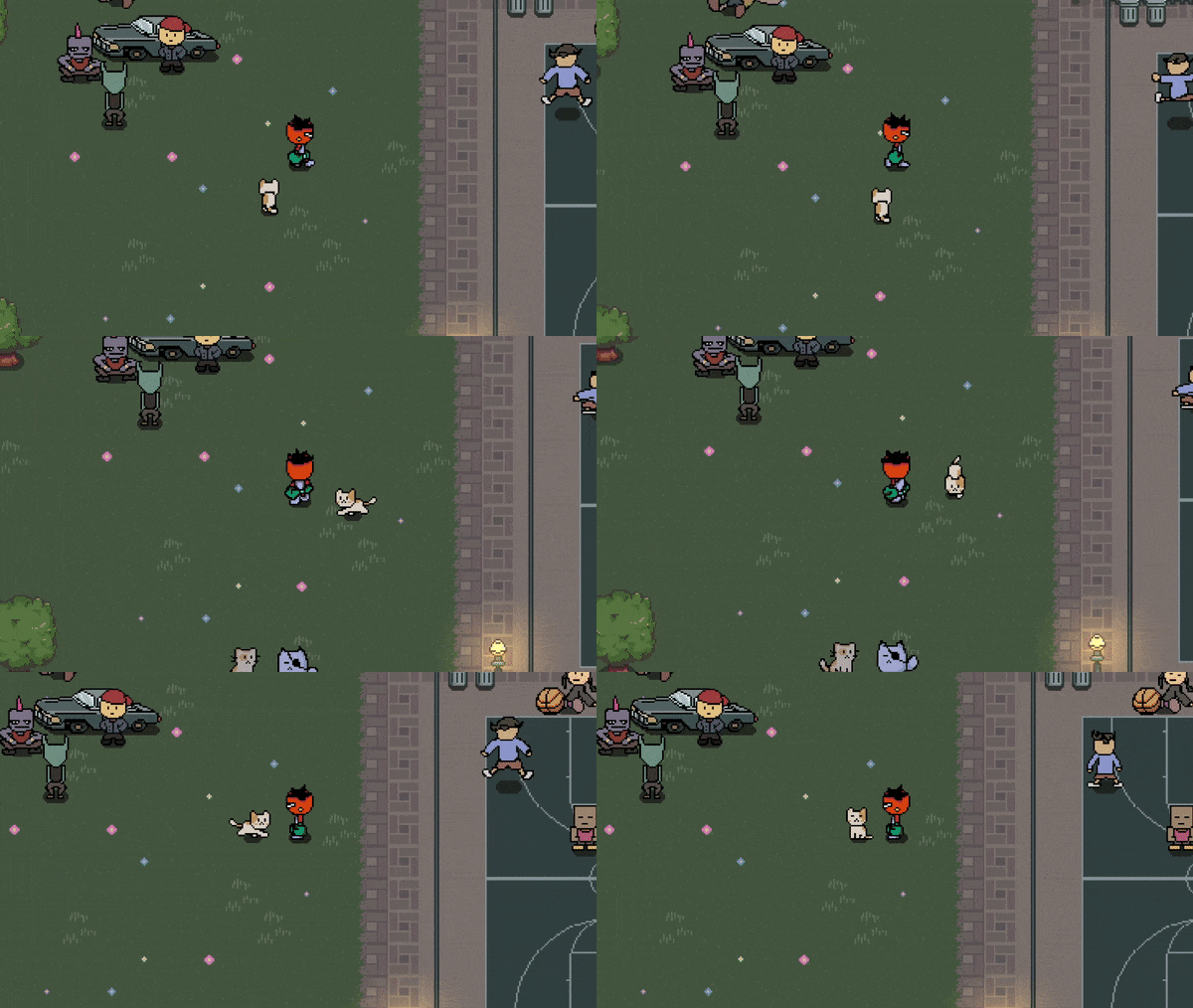
Created a follow system for a NPC, thinking of creating a mini escort quest.
NPC Follow System
This was unexpectedly hard to implement : jittery movement issues and sprites flickering etc.
Still, finally a smooth cat movement!
Really happy with how it turned out.
Convenience store Update, Player waking up
18/07/2023
Been a while I posted some progress!
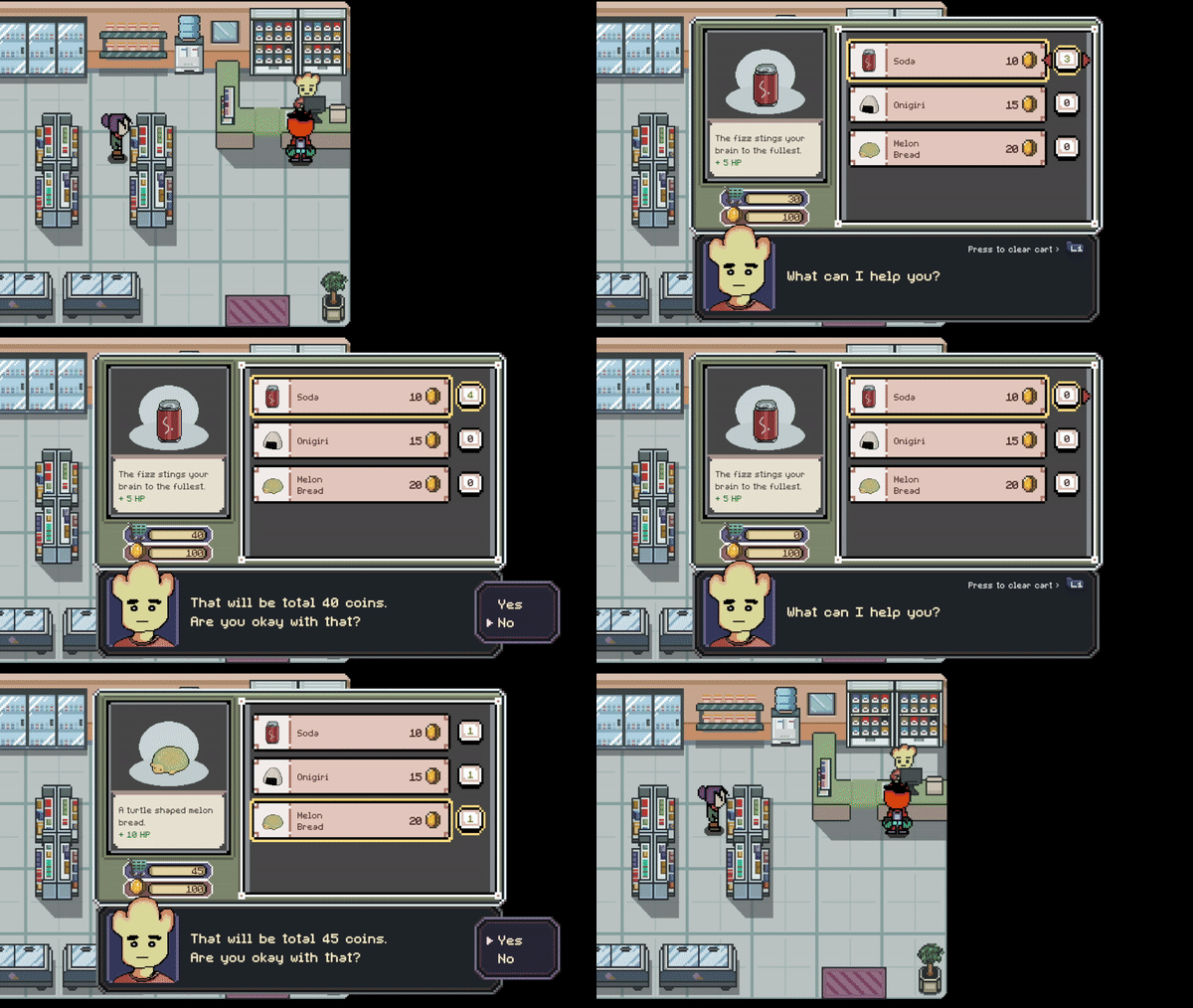
convenience store system
I've completed making a convenience store,
where you can purchase items that could heal the player's health.
Trying to come up with a UI design has been one of the trickiest tasks for me.
Trying to hook up the dialogue system with the buying system was also pretty tough.
Overall, I'm pretty satisfied with how I polished the convenience store.
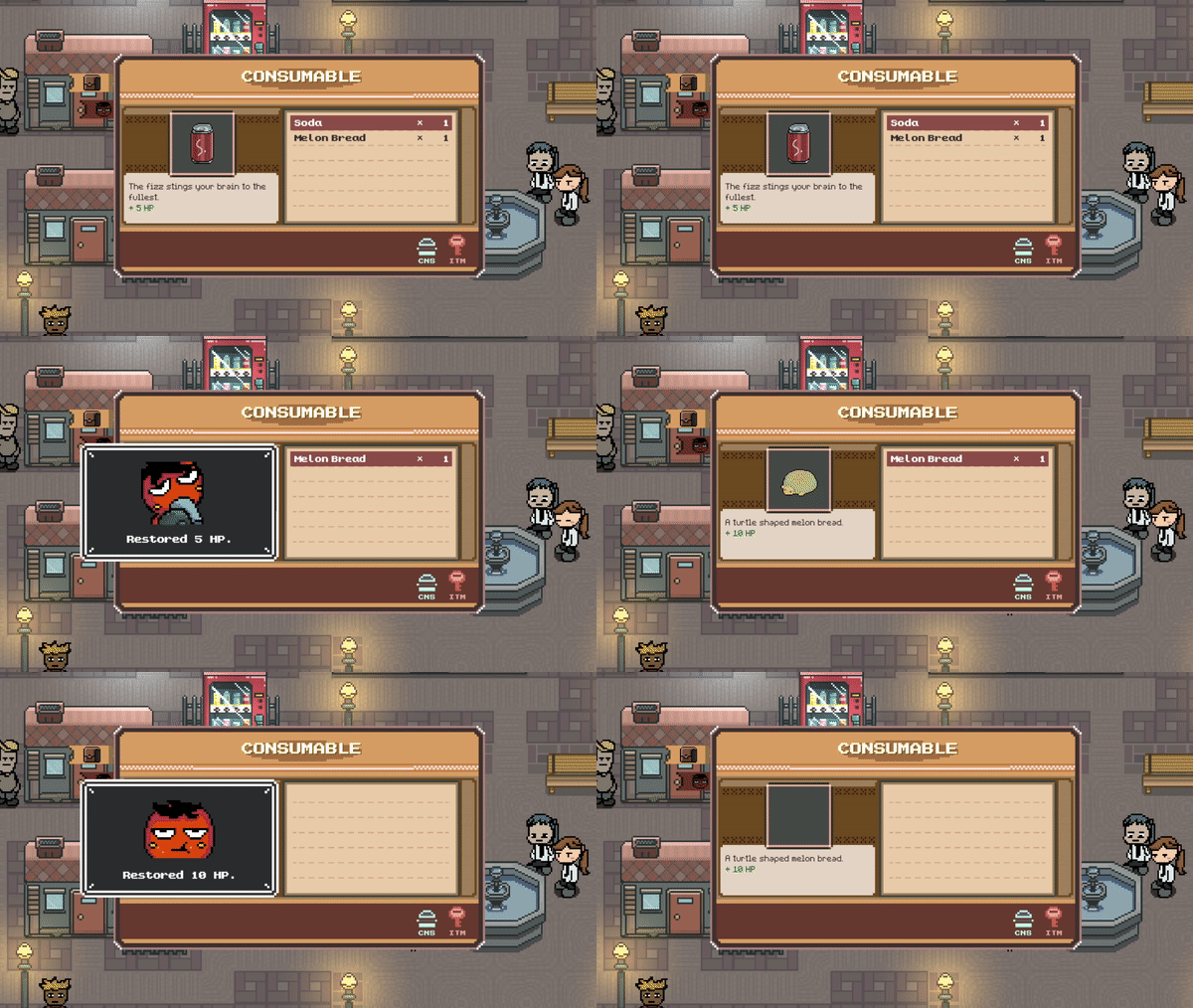
Drinking, Eating reactions
Also added some player's reactions when consuming the health items.
This was really fun to add.

Vending Machine
Besides of the convenience store, I also created a vending machine.
You can buy chilly sodas from here, which also is a health item.
I added this because I like to have as many interactable objects in an environment.
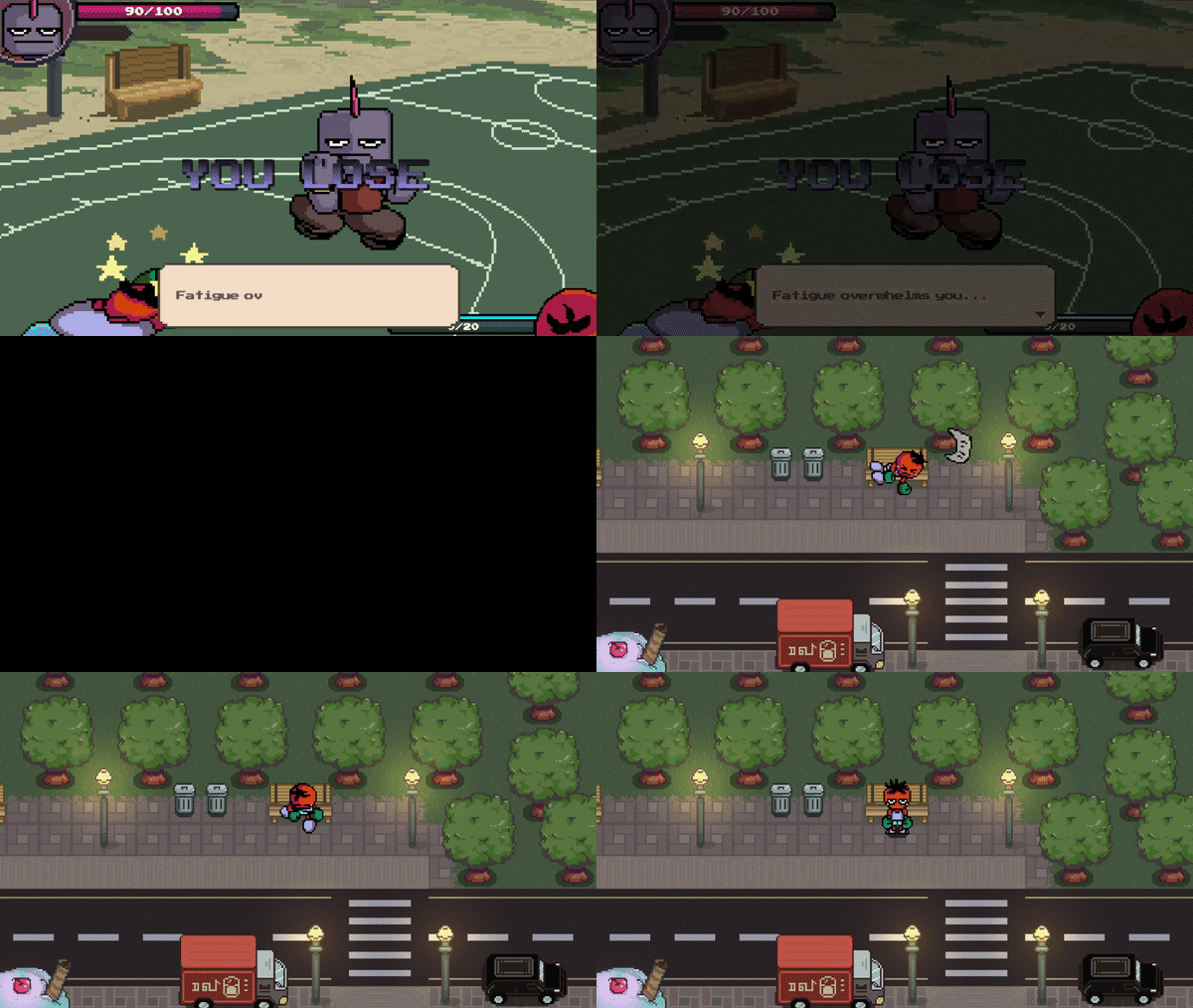
Battle Lost - Bench Revive
After creating the dialogue system,
I found out I haven't yet decided on what to do when the player loses the battle.
So I created a sequence where the player wakes up from a random bench within the area.
I had to think for a while how to implement this, but I'm glad that it worked out!
I do have another supplementary idea related to the player reviving sequence,
but that will be future progress for now.
I'm really excited for this idea as well.
Currently working on progress is: Assist Skills
An available assist skill will depend on how many times the player successfully evaded the enemy attack in a row.
Hope to gain some speed with my progress.
I realized that in the end, no matter how long I worry about the outcome of a certain feature,
If I enjoy it, everything's gonna be ok.
Bug fixes, Convenience store
03/02/2023
Surprisingly, found and fixed more bugs related to rebinding system.
And coincidently found some bugs in the battle system as well.
What a hassle it was.
Created a convenience store!
Really excited to create a buying system.
But I'll need to work on the Inventory system prior to that.
Oh, and some little birds as well.
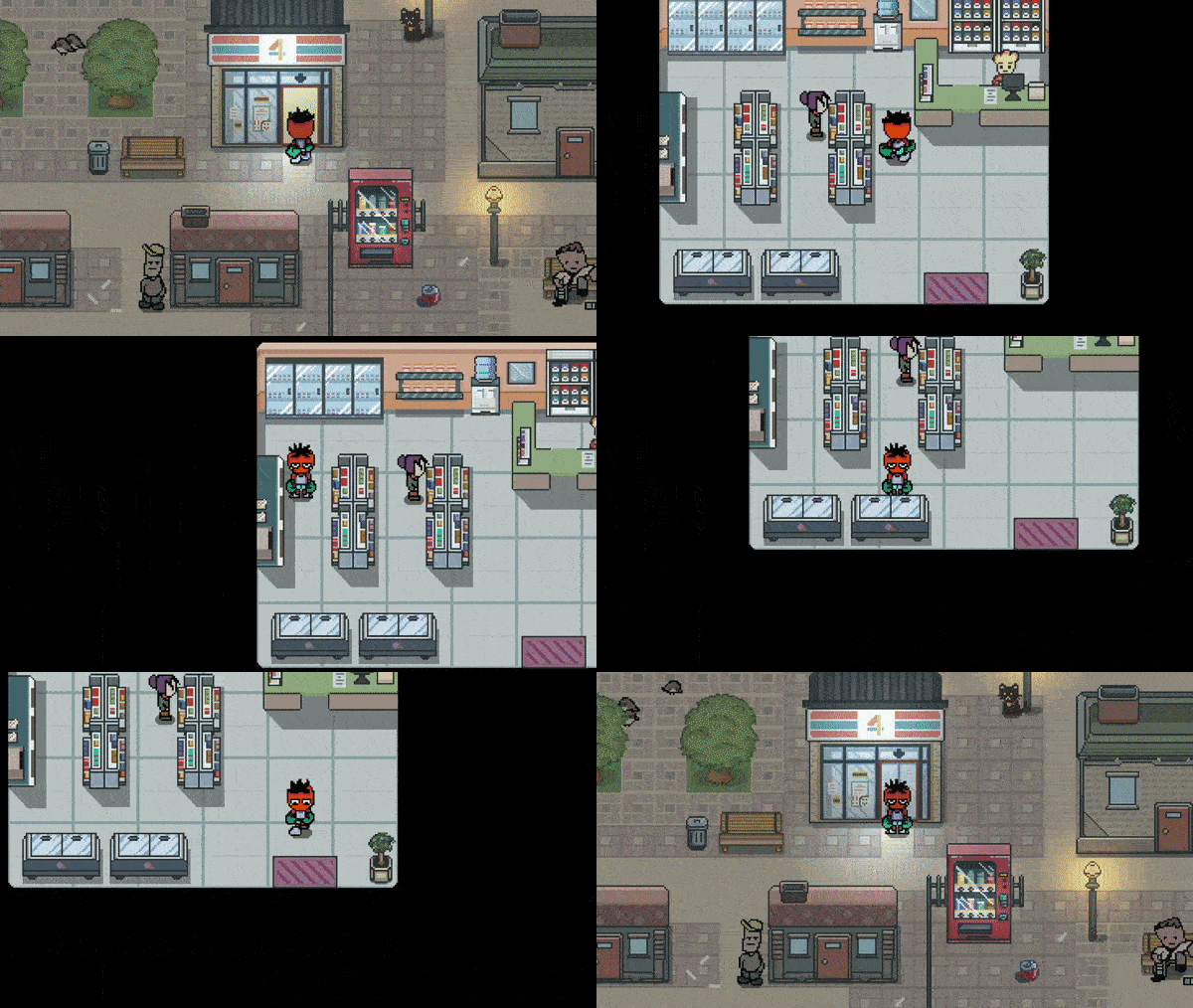
convenience store
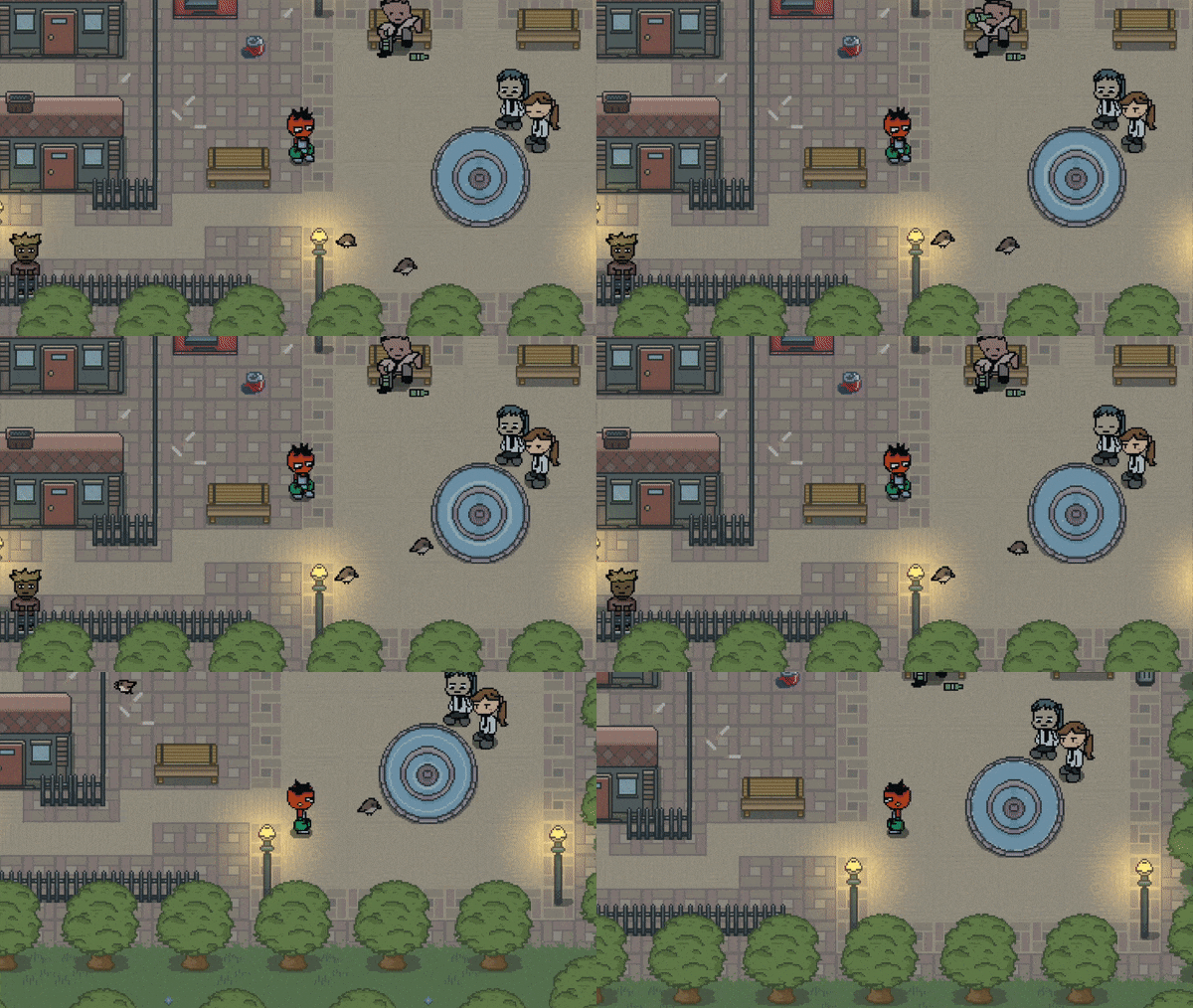
little birds
Finally posting some progress that I have recently made.
I'll try to post my progress here from now on.
Could maybe use this as a portfolio, who knows.
Bug fixes, Tutorial Mode
24/01/2023
Fixed a lot of bugs related to Rebinding System that I hade made previously.
Made a differentiation to gamepad types (ps4, xbox, switch), which will update the UI sprites.
And created a tutorial mode!
You can exit the tutorial anytime you want,
by pressing the start / options or the escape button.
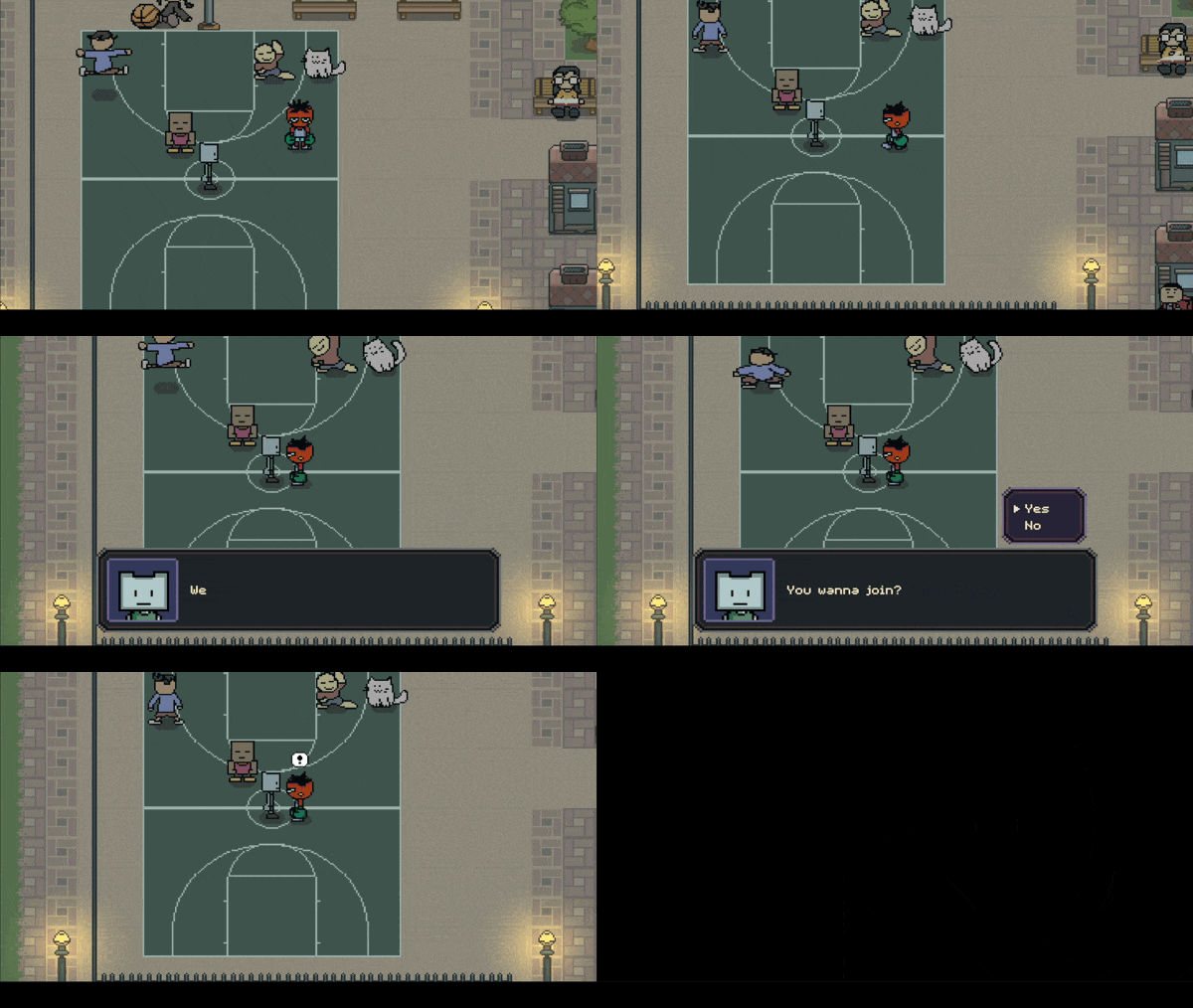

Tutorial Mode Testing
Uploading previous progress, still more to go.
Level and Status System
20/06/2022
- Linked the battle results to the status card.
- You gain status points as you level up.
You can increase player's hp, attack or defense with status points.
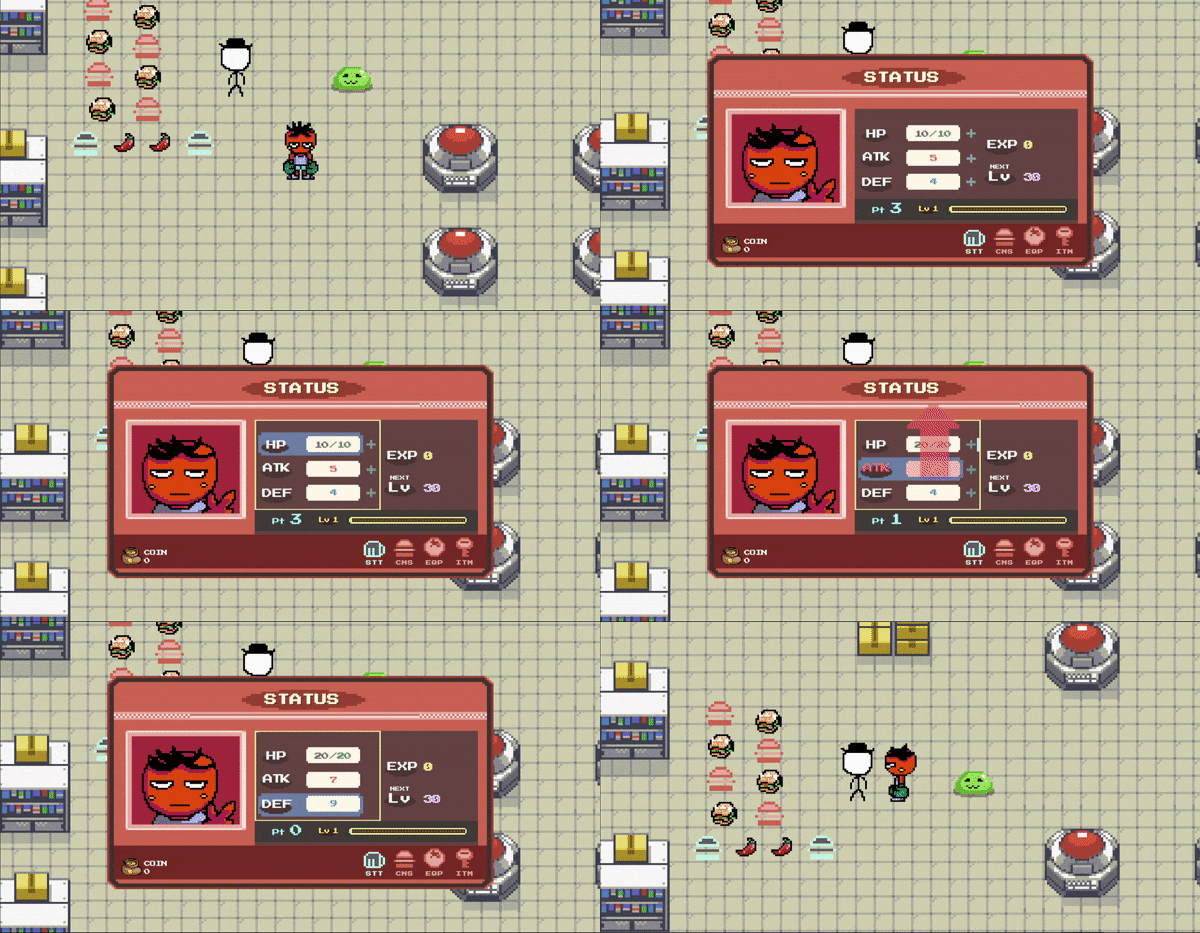
This background is now replaced! Was a placeholder for the moment.
Rebinding Controls, Resolution Menu
23/07/2022
Created a system for rebinding controls.
This was really hard to implement, fixed a huge amount of bugs recently.
UI sprites will change depending on the gamepad type (ps4 default, xbox, switch pro controller).
Thanks for greatdocbrown for the neat UI sprites!
I've recently changed all the UI sprites for the gamepad.
Not sure if I had to differentiate switch pro controllers as well, but why not.
Maybe if I nail this project there'll be a chance for me.
Also thanks for Dream Mix for the solid keyboard sprites.
Used them in the tutorial scene.
Made an option menu for resolution setting.
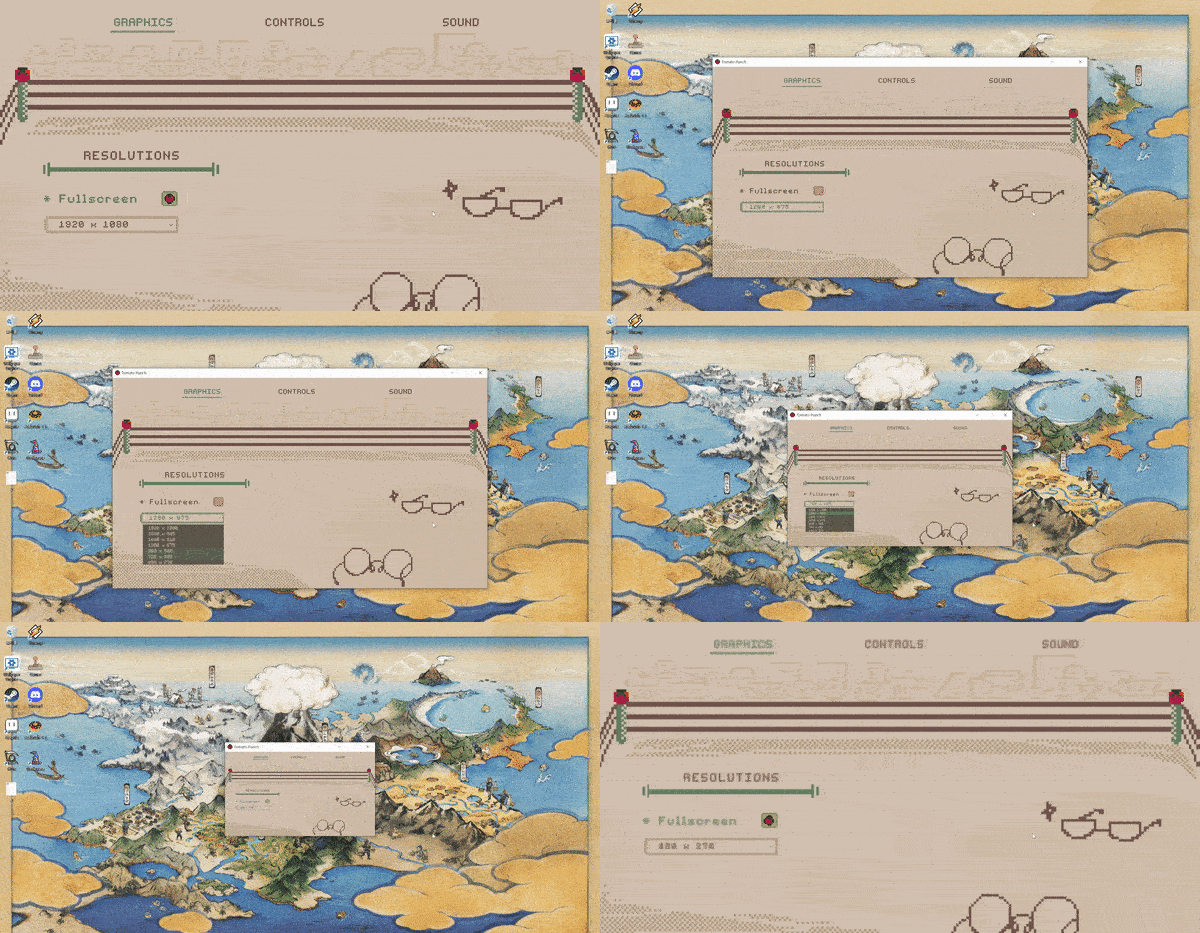
Testing out resolution setting
Hometown
10/08/2022
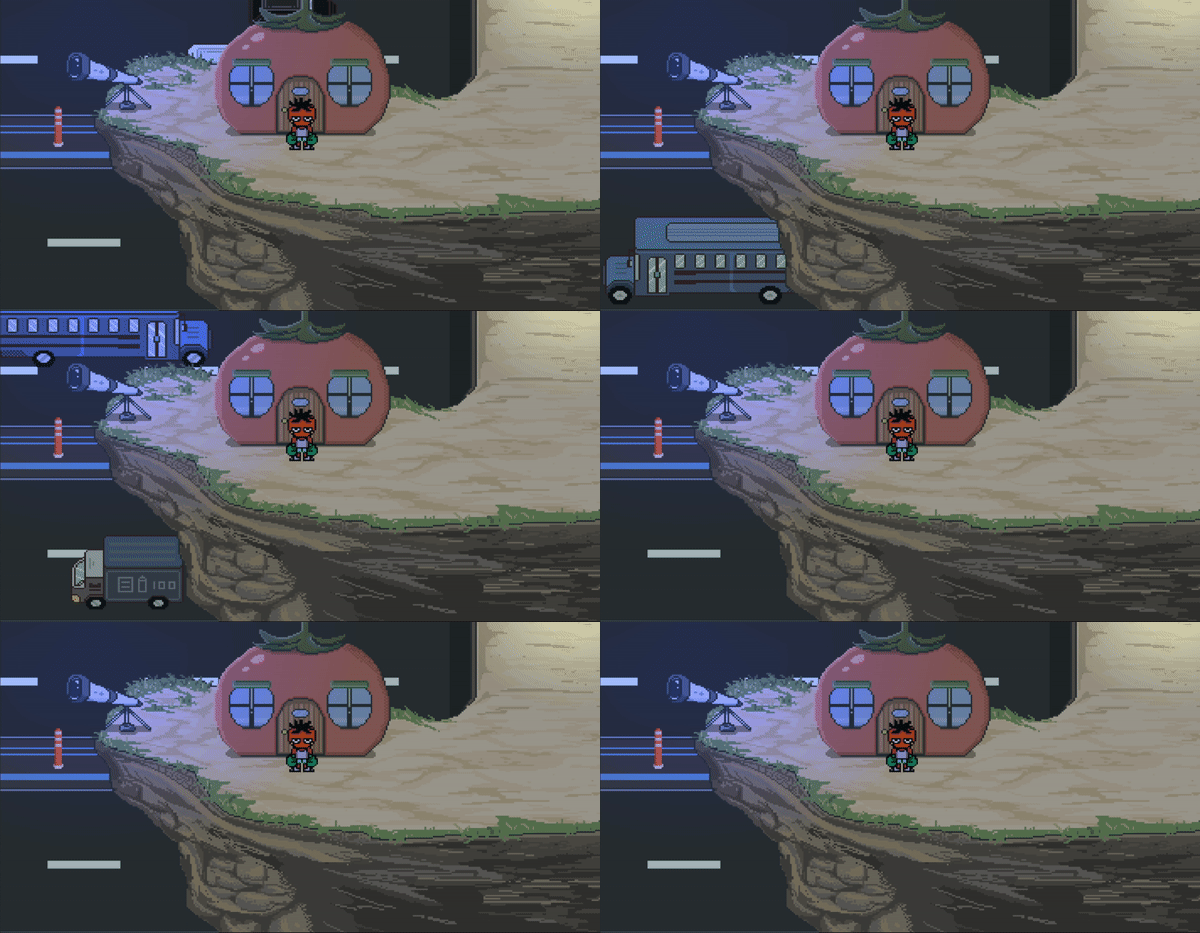
Mato standing in front of his house
Just strolling
NPCs and indoor transition
24/08/2022
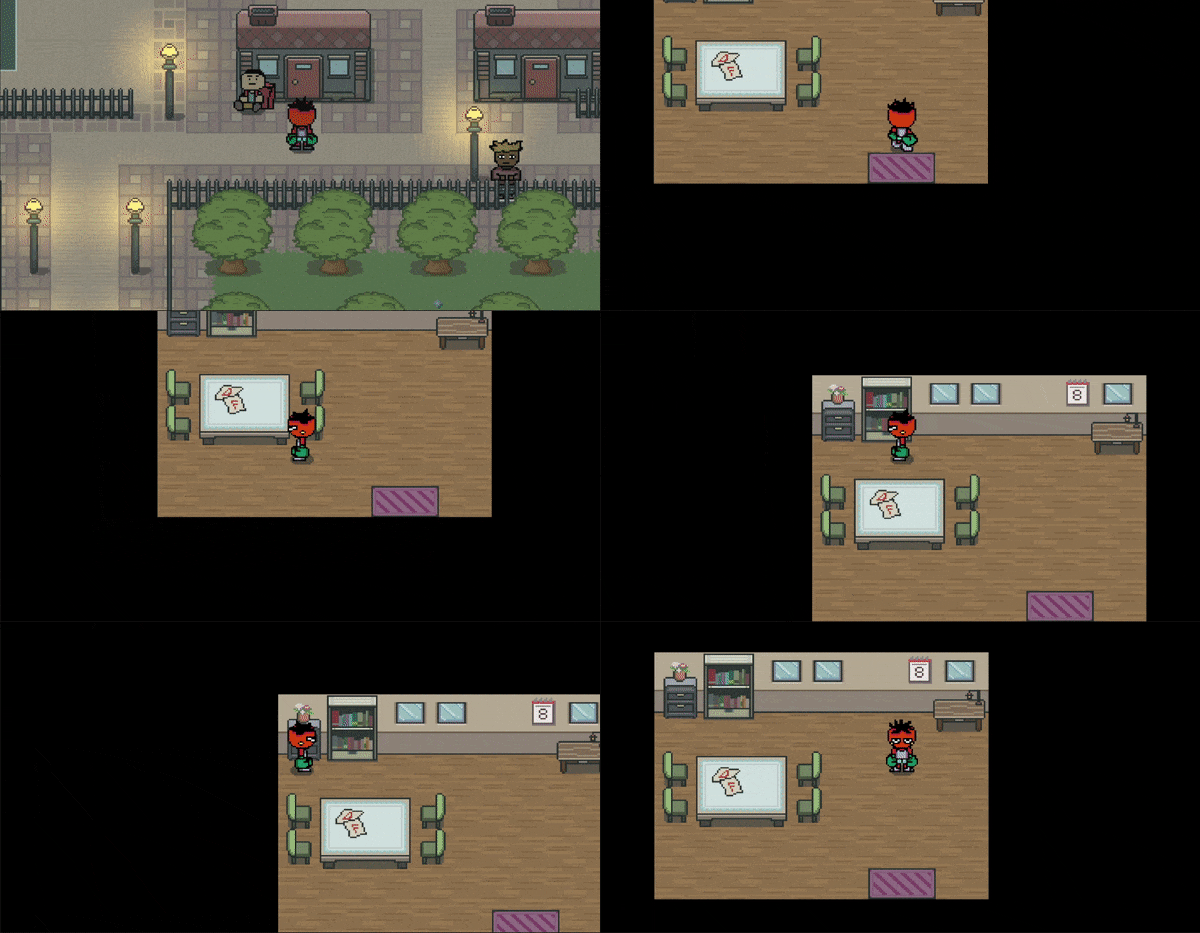
Indoor transition
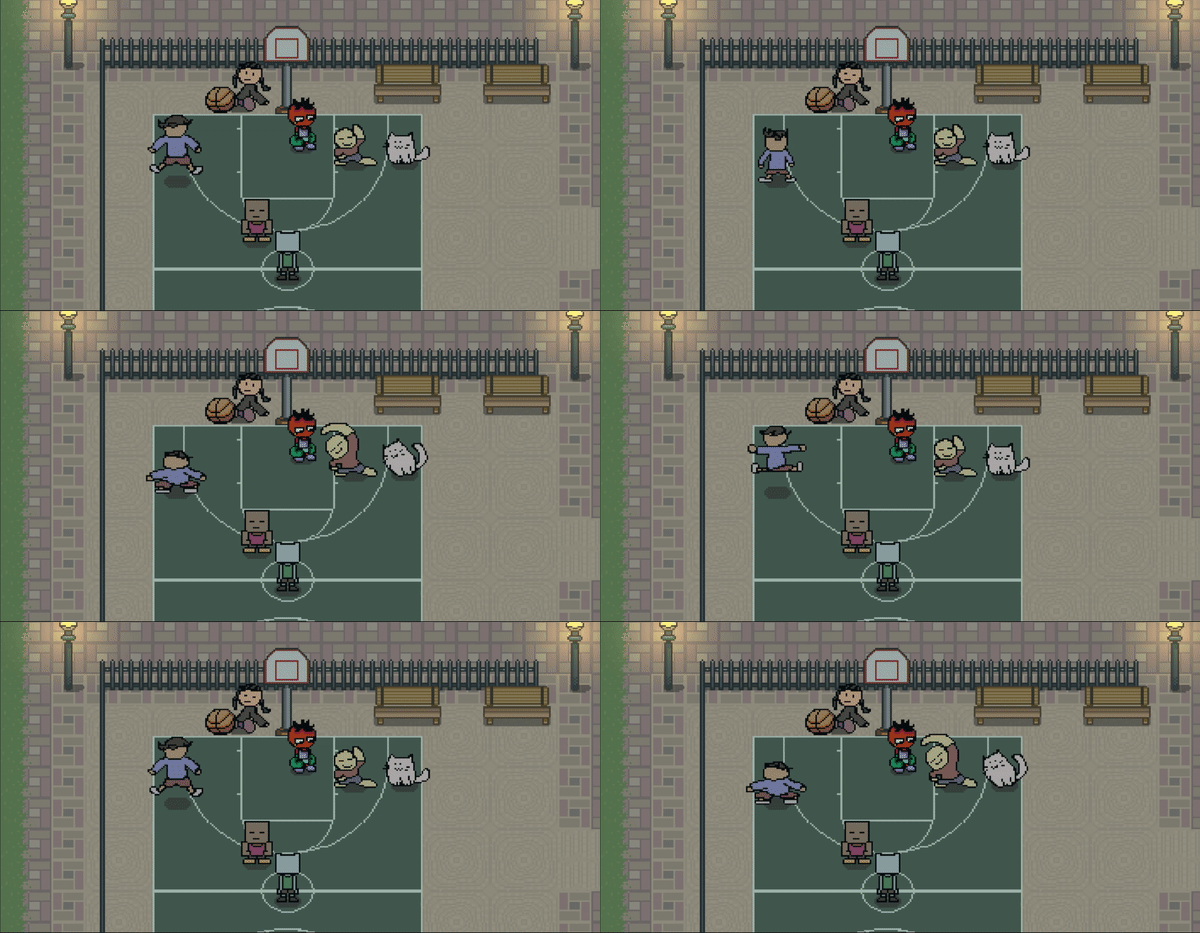
Mato and his friends
Saving, Loading System
10/10/2022
A temporary title screen for now.
Hoping to replace it into a more flashy one.
Though difficult, I had a lot of fun implementing this system (especially the loading screen).
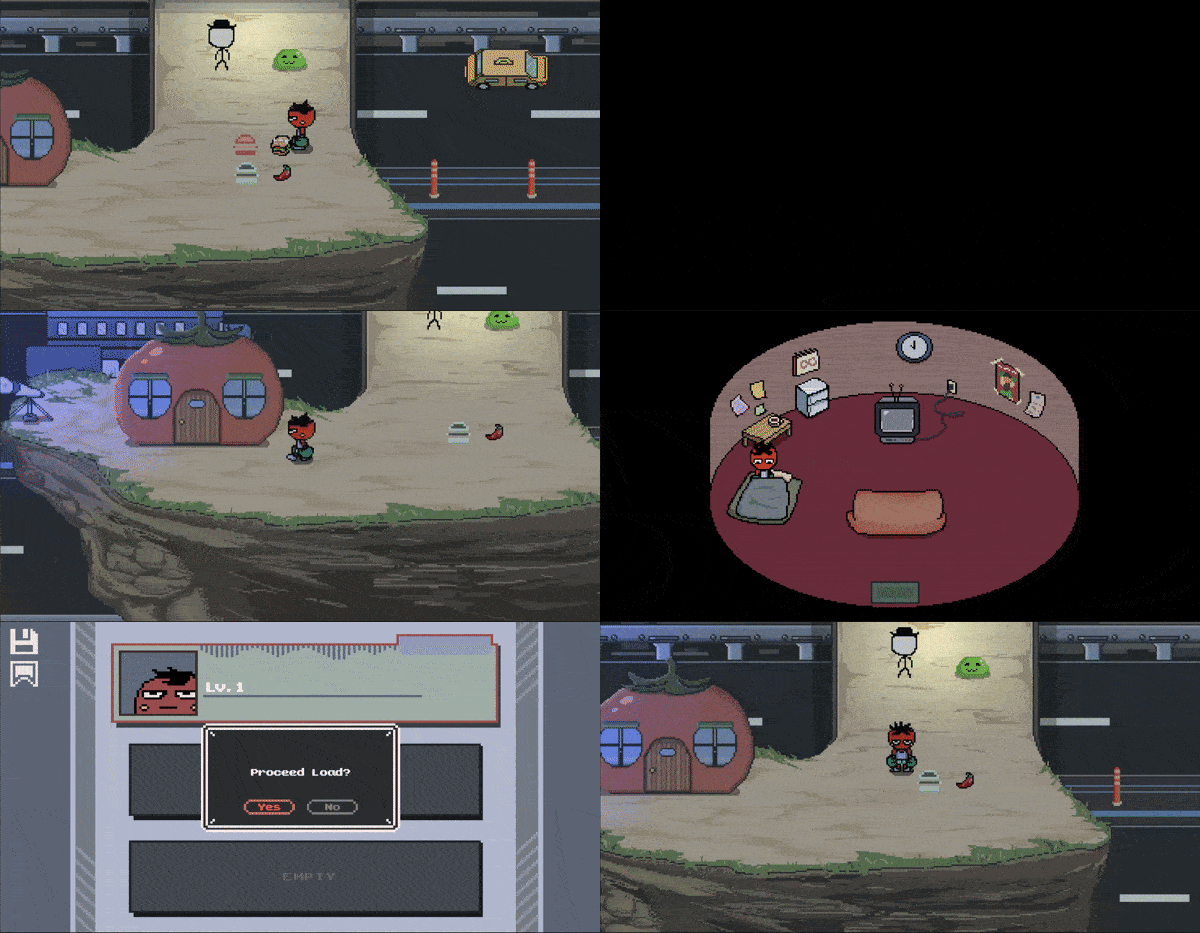
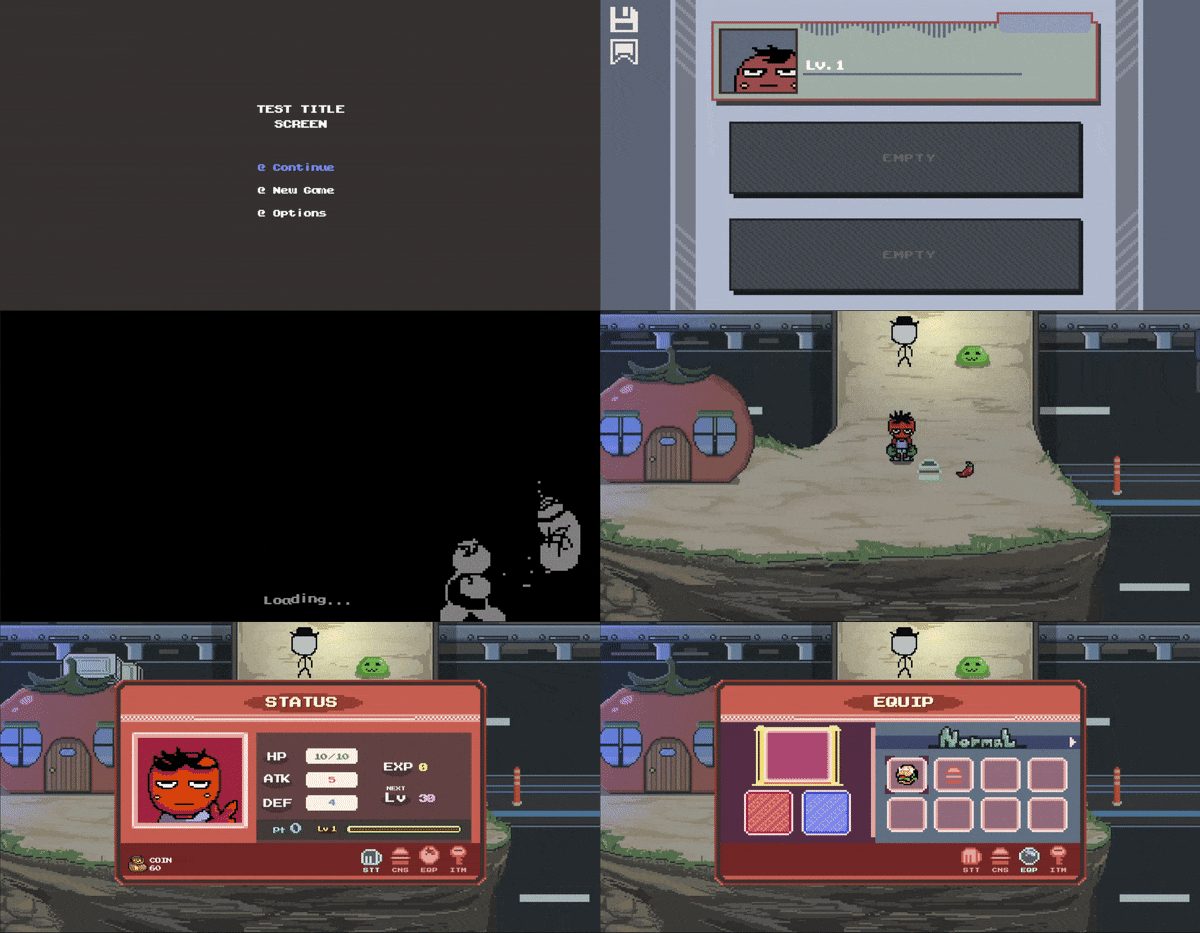
Saving, Loading Test
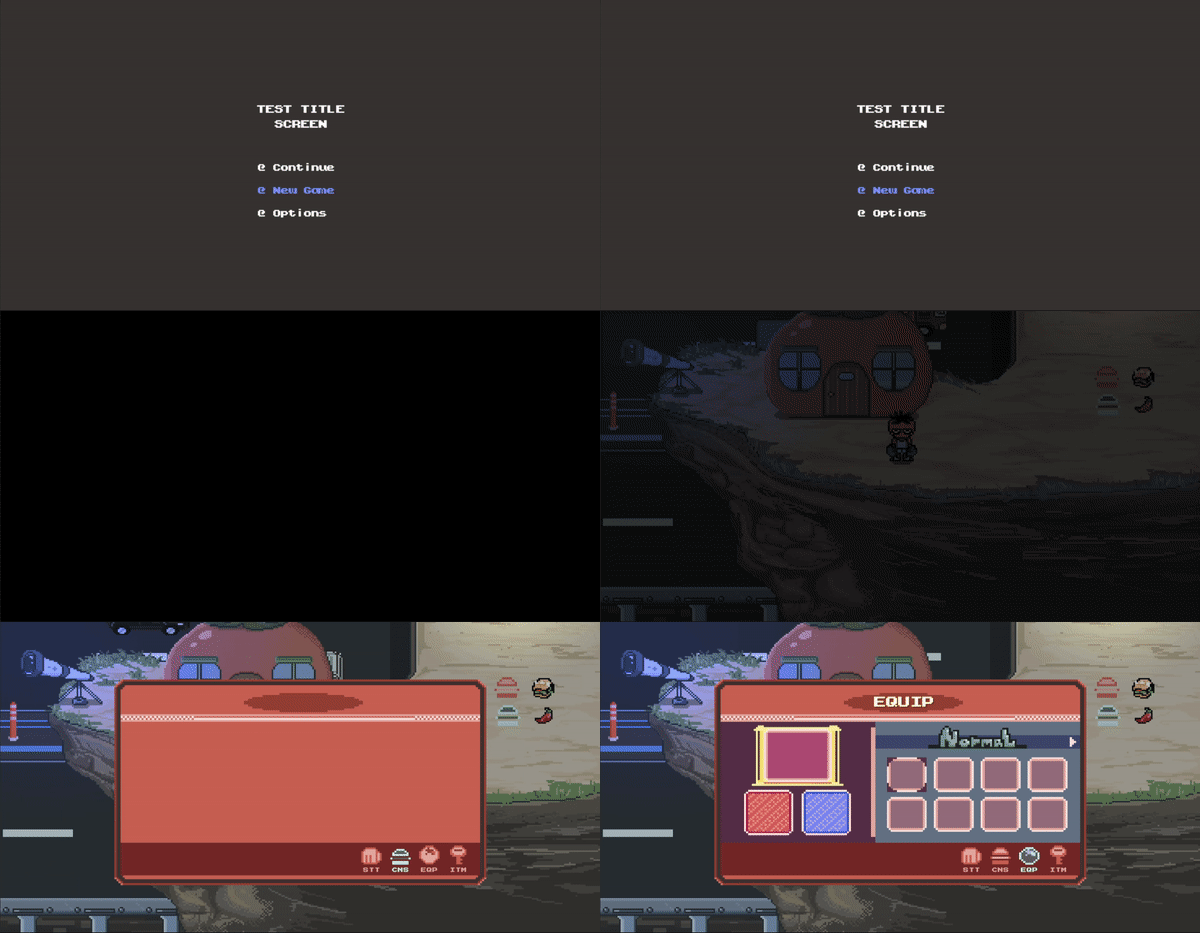
Testing New Game
Quick Save System
13/10/2022
Created quick save points.

Quick Save Testing
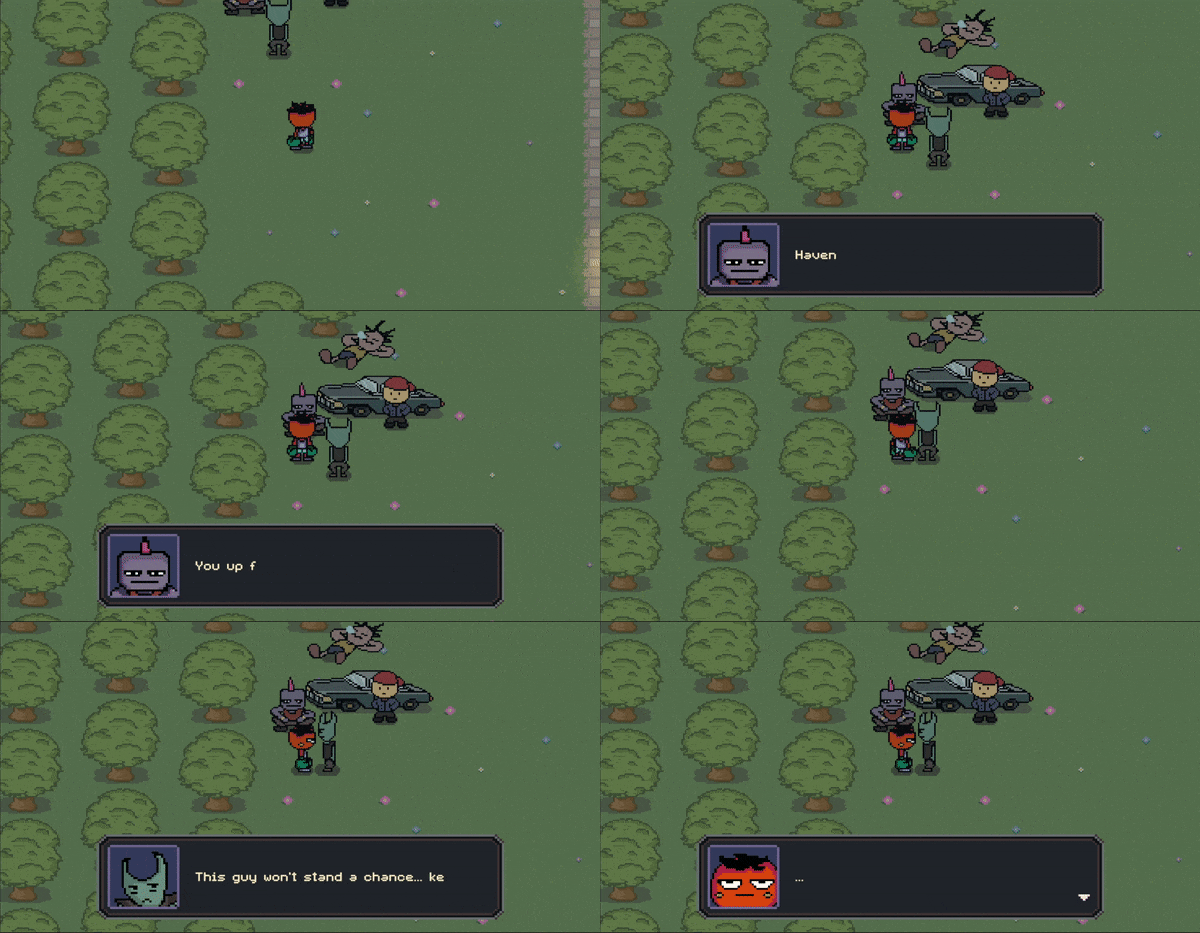
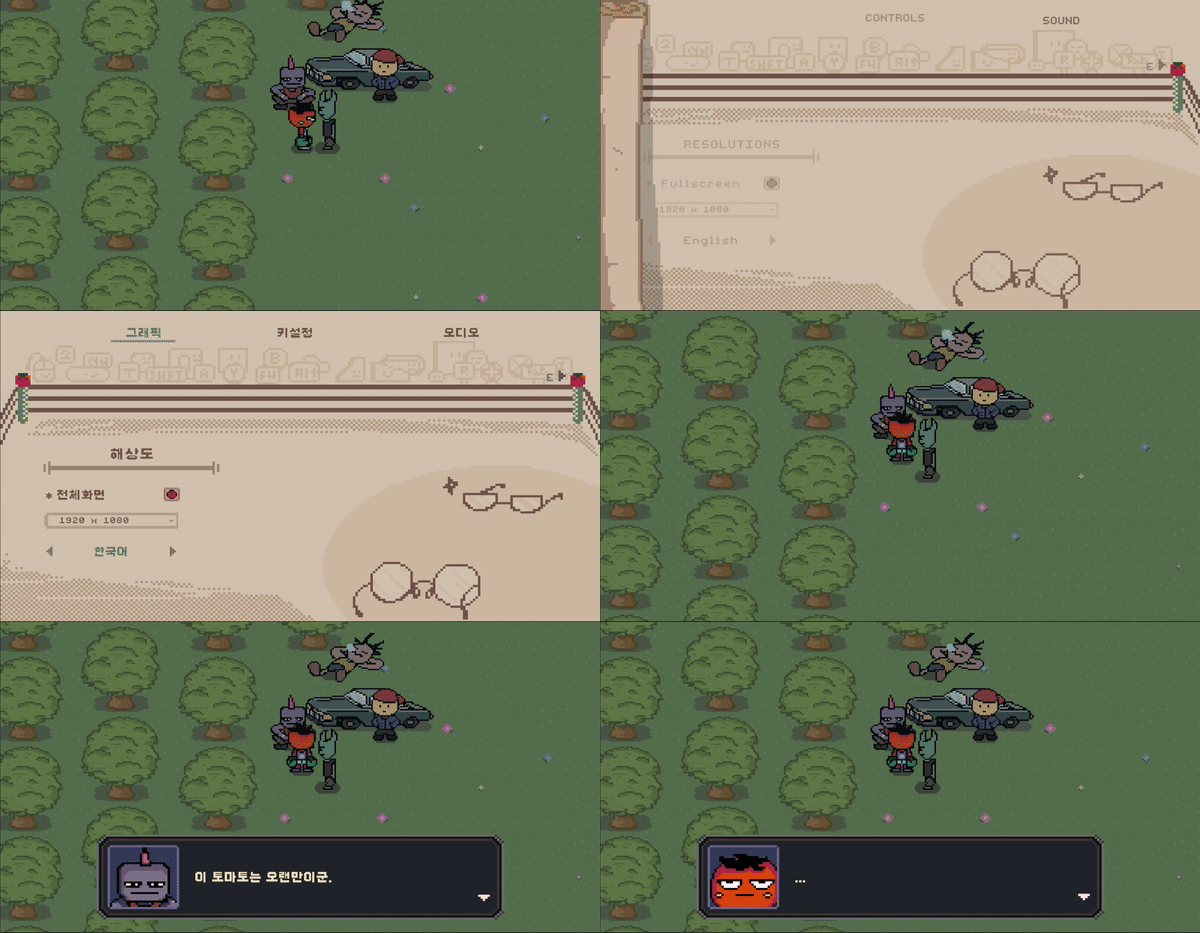
Dialogue System, Localization System
18/11/2022
Created a setting for changing language.
Dialogue System
Localization system testing
Uploading previous progress that I have made.
Building Battle System Mechanics
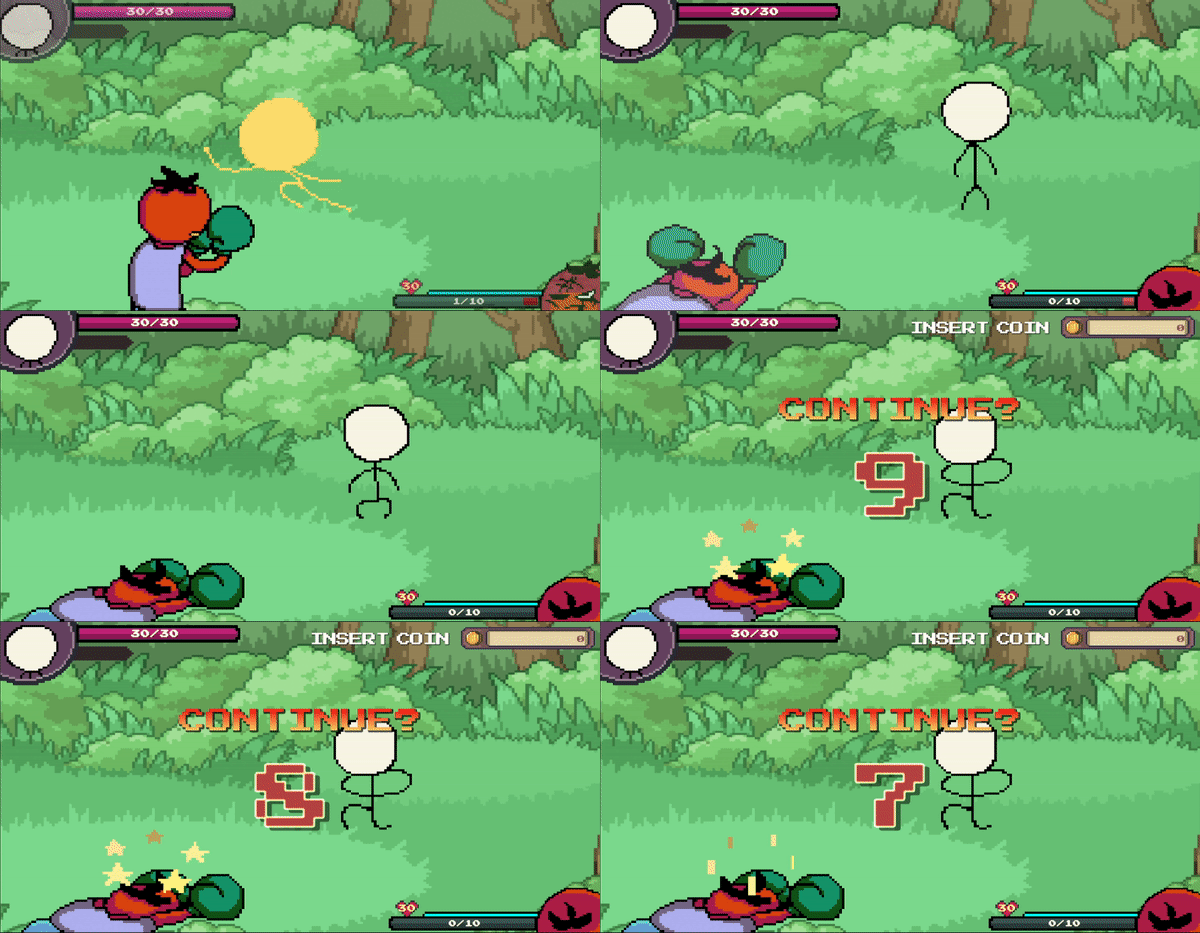
1. KO & Countdown
Getting KO'ed will initiate a countdown,
which the player has to choose either to revive or throw the towel.
- You can revive by pressing the interaction button,
given that you have enough currency to revive.
- You can throw the towel by pressing the cancel button.
If no choice was made during the countdown phase, the game will automatically surrender.
Countdown
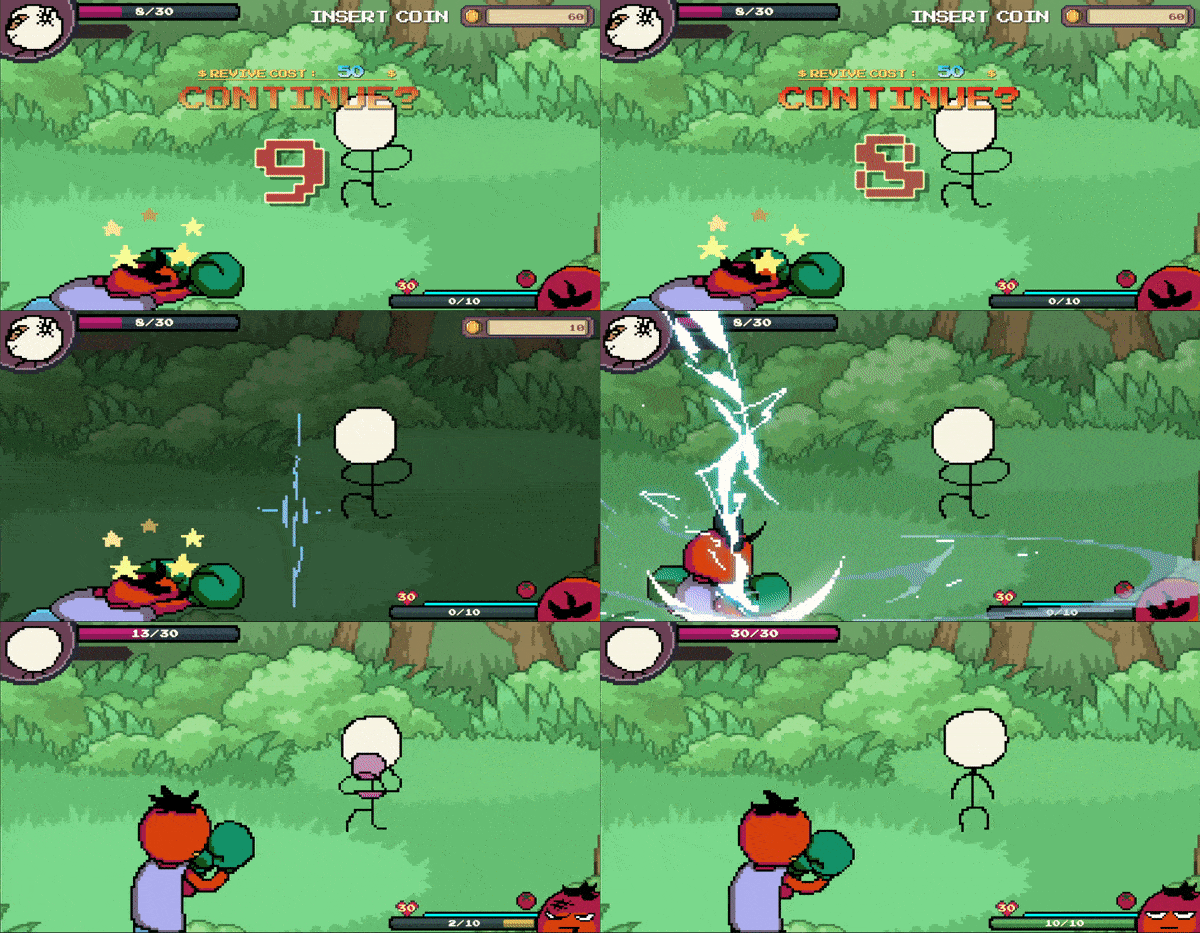
2. Reviving
In order to revive, player's currency (coins) will be at cost.
The cost will be a third of enemy's coin reward.
If the player is incapable of paying the revive cost, the game will automatically surrender.
Enemy will also fully restore when the player revives.
fair battle, you know?
Revive!
3. Losing the Battle
Losing the battle will cost the player the exact amount of enemy's coin reward.
For now the player simply exits out the battle,
but I am considering of maybe transporting the player to wake up in a hospital or something.
Have some ideas going around my head, it'll be a matter of implementing it..

Battle Lost
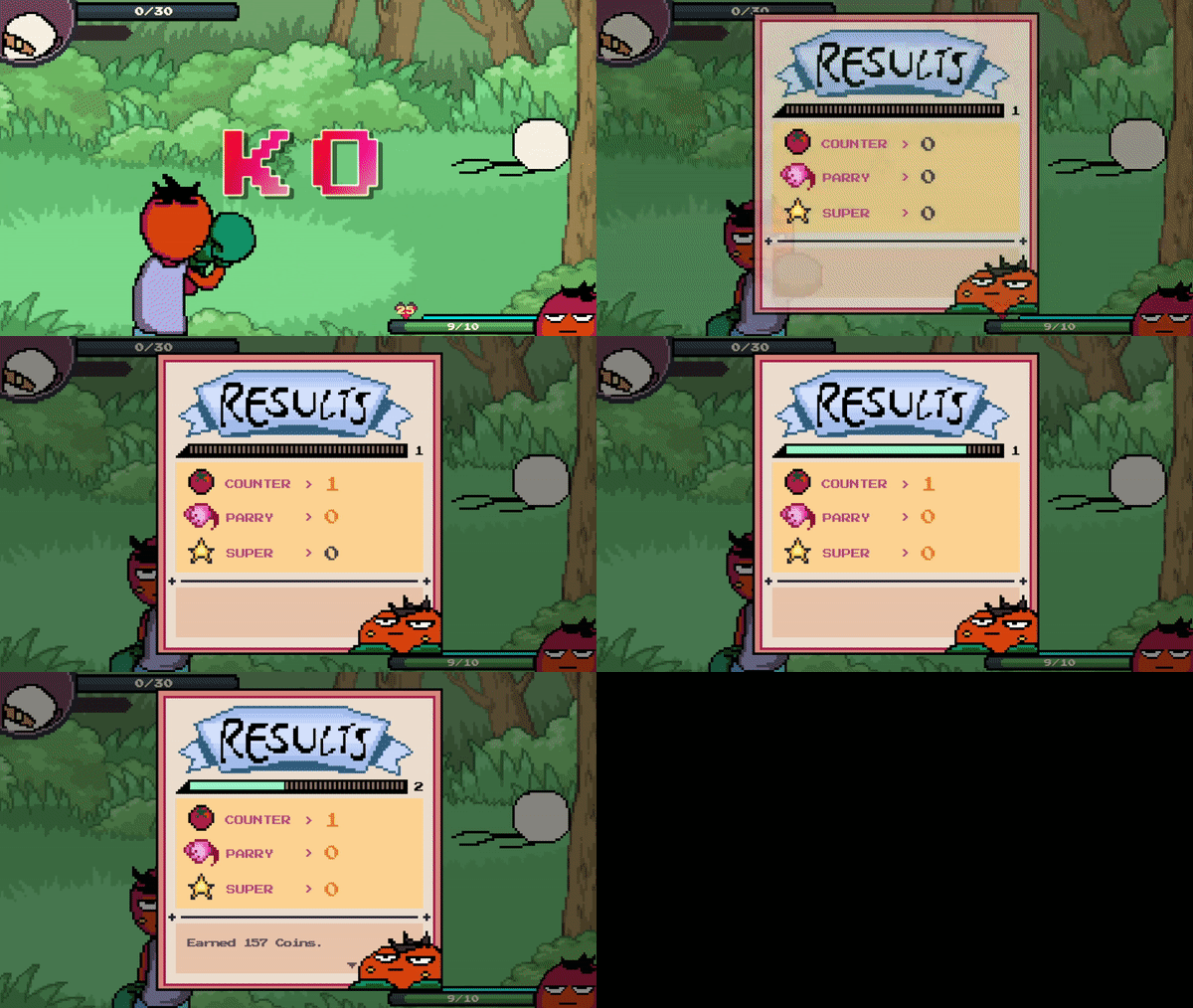
4. Winning the Battle
Winning the battle will reward you with experience points, coins and possibly items!
Made Items to have a drop chance.
A battle result card will pop up shortly after the enemy Knock-Out,
displaying how many counters, parries and super attacks the player executed during the battle.
Reward experience points, coins will increase the better the result!
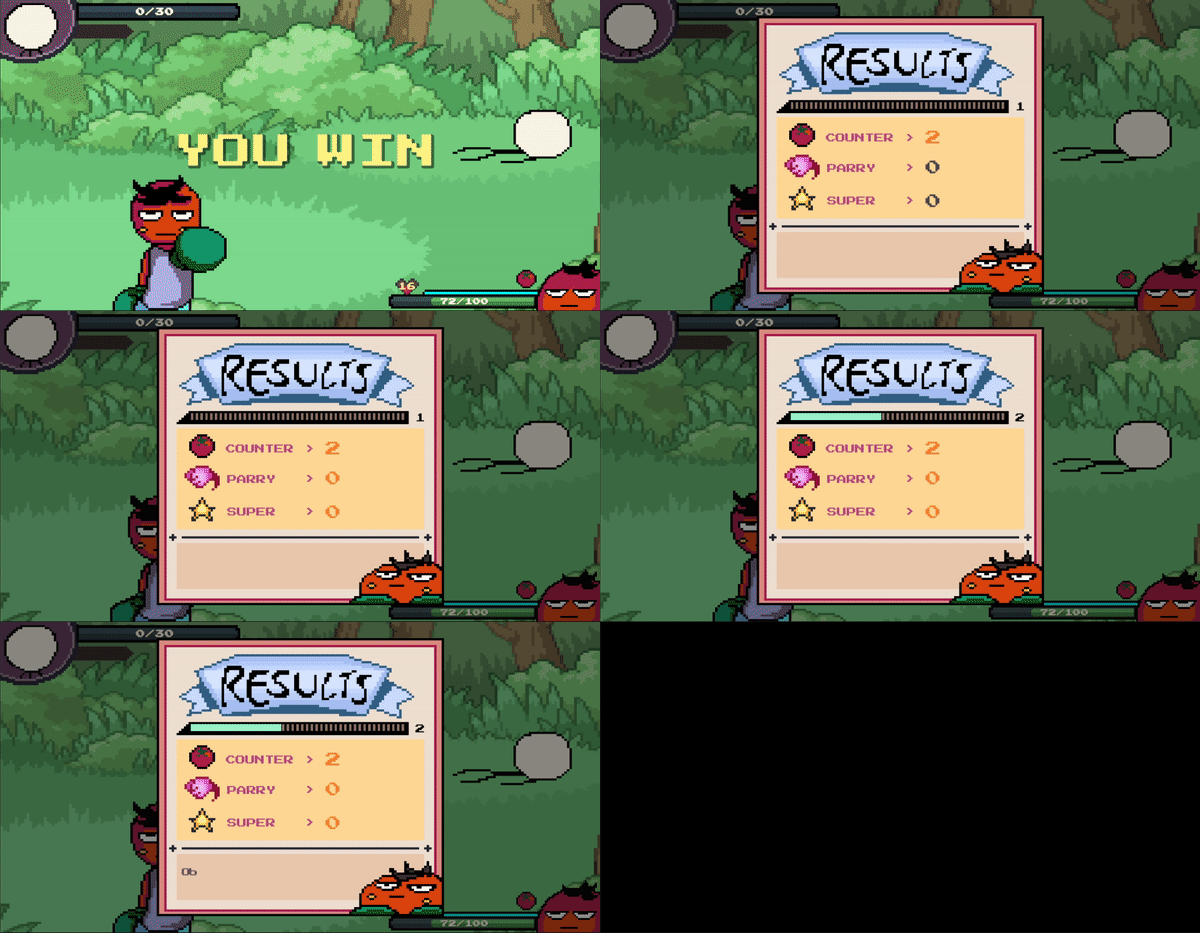
Result Card
Whew! I think that's all for the general outline of battle system that I finished in 03/07/2022.
It took really long learning how to transfer data across scripts.
Not to mention creating animations and all.
I'll probably have to fix some hidden bugs and adjust some functions in the future.
Uploading previous progress that I have made.
Building Battle System Mechanics
1. Evade
- Player can evade enemy attacks by pressing the evade button at the right timing.
- Physical attacks are direction sensitive.
- Right attacks can be evaded by Evading Right.
- Left attacks can be evaded by Evading Left.
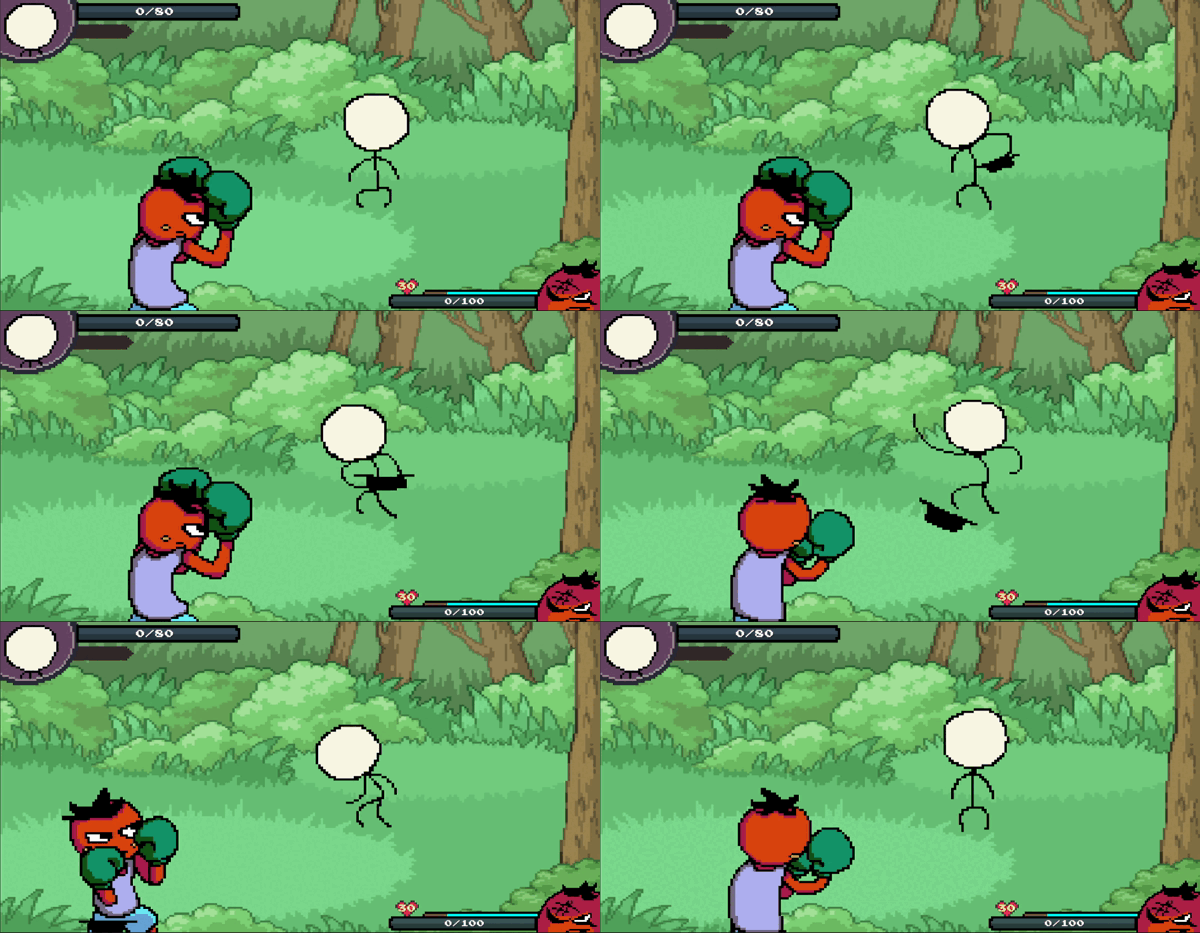
- Down attacks can be evaded by Jumping.
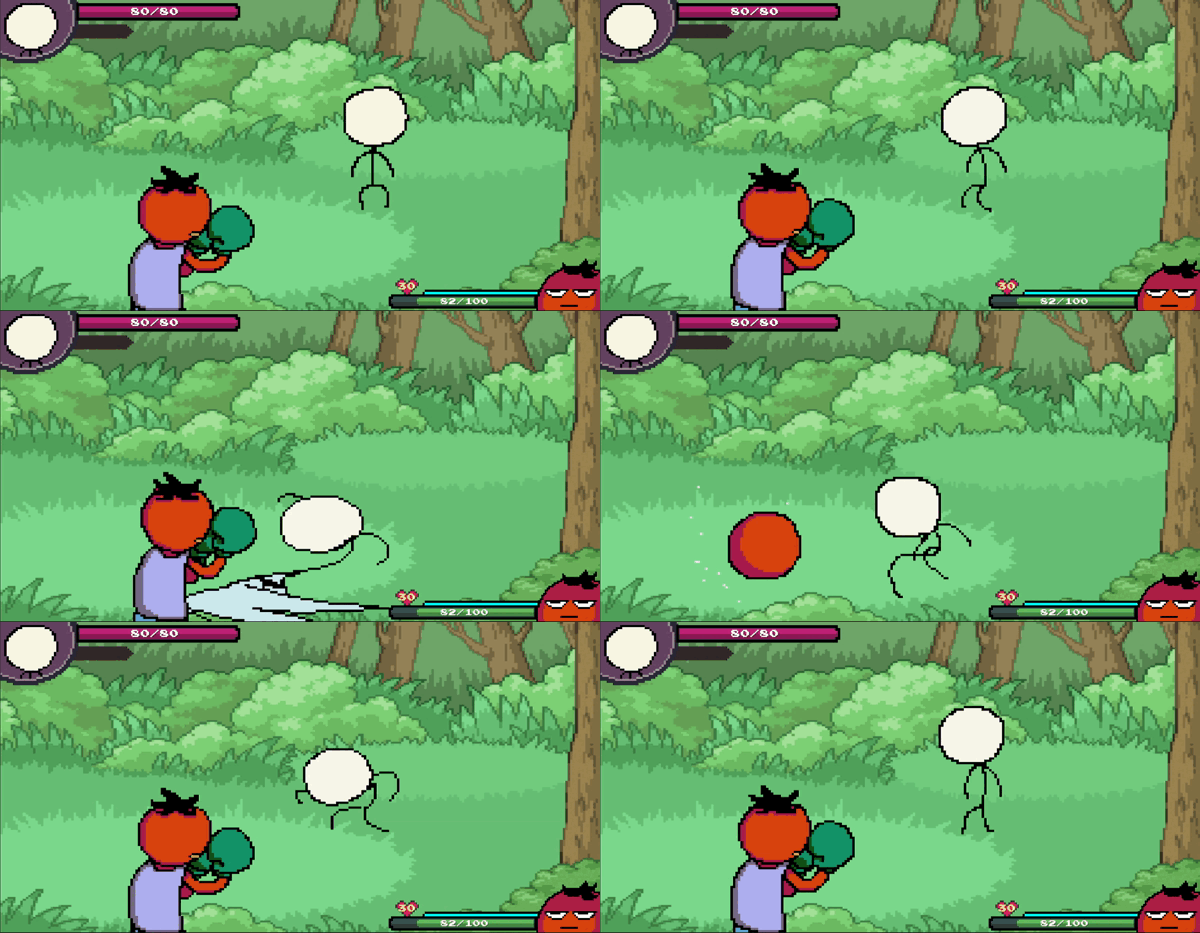
- Projectile attacks can be evaded with both left and right evade.
Jumping cannot evade projectile attacks.
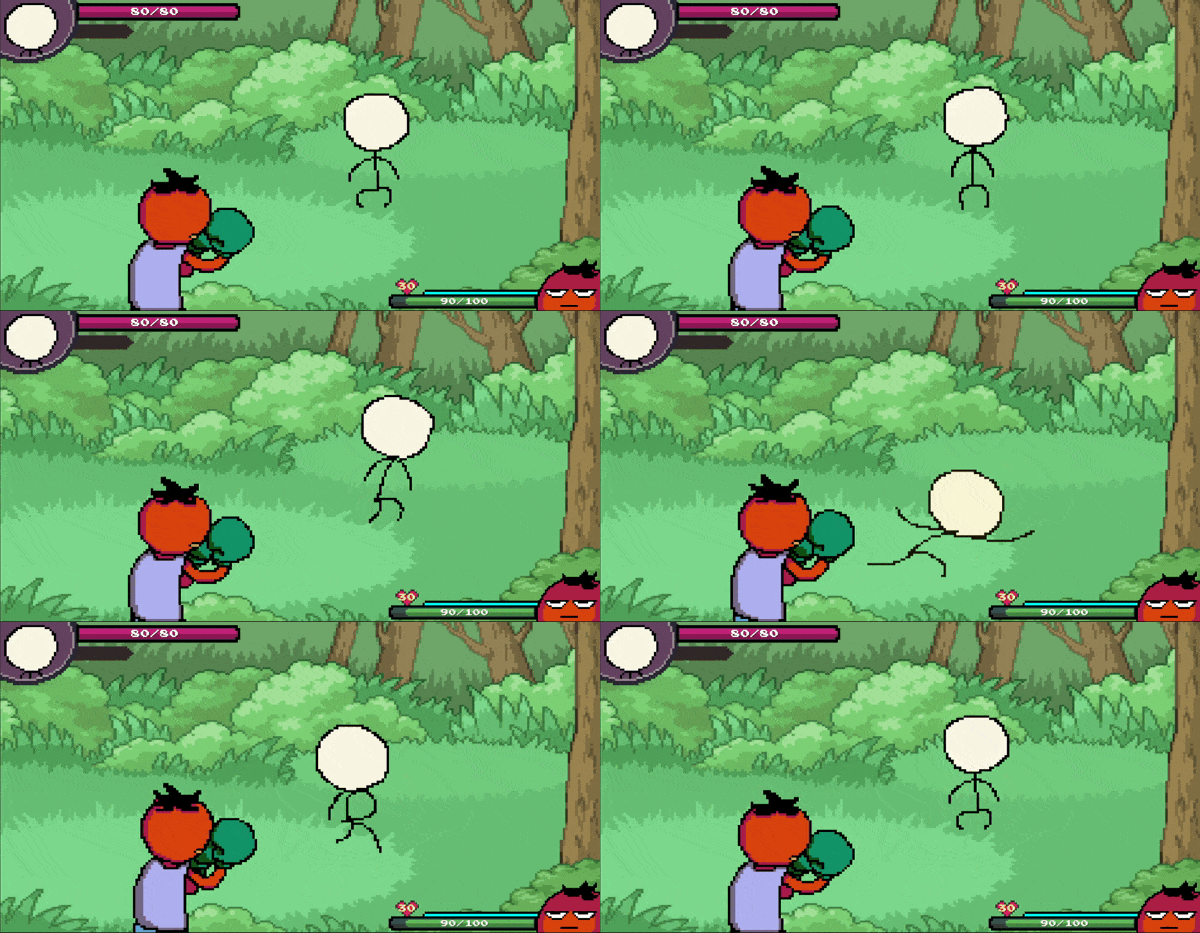
Evade Right Attack
Evade Down Attack
Evade Projectile Attack
2. Guard
- Player can guard most enemy attacks by holding down the guard button.
Attacks that can be guarded:- All projectile attacks.
- Left, Right attacks.
> Down attacks cannot be guarded.
- Guard Points will be decreased with every guard collision.
- Guard Points will slowly restore when player is not guarding.
- When Guard Points go below zero, guard will be shattered,
causing the player to receive damage.
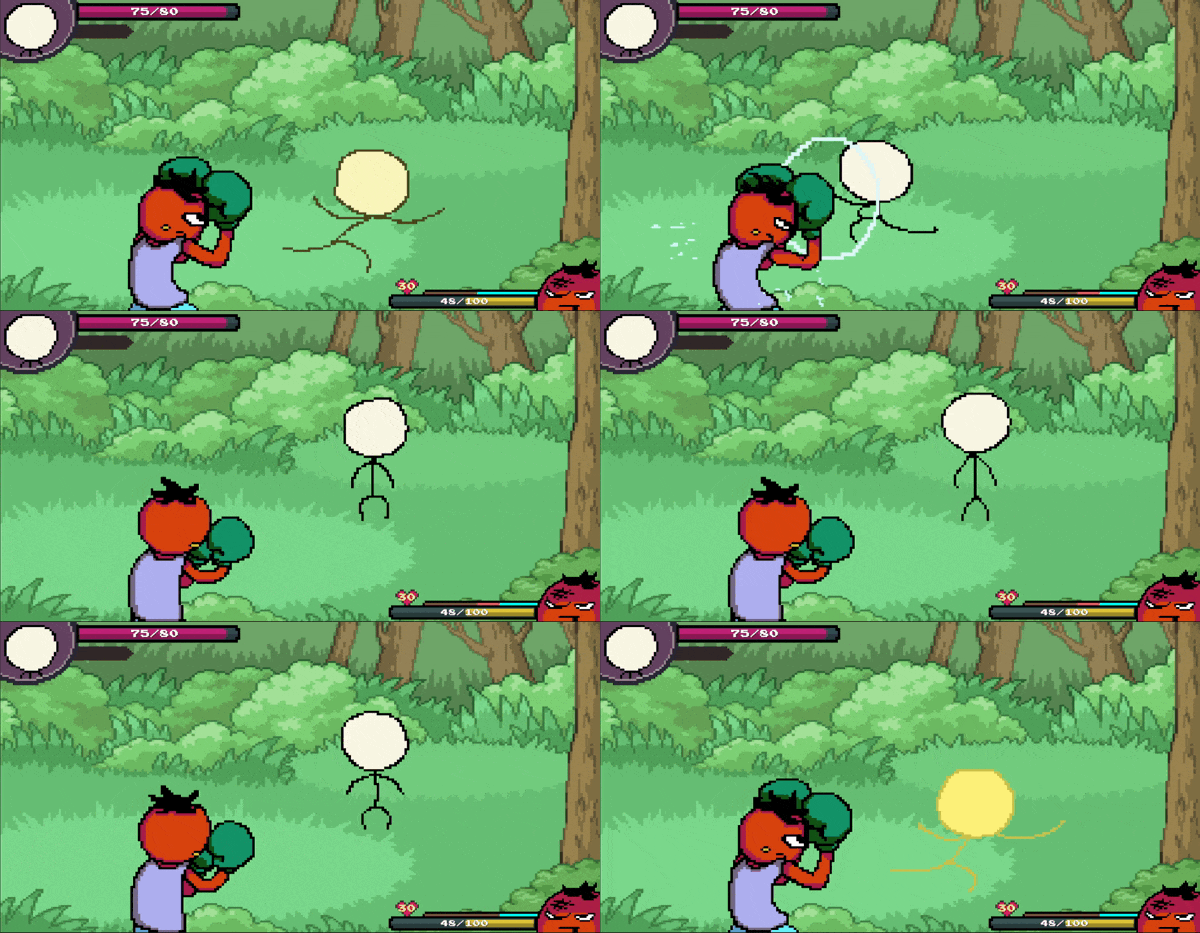
Guarding a physical attack.
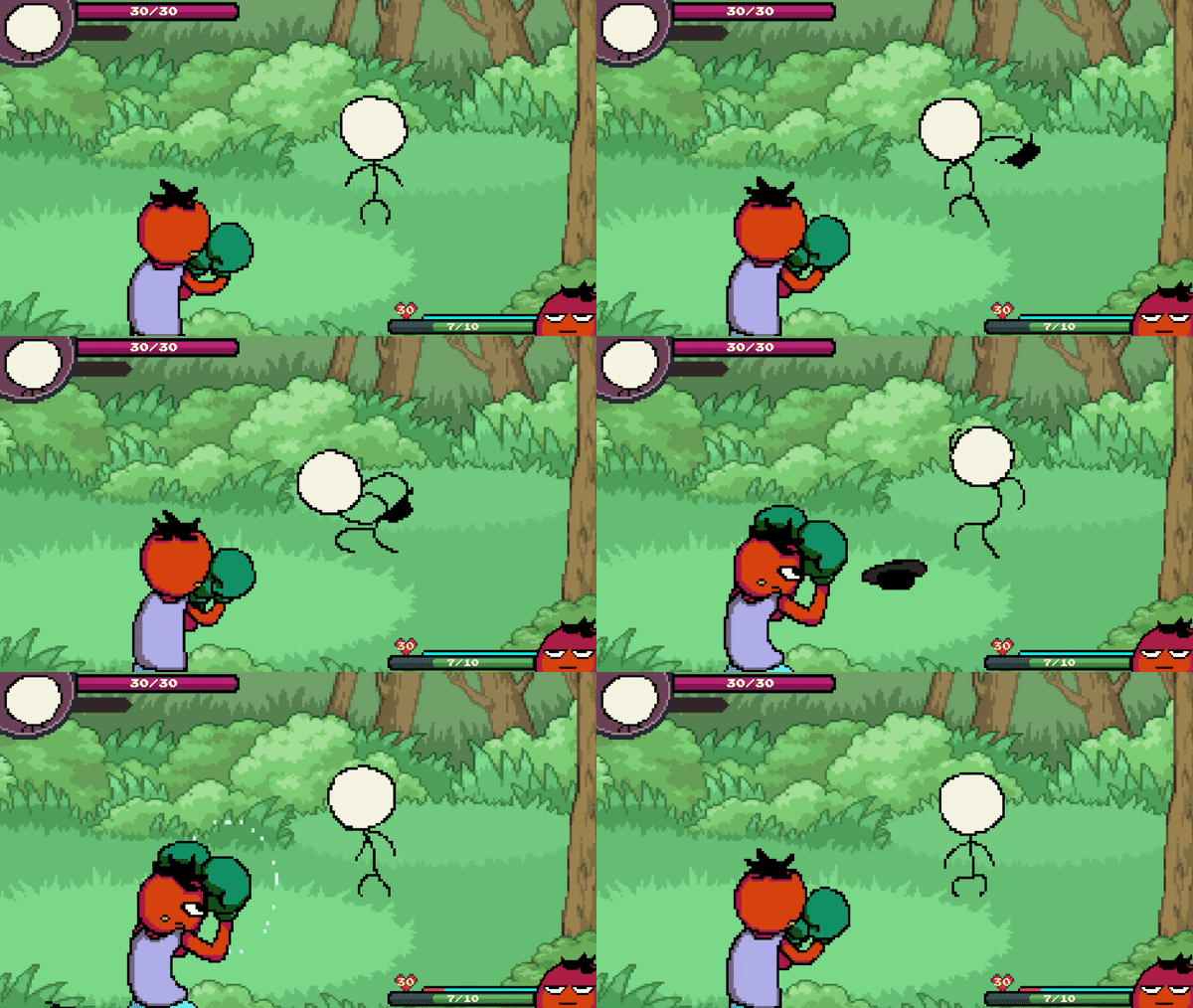
Guarding a projectile attack
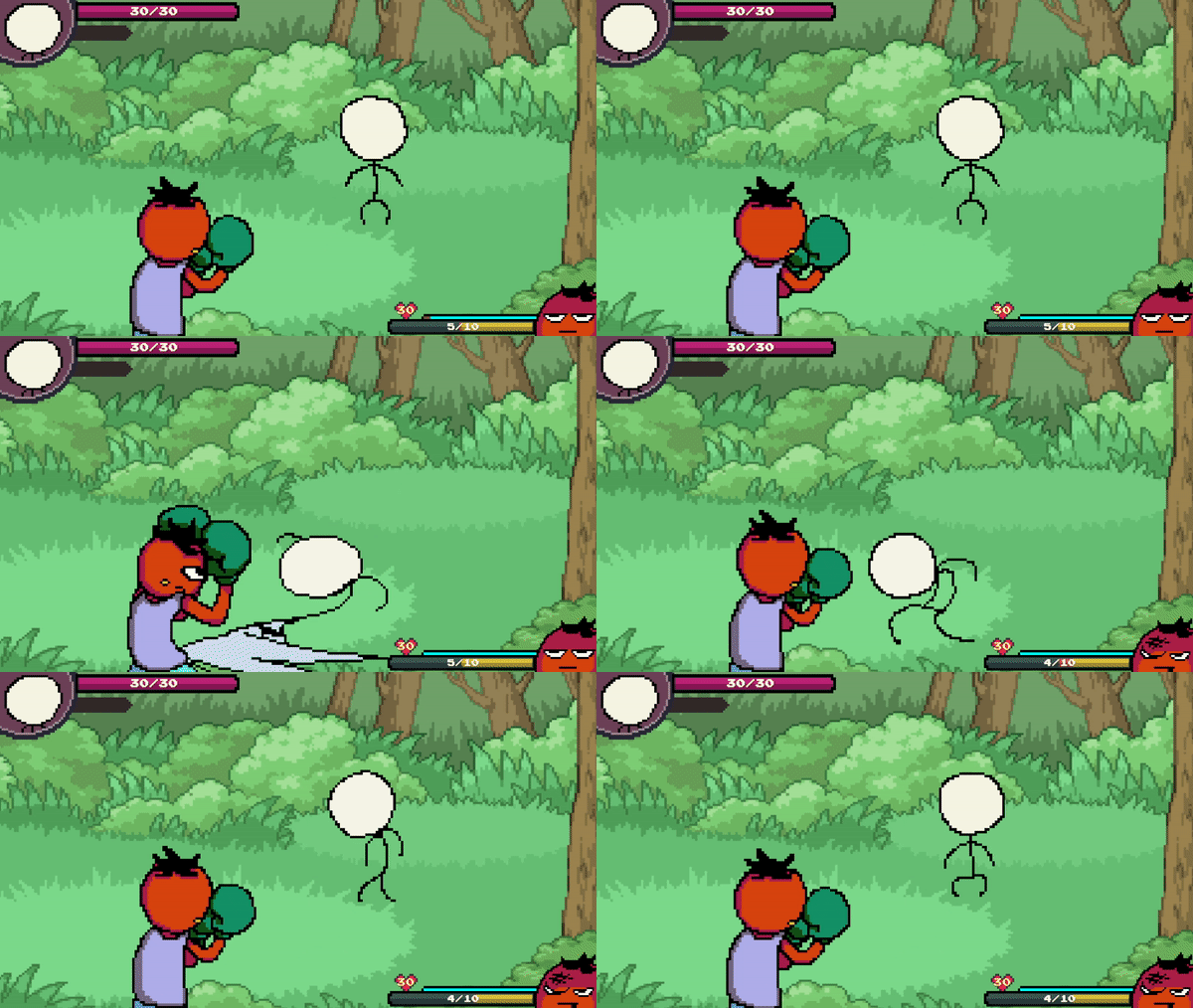
Down attacks cannot be guarded.
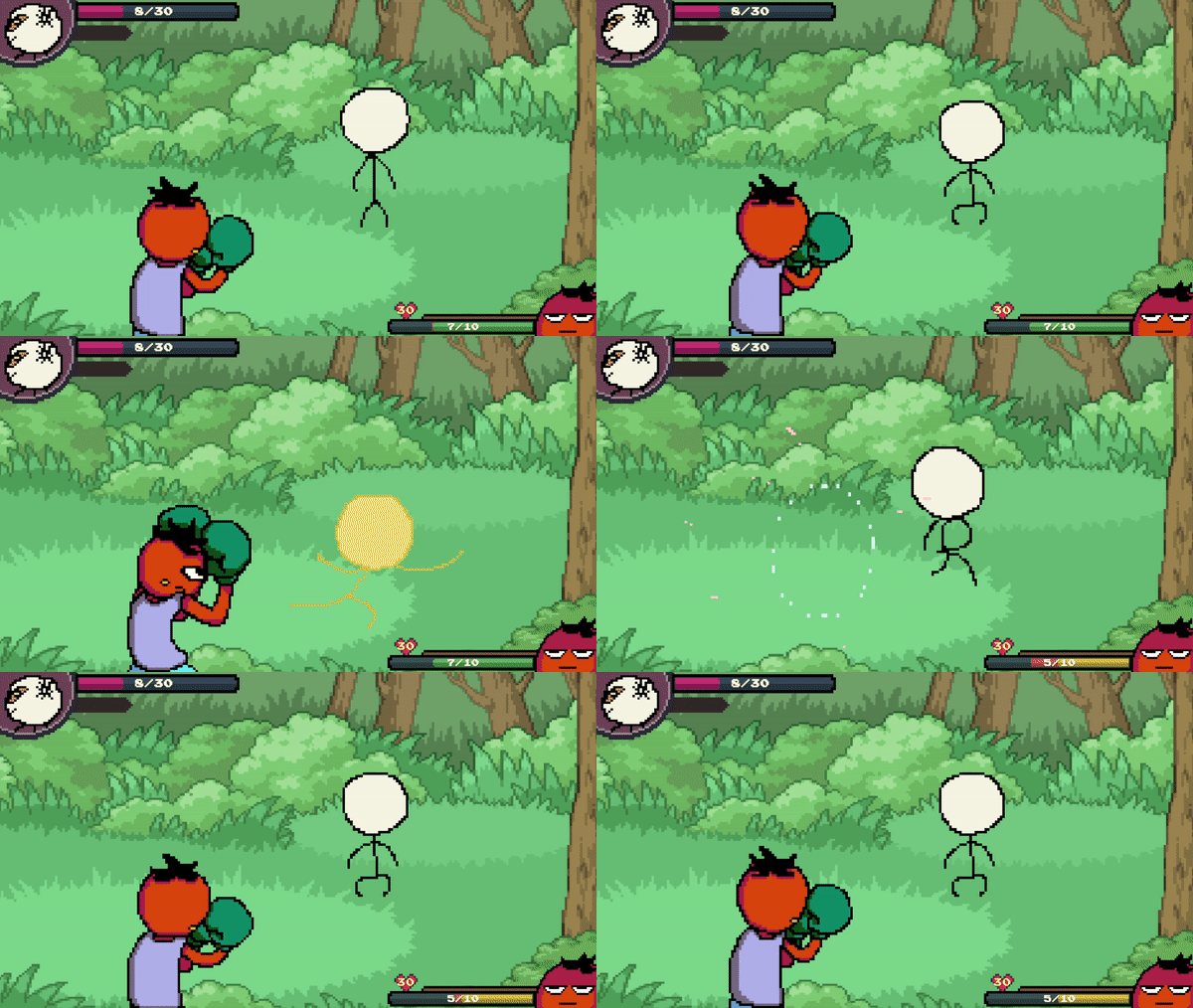
Guard Break
3. Parry
- A successful parry will fully restore player's guard point.
- Parrying a physical attack will enable player to rush attack the enemy for a limited time.
- Rush attack will fill up the super meter.
- A successful uppercut will also fill up the super meter.
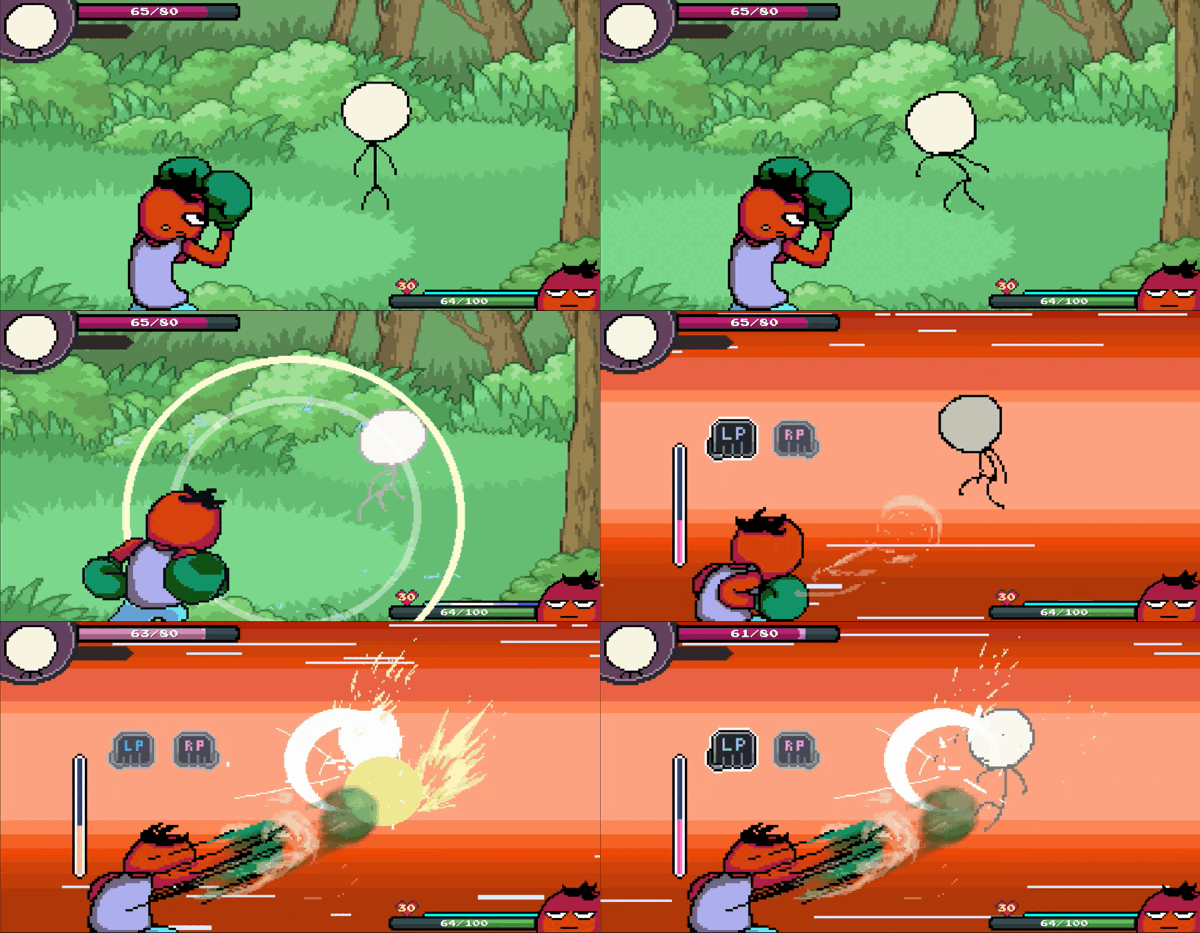
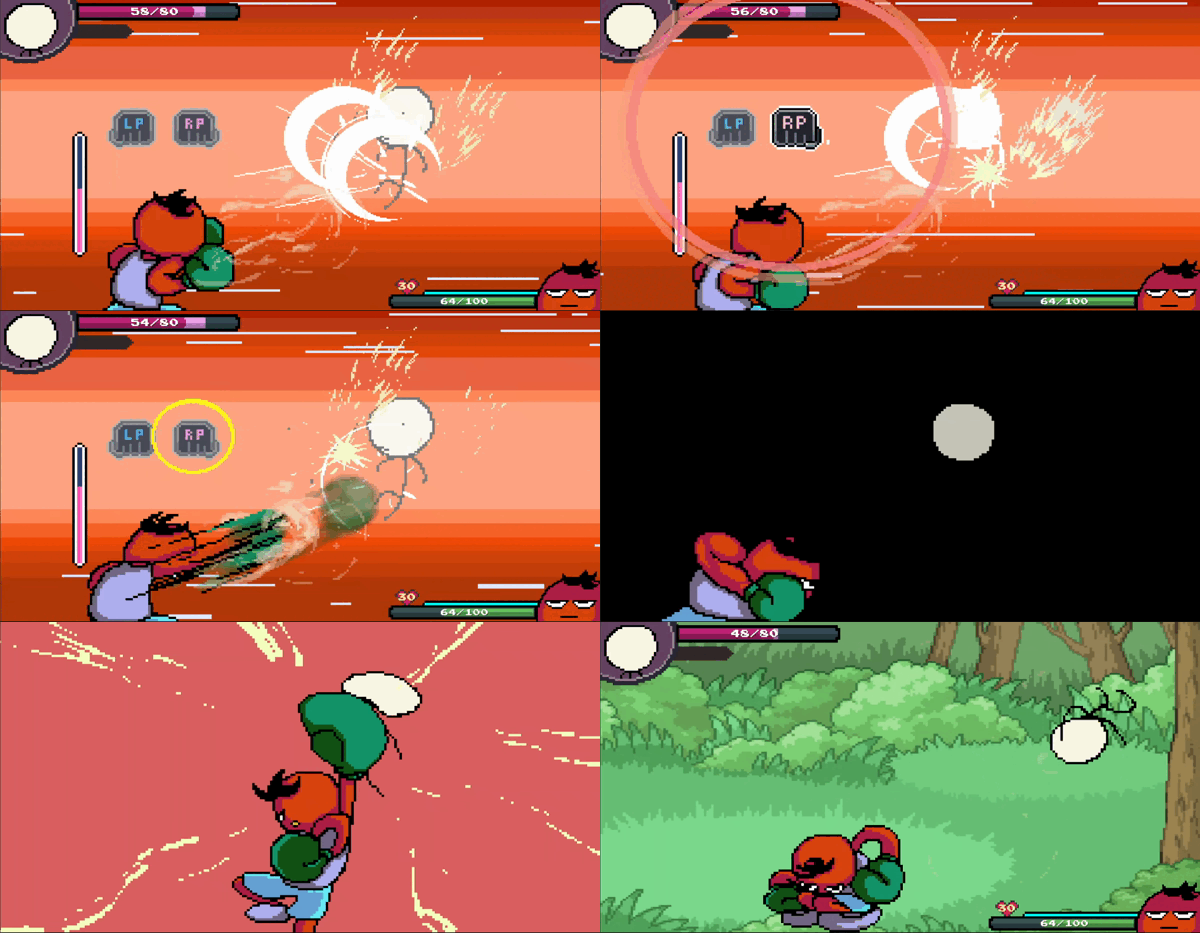
Parry - Physical Attack
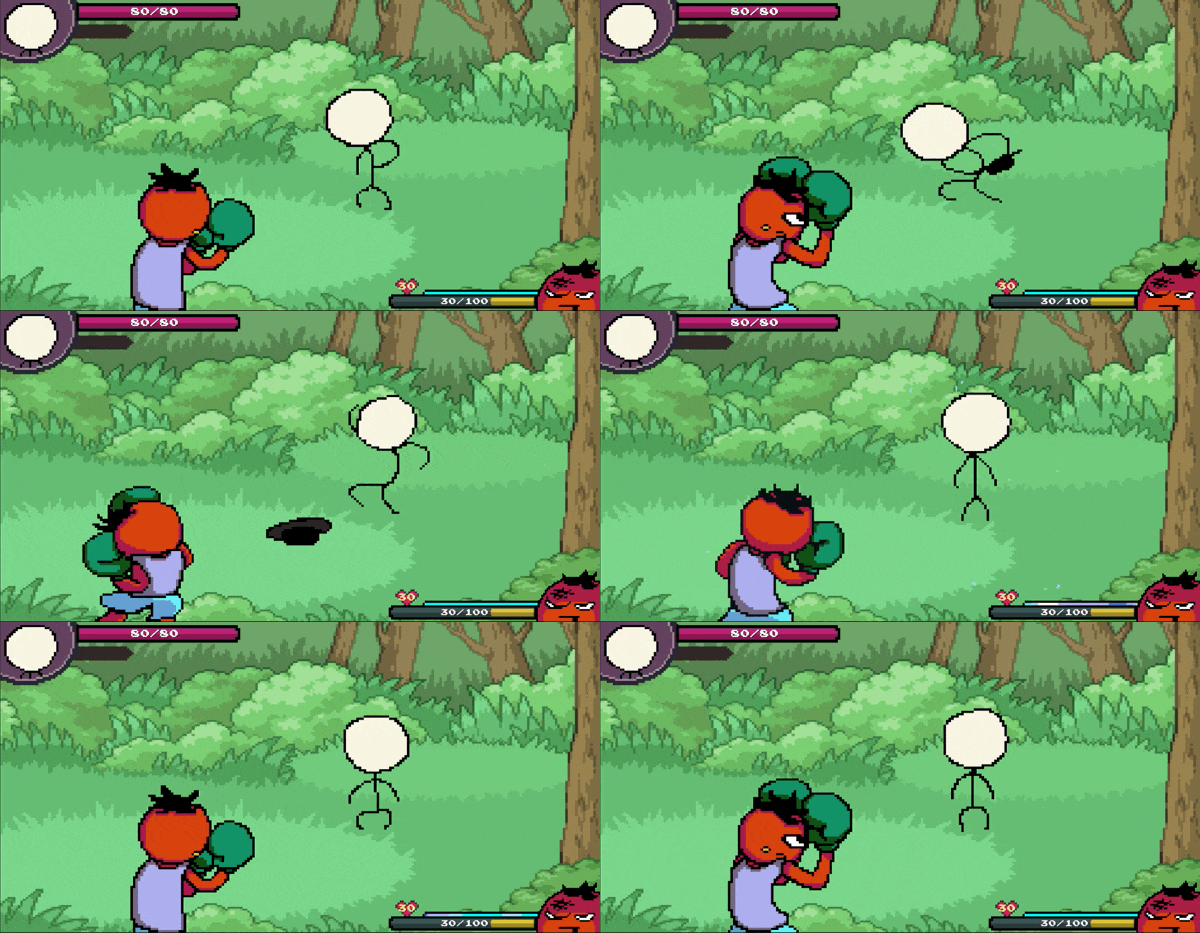
Parry - Projectile Attack
4. Counter & Equip Skill
- Besides of evading, player can counter attack when the enemy glows yellow.
- Countered enemy will be temporarily stunned, making it vulnerable.
- Countering an attack will grant player a tomato, which can be stacked.
Every single tomato can be used to execute player's equipped skill.
- Getting hit by an enemy attack will cause the player to lose a single tomato.
- However, getting hit while executing a parry animation will eliminate all stacked tomatoes.
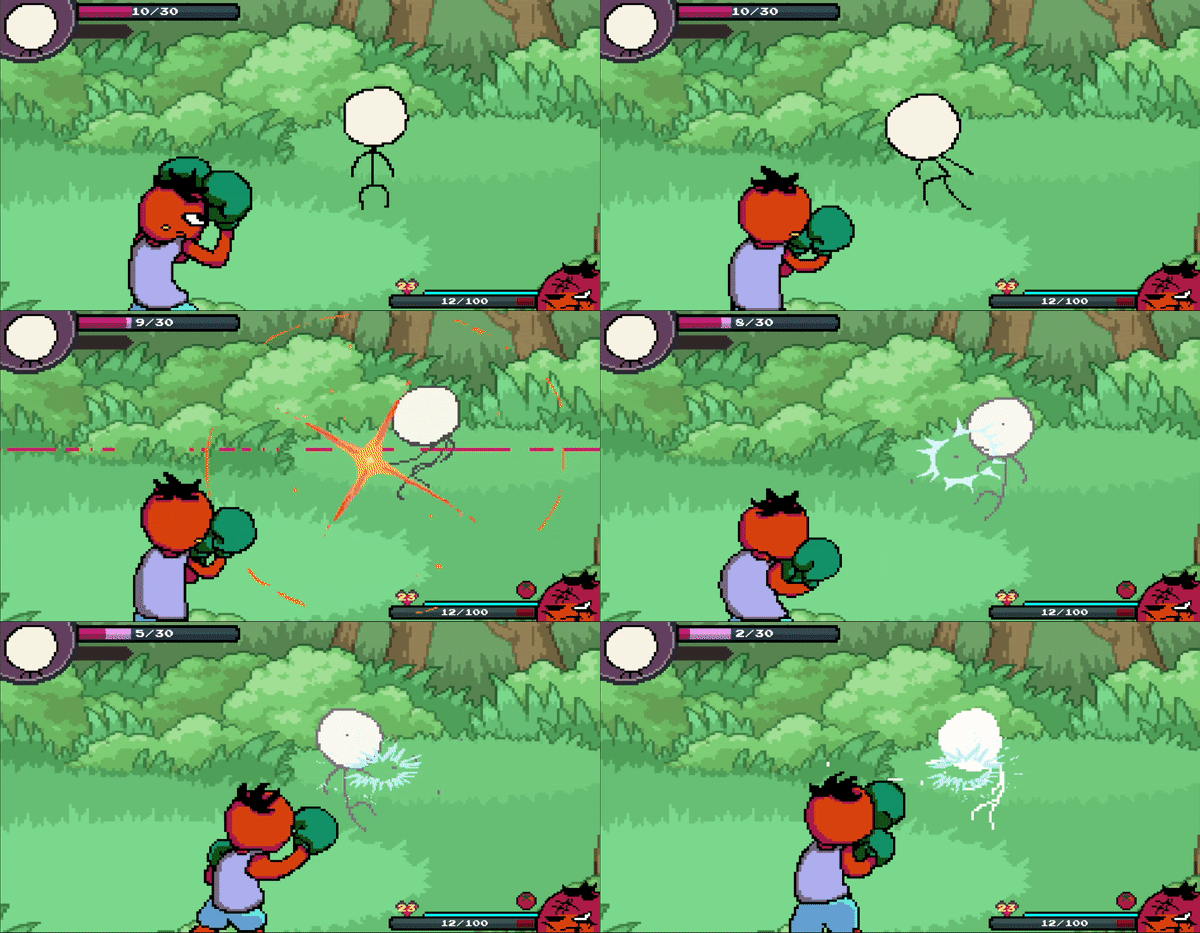
Countering enemy attack
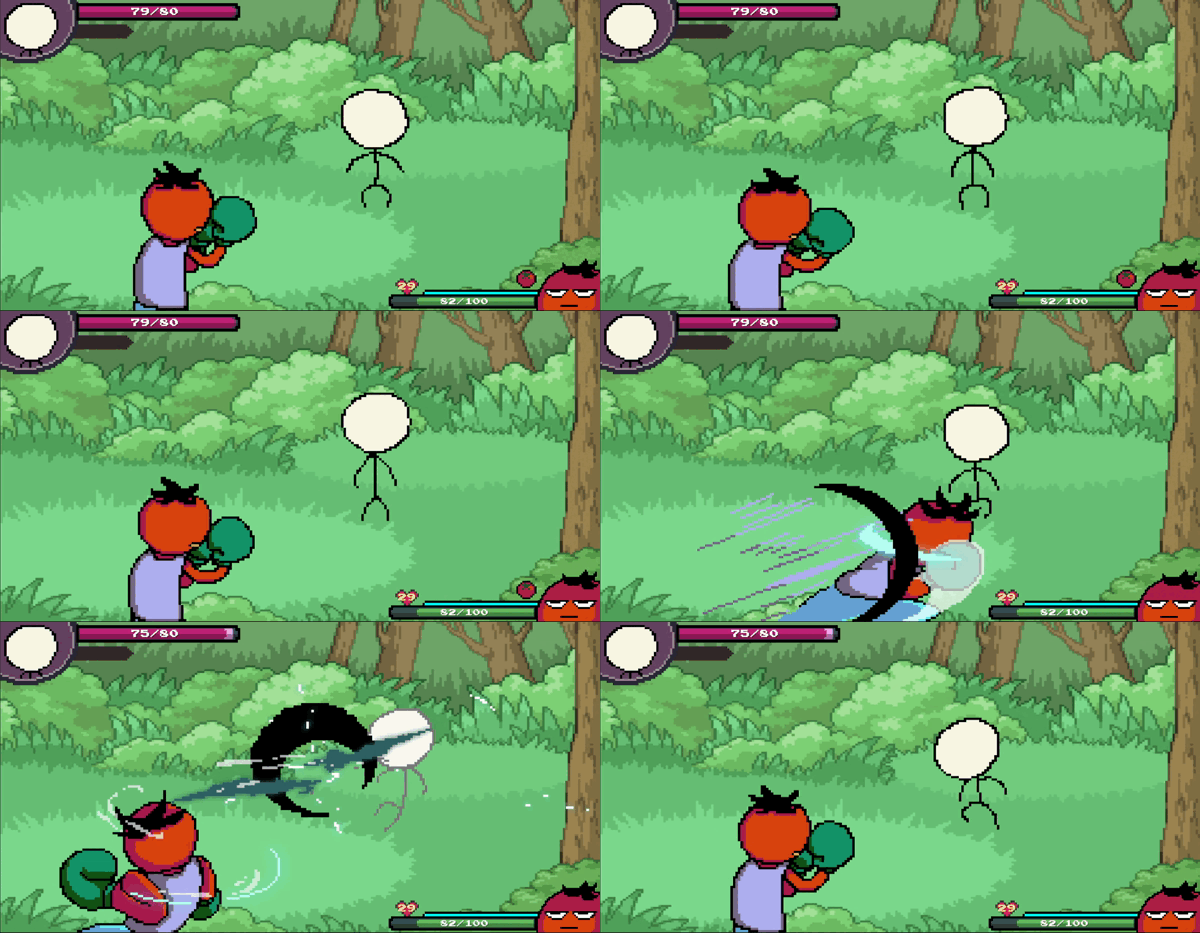
Using Player's equipped skill

Losing tomatoes
5. Stamina
- Player's stamina is displayed by the yellow number on top of the heart.
- Stamina is decreased when the player fails to land an attack on the enemy.
- Missing an attack
- Enemy blocking player's attack
- When stamina is exhausted, player will become tired.
- Tired state disables the ability to guard, and decreases movement speed immensely.
- Evading enemy attacks will restore player's stamina.
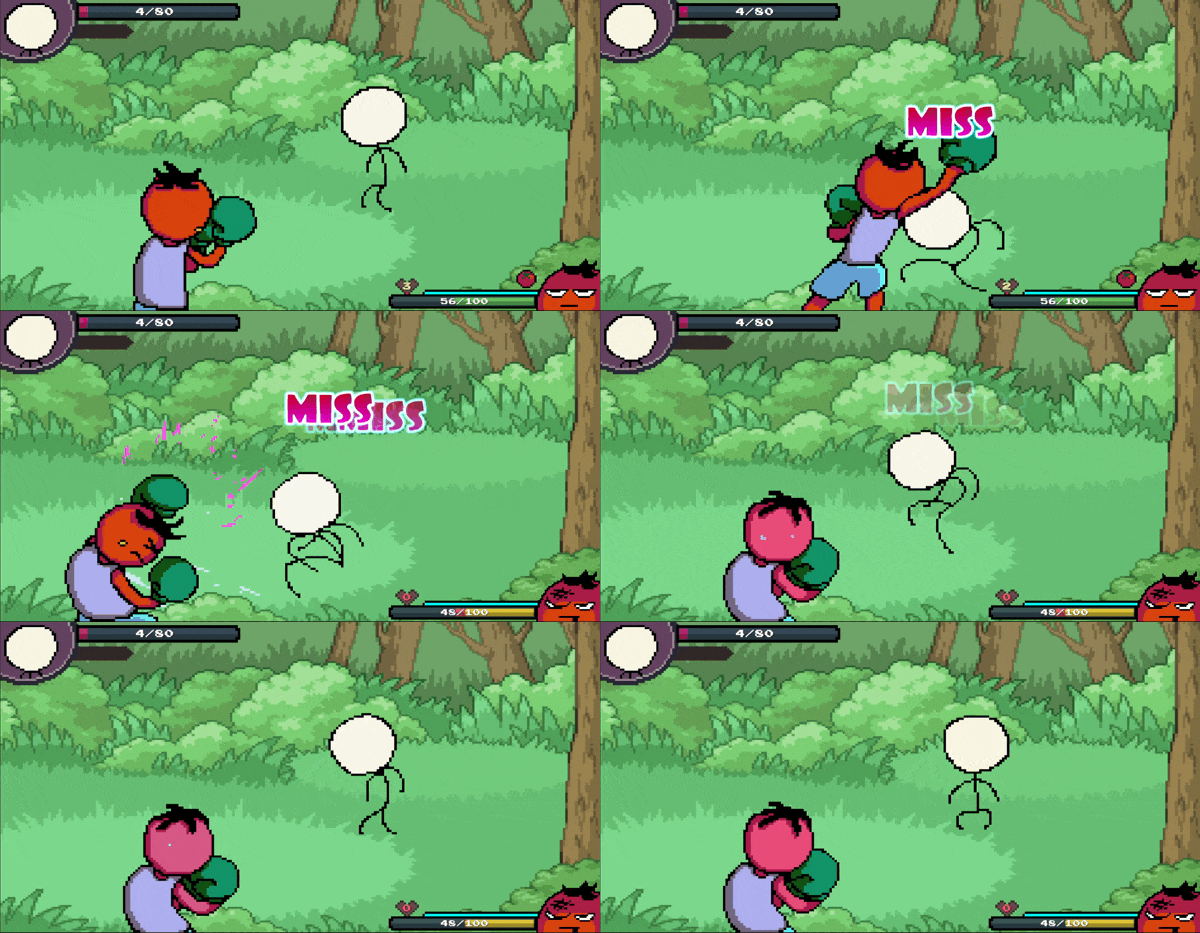
Missing attacks
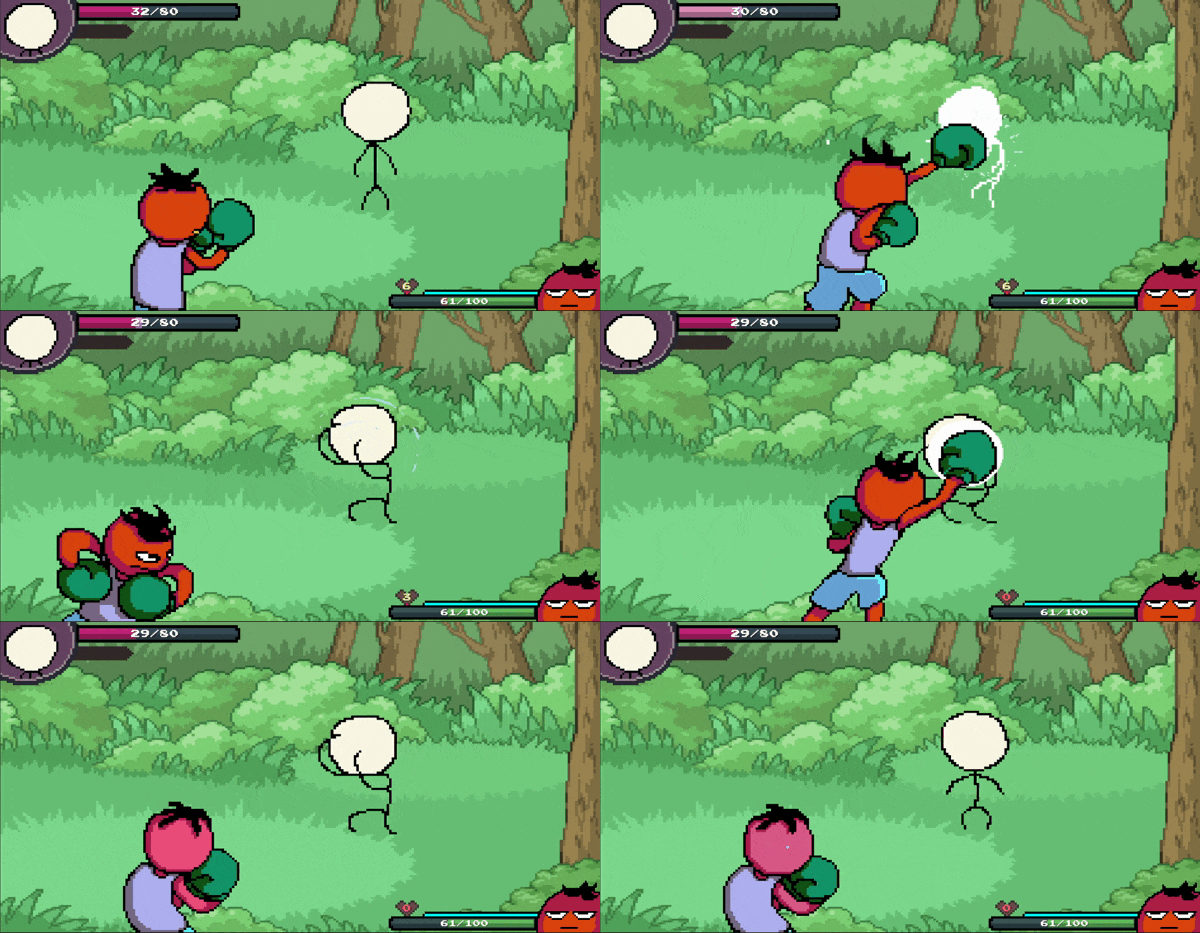
Enemy blocking attacks
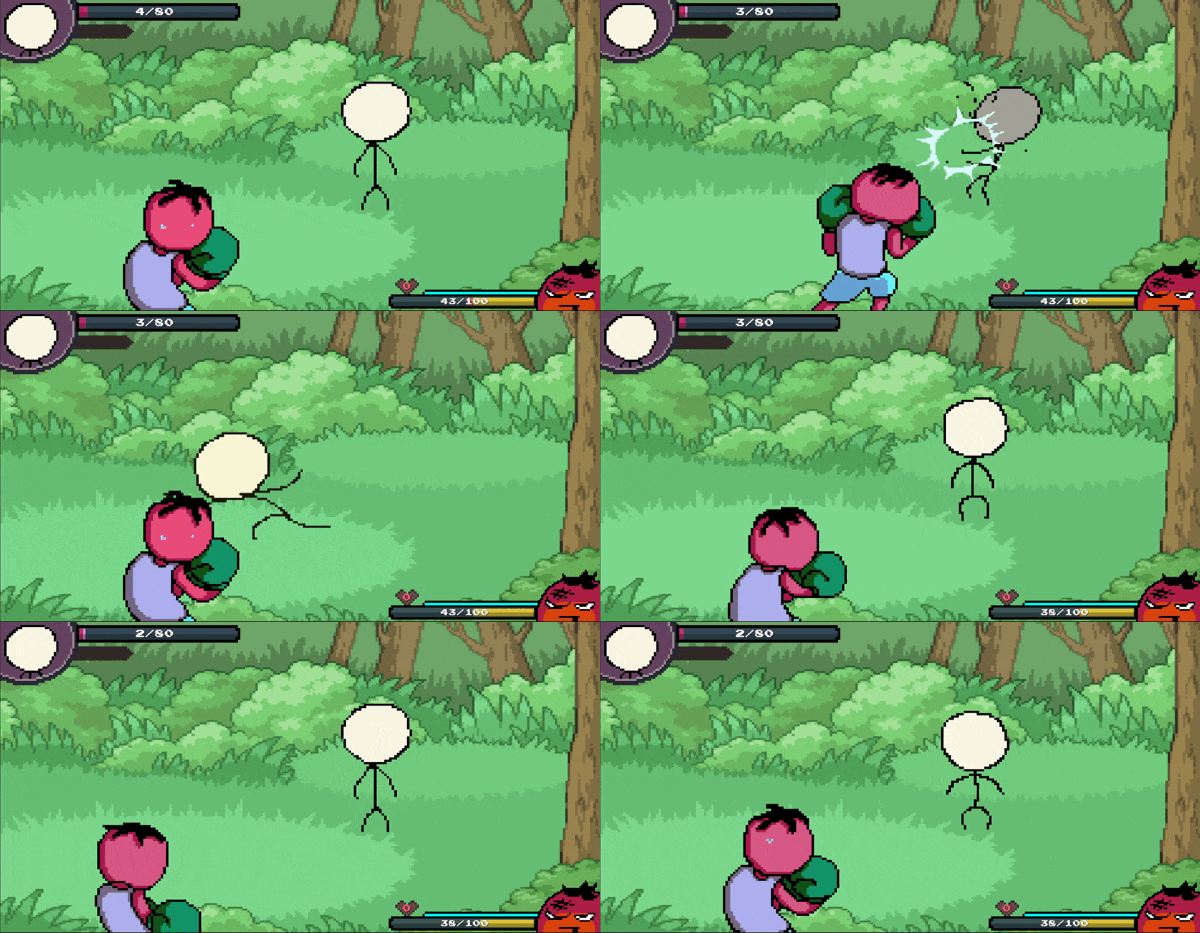
Tired player's punches
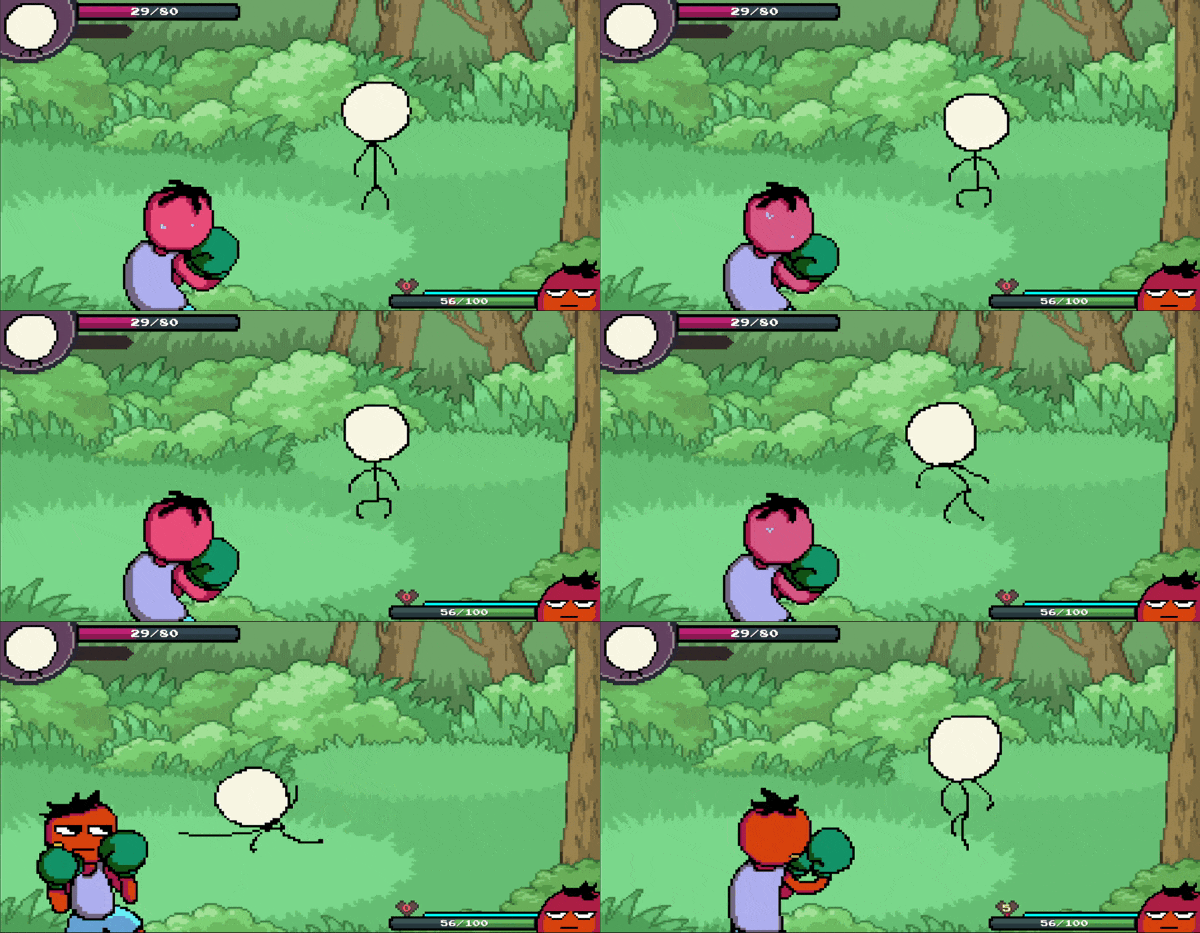
Recovering from tired state
5. Super Skill
- When the super meter is fully charged by successfully parrying enemy attacks,
Player will be engulfed in a white flame, indicating that the super skill is available to use.
- Super skill will vary depending on the player's equipped super item.

Super meter fully charged
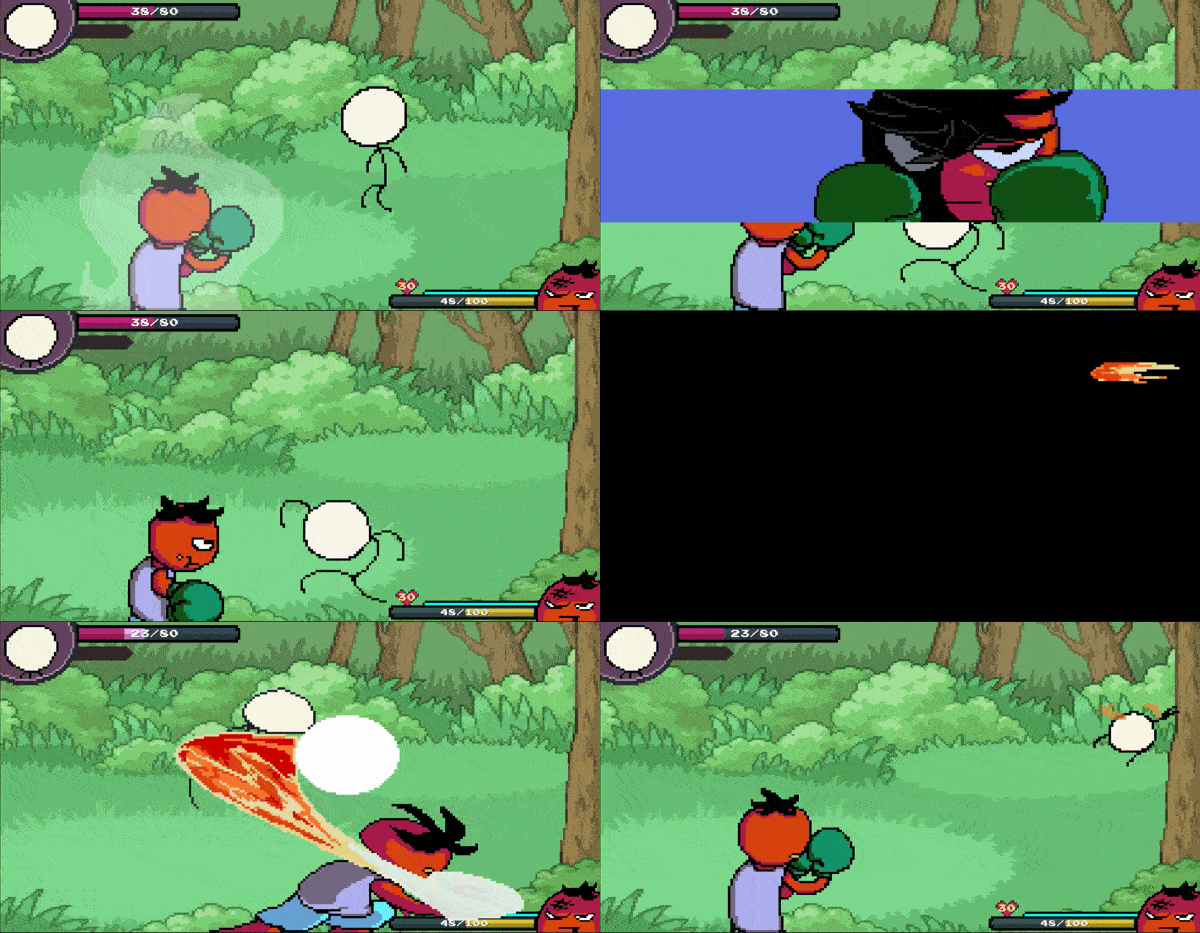
Super Skill - Chili
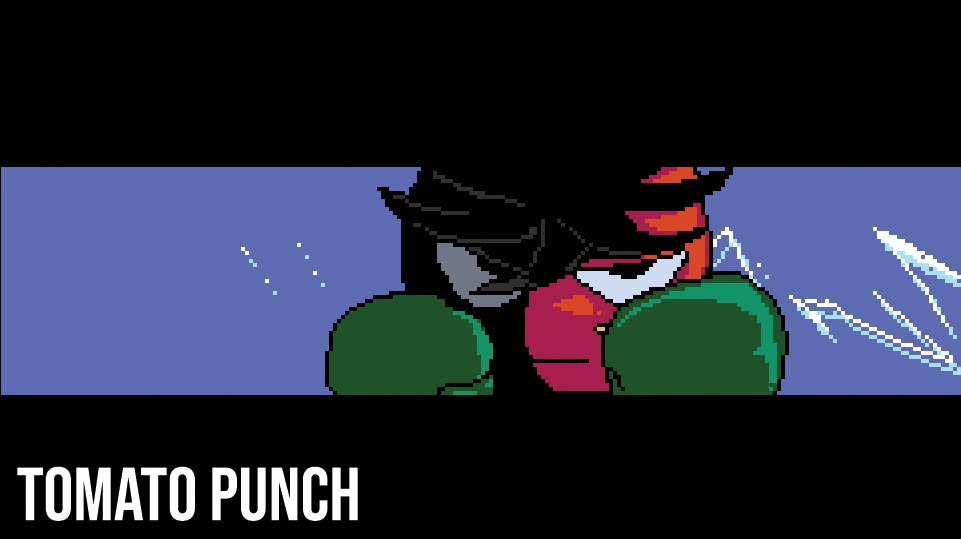
Description 🖋️
Tomato Punch is a "Punch-Out!!" inspired RPG game.
Gain experience points, battle items and shiny coins by defeating diverse opponents.
Explore the world outside Mato's little hometown,
meeting friends and encountering enemies as your adventure unfolds.
@ Developing with   : Unity
@ Developer         : Wandu
Gameplay Preview 🕹️
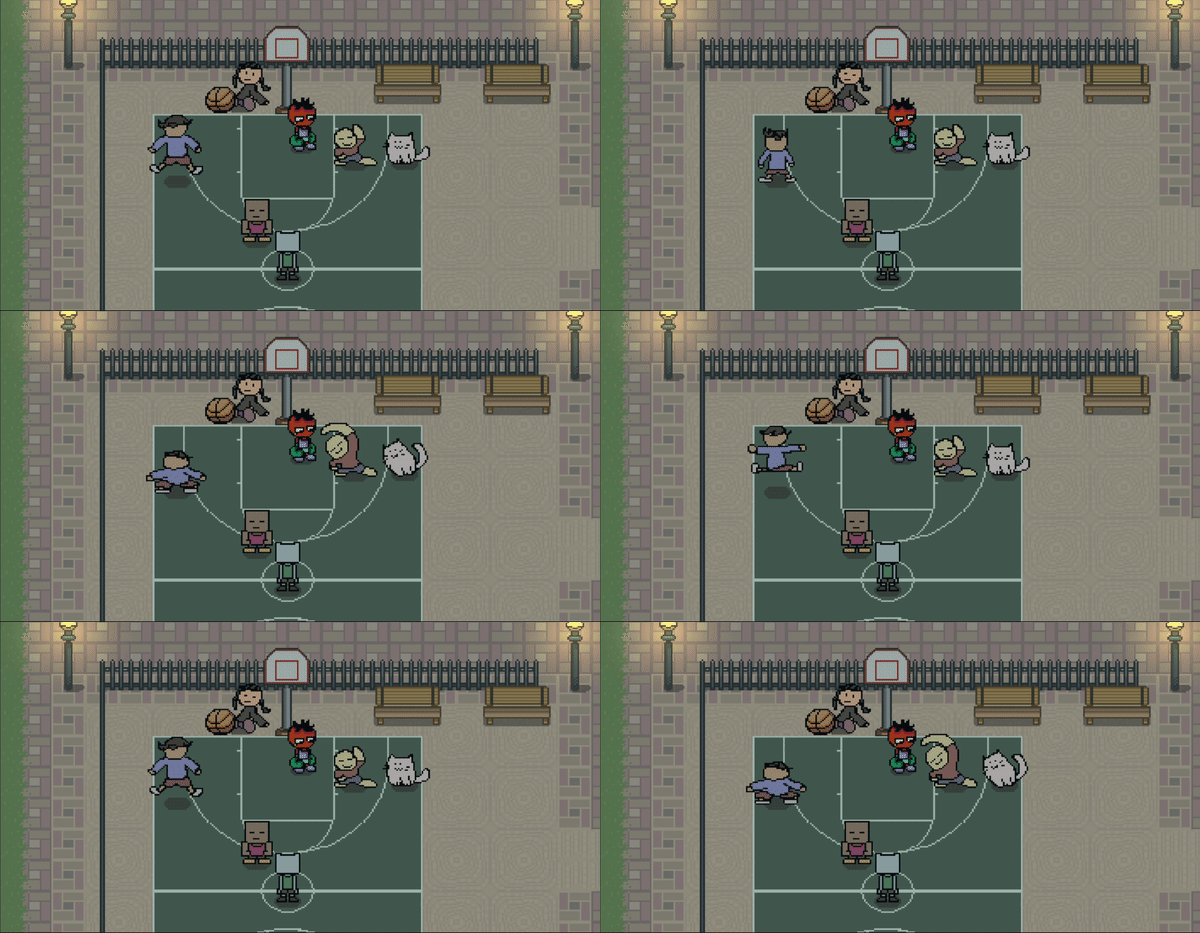
Mato's hometown basketball court

Enemy prototype - stickman.
Background image from Pokemon, will be replaced after further development.
Aims 🎯
- My aim is to make this a dynamic & goofy game,
but with a pinch of story-telling that is hopefully interesting enough to keep on playing the game.
- I love cartoon animations, thus I aim to heavily animate enemy behaviour patterns for an action-packed / energetic / wacky battle.
- I aim to sprinkle this game with retro game vibes.
Story 📘
Main character Mato aspires to become a fighter, just like his idol superstar : "Big Smack".
However, living in a small, peaceful town, most of his peers hope for a simple and stable life.
In the midst of a dilemma about his future path,
Mato helps his friends quit their jobs by beating the lights out of their evil boss,
ultimately burning their contract papers.
A glimmer of adventure shines upon Mato, as he is being chased by the police.
Mato's abrupt journey begins from here.
Platforms 🖥️
PC, with Gamepad support.
Comments 💬
I'm still learning to code, as an amateur developer.
It is my small passion project and also a first project to ever make,
and I would be thrilled to see it become fully finished one day, even if it takes ages.
What I love about Punch-Out is the dynamic animation sprites,
the tension trying to read the opponents movement,
and the feeling of victory after trying again and again.
What I love about RPG games is exploring new regions and
meeting interesting characters with a unique storyline.
What if I replaced turn-based combat into a Punch-Out format?
I think it's something that I got very curious about, so here I start the challenge!
Credits 🌟
Will occasionally update this section to keep track of borrowed assets used in this project.
Thanks for all the talented artists who created these neat assets.
@ Gamepad UI Sprites : greatdocbrown
@ Keyboard UI Sprites : Dream Mix
@ Yellow Spark Sprite : Sinestesia, Kelvin Shadewing
External Links 🔗
@ Twitter : https://twitter.com/Wandu_dev