Indie game storeFree gamesFun gamesHorror games
Game developmentAssetsComics
SalesBundles
Jobs
TagsGame Engines

studioGK

10
Posts
A member registered 11 days ago

Recent community posts

(3 edits)

ok bone xyz works okay for coordinates and rotation now the model head can look at things

(5 edits)

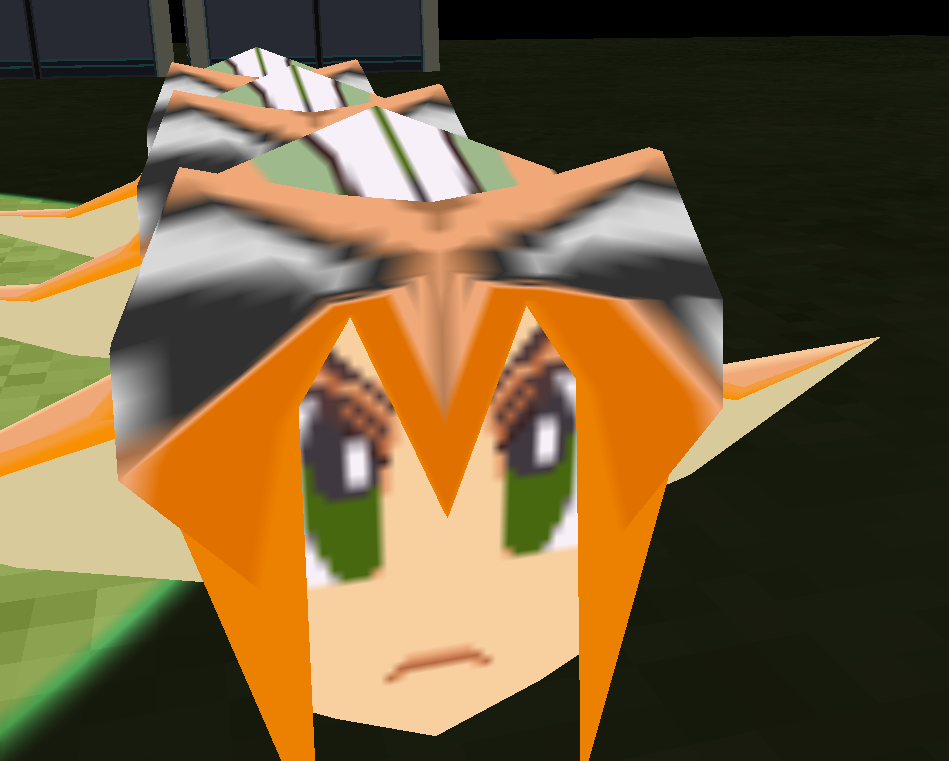
the mesh seems to get culled when looking down
and models dont match editor 
new test     
https://www.mediafire.com/file/4g1806o9csxasqg/TESTINGAGAIN.c3p/file

(2 edits)

how do we get the x y z coordinates of a 3d model? should i just use a bones xyz?
also how would you change the face of the model with these textures? should i load in a completely new head model? or is there a way to move the image so it matches the faces uv?

works perfect now!

The model itself is being flipped, 3d model added an option to flip when importing new models.

This is what they look like right now. The first one is wrong because the sword should be on the right hand. The 2nd one is scaled negative with flip v on, its correct but the flip v wasnt needed. The 3rd one with the scaled negative only is actually correct. 

I filed it and they added a option to import with option to flip xyz 

https://github.com/Scirra/Construct-bugs/issues/9028 Here is test with the model

https://www.mediafire.com/file/me7b1o8k0yhmu5w/TESTTESTTEST.zip/file
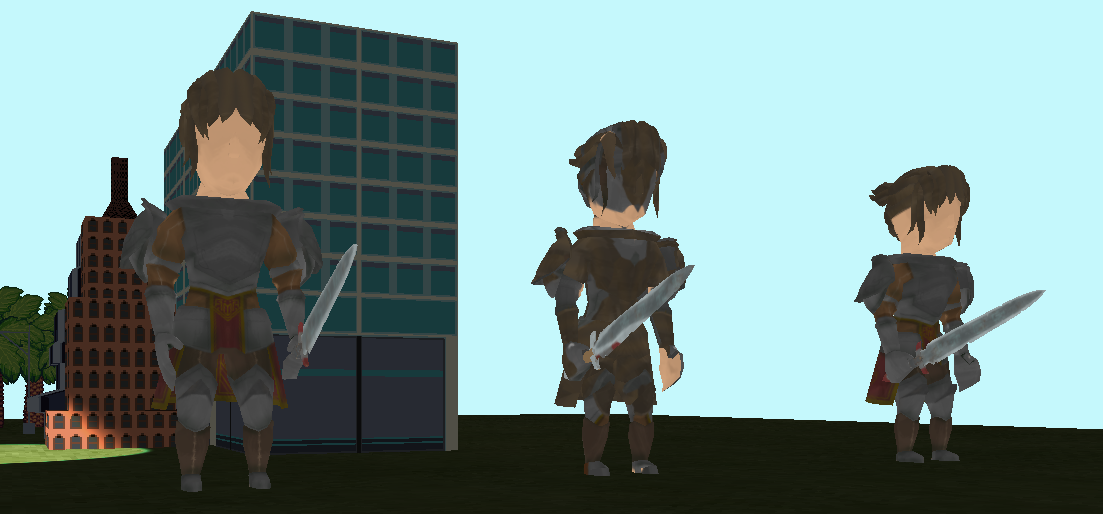
Nevermind on the head with the bone, it works with a new model. Idk what was up with the head and the 1 bone. Only the sampling and the flipped x axis are broken. 

https://www.mediafire.com/file/a6no197uf7jab2s/TESTTESTTEST.zip/file

The box on the very right is scaled negative to make it show correctly. Also there might be a bounding box or offset issue too? the model is in the ground when in the editor its above it.

Also the X axis is flipped so stuff like signs appear backwards other than that, this add on is the best for 3d.

Sample to nearest isn't work on mesh. Is there a way to turn it on?