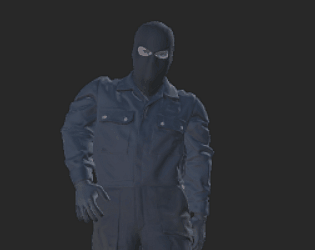
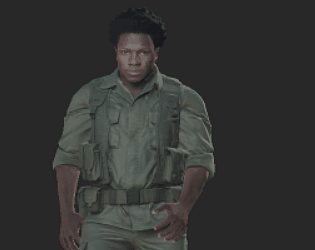
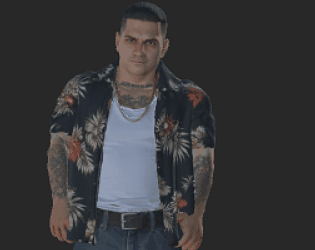
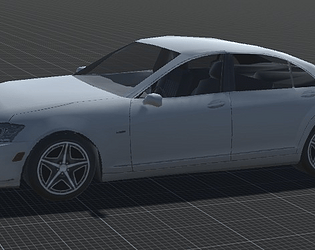
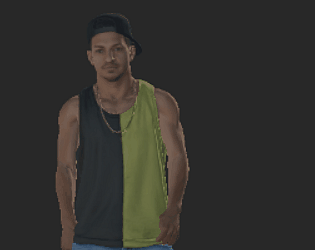
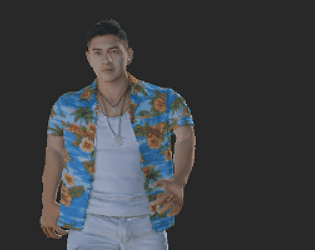
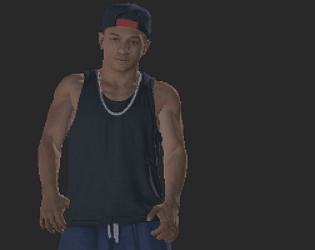
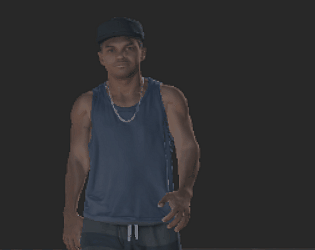
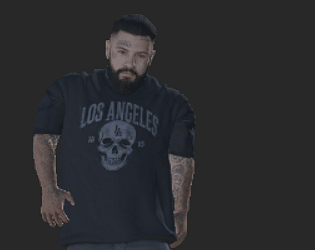
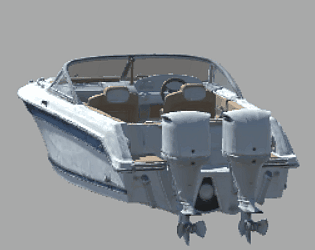
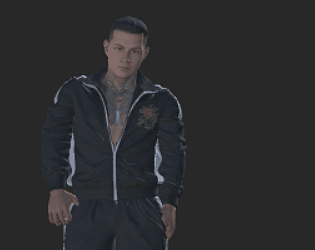
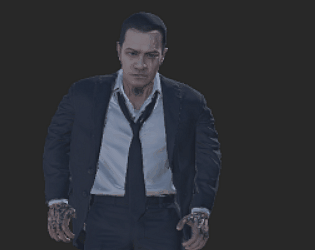
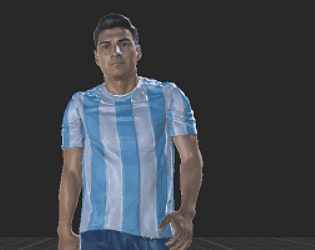
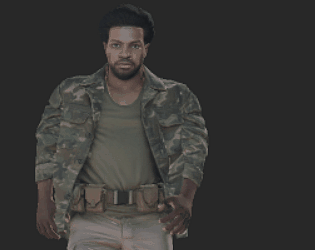
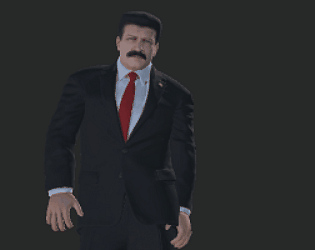
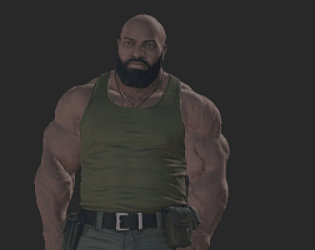
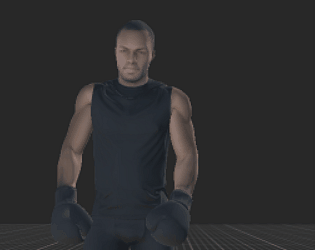
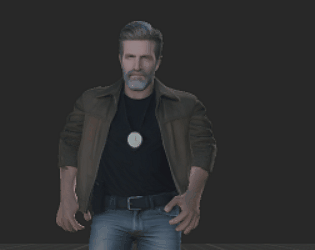
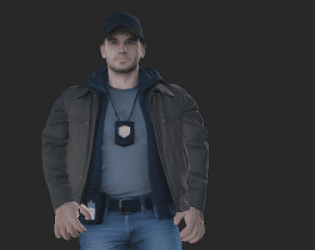
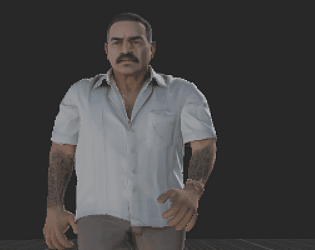
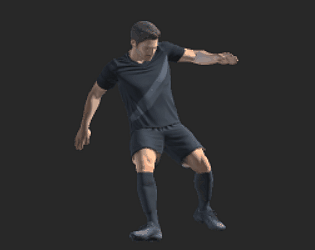
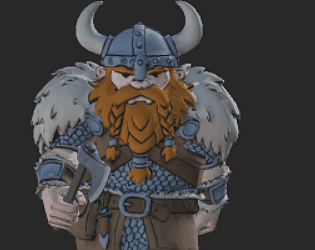
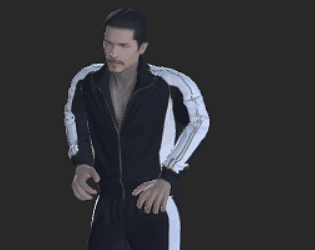
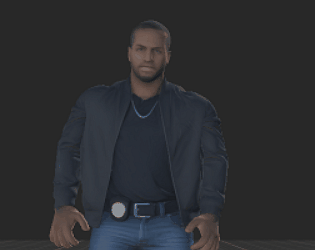
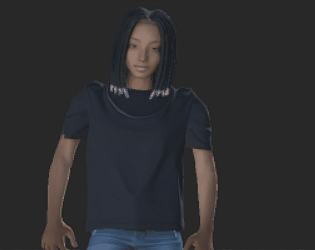
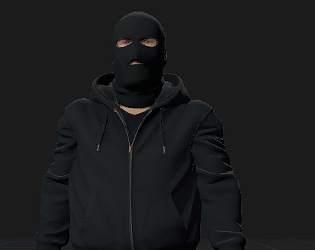
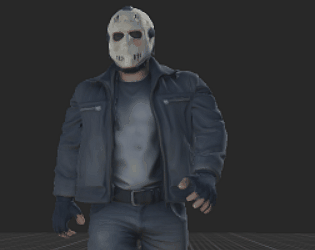
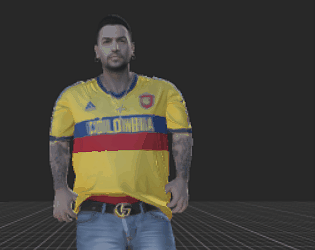
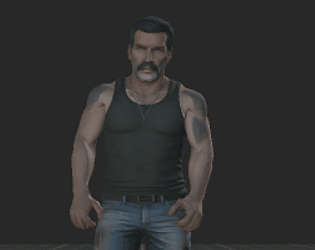
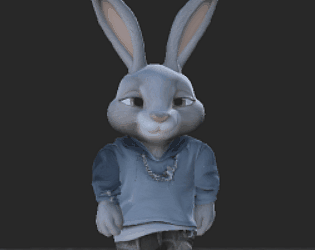
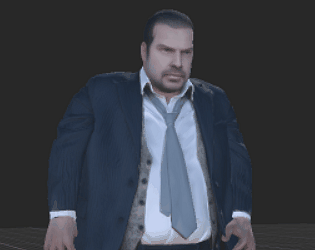
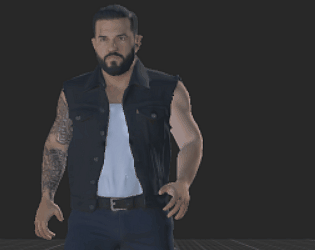
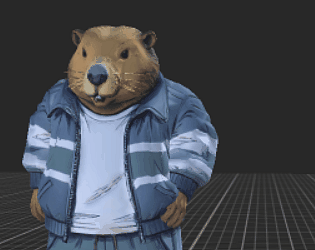
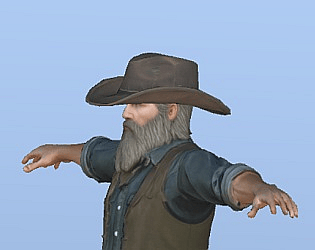
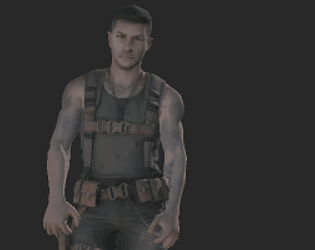
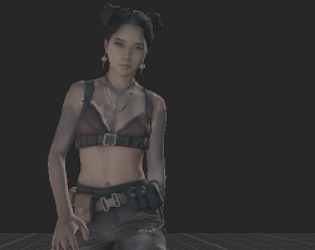
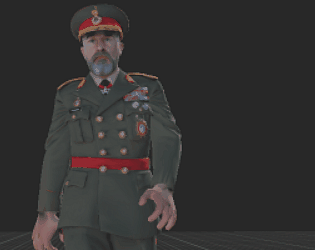
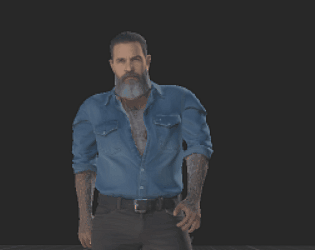
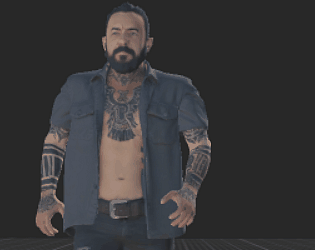
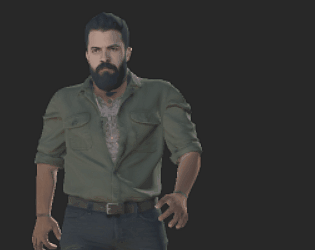
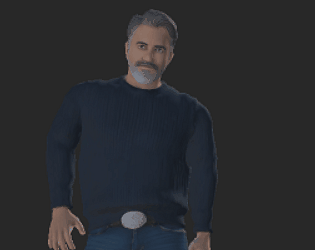
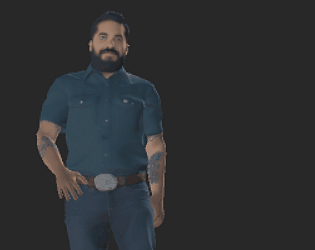
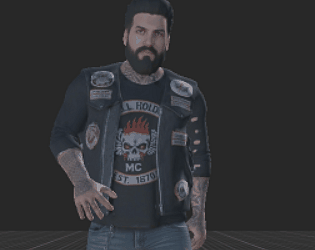
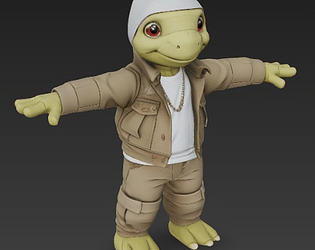
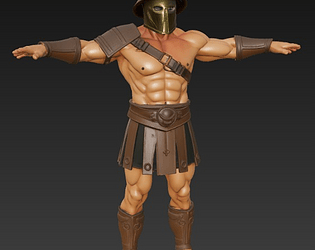
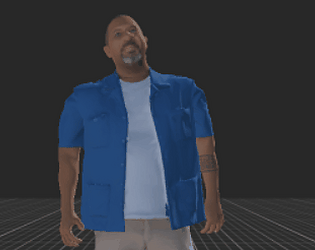
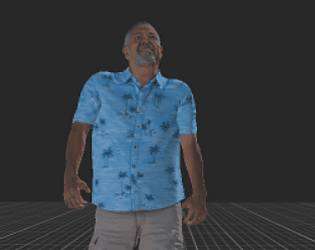
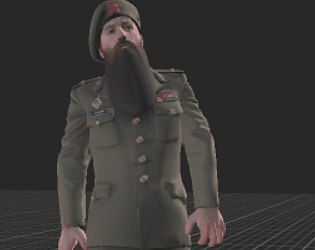
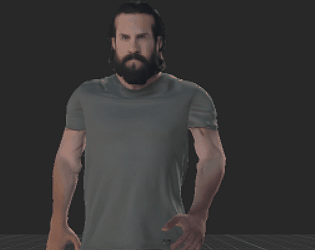
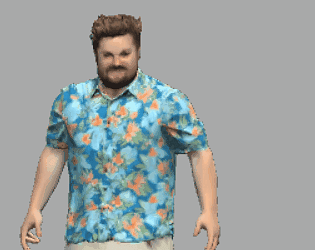
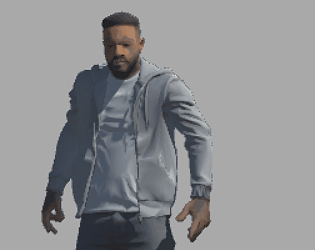
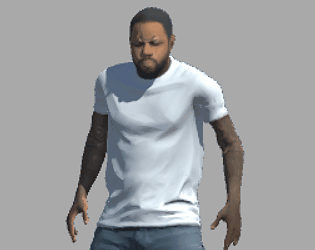
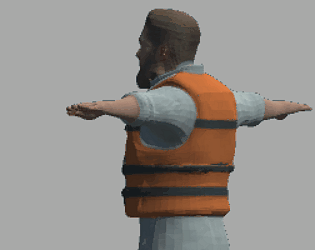
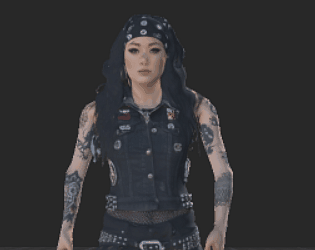
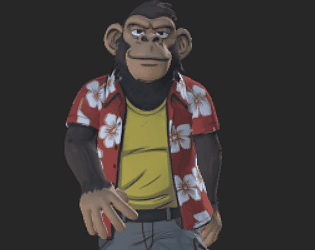
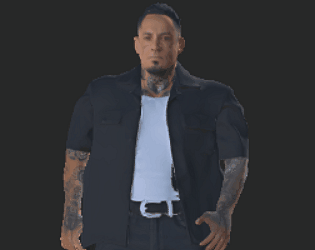
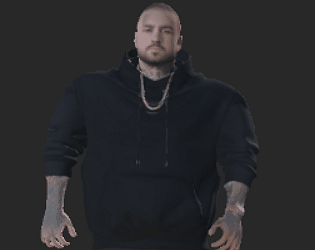
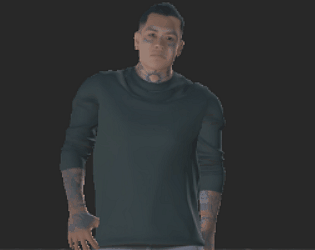
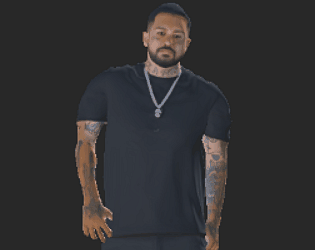
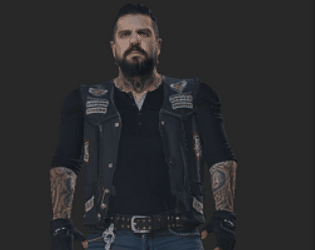
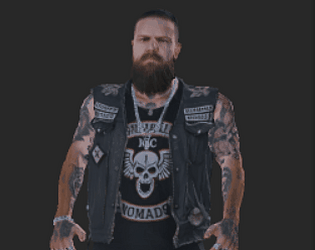
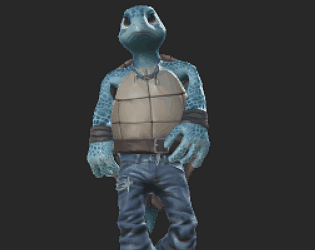
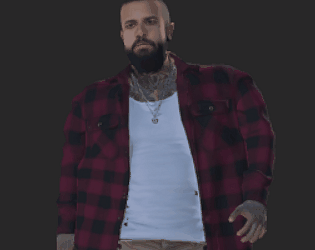
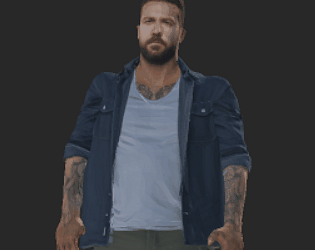
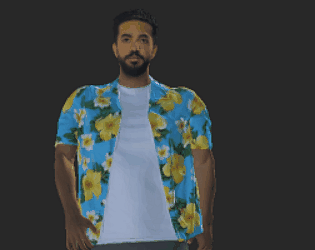
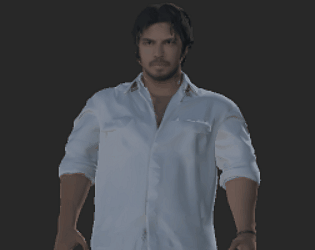
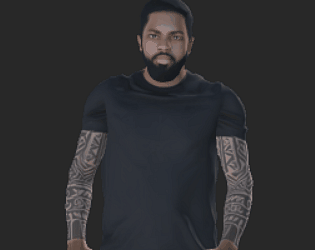
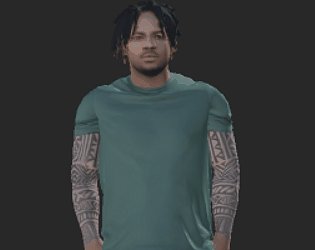
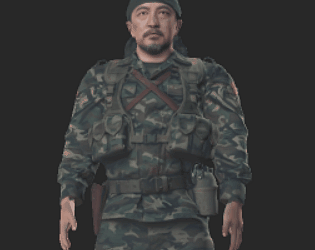
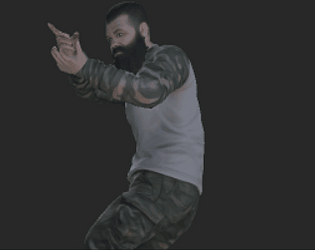
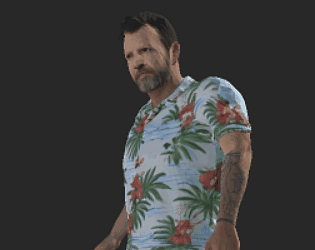
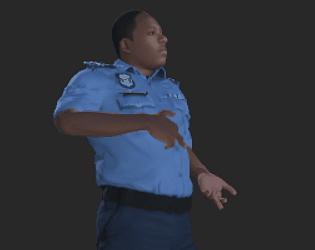
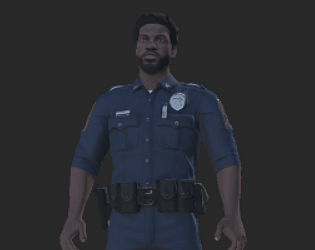
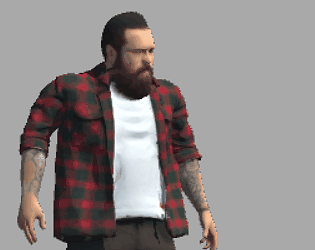
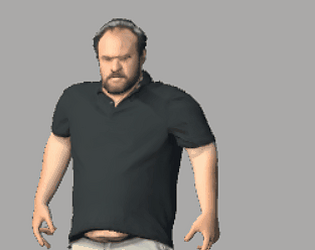
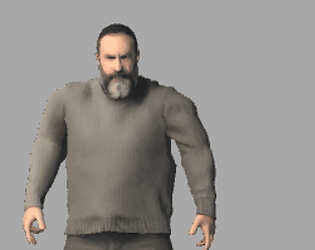
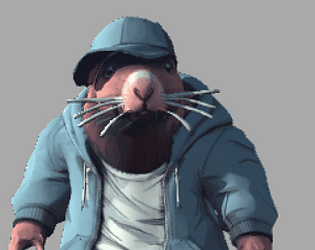
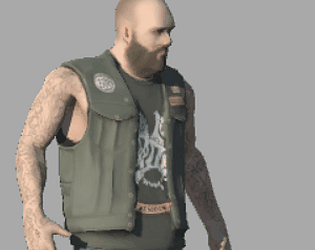
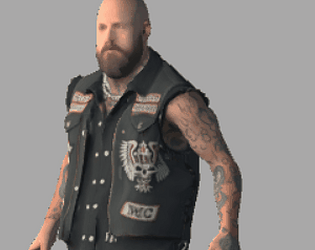
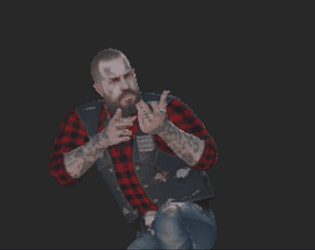
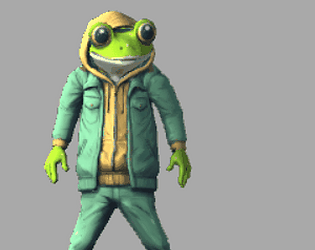
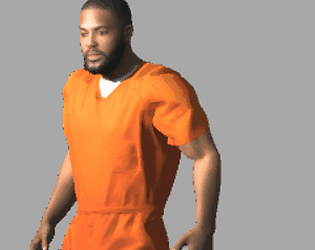
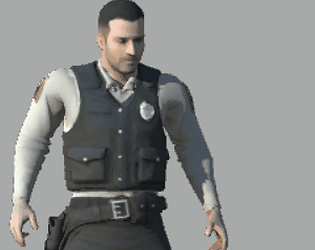
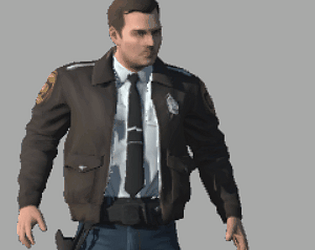
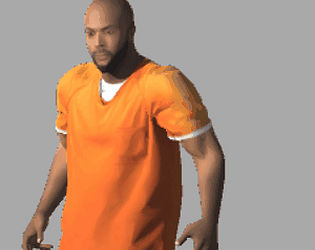
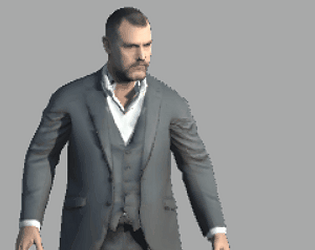
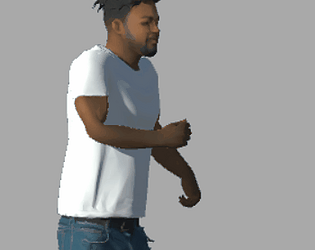
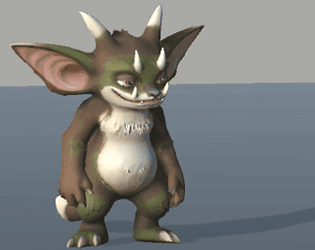
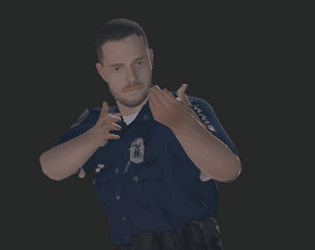
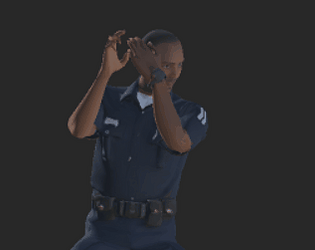
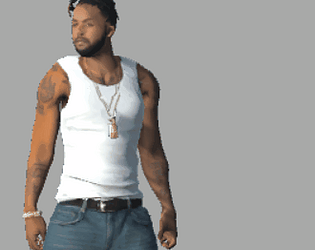
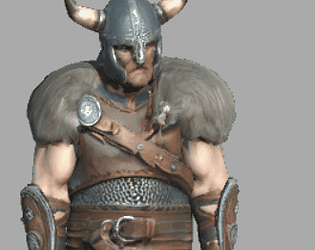
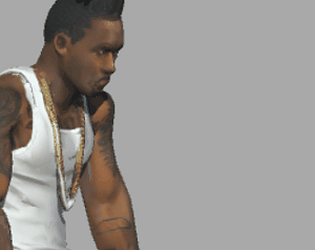
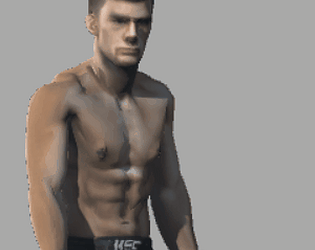
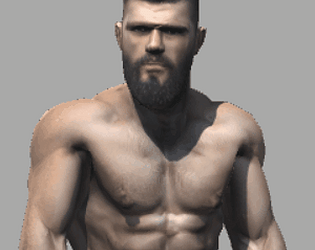
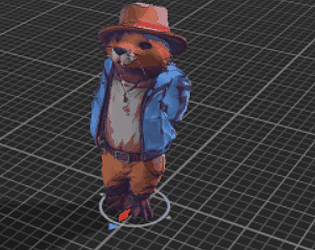
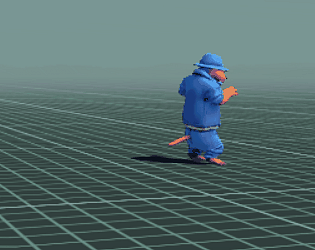
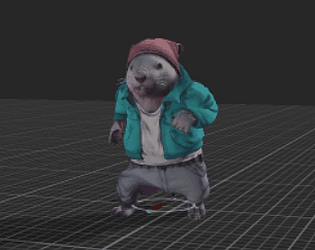
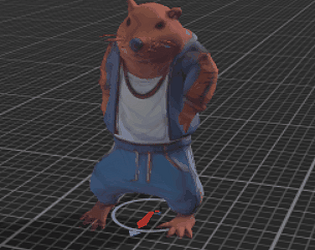
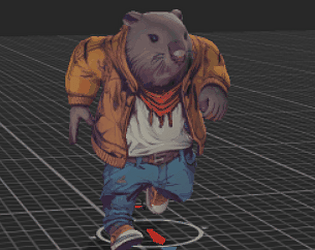
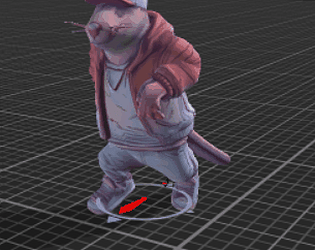
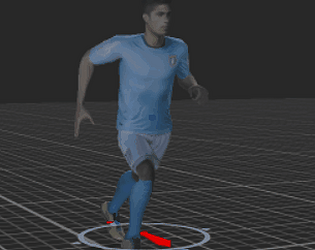
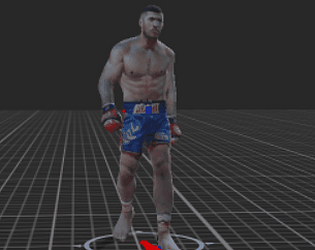
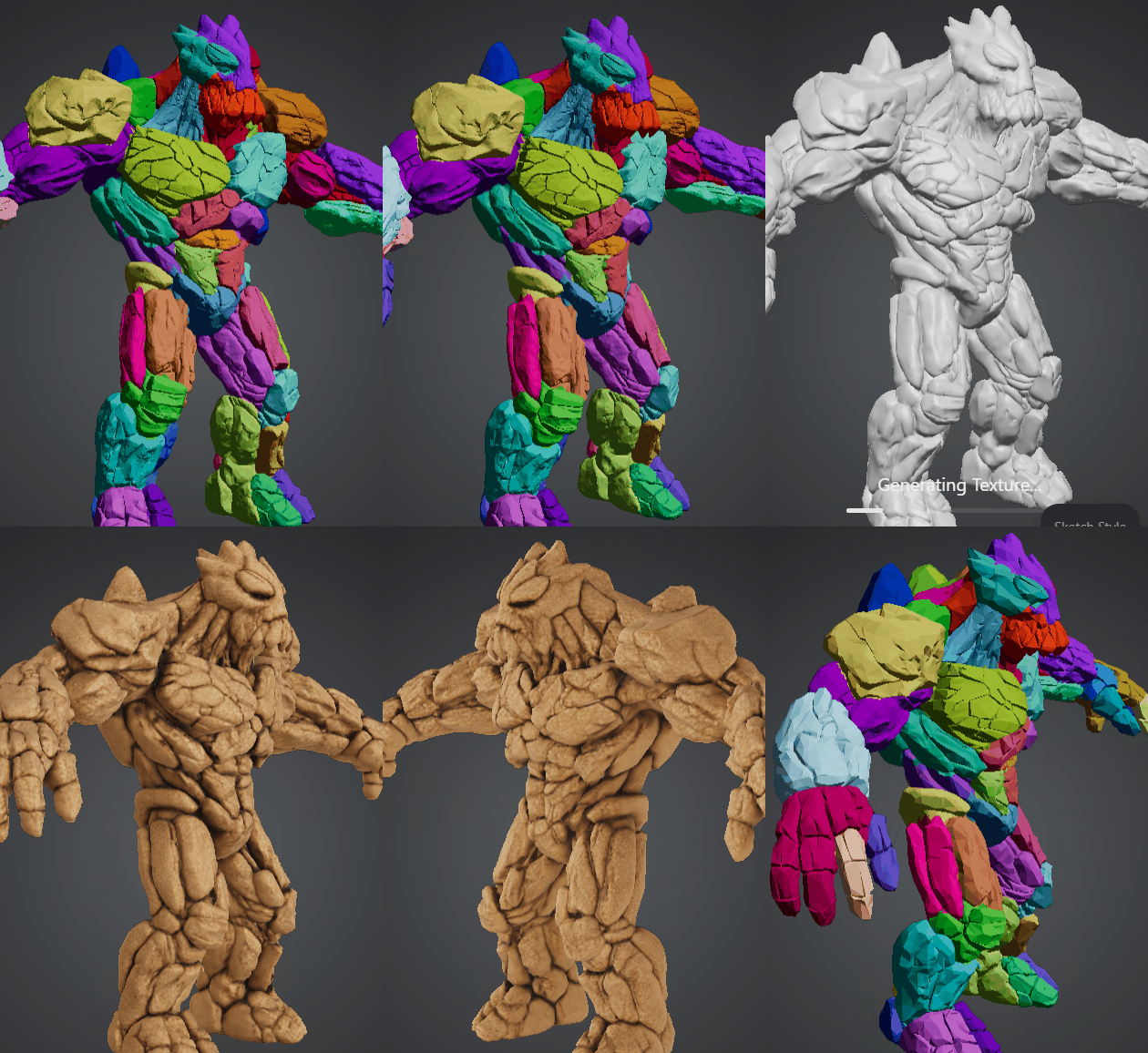
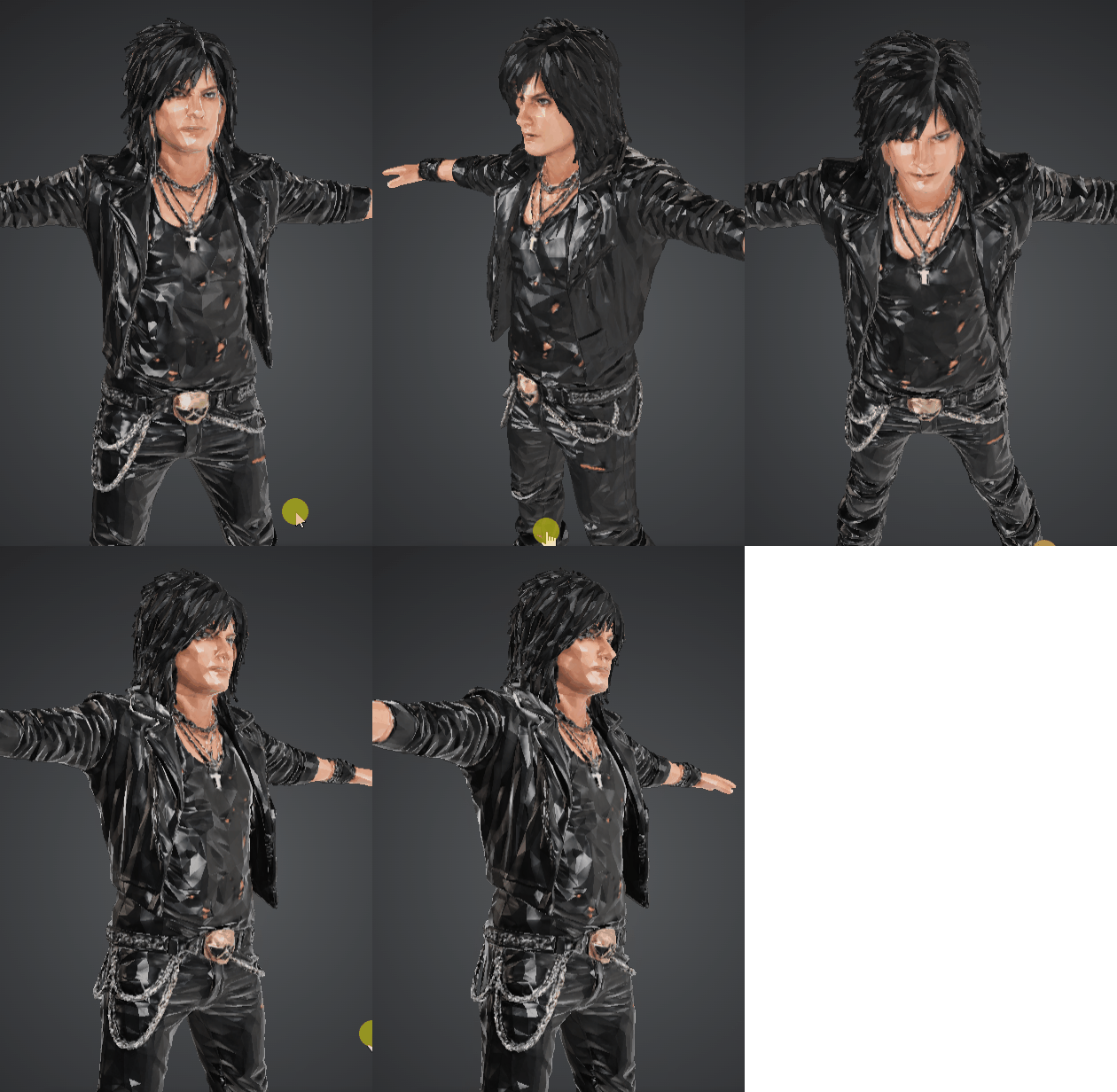
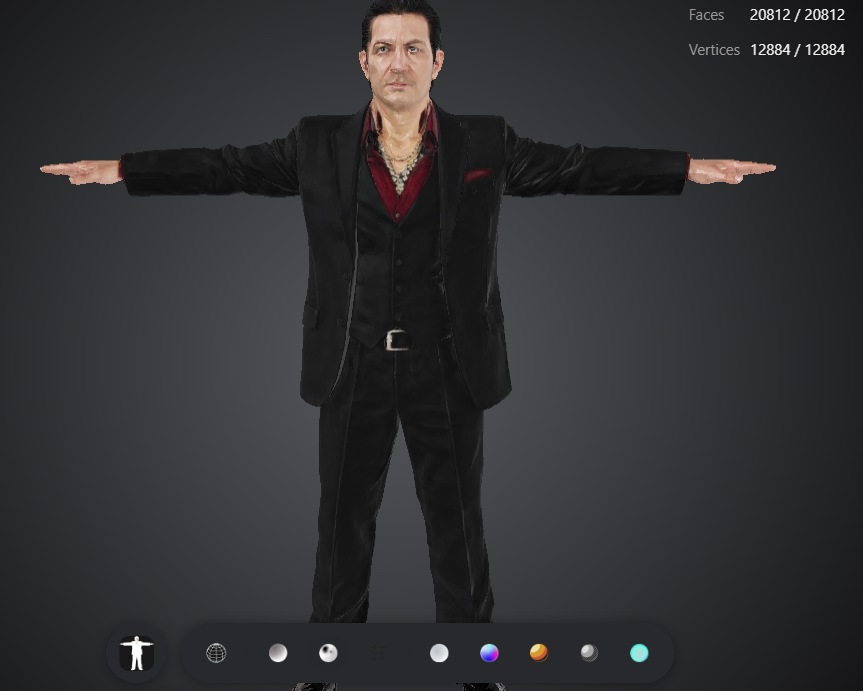
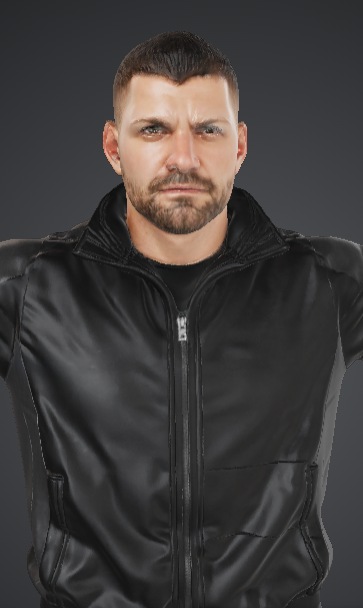
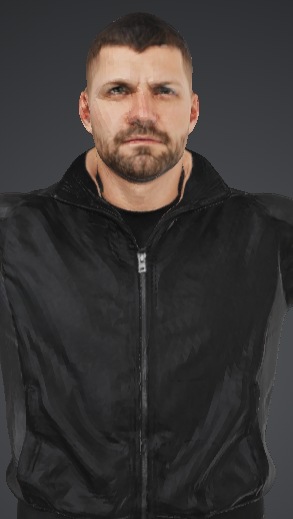
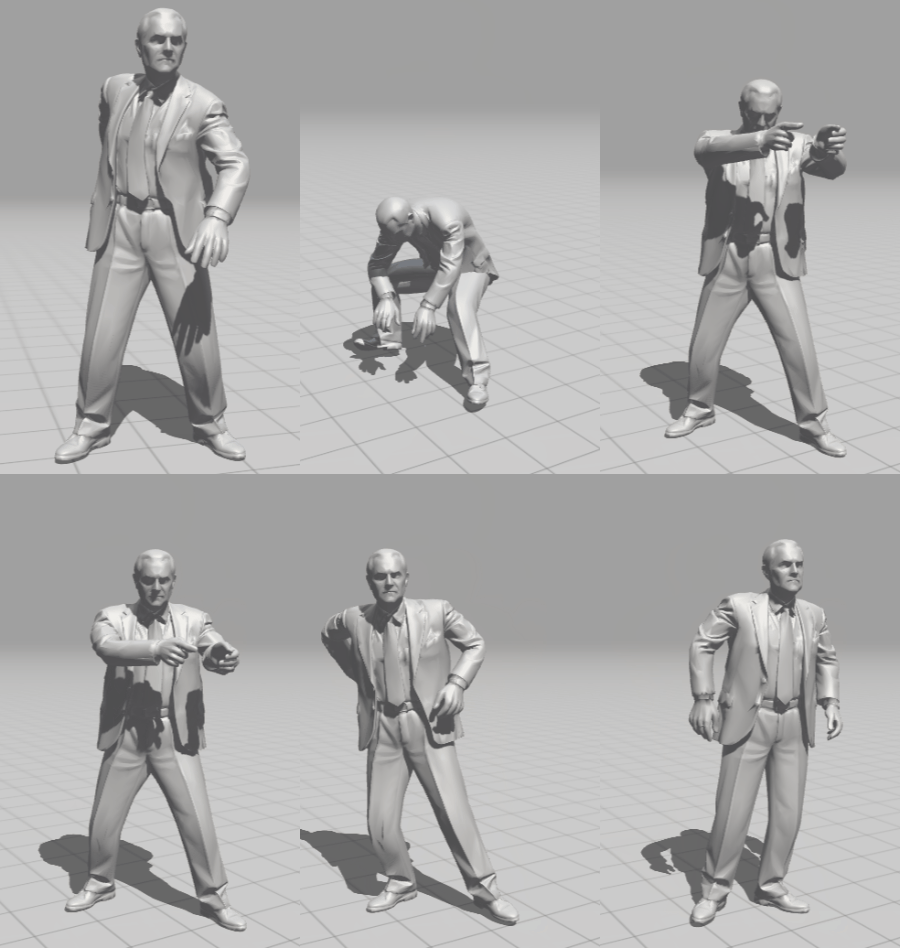
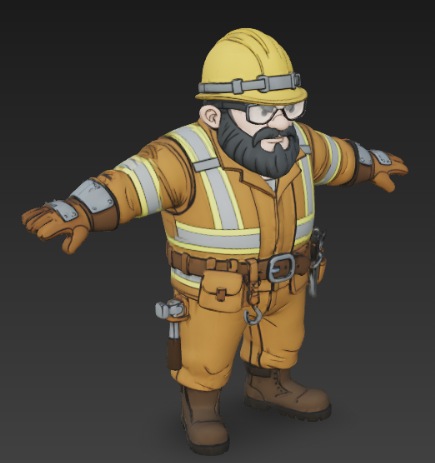
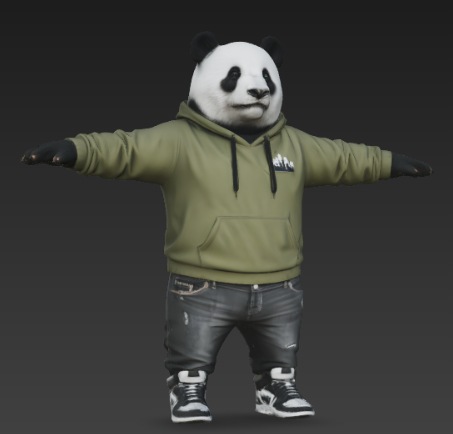
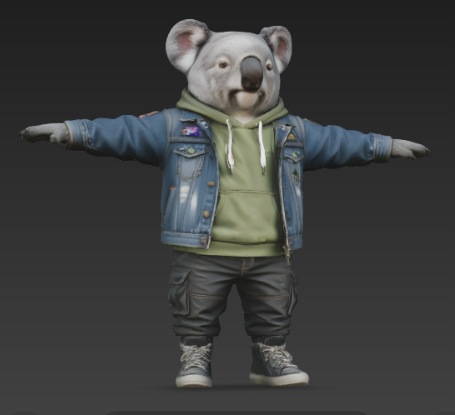
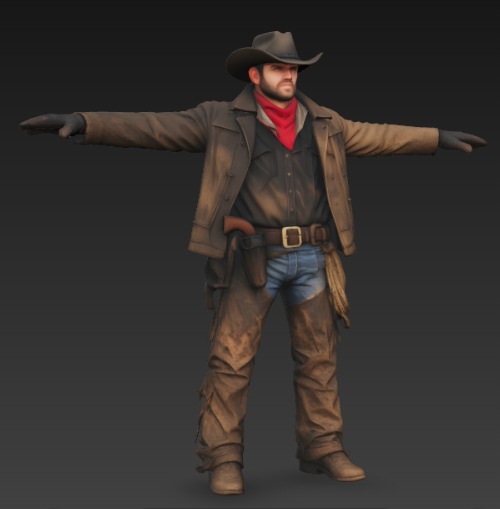
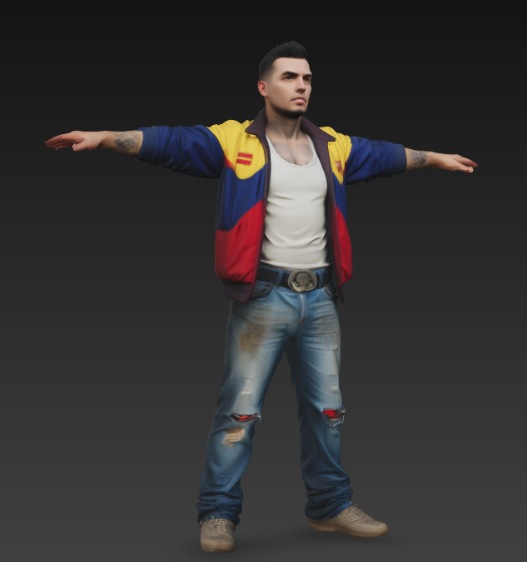
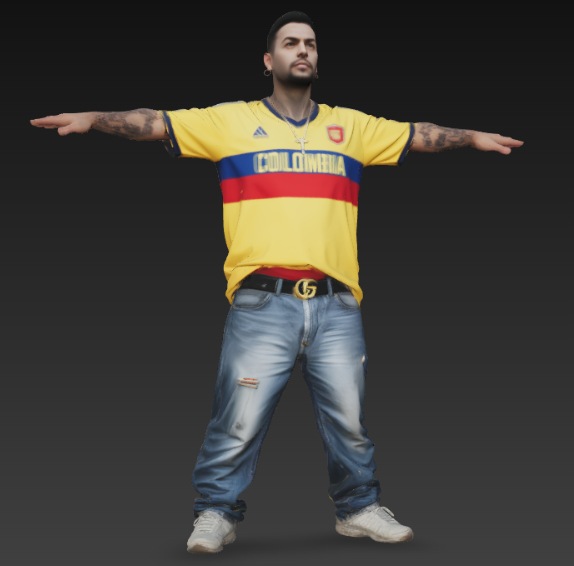
Mr. Rock
free to use (you can do anything with it, except selling)
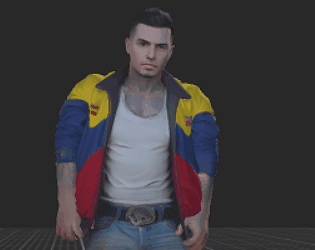
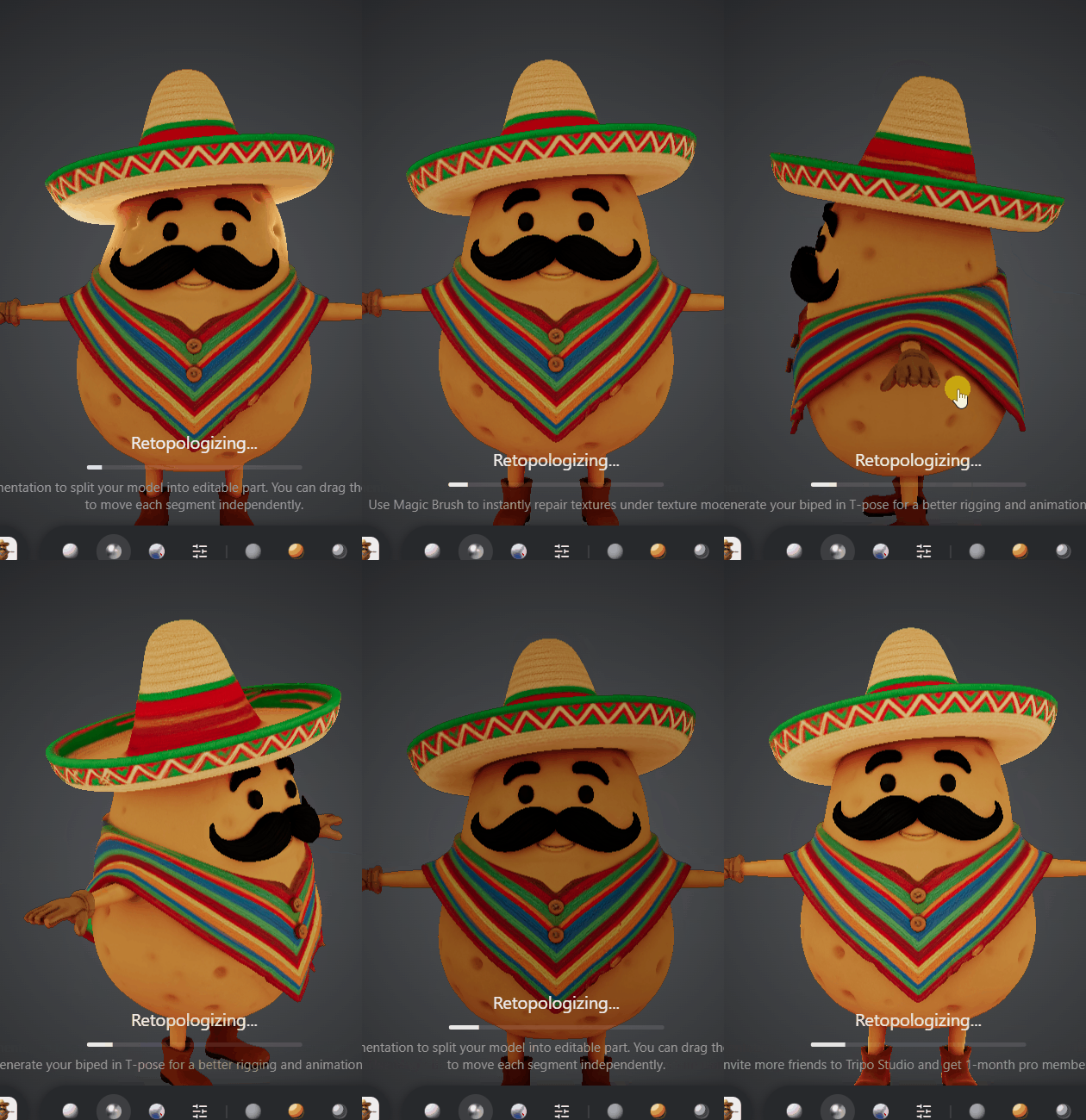
PACO EL CHIP
maybe for guitar simulator?
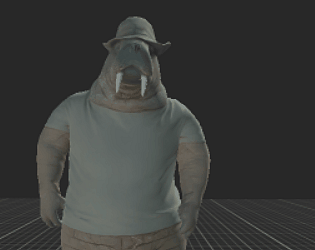
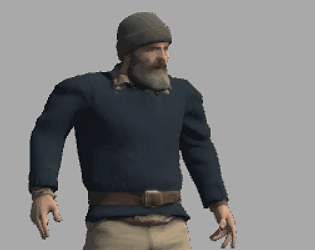
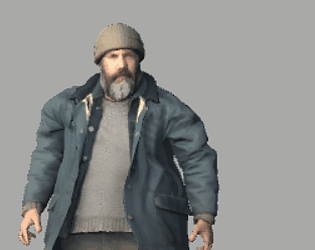
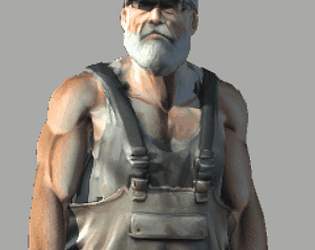
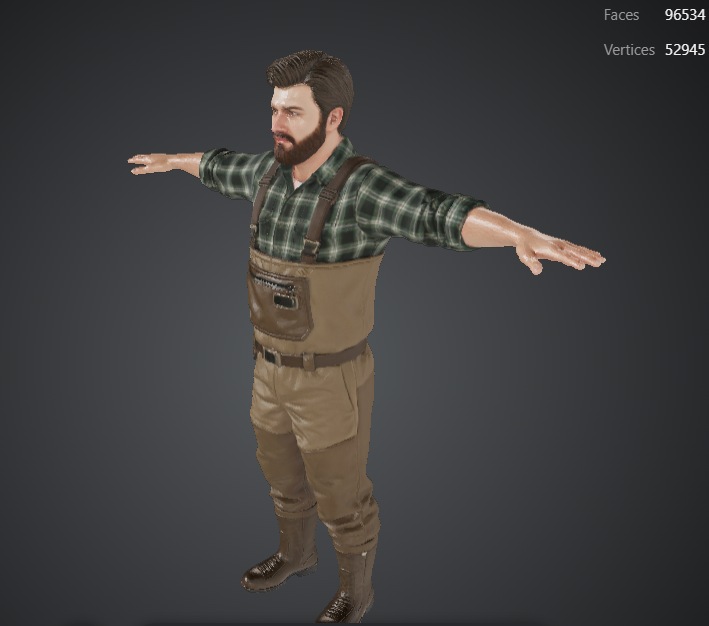
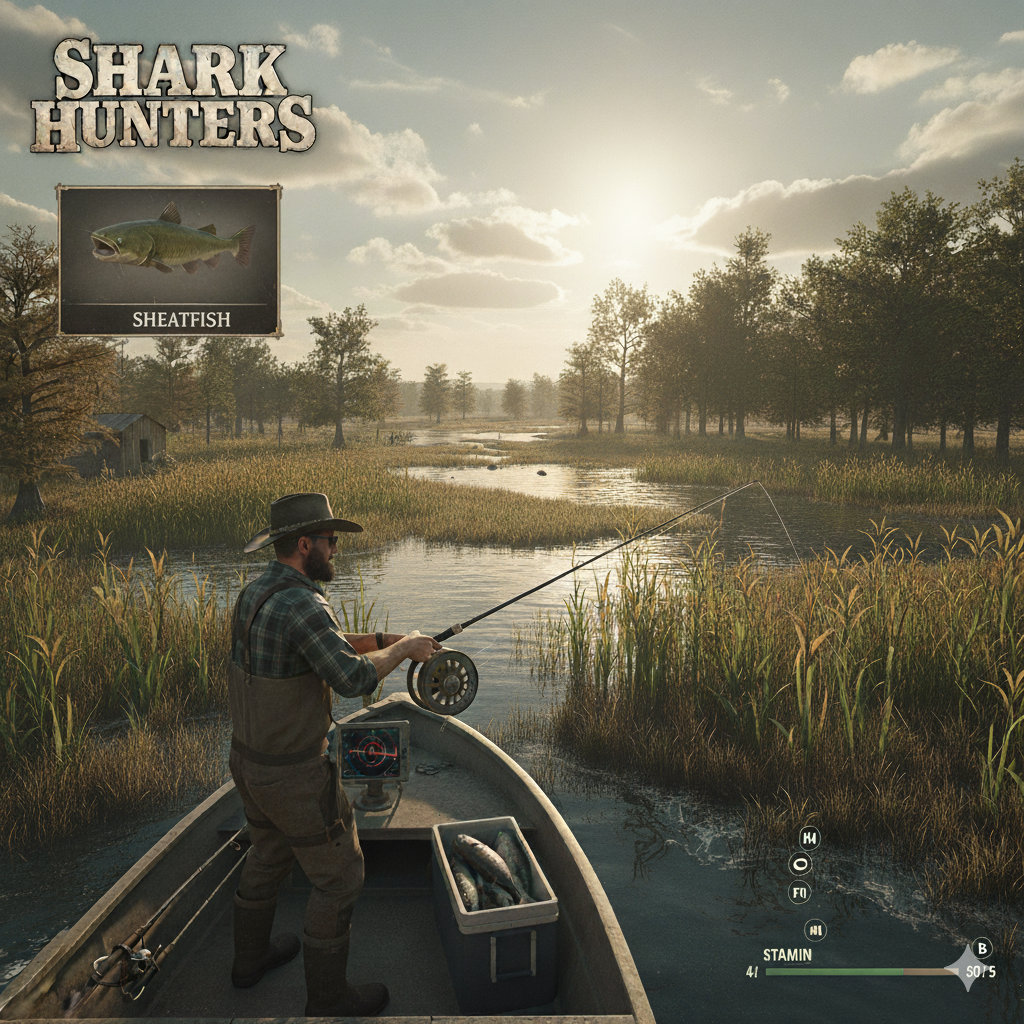
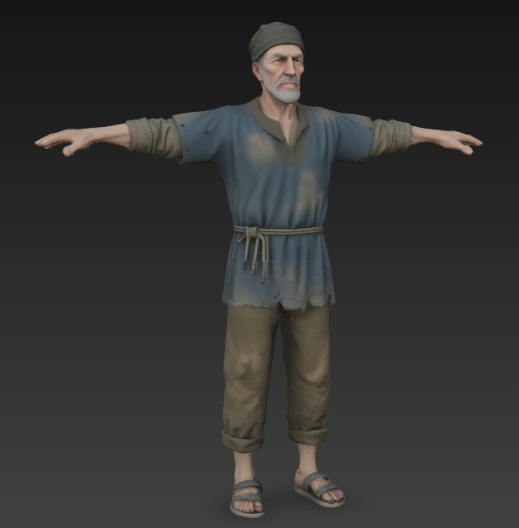
fisherman
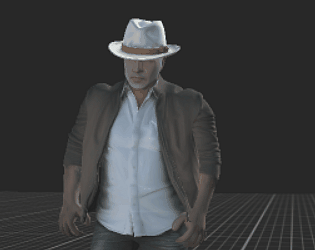
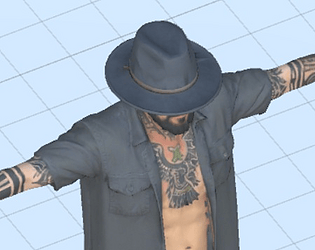
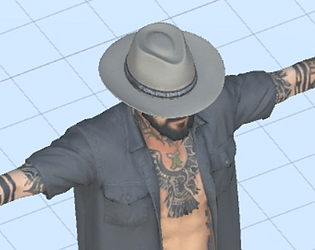
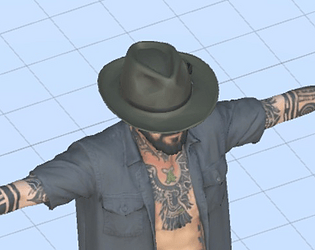
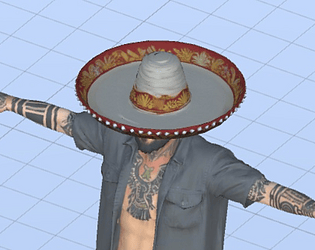
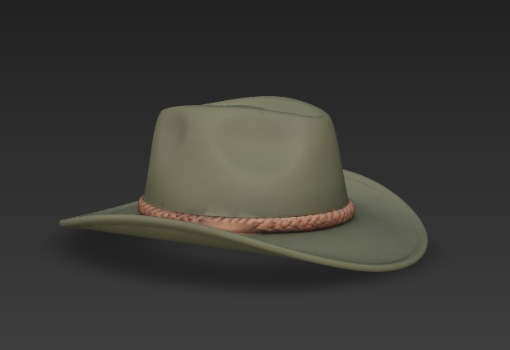
and hat
from
how does he look like? why dont you do a concept for characters etc w gemini orchatgpt
but from the sound of it, that is a massive environment type of game. this probably work as 2D game imho
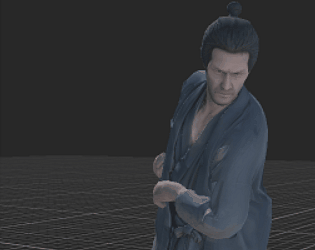
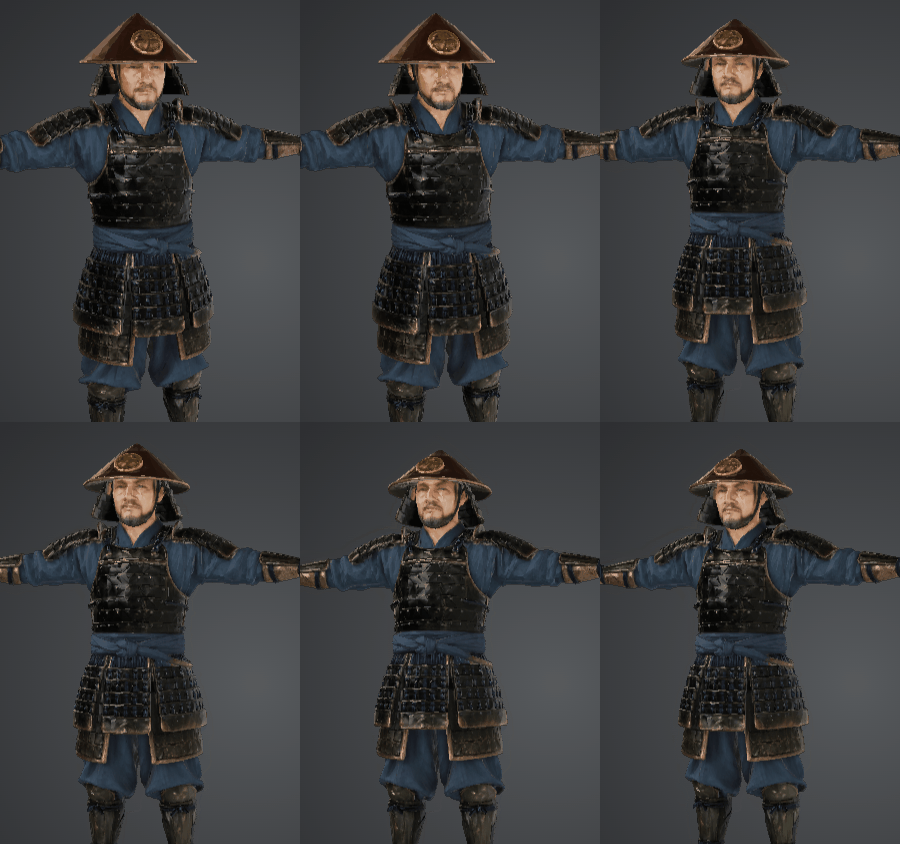
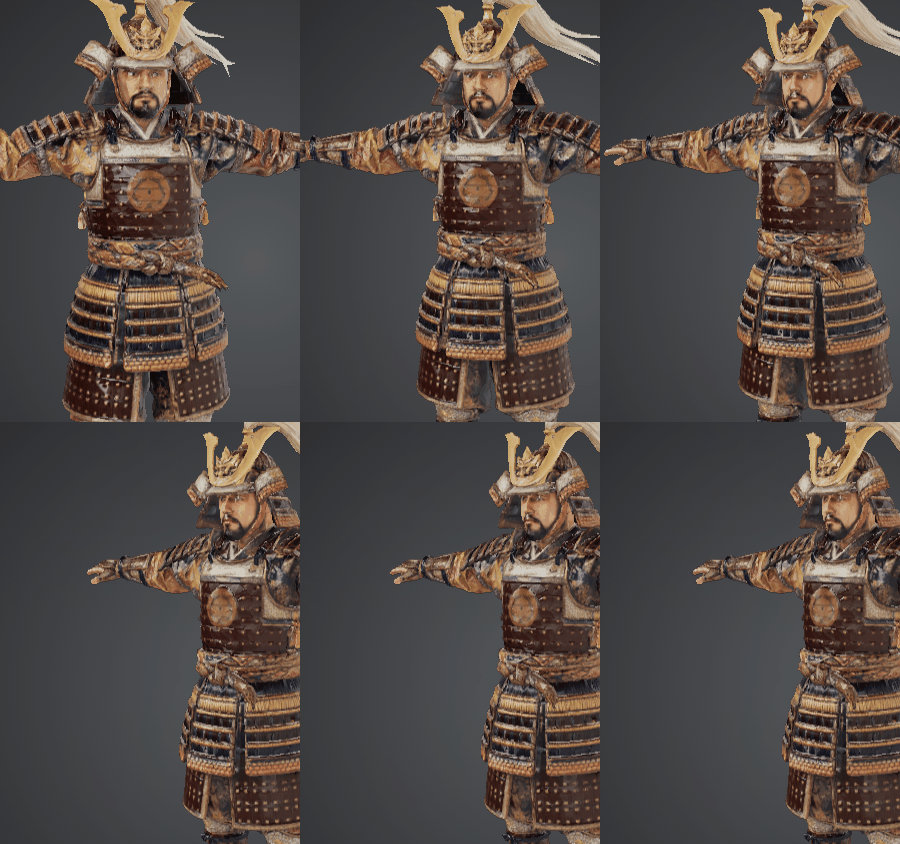
japanese
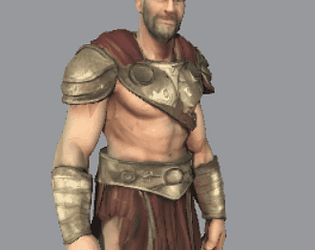
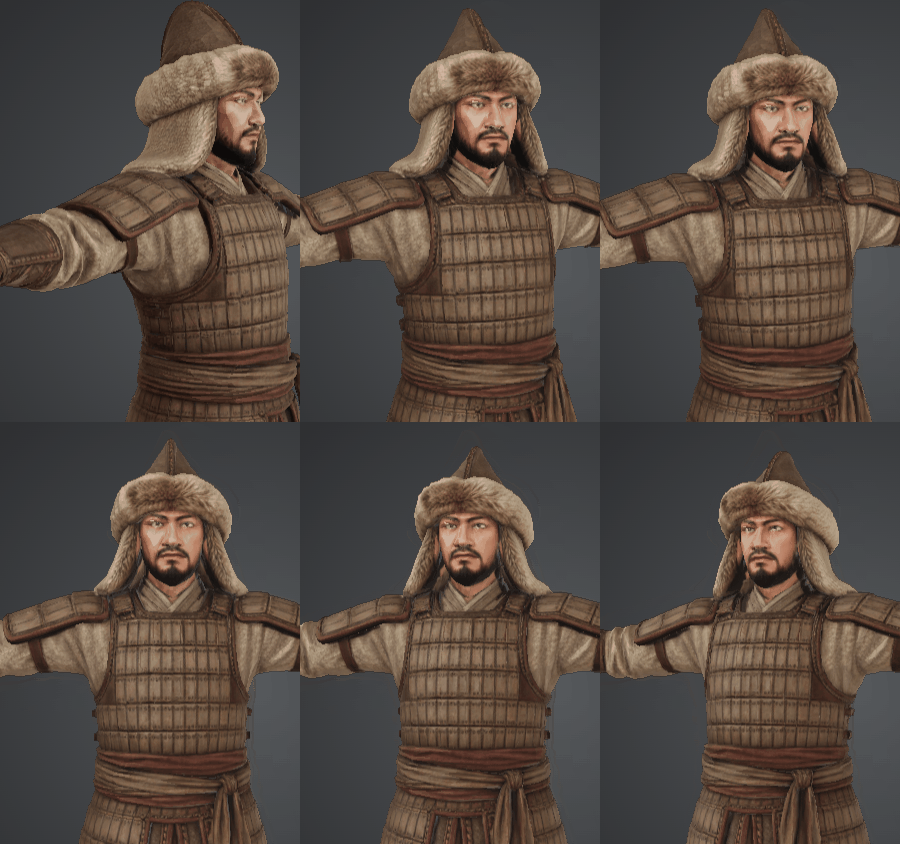
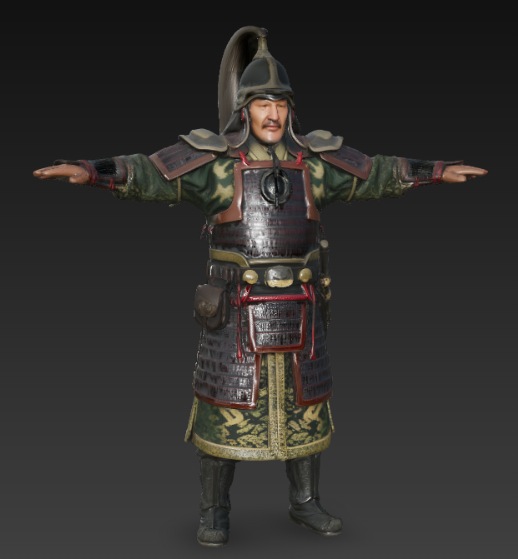
mongol warrior
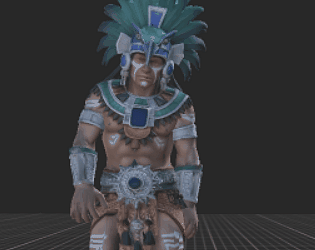
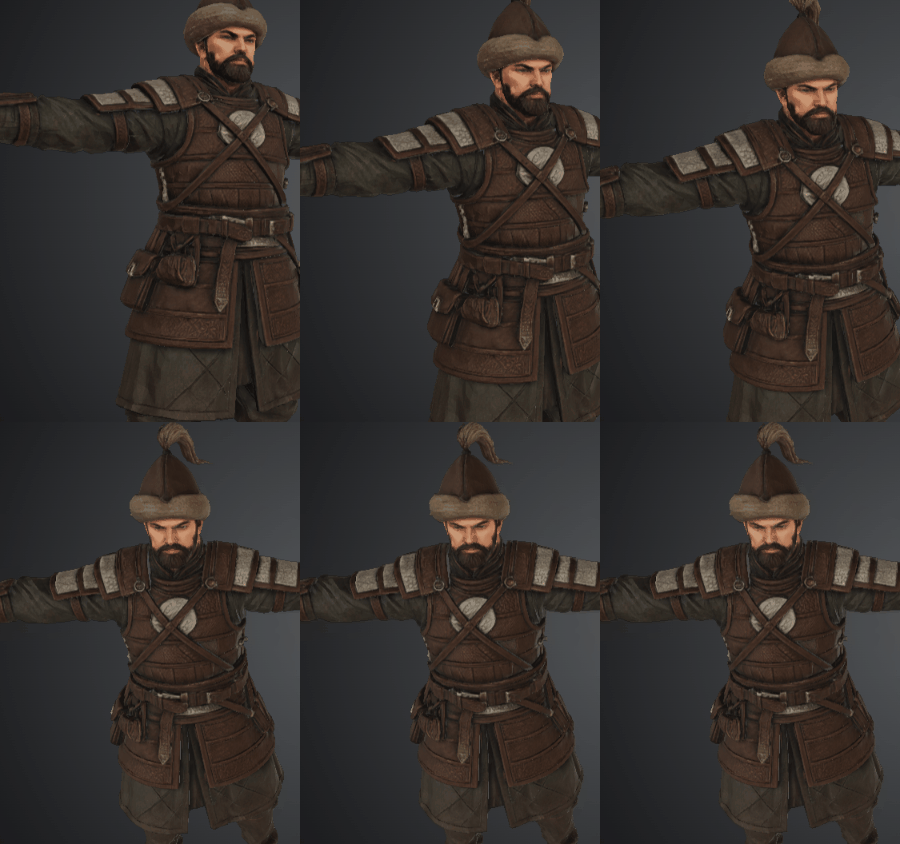
started asian nomadic warrior series
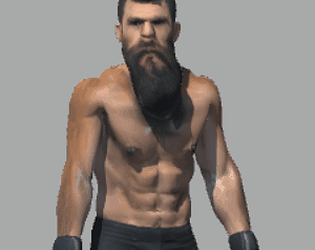
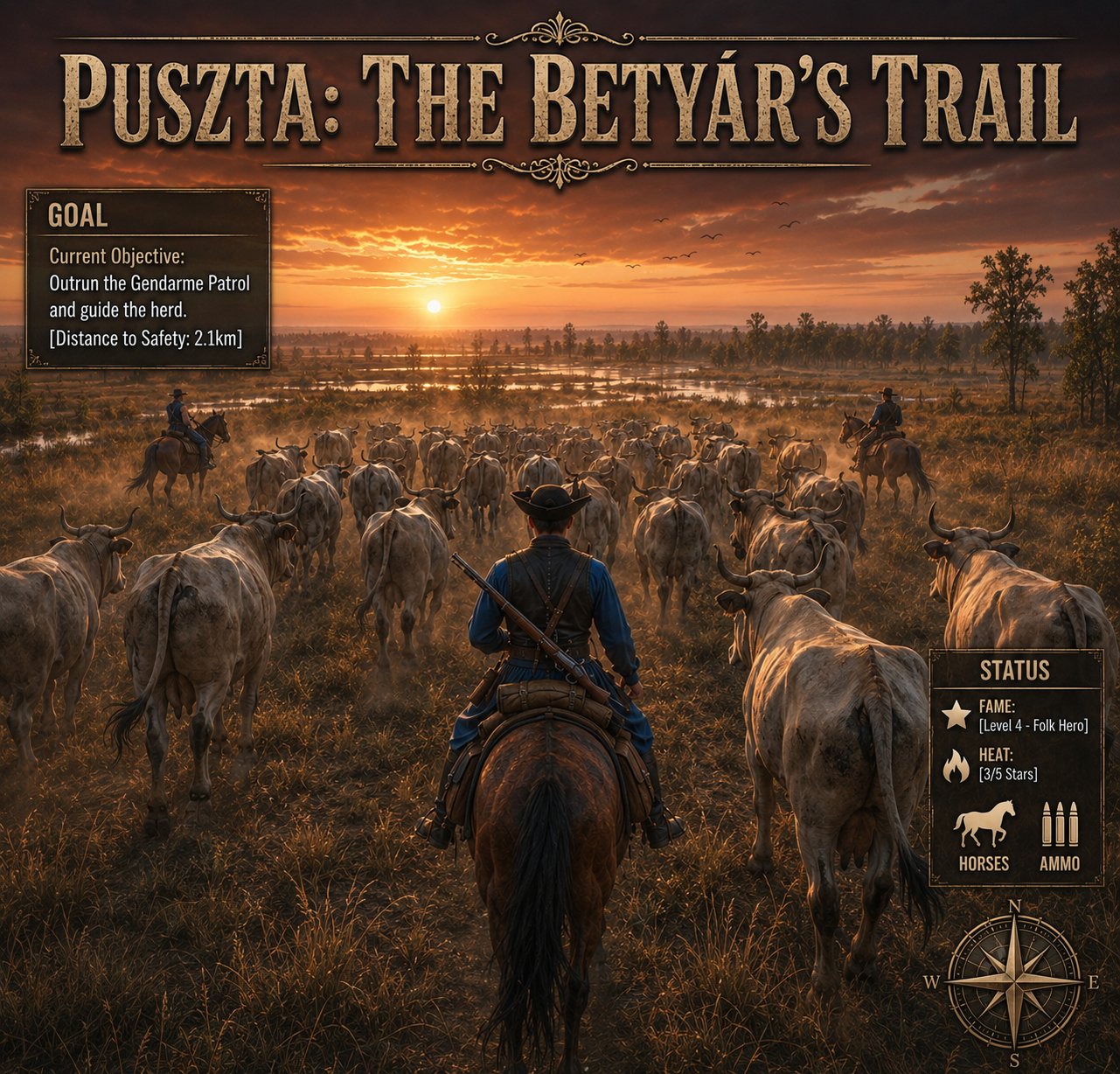
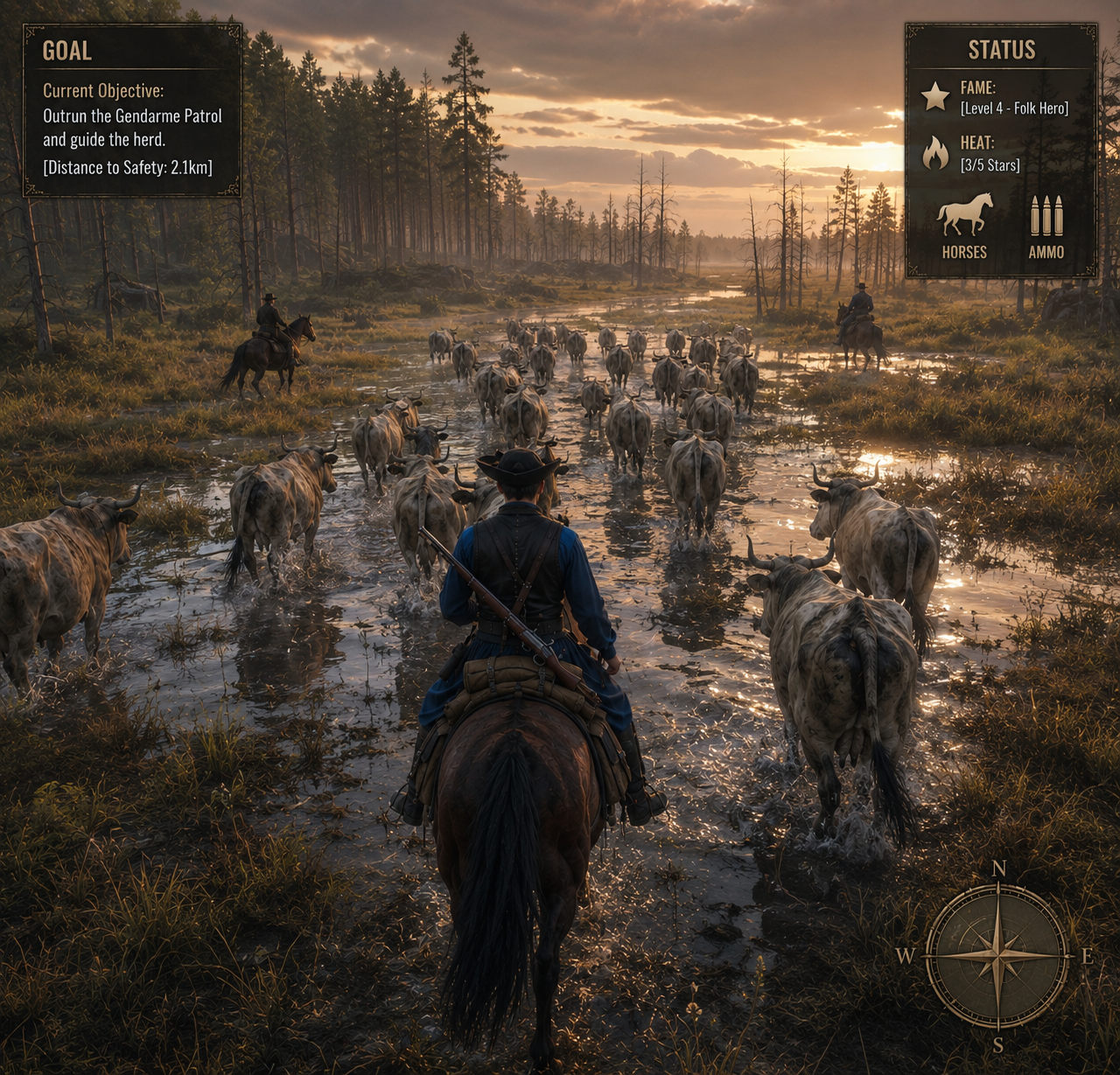
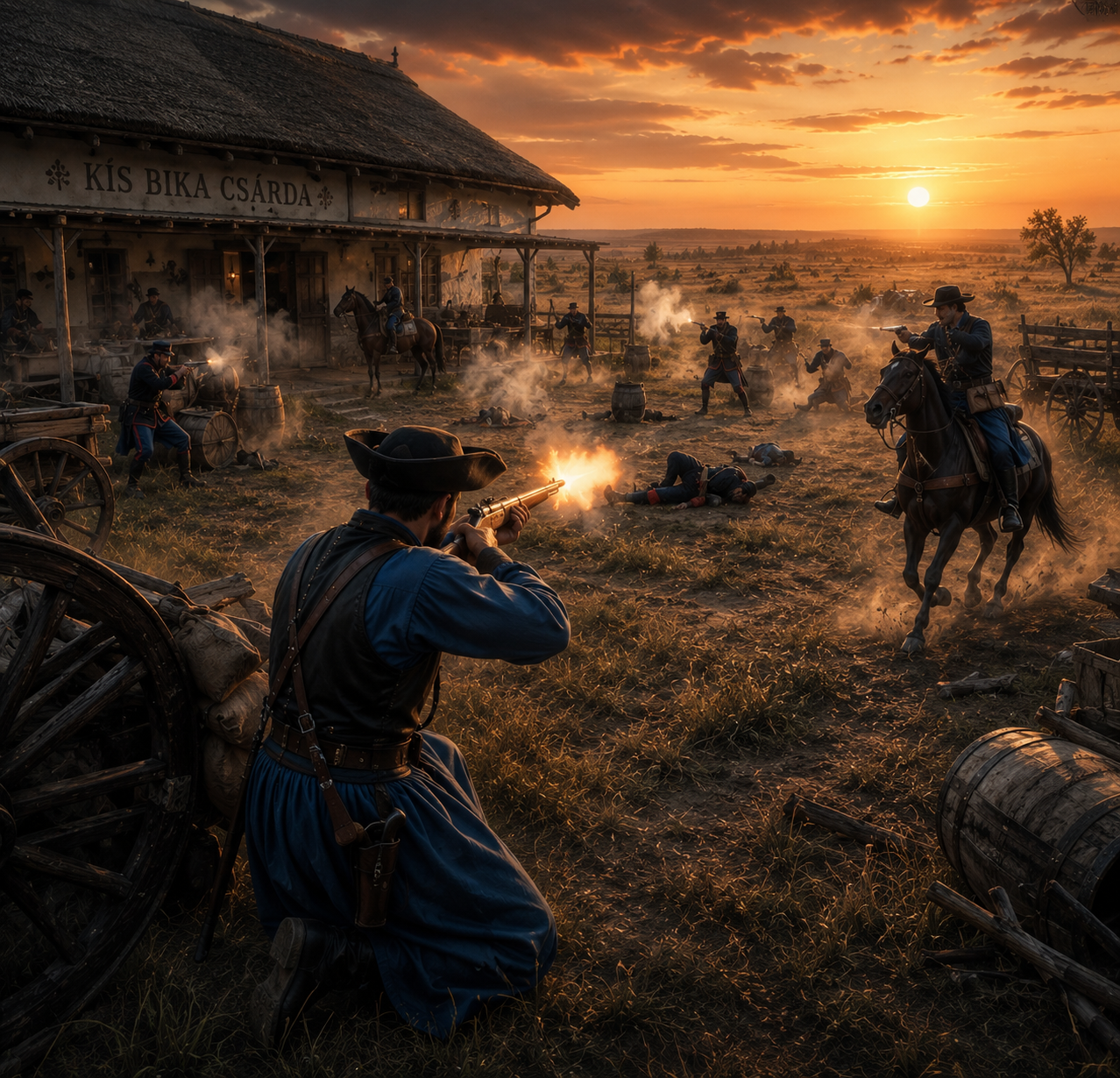
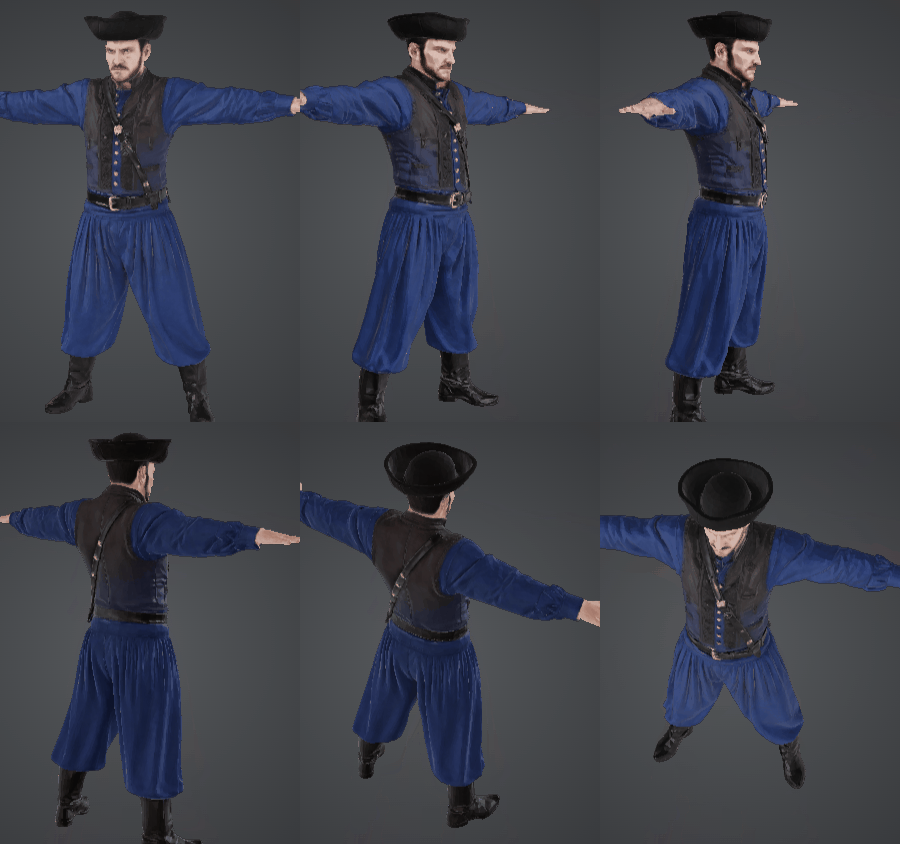
first, hungarian (magyar) warrior
free TPI
just came across my screen
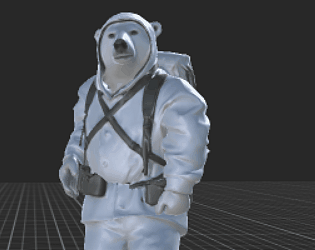
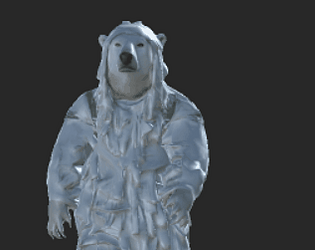
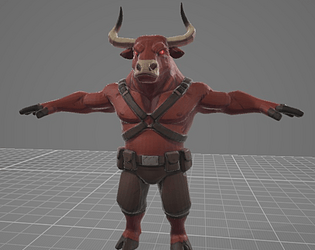
800k poly
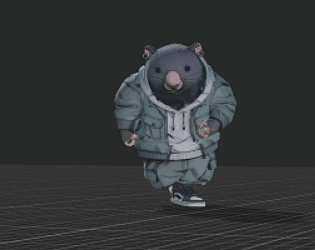
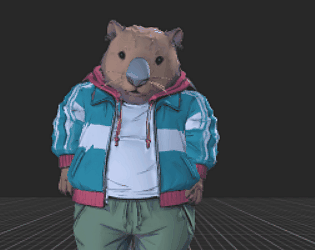
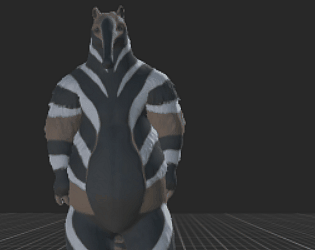
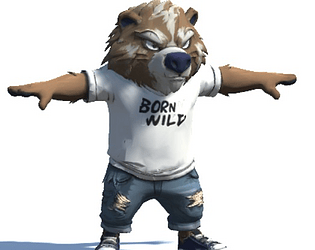
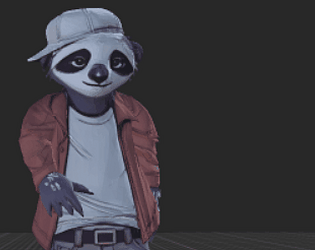
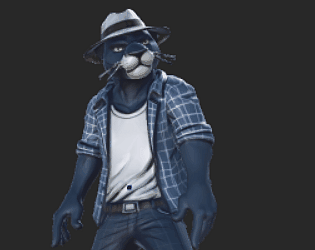
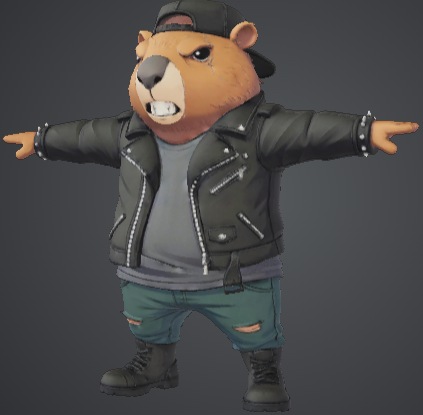
https://www.mediafire.com/file/bs5uqonksqtey1b/angry+paws+bear+character+3d+mode...
yeah quite satisfied w quality
though retopo to 50k introduced artifacts (which is easy to correct by text repaint)
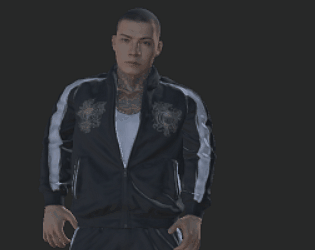
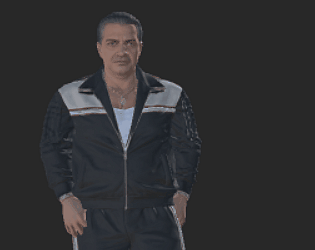
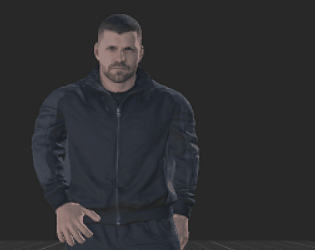
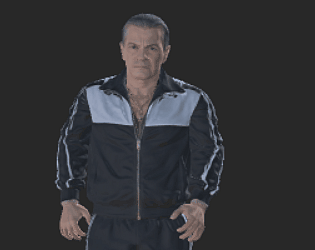
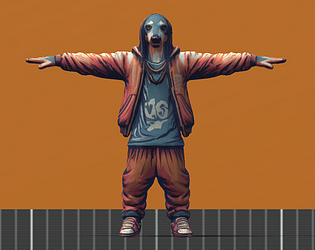
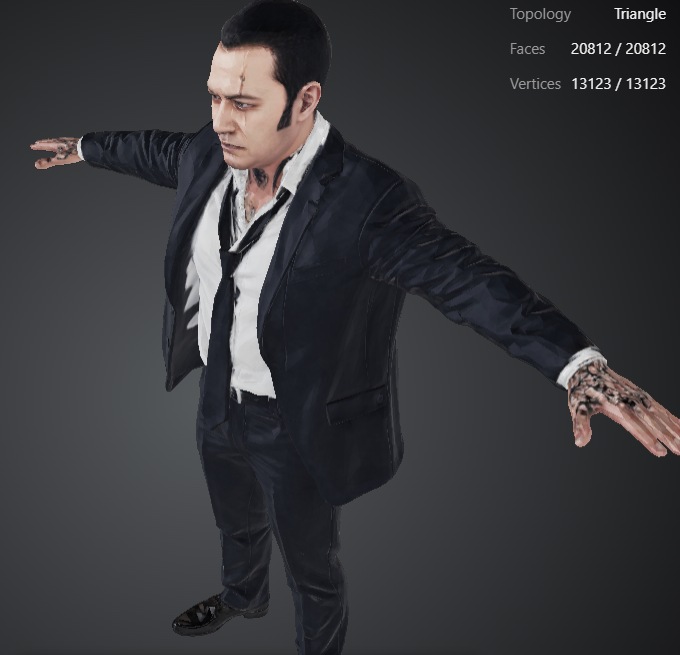
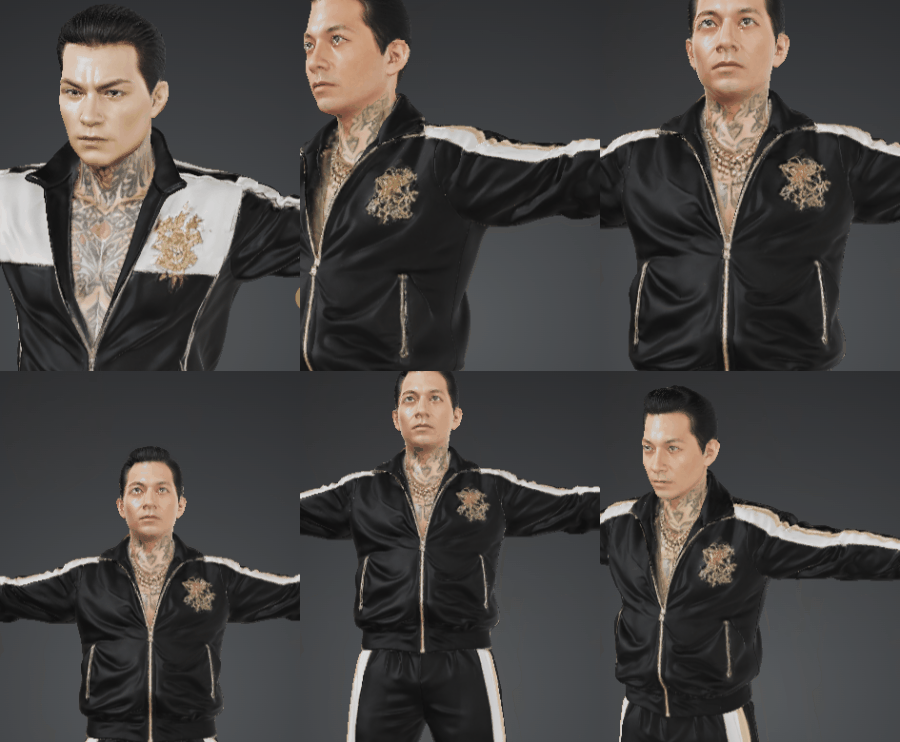
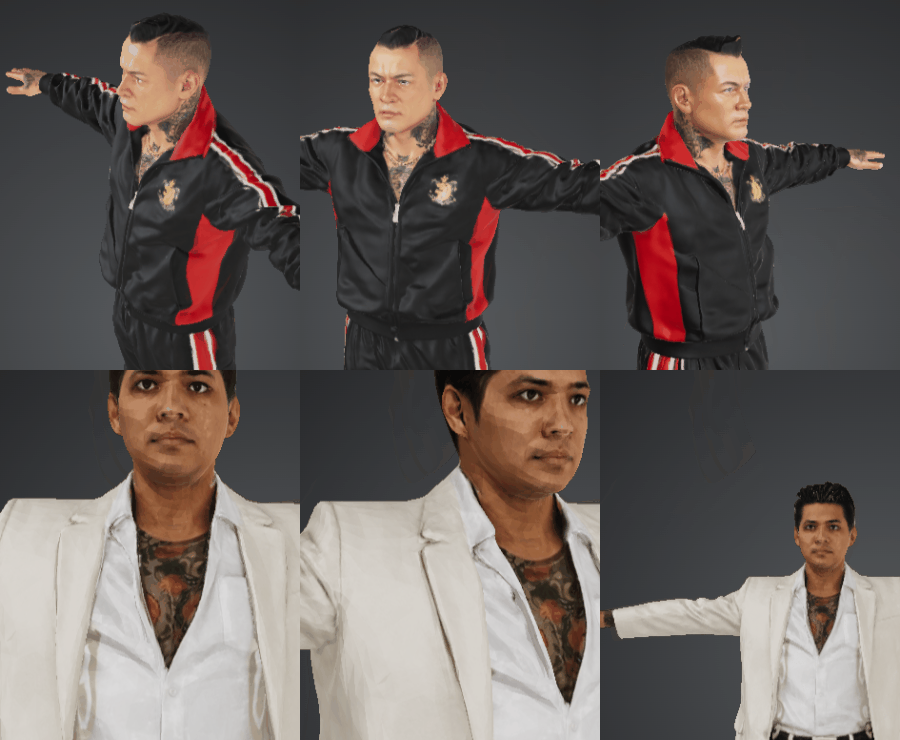
starting hi-def yakuza models
having the full storyline, keeping the scope managable.
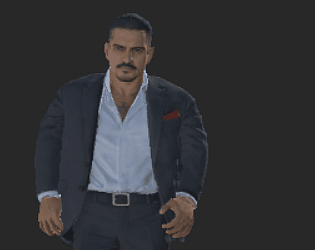
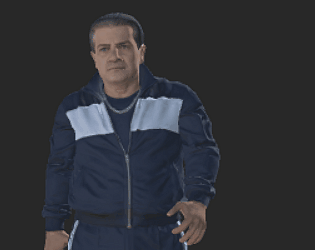
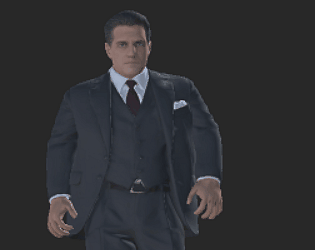
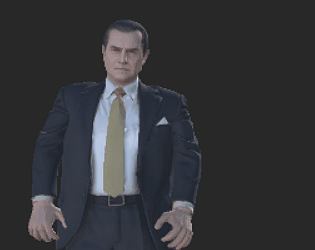
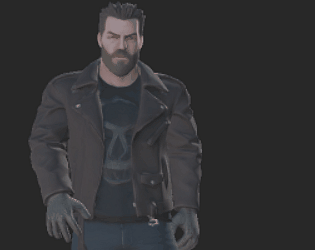
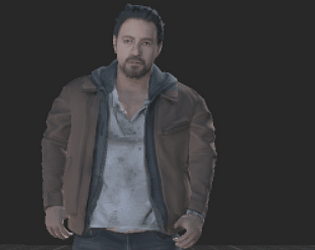
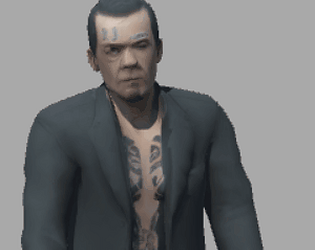
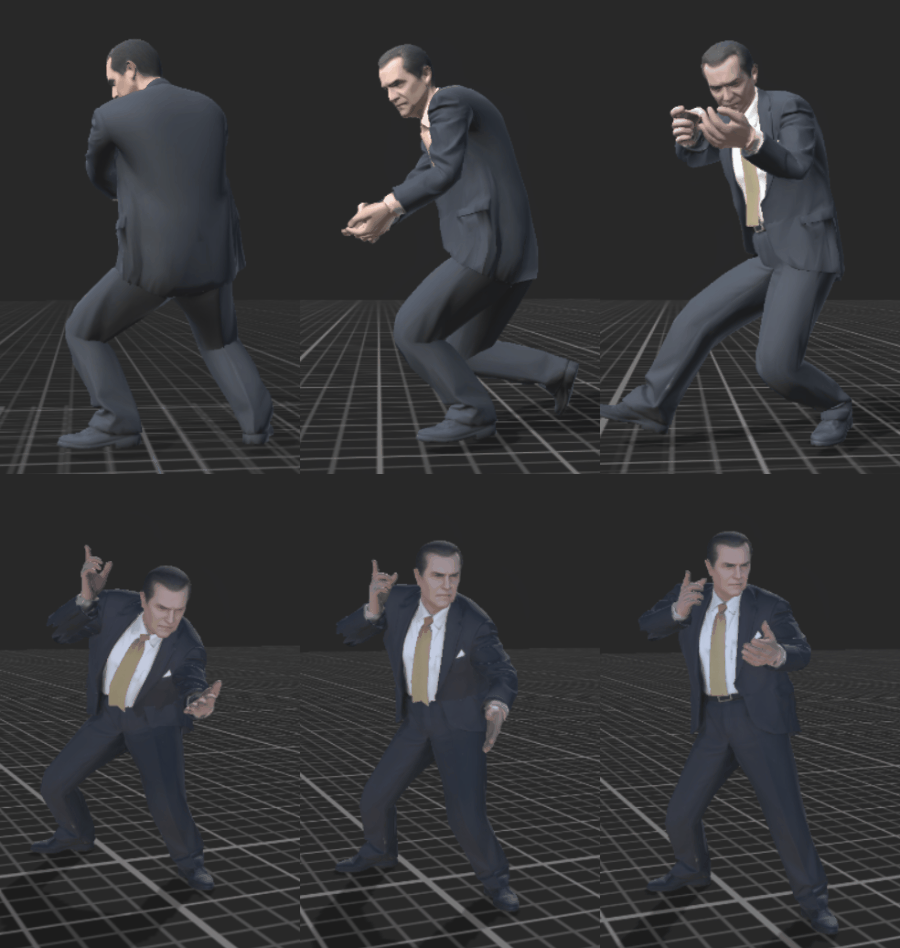
italian mobster
future series:
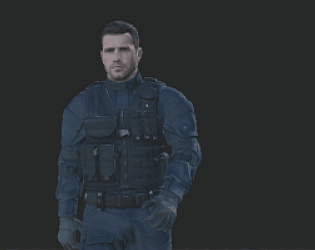
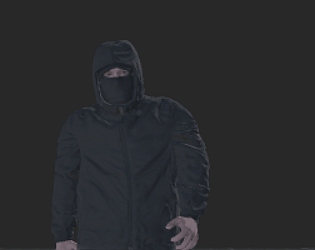
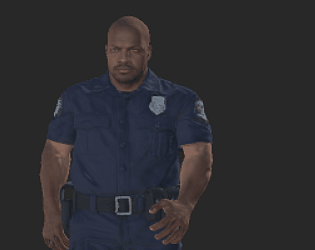
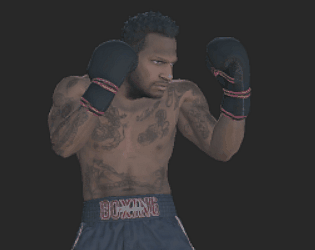
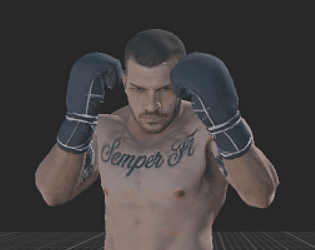
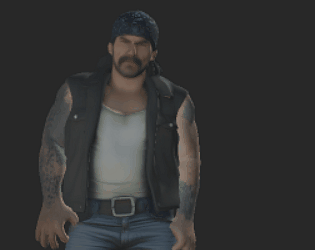
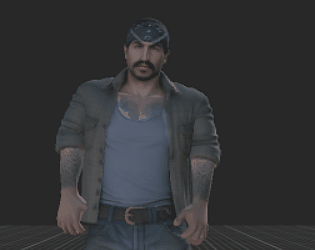
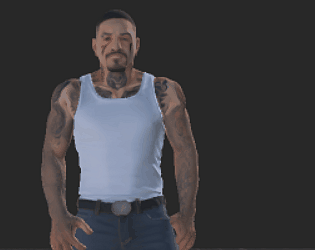
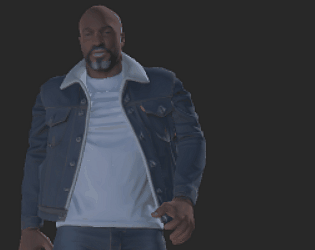
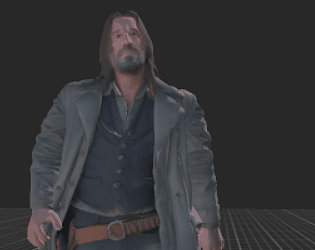
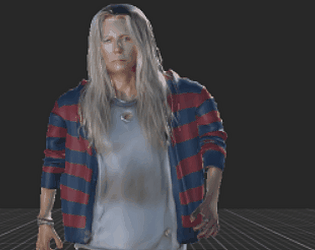
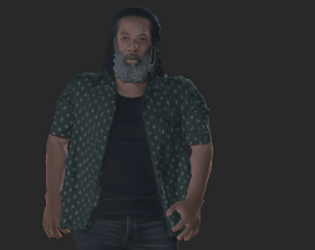
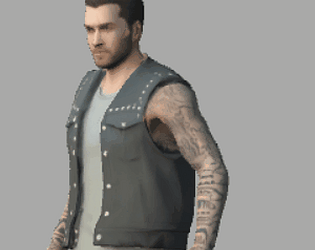
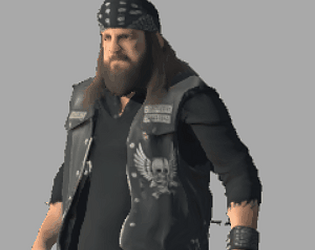
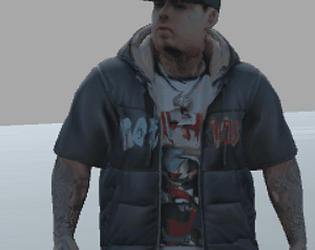
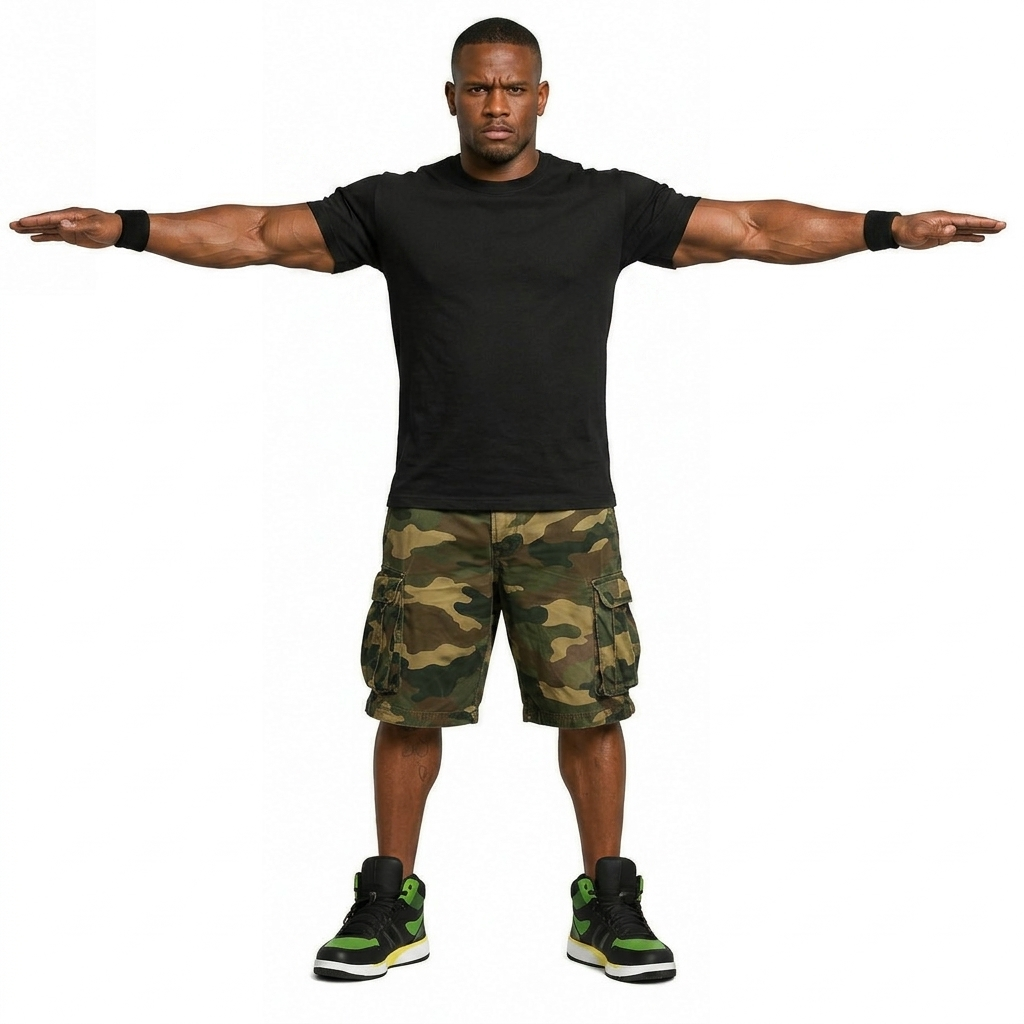
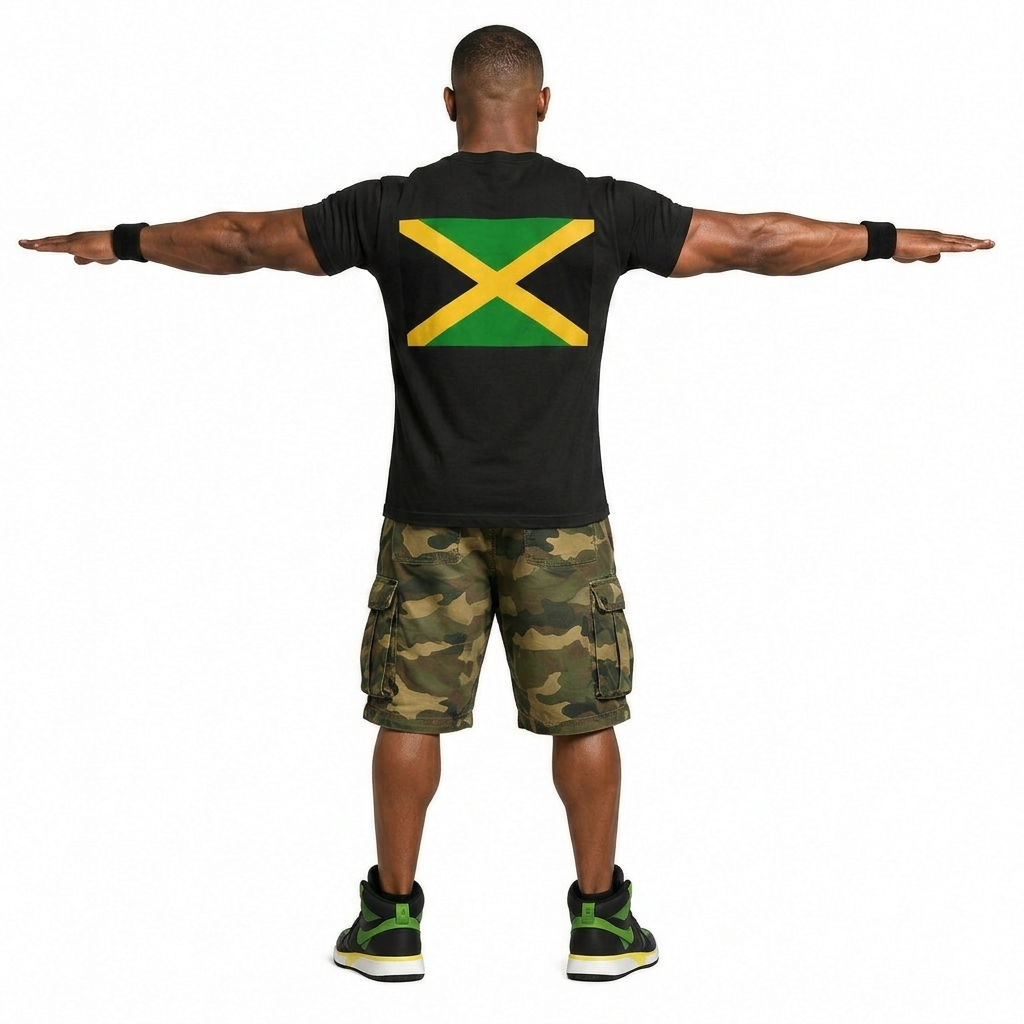
italian mobsters, black/jamaican, yakuza in tracksuit. fishermen. bikers. ANY REQUEST?
no, it does not.
probably from here.
but any animations that can be retargeted (like mixamo etc), can be used with it.
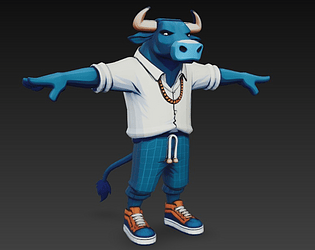
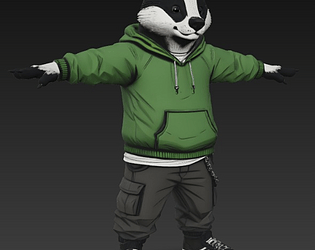
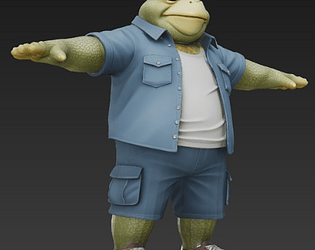
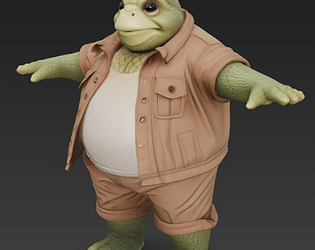
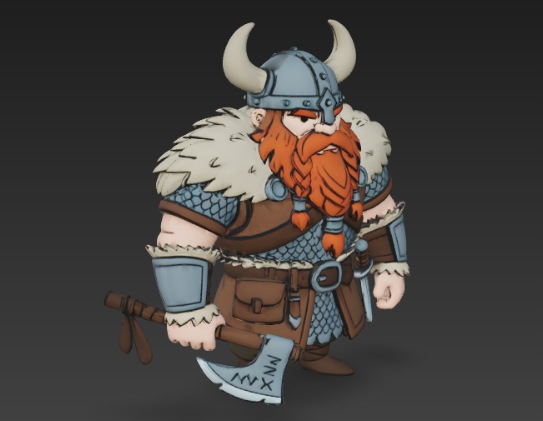
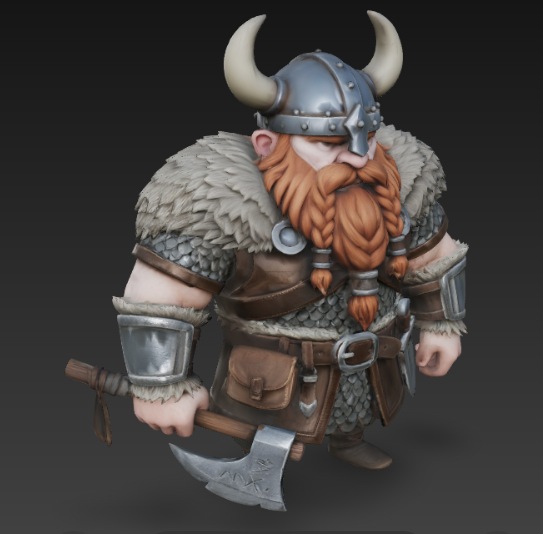
style experiment
not planning to use them, so raw files available for free
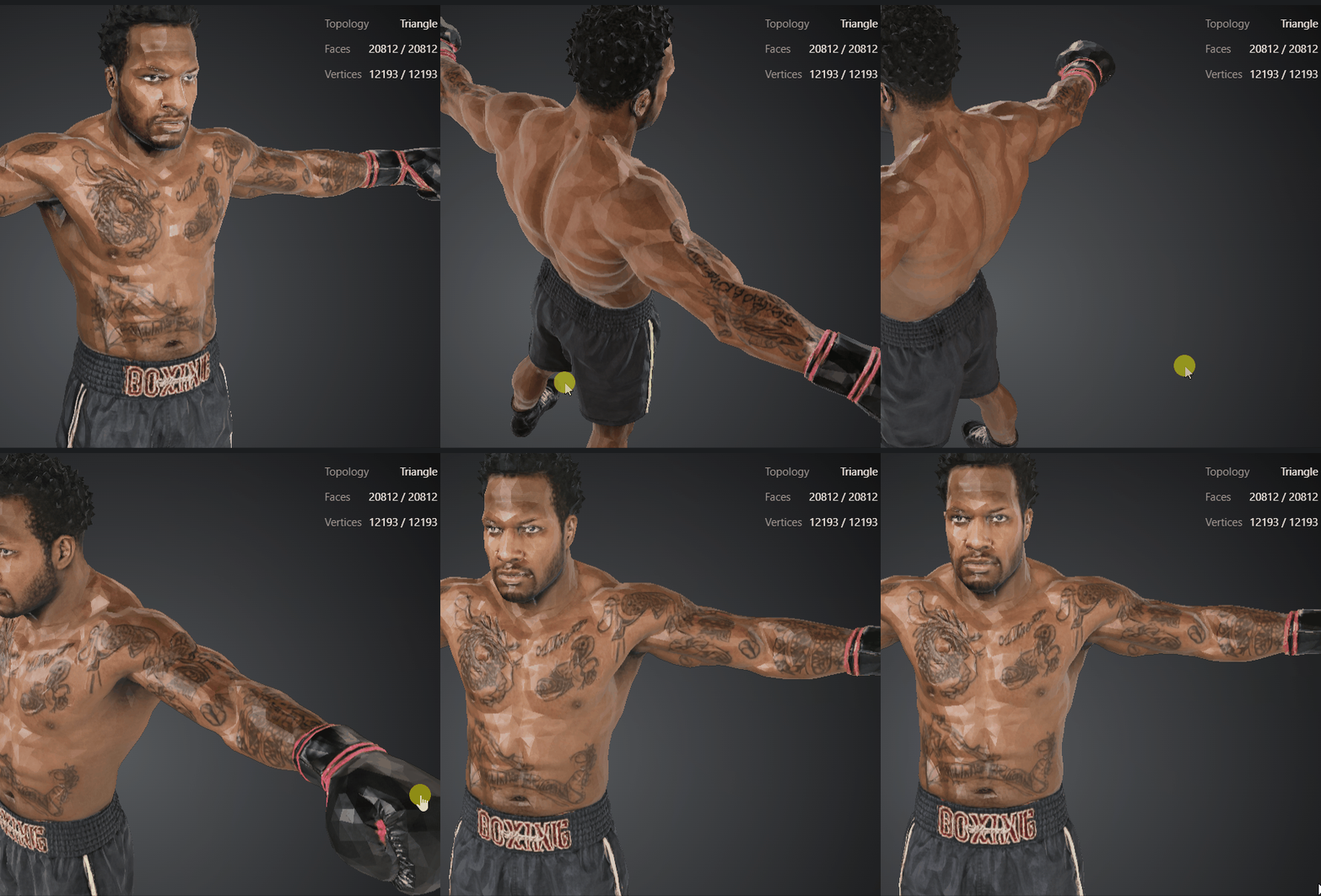
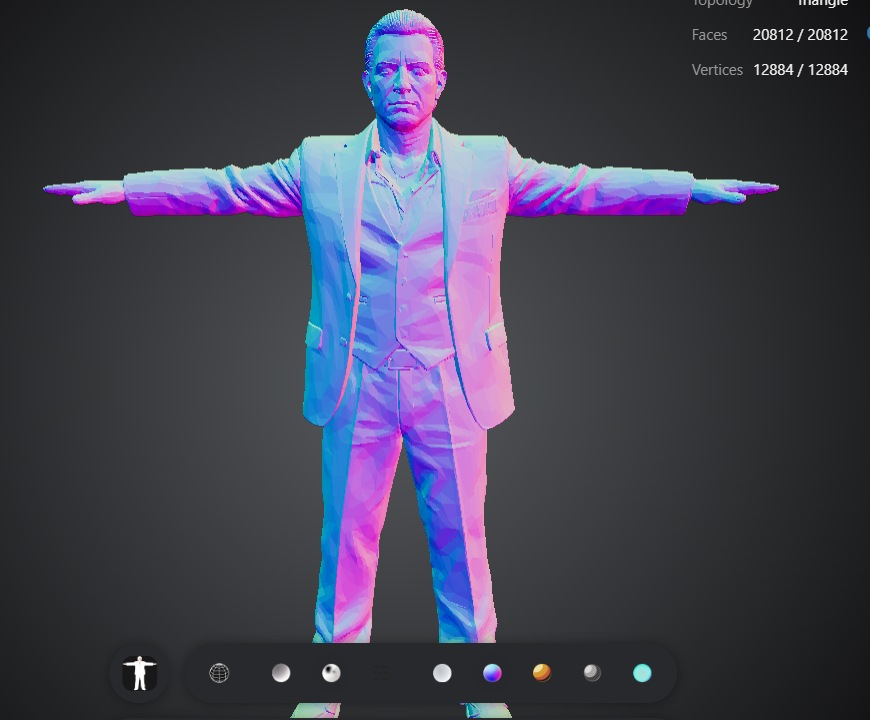
50k tris obj file
https://drive.google.com/file/d/1GC3h0w3wnk23fS-PXY1ArMfwjIljxeAv/view?usp=drive...
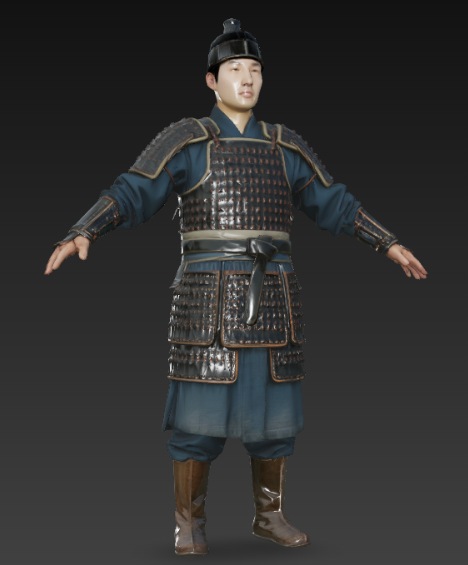
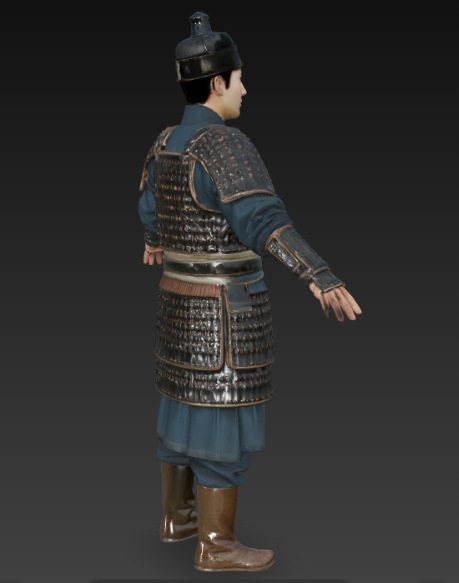
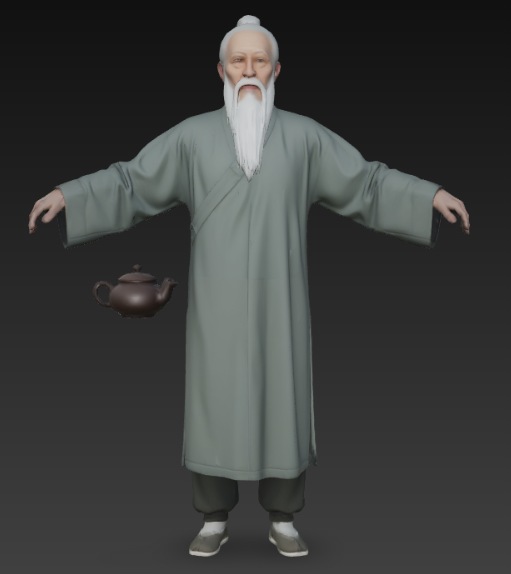
chinese 1
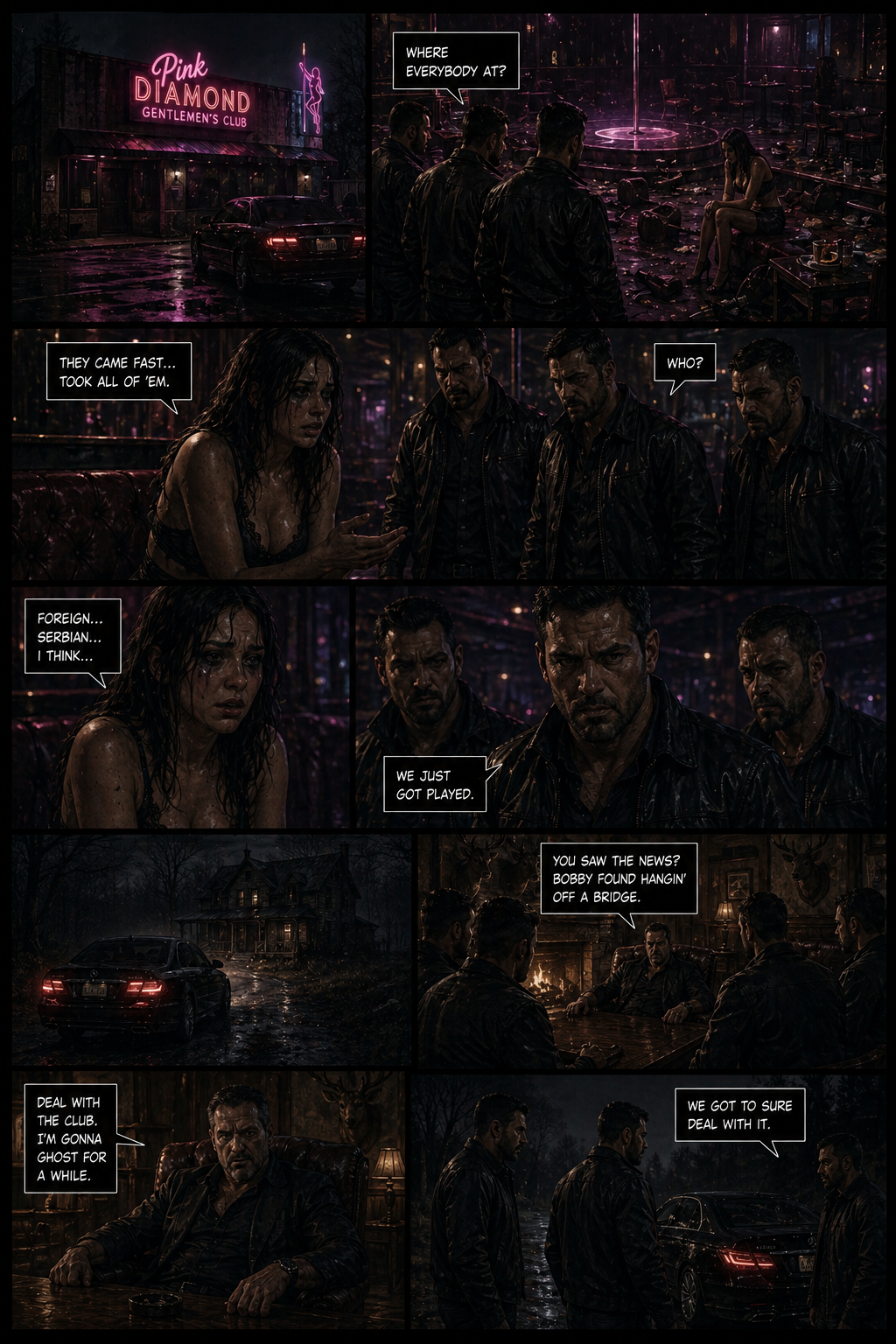
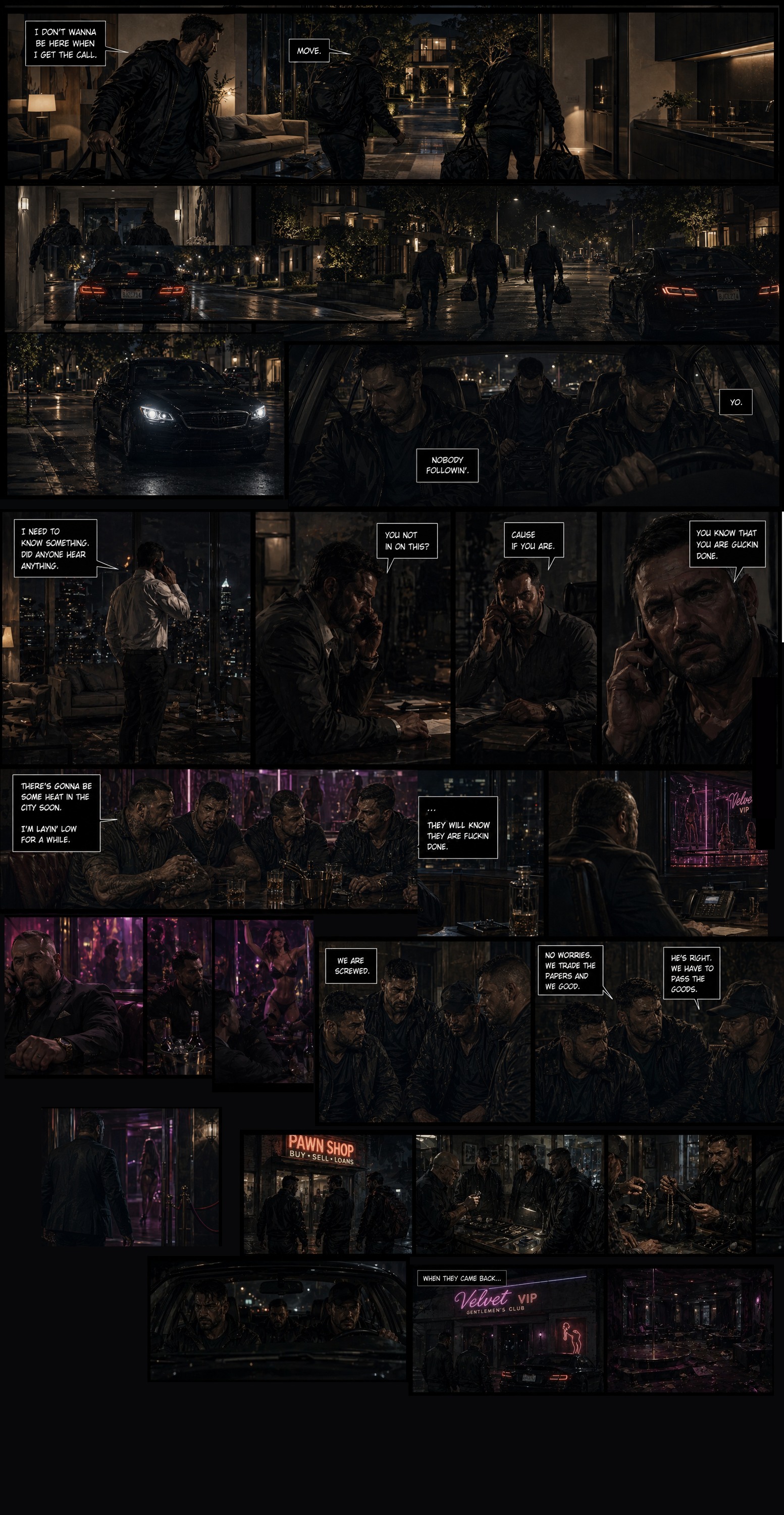
price of loyalty 2nd page
I use either tripo or hunyuan.
if there's too much triangles, you need to decimate.
usually always some editing is needed, like fingers vertices, mesh vertices and sometimes uv edit. then some weight painting for the rig.