Chrome is also what I’ve been playing in. Looks like I was in desktop mode, I just tried out of desktop mode and it was the same. The drag idea seems promising…
RadTad
Recent community posts
Oh, good to know about the log, that will help a bit, although it doesn’t help the fact that having to repeatedly click sometimes leads me to click through multiple screens and pick options I didn’t mean to. It appears to be happening randomly with all buttons in the game. It definitely happens when I try to select a save to edit its name or load it. Sorry:\ I know intermittent bugs are the worst, because sometimes I hit a streak of the buttons all working with one or two taps. Counter to the lag theory somewhat, the buttons do look like they’re being pressed every time I press them, so it’s definitely not freezing up entirely.p I’m using a Samsung tablet running android, idk if that’s helpful info
I’m playing the web version on a tablet, and it basically works except that selecting the option buttons at the bottom of all the text on every page is extremely finicky. I have to double tap it, but I seem to have to double tap it in a very specific way, so I’m stuck there just like tapping and tapping the same button a bunch and then it’ll sometimes go through to the next option and then shoot right through that option (because I was still tapping a bunch) without me being able to see the intervening screen. A back button would be nice, if nothing else
It would also be nice if there were an option to export saves from the web version, which is a pretty common feature in itch games, since cookie-stored saves aren’t super reliable.
This would also semi solve the mobile typing issue for me, since I could start my game on my dookie laptop, then transfer the save file to my tablet to continue my game in comfort (I have started playing on my laptop. So far the only text boxes I’ve found past setting up the game are the optional save naming boxes)
My computer is dookie, so I play games on my tablet. Despite the warning that pops up, unity webGL mostly works, except text fields don’t trigger the keyboard to pop up, so I can’t get through character creation. Perhaps this could be circumvented with a default entry for text fields, or a random button that spawns suggestions? Or an accessibility feature in the game settings to put up an on screen keyboard, but that sounds more complicated… This game looks super cool/promising and I really wanna play it… But not enough to deal with my laggy laptop…
Edit: I tried googling around about this problem and it sounds like some versions of webGL do the… “focus”? that cues the mobile OS to bring up the keyboard, but I get the sense that it’s finicky
You know that most developers aren’t creating their games from scratch, right? They use game engines. It sounds like your machine has an incompatibility with the game engine, which is hardly a fault of the game.
It’s like you’re saying a book sucks because you got a papercut when you went to open it.
The dev even notes in the description that the browser based game isn’t reliable (it’s probably pretty difficult for any engine to work with every browser on every operating system of every device that can access the internet)
:’( but that way I lose some of the social aspects of reporting. The praise! The glory! But efficency is good, I guess. Question though, do you have a particular dialect of English you’re aiming for? For example, “enrolment” looked weird to my American eyes, but is technically valid, if not common in my dialect. I can just ignore technically valid stuff in general, but if you’re Ameican and/or want it all American normal, I can help with that (I’m much worse at catching things that are in my dialect but shouldn’t be, lol)
Also, minor grievance, it doesn’t make sense that we can’t venture to at least adjacent areas from non-home locations. I should be able to go to the forest from Delta, for example. Heckin’ weird to go home first. But I guess what there should really be is a whole fast travel mechanic, where jumping to more remote places nicks a bit of HP, and then maybe introducing some healing effect at Delta and any other bases that show up and that’d probably be a whole minor to moderate undertaking…
ForestFightSave: everything refers to River being a man, except “‘You are alive and safe,’ you inform her. He groans and…”
OM-1-4(? or -3?) the AI was introduced as Helva, but ever after that, it was Esra
OM-2-Intermission1 “here here”
DeltaMarshallMeet “Googles rest on his head…” should be goggles
DeltaChat-Shay2 missing quotation mark after “get you something to drink”
DeltaChat-Shay6-2 “It might help job my memory” should be ‘jog’
DeltaChat-Shay10 ‘speel’ should be ‘spiel’ (thanks, ~German~)
Typos: Some pronoun/verb disagreements, especially in combat:
- They doesn’t make a move - not just yet
- They looks completely uninjured
For robot opponents, you alternate between “they” and “it” a lot.
In SecondQuartzTalk1:
- vedict instead of verdict
- it’s a bit immersion breaking or whatever that we have all our enhancements and level ups in our flashback combat with Leon.
Also, feels a bit contrived or whatever that I can’t try asking locals for info on wtf is going on as soon as I’m able, but so games go sometimes
:) I’m really enjoying the game, wouldn’t bother submitting typos if I didn’t ;)
I like it a lot, but I wish there was a "continue" button/single slot autosave for if I get interrupted midgame. Currently, playing the browser version on my tablet, and it works perfectly on touchscreen except that if I open any other app or browser tab and come back, the game becomes unresponsive to my pokes until I refresh the page, which takes me back to the new game screen :'(
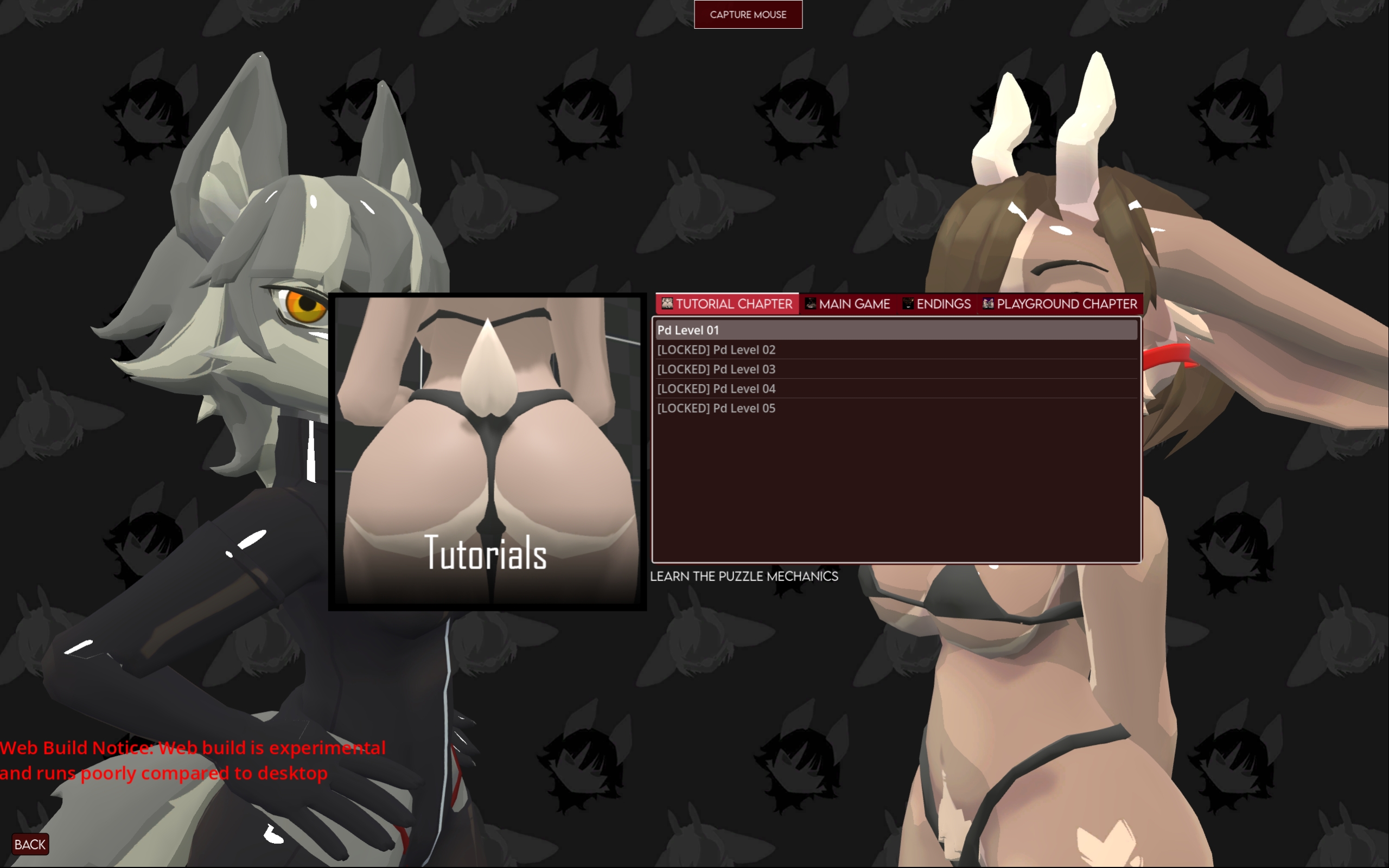
so… is there a start button that’s missing from my screen? I can’t figure out any way to initiate a chapter. Is it a keyboard command, like hitting enter or something? I’m on a Samsung android tablet on the page in desktop mode, which I sometimes have success with.