

Earlier comment about my run, this wasnt the final dragon encounter. I recalllove hitting 150 at some point with musk at 270 i think.but this was without me touching the screen.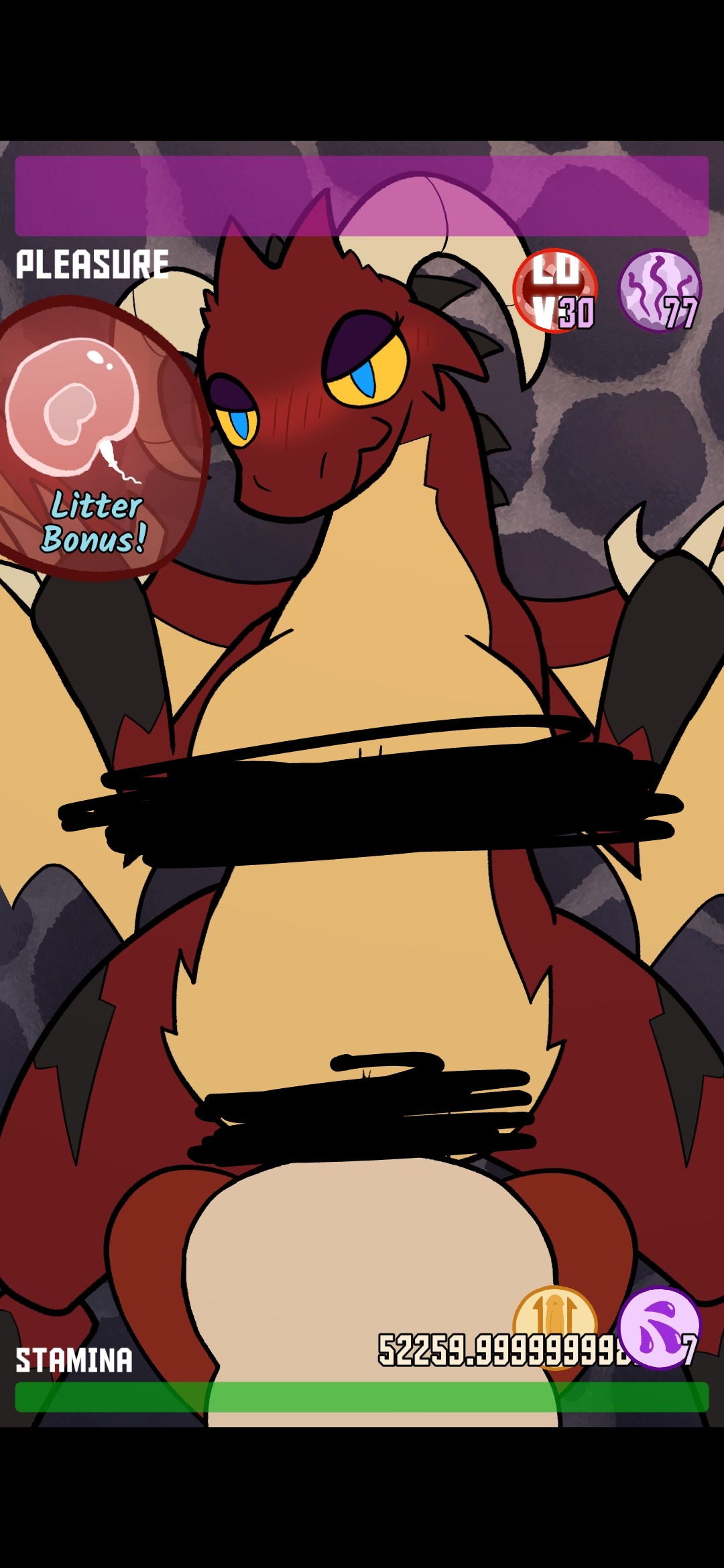
OniNekko
19
Posts
2
Topics
4
Following
A member registered Jun 06, 2020
Recent community posts
So... i had a build going that could probably be called the 2 pump chump. Dont remember everything, but stuff stacked in just the right(possibly wrong) way that I could even finish off monsters in a couple seconds without touching screen, 52000% bonus, stamina regen, musk, touch, for every touch touch again and numbers would roll in... we'll, I think I broke it somehow. After facing the dragon the 4th time in endless, which took a total of maybe 15 seconds, the next monster encounter essentially loaded me in with 0 stamina and my endless run ended. I admit, some of these numbers might be off, but yeah, something happened where it popped up the rat folk, then went to the "you have run out of stamina, you lose " screen.its fun, I've been enjoying it, I just don't know if that's something to report, or much of how else to do so.
when I unzipped the folder and tried to run the application, it seemed to just delete the application. All the data still there but the means to play it gone. When I tried deleting it and unzipping again, it said there was an error getting the file saying I didn't have access? I'm admin so I don't know what the issue is... any advice?
EDIT: what I ended up doing was deleting the zip and everything else, then redownloading and that worked. Don't know why there was an issue in the first place.
itch.io Community » itch.io » Questions & Support · Created a new topic Pay the difference, or pay again?
Lovecraft Locker: Tentacle Office community · Created a new topic Question regarding getting exclusive version
Ooo kay, @vilezx, let's clarify. I have a pixel 6 pro (+? *Shrug*) that hasn't gotten the latest Android update as of yet. If your mobile device specs are lower, outdated, or not running on latest updates, that could account for the variability of the device functionality. Snark addressed, maybe look into what your device is capable of. My previous phone would have a full stop crash if I ever even tried to open TikTok.