On Sale: GamesAssetsToolsTabletopComics
Indie game storeFree gamesFun gamesHorror games
Game developmentAssetsComics
SalesBundles
Jobs
TagsGame Engines

obliviondoll

485
Posts
3
Topics
6
Followers
21
Following
A member registered Dec 12, 2019

Recent community posts

So... uhhh...

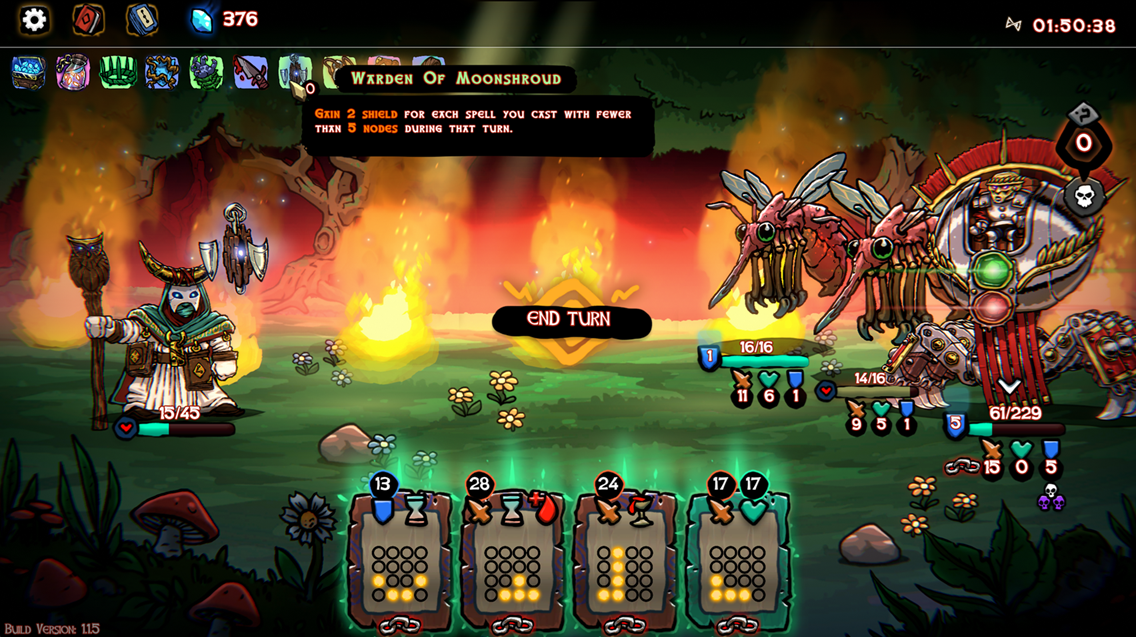
It's a really tough choice. High nodes feels best for damage output, but defensive is hardest to take down (lives up to its name) and the default feels like a good balance between the two now.

Dot.

And I finally managed a victory in less than an hour (I tend to spend too much time picking upgrades and shopping)

If you put 2 of the -1s modifiers onto the tornado, it drops from 3.5s to 1.5s so they can stack, but seemingly not to 0. Don't know if it's a hard "can't hit 0s cooldown" or a hard "can't go below 1s" but there's definitely a barrier somewhere around that range.

I didn't get damage upgrades, but I got almost everything else...?

If you add 2 of the -1s modifiers, it doesn't reduce below 1s. Unfortunately no infinite damage xD

I almost felt sorry for the final boss when I hit him with this...

It's definitely fun, and feels like you have to pour a lot into a low node spell to get it to a strong point, so it's not really game-breaking (especially since you won't draw it every turn).

And the oakheart thing makes sense, I was just not thinking so I took a while to figure out the number specifically. Should really have been obvious but I was being dumb lol

It took me way to long to figure out what the number on the oakheart talisman means -_- The stop effect is small, but making every spell just a little stronger - and moreso the better you're doing - is a nice buff.

Also, buying and upgrading the dot spell is hilarious xD "tap screen, deal 30 damage to all enemies, gain 10 block" feels crazy, but it takes a lot of investment to get it there.

So it hits every 0.5x? Ouch!

Stacking the -1s mods never drops the cooldown below 1s - I tried that already. If you could, that would instantly break the game regardless of having the +2 damage, because you'd hit for infinite damage even with the baseline of 1. The instant the fight starts, you'd hit for 1 damage, then with no delay, hit again, and again, and again, and again... no matter what HP enemies have, they would die at 0s if you could reduce the cooldown that far.

So -1s from the clock mod, how much does the timestealer reduce it by? xD That looks fun!

For context on "my own stupid fault" I was fighting the boss who hides your cards, and I kept not giving myself time to look and plan and just trying to rush it then forgetting what cards I had been looking at -_- absolutely my own fault losing there lol. Good times.

Control remapping hype! O_o wasn't expecting it this soon but YES! And did you buff the default deck too? I noticed I had an "oakheart talisman" item to start with? I still lost my first normal run using it today, but that felt like it was my own stupid fault, instead of the controls fighting against me!

Thank you! 

There's a lot of things that it's FAR from a complete strategy against, with either version. It's just one piece in a larger machine. But it's a fun one! xD The rock boss with the -3 damage taken modifier is immune to the damaging version. Large crowds only take one hit at a time, and while it's high dps, there are ways to get multi-target attacks higher during group fights.

I just find things like this one really amusing. Finding ways to take the min-maxing to the extreme is a big part of the fun of a game like this one, at least for me. From your screenshots, it seems like you're enjoying it too!

Step 1: Notice the air passthrough tiles deal 1 damage every 2s.
Step 2: Add +2 damage mod.
Step 3: Add -1s charge time mod.

Simple things amuse me. Also fun to swap the damage for dazed xD

I also don't use Steam, bought the game here, and use the download available here. Game plays fine and is kept updated. 

If you renamed it "aggressive" and gave it more "attack all" cards, that could give it a niche of its own. Alternatively, instead of giving every deck a starting item, only do that for the default, make its unique thing that the deck is a bit weaker, but the item gives it that edge!

The gap in difficulty between a run with the high nodes deck (strongest) and the defensive deck (second) is relatively small. The gap between defensive and default (worst) is quite large. I feel like the default deck could might need a buff more than the high nodes deck needs a nerf.

I had missed that reply, yeah. Got buried in the long chain of my replies... Thanks for confirming the answer here! And I get why it's not a priority, definitely other things more important to worry about than touchpad support (I'm probably the only person trying to play this way). I'll look forward to it, but fixing bugs and balance issues should be higher on the list.

Good to hear that the high nodes deck being strong is common feedback, and not just my control choice that makes it feel that way xD

Not sure if it's just the fact that touchpad changes what's viable, but the high nodes deck feels way stronger than the default to me. I played a bunch of runs with the default deck that ended in the first or second area, even on easy. But on easy with the high nodes deck, I won my first try, and didn't feel like it was super difficult even though I'm using a touchpad with suboptimal input settings.

Day 3 of asking for the option to rebind the click to a keyboard input?

I had good timing, apparently xD

So... new update has improved things! There's a 2k resolution now, which is nice. But there's also a 640x360 resolution, which is the new resolution the game resets to on launch and randomly sometimes at the end of a run.

It does so in a window, so it won't break other things like I was seeing before, but I'd still say it's less than ideal for the game to be changing its resolution like that. Also, that small a window on a 15" laptop monitor is kind of hilariously tiny xD

(1 edit)

Oh, and on top of the issues you listed, there's also the "please add an option to map the mouse click functions onto the keyboard" question to be answered. Not a big deal, but this would make laptop touchpad controls more comfortable.

(1 edit)

The first point here is weirder than just "the game defaults to fullscreen" because it doesn't. It defaults to borderless, which is good. The issue is that the borderless setting doesn't remain consistently borderless. While borderless fullscreen is selected, the game's loading screens - including the one which appears on launch - cause it to enter dedicated fullscreen instead of borderless. When it does this, it also resets the system resolution to its default setting (in my case, 1080p). If that resolution is smaller than your system's normal resolution, this reset is applied to the background, and deforms any window which is too large to fit in the new resolution, shrinking and distorting them in weird ways. This is particularly problematic on apps with fixed-ratio windows, which it can deform in ways which break the app, and maximised windows, which often get repositioned awkwardly while trying to reset them into a proper maximised state.

EDIT: Turns out the problem is worse than I realised. No matter what, the game sometimes randomly sets itself to dedicated fullscreen when you finish a run, or when you're on a loading screen for something else, then resets itself into borderless. And yes, this has all the problems mentioned above with the fullscreen mode forcing your system resolution to change and breaking any windows open in the background.

Also, you could do with having a 2k resolution for the game, since it currently jumps from 1080p to full 4k with no in-between for people with resolutions in between those extremes. And for windowed mode, your game resolutions aren't actually properly supporting the game being in a window, the 1080p windowed resolution is an actual 1080p resolution, not one with appropriate cutoffs to fit in a window on a 1080p monitor.

So... the game launches in dedicated fullscreen 1080p, poorly implemented such that it resets everything on my PC into that resolution before enabling the (default) borderless state which, if it was actually being treated as a proper default, would prevent it from breaking every single window I have open any time I launch the game.

That's not a game-breaking issue, but it is a frustrating one. And hopefully fixable, because it's kind of annoying to have to deal with that.

Also, and also not a huge deal, it would be nice to have an option to map a keyboard input as the "click" function. Probably doesn't affect many people, but I often play games on my laptop in situations where I don't have access to a mouse. If I could prevent an accidental tap on my touchpad from triggering the "you started a spell" input, that would be nice. Also, having to double-tap and hold while moving, ot click down onto the touchpad while moving, is awkward. Being able to remap the click input from the mouse button onto a key on the keyboard would solve both problems.

This early demo's cool, but it would be nice to see it updated to match the Steam version. Some of us can't (and others won't) use Steam for various reasons, would be nice to have a more up to date demo. And the full version not being Steam-exclusive would be nice too.

And I found there's quite a few of these "click through" bugs, when you're doing something that closes a window, it'll often click the thing behind it as well as the thing you clicked in the window. Often that's relatively innocuous like opening or closing a door that's in your ship directly under the line of dialog you selected. Sometimes it'll be on the store or loadout screen when you get a confirm popup and you'll accidentally pick an object up while trying to confirm/cencel an action.

3 retroactive achievements on my end, and 1 new one earned in a run I played tonight where I was aiming for a second but just never got the opportunities I needed. Still won, but it was frustrating because the game wouldn't let me get the specific things I wanted to make a really specific build work.

Lost 2 husks in the final battle, and had 1 at 1HP when the boss finally went down. Chaotic battle, but fun!

I just realised there's no keybind option for "power launch bay" (even though there are binds for loading crew and launching the sled), and it tends to default to being pushed out of those first few slots that get the 1-5 presets. Not a huge deal, but would be nice to have it.

Good review! Sounds like my impressions of the game too. Still hoping for confirmation that the full game won't end up being Steam exclusive, though.

It's the good kind of difficulty. The AI feels more like it knows what it's doing, so I can't get thsoe crazy 1000+ kill counts in survival any more xD Got to learn to use the systems better to really keep winning fights!

First time playing in ages, first try in survival with the new build - 11 kills. Not a bad start, but it's gotten much harder since I first played - in a good way! Also the animations flow beautifully now! Feels super smooth. Definitely lots of room for me to improve at the game in its current state, though xD

Doesn't happen often, but if I happen to click on a dialogue option that has a door under it in my ship, the game will open (or close) the door when i click the option to select. Weird bug but fairly minor as these things go.

In lighter news... just finished a journey with Wight/Corpsemother start, which led to me being able to send more demons onto enemy ships than they had space for by the end of the run. In the final battle, I took 2 hull damage, and lost1 crew member from my crew of 12.

Win11 here, might be that causing problems.

When this is the only thing that opens on launch, I'd say "runs fine without Steam" is the exact opposite of correct. Deleting the Steam files worked, but you shouldn't be including files in your uploads here that break the game for users who don't run the game through Steam.