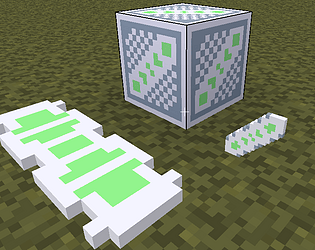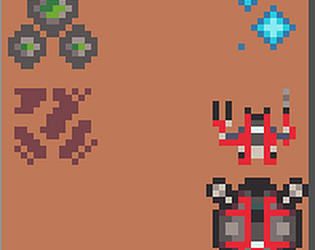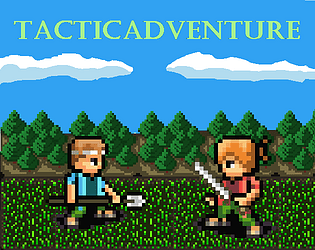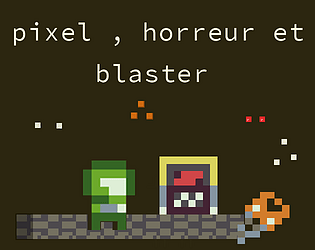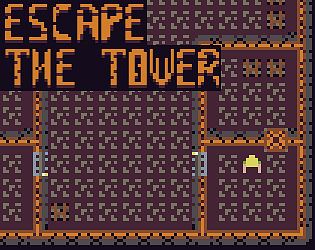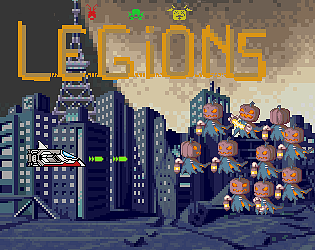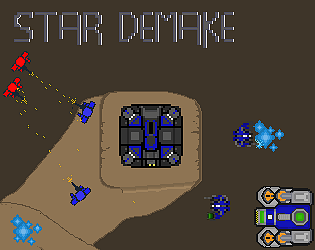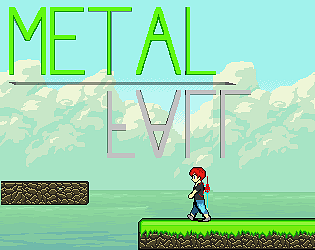
Fun games with gameplay I’ve never seen anywhere else.
There are a few issues, like when you can’t move while you’re in the air.
That’s a problem for the zero-gravity level.
Oblerion Studio
Creator of
Recent community posts
gameplay:
- (-) C’est vraiment dommage que tout ton jeux soit baser sur l’aléatoire. Laisser le choix au joueur quel type de diamant il souhaite collecter, le rendrai plus stratégique.
- (-) le singe n’interagit pas avec le joueur (poursuite/attaque)
- (+) map aléatoire
- (+) mécanique diamant qui boost les stats
- (+) mécanique choix de se battre/vol de diamant
- (+) log de combat
graphisme:
- (+) pixelart unique,sympatique
- (-) Les diamants gagnerai à être plus visible sur la map
note:
Si diamant=point vie et que l’objectif est d’en avoir 15,
cela signifie que le joueur doit collecter tout sans se faire toucher/voler.
Le joueur ne risque pas de se retrouver bloquer ?
towers.lua
towers_add(x, y, z, ?model_name)
towers_draw()
math.lua
dist(x, y, x2, y2) -> distance
collide2d(x, y, w, h, x2, y2, w2, h2) -> true/false
torad(degrees) -> radiant
a0.2
Main loop
function ELYOKO2D()
-- loop 2d
end
function ELYOKO3D()
-- loop 3d
end
delta time
local dt = deltatime() -- get time between 2 frame
color
local id_color = color(255,0,255,20) -- color r=255,g=0,b=255,a=20
local id_color = color(255,0,200) -- color r=255,g=0,b=200,a=255
camera 3d
-- get camera X
local camx = camerax()
-- get camera Y
local camy = cameray()
-- get camera Z
local camz = cameraz()
-- camera move
cameramove(x, y, z) -- add value to camera position
-- camera set position
camerasetpos(x, y, z) -- set value to camera position
-- camera rotate
camerarotate(rotx, roty, rotz) -- rotation in radiant
-- Camera set target
camerasettarget(x, y, z) -- set points than camera look
-- camera lock
cameralock(state)
-- state=true player can’t move/rotate camera
-- state=false player can move/rotate camera
Asset loading
! Outside loop / need protect for run once
-- load model
loadmodel(path) -- path is string
-- load texture
loadtexture(path) -- path is string
-- load plane textured
loadplanetexture(texture_name.ext) -- create model plane with loaded texture
Input
btn / btnp
if btn(0) then
-- key w is down or gamepad left stick up
elseif btnp(1) then
-- key s is pressed or gamepad left stick down
end
-- btn(id) : key is down
-- btnp(id) : key is pressed
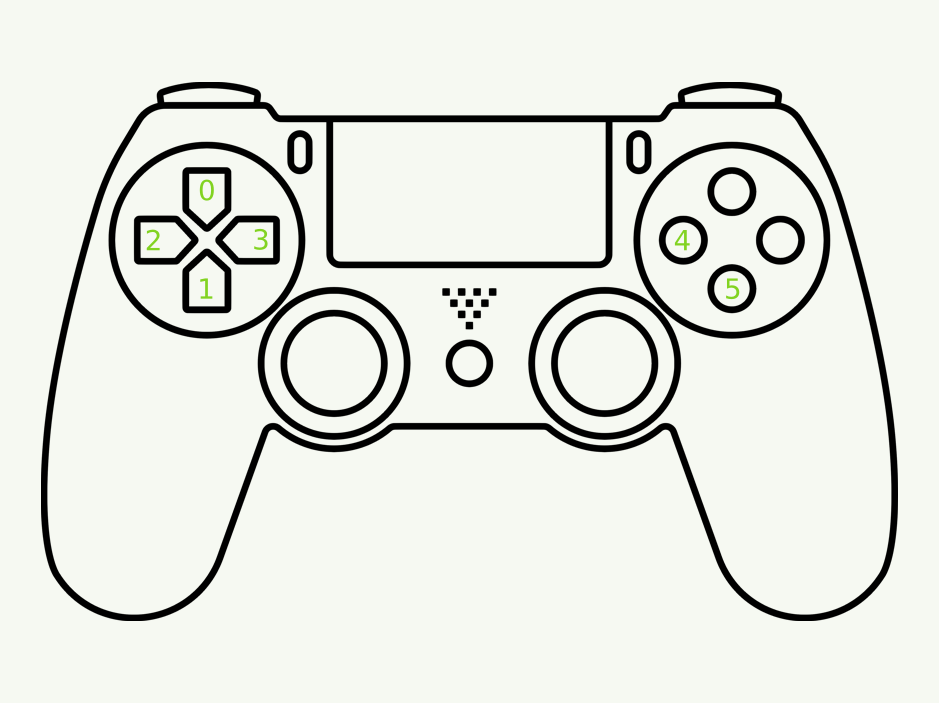
-- id=0 → key w / gamepad left stick up
-- id=1 → key s / gamepad left stick down
-- id=2 → key a / gamepad left stick left
-- id=3 → key d / gamepad left stick right
-- id=4 → key x / gamepad button x
-- id=5 → key c / gamepad button a
mouse
local x,y,btnl,btnm,btnr = mouse()
-- x = x mouse
-- y = y mouse
-- btnl = true/false mouse left button
-- btnm = true/false mouse mid button
-- btnr = true/false mouse right button
2d
work only in ELYOKO2D
-- draw pixel
pix(x, y, color())
-- draw fill rectangle
rect(x, y, width, height, color())
-- draw line rectangle
rectb(x, y, width, height, color())
-- draw fill circle
circle(x, y, radius, color())
-- draw line circle
circleb(x, y, radius, color())
-- draw text
text(str, x, y, scale, color())
-- unload texture
deltexture(name.ext)
-- draw texture
drawtexture(name.ext, x, y)
3d
work only in ELYOKO3D()
-- draw cube
cube(x, y, z, width, height, depth, color())
-- draw sphere
sphere(x, y, z, radius, color())
-- unload model
delmodel(name.ext) -- name.ext is name without path
--draw model
drawmodel(name.ext, x, y, z, rot_x, rot_y, rot_z, scale)
-- rotation in radian
-- scale > 0 , float multiply scale of model
Template
local name = "template"
local interpreter={} --your interpreter table
local api={} --your api table
-- add lua basic to api
local lua = dofile("api/lua/baselib.lua")
for item, def in pairs(lua) do
if included[item] then
api[item] = def
end
end
-- package template
return {
name = name,
description = "Implements "..name,
author = "you",
version = 0.1,
onRegister = function(self)
ide:AddInterpreter(interpreter.name, interpreter)
ide:AddAPI("lua", api.name, api)
end,
onUnRegister = function(self)
ide:RemoveInterpreter(interpreter.name, interpreter)
ide:RemoveAPI("lua", api.name)
end,
onMenuEditor = function(self, menu, editor, event)
-- menu editor code
end
}
interpreter table template
-- name is variable package
local interpreter={
name=name,
description="desc interpreter",
api={name},
luaversion="5.3",
frun=function(self,wfilename) -- when interpreter call
local cur_file = wfilename:GetFullPath()
local bin = "interpreter.exe"
cmd = string.format("%s %s",bin,cur_file)
return CommandLineRun(cmd,self:fworkdir(wfilename),true,true,nil,nil,nil)
end,
skipcompile = true,
hasdebugger=false,
scratchextloop = false,
takeparameters = true
}
a1.8.2 Gamepad
if btn(id) then
-- gamepad button isdown
end
if btnp(id) then
-- gamepad button ispressed
end
id map:
a1.8 Music loading
music_loaddir("dir") -- load .wav .mp3 .ogg in ./dir/*
music_playsound("sound") -- play sound.wav
music_playmusic("music") -- play music.mp3/.ogg
music_pausemusic() -- pause currant music play
music_stopmusic() -- stop currant music play
a1.7 Interverse
Run an other game, read extern save.
Run game
run("projet.egba") -- work with .lua
Read extern save
-- if target is projet.sav
local numb = rsave_numb_ext("projet",id)
local nstring = rsave_string_ext("projet",id)
local nbool = rsave_bool_ext("projet",id)
Entry point
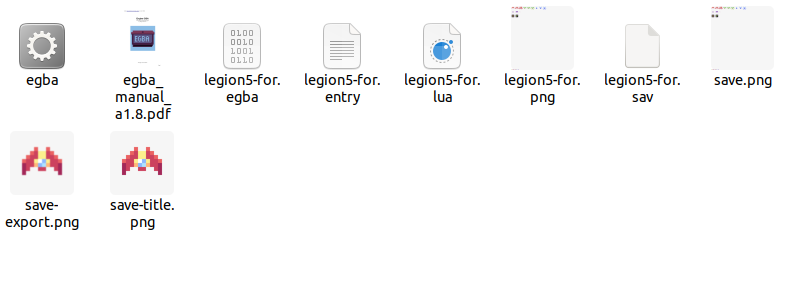
Create projet.entry for run (projet.lua / projet.egba) at start.
a1.6
Save-state (.sav file)
This is static data, it keep value when quit.
Write save
wsave_numb(id,100)
-- id 0 → 50
wsave_string(id,"name")
-- id 0 → 50, string 35 char
wsave_bool(id,true)
-- id 0 → 100
Read save
local i_num = rsave_numb(id)
-- id 0 → 50
local i_string = rsave_string(id)
-- id 0 → 50
local i_bool = rsave_bool(id)
-- id 0 → 100
a1.5
Main
loop function
function EGBA()
-- your code run 60/seconds
end
log
trace("hi")
-- print hi in console (only string)
local v=2 print("value :",v)
-- lua print function can be used to view variable value in console
palette swap
pal(2)
-- id 0 -> 4, change curant palette
-- for all function after with id color
Graphics
clear screen
cls(0)
-- clear screen with id color 0
print text
text("hello world",23,23,0,16)
-- x 23, y 23, id color 0,font size 16
draw rectangle
rect(23,23,50,50,2)
-- draw fill rectangle in x 23, y 23, width 50, height 50, id color 2
rectb(23,23,50,50,2)
-- draw line rectangle in x 23, y 23, width 50, height 50, id color 2
draw pixel
pix(10,10,2)
-- draw pixel in x 10,y 10, id color 2
draw sprite
spr(1,23,23,2)
-- draw sprite id 1,x 23,y 23,scale 2
Input
keyboard
if btn(0) then
-- if key down is down
elseif btn(1) then
-- if key up is down
end
if btnp(2) then
-- if key left is pressed
elseif btnp(3) then
-- if key right is pressed
end
-- id 0 : down, 1 : up, 2 : left, 3 : right, 4 : x, 5 : c
-- btn -> btn is down
-- btnp -> btn is pressed
mouse
local x,y,btnl,btnm,btnr = mouse()
-- x = x mouse
-- y = y mouse
-- btnl = true/false mouse left button
-- btnm = true/false mouse mid button
-- btnr = true/false mouse right button
a1.5
Setup new project
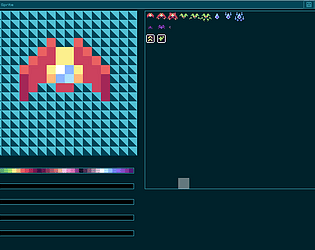
- Download palette image .png <= 32 color lospec.com
- on browser touch « + » , it create new.lua and new.png
- click on « new » project, click on « spr » button
- drag and drop palette image to window
- save, quit and rename new .lua/.png with your projet name
Debug (GUI)
- load projet with browser
- press space for start/stop debug
Create EGBA from script/sprite
- After load projet , « -> » button or ctrl + e
- ctrl + l for locked egba (can’t import lua/spr from egba)
Import sprite/script from EGBA
After load projet , « <- » button or ctrl + i
Run EGBA (GUI)
After load projet, press enter for start/stop running EGBA
Build standalone game from EGBA
After load projet, ctrl + b
If you have egba and egba.exe, it create binairy for linux (no ext) and window (.exe)
Debug (CLI)
open cmd, tape it
egba.exe project.lua
it use .png for load color and sprite
Run (CLI)
open cmd, tape it
egba.exe project.egba
Load spritesheet
- drag and drop 256x256 img, it to browser→project→spr
- drag and drop 256x257 img, it to browser→project→spr
a0.1
setup cartbridge .egba
-
Download palette image .png <= 32 color lospec.com
-
launch egba.exe
-
drag and drop image to window
-
btn save create save.egba next to egba.exe, rename it with your project name
load .egba
- launch egba.exe
- drag and drop it to editor
lua script
- create .lua next your .egba with same name.
- edit it with it
-- hello world example
function EGBA()
print("hello world",50,50,1,20)
end
launch external script
- open cmd, tape it
egba.exe project.lua
it use .egba for load color and sprite
load script to cartbridge
- launch egba.exe -> script section
- drag and drop it to editor
export spritesheet
- goto sprite section
- ctrl + E
load spritesheet
- drag and drop it to editor
launch cartbridge with intern script
- open cmd, tape it
egba.exe project.egba
build standalone game.exe
- launch egba.exe
- load cartbridge ,goto script section
- right ctrl+B -> project.exe
build game.exe work only for window , not with wine
Demake of clash of heroes might and magic 64x64.
https://itch.io/jam/lowrezjam-2023/rate/2215676