thank you so much disabling hybird worked you are the best. thank you so much again i realy appreciate it.
A member registered 81 days ago · View creator page →
Recent community posts
!Ω Factorial Omega: My Dystopian Robot Girlfriend community · Replied to KlahTune in Cant Open The game on PC While it opens on browser
soo i tried the suggestions but it didnt work
- i gone to nvdia app and intel graphics software to update my drivers
- i installed directx from https://www.microsoft.com/en-us/download/details.aspx?id=35
- i removed and installed x86 and x64 versions of visual C++
- i run a system check but i didnt find any anomalies
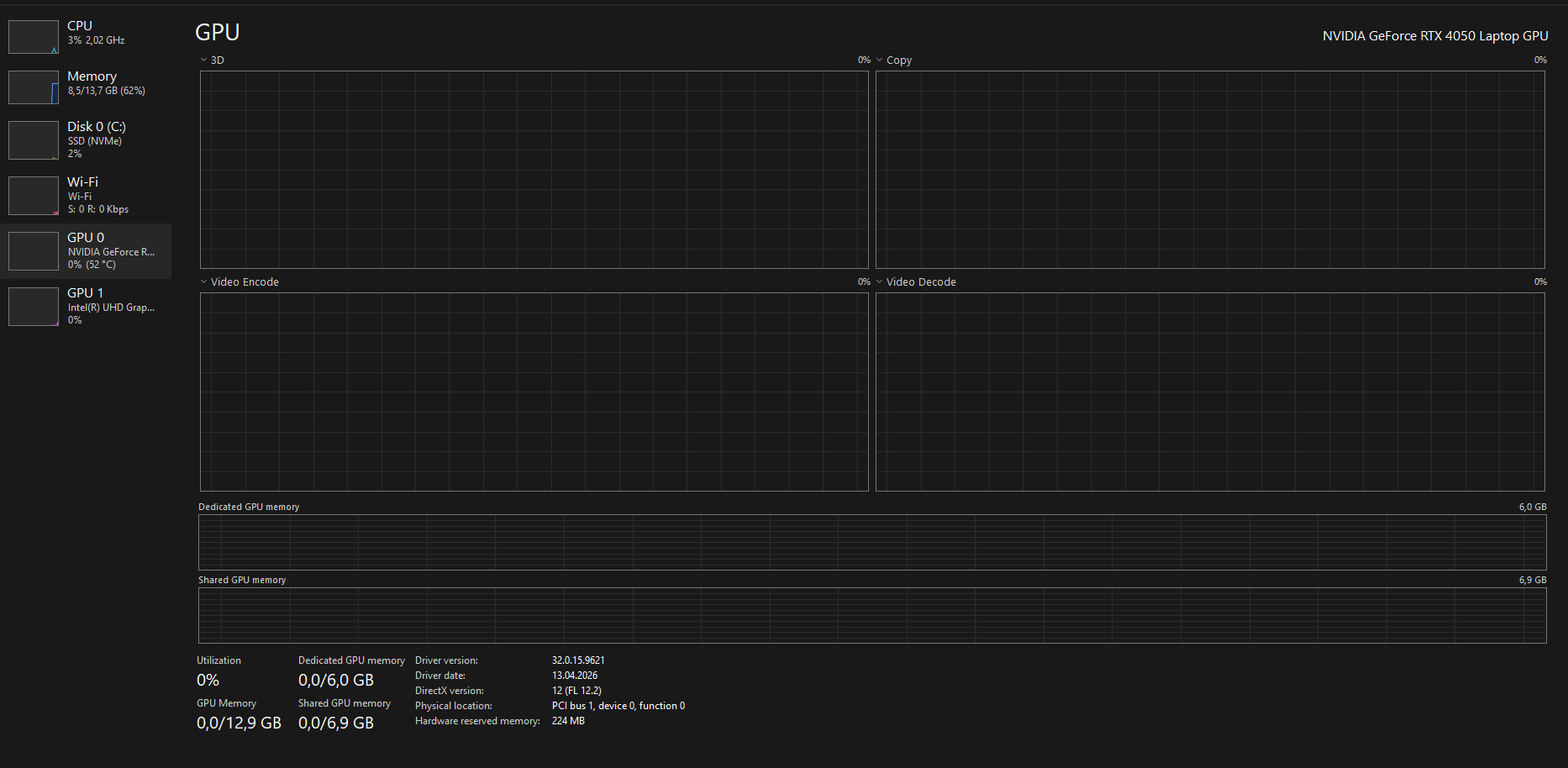
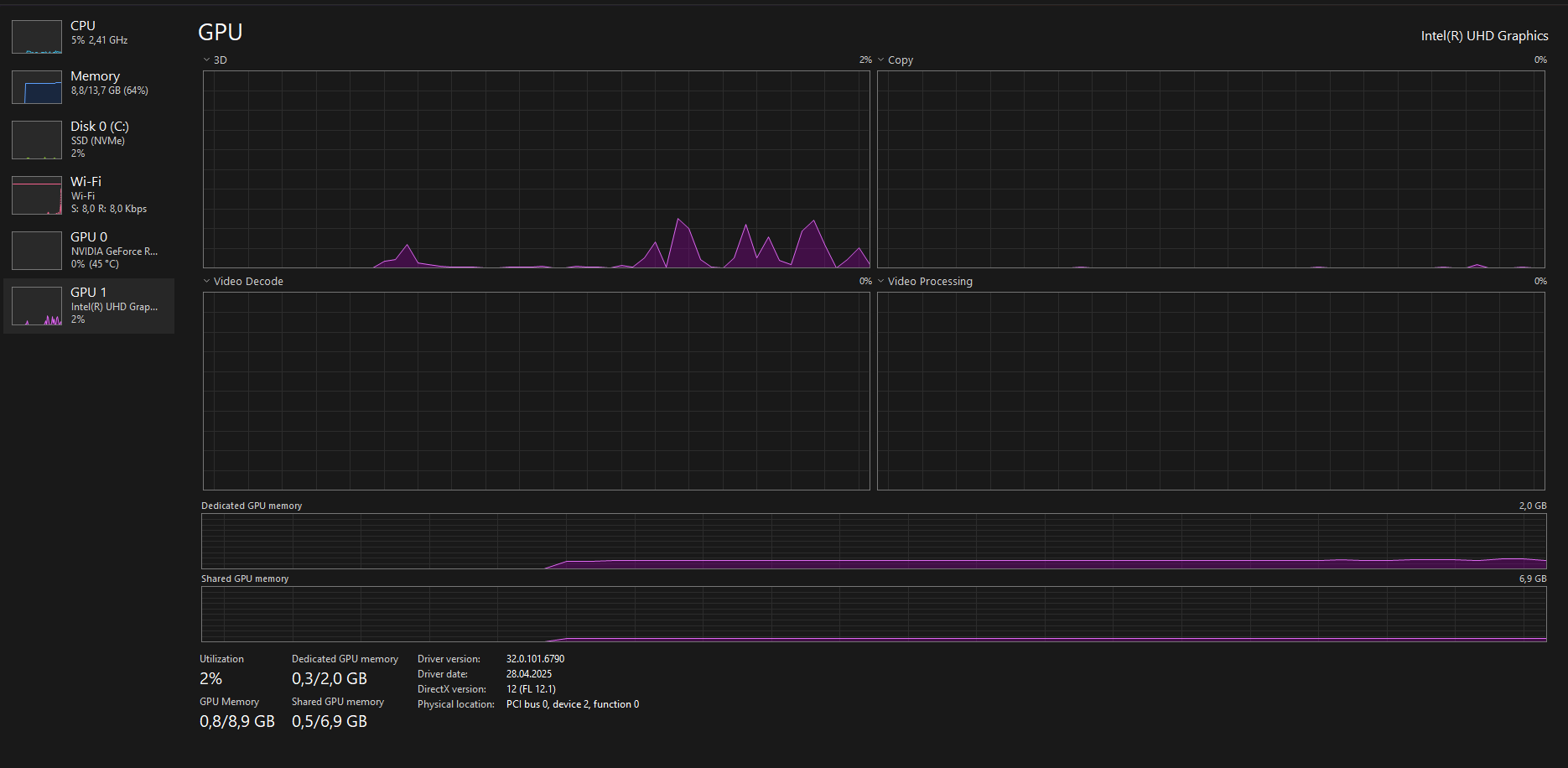 product number: 9J254EA#AB8
!Ω Factorial Omega: My Dystopian Robot Girlfriend community · Posted in Cant Open The game on PC While it opens on browser
sry for late reply… again. I read what you writen but i formated my laptop again for another issue and did everything you said on the previus messages and got a diff result this time the first time i opened the game after i formated even after i reinstalled it didnt gave me the same result it gave me the title screen in fullscreen for like 3 sc then exited fullscreen then it got stuck in not responding state for 1 minute after that i forced it to close this didnt happen more than once since i formated anyways
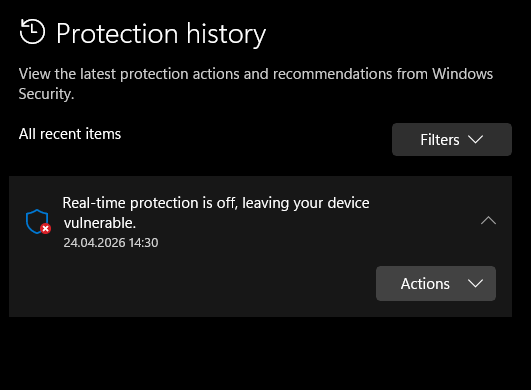
- i checked my defender history there was only real time protection being off
- i checked its not missing or 0kb i dont know how to check its corrupted tho
- i used winrar extractor from the beginging
- i checked if the size is correct every single time i downloaded
- i tried using 7-Zip to extract the files it gave me the same result
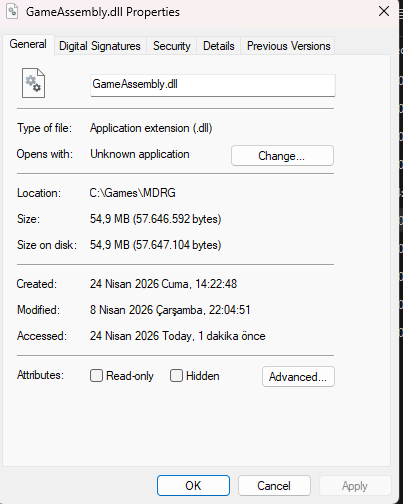
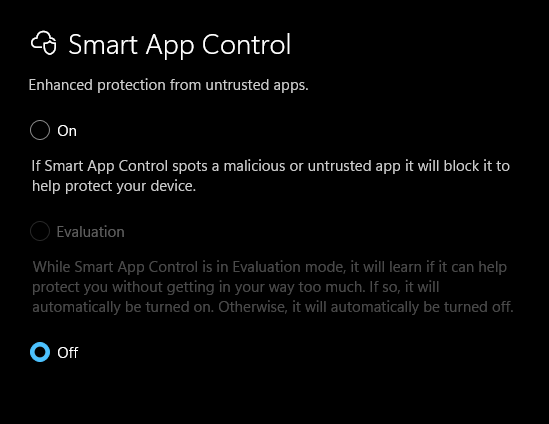
its probly not important but the reason i formated my laptop is bc of google play games not instaling or opening the games. it worked when i downloaded it after a format but if i reboot my pc it stops working again and no matter how many times i reinstall it doesnt work.this might be happening bc my laptop has smth broken or smth bc this is not the first app to cause problems when it should work smoothly
!Ω Factorial Omega: My Dystopian Robot Girlfriend community · Posted in Cant Open The game on PC While it opens on browser
I tried everthing you listed still game crashed first i forgot to turn of smart app protection so it said failed to load il2cpp idk if its important after i turned that off to and downloaded again it just started to crash i even formated my laptop to try again but there was no changes
Windows Version: 25H2
Game Folder :
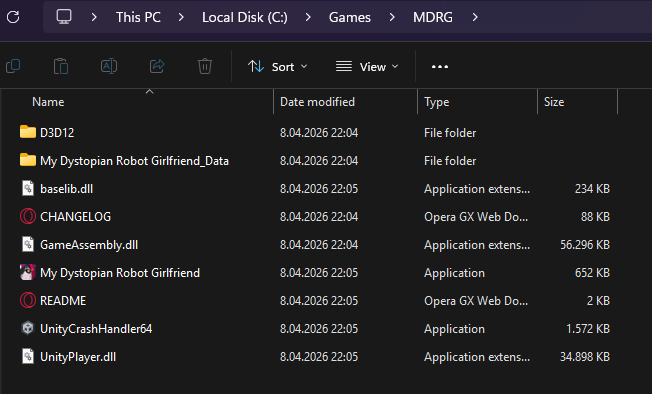
i dont use any external mods
and sry for late reply