Indie game storeFree gamesFun gamesHorror games
Game developmentAssetsComics
SalesBundles
Jobs
TagsGame Engines
(2 edits)

sry for late reply… again. I read what you writen but i formated my laptop again for another issue and did everything you said on the previus messages and got a diff result this time the first time i opened the game after i formated even after i reinstalled it didnt gave me the same result it gave me the title screen in fullscreen for like 3 sc then exited fullscreen then it got stuck in not responding state for 1 minute after that i forced it to close this didnt happen more than once since i formated anyways

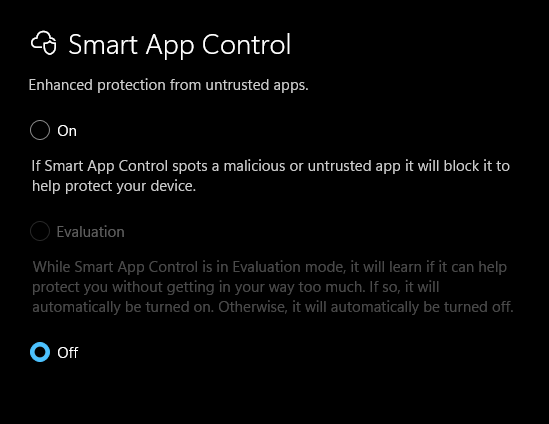
  1. i checked my defender history there was only real time protection being off image.png
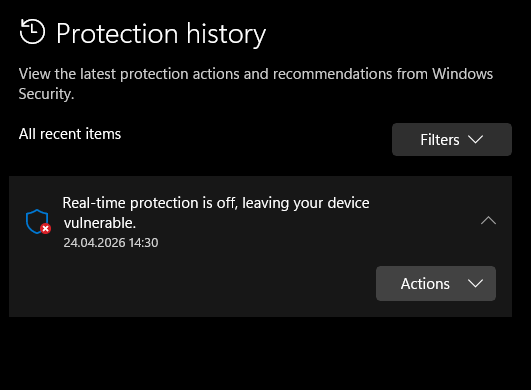
  2. i checked its not missing or 0kb i dont know how to check its corrupted tho
  3. i used winrar extractor from the beginging
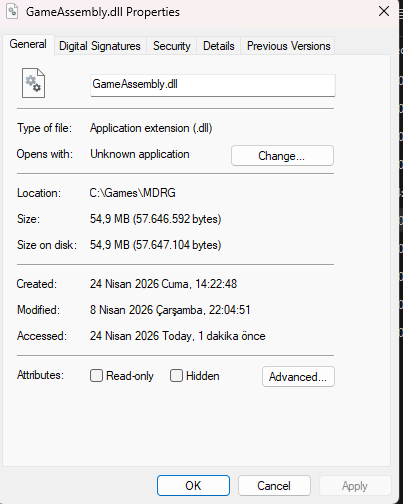
  4. i checked if the size is correct every single time i downloaded
  5. i tried using 7-Zip to extract the files it gave me the same result image.png image.png image.png
its probly not important but the reason i formated my laptop is bc of google play games not instaling or opening the games. it worked when i downloaded it after a format but if i reboot my pc it stops working again and no matter how many times i reinstall it doesnt work.this might be happening bc my laptop has smth broken or smth bc this is not the first app to cause problems when it should work smoothly
This is no longer a normal installation issue.

From what you described:

  • You already formatted your system
  • You reinstalled everything correctly
  • The game briefly opens, then freezes or crashes
  • Other applications (like Google Play Games) also have issues

👉🏻 This strongly suggests a system-level problem, not the game itself.

⚠️ Important:

If multiple applications are failing after a fresh format, the issue is usually:

  • Missing or broken Windows components
  • GPU / graphics driver issues
  • Incomplete or unstable Windows installation

✅ Please try these:

  1. Update your GPU drivers
    • NVIDIA / AMD / Intel (very important)
  2. Install DirectX (latest)
    • Even if you think it’s already installed
  3. Reinstall Visual C++ Redistributables
    • Install ALL versions (x86 + x64)
  4. Run system check
sfc /scannow 
  1. Try running the game in windowed mode
    • Sometimes fullscreen crash = GPU issue

💡 Also:

You mentioned this:

it works after format, but breaks again after reboot

👉🏻 That is a big red flag for:

  • Driver conflicts
  • Windows update breaking something
  • Corrupted system state after restart

📌 Conclusion:

  • ❌ Not caused by the game
  • ❌ Not caused by your install steps
  • 👉🏻 Very likely a Windows/driver issue on your system

If possible, please also tell me:

  • Your GPU (NVIDIA / AMD / Intel)
  • Laptop model (if any)

That will help narrow it down further.

(1 edit)

soo i tried the suggestions but it didnt work

  1. i gone to nvdia app and intel graphics software to update my drivers
  2. i installed directx from https://www.microsoft.com/en-us/download/details.aspx?id=35
  3. i removed and installed x86 and x64 versions of visual C++
  4. i run a system check but i didnt find any anomalies

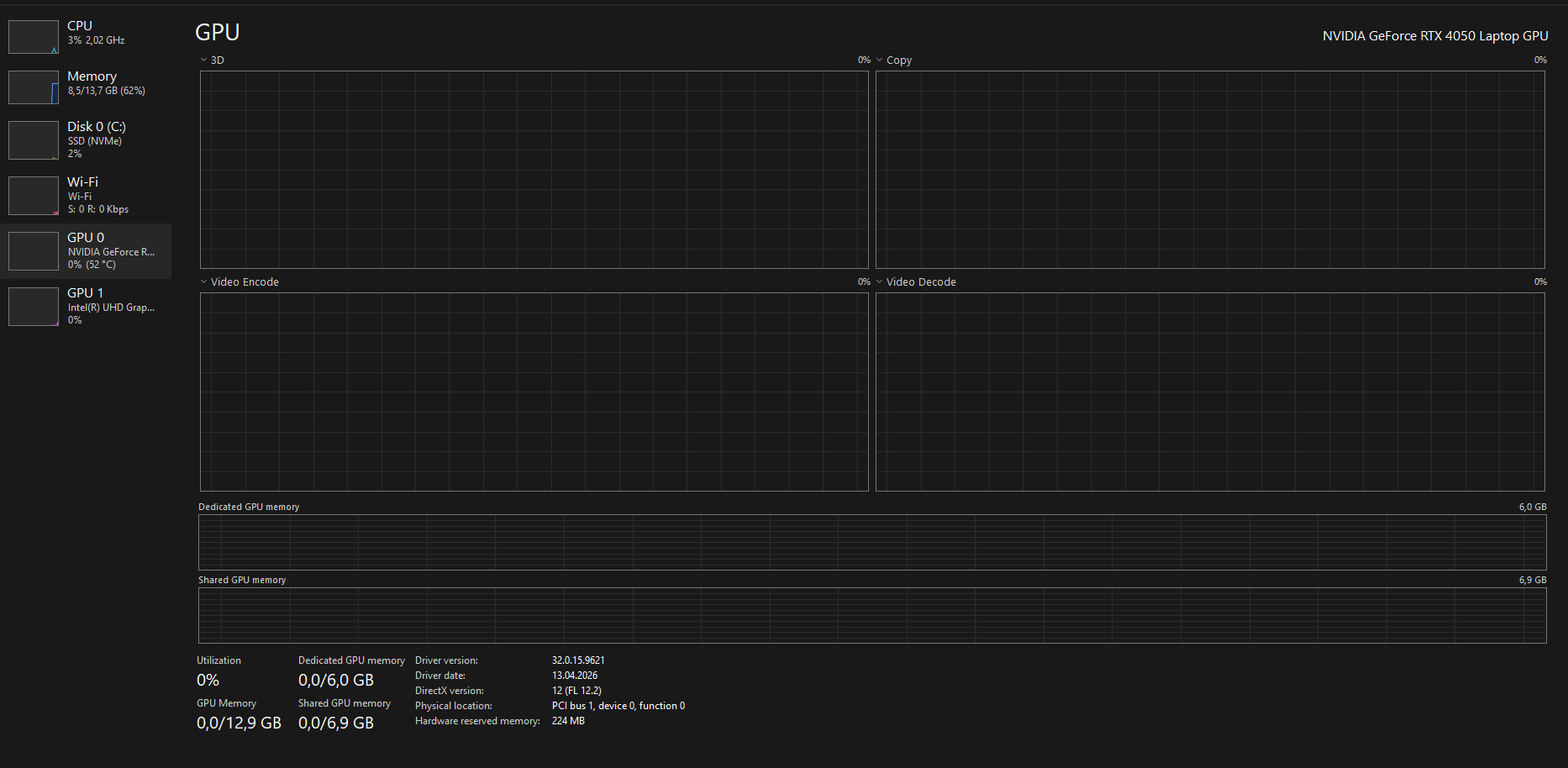
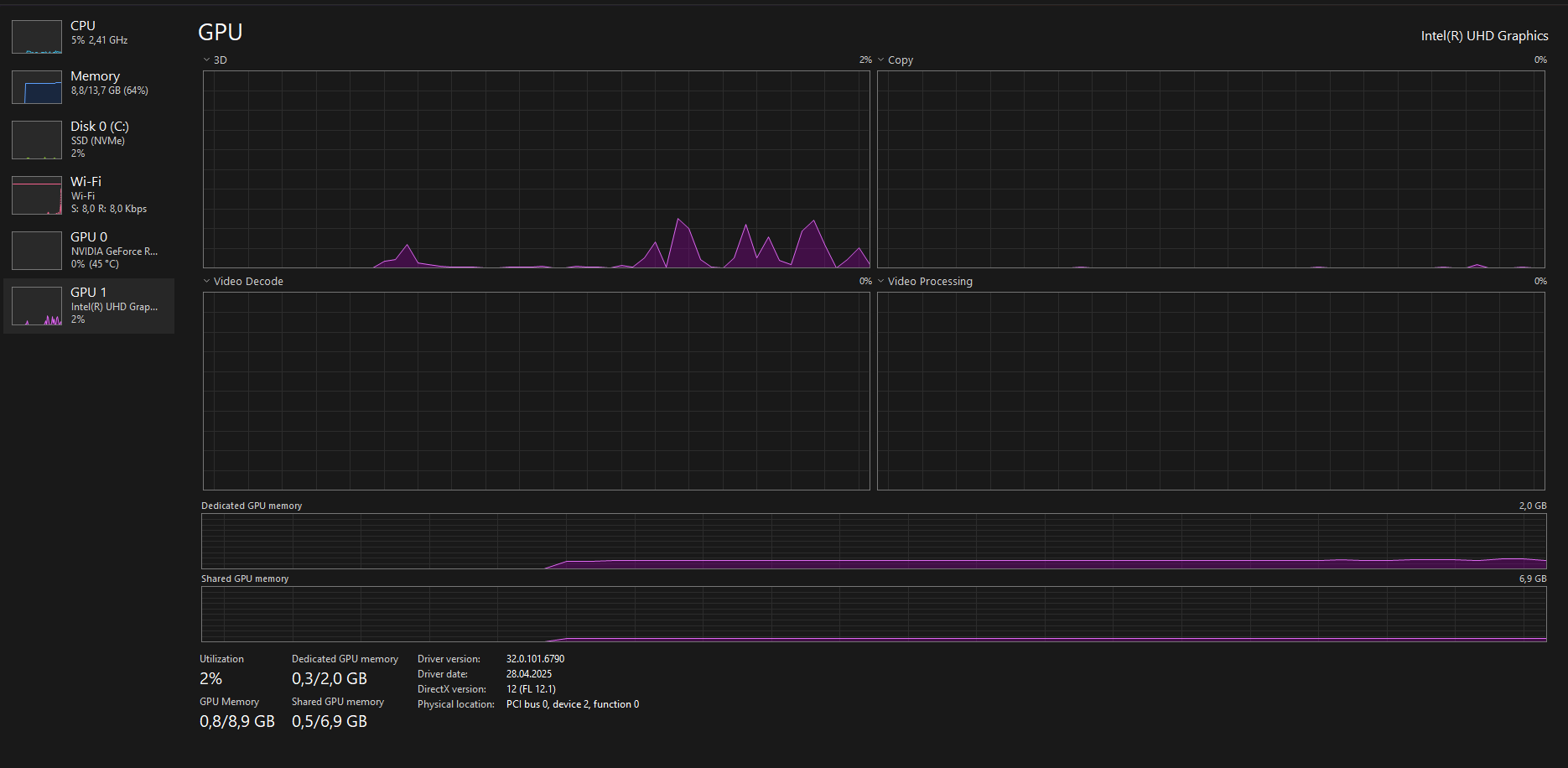
image.png image.png product number: 9J254EA#AB8

(2 edits)

👉🏻 Your system IS detecting both GPUs correctly
👉🏻 BUT the game is still not consistently using the NVIDIA GPU

And more importantly…

⚠️ The behavior you described:

  • Works once after reinstall
  • Breaks again after reboot
  • Random freezes / not responding

👉🏻 This is NOT normal GPU switching anymore

💡 What this actually points to:

This is most likely a Windows / driver-level instability issue, specifically:

🔴 Possible causes:

  • Broken hybrid GPU switching (Optimus bug)
  • Corrupted graphics driver state after reboot
  • Windows 11 25H2 instability / bug
  • Conflict between:
    • Intel GPU driver
    • NVIDIA driver

Thank you for all the details and screenshots.
This helps a lot.

At this point, since you have:

  • Reinstalled the game multiple times
  • Installed all required runtimes
  • Updated drivers
  • Even formatted your system

This is no longer a normal setup issue.

⚠️ Most likely cause:

Your system is not consistently using the correct GPU (RTX 4050), and this behavior after reboot suggests a driver or Windows-level issue, not the game itself.

🔧 What you should try next:

1. Clean reinstall GPU drivers (VERY important)

Use DDU (Display Driver Uninstaller):

  • Remove BOTH:
    • NVIDIA driver
    • Intel GPU driver

Then reinstall:

  • Intel GPU driver (from Intel website)
  • NVIDIA driver (latest from NVIDIA)

2. Force GPU again AFTER reinstall

Redo:

  • Windows Graphics Settings → High Performance
  • NVIDIA Control Panel → High-performance GPU

3. Disable Hybrid GPU (if possible)

If your laptop supports it:

  • BIOS → disable hybrid / enable dGPU only

4. Try older NVIDIA driver

Sometimes newest drivers break Unity games:

  • Try a slightly older stable version

💡 Important:

Since the web version works, your save is fine.
This confirms the issue is local system-related, not a game bug.

If the issue still persists after this, it may be a deeper system conflict, and testing on another PC would help confirm it.

(1 edit)

thank you so much disabling hybird worked you are the best. thank you so much again i realy appreciate it.

(+1)

Happy to help.