On Sale: GamesAssetsToolsTabletopComics
Indie game storeFree gamesFun gamesHorror games
Game developmentAssetsComics
SalesBundles
Jobs
TagsGame Engines

Lambda Games

37
Posts
3
Topics
79
Followers
132
Following
A member registered Oct 05, 2017 · View creator page →

Creator of

Recent community posts

Thank you soo much! You captured it perfectly.

Awesome! I checked, the environments are pretty and cool. Will try them out. 🙏

I love this style as well, beauty in simplicity.

This is some awesome work!! Very insightful. Thank you for sharing :)

I know right! So much time saved and allows me to be more ambitious and focus on the art side of things instead of the grind work.

Everything you said makes sense, there's so much "stuff" you need to do to make an object in blender, "game engine ready" and the more it's automated the better.

Blender has ~700 official addons and so many addons made by people on github to solve their own problem. It's awesome really!

(1 edit)

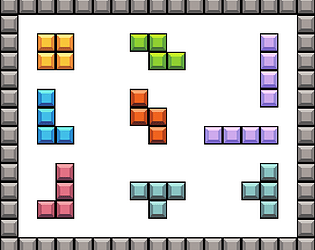
I was learning how to make tetris and needed a tileset for it.

So made a 16x16 pixel art tileset in aseprite.

Available for free here: https://lambdagamesofficial.itch.io/tetris-pixel-art-tileset

Happy to help. Also you should mark them as AI, since they are AI generated, there's an option in settings.

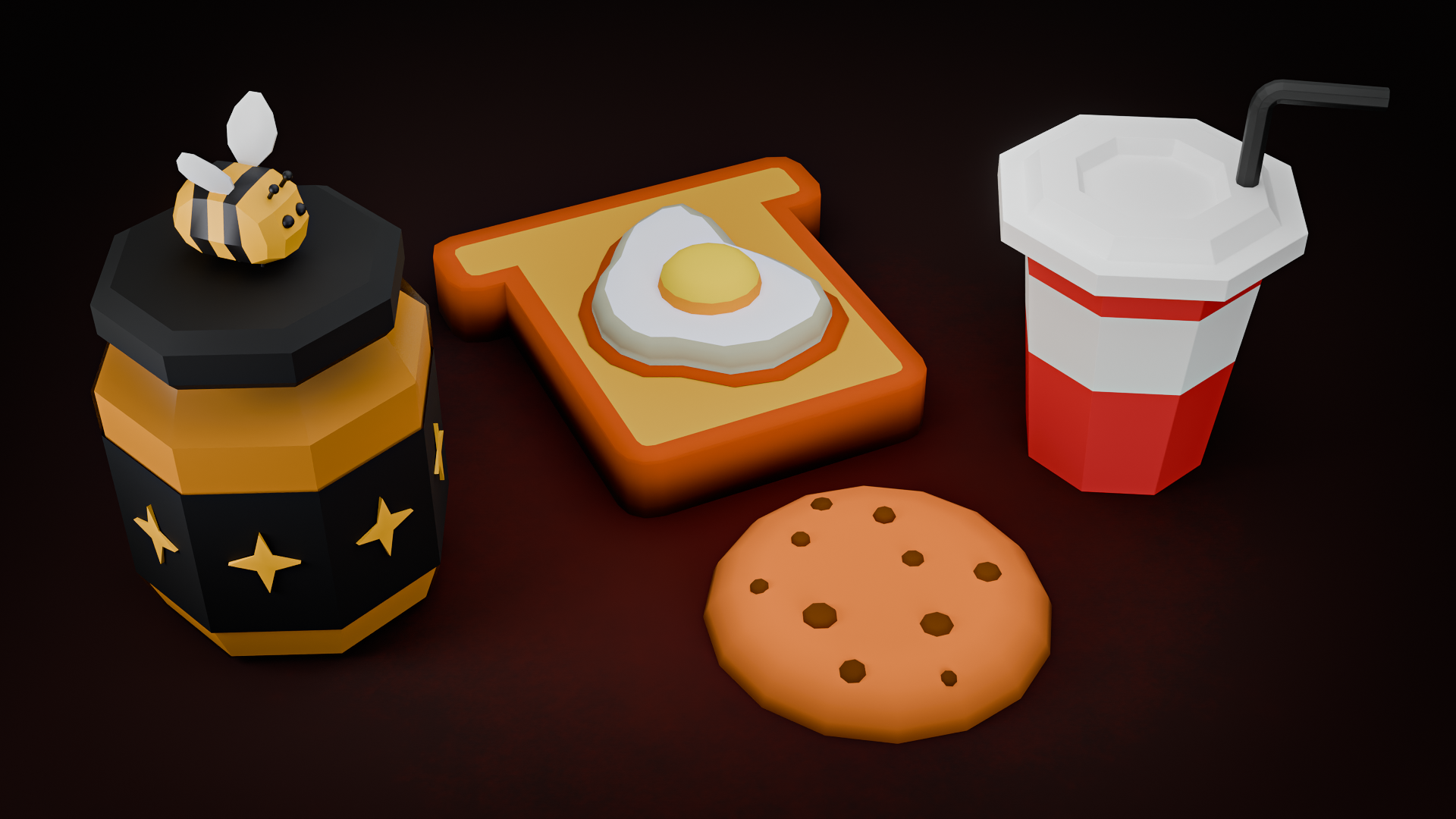
Sweet looking fruits! Pun intended 😋

A couple of tips that might be useful:

1. Would be great if you could name the images as the name of the fruit.

2. Also useful to include a zip file containing all the fruits, so it's a 1 click download.

Cheers 🍌

Felt like playing wordle but with numbers and on steroids! What an awesome idea and insane execution. Visuals are so beautiful and everything is super intuitive. Well done! Would love a backspace button :)

1300!! That is insane, the highest score till now. I have not been able to cross a 1000 :(
Thank you for playing!

Thank you for playing!

Sorry for the stress, will add settings in future to change music and will work on reducing spinning.

Anything above 500 is a great score!

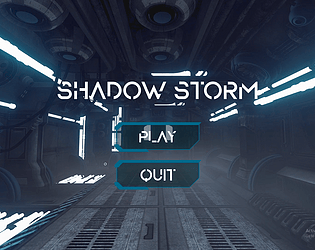
When I first saw the game and intro scene, the sound was what captured me (Can I have a bot that sounds like this?).

At first I struggled with understanding what to do, and it wasn't clear, till I pressed the WASD keys and the character moved, and I was on the motherboard. OMG!

Also love the idea of portals to different parts.

Amazing concept, art and could be a really good game. One small feedback, the intro scene could be less text and let me in faster into the amazing world you have created!

The rats are super cute with their tail wagging! I was able to get the cheese all the way through the belt to the rats below in their cars, super fun concept :)

I wasn't able to put out the fire though, tried to move the rat with the fire extinguisher to the control panel but didn't work. Maybe I'm doing something wrong.

Thank you for playing! Happy you found it fun :D

ohh wow, that is insane, that too in first try 🙇🏻‍♂️🔥

After deleting default cube in Blender over and over again, I started hating cubes. So I made cube destroyer, a game to take revenge.

Game is made using Godot and as you destroy more cubes the game gets harder!

Play here: https://lambdagamesofficial.itch.io/cube-destroyer

Would love any feedback on how I can improve the game :)

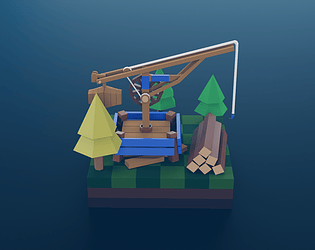
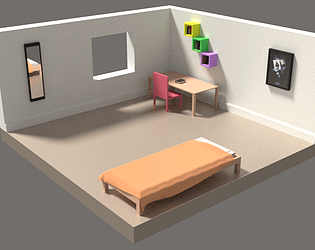
I made a low poly lumber camp made up of many small assets in Blender. Also made an animation where each piece shows up one by one and shows how the lumber camp was assembled.

Everything is included in the Blender file. Would love any feedback and additions/changes I can make.

It's available here: https://lambdagamesofficial.itch.io/low-poly-lumber-camp

Thank you for reading!

Done! Thank you for the suggestion.

Arrow keys or WASD keys, either of those work.

W / Up Arrow => Accelerate

A / Left Arrow => Go Left

D / Right Arrow => Go Right

S / Down Arrow => Reverse

Thank you for playing and for the feedback!

Yes, it's free to use, in your projects. 

If possible, please share a link to your project if you use them. It would be nice to see them in play!

(2 edits)

Please follow these steps:

1. Click on the Fbx file. 

2. In the Inspector window, Go to Materials Tab -> Click on Extract Textures -> In the popup,  create and select it a folder inside assets folder called Textures

3. Click on Extract Materials Tab -> In the popup, create and select a folder inside assets folder called Materials 

4. You should see you the field visible now, and textures and materials will be visible inside those folders in the Project window.

Hope this helped, I will also attach a unity package that you can import directly.

So depending on the number of AI kills you make in the game you get a rank, if you kill everyone you get Mass Murderer, and you get Shadow Ninja if you kill zero (use stealth) and finish the game.

Thanks! Invector is an awesome character controller, we learned a lot reading their code and it helped us understand how such a system can be built. Did you finish the game? What rank did you get?

Awesome! Happy to help :)

Did you finish it? What was your rank?

Thanks for the feedback and for playing the game! Can you try on low settings and see if it works?

Also the ammo is hidden and the idea was to force player to try stealth cause frankly it’s so much more thrilling to play sneakily! 

You can get 8 ammo in room 1, try behind the large square steel objects (super secret location :P), and 2 ammo pack on room 3. Also killing enemies gives 3 ammo.

The core mechanic is so much fun!! I blasted 50 cannons 💣 Tried to make them all fire together so I could watch all the bombs explode at the same time.

Thanks for playing the game, you got Shadow Ninja!! 

That is totally amazing, it’s the highest rank there is. #CalmAndSlowWinsTheRace 😛

Great it worked now!! Thank you for the quick support :D

Thanks !!

I am not able to link my itch.io purchase to Game Maker Marketplace. And it's asking me to purchase again.

Can you please add the extension on itch.io download page? That would be really helpful!

Regards

Hello!

I bought the softwar and used the particle creator, it's really cool and made some cool effects with it. Awesome Stuff! Once done I used the export to GMS 2 option and got the GML code.

I am unable to figure out how to use these particles inside GMS 2. The included gmz file is a complete project but I want to use GeonFX in my previously made projects, and in documentation it says to add gmez extension but that file is not available?

It's likely that I am missing something very basic.

Can you please help me with this?

Fun game with a satire! I love it's simplicity, the art and the way the story presents itself, fun to think about while playing :)

Thank you for the awesome feedback! Totally agree and makes a lot of sense, we are working on a fix, turns out it's not straight forward to do this in Construct engine and we are finding a way to hack around it. Will update it as soon as possible.

Thank you :D

Congrats!! That is a really hard score to achieve :)

Thanks for the feedback it makes a lot of sense. I'm working on making it better, will keep this in mind.

Thank you :)