

Thanks! Really appreciate it! :D
A member registered Apr 17, 2025 · View creator page →
Creator of

A cozy pixel-art HUD & dialogue UI kit for RPG, farming, life-sim, and story-driven games.
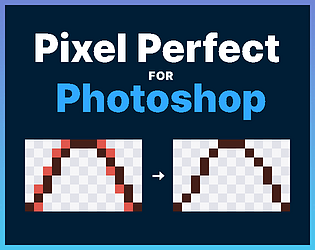
Draw your sketch, click once, and every line comes out clean. A free pixel-perfect line cleanup plugin for Photoshop.
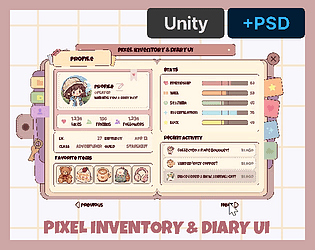
Complete Unity diary & inventory kit — 145 hand-drawn sprites, tweens, tabs, page-flip, drop-in prefabs. No plugins..
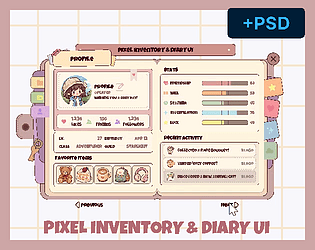
Cozy pixel diary & inventory UI — 145 hand-drawn sprites, 58 icons. 100% hand-made, no AI. PSD source included
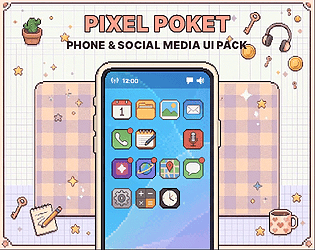
A cute, modern pixel phone & social media UI for visual novels and cozy games — screens, components, and 100+ icons.
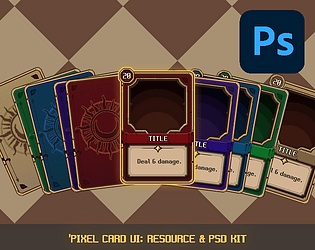
Modular pixel card UI kit for TCGs & RPGs. Includes 5 colors and Master PSDs.
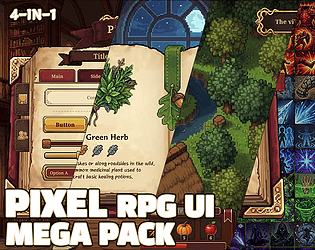
The ultimate 4-in-1 pixel RPG UI bundle! Over 3,000+ PNG assets for any game engine.
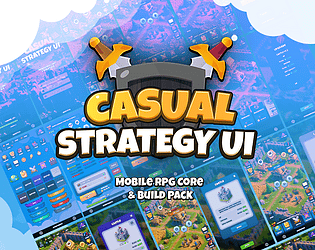
Create stunning strategy games instantly! 15 panels, 275+ UI elements, animations & particles. Just drag and drop.
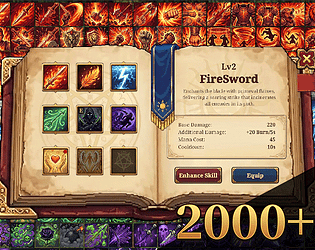
2,168+ Pixel RPG Assets: 4-Class Skill Icons & Ready-to-use Unity UI Kit.
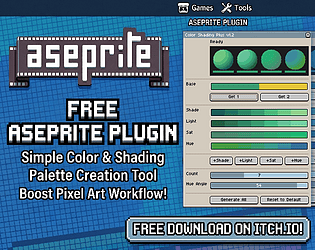
aseprite colorshading plugin
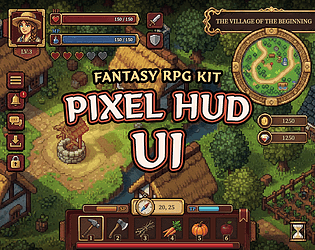
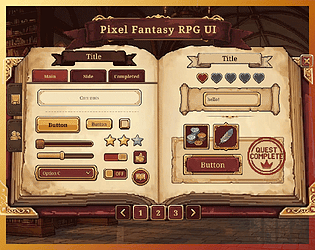
Bring your fantasy world to life with precision-crafted pixel UI.
183 pixel art UI components & 9 prefabs for fantasy RPG. Unity ready.
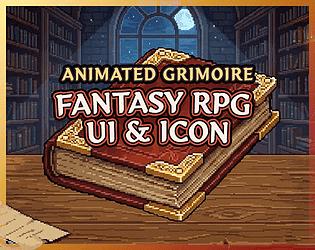
Open the Magic. Animated Grimoire UI & 150+ Icons for Unity.
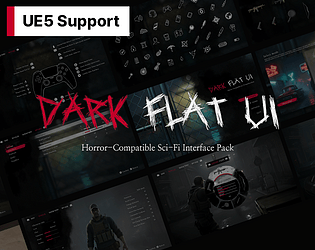
A production-ready Dark UI system for UE5. Includes 400+ assets, UMG logic, Tab System, and Radial Menus.
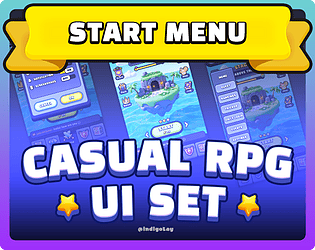
A clean and modern UI set for your game's title screen, pause menu, and settings. Perfect for casual and indie RPGs.
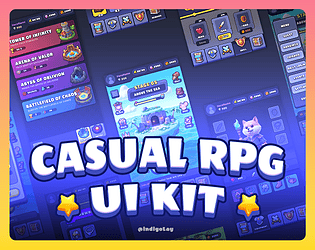
A playful and polished UI kit tailored for casual RPGs.
Recent community posts
itch.io Community » General » Release Announcements · Created a new topic I just released Pixel HUD & Dialogue UI! 🎮
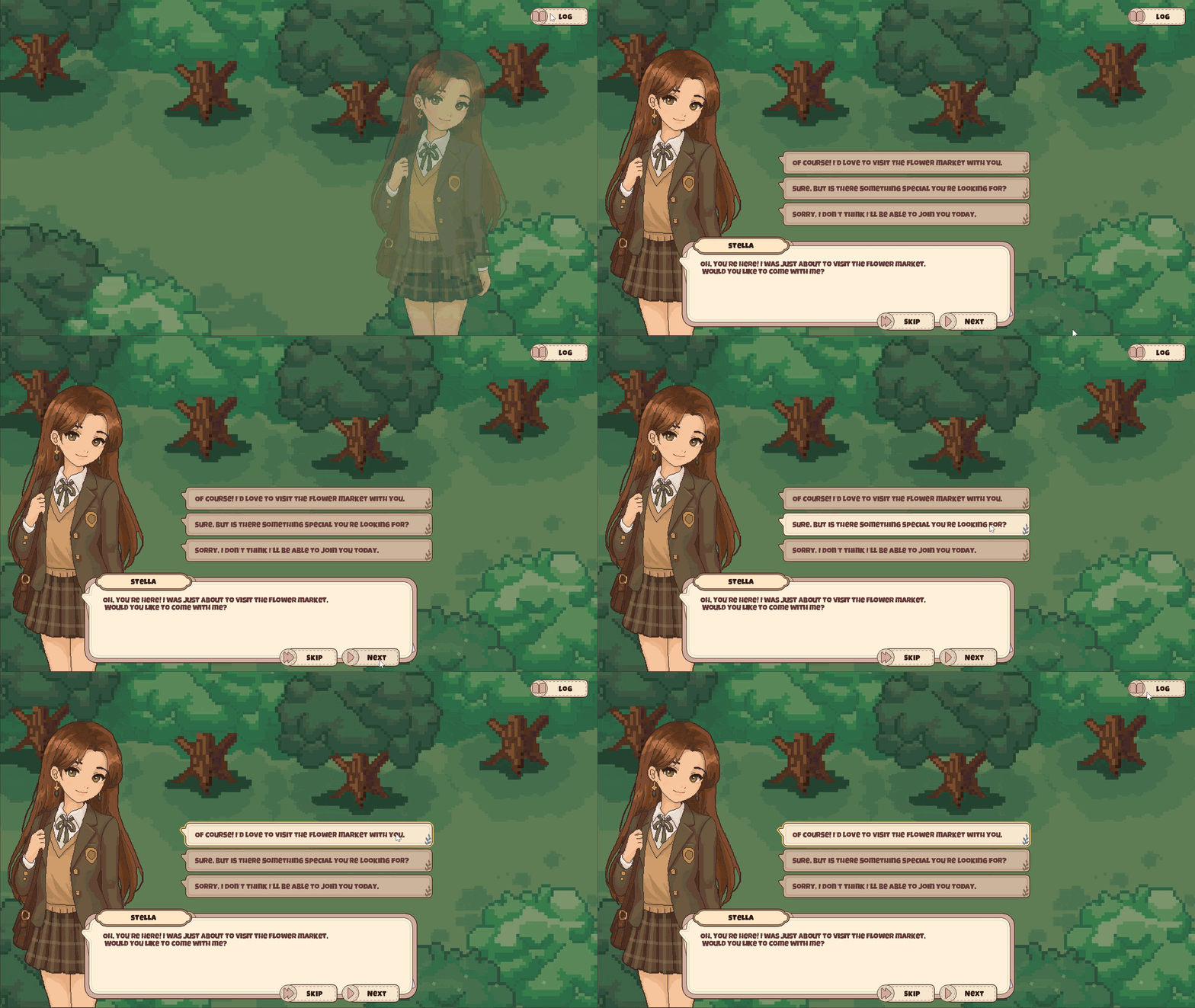
While making pixel-art assets, I kept thinking it would be nice to have a few more modern-style pixel UI options for farming games, life sims, RPGs, and story-driven games.
So I decided to make one myself.
The pack includes:
- 100 hand-crafted pixel-art sprites
- HUD, Dialogue, Quest, Save/Load, History Log & Popups
- 11 ready-to-use Unity prefabs
- Resource and Unity versions available
I tried to keep everything easy to customize, so the included layouts can be used as a starting point rather than a fixed design.
The Unity version is also built with familiar Unity UI components, so developers can quickly adapt it to their own projects.
It was designed to work naturally with my Pixel Pocket and Pixel Inventory & Diary UI packs, and I’m planning a Pixel Modern UI Kit Bundle as well.
If you’re working on a cozy, farming, life-sim, RPG, or story-driven game, feel free to check it out!
https://indigolay.itch.io/pixel-hud-dialogue-ui-pack-daily-life
itch.io Community » General » Release Announcements · Created a new topic Pixel Inventory & Diary UI — now with a Unity version (tweens, prefabs, no DOTween)
Hi everyone! 👋
A little while ago I released Pixel Inventory Diary UI — a cozy pixel-art diary & inventory kit for modern-day games (visual novels, dating sims, life-sims). It's had a lovely response, so I just added a Unity version for folks who want it running out of the box.
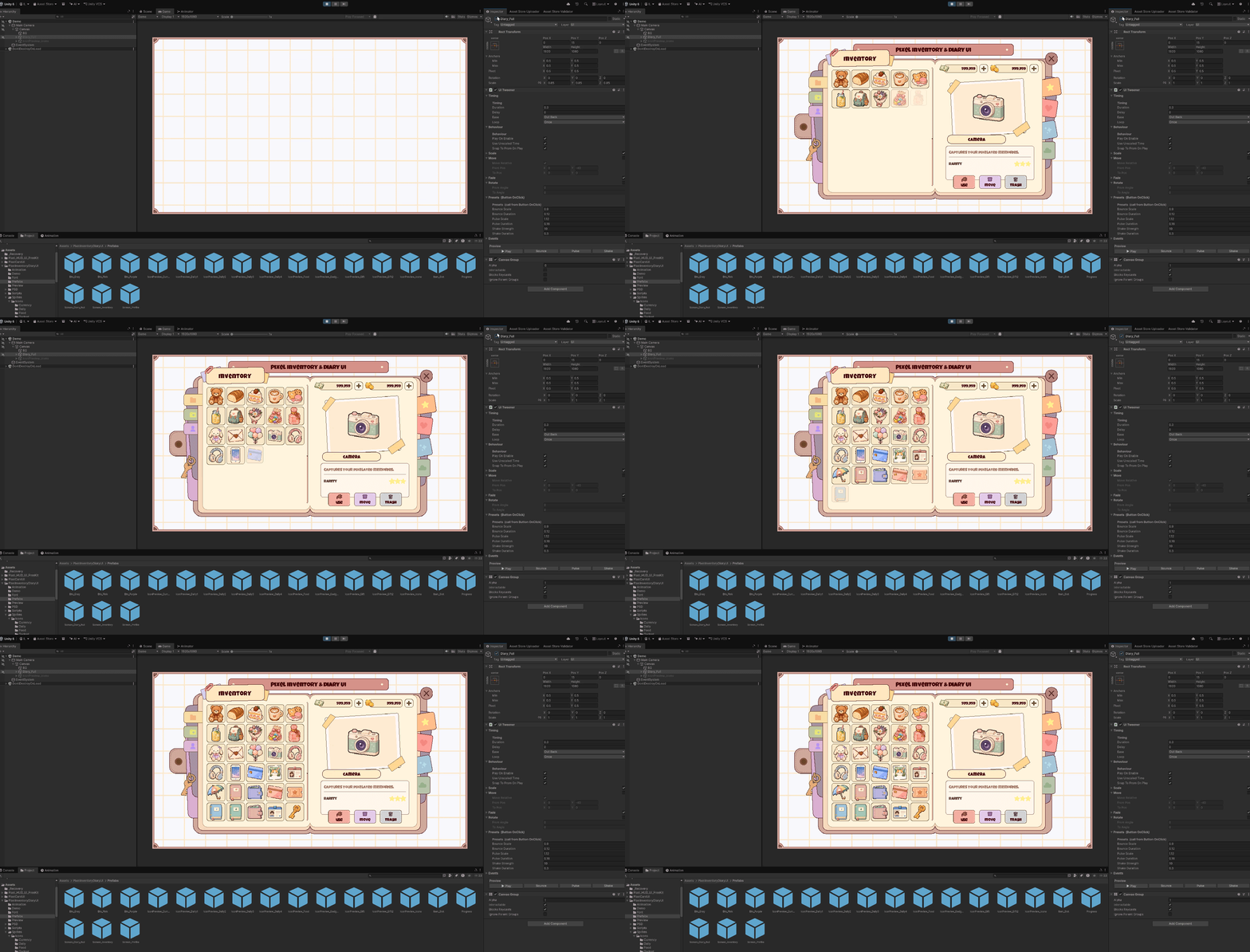
Here's the thing it solves: most UI packs drop in as static images, and then you're wiring up DOTween and coroutines just to make a panel slide. I wanted to skip that — so this version ships with everything already moving.
What the Unity version includes:
- 145 hand-drawn sprites + layered PSD source (all original, no AI)
- Drop-in prefabs — Diary, Inventory & Profile screens
- A small tween engine I wrote (scale/move/fade/rotate, easings, presets) with an in-editor preview — tune animations without entering Play mode
- Two page-flip methods — script, or a no-code Animator
- A tab system + a demo scene with everything wired up
- No DOTween, no plugins — just uGUI + TextMeshPro
Prefer just the art? The original Resource & Resource + PSD versions (PNG + PSD, works with any engine) are still there too.
🔗https://indigolay.itch.io/pixel-inventory-diary-ui-unity-psd
If you're building something cozy — in Unity or anything else — I hope it saves you an afternoon or two. And if there's a screen or feature you wish a pack like this had, I'd love to hear it. 🌸
itch.io Community » General » Release Announcements · Created a new topic Pixel Inventory Diary UI — a cozy, hand-drawn diary & inventory kit (50+ icons, free sample!)
Hi everyone! 👋
I just released Pixel Inventory Diary UI — a cozy pixel-art UI kit shaped like a character's personal diary, made for modern-day stories: visual novels, dating sims, life-sims and cozy games.
Most pixel UI out there is built for fantasy RPGs, so I wanted to make something for games where characters drink coffee, give gifts and keep diaries instead. 🌸
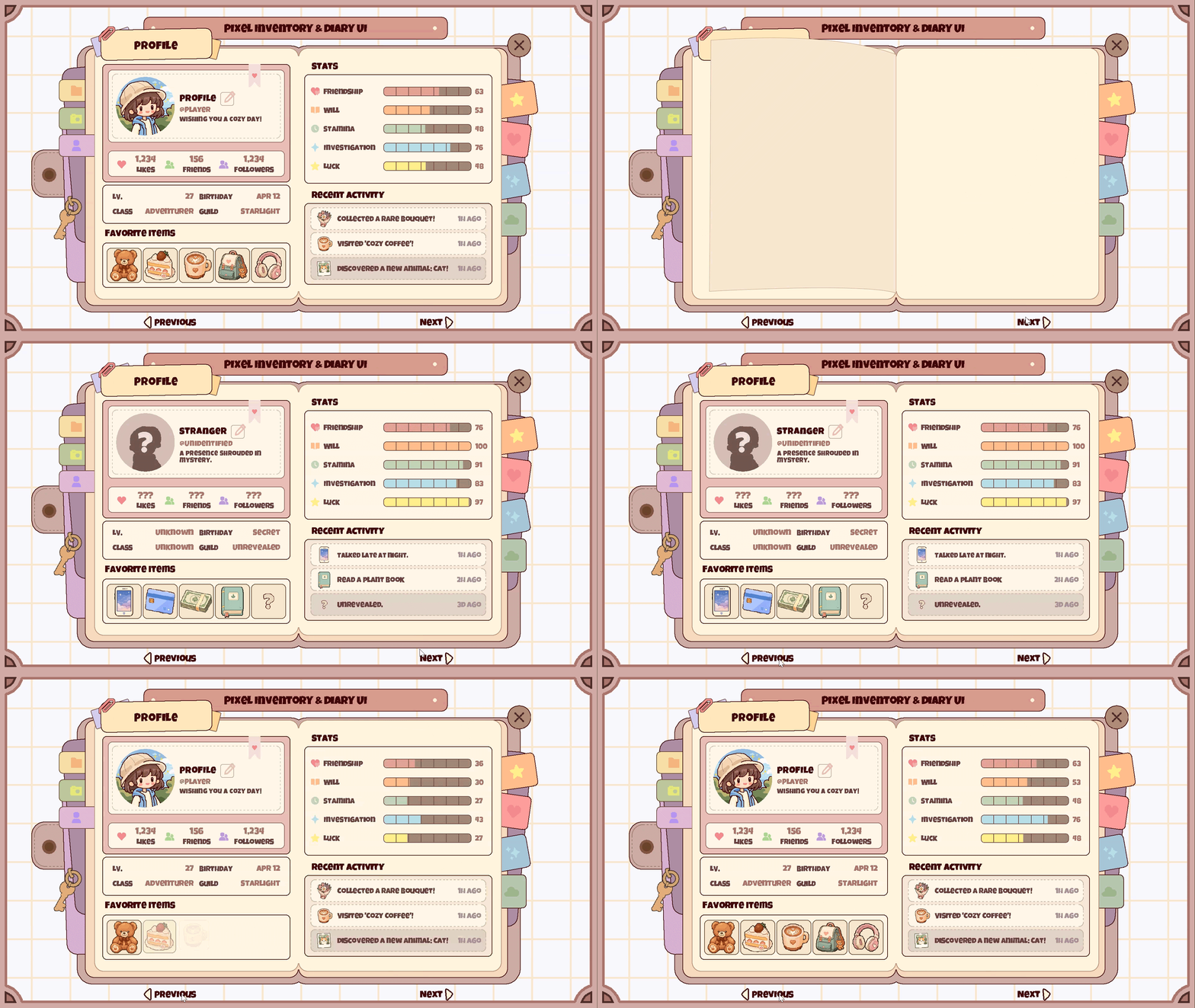
What's in it:
- 50+ hand-drawn item icons (currency, food, daily, gadgets, gifts) with color variants
- Full diary-style UI — panels, buttons, decorations, progress bars in every color
- A 20-frame page-turn animation you can play as a flipbook
- Layered PSD source (in the + PSD tier) to recolor and remix everything
Every sprite is hand-drawn pixel by pixel — no AI (the page carries the no-AI tag). I've been posting work-in-progress clips of icons being drawn dot by dot, if you're curious about the process.
There's a free 8-piece sample — a slot, button, stat bar and 4 icons — enough to assemble a tiny inventory UI and see if the style fits your project before buying anything.
🔗 https://indigolay.itch.io/pixel-inventory-diary-ui-cute-modern-item-icons
I'd love to hear what you think — and if there's an icon or screen you wish a pack like this had, please tell me. Requests genuinely shape what I make next!
itch.io Community » General » Release Announcements · Created a new topic 📱 Pixel Pocket Phone UI — an animated pixel phone for your game
A cute, fully-animated pixel-art phone UI 💗 Calls, a social feed,
alarms, live & popups — drop a prefab in and it just works.
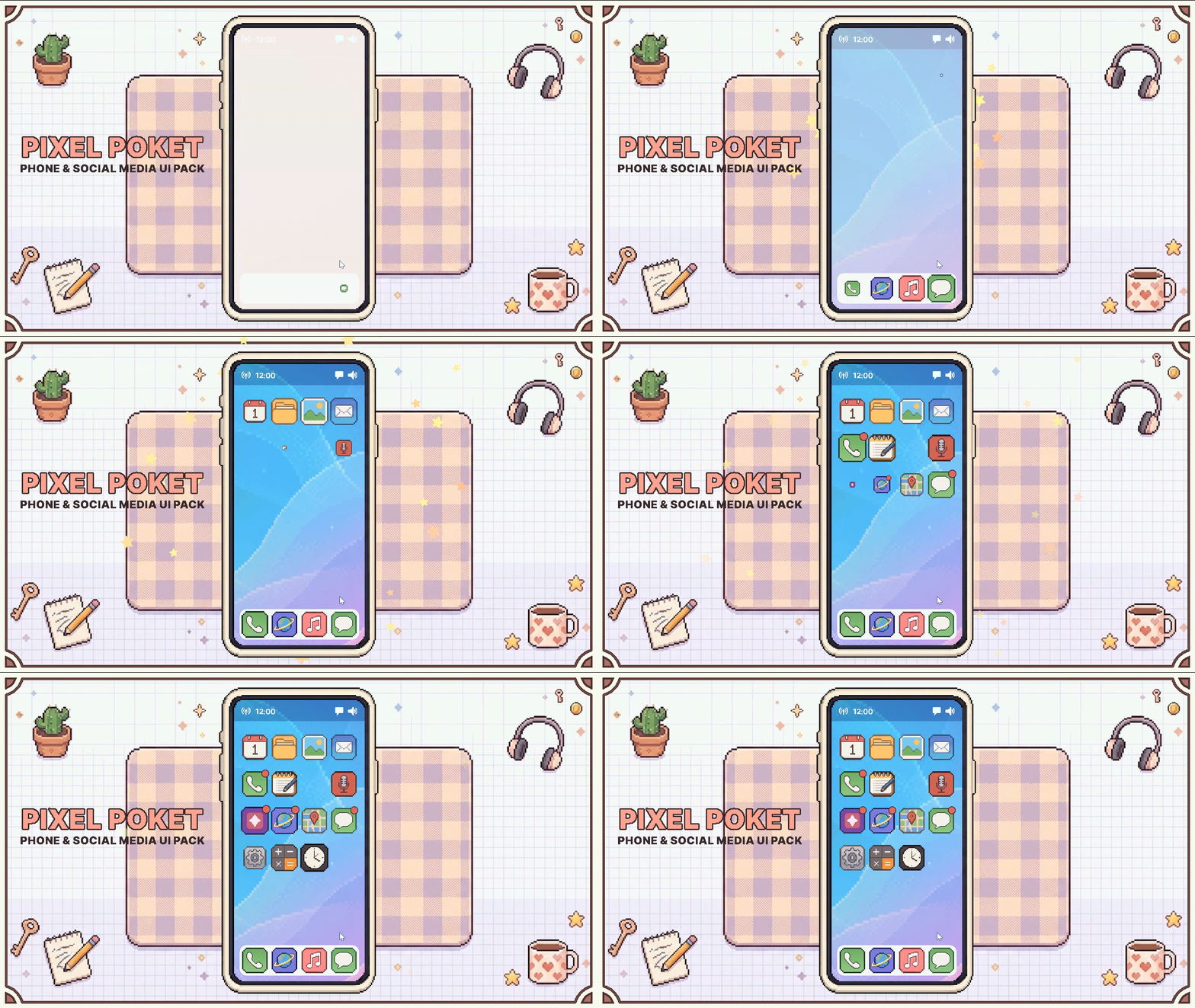
The best part: it animates out of the box, no DOTween needed. 13 drop-in
screens, 213 original sprites, a built-in tween system. Great for dating sims,
slice-of-life & idol games.
👉https://indigolay.itch.io/pixel-pocket-phone-social-media-ui-pack-100-icons
— IndigoLay
Pixel Card UI: Resource & PSD Kit comments · Replied to YAoGuang in Pixel Card UI: Resource & PSD Kit comments
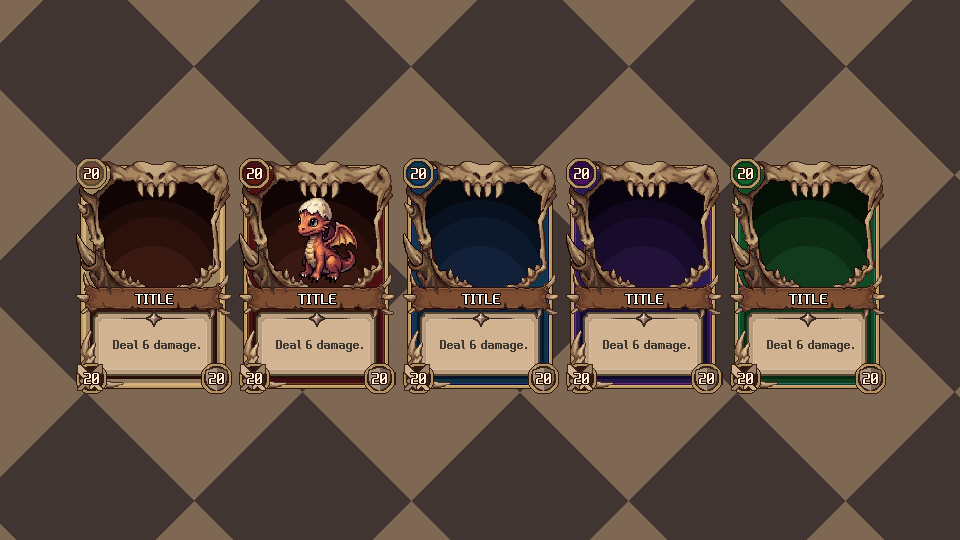
Hello YAoGuang, thanks for leaving a comment! I completely agree with your idea, which is why I've just updated the asset pack. There are now dedicated monster frames included to help them stand out from the rest of the cards. The update is available to download now. Hope this helps with your project!
itch.io Community » General » Release Announcements · Created a new topic [RELEASE] Modular Pixel Art Card UI Kit - 5 Themes & Master PSDs
Hello everyone!
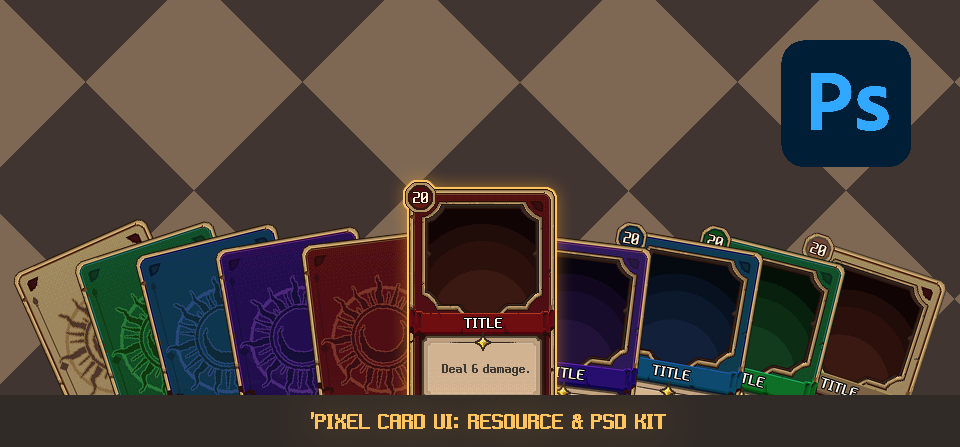
I've been totally hooked on playing various deck-builders and card games lately. While enjoying them, I got the sudden urge to try making my own card UI in pixel art. What started as a fun side project has now grown into a complete, ready-to-use asset pack, and I'm super excited to share it with you all today!
Introducing the Modular Pixel Art Card UI Kit. I designed this keeping in mind what fellow indie developers would actually need to build a flexible and professional-looking card system.
✨ What's inside the kit?
- 100% Handcrafted Pixel Art: Designed at a 960x540 (16:9) base resolution, perfect for scaling up to 1080p.
- Highly Modular (46 PNGs): Everything is sliced! Mix and match frames, backgrounds, and ribbons to build your own deck.
- 5 Themed Colors: Includes complete sets for Basic (Neutral), Red (Fire), Blue (Water), Green (Earth), and Purple (Dark).
- Essential RPG Elements: Comes with Attack/Defense symbols, Tier badges (Common, Epic, Legendary), and a Selection Active Outline effect.
- Master PSDs Available: For those who want full control over colors and layouts, the Pro tier includes fully layered Master PSDs with the Front and Back templates cleanly separated.
Whether you're making a roguelike deck-builder, a TCG, or just need some card elements for your RPG, I hope this kit serves as a solid foundation for your project.
🔗 Check it out here: https://indigolay.itch.io/pixelcardui
I’d love to hear your thoughts or see what you create with it! Feedback is always welcome. Happy game dev! 🎮
itch.io Community » General » Release Announcements · Created a new topic Major Update v1.2: Casual Strategy UI Pack - 80 New Elements & System Panels added!
Hey everyone,
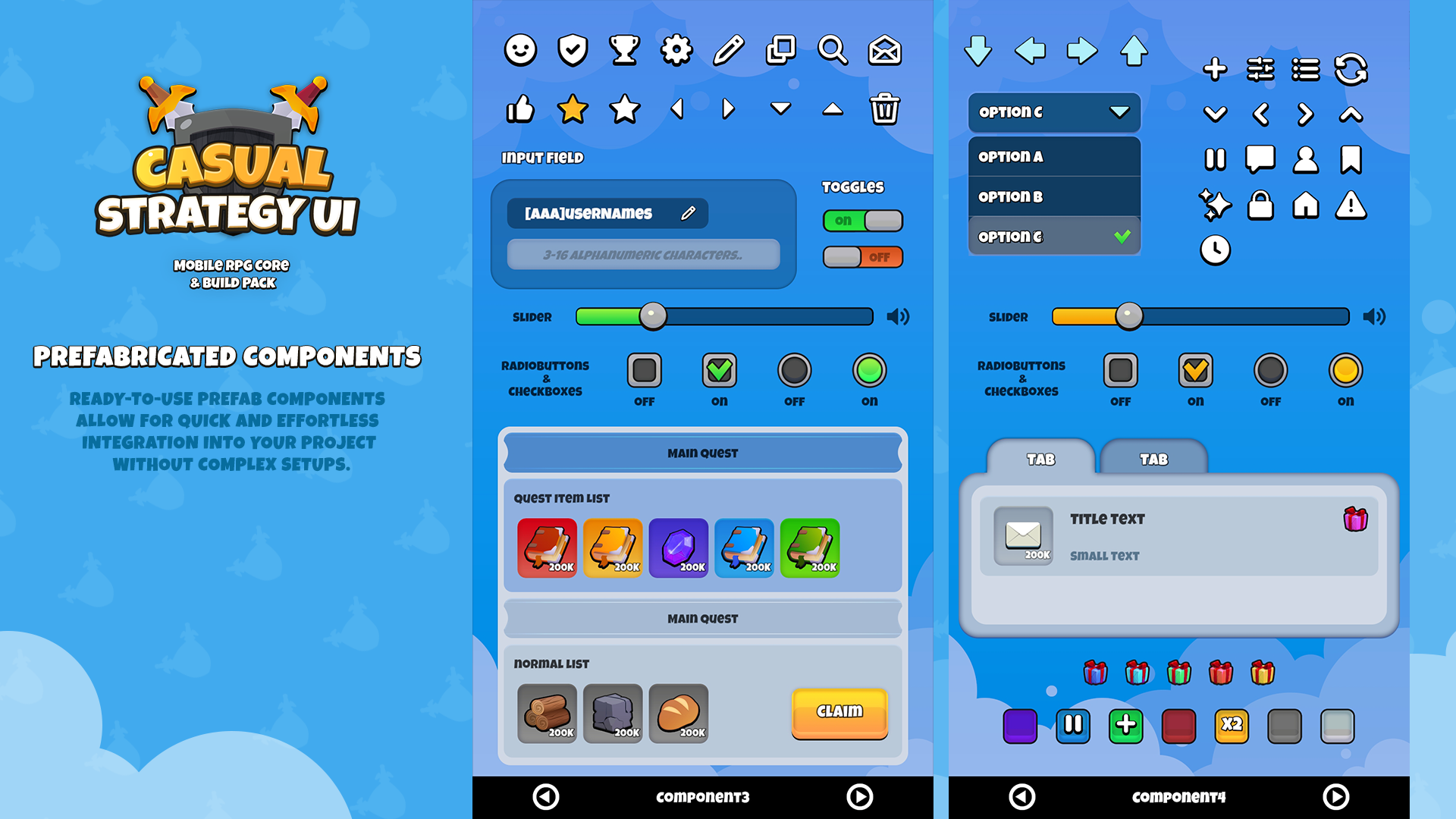
I just released a massive v1.2 update for the Casual Strategy UI Pack! If you are building a strategy, SNG, or tycoon game, this update brings a ton of ready-to-use features to save you even more development time.
Here is a quick look at what is new in v1.2:
- 5 Essential System Screens Added We expanded beyond the basic lobby and build flows. Now you get fully assembled, full-screen UIs for:
- Mail (Inbox and rewards)
- Quest (Mission lists and progress)
- Settings (Audio, language, toggles)
- UserInfo (Player profile, level, EXP)
- ChangeName (Text input dialog) This brings the total full-screen UI count to 15.
- 80 New UI Elements (195 -> 275 total) We added a huge batch of interactive controls so you can easily build any custom screen you need.
- Interactive Controls: Checkboxes, Dropdowns, Input Fields, Radio Buttons, Sliders, and Toggles.
- Layout Tools: New background panels, list structures, and tabs.
- Visuals: More button shapes, decorative elements, and system/resource icons.
You can check out the full details, screenshots, and get the pack on the store page here:https://indigolay.itch.io/casualstrategyui
I would love to hear your feedback! Let me know what you think in the replies, and feel free to suggest what UI screens or elements you would like to see in the next update.
Cheers!
itch.io Community » General » Release Announcements · Created a new topic I bundled my 4 Pixel RPG UI kits into one massive 3,000+ PNG collection (Launch Sale!)
Hey everyone!
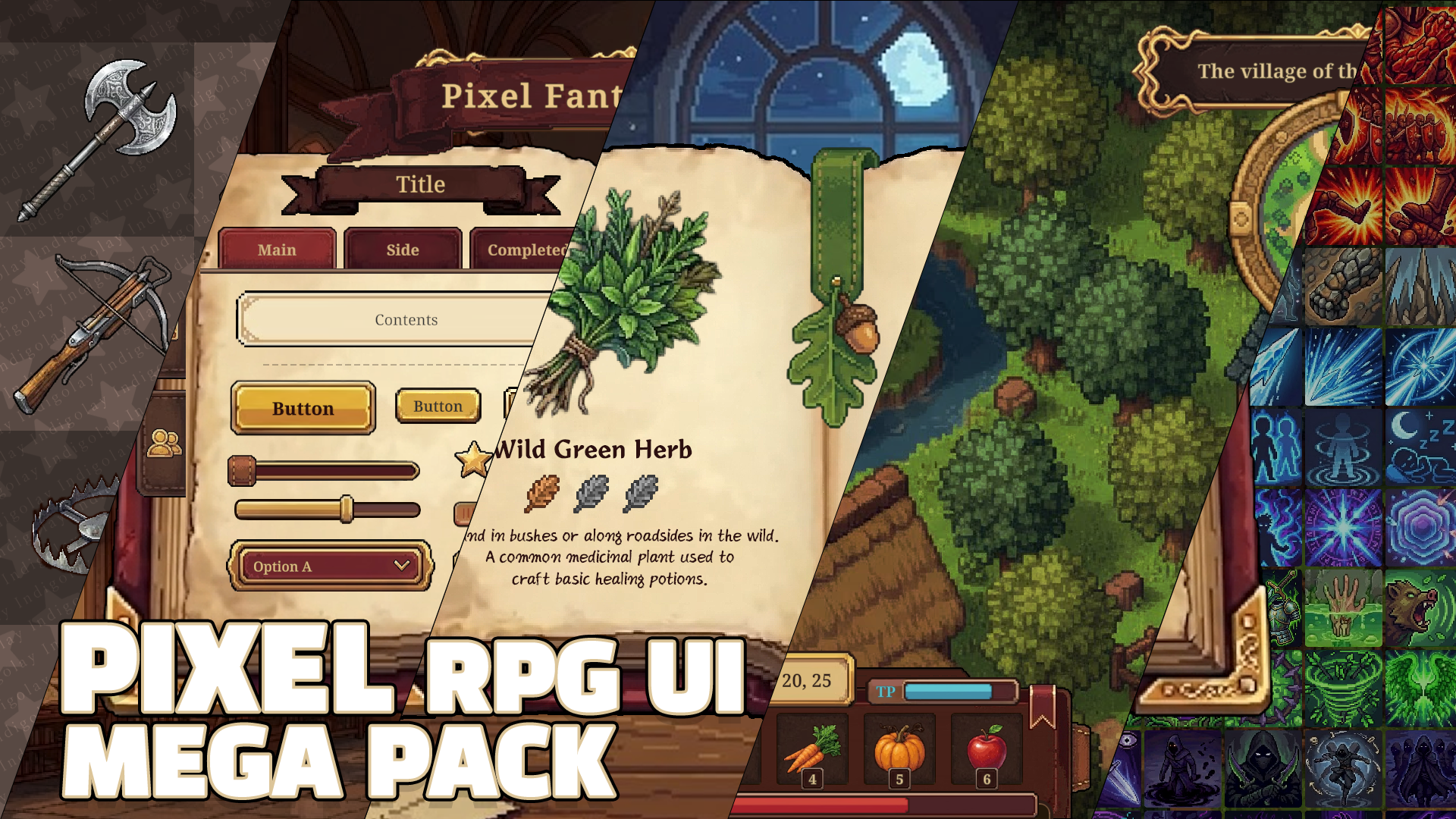
I’ve been working on several pixel art UI kits for a while now, and I noticed many developers were picking them up separately to build their RPGs. To make things a lot easier (and cheaper) for the community, I finally put them all together into one 4-in-1 Mega Bundle.
I decided to keep this bundle focused on Raw PNG files only. Whether you are using Godot, GameMaker, Unreal, or a custom engine, you can just drag and drop these 3,000+ assets straight in without any engine-specific headache.
What’s inside:
- Animated Magic Book: 30-frame open/page-flip animations + 153 icons.
- Adventure Journal UI: 183+ components for quest logs and creature systems.
- In-game HUD: Dynamic status bars (9 colors) and essential exploration icons.
- Massive Skill Kit: 2,168+ skill icons and full UI flow for 4 RPG classes.
To celebrate the launch, I’m running a 33% OFF sale ($24.99) for the next two weeks (until April 14).
If you're looking for a cohesive pixel art style for your next project, feel free to check it out! I’d love to hear what you think.
Check out the Bundle here: https://indigolay.itch.io/pixel-rpg-ui-mega-pack-4-in-1
itch.io Community » General » Release Announcements · Created a new topic Casual Strategy UI — Mobile RPG Core & Build Pack
Hey everyone,
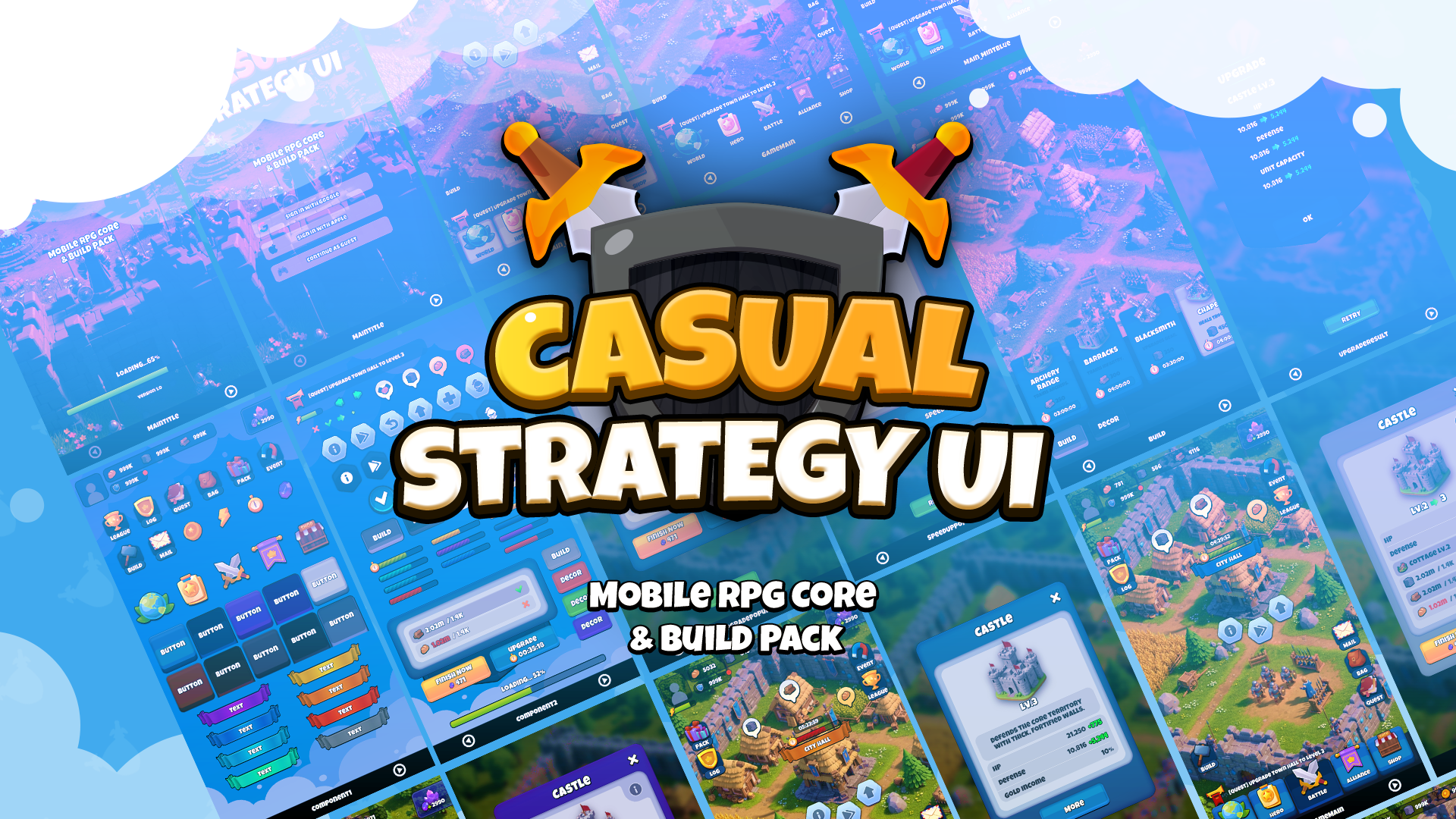
I just released a UI kit I've been working on for a while. It covers the core screen flow of a mobile casual strategy game — the kind where you build stuff, upgrade, and manage resources.
What's in it:
- 9 production-ready screens (Splash, Lobby, Build, Build Confirm, Upgrade Popup, Speed Up, Info, Upgrade Result, Common Popup)
- Code-based animation system with 30+ easing curves — no Animator needed
- 5 color themes (Purple, Brown, Gray, LightGray, MintBlue) as swappable prefab variants
- ScriptableObject building system — add new buildings without touching code
- Particle effects with object pooling
- Clean folder structure, commented scripts
Why I made it:
I got tired of rebuilding the same UI screens every time I started a new strategy game. Build menus, upgrade popups, resource bars — it's always the same flow but you end up making it from scratch. So I built a kit I'd actually want to reuse, and figured other people might find it useful too.
The whole animation system runs on pure C# easing functions instead of Animator. Popups transition in four directions with configurable curves, buttons have press animations, resource icons fly to the HUD with physics-based arcs. You tweak everything in the inspector. No Animator controllers to manage.
Two tiers:
- Resources Only ($9.99) — all sprites, icons, UI elements, and a curated font. Engine-agnostic, works with Godot, Unreal, Cocos, anything.
- Resources + Unity Package ($19.99) — full package with C# scripts, prefabs, ScriptableObjects, demo scene, animation system, and color theme variants. Import and go.
Requirements for the Unity package: Unity 2021.3 LTS+, TextMesh Pro, URP. No extra plugins.
I'm planning to add more screens (shop, inventory), more themes, and possibly expansion packs depending on feedback. If you have suggestions, I'd love to hear them.
Link: [Casual Strategy UI on itch.io]
Thanks for checking it out.
itch.io Community » General » Release Announcements · Created a new topic [RELEASE] Massive Pixel Skill Icons & Book UI Kit for RPG Devs! ⚔️
itch.io Community » General » Release Announcements · Created a new topic Free Aseprite Script: Color Shading Plus v1.2
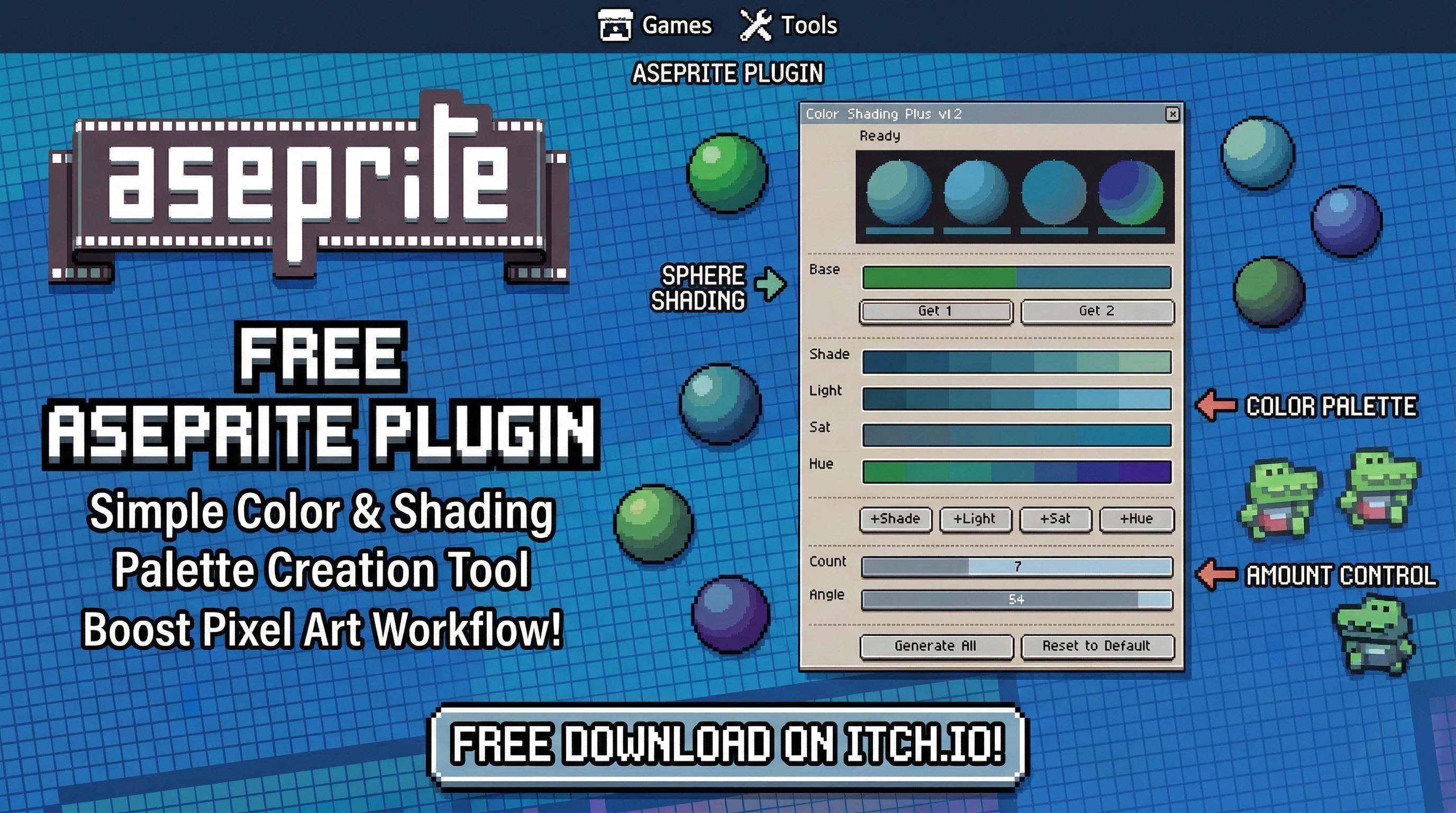
Having trouble making palettes in Aseprite? Want pretty colors without the hassle?
Manually adjusting colors for pixel art shading can be tedious. I created a small script that automatically generates consistent Shade, Light, Hue, and Saturation variations based on your base colors. And yes, it is completely free to use.
Features & How to Use
- Preview Window: Displays variations as circular canvas samples, allowing you to quickly check the results before adding them to your palette.
- Base (Get 1 / Get 2): Instantly retrieves your current Aseprite Foreground Color (Get 1) and Background Color (Get 2).
- +Shade / +Light / +Sat / +Hue: Generates the corresponding color variation and adds it directly to your palette.
- Count & Angle: Customize exactly how many shading steps you want (Count) and control the hue rotation angle (Angle).
- Generate All: Generates all variations at once and populates your palette with a single click.
Installation
- Download the
.luascript file. - Open Aseprite and go to
File→Scripts→Open Scripts Folder. - Place the
.luafile inside that folder. - Click
File→Scripts→Rescan Scripts Folder. You will now see 'Color Shading Plus' in the list.
Credits This is an enhanced version (v1.2) of the original Color Shading script by Dominick John and David Capello. I (Indigolay) added the canvas sphere preview and improved the usability.
It’s free for both personal and commercial projects. If you find it speeds up your workflow, a mention of Indigolay would be much appreciated!
👉 Download here: https://indigolay.itch.io/aseprite-color-shading-plus