On Sale: GamesAssetsToolsTabletopComics
Indie game storeFree gamesFun gamesHorror games
Game developmentAssetsComics
SalesBundles
Jobs
TagsGame Engines

hegartype

9
Posts
4
Topics
A member registered Oct 30, 2024

Recent community posts

Morning all, Charlie,

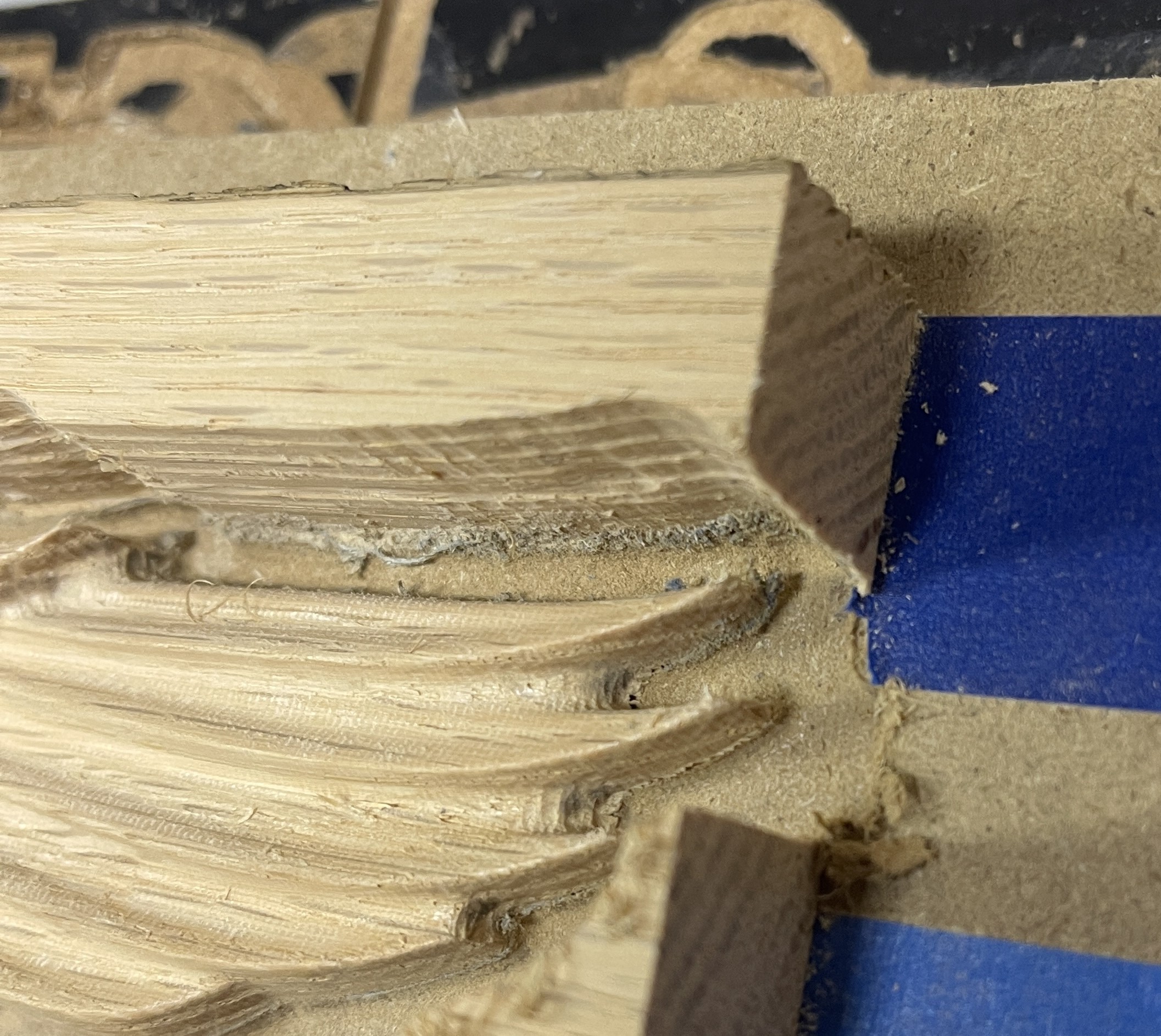
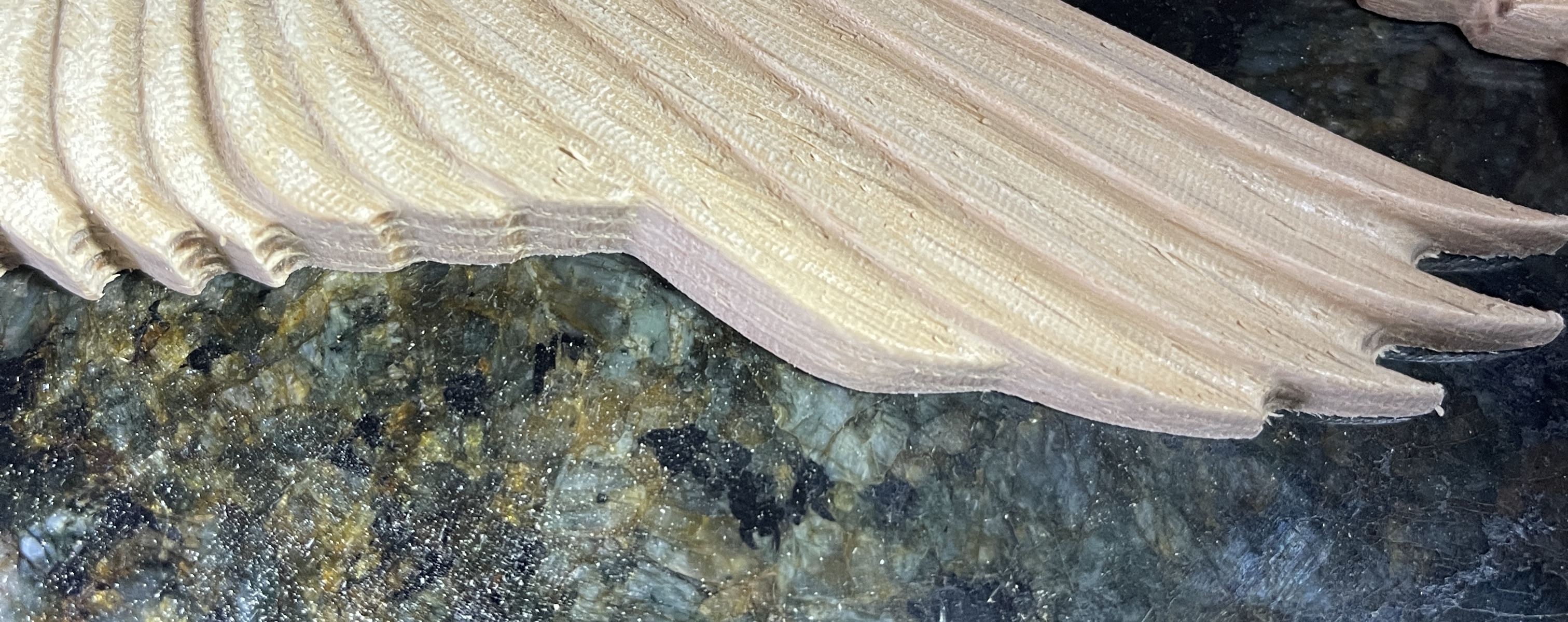
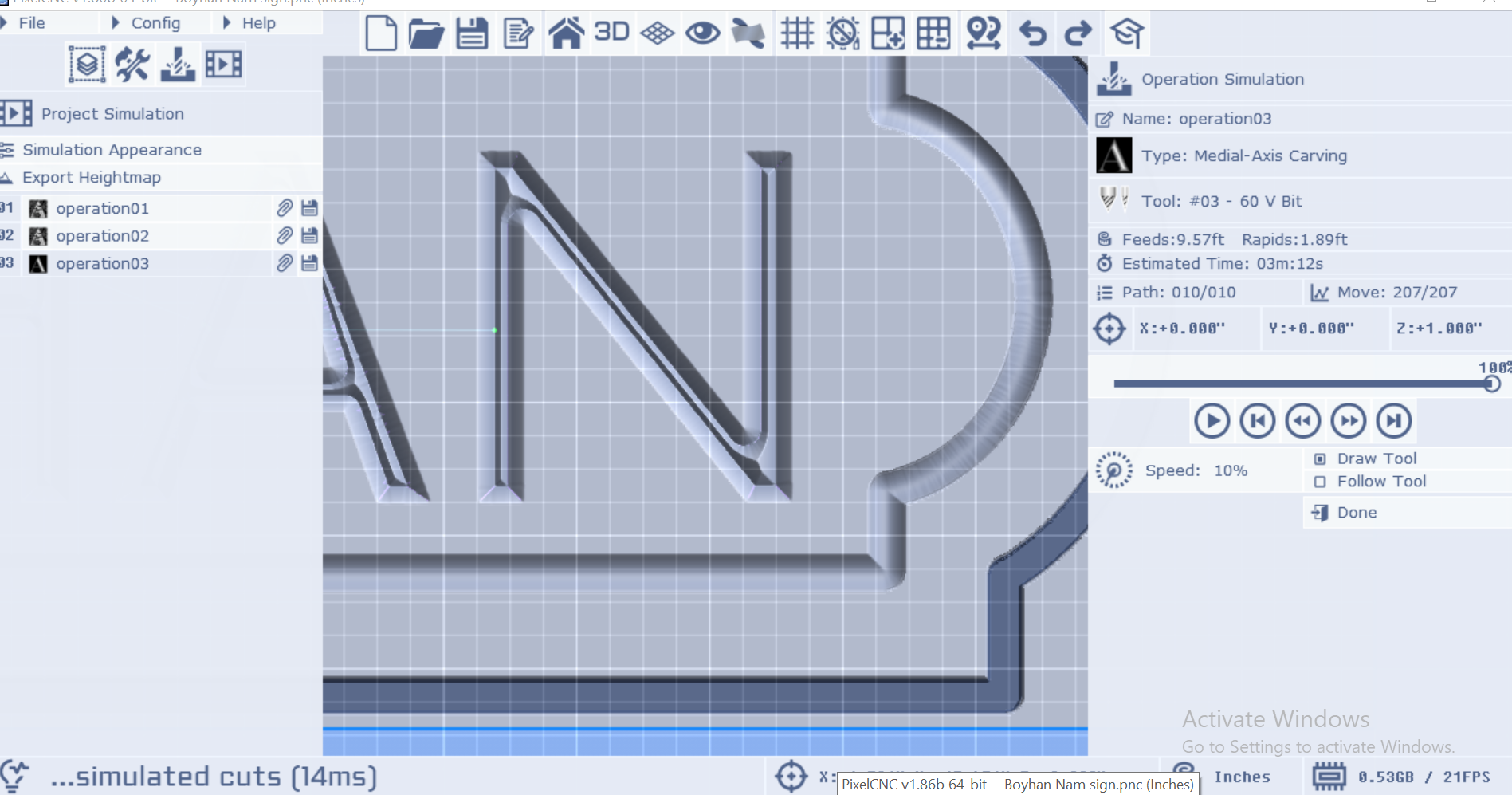
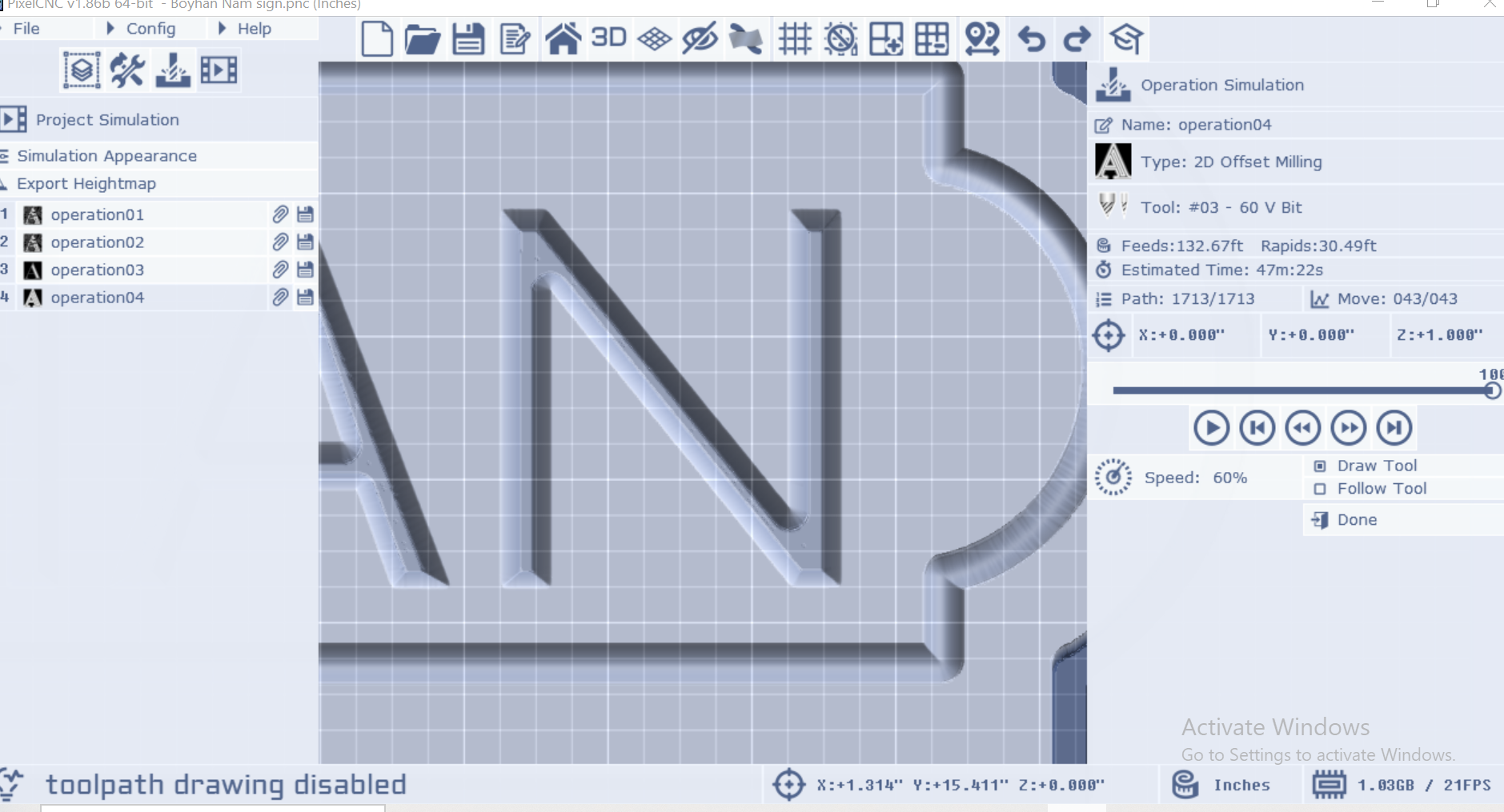
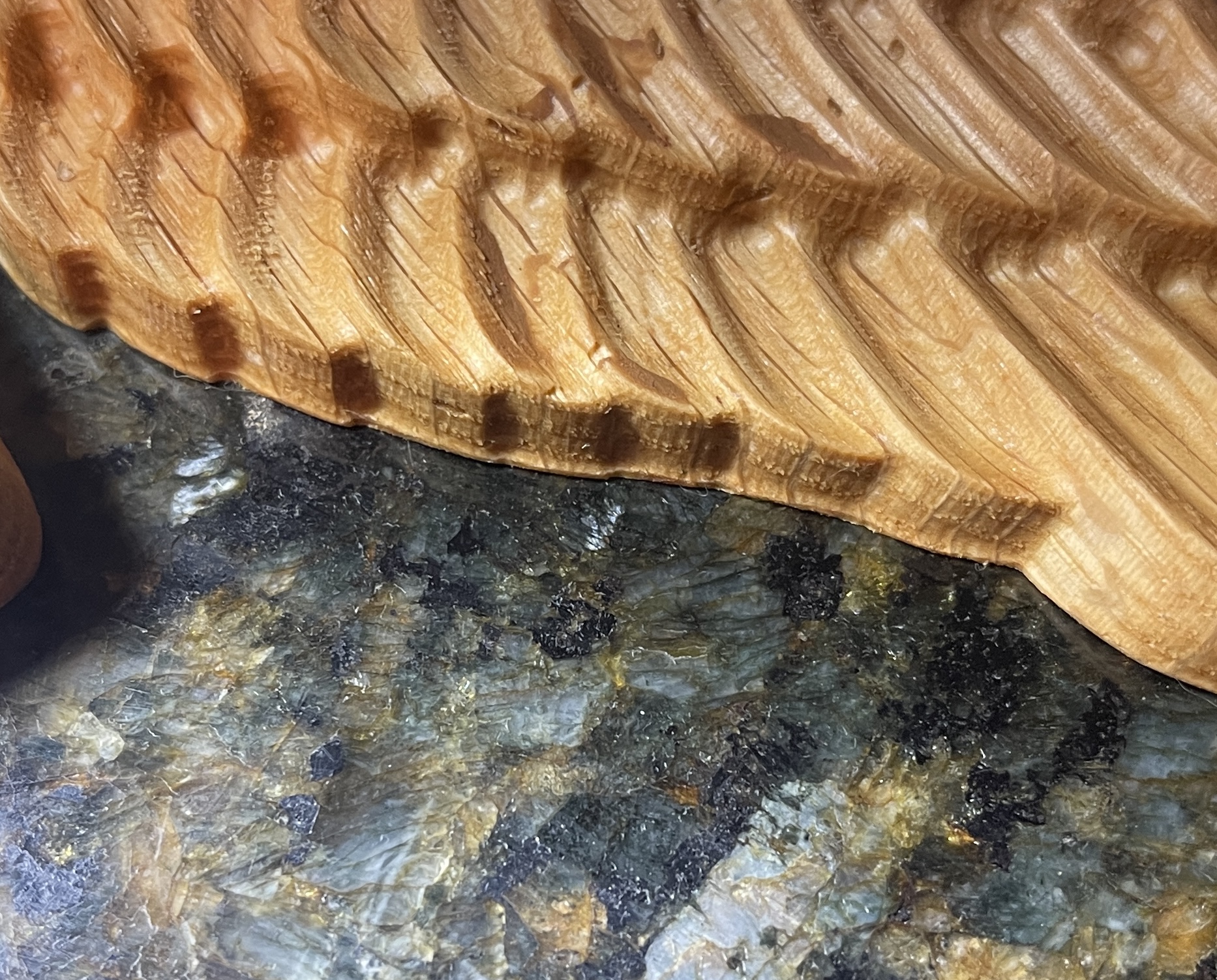
Hoping for some more guidance, I'm trying to V carve a name sign, it is essentially doing what i want but i'm hoping there is a way to "clean up" the bottom of the letter as well, pocket the whole letter.  Hopefully the pics will illustrate what I mean. 

I have a scheme on how it could be done by following up this V carve with an offset milling operation with a 1% stepover, it will take another hour but it looks like it will work.  

Is that the way?  Thanks in advance

Ha! Yes!  that helps  ton.  Thank you!

Hey Charlie,


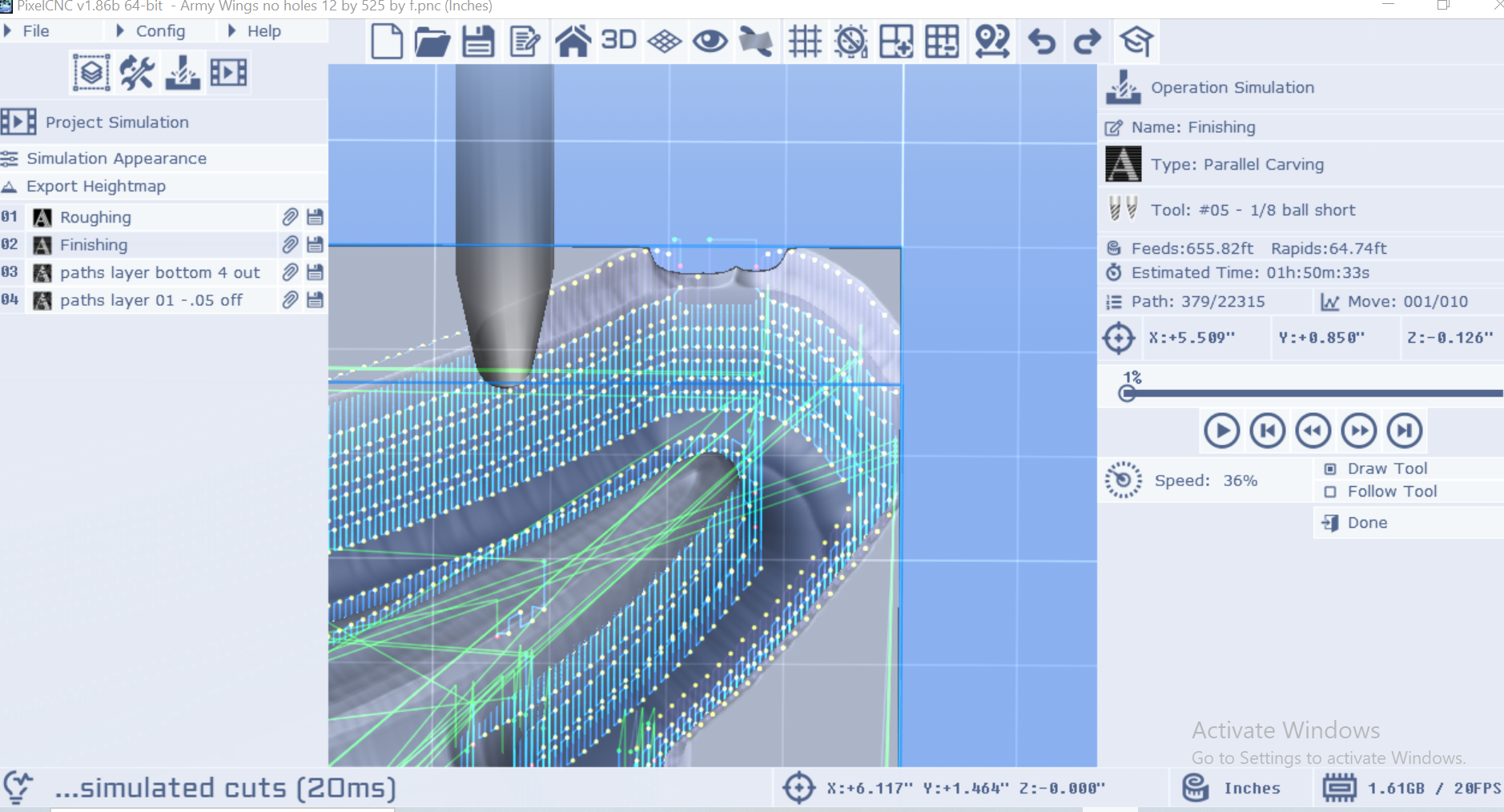
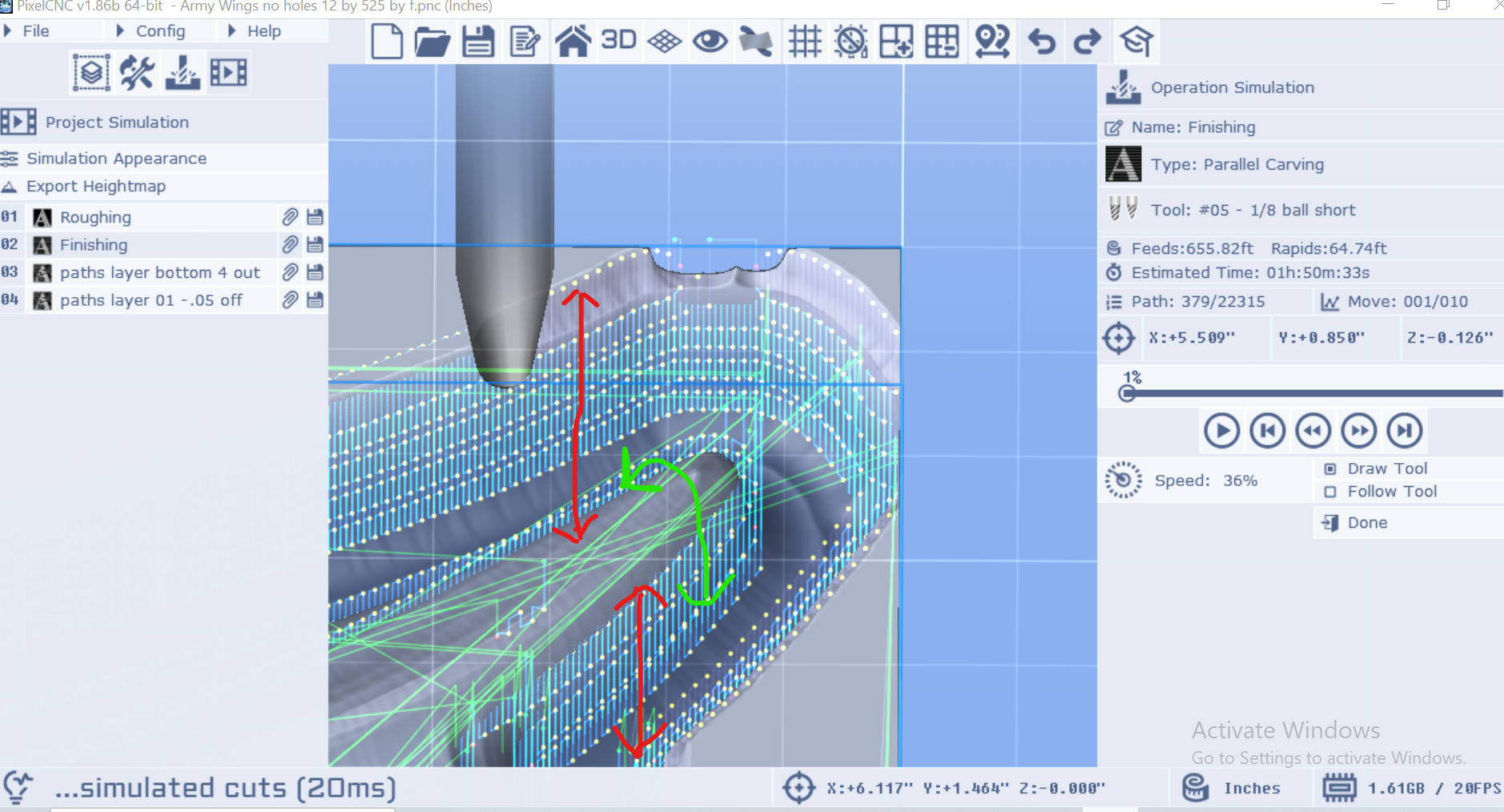
A follow up on this one/new issue.  is there a way to stop from cutting the outer wall of the raster layer?  In relation to my previous post regarding times as well, part of the problem is the program insisting on touching the outer wall of the raster layer leading to a lot of tiny cuts especially towards the bottom of the model, I'm talking the last 20% of the cut taking an additional 3 hrs. on top of an already 3 hr. cut.  I had convinced myself this was unavoidable and that had to be done to make room at the bottom of the model, but I did some tinkering and there is definitely wasted cutting happening, to illustrate, I exaggerated the raster out a good bit

After the roughing pass there is no material near the model that would need to be cut away to make room for a bit but the finishing pass still insists on touching the outer wall of the raster layer.  Is there any way to stop this or is that just the way it is?  It's doing the red arrows when it really only needs to be doing the green arrow.  Hope that makes sense, looking forward to hearing your thoughts
Yes, I think that's it, Thank You Charlie!

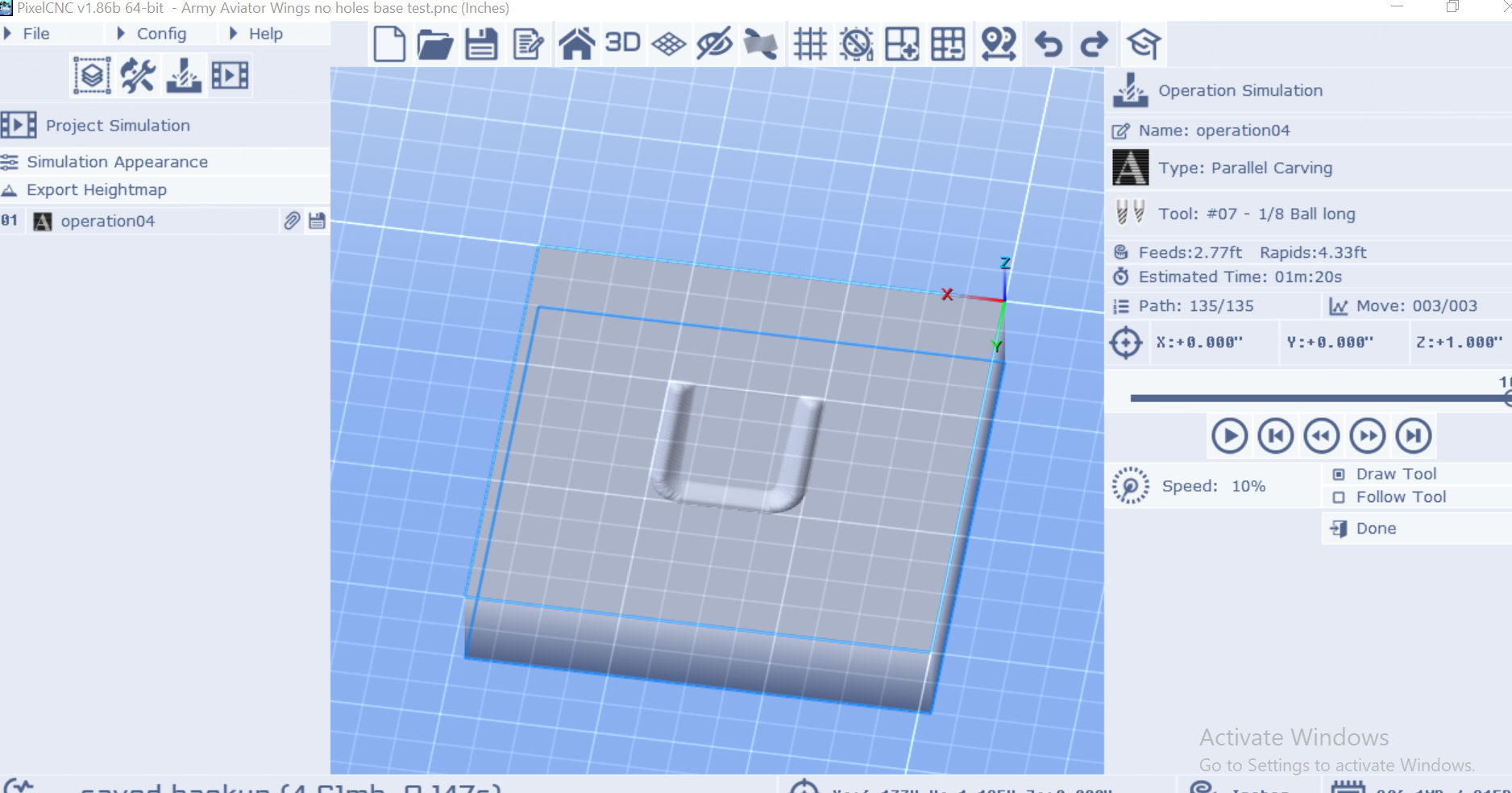
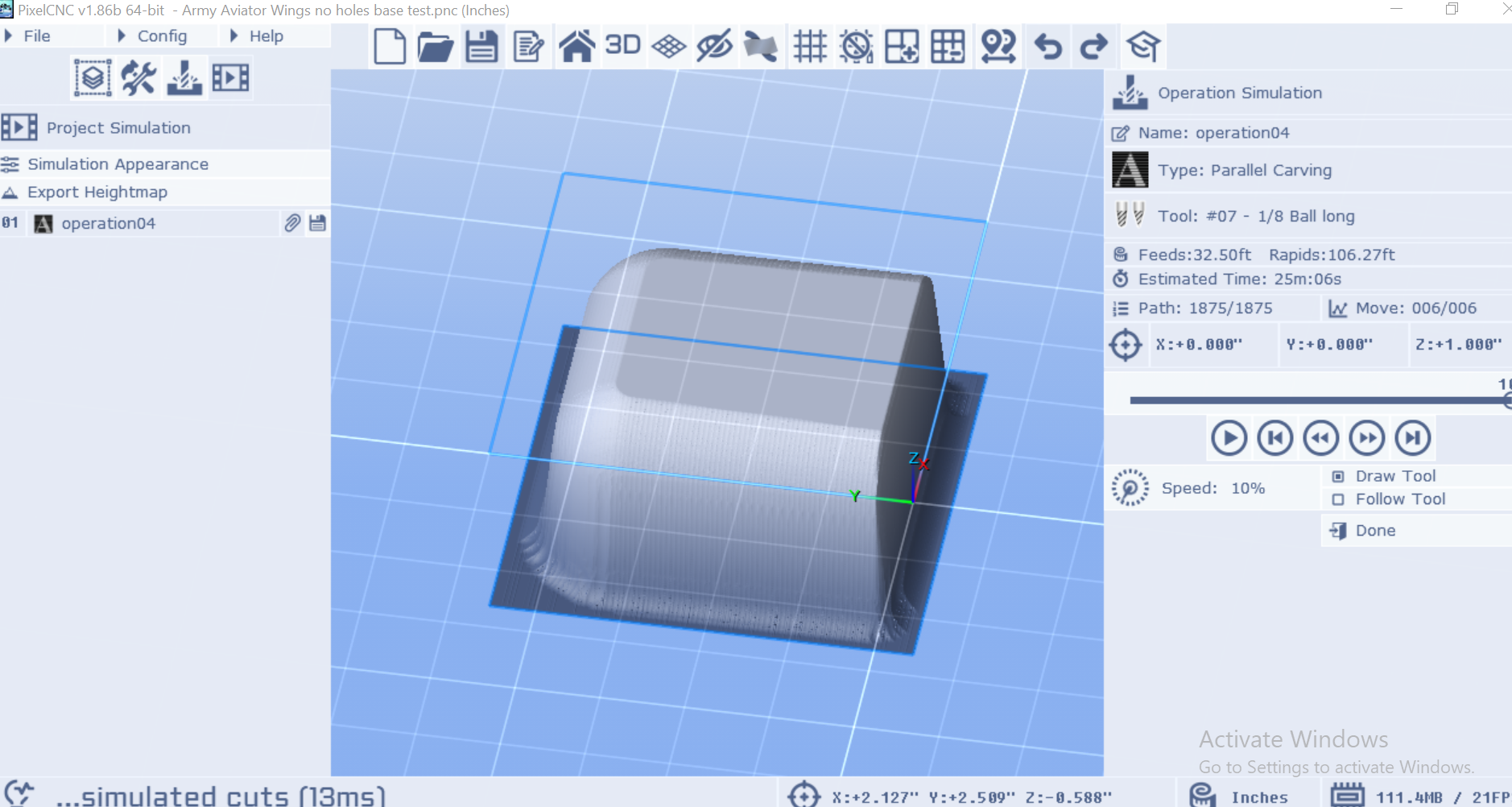
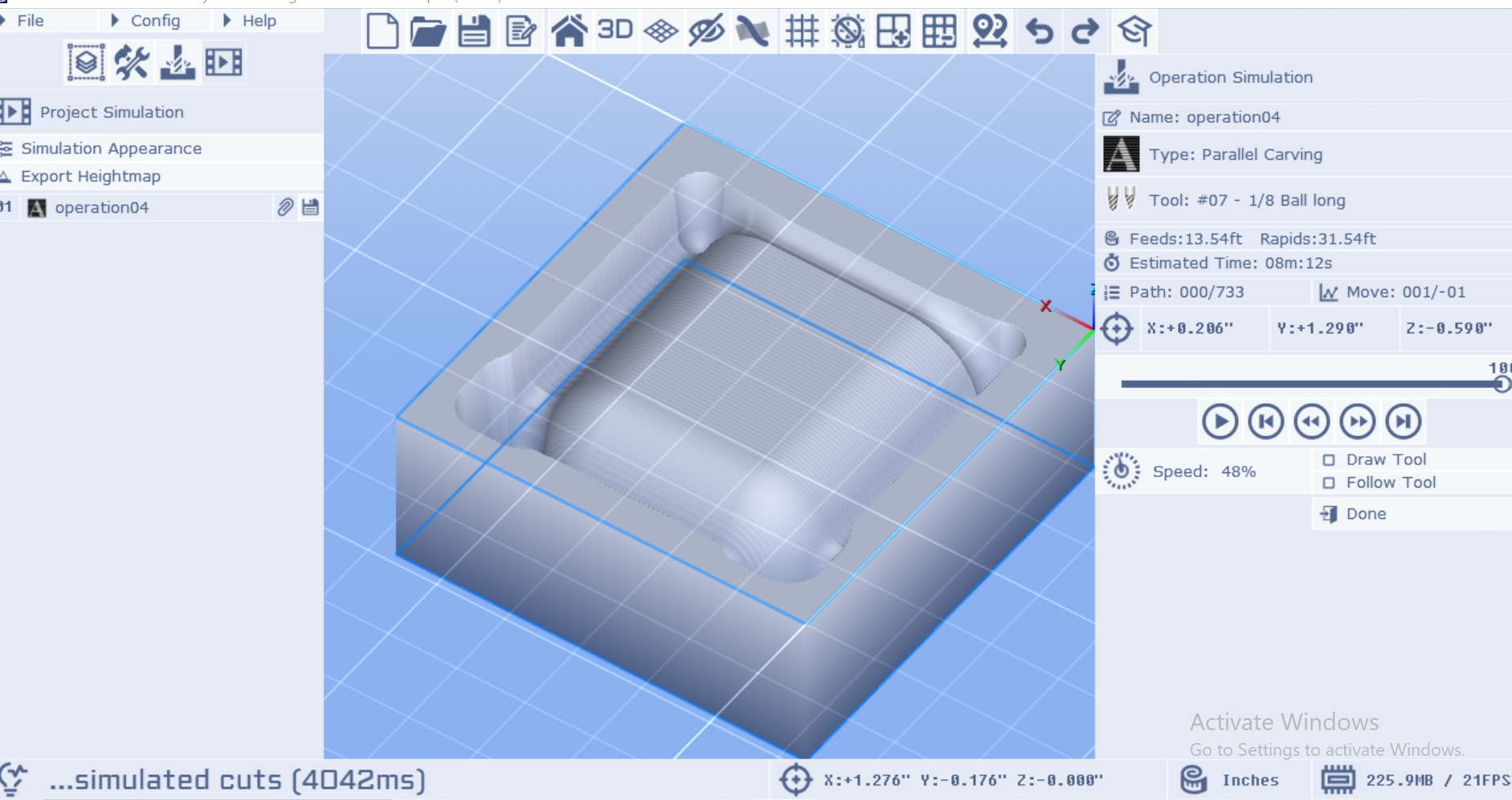
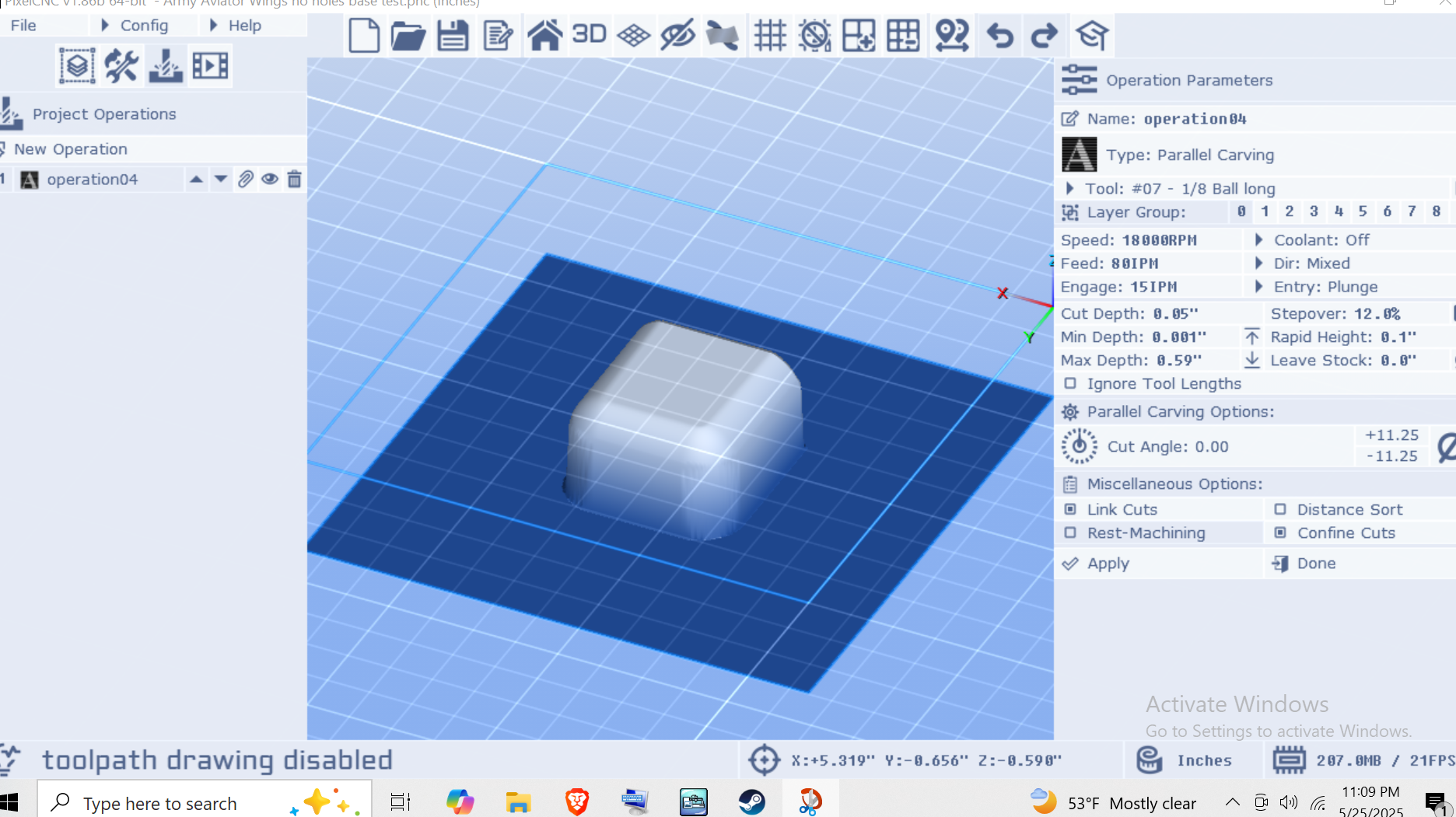
hey Charlie, thanks for getting back.   Canvas to small = No.  Maybe these pics will  better illustrate it.  First is no Z fill, 1x1 model on a 3x3 canvas.  all material round the model is removed, perfect bevel, but wasteful.  

Then with Z fill, we only get about 1/4 of the bevel.  plenty of canvas.  Now it does seem like the program thinks the bit won't fit, but there is no reason for it not to.  Physically at least.


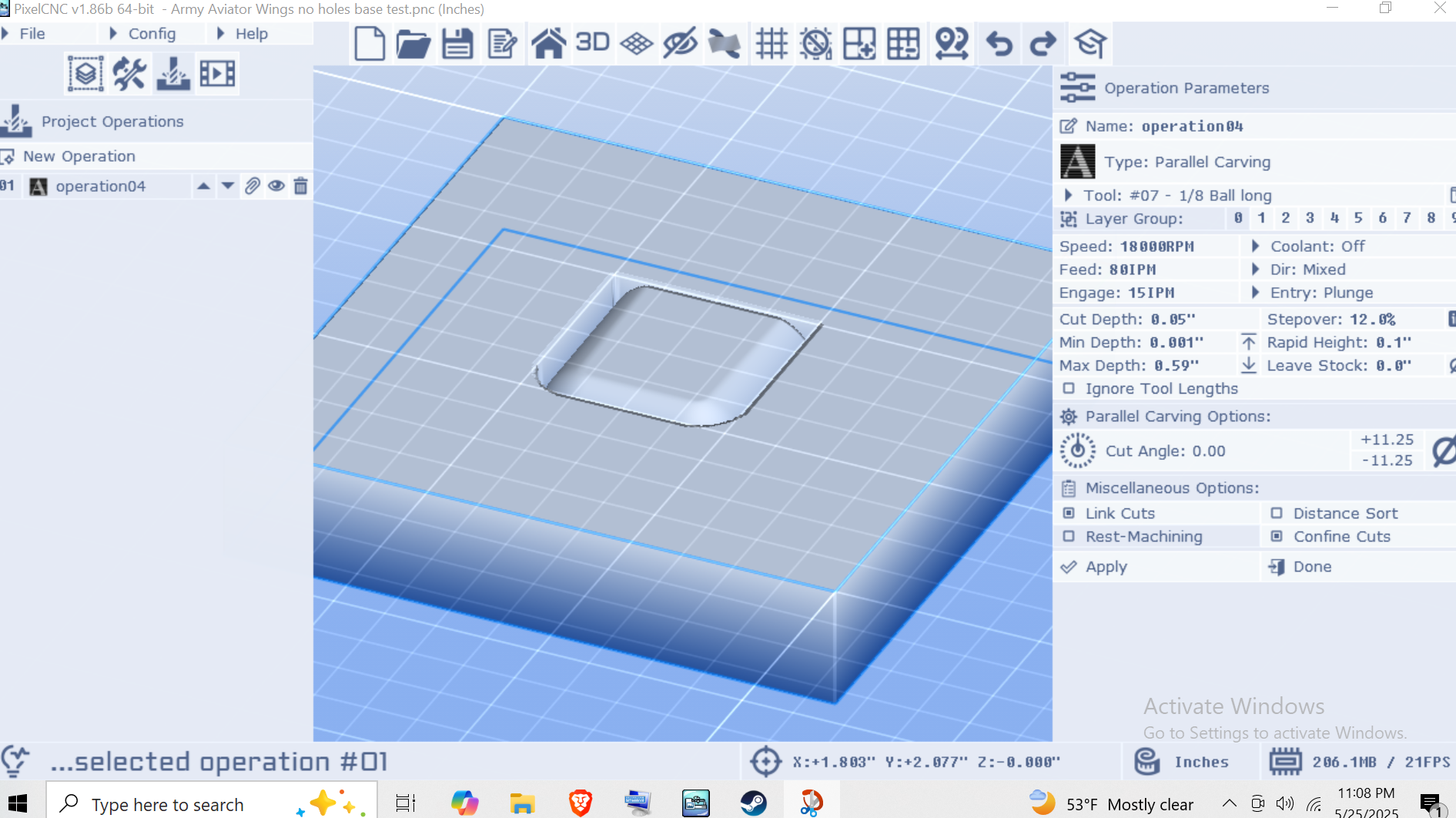
Even in this view from the operations tab, it's modelling the bevel, but it won't cut it.  Is there a way to add a buffer... or something around the outside the model?  I'm at a loss, thoughts?

Hey all, 


Got another issue,  I'm carving an STL with .25 radius along a few edges.  Normally when I do a parallel carve on an STL I use Z fill or it will try to cut the entire board instead of just the model, however in this instance it doesn't want to cut the whole radius.  I tested a small 1.25x1.25 piece with no Z fill, ie cutting down the "whole" canvas and the radii came out just fine.  So how can I fix this?  I feel like I'm just missing a step or an easy fix.

Thanks in advance 


Hi all,

I was doing a relief carving of an stl, it mostly worked, but I have an issue with times.  For the roughing pass, 1/4 endmill,  I had an estimated time of 27:44 in Pixel CNC, when loaded in Gsender it gave an estimate of 29:38, in actual time it was about 40 minutes, I didn't record it, it wasn't a crazy difference.  Then for the finishing pass, 1/8th ball nose, estimated time of 1:12:02, Gsender 1:38:00, actual time 3:27:14.  Anyone have an idea why I would get that crazy difference? Or any difference period?  Thanks in advance.

Hi Charlie, thanks for the quick reply, so I set up another job, tiny, 1.25x.95in or so, in Pixelcnc and in easel(sorry) the easel rough and finish ran essentially perfectly, and in Pixelcnc the finishing pass was above the work surface again, just a couple millimeters, cutting air.  It has to be something to do with my project set up, what other info can I share to help sort this?

Hi all, 

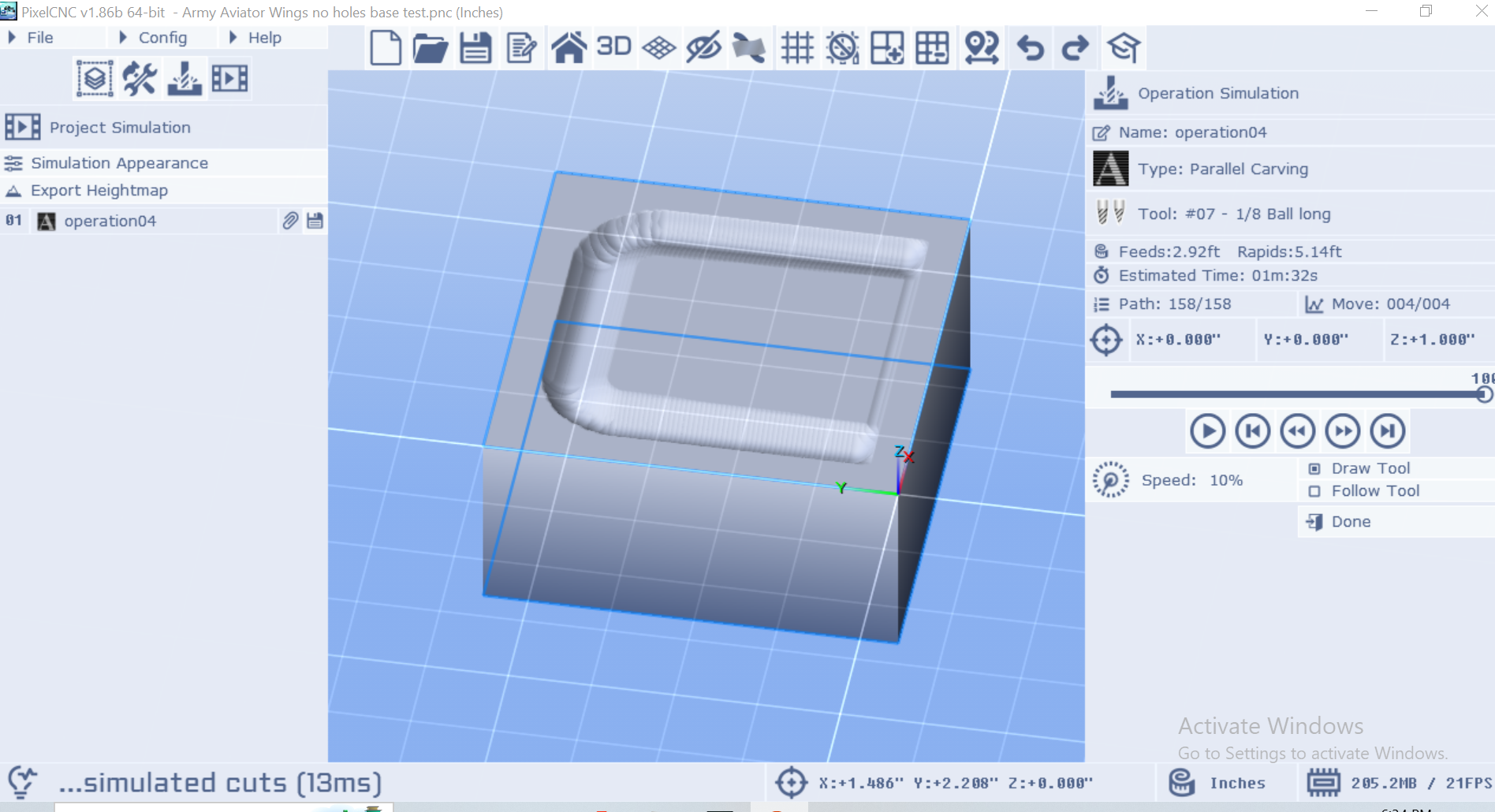
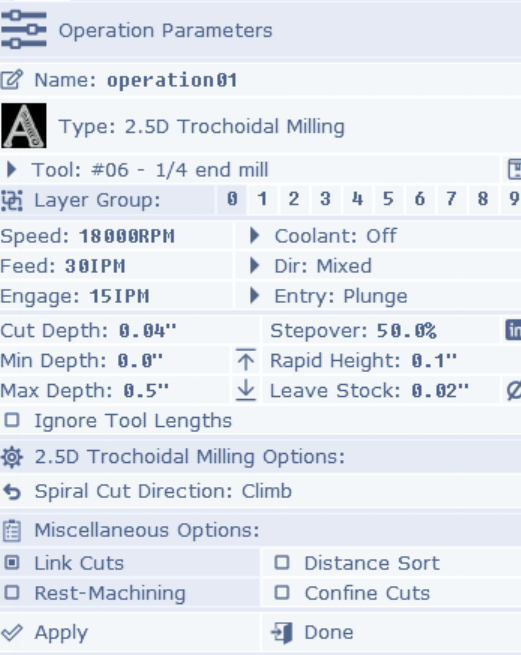
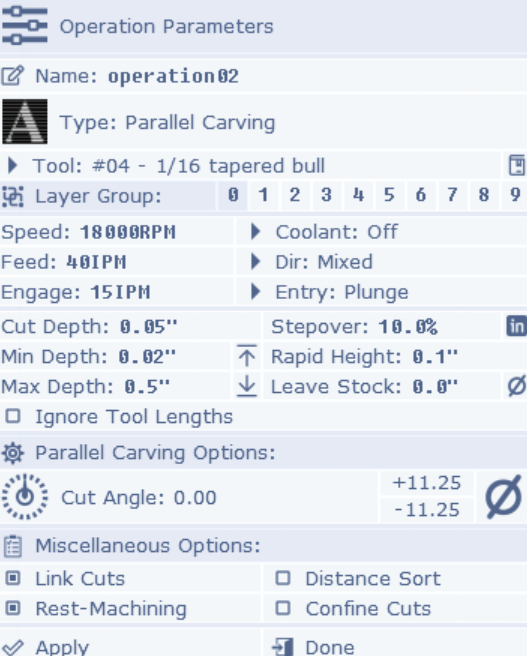
I'm doing a relief carving, roughing, finishing and perimeter passes, I followed the tutorial, everything looks right, the roughing pass carves out, I change the bit, re-zero the Z, and when I start the finishing pass the bit is floating along above the work piece a 10th of an inch or so.  I'm sure it is something simple I am missing, but I am stumped.  Pics of roughing and finishing settings attached.  Any help is appreciated.