Indie game storeFree gamesFun gamesHorror games
Game developmentAssetsComics
SalesBundles
Jobs
TagsGame Engines

haroldo-ok

450
Posts
3
Topics
366
Followers
951
Following
A member registered Oct 14, 2015 · View creator page →

Creator of
Recent community posts

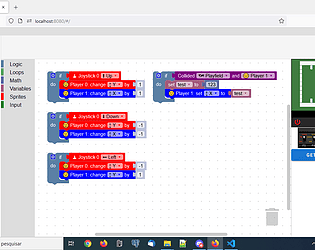
Hello; the examples for moving the player top/down and left/right could be adapted to use the "random" blocks instead of reading the joystick

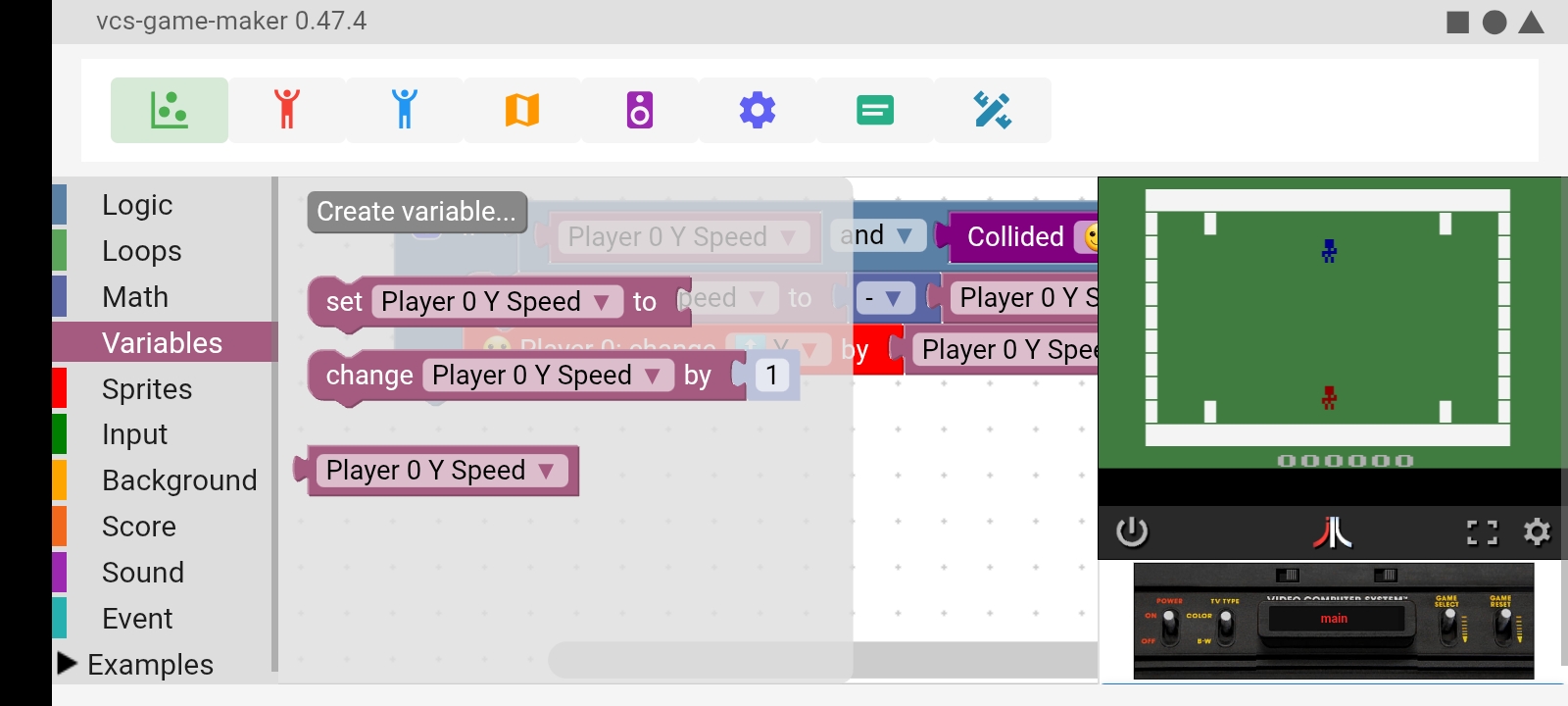
Hello, the last block from the "Variables" section is for reading a variable:


(1 edit)

Thanks for your report.

It's a work in progress,  but some blocks already work; it will get better over time.

Many thanks! 

Many thanks! I wouldn't be able to do it without your fantastic tool.

Many thanks!

Many thanks!

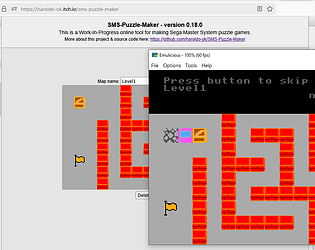
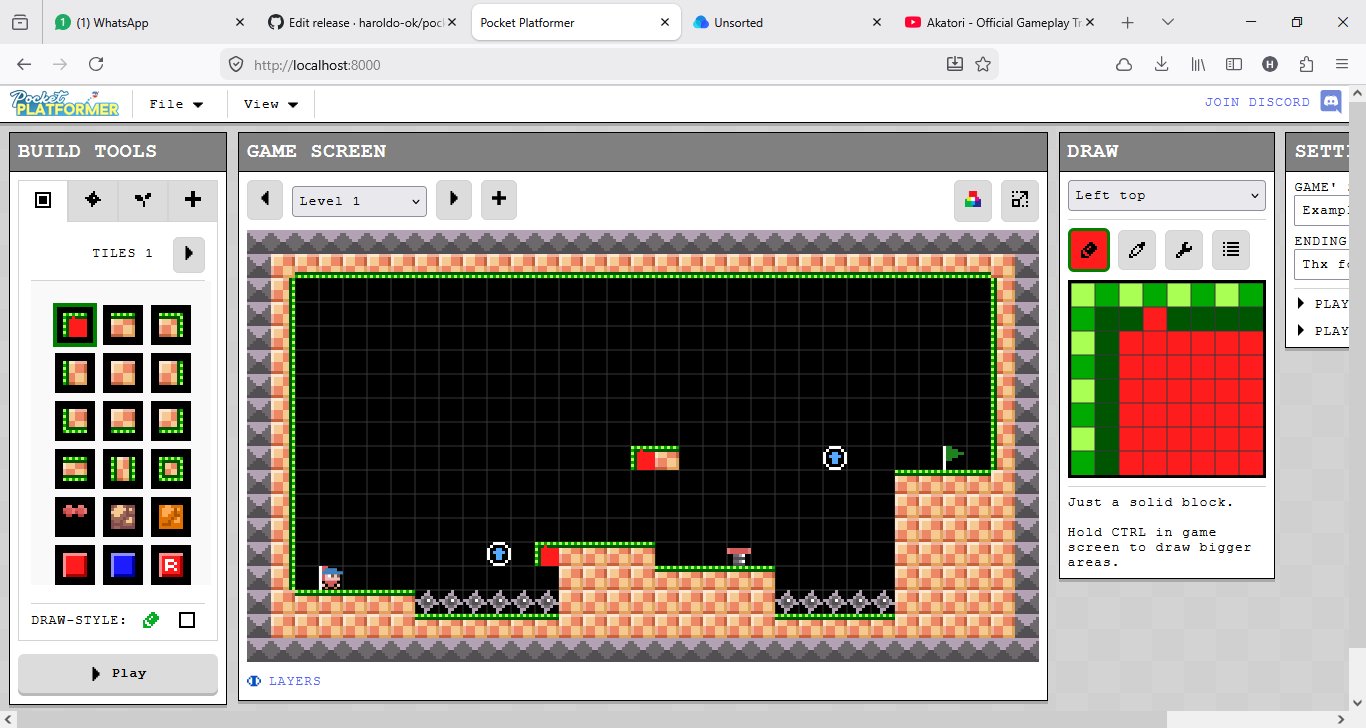
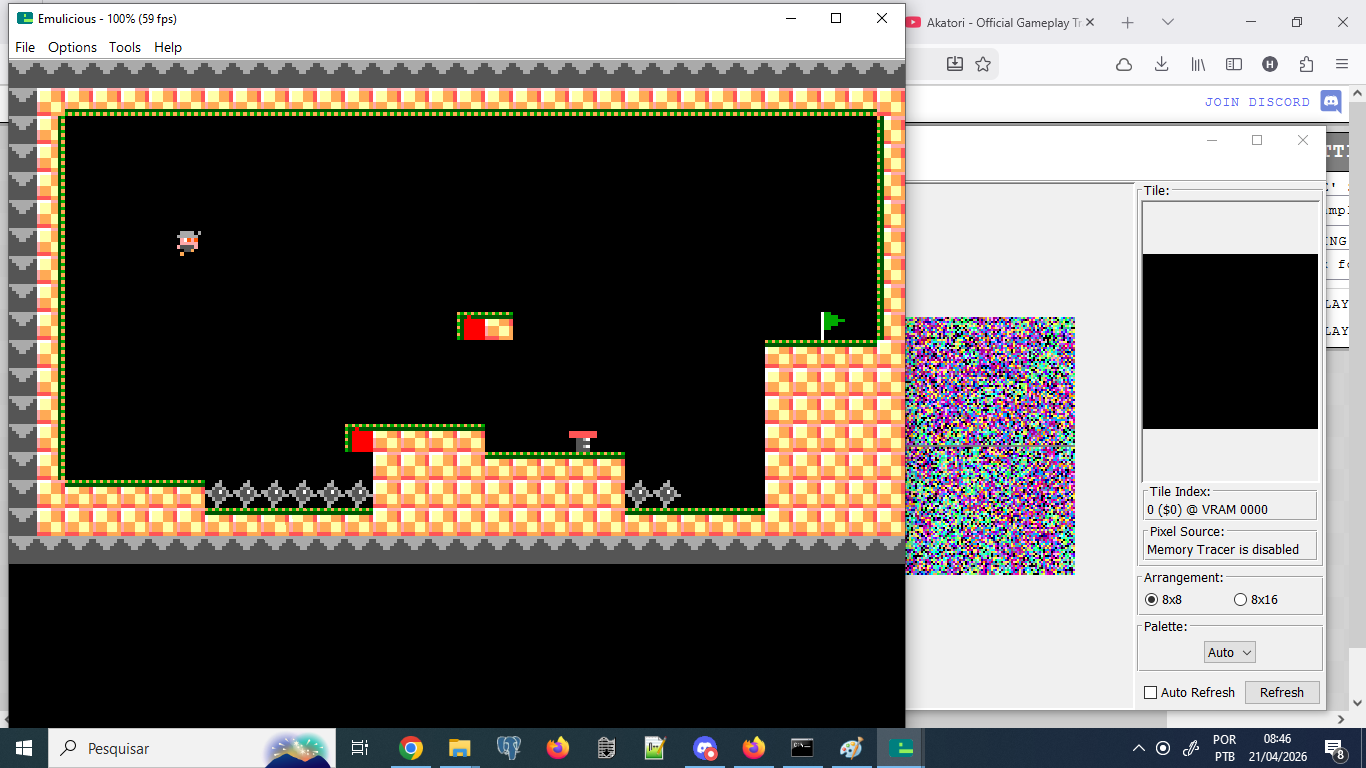
I just made an experiment where I mashed-up "Pocket Platformer" with my own "SMS-Puzzle-Maker" using Claude. 

After a bit of pushing it towards the right path, the results are surprisingly playable! 

Page on itch.io: https://haroldo-ok.itch.io/pocket-platformer-sms 

Github repo: https://github.com/haroldo-ok/pocket-platformer-sms

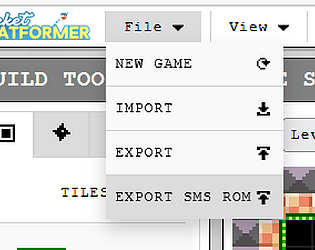
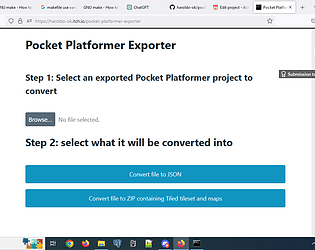
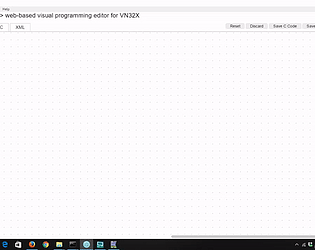
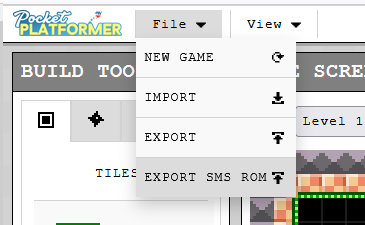
Menu option:
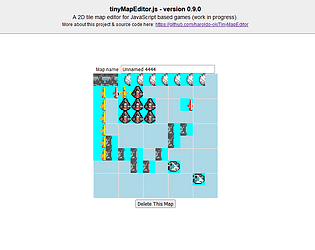
The editor:
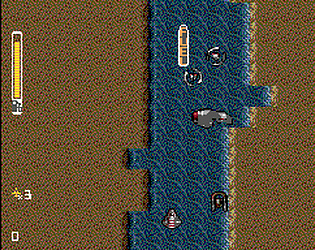
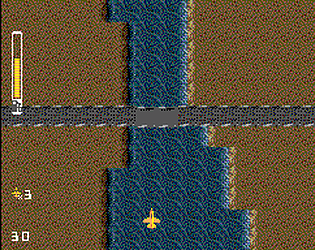
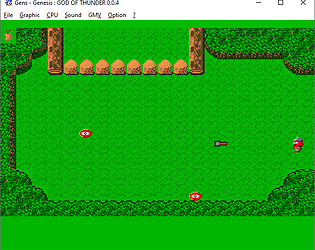
The exported Sega Master System ROM running on an emulator:
Thanks!

Thanks for your interest.

Awesome! Many thanks!

Yes, they will be implemented, eventually:

https://github.com/haroldo-ok/vcs-game-maker/issues/196

https://github.com/haroldo-ok/vcs-game-maker/issues/167

Within the "8bit-Unity" folder, there's the "utils\emulators\AppleWin-1.26.3.1"

Hello; the emulators are included with the tool; there must be some bug.

Hello; thanks for your interest.

Yes, it seems to be the case: there's not enough space in the disk to store all the images.

That would be really strange.. could you please try a small modification to the code to use the fire button of the second joystick? 

It should be mapped to  "A" on the emulator 

https://github.com/ppeccin/javatari/blob/master/Instructions.txt

Does it display any error messages?

You're welcome!  What you describe kinda sounds like Batari Basic's Title Screen Kernel, but more dynamic:

https://forums.atariage.com/topic/169819-the-titlescreen-kernel/

That would be cool to have, and the hardware supports it, but, unfortunately, the standard kernel does not support that functionality..

One way to go around it would be to implement an initial prototype using vcs-game-maker and then export the generated Batari Basic code and, from it, prceed to the next step by iplementing a custom kernel with the required features. 

As far as I can see, the code seems correct; the player 0 should be shooting missile 0 every time you press the fire button.

(1 edit)

Thanks; the code looks correct, it should be working

Are you using any other code in addition to this one?

This one seems to work alright:
https://github.com/user-attachments/files/24906042/VCS.Game.Maker.-.player.fires...

(1 edit)

That's strange; it should be working

Could you please show us the code you are trying to run?

Hello, you can program the missile to be fired with any key you want, but if you programmed it to use the fire button, you can use the space bar on the emulator screen. 

Hello,; yes,  its in the plans:

https://github.com/haroldo-ok/vcs-game-maker/issues/168

You're welcome

Thanks, and you are welcome!

Hello, Carlos!  

For now, I'll probably be working on vcs-game-maker and SMS Puzzle Maker. 

As for the if block, it is implemented and should be working.

Hello again! 

Sorry for the delay; the bug has just been fixed:

https://haroldo-ok.itch.io/vcs-game-maker/devlog/1323579/version-0474-fix-bug-when-switching-animations

I'm glad to help.

Here's an example:

https://github.com/user-attachments/files/24609767/VCS.Game.Maker.-.wrapping.roo...

Glad to help.  As for how to wrap around, you could modify the coffee to return to the first room after leaving the last one.

Okay, here's an example that links up 3 rooms that you can navigate by leaving through the top or the bottom:

https://github.com/user-attachments/files/24585422/VCS.Game.Maker.-.upper.lower...


Hello; sorry, I wasn't able to take a look at it, yet.

Hello; sorry, I wasn't able to take a look at it, yet.

Ok,  I will try to create an example ASAP,

Ok,  I will try to create an example ASAP,

(1 edit)

Hello and thanks! From the screen grab, it seems to be a good start but it is only checking if the player is leaving from the top.

I just used vgmcheck to test it: https://www.smspower.org/forums/12009-VgmcheckExtractLoopAndTimeInformationFromV...

I took a look at both "Actraiser - Fillmore.vgm" (from SGDK examples) and "golf.vgm" (from "free-vgms") and those were the results:

D:\Pessoal\Util\vgmcheck-2.0>vgmcheck "Actraiser - Fillmore.vgm" 
--Raw VGM information-- 
Total samples: 2275559 
Total time in mm:ss: 0:51.60 
Loop start: 17639 
Loop start in mm:ss: 0:00.40 
Loop time: 2257920 
Loop time in mm:ss: 0:51.20  
--Usage in SSBB-- (.brstm conversion) 
New loop start: 28672 
New loop end: 2286592  
D:\Pessoal\Util\vgmcheck-2.0>vgmcheck golf.vgm 
--Raw VGM information-- 
Total samples: 1693440 
Total time in mm:ss: 0:38.40 
Loop start: 1693440 
Loop start in mm:ss: 0:38.40 
Loop time: 0 Loop time in mm:ss: 0:00.00  
--Usage in SSBB-- (.brstm conversion) 
New loop start: 1705984 
New loop end: 1705984

It seems that "Actraiser - Fillmore.vgm" has a loop set up on it, while "golf.vgm" does not have a loop. (it's loop time is zero)

It looks like in order to use "golf.vgm" in a loop, it will be necessary to edit it in order to explicitly define loop ponts on it; please see: https://vgmrips.net/wiki/Manual_looping_tutorial

(1 edit)

Just tested one of the short melodies from "free-vgms", and indeed, the music is not looping.

Maybe it's a non-looping VGM? I'll have to take a look at that later.