On Sale: GamesAssetsToolsTabletopComics
Indie game storeFree gamesFun gamesHorror games
Game developmentAssetsComics
SalesBundles
Jobs
TagsGame Engines

TechyoN

8
Posts
A member registered Dec 23, 2024 · View creator page →

Recent community posts

(1 edit)

Increasing the shadow atlas and map help a lot and combined with display_reset's AA it looks pretty good now, but I'll probably have to keep performance in mind going forward. It's hard for me to judge it now since I don't have much on the screen visually yet but I'll see.

Thanks for the help! Additionally, would you happen to know any preferred AA systems (shaders or whatnot?) I should be able to find some on my own but if you have any recommendable ones that could help too.
(2 edits)

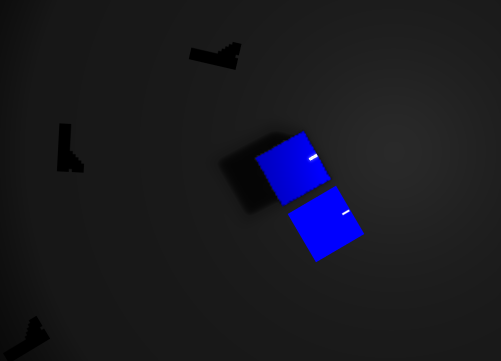
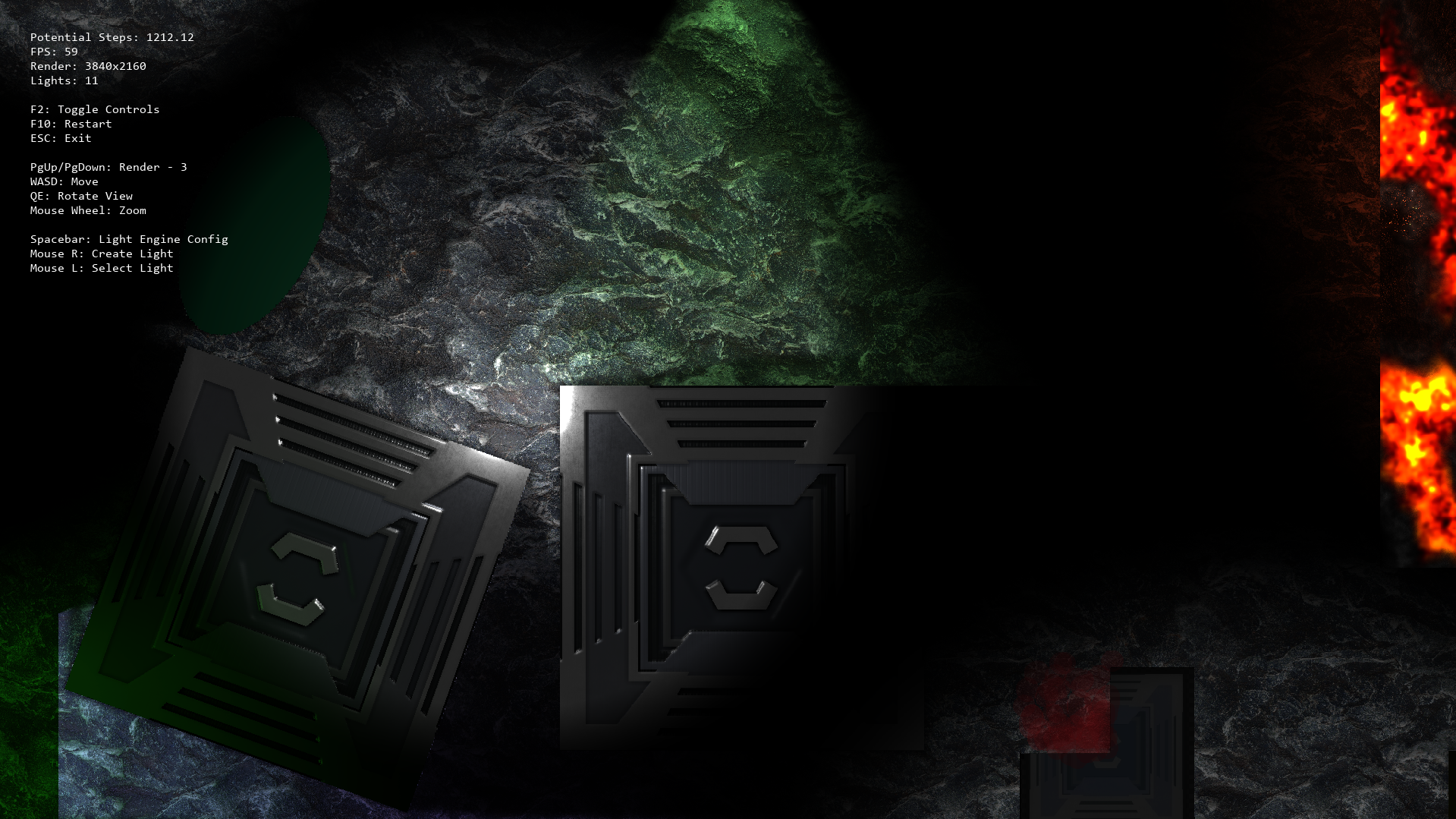
The crates do look jagged but they also look like that in the room editor so it is probably an anti aliasing issue, which makes sense since the blue squares are only 56x56 in pixels, mainly to get the scale on a 1080p canvas right. I plan to use a scaled down larger sprite once I move past placeholder sprites since I'm going for HD art.

Since the non-shadow version of my sprite does look a lot smoother than the shadow one, does that mean that GM is applying some sort of AA automatically? And how could I apply AA to the shadow caster in order to get the same or similar effect?

Edit: The crates do appear to have the same outline effect when rotated too. They also seem to have some highlights on the edges where it doesn't really make sense to?


(1 edit)

Looks like the same issue is in the example project too:


I tried also setting up another project with only a code-created camera but no dice. Maybe its something with my hardware? I recently got of the new 9070xts but I don't really know if that's relevant or not.

My game is pretty early in development so if you wouldn't mind taking a look at it I could send it to you and see if the issue is there on your half.

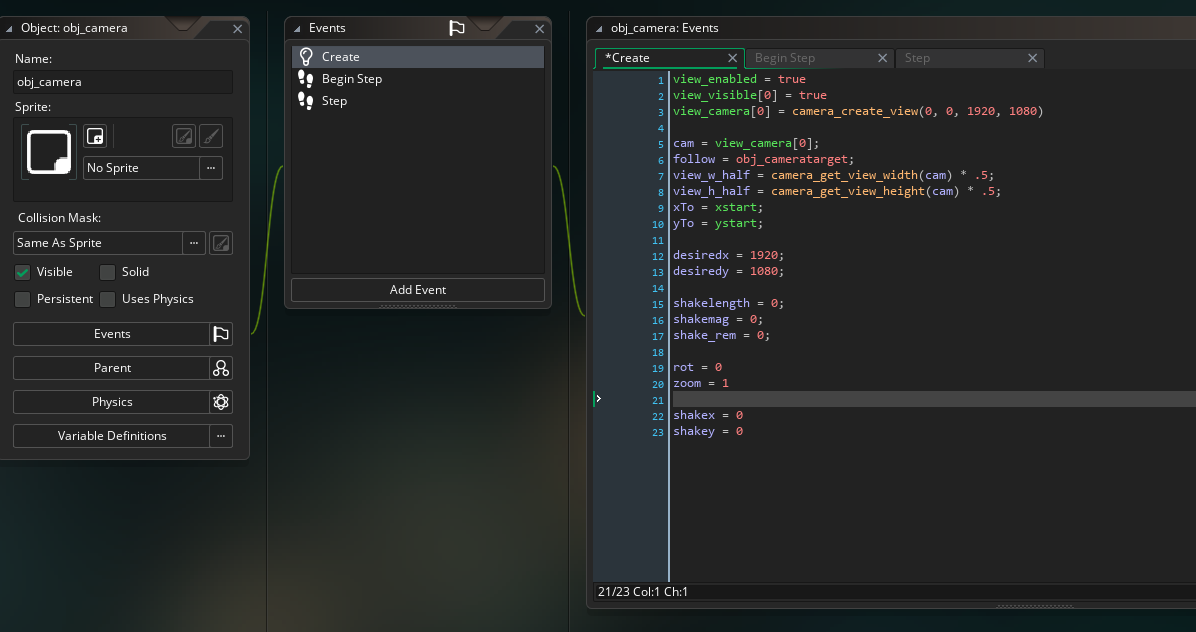
I had my viewport previously created through the room editor but I switched it to code here and unchecked anything mentioning viewports:

It still looks the same. I have the render res set to 3 here:

Being in brighter light sources also has the fuzzy black outline appear white (or whatever color the source is) which makes sense but is also undesirable.

(1 edit)

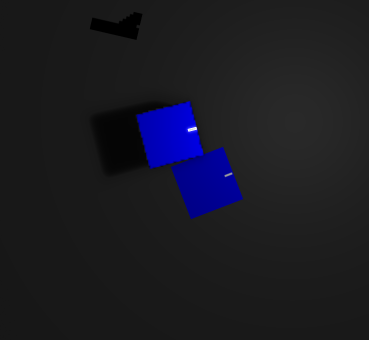
When I make an object a shadow caster, its resolution seems to drop drastically and I don't know if I can preserve the look of the original sprite. The image below shows a comparison of the exact same object except one isn't a shadow caster. I already tried set_render_resolution() and while downscaling works on both the shadow caster and the regular object, anything past 1 fdoes help but it is still far below  the quality of the original sprite.

(1 edit)

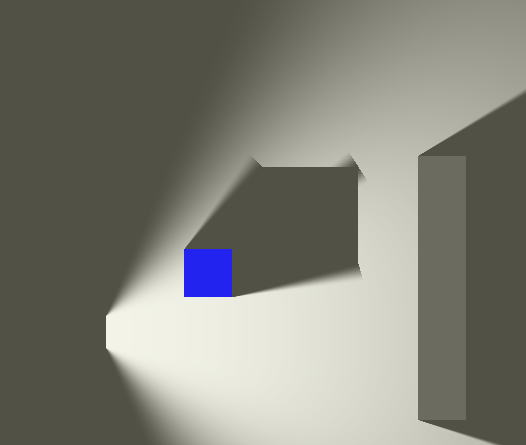
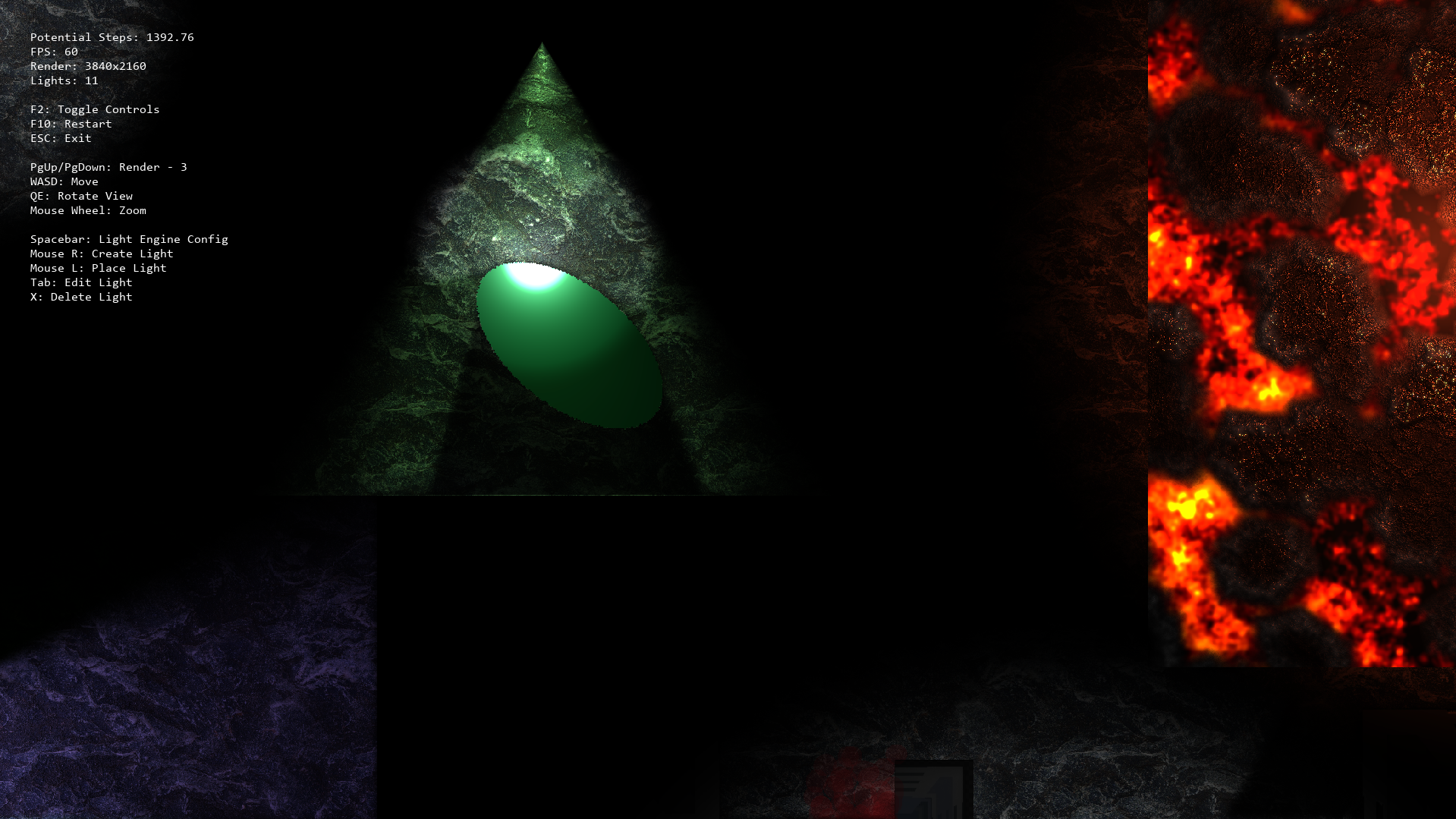
Alright, thanks. I'm also having issues with soft shadows. On the documentation under the light types section, the direct light preview shows the shadow almost fading out into the light, and I've also seen this behavior in some of the test rooms provided. However, my shadows appear to have hard cutoffs instead (im using SHADOW_SOFT_TRANSFORMED) and don't fade out.  (see img, i'm using a spotlight here but the same issue is still there when i do use a direct light)


Also, soft shadows with a low shadow length appear to not be completely softened, and only the vertexes of the shadow are not the edges in between, however I'm assuming this is intended behavior. Either way, how do I replicate the effect shown in the direct light preview?

How is the shadowLength variable used? In my tests it looks like it multiplies the size of the base shadow mesh in order to achieve its length, but I'm not 100 percent sure.

Additonally, how does the depth of light and shadow casters affect anything? I'm also having trouble getting certain objects to render above/below light sources and I figure this has something to do with that.

Apologizes in advance if I have a lot of questions, I'm pretty new to this and sometimes the documentation can be a bit unclear to me.

This engine is pretty cool and I'm pretty sure it'll have what I need but I'm still learning how do specific stuff with it.

I'm making a top down shooter (hotline miami perspective) and I'm trying to implement overhead lights but I don't really know how to do that. I'm looking for a way to make a light that'll cast longer shadows on objects further away, but as the object moves closer to the center of the light the shadow becomes shorter until when the object is directly under the light, there is no shadow and the object is fully basked in light.