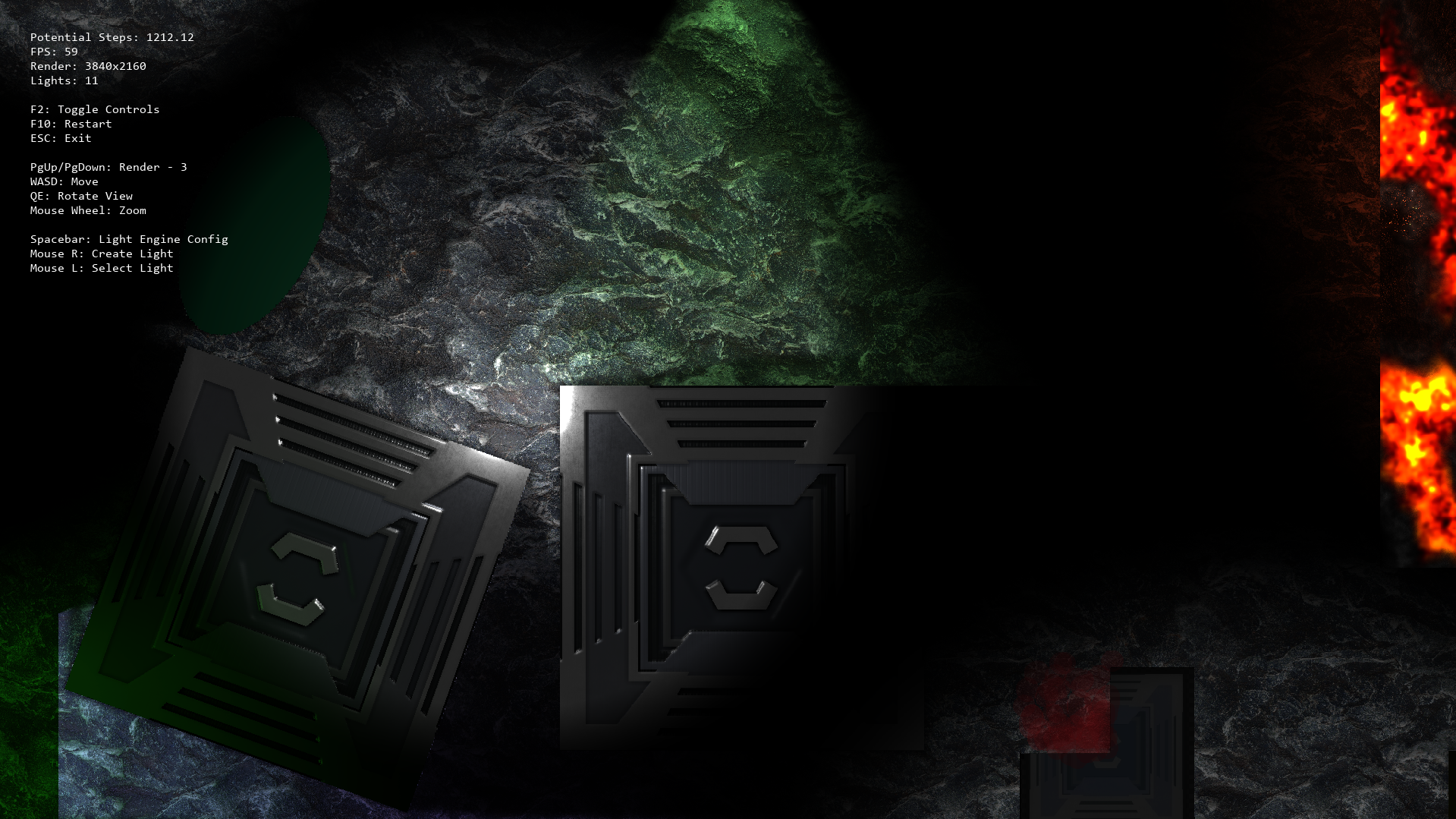
The crates do look jagged but they also look like that in the room editor so it is probably an anti aliasing issue, which makes sense since the blue squares are only 56x56 in pixels, mainly to get the scale on a 1080p canvas right. I plan to use a scaled down larger sprite once I move past placeholder sprites since I'm going for HD art.
Since the non-shadow version of my sprite does look a lot smoother than the shadow one, does that mean that GM is applying some sort of AA automatically? And how could I apply AA to the shadow caster in order to get the same or similar effect?
Edit: The crates do appear to have the same outline effect when rotated too. They also seem to have some highlights on the edges where it doesn't really make sense to?