




Indie game storeFree gamesFun gamesHorror games
Game developmentAssetsComics
SalesBundles
Jobs
TagsGame Engines

fairlight1337

12
Posts
1
Topics
46
Followers
2
Following
A member registered Jun 19, 2023 · View creator page →

Creator of

Recent community posts

TL;DR — structure.widgita.xyz is a procedural 3D house generator that runs entirely in your browser. Free, no account, no sign-up, no backend. Press Generate, get a house. Press it again, get a different one. If you like the result you can download it as a 3D model and pull it into Blender, Unity, Unreal, or whatever you use. It's an MVP - I'd love feedback from other 3D / game devs before I push it further.

---

I've been quietly building Structure, a browser-only procedural house generator, and I'd like to show it off and get some honest feedback from people who build worlds for a living (or for fun).

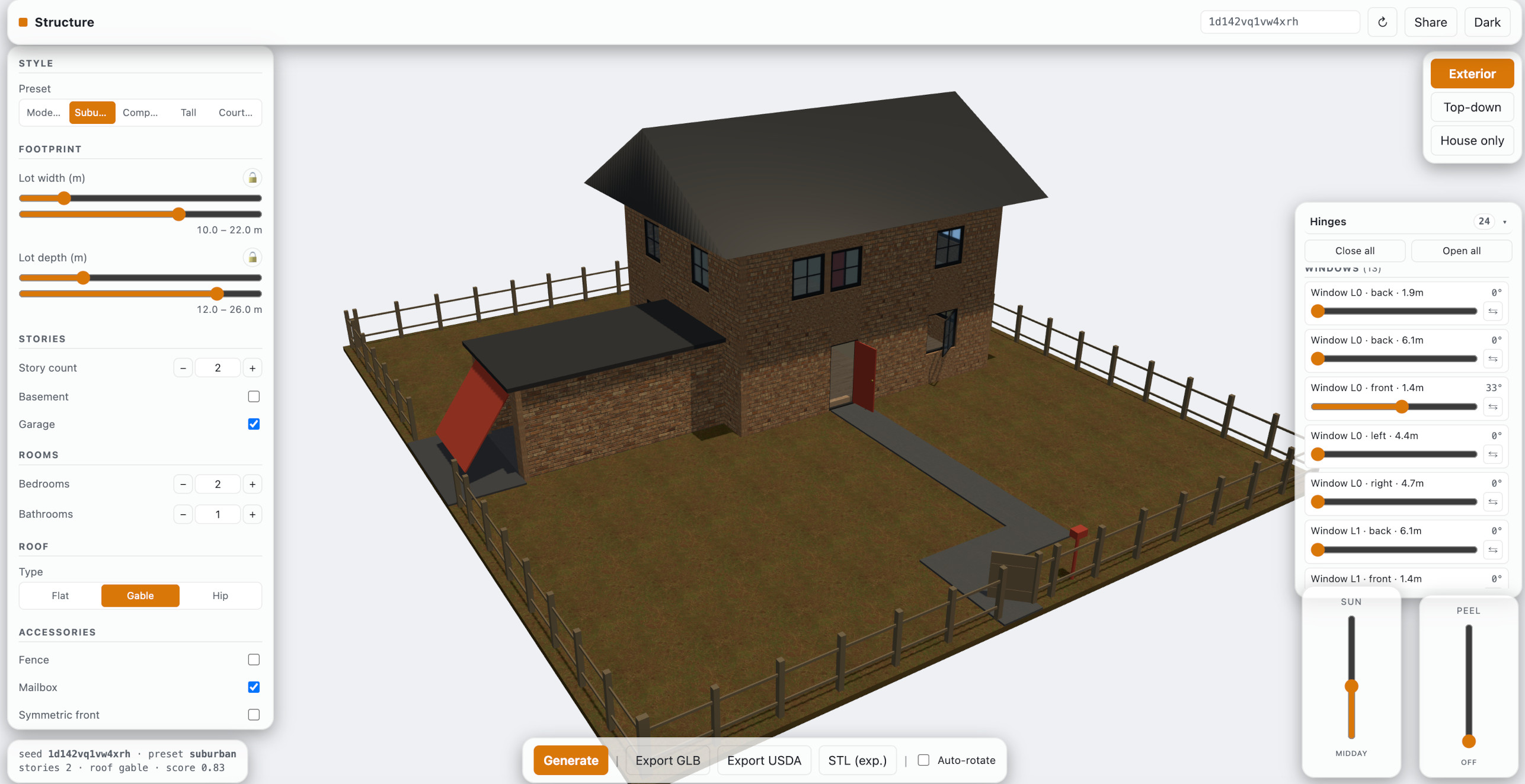
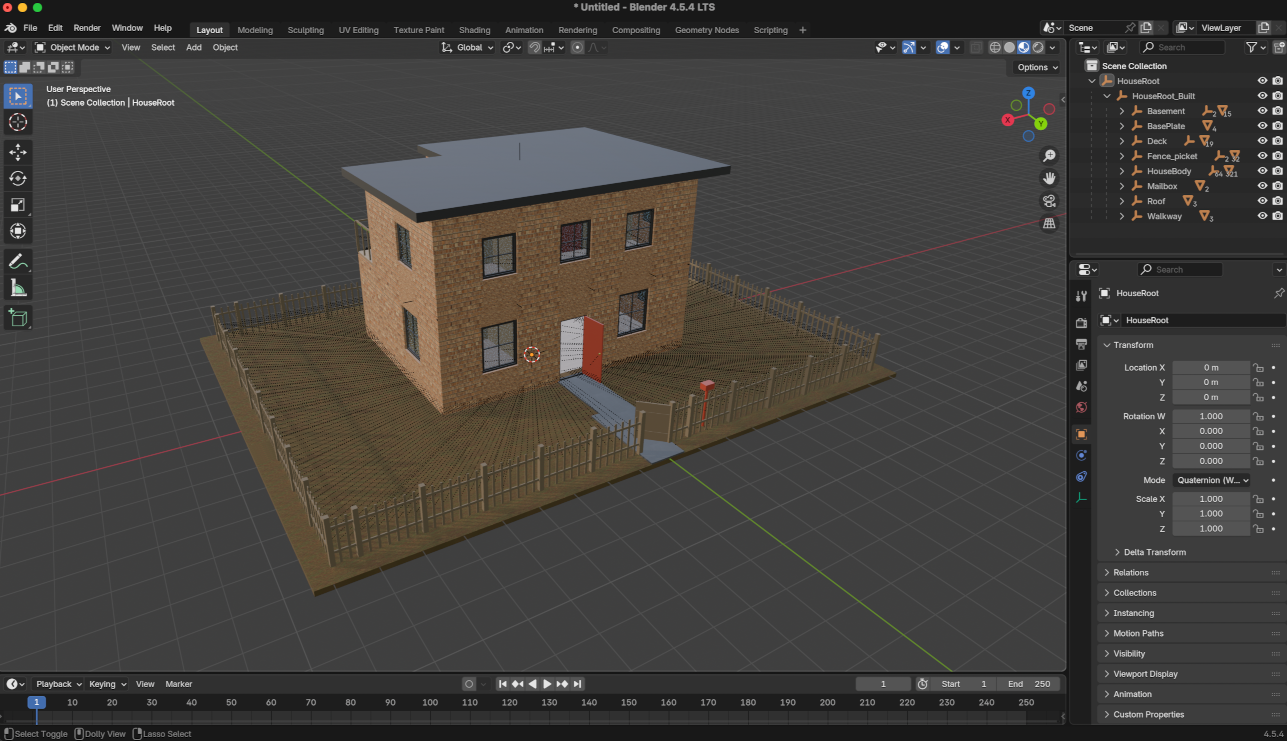
The whole thing lives at structure.widgita.xyz. There's no installer, no login wall, no "sign up to continue." Open the page, click Generate, and a new house rolls in. Each house is a fully-articulated building: story heights, room layouts, interior partitions, doors in the right walls, windows that actually open, stairs that connect floors sensibly, a roof that matches the footprint. You can peel the stories off one at a time to inspect the interior, drag a sun slider from morning to evening to see the lighting change, open and close the individual doors and the fence gate on their real hinges, and download the model as USDA or GLB - metadata embedded - if you want to drop it straight into your engine of choice.


What you can actually get out of it

A rough tour of what the generator will hand you, randomized per seed:

  • Houses of different sizes and shapes - one to three stories, flat / gable / hip roofs, non-rectangular footprints with notches and wings.
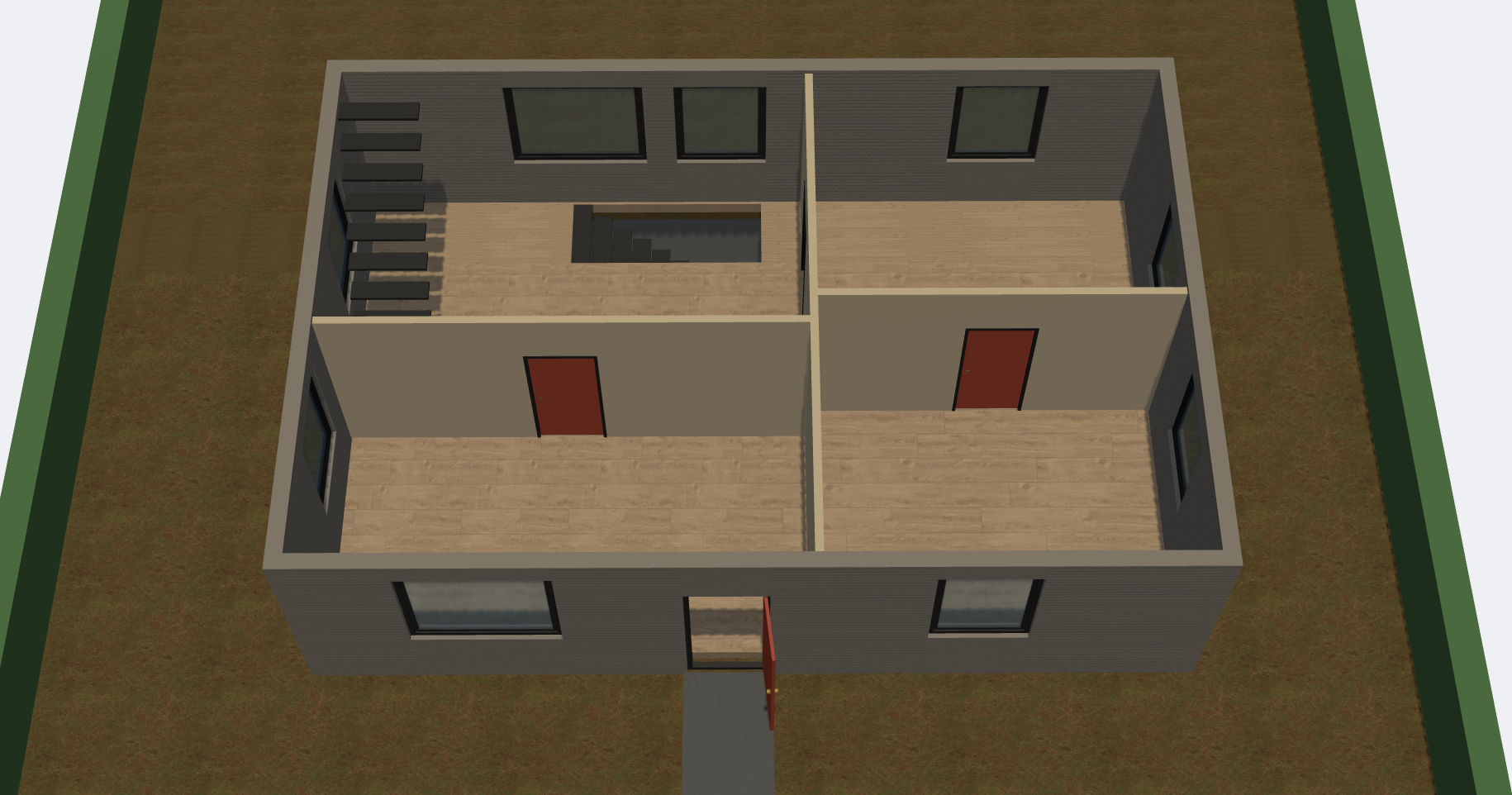
  • Interior room planning - recursive binary subdivision, real partition walls, interior doors with frames and knobs, interior stairs positioned against a wall (not floating in the middle of a living room).
  • Attached features - garages (with working doors), driveways, a front walkway that bends inside the lot instead of making that awkward diagonal across the grass, a hinged fence gate that defaults to half-open so the lot feels lived-in.
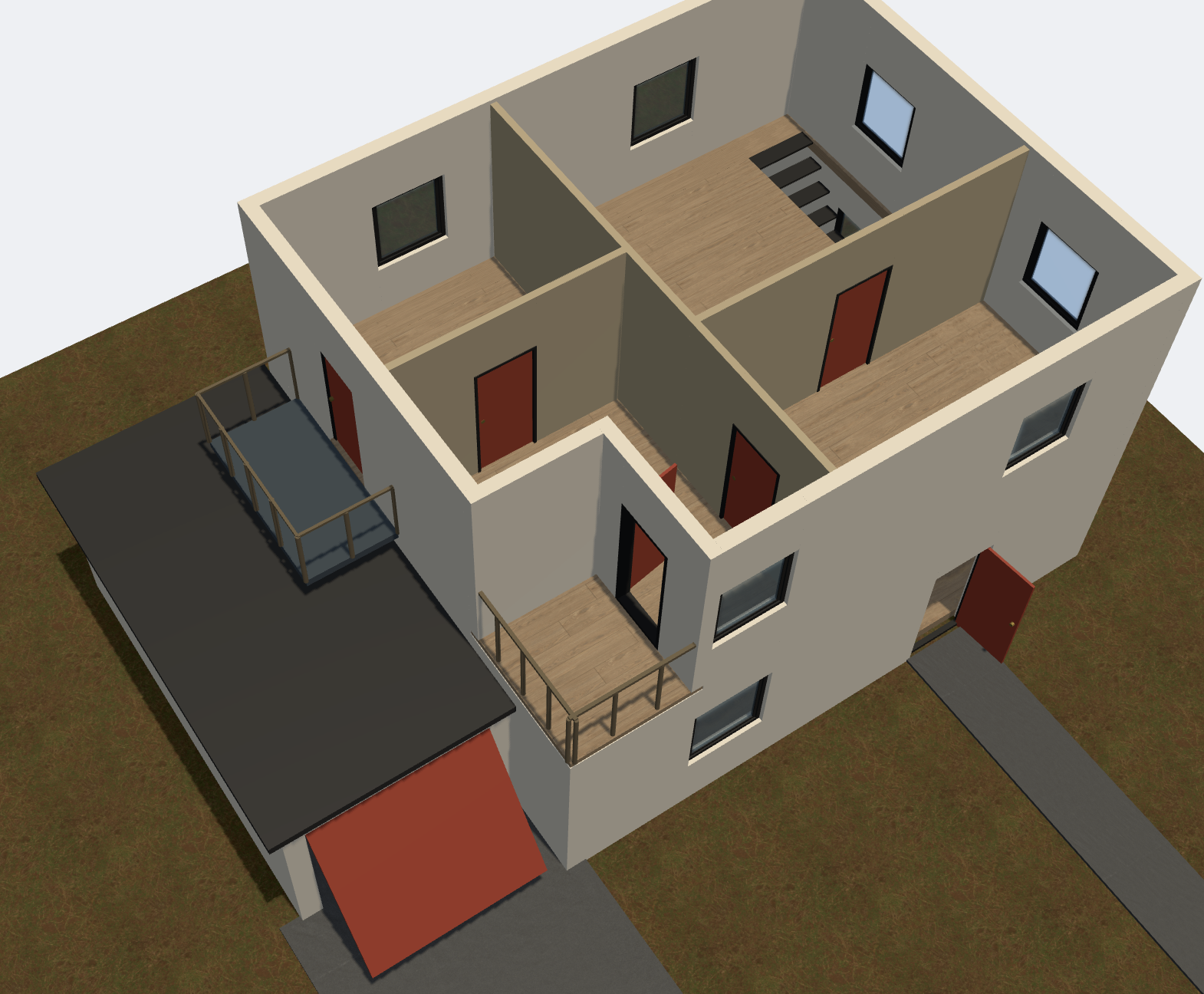
  • Balconies, terraces, and decks - the terrace actually cuts a notch out of the upper floor and the roof, with an L-shaped railing on the open edges.
  • Basements - optional, with their own stairs, and the floor above is properly holed out so the stair isn't landing in a wall.
  • Textures - grass, asphalt, laminate floors, brick / plaster / cladding exteriors, all PBR.


About the textures

Small thing worth flagging: textures are fetched async after the house geometry is up, so the first second or two you'll see flat-coloured walls and floors - then the grass, brick, asphalt, and laminate pop in. That's intentional and not a bug; it means the geometry is never blocked on a slow texture download. Just give it a beat on first load.

Why in-browser, why free, why no account

Because every time I've wanted to sketch a building quickly for a jam or a mood board I've had to either fire up Blender and spend twenty minutes on a blockout, or find a tool that wants my email before it'll even show me the canvas. I wanted a thing where the friction is zero: link → house → download → back to what I was actually doing. The whole stack is Three.js + TypeScript in front, static files on nginx behind. No tracking beyond self-hosted Umami (cookie-less). Nothing you generate leaves your browser unless you click Export.


This is an MVP

I want to be upfront: this is a first public version. The generator already handles a lot, but there's a long list of things I haven't done yet - more roof styles, more architectural variety (L-wings, wrap-around porches), multi-unit / townhouse configs, actual interior furnishing, seasonal palettes, and proper integration with common engine import pipelines. I'm shipping now because I'd rather get eyes on it and hear what 3D / game devs would actually want before I spend another month guessing.

So: if you try it, I'd love to hear:

  • What's the first thing that looks obviously wrong when you generate a handful of houses?
  • What would you need the export to do before you'd drop one of these into an actual project?
  • Any feature that would tip it from "neat demo" into "thing I'd use"?

Link again: structure.widgita.xyz. Re-roll a few times, peel it open, drag the sun slider, export one. Tell me where it falls over.

Thanks for reading.

(1 edit)

Hey, great collection, thanks! This just saved the bg music for an experimental AI video I made! I used the Patreon Challenge - 02 song. Great music overall, I enjoyed listening to the pack! (you're in the credits at the end)

Already did, thanks (#600)!

Yeah once I've got the basics up I'll share my progress. Framework comes before GFX though :D.

I just love your work. The simplistic yet very much alive assets are so cool! I'm planning to use all of your "Modern" packs in my next project (bought them all). Thanks for making this, I'm looking forward to anything new!

I absolutely agree. I even knew about this option (set it for other asset packs before), but forgot about that for my most recent upload. If this were part of the original Edit page, we won't miss it that easily!

Absolutely, thanks! I added the license information!

Oh wow, this really brings me back to early LoZ times! Even though the style is slightly different, I'm even reminded of my all-time favorite, Secret of Mana :). This looks awesome!

I just really love the style of this. Side-view sceneries caught my attention ever since I played Sheltered! I bought this set to play around with it for my private projects, and I must say this works really well.

Especially the wallpapers were great to work with - they seamlessly scale in nine patch rects, and I've been able to model a lot of interesting rooms with this!

Great work, thanks!

Hey! I really love the style of this!

I bought this set to make a small private farming game on iPad for my kids, and the tiles in this just really go easy on the eyes. Also, I like that this set is just "complete" - there's everything in there that I needed.

Great work, I appreciate the effort!

Thank you! I’m planning to publish a tutorial for how to make tilesets compatible for Godot (aligning with the TileMap, properly sizing, aligning path elements to form proper lines, etc.). I think that’s were a lot of developer frustration comes from with tilesets (at least for me)!

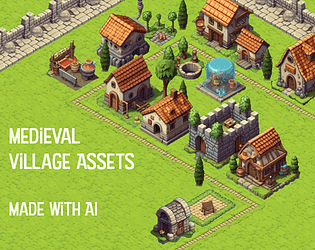
That’s MidJourney! I tried SD too, but the results are a lot less consistent. Also creating variations on MJ is just so much easier, so I went with that.

Thank you, I appreciate that feedback! And I know what you mean.

I'm trying to not go down the route of copy-paste what GenAI produces. There are many issues to be addressed:

  • Jitter and irregularities in the middle of the assets
  • Poorly filtered borders
  • Unreasonable/impossible architecture
  • And probably more

I'll continuously refine these as I still see a lot of rough edges, and will post updates on when I manage to fix things.