New build Avoyd 0.28.0.1041 Beta: single model export to .obj, .glb, .vox with pivot moved to origin.
enkisoftware
Creator of
Recent community posts
New build Avoyd 0.28.0.1039 Beta fixes multi-model rendering and editing bugs.
We published a new build, Avoyd Beta 0.28.0.1038, that fixes some issues with export to VOX.
More information and download
Avoyd is a voxel editor. You can use it to create and convert voxel assets to mesh so you can use them in Godot. If you go to the avoyd website you’ll find documentation on how to export a voxel model to mesh and how to import it into Godot. (Note if you use the free demo, you can use export to .obj instead.)
If you want to create voxel assets, check out our introductory tutorial. Avoyd can do a lot more, see the list of features and feel free to try out the free demo!
We’ve just released Avoyd Free v0.26 with Best optimisation on obj export, so you do not need to manually optimise the mesh in Blender anymore.
Avoyd 0.26 (paid) adds export to optimised glTF. We recommend using the glTF format for exporting voxels to mesh directly to game engines.
Thank you for buying Avoyd and for your appreciation.
I forgot to say earlier that if you want to import an image as a flat texture, you can use File > Import > Image Heightmap and set the maximum height to 1. Avoyd doesn’t have the overlap feature of MV.
All the best with your game development projects.
You’re right, MagicaVoxel doesn’t export the metallic, transparent nor emissive materials properties. I’ve listed the main differences between MagicaVoxel and Avoyd in our FAQ if you’re interested. Did you know you could try the free Avoyd demo to export your models to obj? It works the same as the full (paid) version.
Quick question, if I wanted to import a texture onto a voxel (or turn a small png texture into a block to build with) is that possible as well?
Do you mean having textures on blocks like in Minecraft? That’s not possible currently: textured voxels are not supported in Avoyd (nor MagicaVoxel). You can import images into Avoyd but each pixel becomes a single voxel with a uniform colour. Note that you can create the same effect as a texture by using many voxels.
Hi!
There are three sources of lighting in Avoyd:
- Emissive voxels.
- The sun (a directional light).
- Scattered light from the atmosphere.
Avoyd currently exports the emissive voxels and their material properties. So these will contribute light to the scene if the tool or game engine renderer supports this.
Avoyd doesn’t export the sunlight nor the atmosphere properties. You will need to set them up in the tool or game engine you load the models into.
I hope this helps!
Avoyd Voxel Editor is an art tool. It enables you to create and work with extremely large voxel worlds and display them in their entirety, explore, edit, render, export to mesh, and use them to make custom worlds to play in.
Download the Avoyd demo and buy: https://enkisoftware.itch.io/avoyd
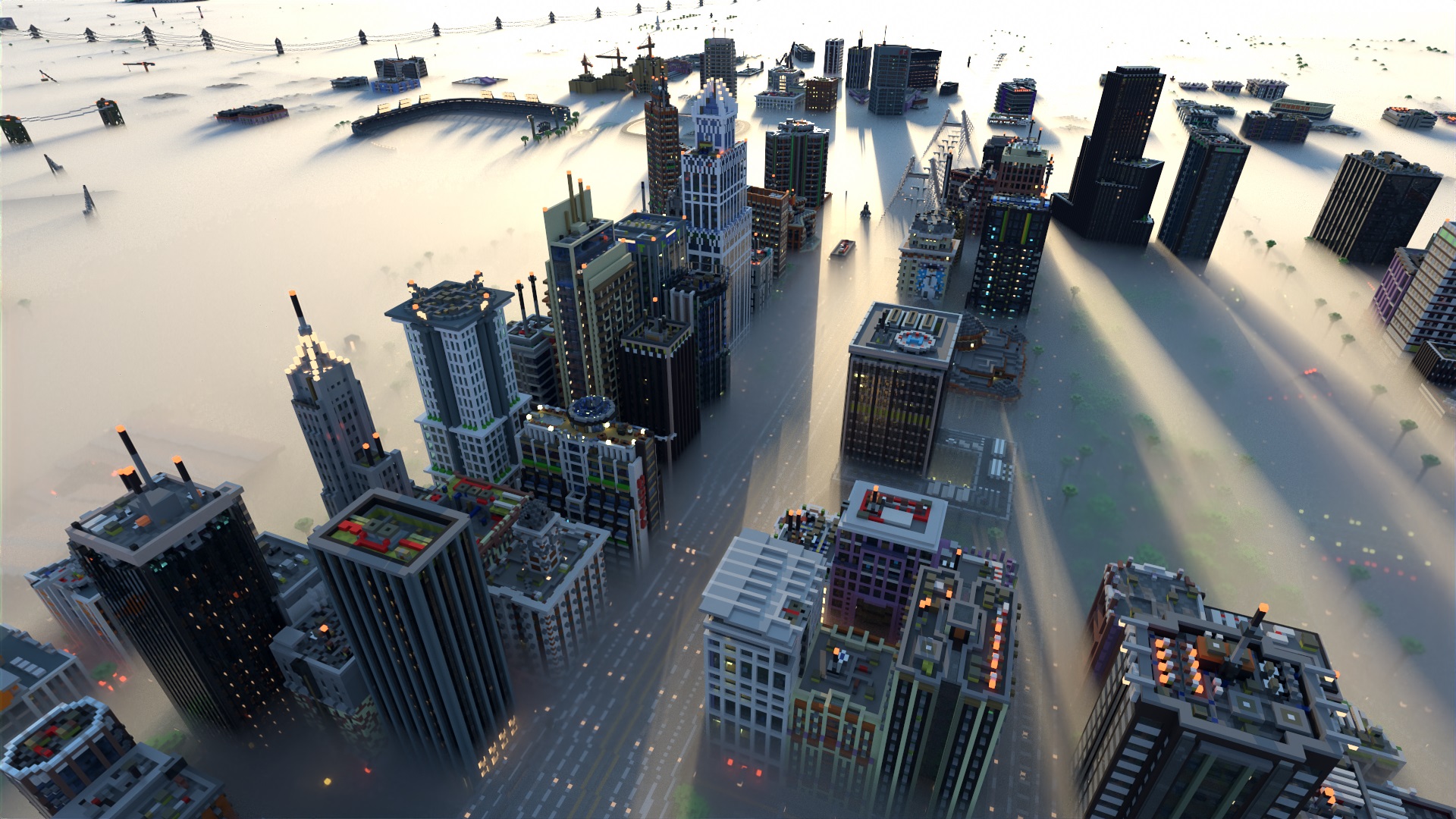
Greenfield city Minecraft map with fog rendered in Avoyd
