And thanks to you for all your hard work on making such a gorgeous physical Game Gear release! :)
Dr. Ludos
Creator of
Recent community posts
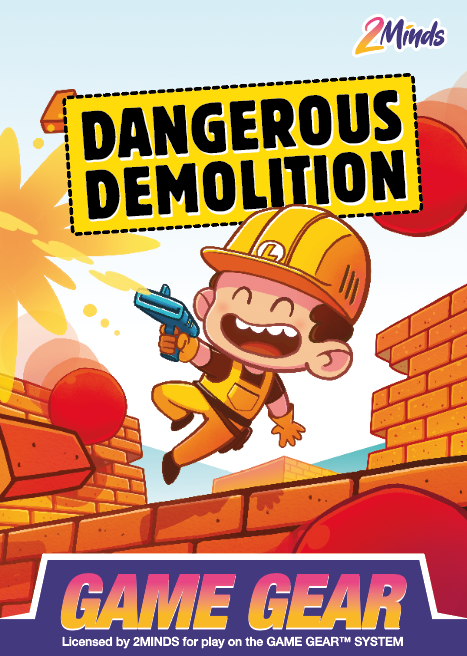
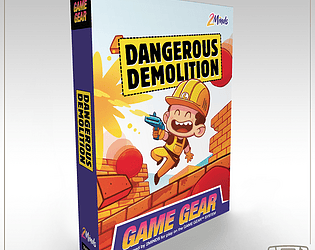
Heya! Your message motivated me to do it, so I'm happy to announce that the ROM for Dangerous Demolition for Game Gear and Master system are now available here:
https://drludos.itch.io/dangerous-demolition
I'm also working on other versions of this game, that should be released in about a month: Game Boy / Color and Mega Duck / Cougar Boy. They'll be released on the same page when available.
Thanks again for your interested in my games, and I hope you'll enjoy Dangerous Demolition!
Thanks for the kind words, I'm glad you liked it! :)
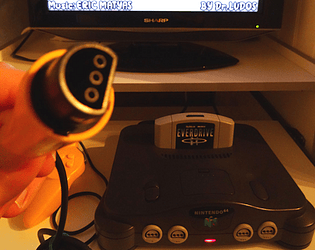
And believe it or not, yes, we could indeed image making a version when we had to plug a pad accessory like a Memory Pal, a Transfer Pak or a Rumble Pak. Indeed, the N64 can detect any kind of accessory connected to its ports with great accuracy :).
Hi! Thanks a lot for your interest in Dangerous Demolition. I'm still working on the digital release of the GG and SMS versions, they should be available by the end of this month (February).
I'll post another reply to this comment to let you know when they are available if that is ok for you!
Thanks! :)
Hi, thanks a lot for the video! It's a great pleasure for me to see players enjoying the game, thanks for making and sharing the video :)
Here are some answers / comments to questions asked during your video:
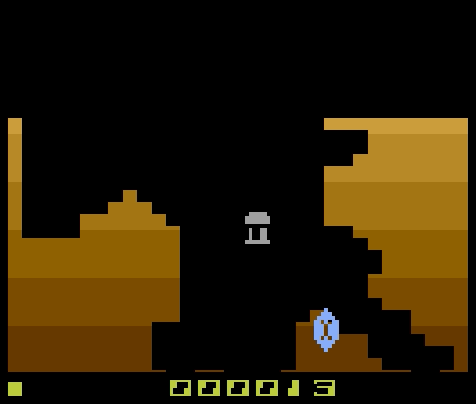
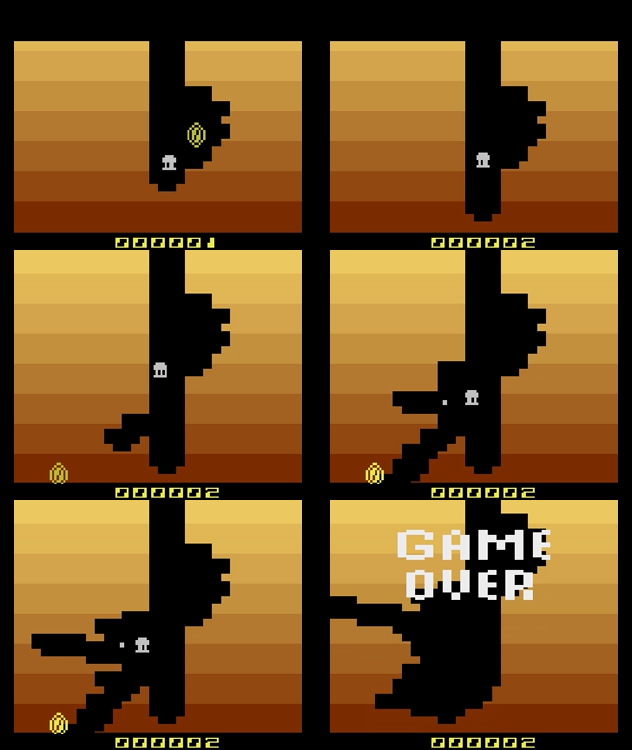
- During the "Arcade" and "Contest mode, your score increases and you must make the best score. Each treasure earn you a defined amount of points: 3 points for a coin, 4 points for a diamond, 5 points for a ruby. And hitting and killing skulls earns you even more points (10 for a regular skull, 35 for a boss).
- In the "Levels" mode, you must collect a defined number of treasures / kill a fixed amount of enemies to clear the level. So in this mode the score decreases each time you "earn points". When you reach zero you clear the level, like you did in the video.
- The levels all looks the same (there is a single "brown" area), but each level has a different layout (type and place of treasures and enemies). Each level is hand-tailored to offer a slightly more difficult challenge each time you progress in the game.
- You should definitively try the level 4, you're in for a "big" surprise that you haven't discovered yet in the video.
- The "digging power" of the minigun does not vary over time, you have the same power whether you are playing level 1 or level 16 - only the challenge you face becomes harder :).
- The "TV" setting in the main menu allows you to configure your TV type when playing on real hardware to have the game look right on every machine region. When played on a PAL console (so Europe and Australia) the game will look strange on startup, as it'll be configured as a NTSC game. But selecting the "TV: PAL" setting will make the game look as good on PAL machines as on NTSC consoles. The Stella emulator that you use runs in NTSC mode by default. And the SECAM TV type will display colors when played on an actual SECAM version of the 2600 (exclusive to France, can display only 8 colors instead of the 100+ colors of NTSC and PAL versions). But the "SECAM" setting doubles as a "Black & White" mode when played on a NTSC or PAL machine.
- There are a lot of other Atari 2600 homebrew for you to try if you like the console, the scene is very active since a very long time. The best place to find them are the AtariAge forums. For example, James from the ZeroPageHomebrew Twitch show is keeping track of all homebrew released each year, for all Atari consoles. Here is the Atari 2600 list of homebrew released in 2025: https://forums.atariage.com/topic/378304-atari-2600-homebrew-games-releasedcompl...
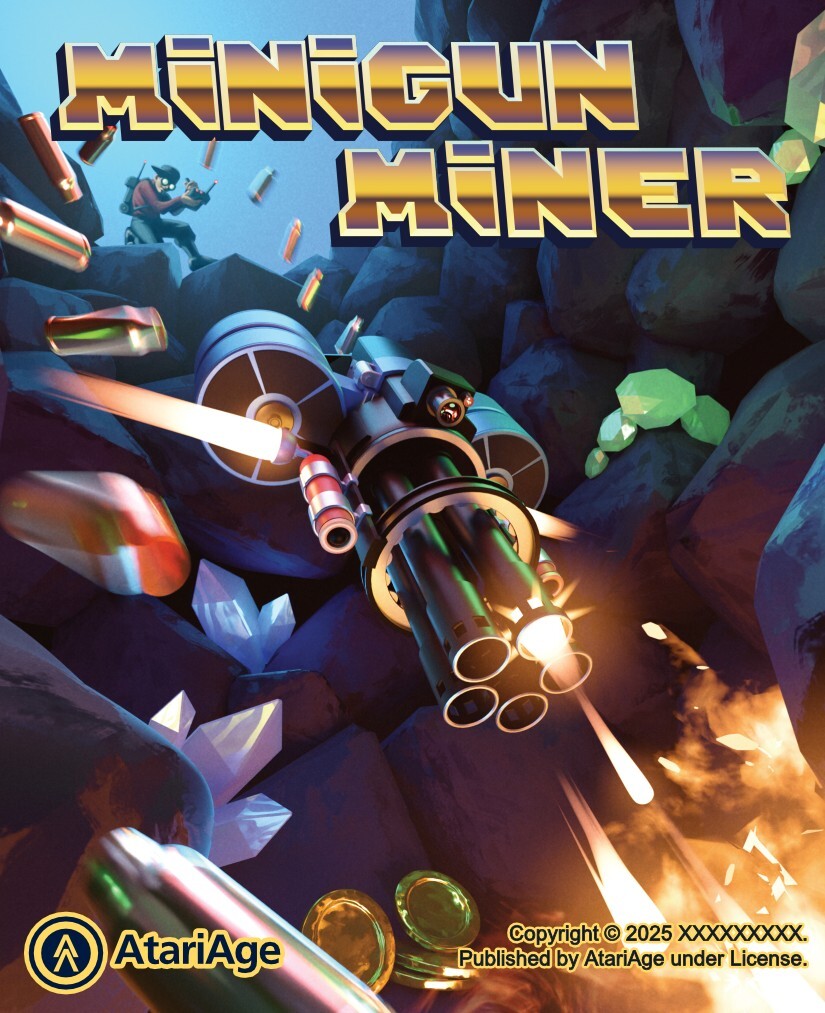
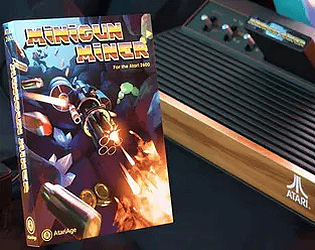
- And as requested, here is the front cover art, drawn by the wonderful William Thorup (commissioned by AtariAge, who published the physical release). It's not the final-final version (it lacks the copyright info in the bottom right) but the image is the final one :).

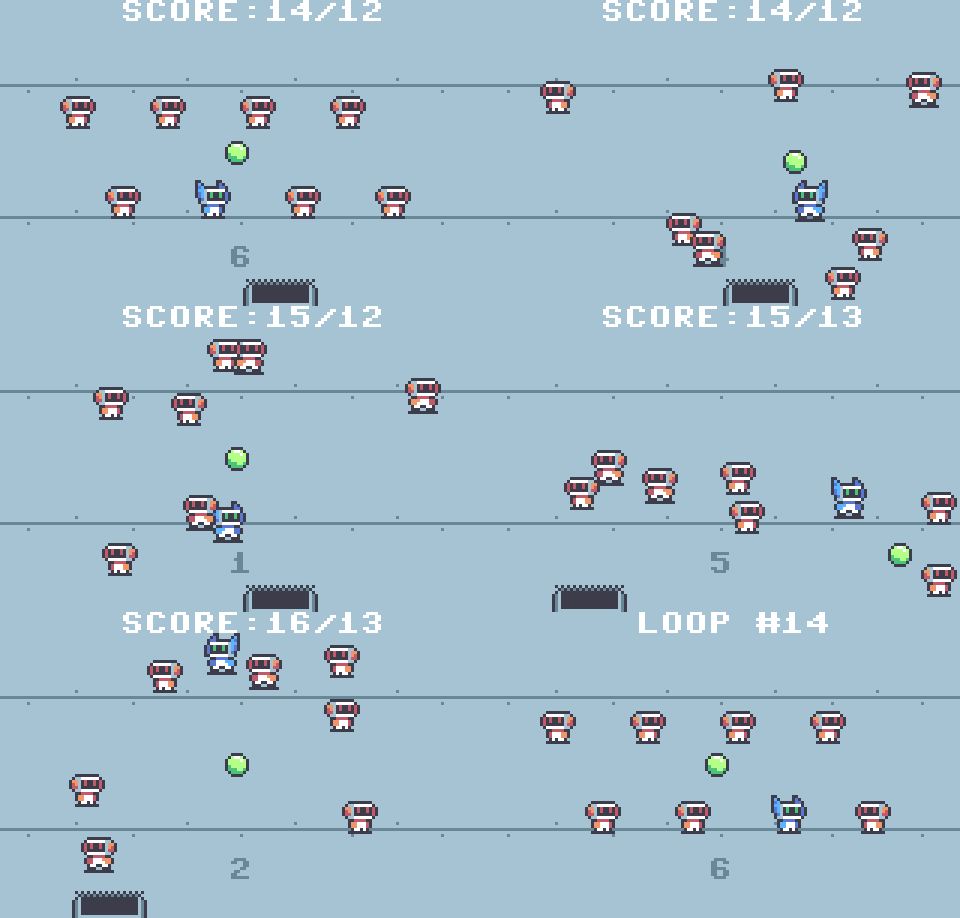
Heya! Thanks for your video, it's always a pleasure for me to see players enjoying the games I make :). Congrats on going over 1 minute, as the game is challenging :).
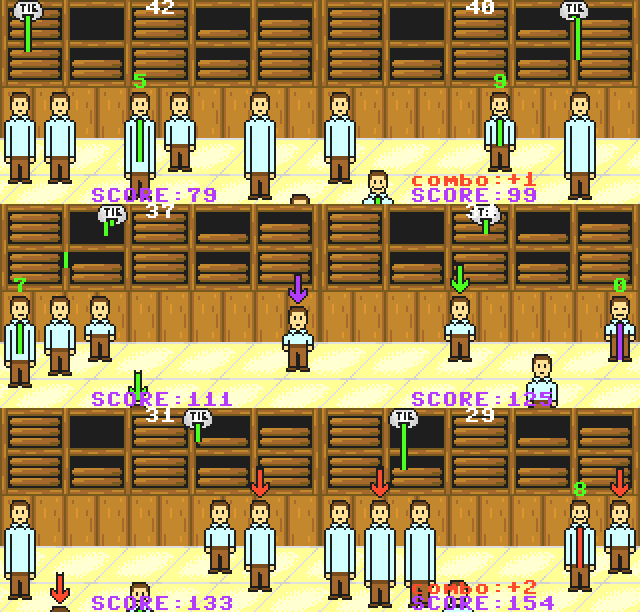
This game was made in 48h during a Game Jam, so that's why it's a bit "rough" around the edges. I latter refined this same idea to make a more polished SNES game titled "The Last Super", that you can play here:
https://drludos.itch.io/the-last-super
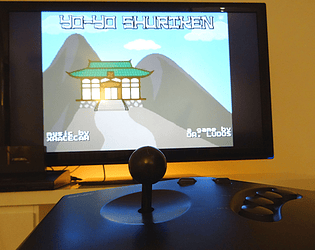
And to answer your question in the video, yes, "Yo-Yo Shuriken" is an actual SNES homebrew I created back in 2019. It was released in physical edition (cartridge, box & manual). You can play this one here:
https://drludos.itch.io/yo-yo-shuriken
Enjoy!
Thanks, I'm glad you liked it! I watched your stream with all the DOSember Jam games, and you can use left and right mouse buttons to rotate the balls, that will make going farther much more easier :). Sorry that the in-game instructions weren't clear enough (i should display them on each game over screen maybe).
Thanks for running such a cool MS-DOS jam! :)
Hi,
Same problem here as everyone: newly uploaded GIF are not animating. It seems that the image server is simply keeping the first frame and "discarding" all the other remaining frames when we upload it.
Here for example, this GIF of my latest game weight about 328kb. After uploading, it's now a 8kb GIF image with a single frame. So the issue seems related to how the GIF are processed when uploaded to itch.io.

Thanks for your hard work, I hope you'll be able to fix this, as is this very annoying to not be able to show players how the game "moves" in the description post.
Merci, content que mes jeux vous plaisent ! :)
Pour la Supervision, j'aimerai effectivement m'y attaquer un jour, car je trouve la console intéressante, c'est comme une "Game Boy" d'une réalité alternative :). La console possède un framebuffer, donc elle peut afficher des dessins "au pixel près" contrairement à ses concurrentes basées sur des tiles et sprites. C'était un choix original pour l'époque.
Il y a déjà eu un homebrew Supervision très sympa il y a quelques années, Assembloids: https://www.polyplay.xyz/Assembloids-Standard-Edition-Supervision
Pour la Gamate ce serait intéressant aussi, mais pour l'instant je ne possède pas la console, donc je ne le connait pas encore vraiment.
Merci pour vos encouragements, c'est très motivant !
Hi!
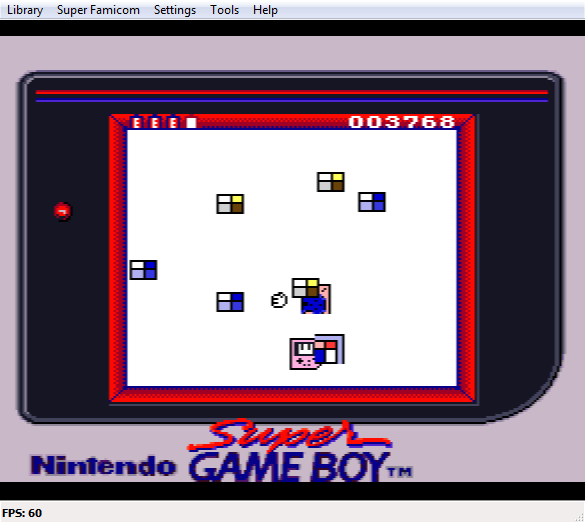
Don't be worried, your FXPakPro is working great: the "SNES Sprites" feature of the SGB does flicker, whether you play it on real hardware or emulator. I designed the game with a plain white background to try to mitigate this issue, but the SNES sprites will still appears translucent / ghostly due to the constant flickering.
I'm sorry if the game page description wasn't clear on this topic, but this feature is flawed due to the flickering, and that's likely why Nintendo disabled it. The "fix" performed by this game is to be able to enable this feature back (it's normally locked away), but I don't think anything can be done to prevent the flickering.
I tested my SD2SNES (previous name of FXPakPro) and it does emulate the SGB1 and SGB2 perfectly to my eyes: I didn't notice any difference running my through an actual SGB / SGB 2 and the FXPakPro while testing my game.
Hi! You have a good idea, but it's actually a bit more complicated than that. The VRAM upload in the sprites area is permanently disabled in the SGB BIOS, like the "SNES Sprites control" function. According to the SGB documentation, you can set a flag for the VRAM upload to send data to the sprites area, but in reality, the code of this function in the SGB BIOS disregard this flag and always send data to the "background area".
It may be possible to patch the SGB Bios to restore the VRAM sprites upload, or to try to manually send graphics data a few bytes at the time using the general "SEND DATA to SNES RAM" function. Thanks to Nenson Dubois research, this function is used in my game to patch the SGB Bios to enable the "SNES Sprites" function, so there is still hope that it may also be possible to restore the sprites VRAM upload too.
But regarding the sprites flickering, I fear that this issue will never be solved, as I think that's what led Nintendo to disable the "SNES sprites" function in the first place. As the SGB Bios read the Sprites OAM data from the content of the GB Screen sent by the SGB (so from a portion of SNES VRAM actually), I don't think the SNES will have the time to do everything and maintain a 60 fps update.
Hi, I'm glad you like it!
Regarding the technical constraints, sadly yes, as the game requires a Super Game Boy to work (or a SD2SNES / FXPakPro emulating the device), it won't be able to be featured in the cartridge compilation. The game is only 32kb in size, but it needs the extra hardware contained in the SGB to work (basically, a stripped down GB motherboard).
I'm sorry for not being able to 100% adhere to the technical constraints with this project. But I found very interesting and unique to be able able to control SNES sprites and BG color palettes from a GB program, unlocking a "hidden feature" of the SGB device in the process.
I'm obviously opting out of any prize or rank in fairness for the other participants. But I hope that the game can still be played and reviewed by the Jam jury, as I'm always interested in feedback, and I'm happy to spread the word about the "unused power" of the Super Game Boy :).
Hi everyone!
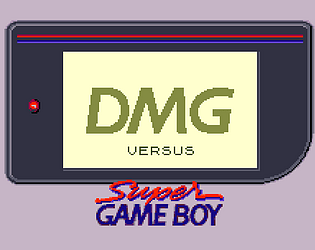
I've just submitted my game, titled "DMG vs. Super Game Boy".
My entry is a bit "special", as it was created for the Super Game Boy device. But this is not a regular Game Boy game: it relies on a "hidden" feature of the device to control and display actual SNES sprites in addition to everything rendered in the GB screen area.
It also also uses other SGB features to colorize the screen and play sounds using the SNES sound chip.
You'll need a SNES + a SGB1 or 2 or a SD2SNES / FX Pak Pro to play this game, or you can use a SNES emulator with full SGB emulation like Higan, Ares, BSNES or Mesen S.
I hope you'll enjoy it, even if it's not a "standard" SNES game :)!
Hi everyone!
As you can see, this entry is a bit "special", as it was created for the Super Game Boy device. But this is not a regular Game Boy game: it relies on a "hidden" feature of the device to control and display actual SNES sprites in addition to everything rendered in the GB screen area.
It also also uses other SGB features to colorize the screen and play sounds using the SNES sound chip.
You'll need a SNES + SGB or a SD2SNES / FX Pak Pro to play this game, or you can use a SNES emulator with full SGB emulation like Higan, Ares, BSNES or Mesen S.
I hope you'll enjoy it, even if it's not a "standard" SNES game :)!
Hi! Yes sadly my publisher Yastuna Games has closed shop at the end of 2024. They still had a few copies of my GB games Sheep It Up! and DMG Deals Damage in stock. So I'm hoping that another publisher will be interested in picking up the remaining stock and sell it. But my 3rd GB game, GB Corp, was sold out.
I don't have an idea when (and if) this will happen, but I'll post a message again here if this game become available for sale again.
Thanks again a lot for your interest in my games :)
Hi again, sorry for all the messages, but I've just found this;
https://gbatemp.net/threads/nitro2k01s-sgb-enabler-for-ez-flash-jr.592961/
Basically it's a modified menu kernel that allow the EZ Flash Jr to work almost normally on a SGB.
If you try it, just to be safe, please backup your ezgb.dat from your SD before replacing it with the one from this archive.
Reading this, I think it's normal that the SGB is behaving like a DMG with the EZ Flash Jr, and it's due to the Flashcart not supporting the SGB and thus the game is not able to detect it. I hope this modified kernel will solve the issue
Ok, so I've read a bit about this Flash cart (the EZ Flash Jr) and apparently it have some issues with the Super Game Boy, that is not part of the "supported devices" on their websites.
I've read on reddit that you have to "press the reset button on the cartridge twice" to make the SGB detect it. Could you please try this too hoping it will fix the problem?
Hi, thanks for the report. This is good news that it does work on the SGB, although it's strange that it's detected as a DMG. The machine detection code is based on the memory value after bios boot, so the Flashcart firmware is maybe doing something here.
Could you please try again with the ROM file "gbcorp_full_nolink.gb " ? This version has the link-cable feature disabled for better compatibility with some Flashcart, maybe it'll help with yours too?
Hi! Yes, you can play the ROM with an actual SGB or SGB2 using a Game Boy Flashcart, like the Everdrive or any other. I personally use the Everdrive GB, but as long as your FlashCart have SRAM support (for saving progress) you should be good to go!
Alternatively, if you have a SNES Flashcart like the SD2SNES / FXPAKPRO, this one can emulate a SGB/SGB2, so you can play this game (or any other GB game) on a SNES without using an actual SGB/SGB2.
Hope that helps, and please let me know if your need more info.
Have fun!
Hi! I've made a PAL60 version of the game, available here: https://drludos.itch.io/spacegiraf/devlog/934254/pal60-and-secam60-versions-avai...
Thanks again for requesting it! It motivated me to do it sooner :).