

That would be great! Thanks a lot for your help, let me know :)
A member registered Jun 30, 2020 · View creator page →
Creator of
Recent community posts
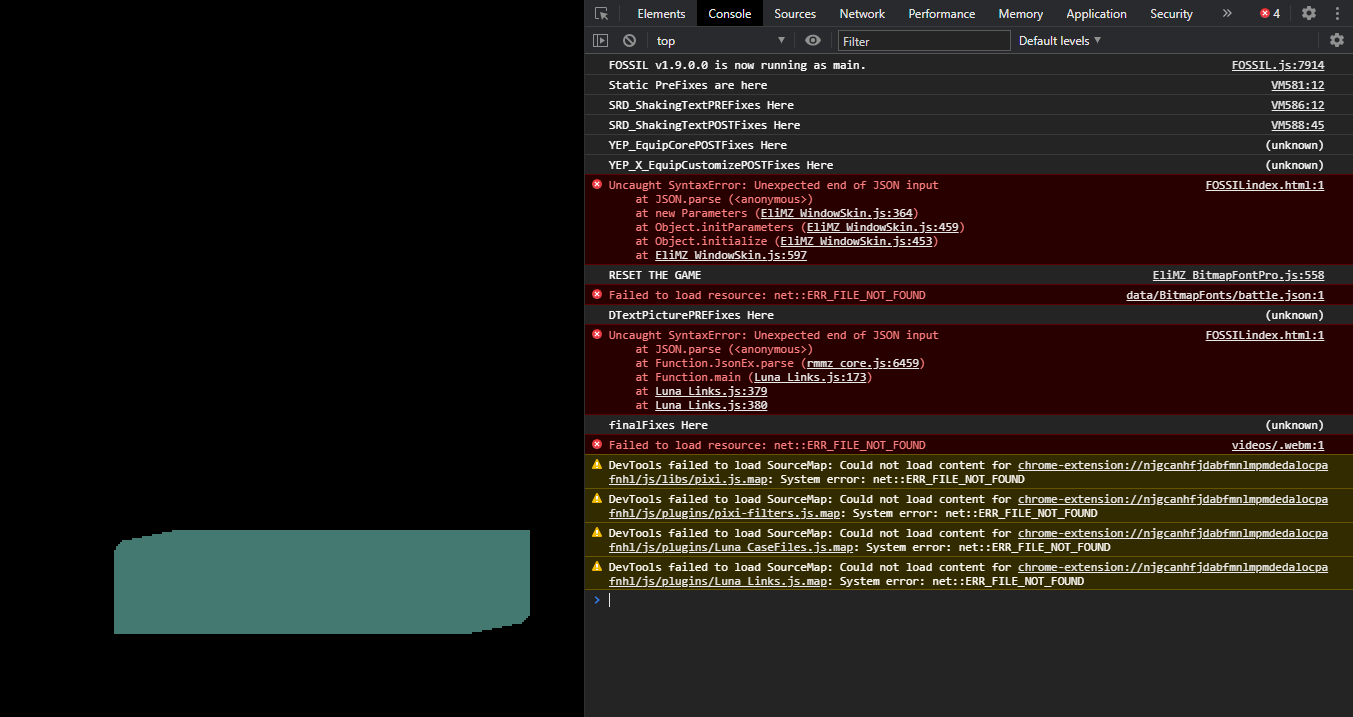
Hakuen Studio Bitmap Font for RPG Maker MZ community · Created a new topic No Font Loaded in rare cases - "RESET THE GAME" Message in Console
Hakuen Studio Bitmap Font for RPG Maker MZ community · Created a new topic [SOLVED] Long boot times when bitmap font is enabled
 I'm using this bitmap font in my game. To make it more readable, I scaled it to x3 but it makes the image really wide (18018 pixels) and the game struggles loading it when starting the game, causing a very long loading time (30 seconds ~). Can you suggest a fix to this? Maybe making the plugin scale the font in the game? :0
Hakuen Studio Bitmap Font for RPG Maker MZ community · Created a new topic Support for non-Latin characters?
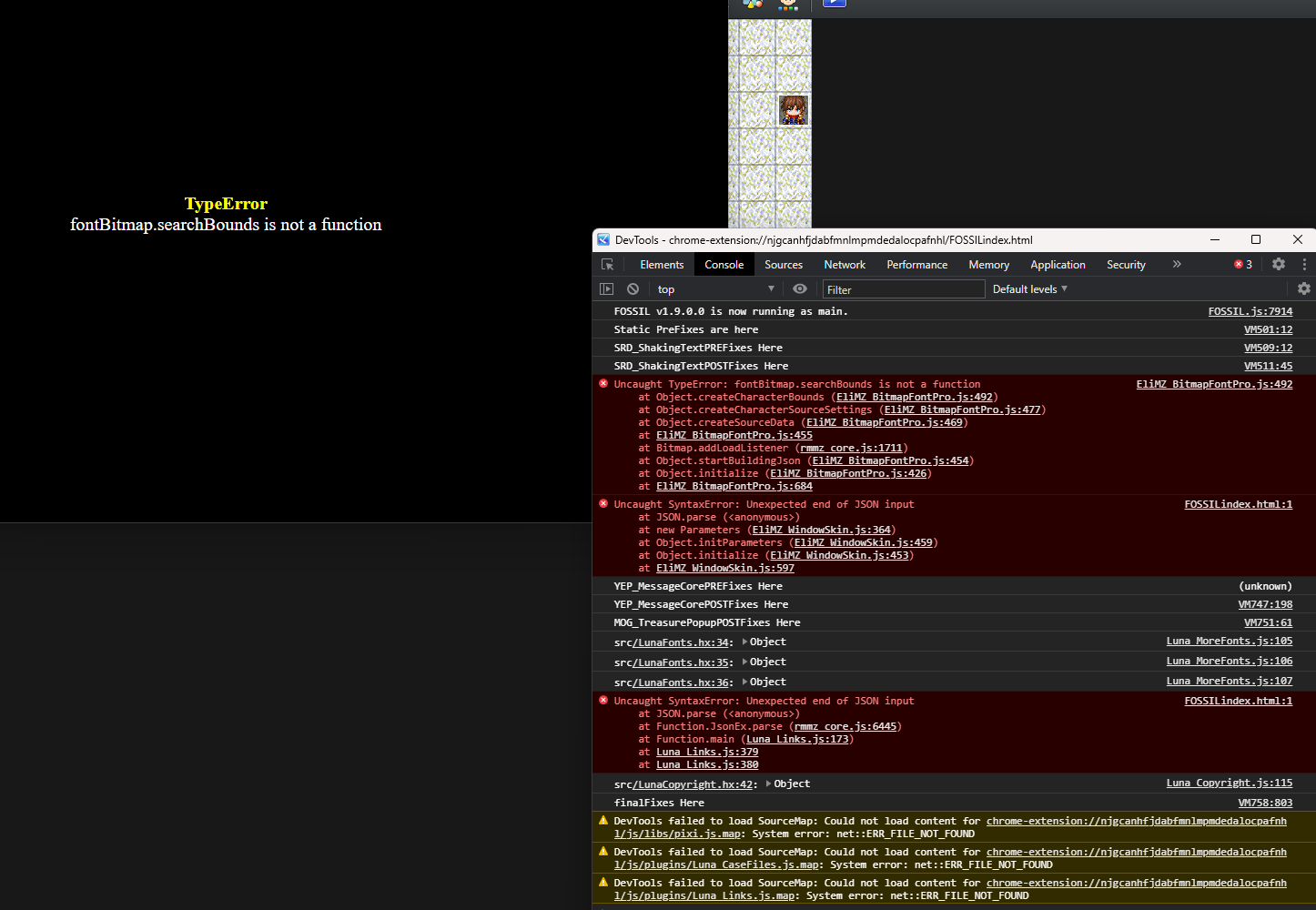
Hakuen Studio Bitmap Font for RPG Maker MZ community · Created a new topic [SOLVED] Occasional Boot Crash: fontBitmap.searchBounds is not a function
I'm posting this as a separate topic so if anyone is having the same problem can easily find a possible solution.
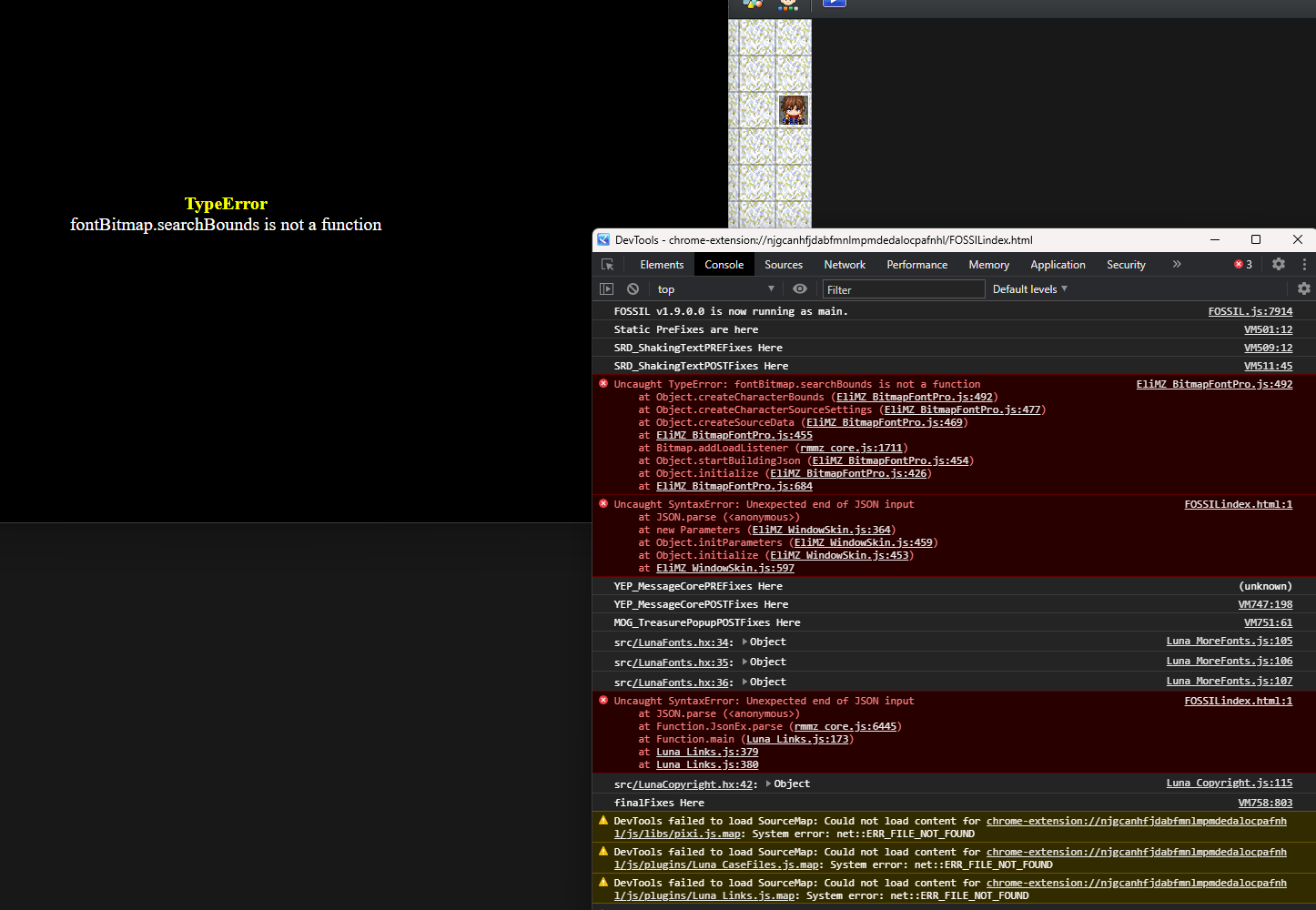
The game has a 25%〜 chance of crashing at startup. This is the crash report. EliBook is version 5.4.17.
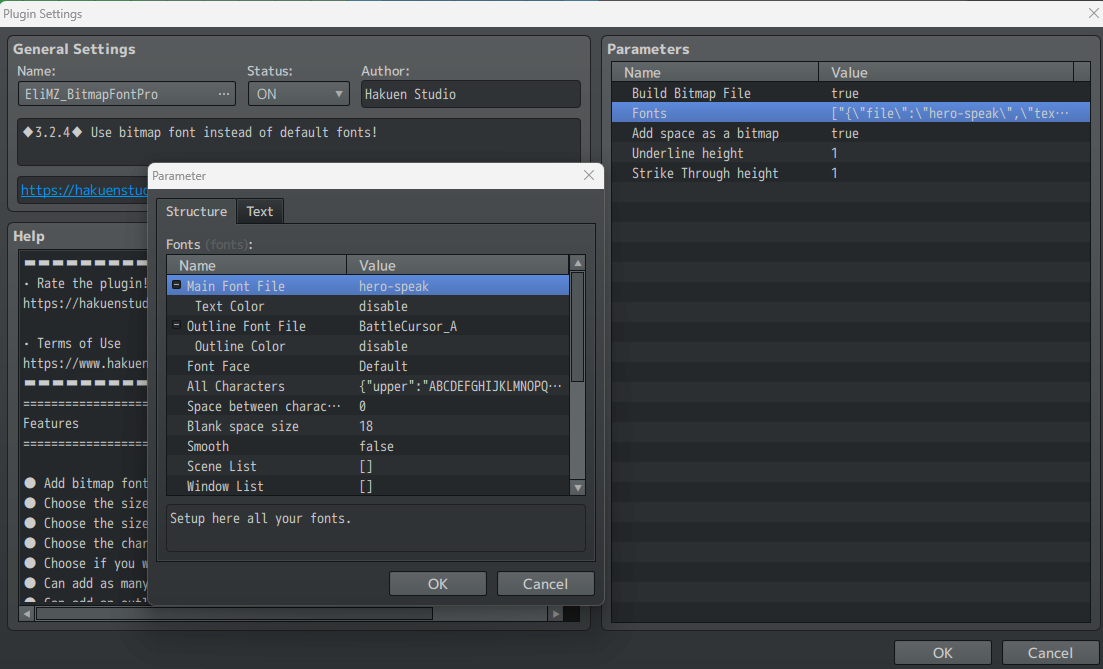
I think I filled every parameter of the plugin. Also, Build Bitmap File is set to true and the font name is spelled correctly. I have tried running the project on multiple devices and the issue persists.
Hakuen Studio Bitmap Font for RPG Maker MZ community · Replied to Hakuen Studio in [SOLVED] Character Size Question
(I've made another topic for this issue)
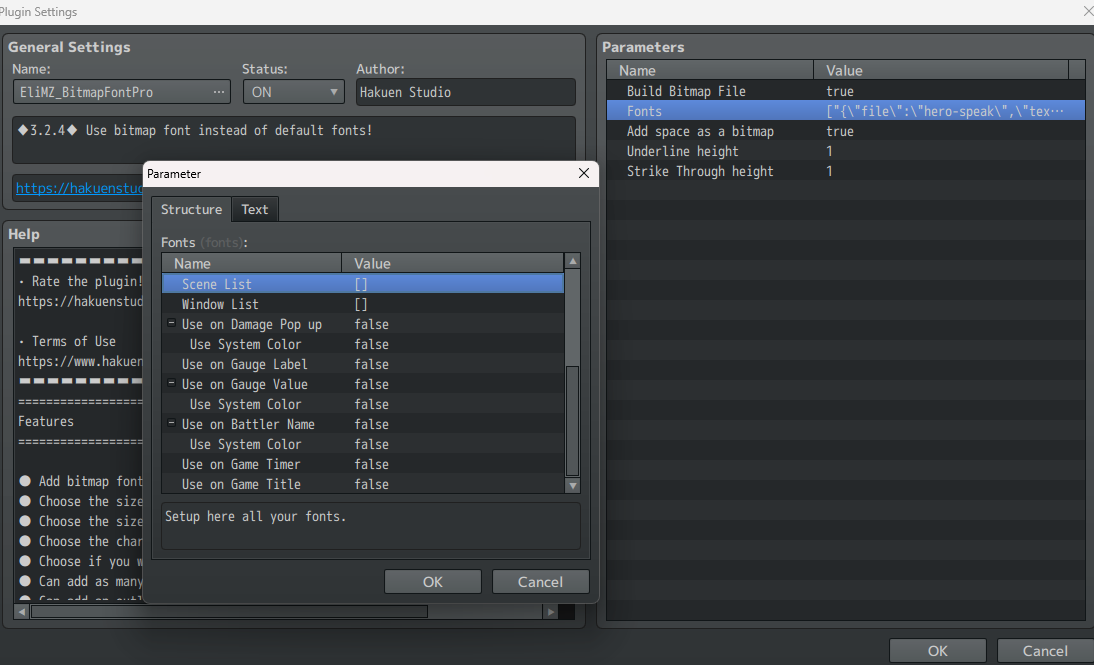
Hi, sorry for the late reply. The plugin still makes the game crash with that error with from time to time (20% of making it crash at startup) but I think I filled every parameter. Also, Build Bitmap File is set to true and the font name is spelled correctly. I have tried the project on multiple devices.
RPG Maker MZ Bitmap Font Renderer comments · Replied to TheUnproPro in RPG Maker MZ Bitmap Font Renderer comments
Hakuen Studio Bitmap Font for RPG Maker MZ community · Replied to Hakuen Studio in [SOLVED] Compatibility Issue with McKathlin_MessageControl
Thanks for your help!
Centering works with your message plugin, but I had to disable the MPP_MessageEX plugin to avoid the blur effect.
Link to Plugin: https://woodpenguin.web.fc2.com/MV_Plugin/MessageEX.html (MZ 4.5.1 version)
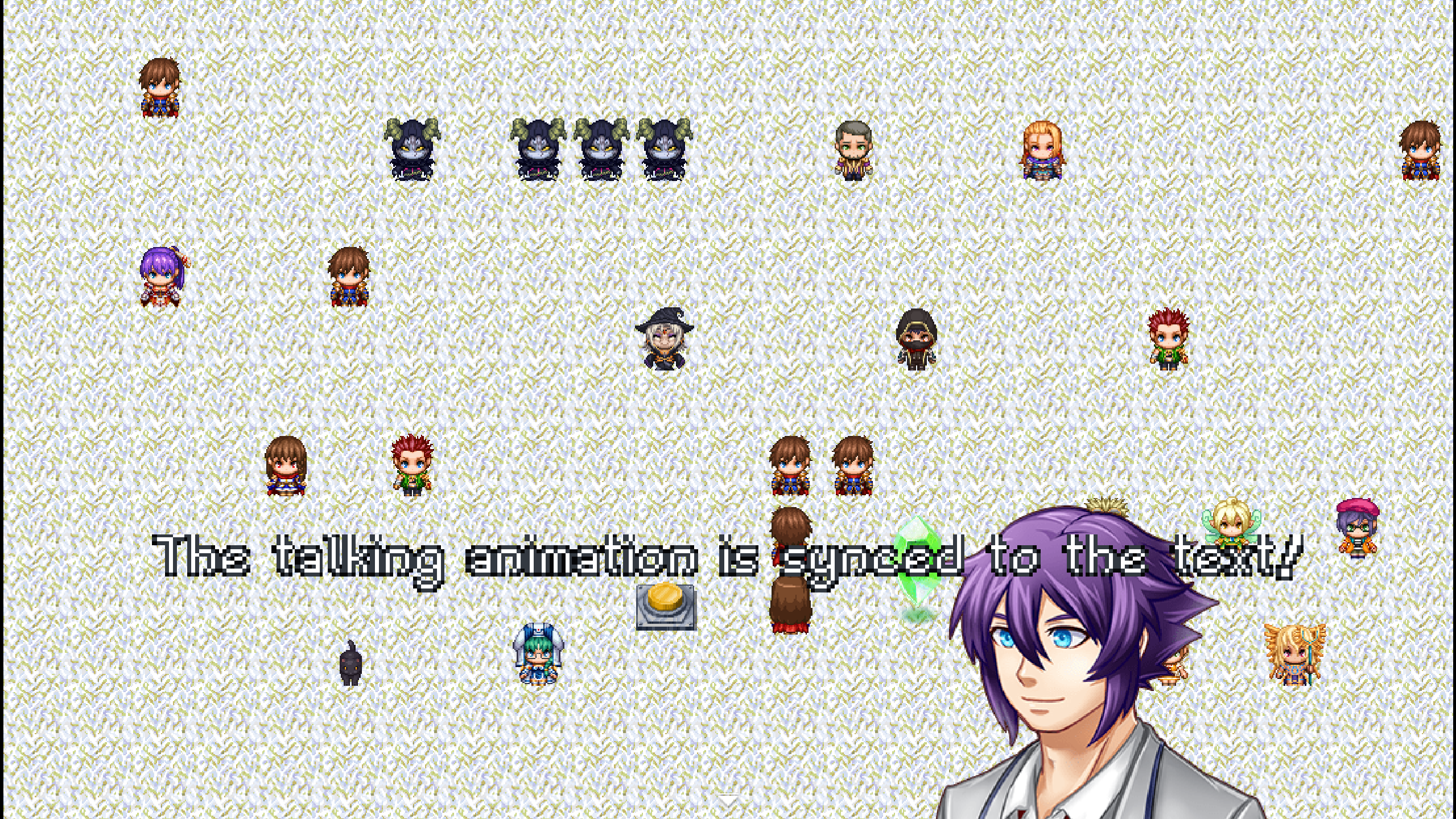
However, that plugin prevents characters from getting cut off when using taller fonts.
Without MPP_MessageEX (no blur, text is cut):
With MPP_MessageEX (has blur):
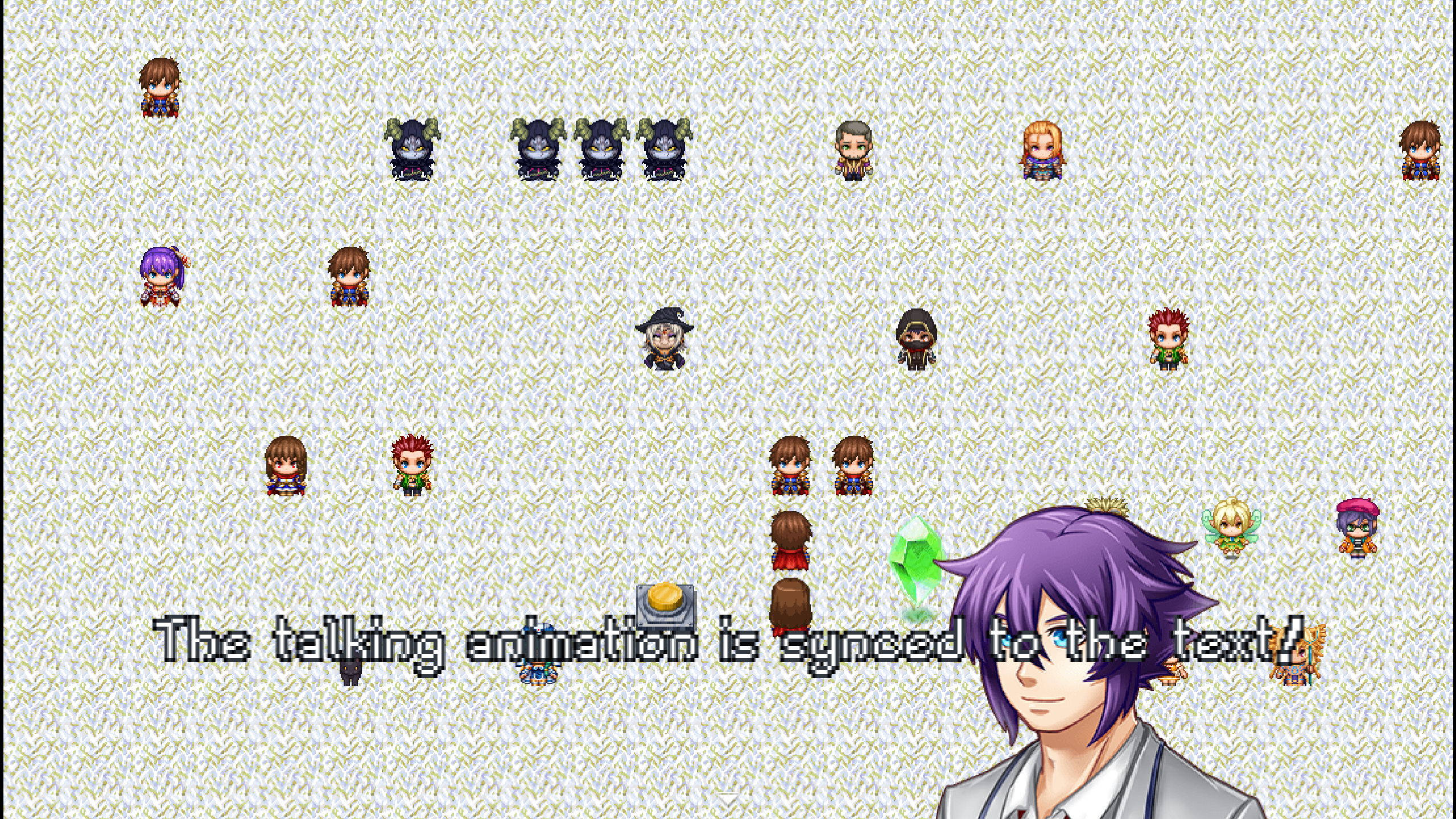
Do you know of a compatible plugin that could solve either the problem of the characters being cut off or the blur problem? Maybe something than increase the line height?
Thank you again for your availability :]
Hakuen Studio Bitmap Font for RPG Maker MZ community · Created a new topic [SOLVED] Compatibility Issue with McKathlin_MessageControl
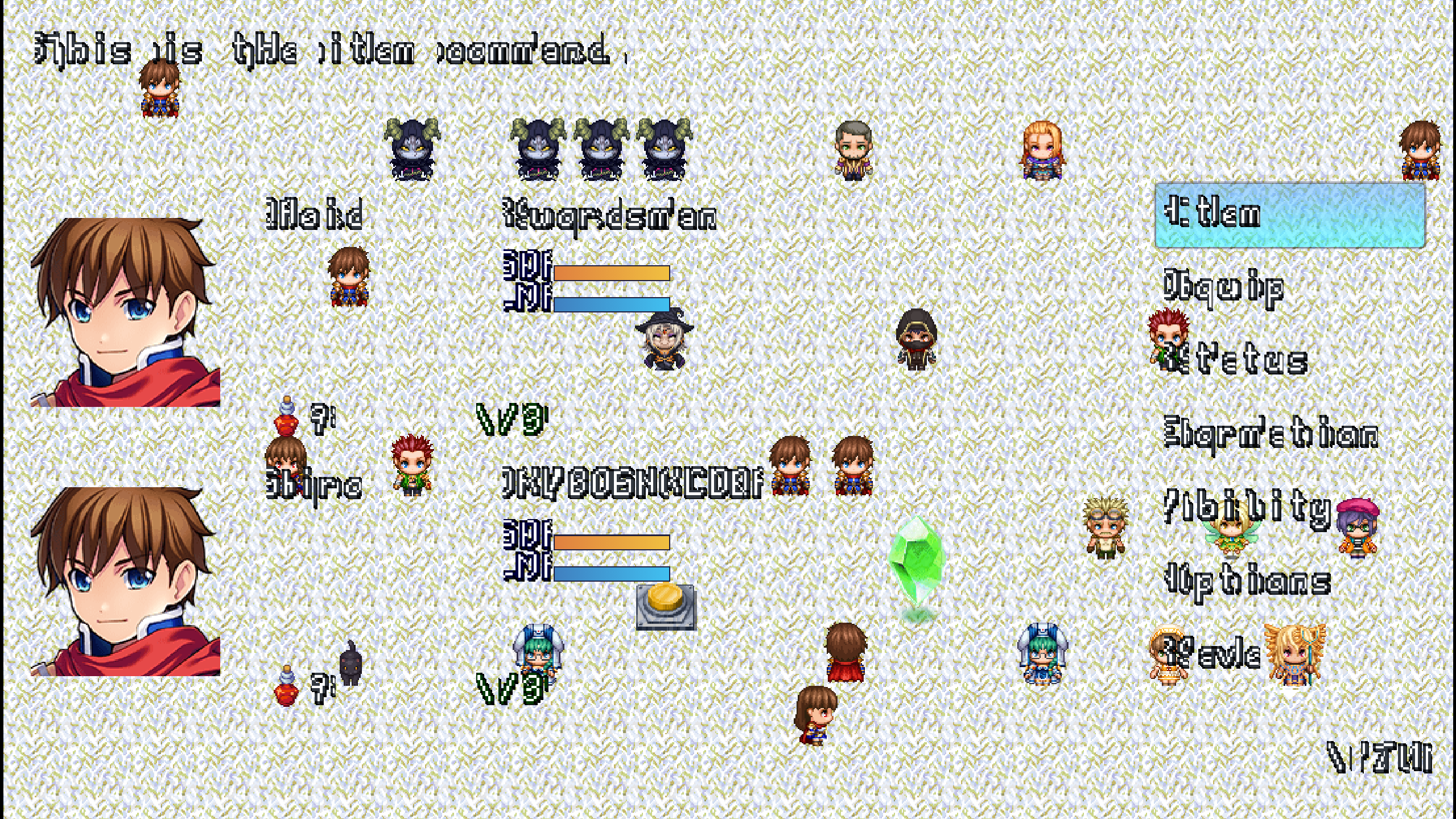
Hi! Thank you for your great plugin. I use the plugin McKathlin_MessageControl to center the text of the message boxes, but when the text is centered it appears blurry as seen in this screenshot.
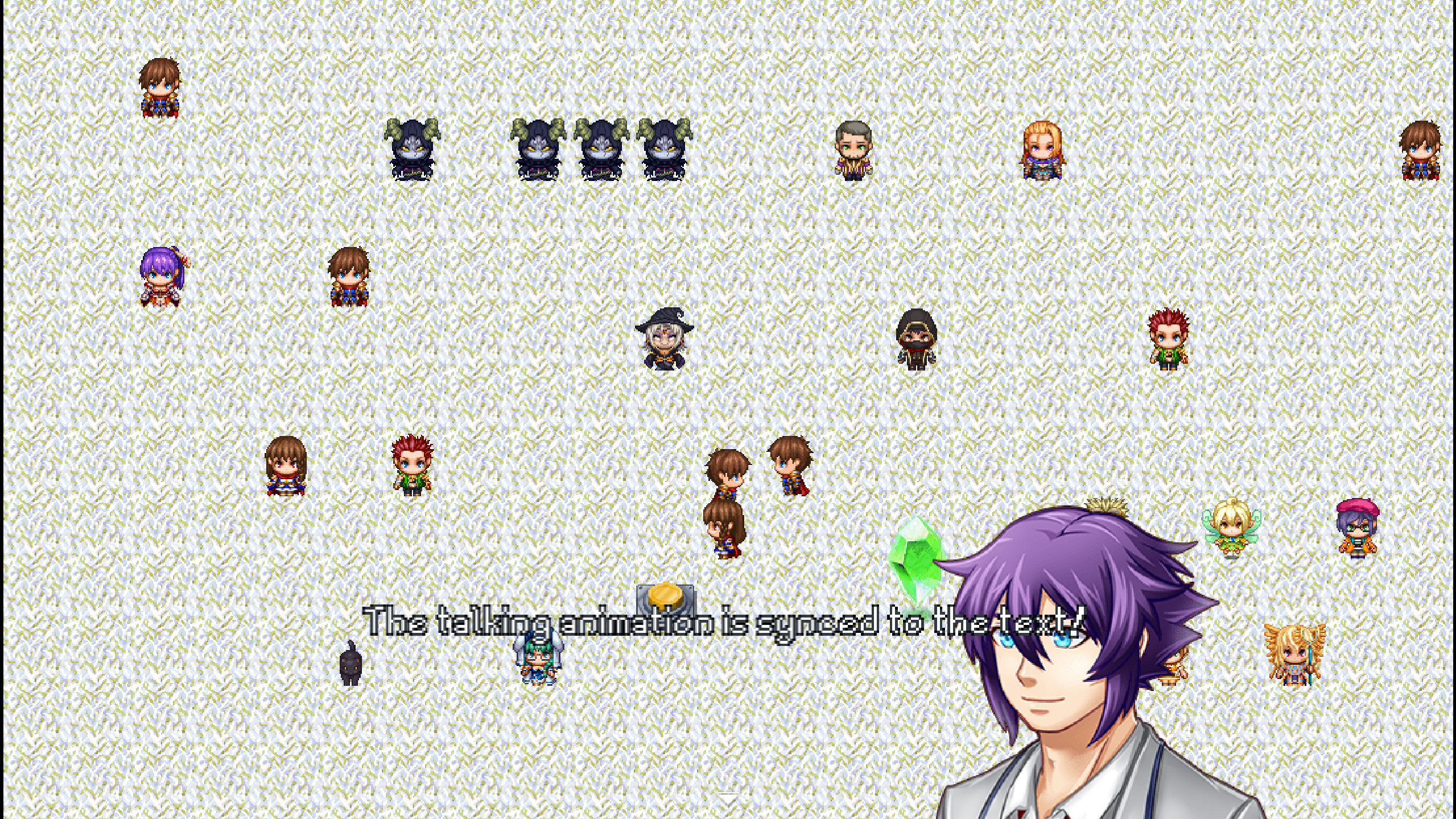
Do you know how I could fix this? Or maybe, do you know of another plugin that I could use to center the text inside the message box that does not conflict with your plugin? :)
You can find the McKathlin_MessageControl plugin here:
Hakuen Studio Bitmap Font for RPG Maker MZ community · Created a new topic [SOLVED] Character Size Question
Hi! Just a quick question, will this work if every character in my font has a width of 18 pixels and a height of 32?

This is the font I'm using, but I still have to set it up to be usable with your plugin.
I have tested other similar plugins and I had some problems, like for example both width and height had to be the same. So just making sure :)
Hi! This works great with fonts where every character's width is 16/32, but in my font every character's width is 18 and it gives me this result. It also does not seem to be pixel perfect as I see some "mixels".
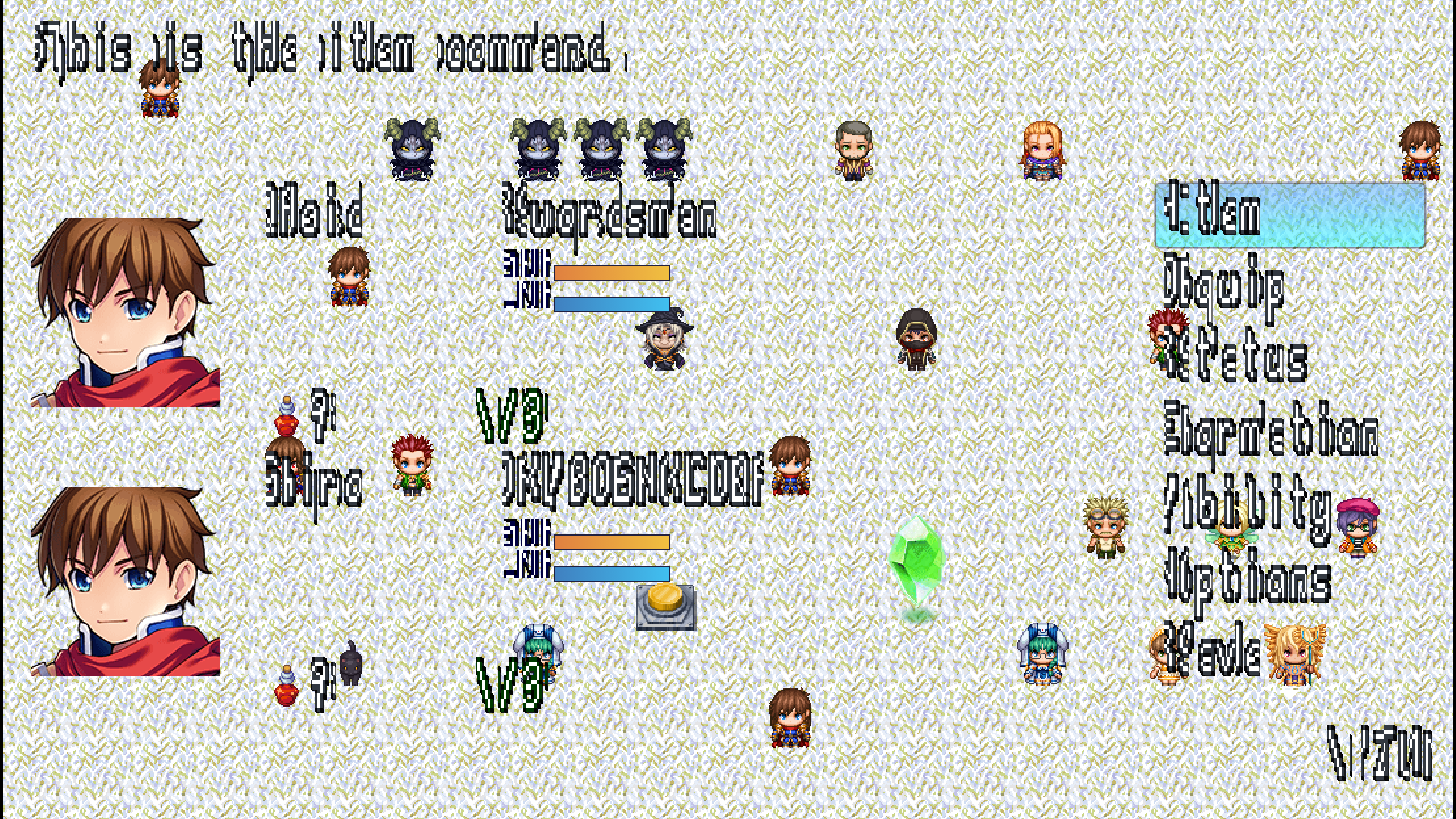
How could I fix this? This is the font I'm using.
https://drive.google.com/file/d/1QeMCetvUaWkaMbG4jG4TbtDhnUs76E-i/view?usp=shari...
Equip Items - Rpg Maker MZ plugin comments · Replied to Lheku Qhukyaru in Equip Items - Rpg Maker MZ plugin comments
Thank you so much! I really can't express my gratitude enough. I bought the plugin and it's awesome! I will be checking out your next plugins! Also, do you accept commissions at the moment? :0
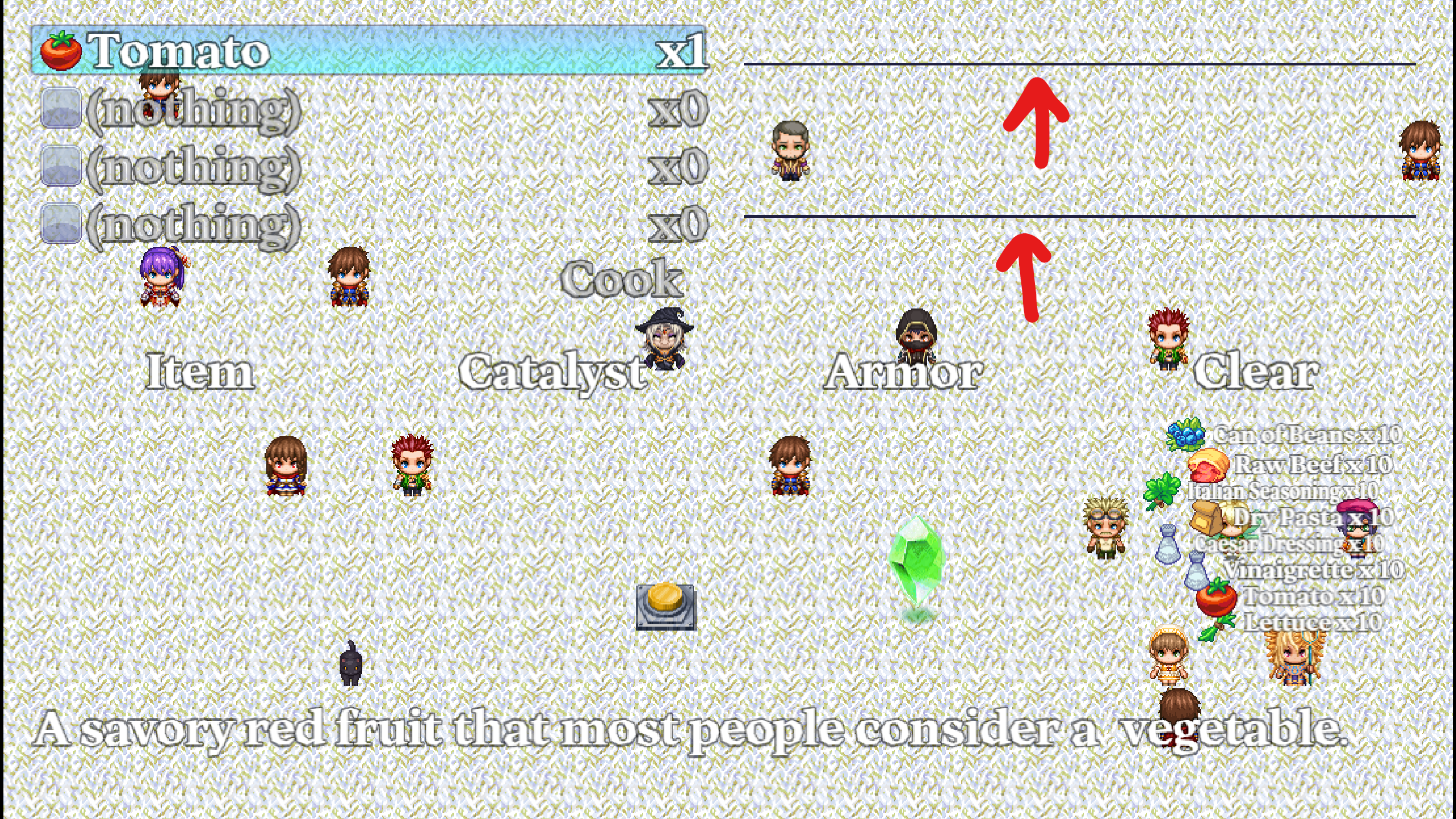
The autorefill window seems to have problems displaying the first two items as they are covered by default. Maybe it's my project's fault? I think I can fix trough the plugin parameters. You can see it here.
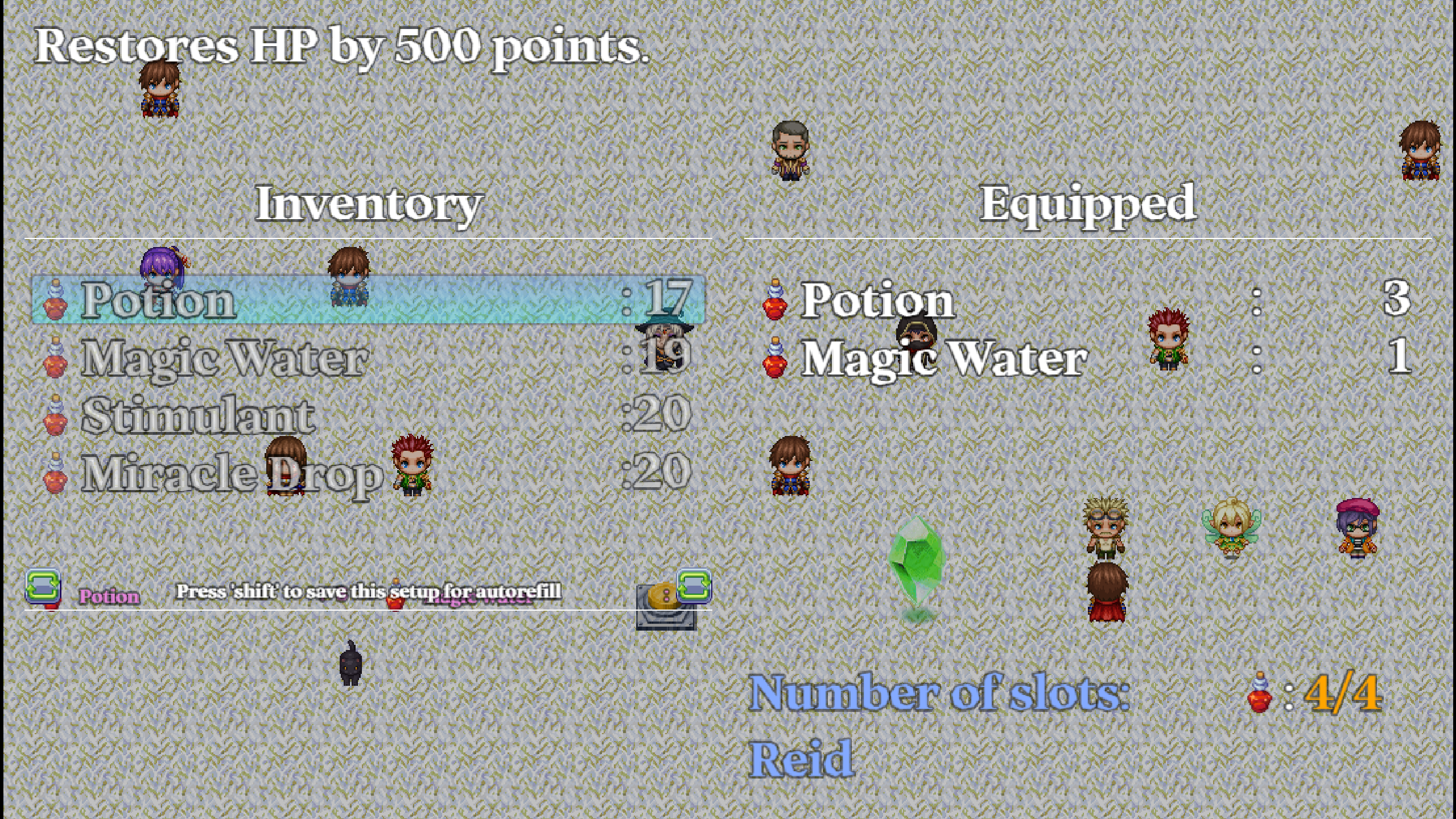
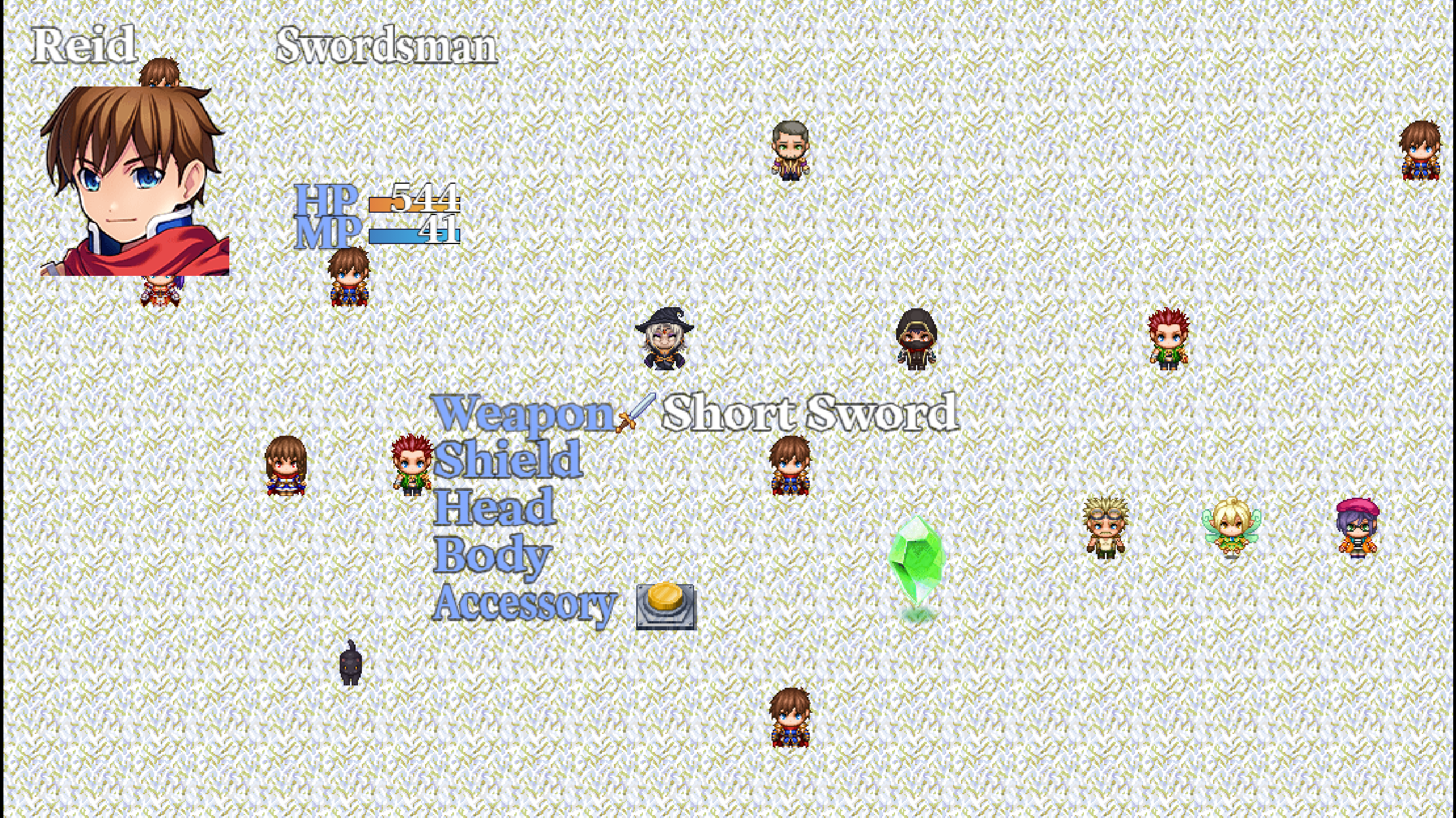
I also have another question, is there a way I could disable the darkening effect in the background so I could make it perfectly clear just like my Status screen as an example? You can check out the pictures below.
Thanks again! ^-^
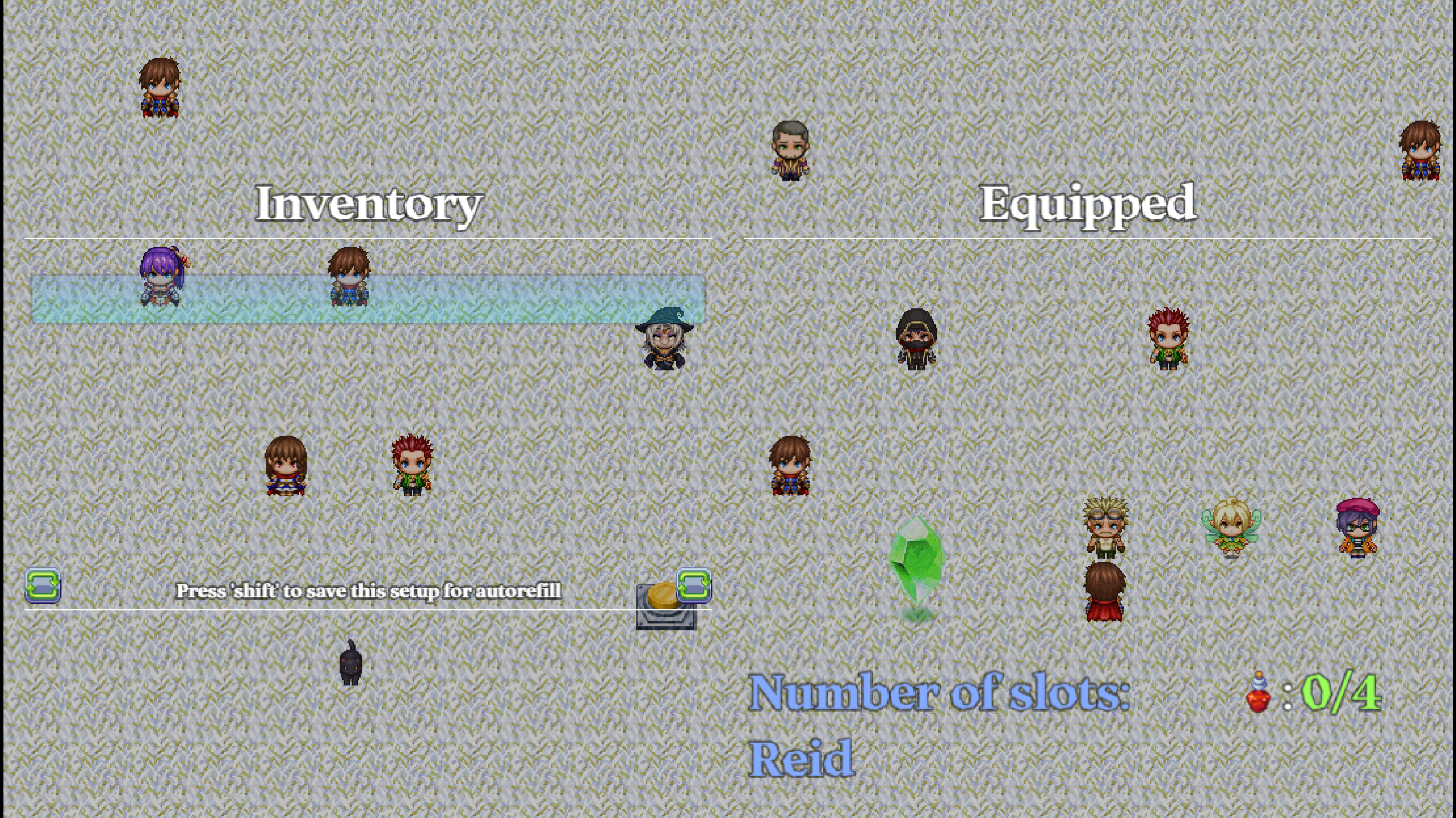
Hi! I have two questions before buying :]
1) Could it be possible to remove the blur and the darkening effect behind the scene window, so that I can create a custom background for it?
2) Can I disable the visibility of the frames and backgrounds of the windows?
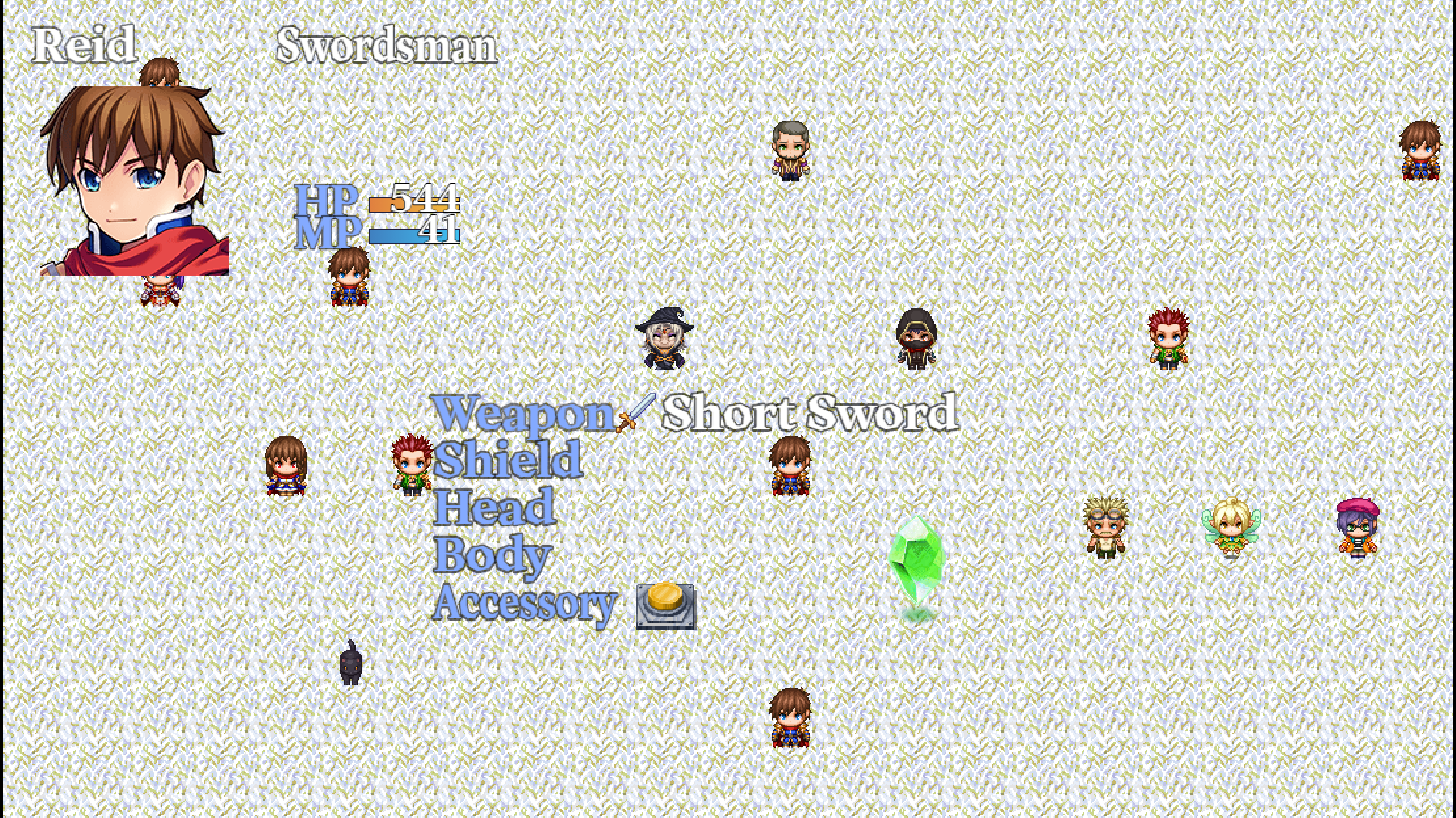
I would like to make it perfectly clear just like my Status Screen as an example. You can see it the picture below.
Thank you!
Cookie Cutter MZ - Calendar System community · Created a new topic Implementation without VisuStella?