On Sale: GamesAssetsToolsTabletopComics
Indie game storeFree gamesFun gamesHorror games
Game developmentAssetsComics
SalesBundles
Jobs
TagsGame Engines

BaronBeef

24
Posts
1
Topics
1
Followers
9
Following
A member registered Feb 14, 2025

Recent community posts

Thank you so much for your patience, Aerosys, and thanks for looking into this! Version 1.6.1 is no longer in conflict with Visustella battle core plugin. If in case I encounter anything else. I will let you know as soon as possible.

(1 edit)

I tried the version 1.5.9 The error message of the plugin conflict is different 

(1 edit)

Thanks Aerosys!  1.5.8 is working!The windows are in the same screen together 😎🙏🏼


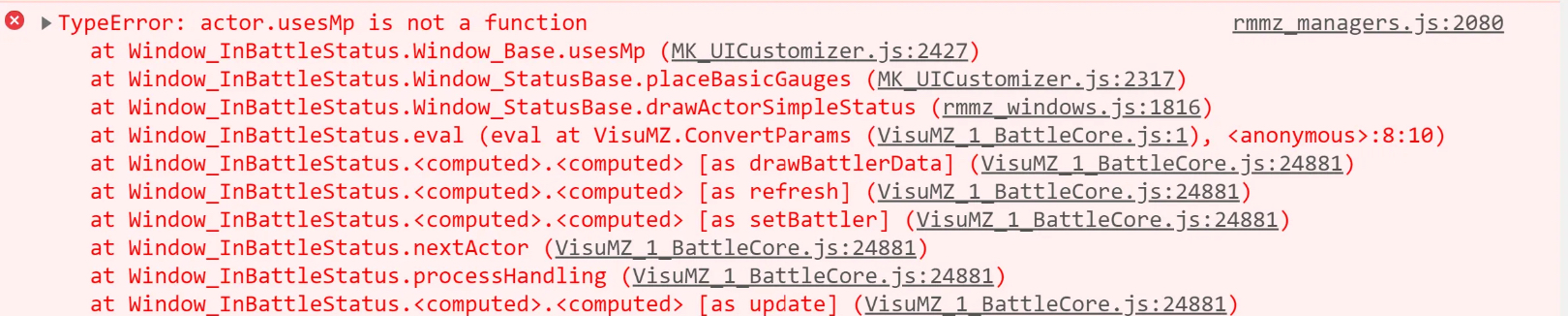
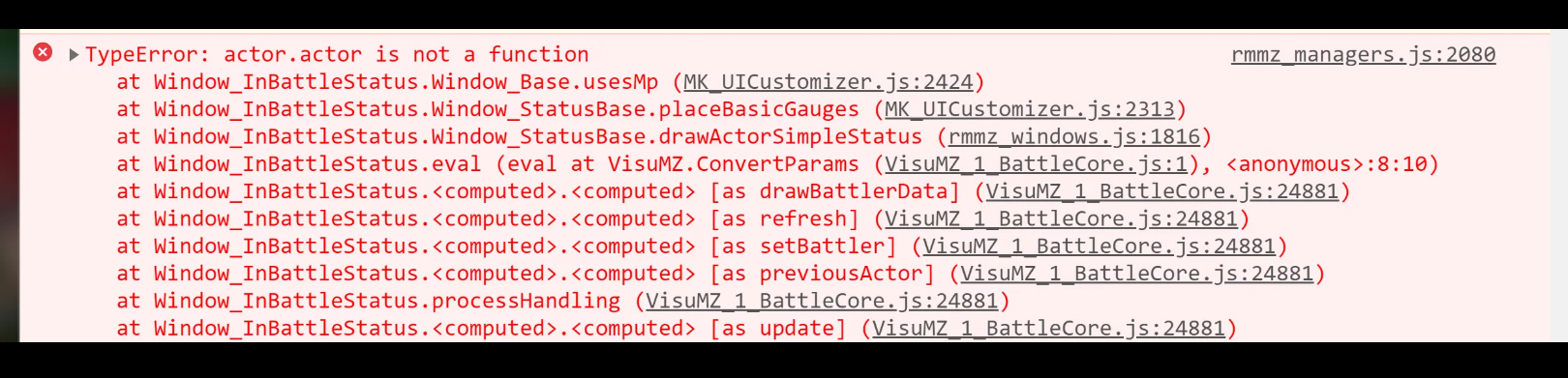
I also discovered an error. It appears the MK_UICustomizer.js and the the VisuMZ_1_Battlecore.js plugin are in conflict.

Hello, Aerosys. I am having difficulties with version 1.5.7. I cannot have the top command window, the status window, and the gold/game info window in the same screen together

Hello! Thanks for creating these plugins! I noticed as soon as I downloaded this zip file, windows defender was telling me this zipfile contains a virus. I checked  a different download. It’s working for that one but not for the wather note

I will keep that advice about testing in a blank project, Thanks for bringing that up! 

When I have all the plugins on. The summoning and unsummoning transition lags but that’s not a problem. I am so happy to see the animations are working fantastic!

Also a huge thanks for reminding me! The recover all command must also be set to the summonable character in order for that summonable character to recover.

 Last, how do you show the summons on the menu screen again? I have them under the summoner’s  equivalent summon command but no profile image. Just set like a skill with description and mp usage. 

If I find anything else. I’ll reach and report those issues to you. I appreciate your help, ActumAventinus

the banish or retreat & summon commands were a database categorization error. I set it to user instead of enemy

So I managed to copy the version 1.3 demo plugin onto the game project. The summoning & unsummoning animations  work! 

So my team mate was testing out version 1.3 of the summon_system plugin and has encountered the following issues:

  • Even when incapacitated. The summonable actor does not heal at an inn nor at a healing point / healing checkpoint / heal pad
  • The summon incapacitated message did not complete across the screen. It was cut off.
  • After the summon incap message. The summonable actor skill costed the summoner MP usage.
  • There are few instances of the summonable actor staying in battle after incapacitation allowing for team mates to revive that summonable actor. There are also instances of that summonable actor switched back to the summoner as they are at a low hp threshold (could be at 30 to as low as 10hp)
  • It would be a nice suggestion to have a summonable actor menu to access their stats and heal or revive them with an item when off battle.
  • Similarly, during battle, it would be convenient to be able to heal and revive a summonable actor that has been switched back to its summoner while in battle.
  • On a slightly different note, when the summonable actor is switched back to the summoner during battle, I notice that the ‘Summon Actor’ button under ‘Special’ is gone. Should it be that way or should it be visible without being able to be selected by the player?
  • Summon , unsummon, and victory unsummon animations are not working.
  • Banish command option does not appear in the battle commands.
  • When the party with a summonable actor escapes. The summonable actor replaces the summoner on the main menu screen and automatically appears instead of the summoner during the next battle. 

Sup , Actum Aventicus! Hope all is well! Im about to test the summonable characters again, but would you happen to know if they can heal by inns or healing gates?

My pleasure! Sounds exciting! Looking forward to seeing that! It would also be cool to add a summon menu to show the available summons

(4 edits)

Great job on adding the redirection of the experience option to the summoner! Thank you so much! I am still investigating anything else but will let you know immediately in case of bugs and/or error messages.

I wonder if everyone, including the summon, could gain the experience, too?  If possible.

Also to note. I saw an enemy attack the summon while it was retreating.  I think it may be related to the small delays in summoning and retreating.  I see it takes time to switch from playable character to summon and the other way around.

Again. Thank you so much for building this plugin! The summoning style you built is like final fantasy 8 and final fantasy 10 summoning. Absolutely amazing! 

(1 edit)

The  moveset issue is fixed. Thanks! The problem was that the summon should come with special or magic skill moves. it didn’t have a magic or special skill assigned 

Thank you again for building this plugin! 

The following I spotted that may need patches:

  • Small Delays in summoning and retreating
  • Retreating the summon but the summon’s moveset does not disappear 
  • When the battle ends with summon in party. Summoner does not gain experience

Good news is when the summon retreats before the  battle ends. The summoner gains experience

(1 edit)

Thank you for that fast response! I found out the cause. Plugin conflicts. Luckily it only hinders the f9 tool from appearing so what i will do if I need to edit the menu is turn off that plugin that causes comflicts to access f9

(2 edits)

i theorize it could be because I am using the trial version pf wimdows 11 os. The f9 tool was working when I had 10 and was still using version 1.1.1 until a BSOD forced me to change a new pc

Thanks again for building this plugin, Aerosys!

I am having trouble with version 1.4.4 

The F9 tool won’t work. I even deleted the uicustom folder a few times.

Still not working.

Understood and thank you for reaching out, friend. Uh, so where do I input that in? I tried adding that as a comment within the <> and I couldn’t get the icon to display for an event space

how do you add the icons?

ToshaAngel! Thank you so much for cooperating!

I solved the issue! A lesson for me and all to always avoid renaming a .js plugin file

The plugin will not work.

The .js document was verified. It has the same number of lines of code. So no lines are missing

(1 edit)

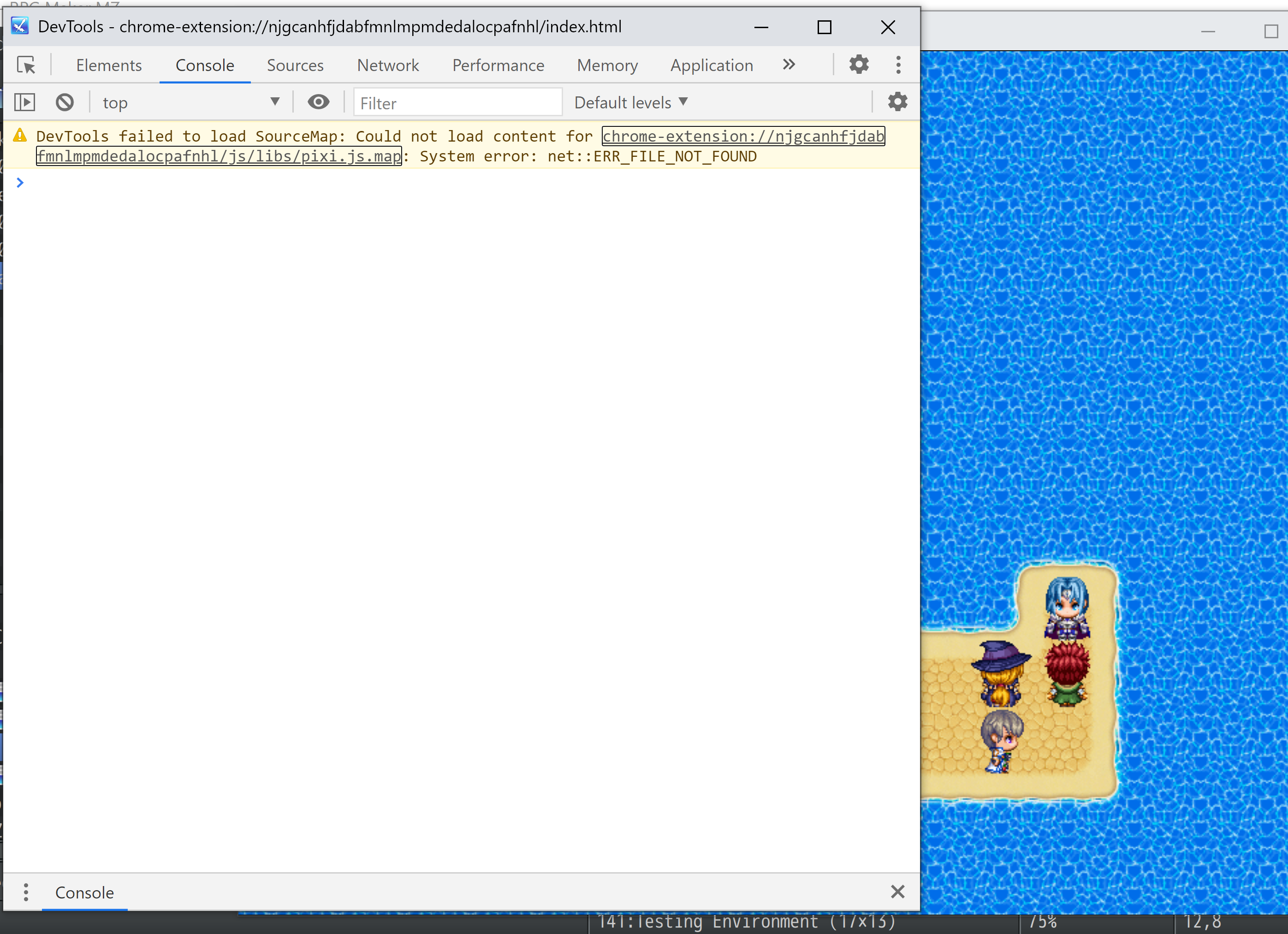
Certainly! I followed everything you mentioned and even pulled up the console log (f12) and turn off all the other plugins.  After doing all that. This is what the console log showed 

(2 edits)

The npc dialogue works smoothly. Btw. Thank you for designing that! It’s the character dialogue of 4.0 I am having trouble.


the plugin command is not working on the event editor.


Also. How do you skip an event? 

Hi! I can’t get the character dialogue to work. Can you provide further instructions?