


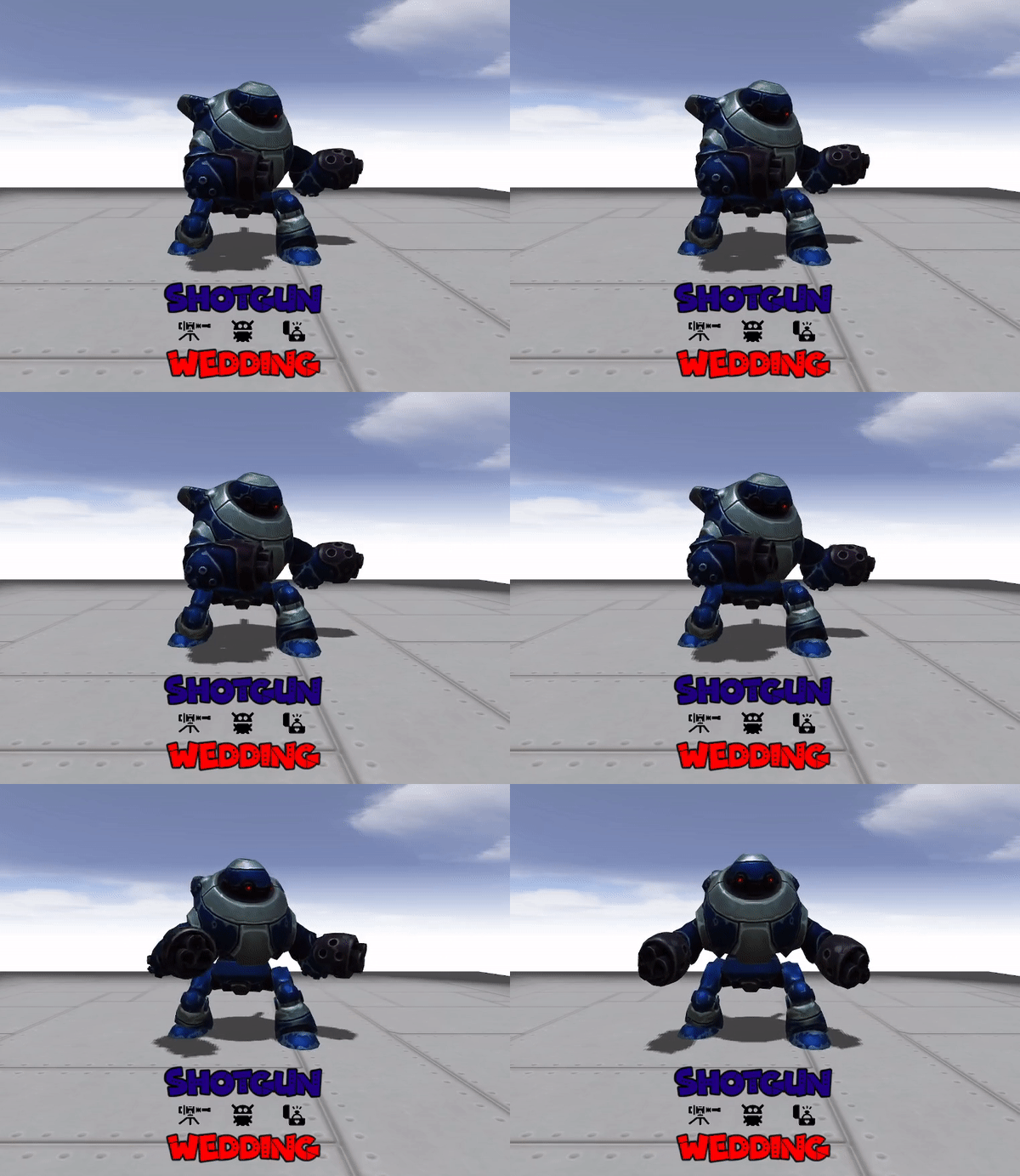


So I can make a MacOS build but I dont have a Apple Developer ID and therefore no certificate to notarize the application. I re-remembered why I do not supply macOS versions. You can still go around GateKeeper but you should not do that, especially in a class environment. Sorry, for getting your hopes up but its best that I do not provide a Mac version given my poor support for it (no Apple silicon to test and no certificate for notarizing).
A member registered Jun 12, 2022 · View creator page →
Creator of
Run in browser

A web based demonstration of various space shaders effects using Godot.
Simulation
Play in browser
This solution does not need Blender or any other tools other than Mixamo and Godot 4.3!
Run in browser

A World of Warcraft like adventure using KayKit assets. Play in your browser.
Adventure
Play in browser

The Commodore 64 classic: Raid on Bungeling Bay, reimaged!
Survival
Play in browser
Recent community posts
I have been working on it. I have some static defenses for the little ones so it is a more of a fair fight. The static defensive now makes the level a real race against time as it slowly drains the player's health. I have added some more mechanics and another level.
Eventually I will built a bigger world and you will be able to move around and smash buildings, rocks, etc.
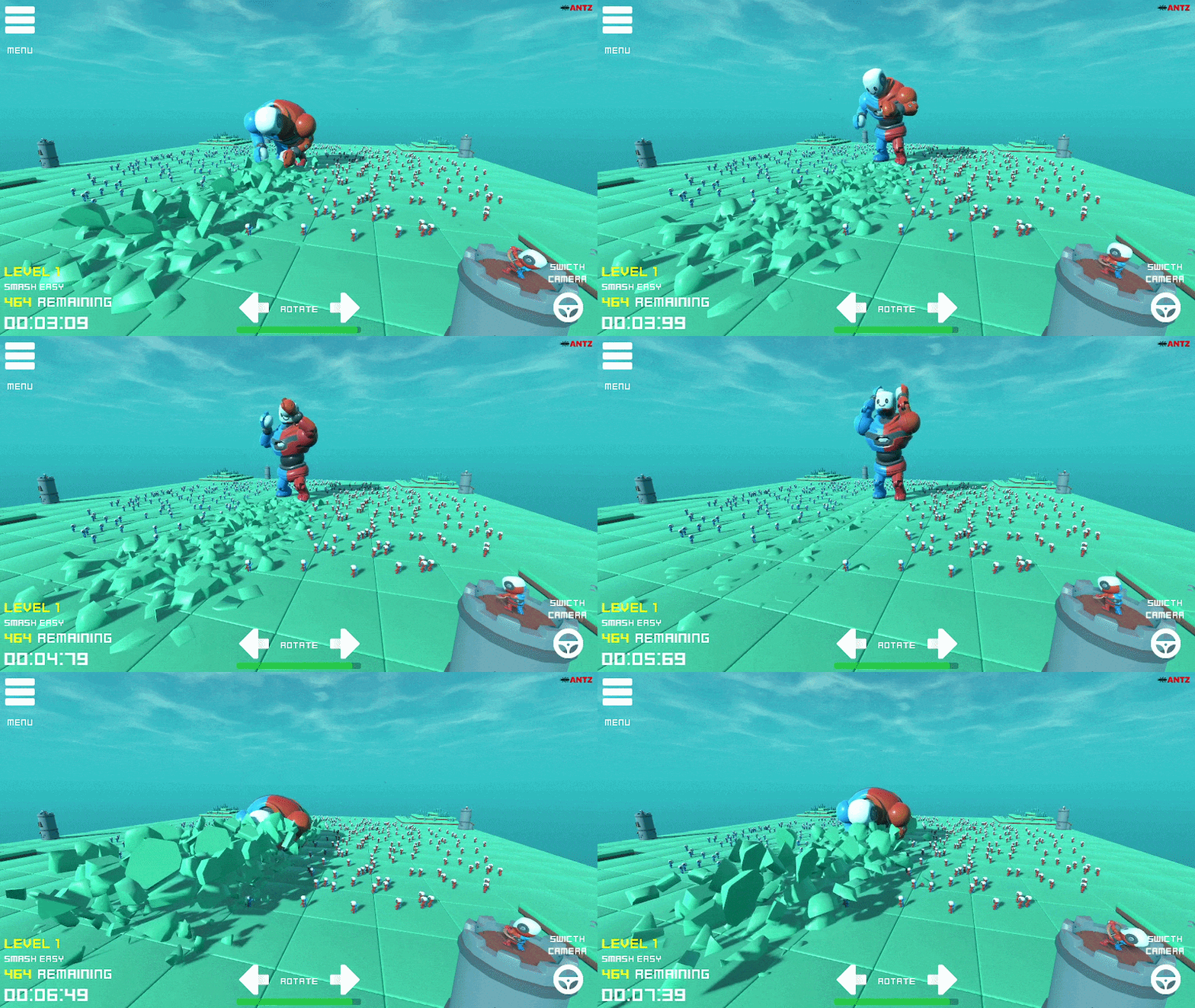
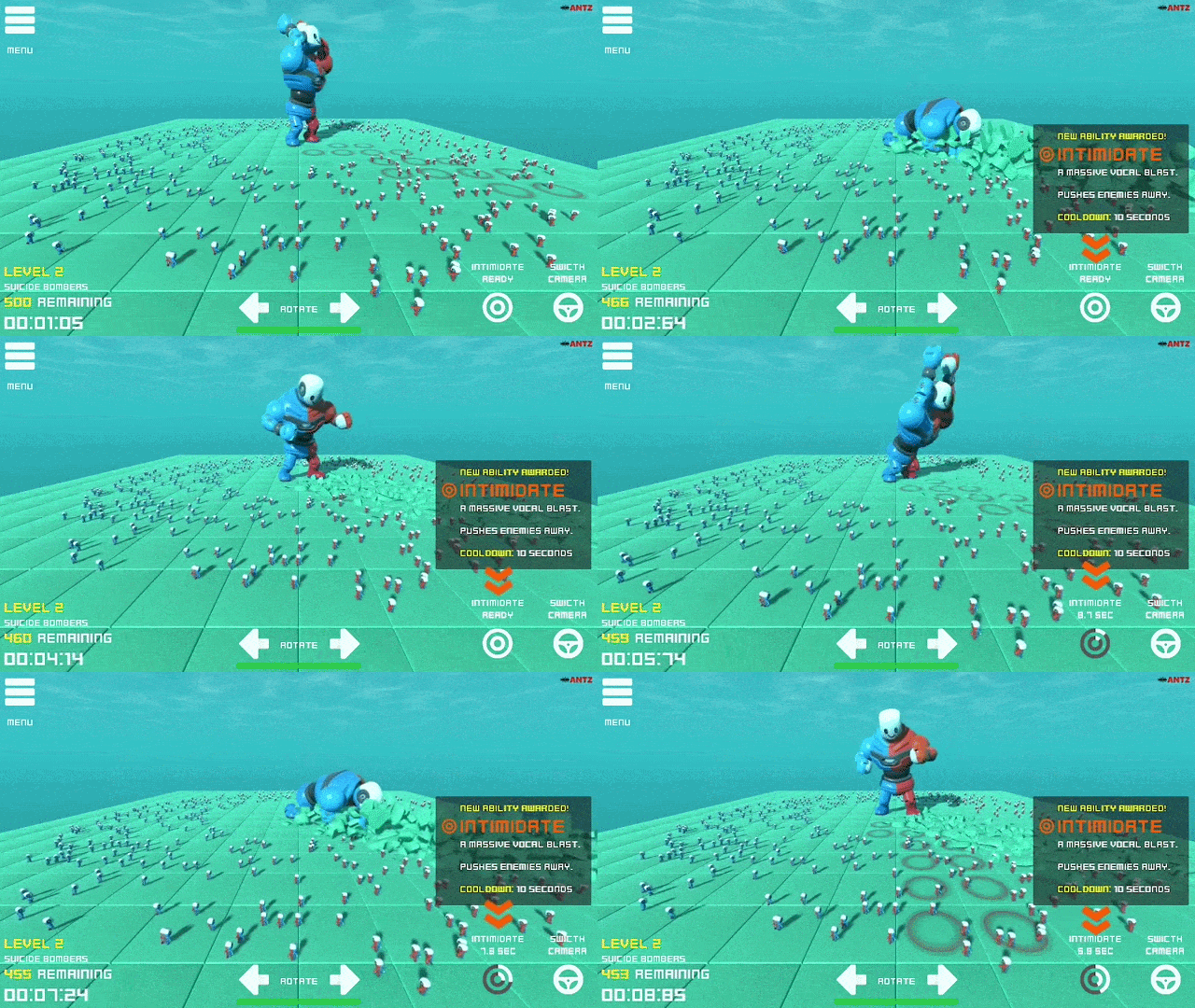
Agreed. Destructable buildings are coming, and I like the rocks idea. So far I added:
- Hit box decals showing which tiles will be smashed.
- A second level with 500 little ones running with explosives, so you can now die. Exposion particles also added.
- A new ability where the player can intimidate (roar) which will push back the little ones.
What is planned:
- Planning to have global best times per level.
- A third level with destrcutable buildings that fire projectiles at player.
- More upgrades like different smash patterns.
Appreciate the feedback, and thanks for hosting a fun jam.
itch.io Community » itch.io » butler · Created a new topic Automate Build + Deploy Godot Web Games to itch.io using butler and GitHub Actions.
itch.io Community » General » Release Announcements · Created a new topic Robotron 2084 - A modern 3D remake
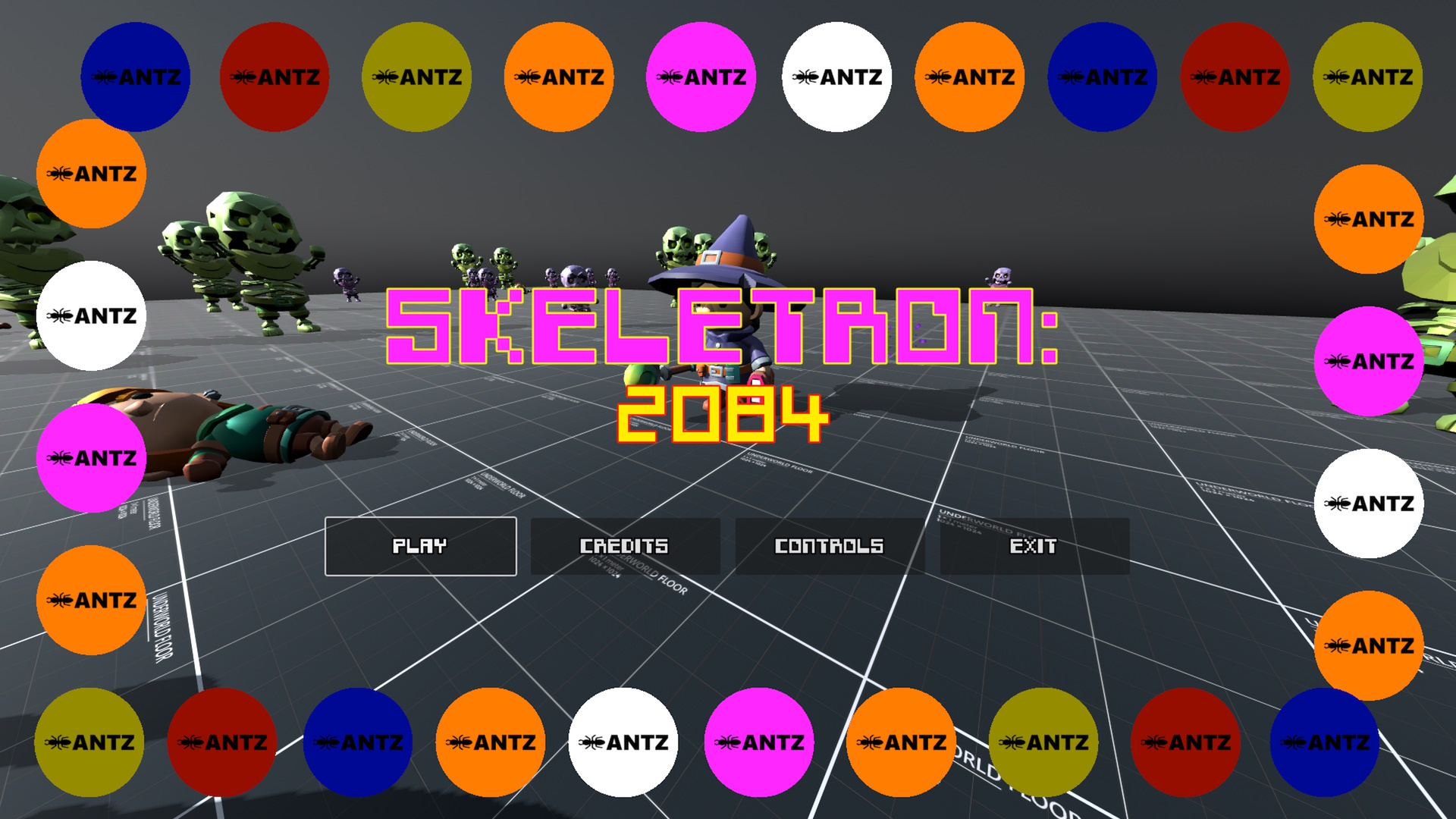
A reimagined - 3D - fan made - remake of the classic:
Robotron 2084
Play in your browser at: https://antzgames.itch.io/skeletron2084
How to win
The object of the game is exactly like the original. Save as many humans as possible. Green hulk skeletons (the big green dudes) will chase down and kill the humans. You cannot kill the green hulks but you can be slow them down by shooting at them.
Purple caster skeletons are dangerous and will target where you currently are.
Red grunt skeletons will speed up slightly the longer they stay alive.
Controls
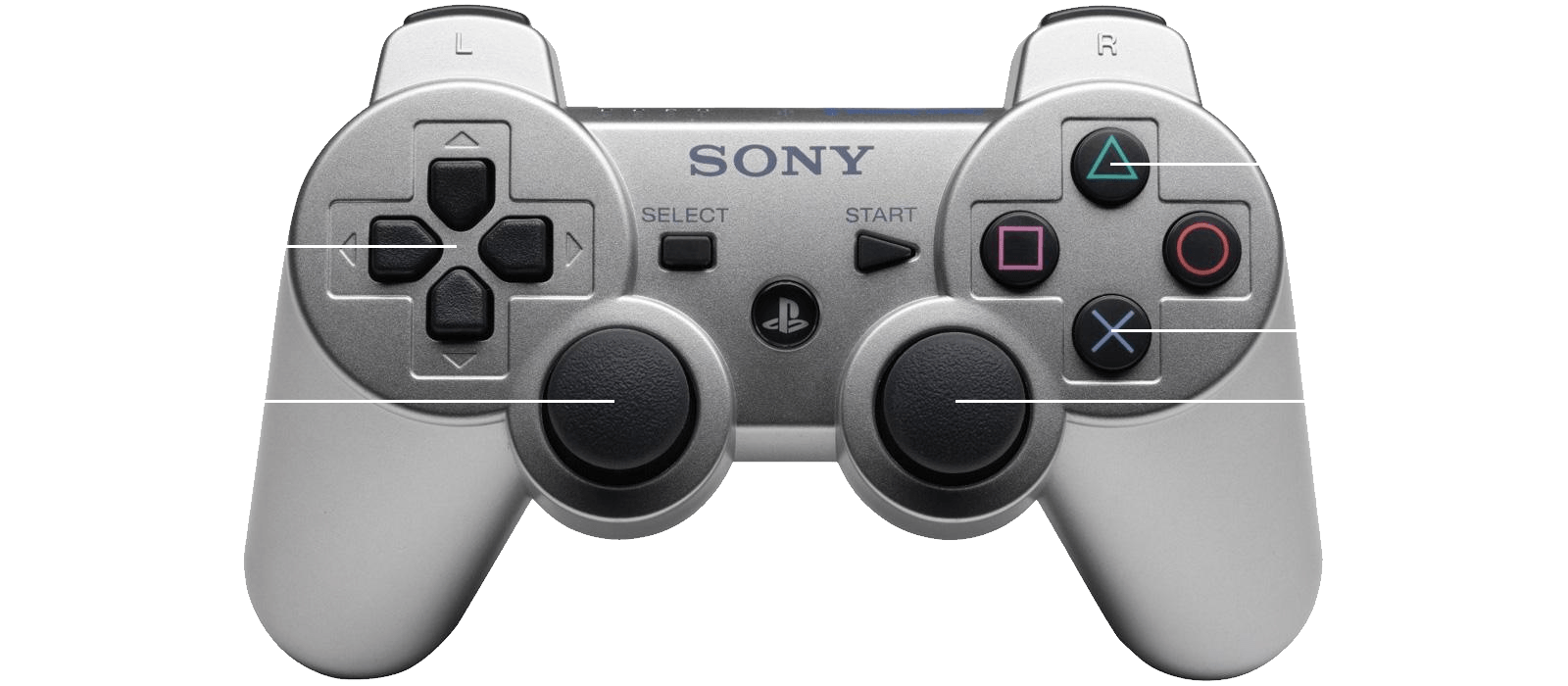
Controller:
Tested on Edge and Chrome (with DirectInput). If does not work on browser with your controller, then download either Windows or Linux version.
- Left joystick: Move direction
- Right joystick: Shoot direction
- D-pad for menu navigation
Keyboard:
- WASD Keys: Move direction
- IJKL keys: Shoot direction
- CURSOR keys: Main menu navigation
- ENTER or SPACE: Select
- F1 key: Exit to menu
itch.io Community » General » Release Announcements · Created a new topic Using Godot's GridMap as a 3D Editor for another game framework: libGDX
I have created a solution that takes a 3D GridMap from Godot and uses it in the libGDX framework.
libGDX unfortunately does not come with a 3D Editor, more importantly, it does not have any 3D grid editors like libGDX has for 2D tile sets.
Since Godot has a simple GridMap node that allows you to quickly design and create a 3D world using 3D grid tiles, I made a solution that allows you to design your world in Godot and use it in libGDX.
Test the demo in your browser: https://antzgames.itch.io/libgdx-gridmap
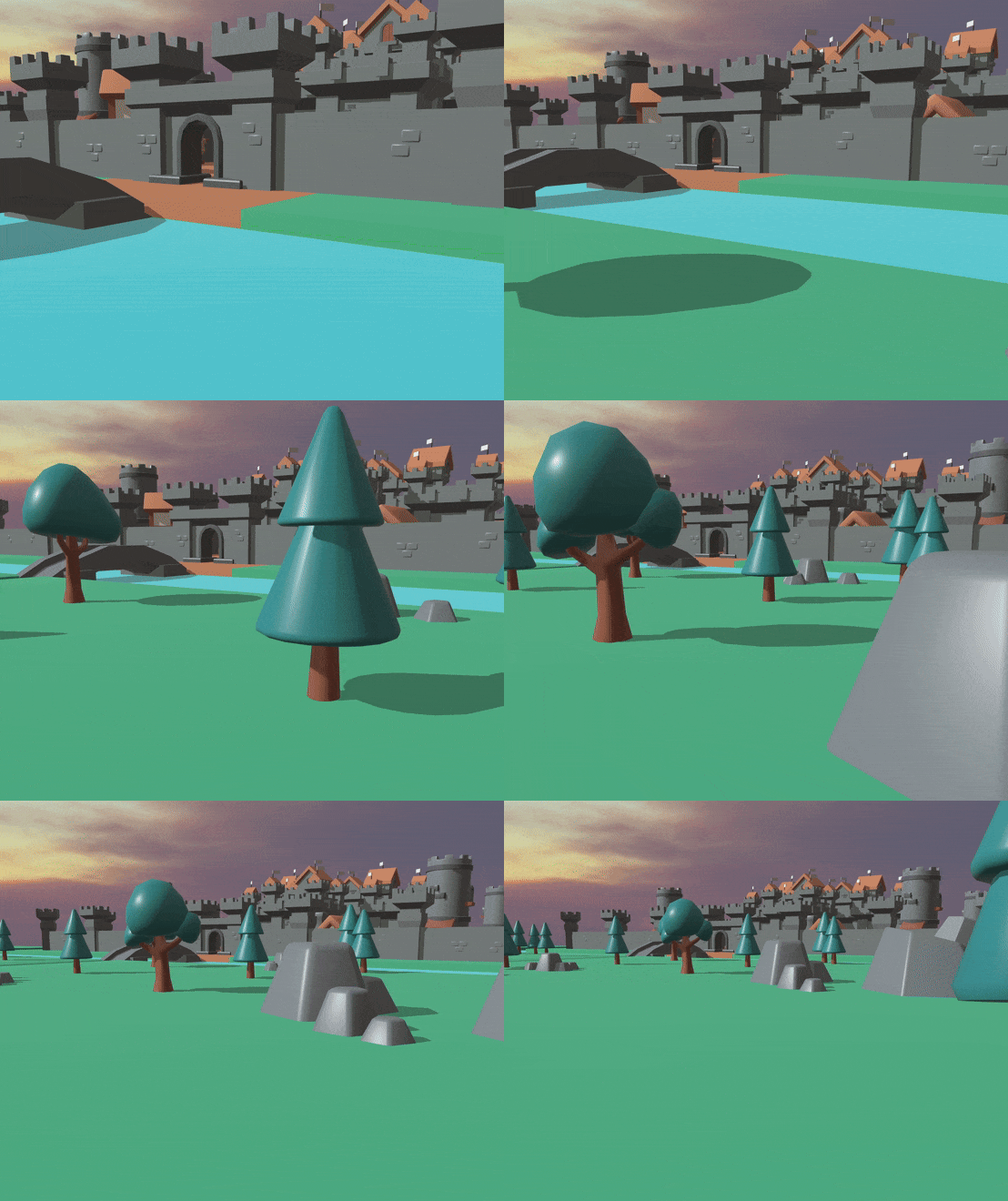
Video:
itch.io Community » itch.io » Questions & Support · Created a new topic MegaGames reposting my executable without permission - what to do?
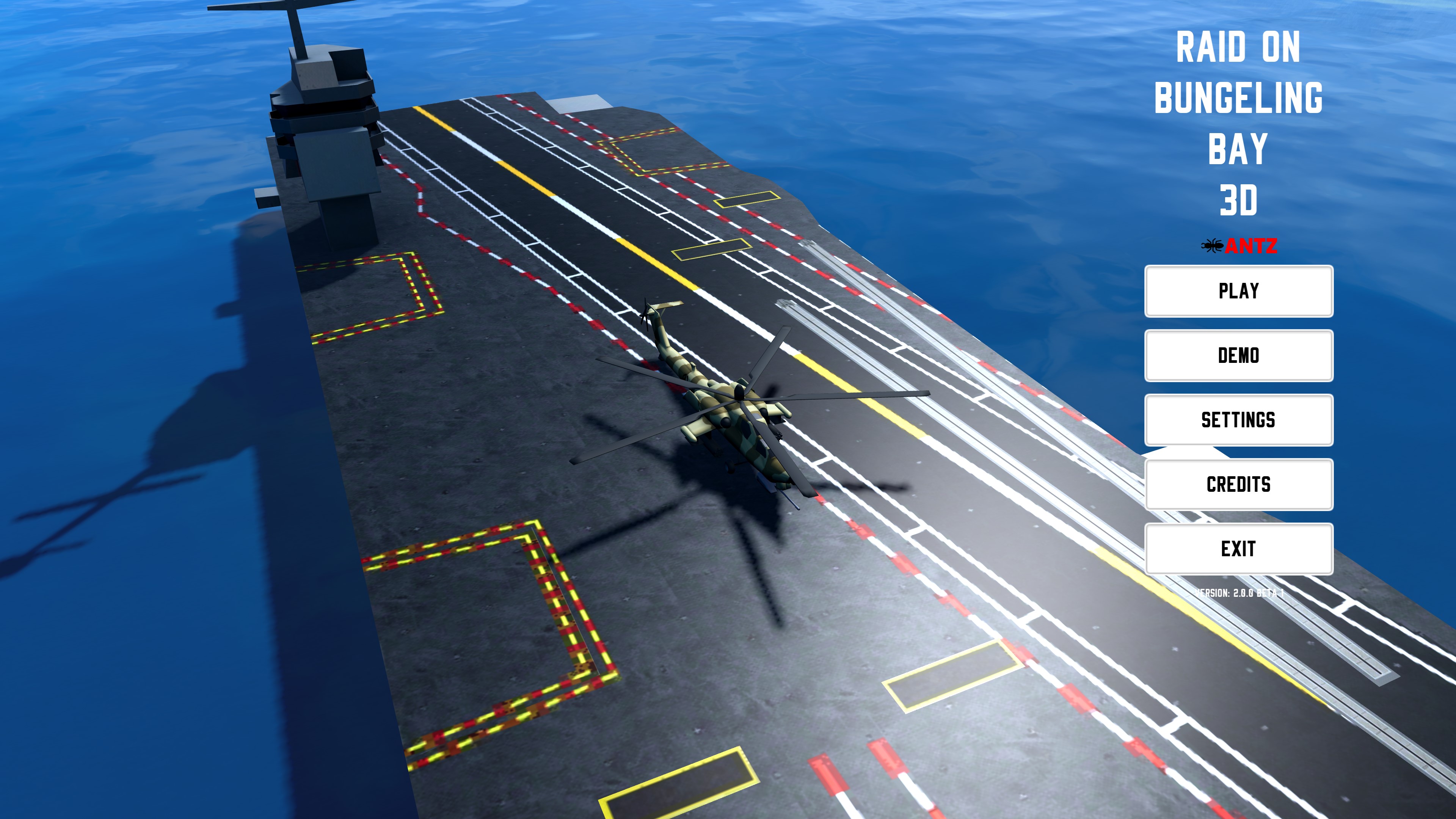
itch.io Community » General » Release Announcements · Created a new topic Raid on Bungeling Bay 3D: Free to download or play in browser
The Commodore 64 classic: Raid in Bungeling Bay reimagined in 3D!
The object of the game is simple: Bomb all six factories with your attack helicopter and survive.
Rebuilt with the Godot game engine.
Play in your browser, or download the Windows and Linux versions for free: https://antzgames.itch.io/raid3d
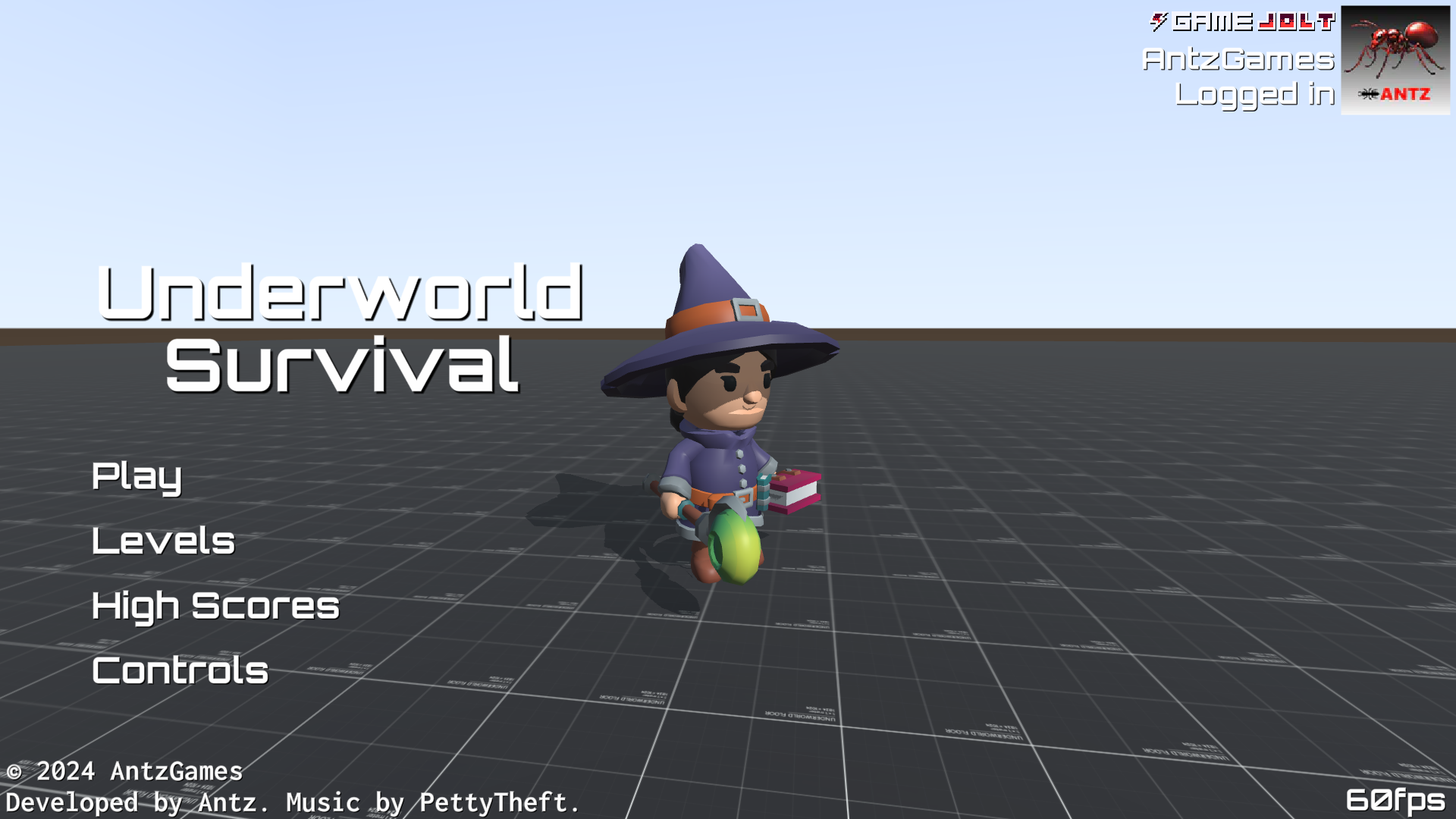
Game Page: https://antzgames.itch.io/underworld-survival

Help the mage survive the Underworld.
The first four levels are time trials, so the fastest time is best.
Level 5 is survival mode. Try to survive as long as possible, so the longest time is best.
You get a free weapon upgrade on Level 3.
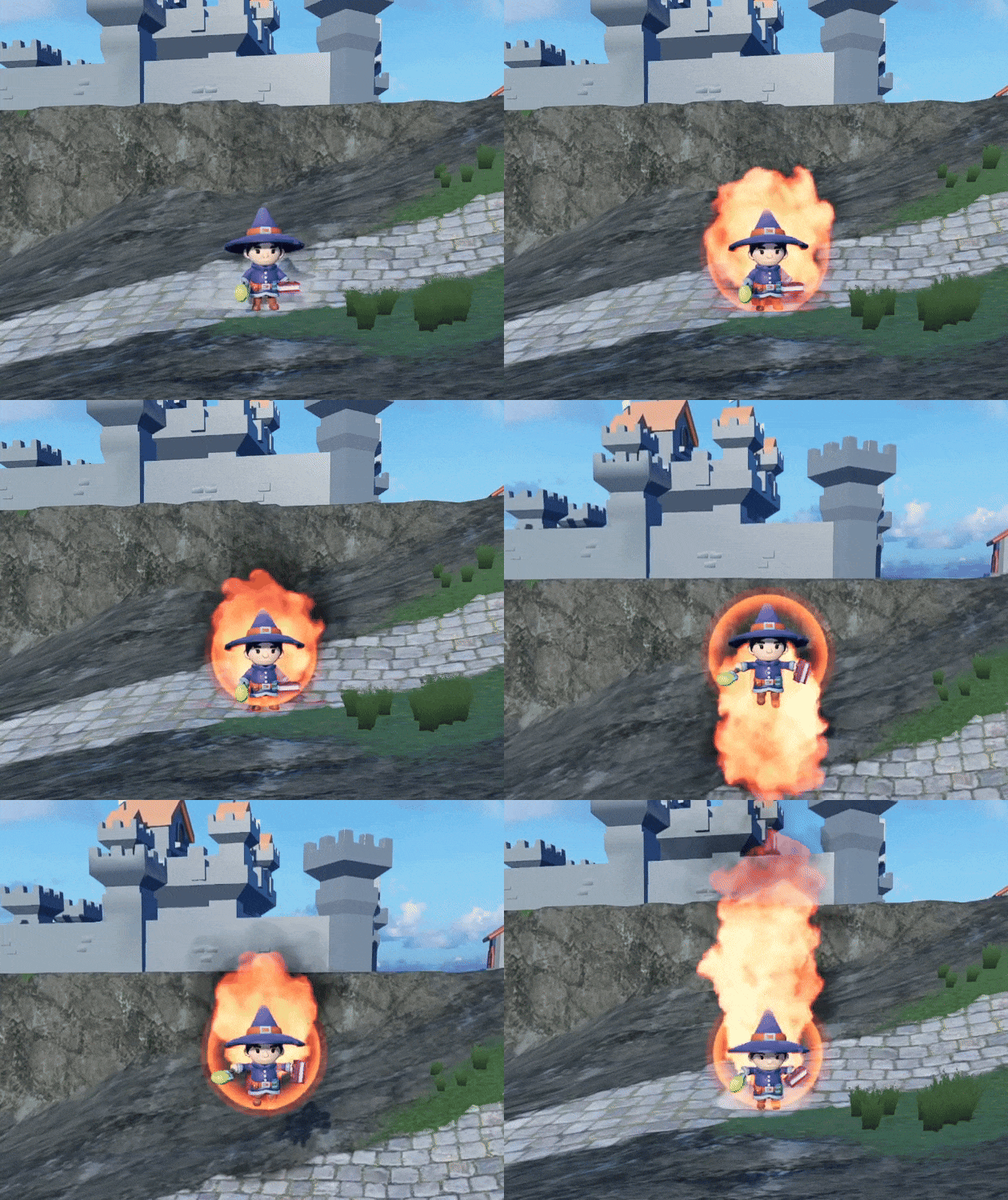
Help Little Jaina stop the spread of the Undead infection with her mage abilities. Try to get the fastest time to clear her home from the spreading infection. Times are stored on a central server. Download the game at: https://antzgames.itch.io/little-mage
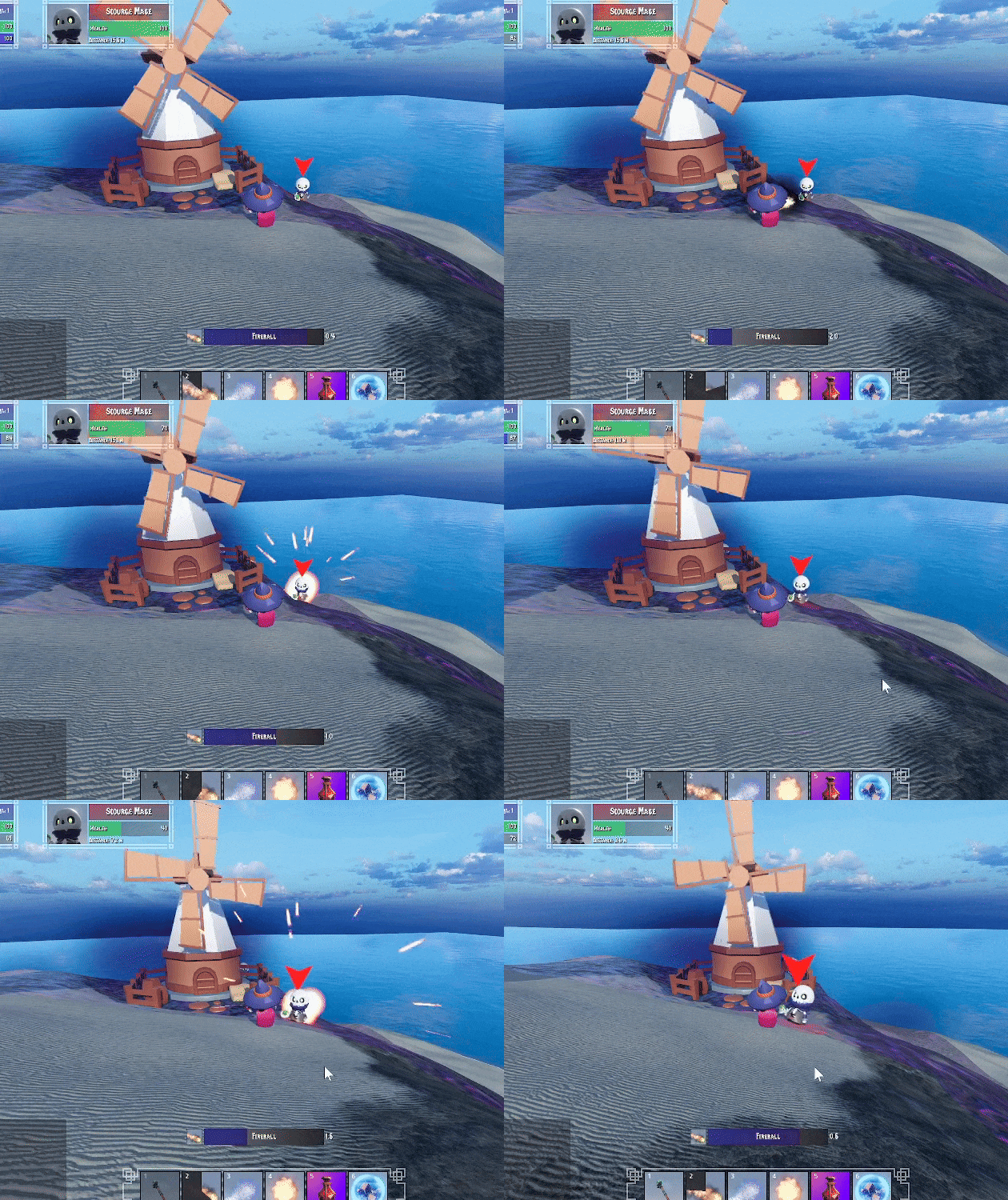
itch.io Community » General » Release Announcements · Created a new topic Little Jaina - 3D fantasy adventure
