There isn't an explanation why keep the older version.
Shotgun Surgeons
Creator of
Recent community posts
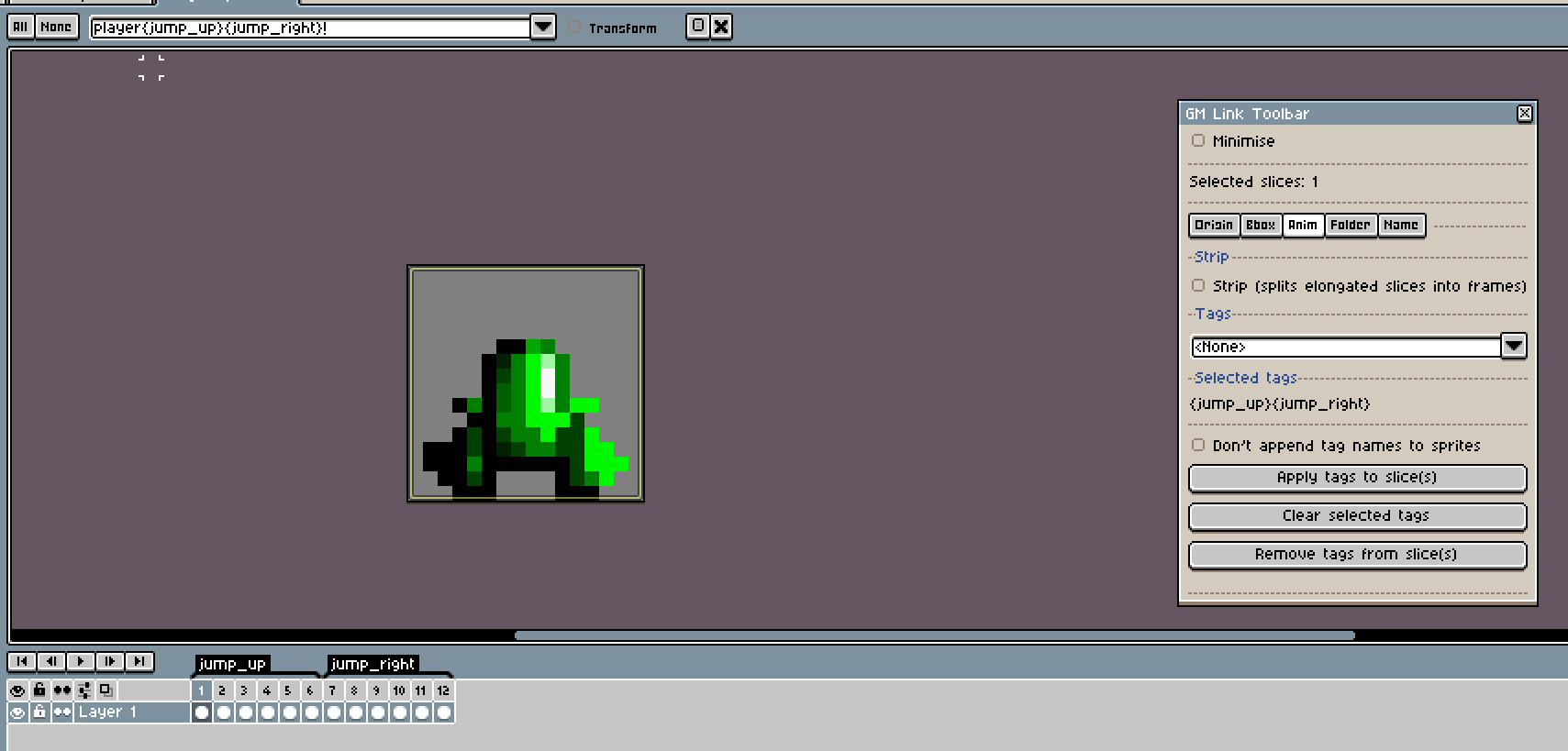
Problem lies in the fact that the Toolbar doesn't show properties and is only commands. I always click on it and select slices to see their properties.
Here for example problem was "don't append tag" was ticked when I added tags initially but then I removed it and was confused why it still not appending.
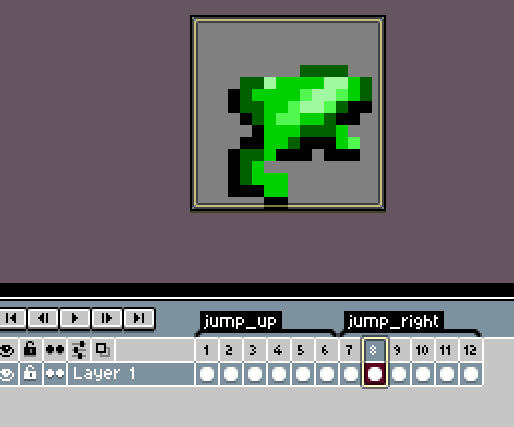
How can I all animations of a character in one Aseprite doc and when I export, I'd have all of them update/created?
I added tags to the slice but it just exports the first one (without tag name). So maybe it is replacing first one:
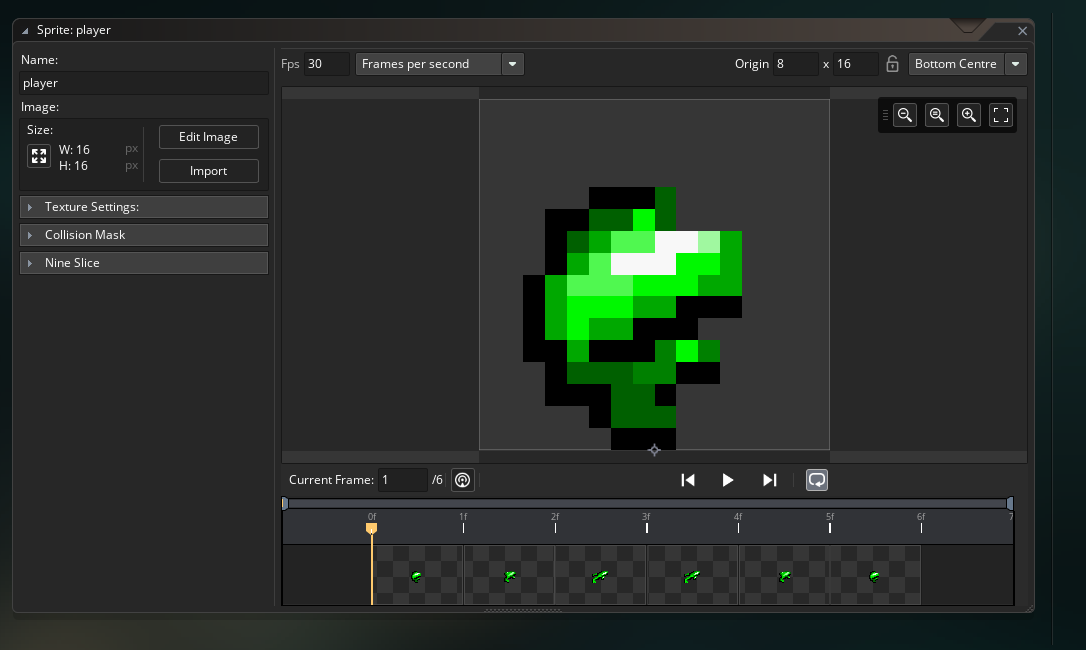
Perfect! For future ppl: You set 9-slice on first frame and it will be applied for the rest of the strip. (It's seems a bit odd to use the horizontal handle since it's so long, but trust me, "this is the way".)
I've decided not to delete my questions that I find answers for so they may help future videos or manual.
Hi,
(not sure if this is the right place to report bugs). Love the extension, thanks again! I found an error, the hard way of pulling hair for a good chunk of time lol.
If an sprite that it's bounding box is set to Auto is edited with Aseprite, when you get back it's collision will be a single pixel on it's top left, no matter the size.
Doesn't happen with mask set to Full Image or manually.
BTW, I compiled Aseprite myself and for some reasong when I open an .ase file, it opens an instance of it instead of a tab and this also creates tab in my Terminal/PowerShell window for each file I open. Do I have to close each of them after the edit or I can leave them open?
Thanks again!
Cheers
Hi,
I've been referring to this game as one of the "true" indie games for about 10 years now. Most recently was today in this talk:https://www.slideshare.net/slideshow/why-we-need-indie-games-aidin-zolghadr-aydi...
This game obviously has had a great effect on me and is inspiration for one of my future projects.
Best.