Indie game storeFree gamesFun gamesHorror games
Game developmentAssetsComics
SalesBundles
Jobs
TagsGame Engines

3dSpecBio

20
Posts
2
Topics
6
Followers
2
Following
A member registered Jun 22, 2023 · View creator page →

Creator of

Recent community posts

Thanks!


I personally discovered a workaround until then by making a icon and then using the z/line tool to point to it with a sub-page that's off of the map card, and then if I click the map it just gives me the arrows.

It makes me wish that I could draw arrows to arbitrary places without them needing to connect to something, like pointing on my map would be awesome. It's a shame you can't restyle the lines to be less large/obtrusive for this sort of thing, though.

After messing around with the demo, it seems impossible to use masterplan for annotating images. The moment you accidentally click on the image card, it enters the foreground and thereby hides all of your note and icon cards underneath it; there seems to be no easy way to tell the card to move down a layer either.

I’m wondering if masterplan supports locking of cards. I want to try migrating my annotated png map out of puref and into masterplan due to it having features I’m missing with the former.

However, if I import a map it is absolutely important that it’s not able to be accidentally moved or selected in general. I’d want it to act as a backdrop. 

Is it possible for me to make an image card for my map that is then ‘locked’ so it cannot be selected or accidentally dragged, like in puref?

Also, is there a way to store all my data inside masterplan projects? Local file paths can break or get lost, and I don’t want my project to be susceptible to bit rot if I use the new web cards either. 

This is especially important as I often move my map file around computers. Puref was amazing for having everything baked into the project file, so I could just move one file between computers and know that everything is still in there. 

Hi again, sorry to be so late. 

It seems you've already figured things out, though I figure I'd add that my original issue appears to be the exact same stylus detection problem in v0.5 now.

(1 edit)

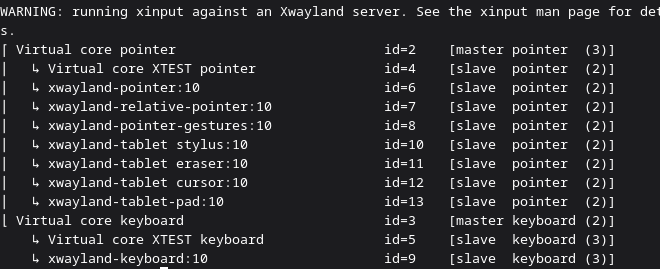
Hey I had a followup question on linux: Do I require a wacom device in order to gain pen pressure? I initially tried using Our Paint with a default huion tablet, and then tried switching to OpenTabletDriver to resolve not detecting pen pressure. Neither works, if I disallow-non-pressure in Our Paint's settings my pen won't work and I don't see many settings within the program itself for fixing this.

I wasn't able to find the exact place, but it's not a huge issue. I'm curious: How many people are working on Ourpaint? Is this a solo project? It's very impressive! I'd use it as a main tool if it had the ability to select and move bits of an artwork.

Is it possible to repair the drawing after the move tool happened in the current release?

I'm using an amd graphics card. Radeon RX 7700 XT.

(1 edit)

Thanks! I got it to work and this has been really nice! The brush engine stands out as uniquely good feeling.

Question: Is there a move tool? I notice a tool labelled move which seems to move my entire canvas, though I don't see any distinction between that and right mouse button. I drew a bunch of sketches on one layer and need to rearrange their positions on the canvas so that they are ordered properly.

Edit, there appears to be some sort of un-draw-able square on my canvas. Is this something I can fix?
Thanks that worked! Another problem: If you right click in the brush menu you can add brushes, but I deleted the last brush I had and it seems to have closed that part of the menu so I can't create brushes.

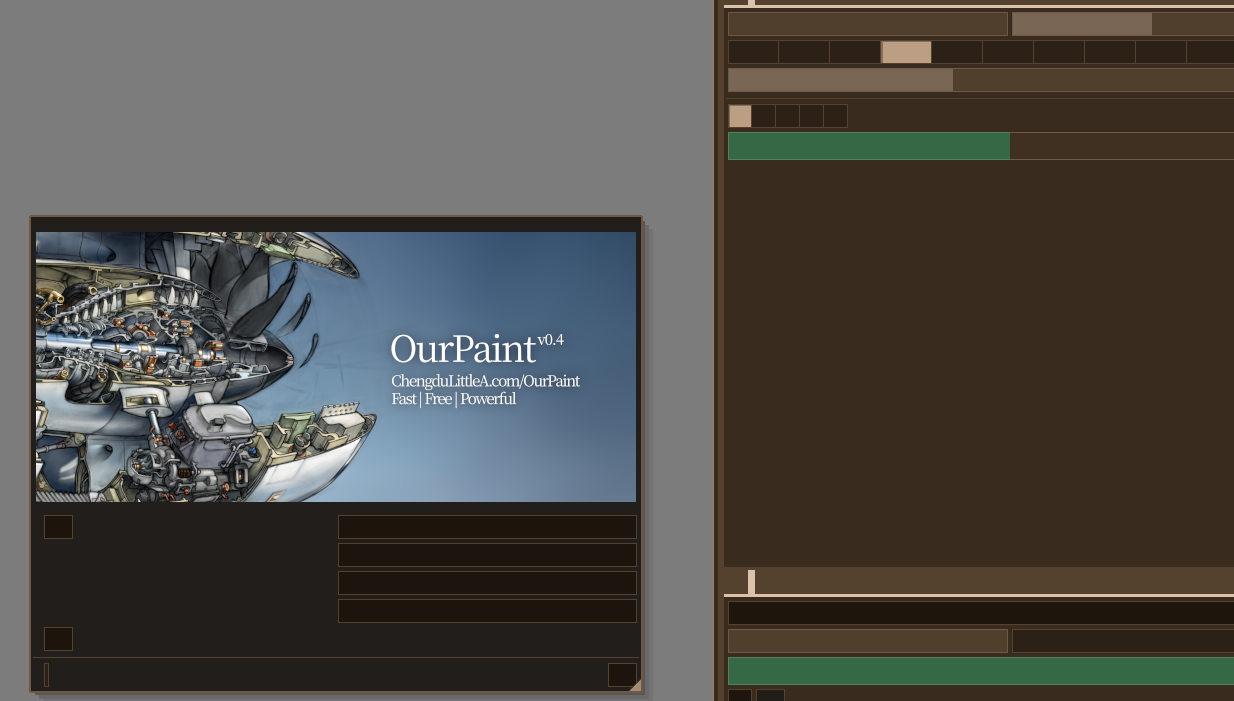
Hi, I tried the 0.4_linux_86 version today and was greeted to this upon launching the program. Is there something I need to do in order to make text appear? The program can draw but it's impossible to use with the text missing. I'm using endeavorOS.

(1 edit)

This looks primarily aimed at sculptors, but does it also support low-poly workflows?

I currently find myself working on a Deadcells-like art pipeline, being able to go directly to texturing and rigging without any sort of processing is ideal. Would Figaro fit the bill here?

(1 edit)

That's fair, Deepdwn mostly seemed to be a markdown application but I am in desperate need of finding something for my maps that isn't  SaaS . Haven't found anything so far.


For what it is this program looks very sturdy and professionally polished!

Hi, I don't see a questions/general segment in this community so I  hope I'm in the right place.

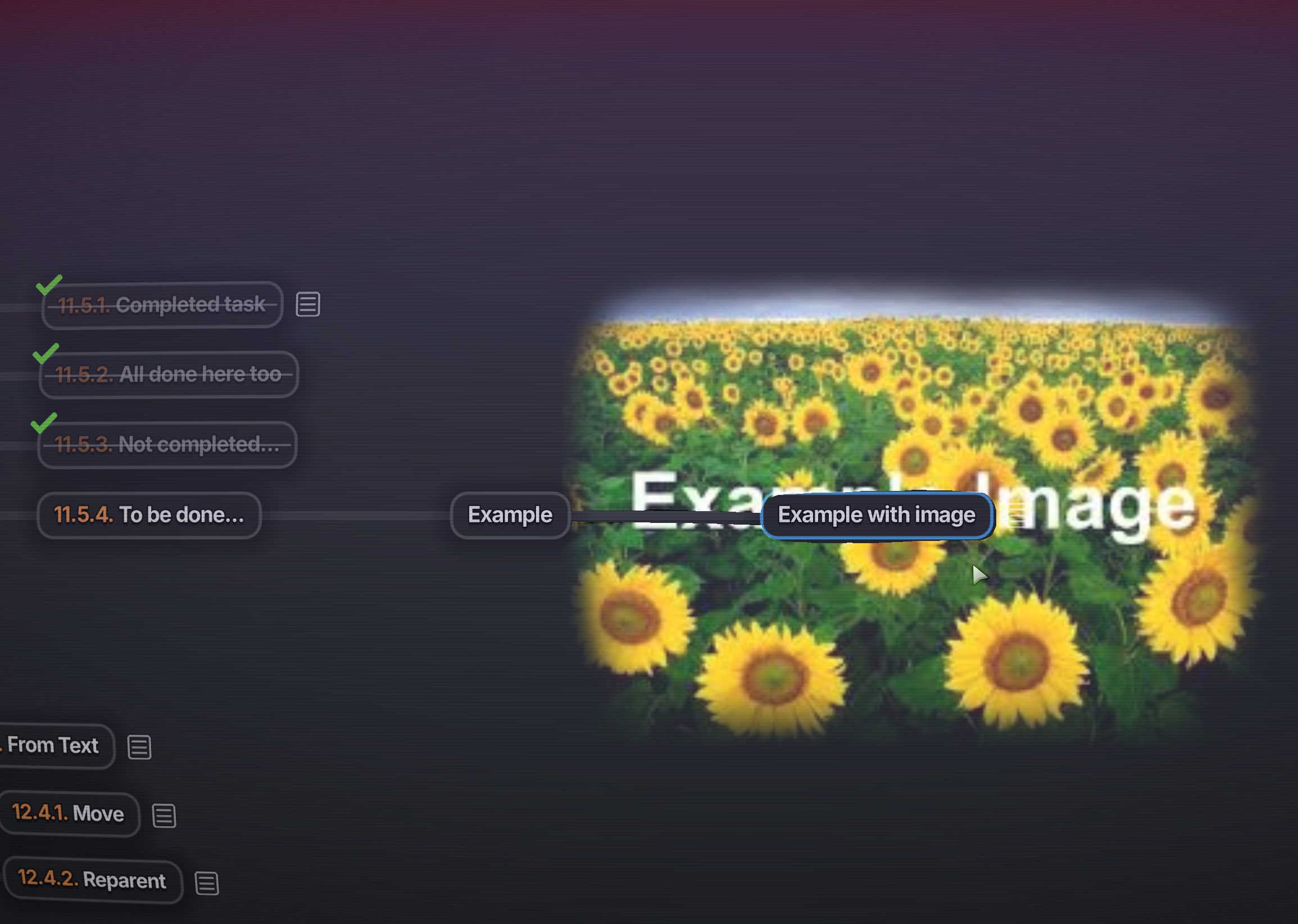
Does Deepdwn have any functionality for importing images and using them as a navigation background? I.E: in programs like WorldAnvil or LegendKeeper it's possible to organize data spatially on-top of an imported image, for use cases like populating a map with pins that link to articles for specific locations on said map.


if not, I suppose this is a feature request.

Hi, I'm looking into using this with Godot, it looks super robust but I had questions:

How strong is Geon's PNG/GIF export support? Would we almost be limiting ourselves to GameMaker's particle system effects by using geon?


Is it possible to dictate where a particle should move in it's lifetime? Our current project needs us to make projectile effects that spawn off-screen and then hit the exact centre of the PNG at a specific time before exploding, would it just be a matter of us needing to manually determine a speed and lifetime for the particle by hand to get that sort of effect?

That's exciting to hear! I'm definitely following the development of this one since you're the only local non-saas software on the internet right now that covers this niche.

(4 edits)

I was able to figure that much out thanks! My main issue is just deeply wanting to delete all the default templates in the options setting. It's slightly irritating to have 7 templates in my drop down list that I'll never use before I get to my first custom one that I want when I could've been allowed to remove them.

Also, tangential question: Have you ever considered adding annotated map viewing to Nebulous? Like the type where you can navigate an imported image and place pins linking to other objects. I'm thinking of the ones found in competing worldbuilding programs like LegendKeeper, chronographer, world anvil, and world maker. 

I specifically love the unique way nebulous visually organizes information and automatically links content, and I feel like having a similar behavior to spatially organize articles would be really strong here.

This looks awesome! I'm not sure why it hasn't gotten as much attention as similar apps like Nebulous. I hope it's still being developed.


Question: I noticed this was made in gamemaker! Would it be possible to eventually export a build for android devices?

That's super unfortunate, but makes sense. I've tried making android apps before and it is weirdly over-complicated. 


Another question: I like to keep my projects very clean, is there any reason under elements that we can't delete default objects or elements? (E.G: I really dislike seeing "character (dnd), spell, etc" in my biology project's dropdown, and worse: I can't make a custom species object because that name's taken by a default object.)


I'm also not sure how nebulous works exactly, but I find myself wanting to delete the category element as well. The object type is a category to me (if I make an object called species, the category is in my mind is species), it seems redundant in my projects and I'd also like to remove it but nebulous won't let me.

(1 edit)

This program's been an extremely useful replacement for obsidian, it's a lot more specific to my needs as a worldbuilder. 


I was wondering if there is chance of android builds?

Unfortunately I do the majority of my writing on my tablet while I've downtime away from home, and I can't bring nebulous with me!

(1 edit)

Thanks for commenting! One of the goals for this playtest is actually to help determine the minimum requirements. Would you mind telling me your graphics and processor capabilities as well?

Unreal engine is comparatively chunky by default, I wouldn't be surprised if older laptops struggled but I can keep an eye out to see if there's anything specifically harming performance that could be fixed in this build.